Jira is the best sprint planning tool for most software teams, with native Scrum boards, sprint backlogs and burndown charts, rated 4.3 out of 5 on G2. Pick Zoho Sprints for the lowest price at $1 a user a month, or ClickUp if you want sprints, docs and goals in one workspace.
How we make this list: we compare pricing pages, product documentation and public user reviews, then re-check every price before each update. No product paid for a place. Disclosure.
Jira is the only tool here built around Scrum from the start, with boards, backlog, sprints and burndown charts.
Zoho Sprints has the cheapest paid plan at $1 a user a month, against $6 to $12 for the rest of this list.
ClickUp has the most G2 reviews here at 15,600, and includes sprint planning even on its free plan.
monday.com holds the highest G2 rating at 4.7 out of 5, but its Basic plan needs 3 seats and has no automations.
Linear is the fastest tool here, but its 4.6 G2 rating rests on only 130 reviews.
What a sprint planning tool should cover
A sprint is a fixed block of work, usually one or two weeks, with a clear goal and a set of tasks the team commits to finish. The planning tool should make that commitment visible to everyone on the team.
Start with the backlog. A good tool lets the team rank work, estimate effort and pull the top items into the next sprint without rebuilding the plan each time.
Capacity planning matters as much as the board. Our guide on how to create a content calendar shows the same idea: plan only as much work as the team can finish in the time available.
Burndown charts and velocity reports close the loop. They show whether the sprint is on track and how much the team finished in past sprints, so the next plan is based on real numbers.
Jira is the standard sprint planning tool for software teams, with native Scrum boards, sprint backlogs, burndown charts and velocity reports. The free plan covers up to 10 users, and Standard adds roles and permissions, 250 GB of storage and 400 automation steps per user a month.
The trade off is price and setup. Standard costs $8.48 a user a month on the pricing page, while Atlassian's list table quotes $9.70 for the first 100 users on monthly billing, so check your seat count before you budget. It suits software teams that want the deepest Scrum support and can invest time in setup.
What we like
Native Scrum boards, sprints, backlog and burndown
Velocity reports and sprint capacity planning
Free plan covers up to 10 users
Largest integration catalogue in this list
Watch out for
Setup takes time, and reviewers cite a steep learning curve
Per-user costs and paid add-ons rise as teams grow
ClickUp is an all-in-one workspace that plans sprints, docs, goals and chat in one place, with sprint planning included even on the free plan. The free plan allows unlimited tasks and members with 100 MB of storage, and Core adds unlimited storage, Gantt charts and custom fields.
The trade off is complexity. Core costs $12 a user a month at the regular price, with $9 shown as a sale, and the wide feature set takes time to learn. It suits teams that want sprints beside docs and goals instead of a separate tool for each.
What we like
Sprint planning included on the free plan
Docs, goals, Gantt charts and chat in one workspace
Most G2 reviews here, at 15,600
Free plan allows unlimited tasks and members
Watch out for
Learning curve is the most-cited complaint on G2
AI features are sold separately, not bundled
Per-seat cost grows quickly as the team grows
Core adds unlimited storage, Gantt charts and integrationsVisit clickup.com
03
Linear
4.6/5on G2 (130 reviews, checked Nov 2026)
Paid from$10/user/mo
Best for fast engineering teams
Sprint planningCycles, on all plans
Free plan250 issues
GitHub integrationYes
Paid planBasic, $10/user/mo
linear.app
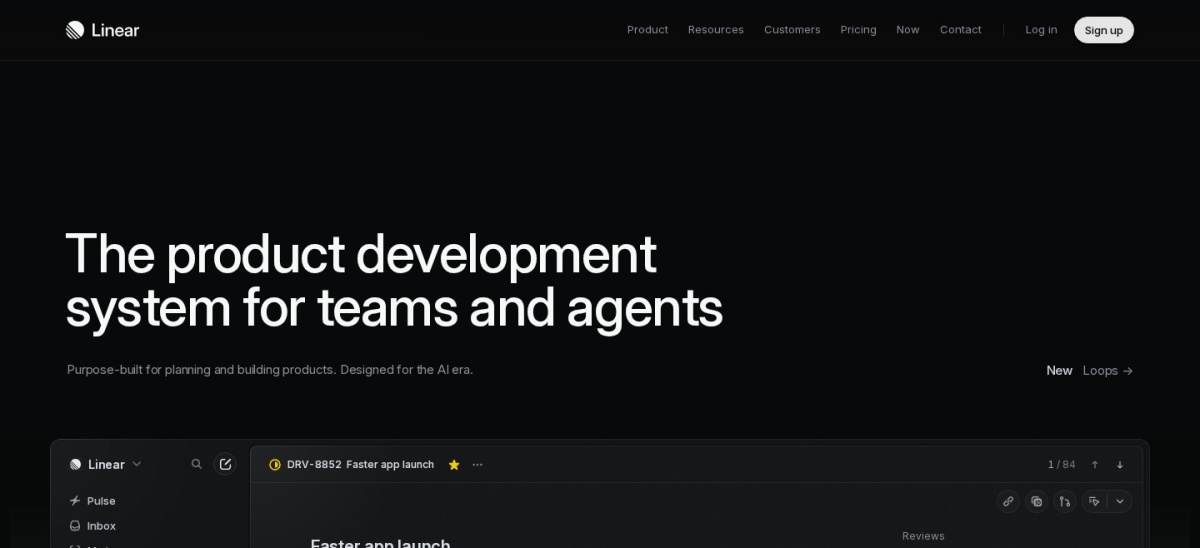
Linear homepage, captured Nov 2026.
Linear is a fast issue tracker built for software teams, and its Cycles are time-boxed sprints with roadmaps, triage and GitHub integration. The free plan covers 250 issues, and Basic adds unlimited issues, cycles and integrations at $10 a user a month.
The trade off is a thin review base. Its 4.6 G2 rating rests on only 130 reviews, far fewer than the thousands behind Jira or ClickUp, and the opinionated workflow limits custom fields. It suits engineering teams that value speed over deep configuration.
What we like
Cycles give every sprint a fixed cadence
Keyboard-first interface is quick to use
GitHub integration moves issues with pull requests
Free plan covers 250 issues
Watch out for
Only 130 G2 reviews, so the rating is thin
Reporting and analytics feel basic
Not built for non-technical teams
Basic adds unlimited issues, cycles and integrationsVisit linear.app
04
Zoho Sprints
4.5/5on G2 (186 reviews, checked Nov 2026)
Paid from$1/user/mo
Best value dedicated scrum tool
Sprint planningYes, built in
Free plan3 projects
Parallel sprints on free1
Paid planStarter, $1/user/mo
zoho.com
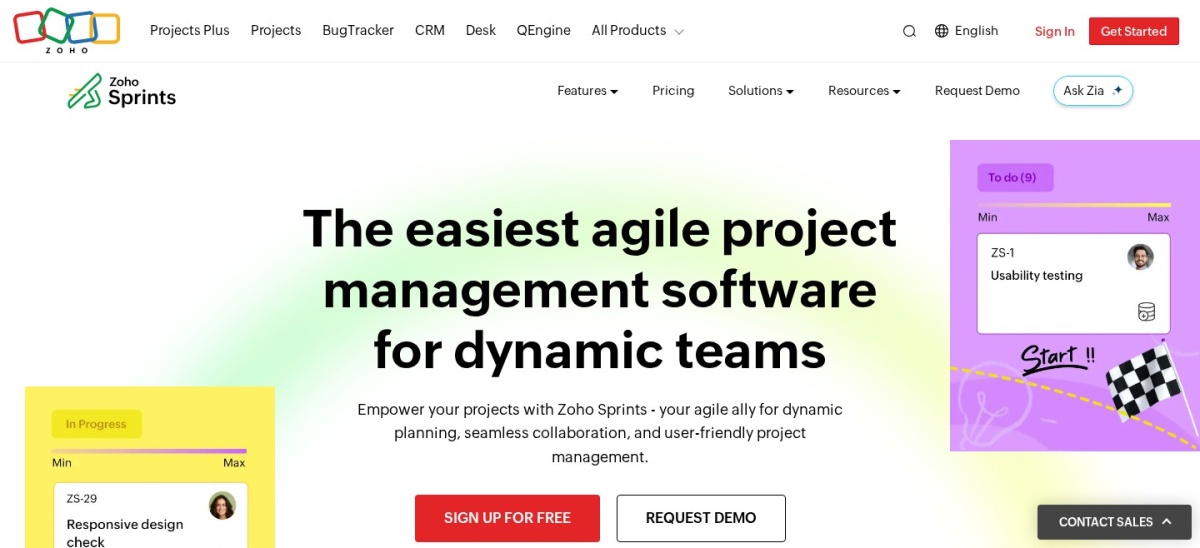
Zoho Sprints homepage, captured Nov 2026.
Zoho Sprints is a dedicated Scrum tool with drag-and-drop backlog planning, Scrum boards, epics and sprint velocity reports. The free plan covers 3 projects with 500 MB of storage and 1 parallel sprint, and Starter adds 50 projects, 20 GB of storage and timesheets for $1 a user a month.
The trade off is range. It covers Scrum well but has fewer integrations and thinner analytics than Jira or ClickUp, and Premier is needed for unlimited parallel sprints. It suits small Scrum teams that want the core sprint workflow at the lowest price here.
What we like
Cheapest paid plan here, at $1 a user a month
Built for Scrum, not adapted from boards
Backlog, epics and velocity reports included
Free plan covers 3 projects
Watch out for
Narrower feature set than Jira or ClickUp
Analytics beyond agile charts are thin
Fewer integrations than the bigger tools
Starter adds 50 projects, timesheets and agile reportsVisit zoho.com
05
monday.com
4.7/5on G2 (17,144 reviews, checked Nov 2026)
Paid from$9/seat/mo
Best visual boards for sprints
Sprint planningIn monday dev
Free planUp to 2 seats
Paid plan minimum3 seats
Paid planBasic, $9/seat/mo
monday.com
monday.com homepage, captured Nov 2026.
monday.com is a visual work platform built on boards, with sprint planning through monday dev and board templates, plus automations and dashboards on higher plans. The free plan covers up to 2 seats and 3 boards, and Basic adds unlimited items and free viewers at $9 a seat a month.
The trade off is the seat floor. Paid plans need at least 3 seats, so the cheapest paid start is $27 a month, and Basic has no automations or timeline views. It suits teams that want colourful, visual sprint boards and can pay for Standard to unlock timelines.
Asana is a work management platform that runs sprint work through boards, lists and timelines, with tasks linked to goals across teams. The free Personal plan covers up to 2 users, and Starter adds timeline and Gantt views, dashboards, unlimited automations and forms at $10.99 a user a month.
The trade off is that sprints are not native. Asana has no built-in sprint planning, burndown or velocity reports, so Scrum teams build them from boards and custom fields. It suits cross-functional teams that need shared visibility more than strict Scrum ceremonies.
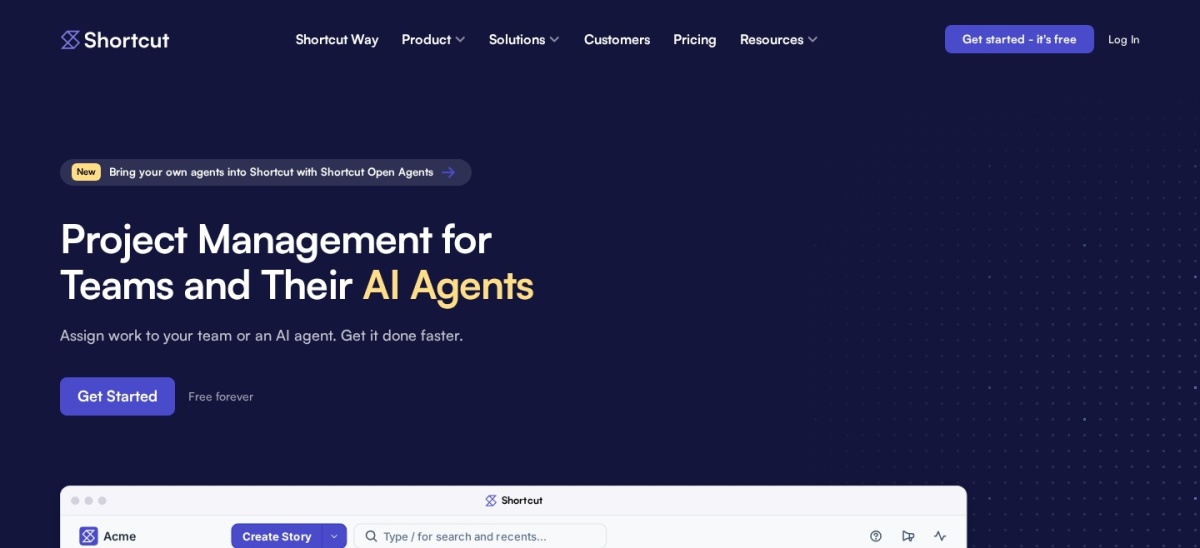
Shortcut is a lighter agile tool for software teams, with stories, epics and iterations that come with burndown and cumulative flow charts. The free plan covers up to 10 users, and Team adds unlimited teams and workflows at $8.50 a user a month billed yearly.
The trade off is reporting depth. The free plan skips the metrics dashboard, and reports covering more than 100 days need Business at $12 a user a month. It suits small software teams that want less setup than Jira without losing sprint charts.
What we like
Iterations with burndown and flow charts
GitHub integration moves stories with pull requests
Wrike is a work management platform that pairs sprint boards with workload views, capacity planning and time tracking, so managers see who has room for the next sprint. The free plan covers basic task work, and Team adds Gantt charts, custom workflows and AI Essentials at $10 a user a month.
The trade off is the step up. Team covers only 2 to 15 users, and growing past 15 moves the whole team to Business at $25 a user a month, with seats sold in bundles of 5. It suits mid-size teams that plan capacity across many projects at once.
What we like
Workload and capacity views for sprint planning
Gantt charts and custom workflows on Team
Time tracking and approvals on higher plans
4,596 G2 reviews behind its 4.2 rating
Watch out for
Team caps at 15 users, then the price jumps to $25
Seats are sold in bundles of 5
Setup takes time for new teams
Business adds time tracking and advanced reportingVisit wrike.com
09
Azure DevOps
4.3/5on G2 (585 reviews, checked Nov 2026)
Paid from$6/user/mo
Best for Microsoft and Azure shops
Sprint planningYes, Boards sprints
Free planFirst 5 users free
Capacity planningYes
Paid planBasic, $6/user/mo
azure.microsoft.com
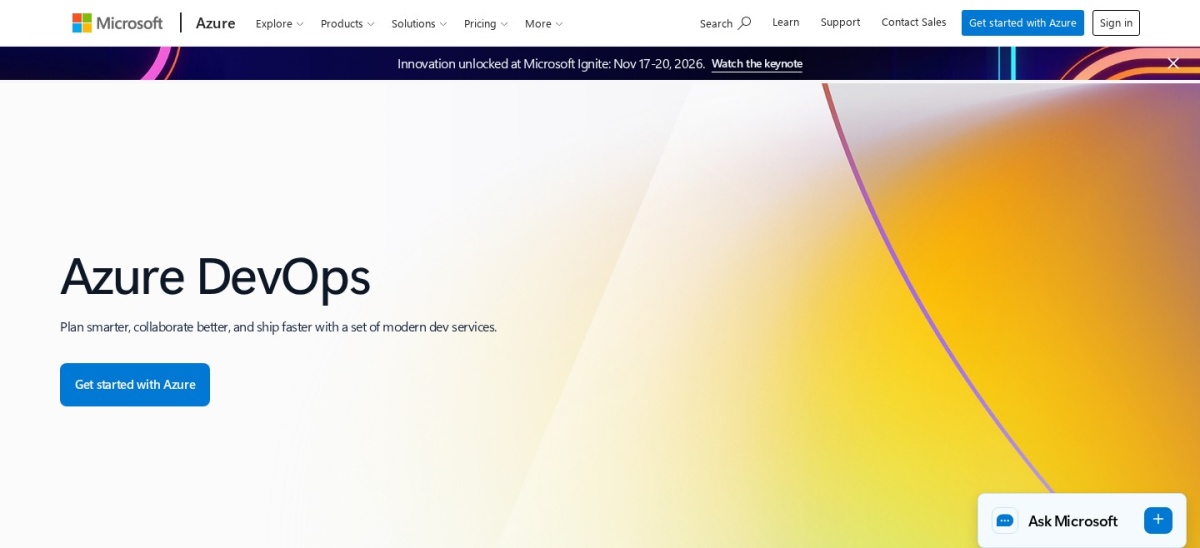
Azure DevOps homepage, captured Nov 2026.
Azure DevOps is Microsoft's suite of Boards, Repos, Pipelines and Artifacts, with sprint planning, backlogs and capacity planning built into Boards. The first 5 Basic users are free, then Basic costs $6 a user a month and includes unlimited private Git repos.
The trade off is scope and price jumps. Test Plans costs $52 a user a month, far above the $6 Basic seat, and the tool fits best inside Microsoft shops. It suits Azure and .NET teams that want repos, boards and pipelines on one bill.
Free plans cover the basics well. Jira and Shortcut cover 10 users free, ClickUp covers unlimited tasks, and Azure DevOps covers the first 5 users free.
Paid plans mostly add room and automation. You get more projects, more storage, timeline views and automations that the free plans hold back.
The cheapest step up is Zoho Sprints at $1 a user a month. The most expensive entry here is ClickUp Core at $12 a user a month, with Jira, Linear, Shortcut, Asana, monday.com and Wrike between $8.48 and $10.99.
If your team runs sprints every week, the paid plan usually pays for itself in the first sprint. If you run one project at a time, the free plan of Jira, Shortcut or ClickUp may be enough.
How we chose
We started from the sprint and agile tools with the most G2 reviews and the clearest sprint features, then kept the nine with a usable free plan and published per-user pricing.
Prices come from each vendor's pricing page, checked on 26 November 2026. Ratings and review counts come from G2 on the same day. Where a vendor shows a sale, the list shows the regular price.
We left out tools with no public rating and tools that charge only by quote. No vendor paid for a place, and we do not claim to have used these tools ourselves.
How to choose a sprint planning tool
Start with your sprint team and how strict your Scrum process is, then match the tool to that shape.
Count your sprint team first. Jira, Shortcut and Azure DevOps cover 5 to 10 users free, while Asana and monday.com cover only 2, so the free plan that fits depends on team size.
Check whether sprints are native. Jira, Zoho Sprints, Linear, Shortcut and Azure DevOps plan sprints directly, while Asana and monday.com build them from boards and views.
Work out the real monthly floor. monday.com needs 3 seats at $9 each, so the cheapest paid start is $27 a month, while Zoho Sprints starts at $1 a user.
Try the free plan for one full sprint. Run planning, daily work and the review in the free plan before paying, and check the burndown report it produces.
FAQ
What is the best sprint planning tool?
Jira is the best sprint planning tool for most software teams. It has native Scrum boards, sprint backlogs, burndown charts and velocity reports, and it is rated 4.3 out of 5 on G2 from nearly 8,000 reviews.
What is the cheapest sprint planning tool?
Zoho Sprints is the cheapest here, with its Starter plan at $1 a user a month. Azure DevOps is next at $6 a user a month after the first 5 free users, and most other tools start at $8.50 to $12 a user a month.
Can I plan sprints on a free plan?
Yes. Jira and Shortcut cover up to 10 users free, ClickUp includes sprints on its free plan, and Linear covers 250 issues free. The free plans usually limit projects, storage or reporting, so check those limits first.
Do I need Jira to run sprints?
No. Zoho Sprints, Shortcut and Linear all plan sprints directly, and ClickUp includes sprint planning on every plan. Jira is the deepest Scrum option, but smaller teams often prefer a lighter tool.
What is the difference between a sprint and a cycle?
They are the same idea under different names. A sprint is the Scrum term for a fixed block of work, while Linear calls its time-boxed periods cycles. Both set a goal, a start and an end date.
Which sprint planning tool is best for small teams?
Zoho Sprints is the best value for small Scrum teams at $1 a user a month, and Shortcut is a lighter Jira alternative at $8.50. Both include burndown charts, so small teams still get the core sprint reports.
Does monday.com do sprint planning?
Yes, through monday dev and board templates, but sprints are not native in the same way as Jira or Zoho Sprints. Timeline and Gantt views need Standard at $12 a seat a month, and Basic has no automations.
SaaS SEO and WordPress specialist with about 8 years of experience. Rakib compares WordPress plugins, themes, hosting and software using public pricing, documentation and user reviews. See how we rank.