Best Space Planning Software in 2026: 7 Tools Compared
WLWPLegible EditorsLast verified 22 Nov 2026How we rank6 min read
★ Short answer
RoomSketcher is our top pick for space planning, backed by a 4.5 out of 5 score across 150 G2 reviews and entry pricing from $144 per year. Planner 5D suits quick room mockups on web or mobile, while Sweet Home 3D fits budget-free desktop floor plans.
How we make this list: we compare pricing pages, product documentation and public user reviews, then re-check every price before each update. No product paid for a place. Disclosure.
RoomSketcher starts at $144/yr billed annually for Pro ($24/mo billed monthly) with a permanent free tier.
Planner 5D holds a 4.7/5 rating on G2 across 188 reviews and serves over 100M users on web and mobile.
Sweet Home 3D offers a free GPL desktop application with over 50M downloads and a 4.7/5 rating from 301 SourceForge reviews.
Floorplanner starts with a free Basic plan and offers Plus at $5/mo ($60/yr) with 4 monthly credits.
Cedreo prices its Personal plan at $59 per project or Pro at $39/mo billed annually ($59/mo monthly).
What space planning software needs to get right
Good space planning starts with accurate room dimensions, clear walkways, and realistic furniture scale before any walls move or fixtures get ordered. Whether you are mapping an apartment renovation, staging a property, or laying out a commercial floor, a 2D plan checks clearances while a 3D view shows sightlines and light.
Free plans are useful for testing layouts, but most commercial floor-plan tools gate high-resolution exports, watermarks, or full catalogs behind paid tiers or credit packs. Credit systems are easy to overlook: buying single renders or floor conversions can add up faster than a predictable subscription.
The right choice depends on how far you take a project. Quick drag-and-drop room planners suit homeowners and real estate teams, whereas 3D modeling suites and builder tools fit custom cabinetry, roofs, and client proposals.
RoomSketcher is a floor plan and home design platform that lets users draw 2D layouts, furnish rooms, and generate 3D floor plans and 3D photos. Its free plan includes up to two projects, two starter credits, and watermarked 3D snapshots.
The trade off is paying $144 per year on Pro ($24/mo billed monthly) while still spending credits on certain outputs and upgrades. It suits real estate pros, interior designers, and homeowners who want clean presentation floor plans.
What we like
Permanent free tier with 2 starter credits and watermarked 3D snapshots
Supports drawing from scratch, tracing blueprints, and AI floor plan conversion
Pro unlocks Live 3D, 360 views, and interactive sharing
Watch out for
Credit deductions on projects and outputs require ongoing budget tracking
Not built for full architectural roof modeling or construction drawings
Pro ($144/yr billed annually) adds 5 monthly credits, full furniture catalog access, and Live 3D sharing.Visit roomsketcher.com
02
Planner 5D
4.7/5on G2 (188 reviews, checked Nov 2026)
Paid from$60/yr
Best for mobile and web room layouts
Entry paid tierFrom $59.99/yr ($19.99/mo monthly)
Free planFree plan with credit pack option
PlatformsWeb, iOS, Android, Windows, macOS
Rating4.7/5 on G2 (188 reviews)
planner5d.com
Planner 5D homepage, captured Nov 2026.
Planner 5D is a 2D and 3D interior and space planning app with over 100M users across web and mobile devices. Its free plan lets users build and share projects and buy standalone credit packs without a subscription.
The trade off is paying from $59.99 per year on a paid plan ($19.99/mo on monthly billing) to unlock full catalog resizing and HD renders. It suits beginners, renters, and designers sketching room layouts on phones or tablets.
What we like
Works across desktop browsers, phones, and tablets with a low learning curve
Paid plans include access to an 8K+ furniture catalog and item resizing
Supports importing existing floor plans to build 3D layouts
Watch out for
Advanced catalog items, resizing, and HD renders sit behind paid tiers
Some reviewers report slower loading or billing friction on renewals
Paid plans (from $59.99/yr) unlock the 8K+ furniture catalog, item resizing, and unlimited HD renders.Visit planner5d.com
03
Sweet Home 3D
4.7/5on SourceForge (301 reviews, checked Nov 2026)
PriceFree
Best free desktop floor planner
Entry paid tier$0 GPL desktop and online versions
Free planFree desktop and online with no tiers
PlatformsWindows, macOS, Linux, Web
Rating4.7/5 on SourceForge (301 reviews)
sweethome3d.com
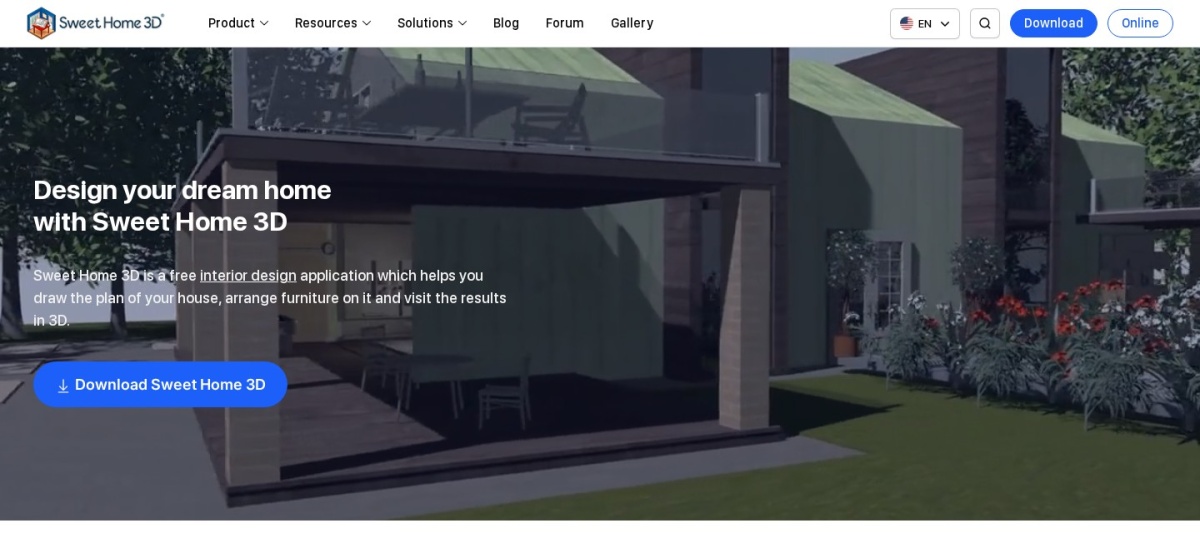
Sweet Home 3D homepage, captured Nov 2026.
Sweet Home 3D is a free, open-source interior design application with over 50M downloads for drawing floor plans, placing furniture, and viewing 3D rooms. Its desktop and online editions run at $0 with no subscription tiers.
The trade off is a dated desktop interface and optional paid mobile app in-app purchases on app stores. It suits budget-conscious homeowners and hobbyists who want offline desktop planning without recurring fees.
What we like
Free and open-source GPL desktop and online access with offline local projects
Lets you import custom 3D models and textures and render 3D photos and videos
Runs across Windows, macOS, and Linux in many languages
Watch out for
Generic built-in furniture looks basic compared to modern commercial catalogs
App store mobile editions use separate in-app subscriptions
The GPL desktop and online software has no paid tier, though separate mobile store editions offer paid subscriptions.Visit sweethome3d.com
04
Floorplanner
4.5/5on G2 (2 reviews, checked Nov 2026)
Paid from$60/yr
Best low-cost entry plan with credits
Entry paid tierPlus at $5/mo ($60/yr)
Free planBasic plan up to 5 free projects
PlatformsWeb browser, iPad
Rating4.5/5 on G2 (2 reviews)
floorplanner.com
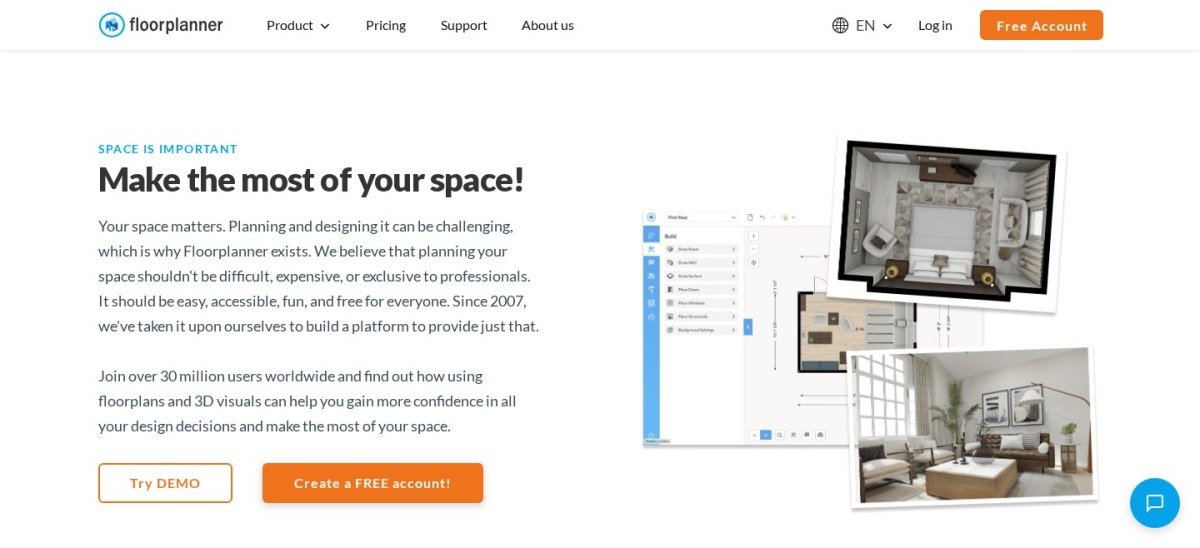
Floorplanner homepage, captured Nov 2026.
Floorplanner is a browser-based 2D and 3D space and floor plan editor that includes a free Basic plan for up to five projects. Basic exports SD images with a watermark and includes a 10-minute cooldown between exports.
The trade off is paying $5 per month ($60/yr) on Plus—or buying credit packs—for monthly credits and no export cooldown. It suits people who want quick room layouts and occasional 3D exports on a tight budget.
What we like
Low $5/month entry paid tier with 4 monthly credits and no export cooldown
Free Basic plan keeps up to 5 projects with full editor access
Offers standalone credit packs if you prefer pay-as-you-go usage
Watch out for
Free exports are watermarked at SD resolution with a cooldown wait
Small review sample on G2 compared with larger design suites
Plus ($5/mo or $60/yr) adds 4 monthly credits, removes the export cooldown, and adds quick exports.Visit floorplanner.com
05
Homestyler
2.5/5on Trustpilot (12 reviews, checked Nov 2026)
Paid from$82/yr
Best large free catalog for room staging
Entry paid tierPro+ from $6.8/mo (~$82/yr)
Free planBasic plan with 100,000+ free models
PlatformsWeb browser, mobile apps
Rating2.5/5 on Trustpilot (12 reviews)
homestyler.com
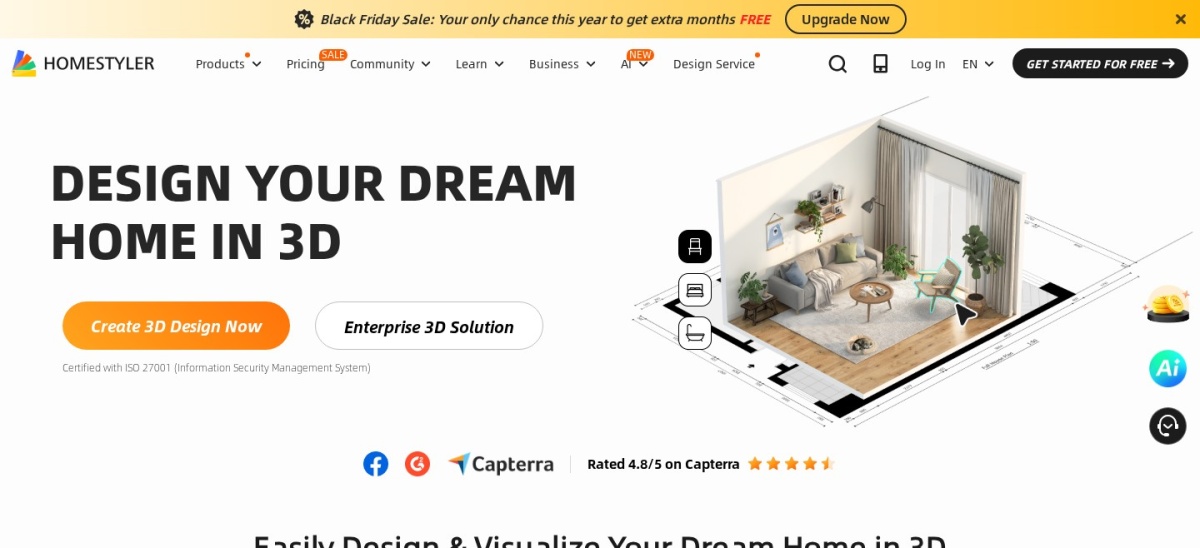
Homestyler homepage, captured Nov 2026.
Homestyler is a cloud 3D floor planner and interior layout tool with over 100,000 free 3D models and materials on its Basic plan. Basic also includes unlimited 1K rendering and three free roof styles.
The trade off is paying from $6.8 per month on Pro+ (about $82/yr) for 2K and 4K quotas and watermark removal, alongside a low 2.5 Trustpilot score. It suits users who want a large free furniture library for visual mockups.
What we like
Large free 3D model and material library with unlimited 1K renders on Basic
Low entry paid tier starting from $6.8 per month on Pro+
Supports panoramas, virtual tours, and walkthrough video rendering
Watch out for
Low 2.5 out of 5 rating on Trustpilot across 12 reviews
4K renders, watermark removal, and extra AI credits cost extra
Pro+ (from $6.8/mo) adds 75 monthly 2K and 4K renders, speed previews, and watermark removal.Visit homestyler.com
06
SketchUp
4.5/5on G2 (1,328 reviews, checked Nov 2026)
Starts at$129/yr
Best for custom 3D modeling and millwork
Entry paid tierGo at $129/yr ($10.75/mo yearly)
Free planFree web version for personal use
PlatformsWeb, iPad, Windows, macOS
Rating4.5/5 on G2 (1,328 reviews)
sketchup.com
SketchUp homepage, captured Nov 2026.
SketchUp is a 3D modeling tool used to build custom rooms, cabinetry, and structural layouts from scratch with a free web version for personal use. Its paid Go plan starts at $129 per year ($10.75/mo billed annually).
The trade off is a steeper learning curve than template floor planners and $129 per year on Go ($399/yr on Pro). It suits designers, woodworkers, and planners who model custom geometry and built-ins.
What we like
Strong 4.5 out of 5 rating on G2 across 1,328 reviews
Flexible 3D modeling with access to 3D Warehouse models and extensions
Go plan is accessible in a web browser at $129 per year
Watch out for
Requires more practice and setup than drag-and-drop room planners
Desktop Pro ($399/yr) and realistic rendering plugins add cost
Go ($129/yr) provides browser 3D modeling and cloud storage, while Pro ($399/yr) adds desktop software.Visit sketchup.com
07
Cedreo
4.5/5on G2 (15 reviews, checked Nov 2026)
Paid from$59 one-time
Best for home builders and remodelers
Entry paid tierPersonal at $59 one-time per project
Free planFree plan for 1 project and 1 user
PlatformsWeb browser
Rating4.5/5 on G2 (15 reviews)
cedreo.com
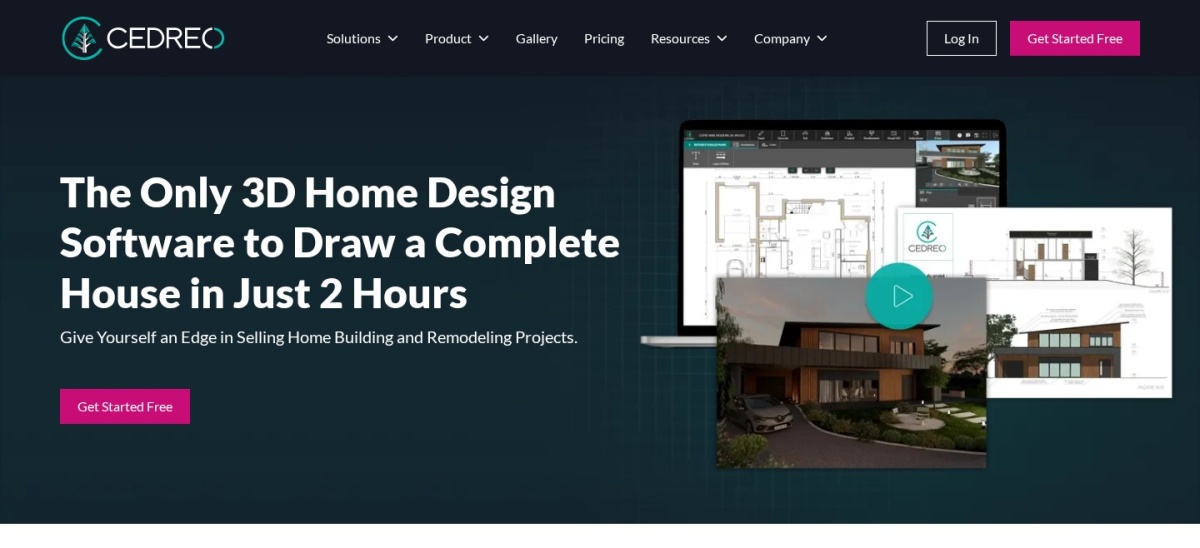
Cedreo homepage, captured Nov 2026.
Cedreo is a browser-based 3D home design and floor plan tool built for builders, remodelers, and house plans. Its free plan includes one user, one project, and basic floor plan drawing features.
The trade off is paying $59 per project on Personal—or $39/mo billed annually ($59/mo monthly) on Pro—for full libraries and renders. It suits remodelers and builders creating exterior elevations, roofs, and client presentations.
What we like
One-time $59 per-project Personal option avoids an ongoing subscription for single builds
Supports roofs, terrain, elevations, and 8,500+ interior and exterior 3D furnishings
Runs in a browser with no heavy desktop installation
Watch out for
Free tier restricts you to 1 project with no rendering included
Ongoing multi-project work requires Pro at $39/mo billed annually
Personal ($59 per project) adds scaled plan sets, terrain tools, and 20 renderings per project; Pro ($39/mo yearly) adds unlimited projects.Visit cedreo.com
Subscriptions vs. credit packs in space planning
Many floor plan tools split pricing between a base subscription and credits used for saving projects, exporting high-resolution images, or running AI conversions. A low monthly sticker price can rise quickly if every revision or render deducts credits.
If you map spaces every week, a subscription with monthly credits or unlimited projects usually fits better than buying single packs. If you only plan one home or occasional room updates, a free tier or single-project option keeps spending contained.
How we chose
We built this shortlist by researching active 2D/3D floor plan, interior layout, and residential space planning tools across software directories and vendor documentation. Each entry reflects established software with public review scores and clear plan details.
All prices, ratings, review counts, and plan details were checked on 22 Nov 2026 from vendor pricing pages and review directories. Entry paid prices reflect standard published tiers rather than promotional discounts.
We excluded enterprise workplace booking tools that focus on desk reservations rather than spatial layout drawing, as well as software lacking transparent pricing or public review data. No vendor paid for a place, and we do not claim testing for this list.
How to pick the right space planning tool
Follow four steps to match a tool to your layout goals and budget:
Define the output you need first. Decide whether you only need a 2D furniture layout, a 3D client walkthrough, roof and terrain modeling, or custom 3D geometry.
Check how exports and credits are billed. Look past the headline price to see if watermarks, HD/4K renders, or project saves require extra credits.
Match the device workflow to your habit. Pick a browser or mobile app for quick room ideas on the go, or a desktop and 3D tool for heavier editing.
Test on a real room before paying. Use a free plan or trial with real wall measurements and doorways to see if the interface feels natural.
FAQ
What is the best free space planning software?
Sweet Home 3D is a strong free desktop option with no subscription tiers, while RoomSketcher, Planner 5D, Floorplanner, and Homestyler offer free plans with project, export, or credit limits.
Is RoomSketcher free or paid?
RoomSketcher has a permanent free plan with two starter credits and watermarked 3D snapshots, while Pro starts at $144 per year billed annually ($24 per month billed monthly).
How much does Planner 5D cost?
Planner 5D offers a free plan with optional credit packs, with paid subscriptions starting from $59.99 per year ($19.99 per month on monthly billing).
Does Sweet Home 3D cost money?
The Sweet Home 3D desktop and online software is free under the GNU General Public License, though separate mobile app store editions list paid subscriptions.
What does Floorplanner charge for its entry plan?
Floorplanner offers a free Basic plan and a Plus plan starting at $5 per month ($60 per year) with four monthly credits and no export cooldown.
When should I choose SketchUp over a floor planner?
Choose SketchUp when you need custom 3D modeling, bespoke furniture or millwork, and extension support rather than drag-and-drop room templates.
How is Cedreo priced for a single home project?
Cedreo offers a free plan for one project and a one-time Personal plan at $59 per project, while Pro starts at $39 per month billed annually ($59 monthly).