WLWPLegible EditorsLast verified 22 Nov 2026How we rank15 min read
★ Short answer
Google Workspace is the best overall software for everyday business productivity, combining professional email, documents, spreadsheets, storage and meetings from $8.40 per user monthly. Microsoft 365 is better for businesses relying on Office applications, while Notion suits teams that want documents, databases and project information in one workspace.
How we make this list: we compare pricing pages, product documentation and public user reviews, then re-check every price before each update. No product paid for a place. Disclosure.
Google Workspace Business Starter costs $8.40/user/month with flexible billing and includes 30 GB of pooled storage per user.
Microsoft 365 Business Basic costs $8.40/user/month with monthly billing and provides web-based Office apps, business email and cloud storage.
Notion Plus costs $12/member/month with monthly billing and has a 4.6/5 G2 rating from 14,021 reviews.
ClickUp offers unlimited tasks on its free plan; Core has a regular price of $12/user/month with custom fields and automations.
Slack Pro costs $8.75/user/month and removes the free plan's 90-day searchable message-history restriction.
Zoom Workplace Pro costs $16.99/user/month, while Asana Starter costs $13.49/user/month with monthly billing.
What makes software worth choosing in 2026?
Software covers an enormous range of applications, from spreadsheets and communication tools to project management and business operations. No single product is suitable for every task, so this comparison focuses on established applications that serve common productivity and collaboration needs.
Start with core functionality. Determine whether your priority is creating documents, storing files, managing projects, communicating with coworkers or organizing information. Choosing software around a specific workflow prevents unnecessary subscriptions and overlapping features.
Next, evaluate collaboration and integrations. Shared documents, permissions, comments, notifications and connections to other business applications can reduce repeated data entry and help teams work from consistent information.
Pricing matters beyond the advertised entry subscription. Some platforms charge per user, while others reserve advanced AI, administration, storage or automation features for higher plans. Compare the total cost for everyone who requires access.
Finally, consider usability, security and long-term flexibility. Look for reliable data exports, account permissions, documentation, support and a practical way to move information if your organization eventually changes platforms.
Google Workspace is a business productivity suite combining Gmail, Drive, Docs, Sheets, Slides, Calendar and Meet. Business Starter costs $8.40 per user monthly with flexible billing and includes professional email, 30 GB of pooled storage per user, video meetings for 100 participants and Gemini AI features in supported applications.
The trade off is that Starter has limited storage and fewer meeting and administrative capabilities than higher plans. Business Standard increases storage to 2 TB per user and costs $16.80 monthly with flexible billing. It suits businesses that prioritize browser-based documents, shared files and everyday collaboration.
What we like
Integrated email, documents and spreadsheets
Real-time collaboration and file sharing
Professional email with custom domains
Cloud storage and video meetings
Large third-party review base
Watch out for
Starter has a relatively small storage allowance
Advanced administration and meeting features require upgrades
Best for Office documents and business applications
Paid entryBusiness Basic, $8.40/user/mo
Annual billing$7/user/mo
ApplicationsWeb and mobile Office apps
G2 rating4.6/5, 5,875 reviews
microsoft.com
Microsoft 365 homepage, captured Nov 2026.
Microsoft 365 is a productivity suite offering Word, Excel, PowerPoint, Outlook, Teams and OneDrive. Business Basic costs $8.40 per user monthly with a monthly subscription and provides web and mobile Office applications, professional email, cloud storage and collaboration features.
The trade off is that Business Basic does not include the full desktop versions of Word, Excel and PowerPoint; these require Business Standard or another eligible plan. The annual-commitment price is $7 per user monthly. It suits organizations that regularly exchange Office documents and rely on Microsoft applications.
What we like
Familiar Office document formats
Email, storage and communication tools
Web and mobile productivity applications
Integration across Microsoft services
Business administration and security controls
Watch out for
Desktop Office applications require a higher plan
Multiple plan options complicate purchasing
Advanced security and AI capabilities can cost extra
Business Standard adds desktop Office applications and more business toolsVisit microsoft.com
03
Notion
4.6/5on G2 (14,021 reviews, checked Nov 2026)
Paid from$12/mo
Best for organizing notes, knowledge and projects
Free planPersonal workspace available
Paid entryPlus, $12/member/mo
Annual billing$10/member/mo
G2 rating4.6/5, 14,021 reviews
notion.com
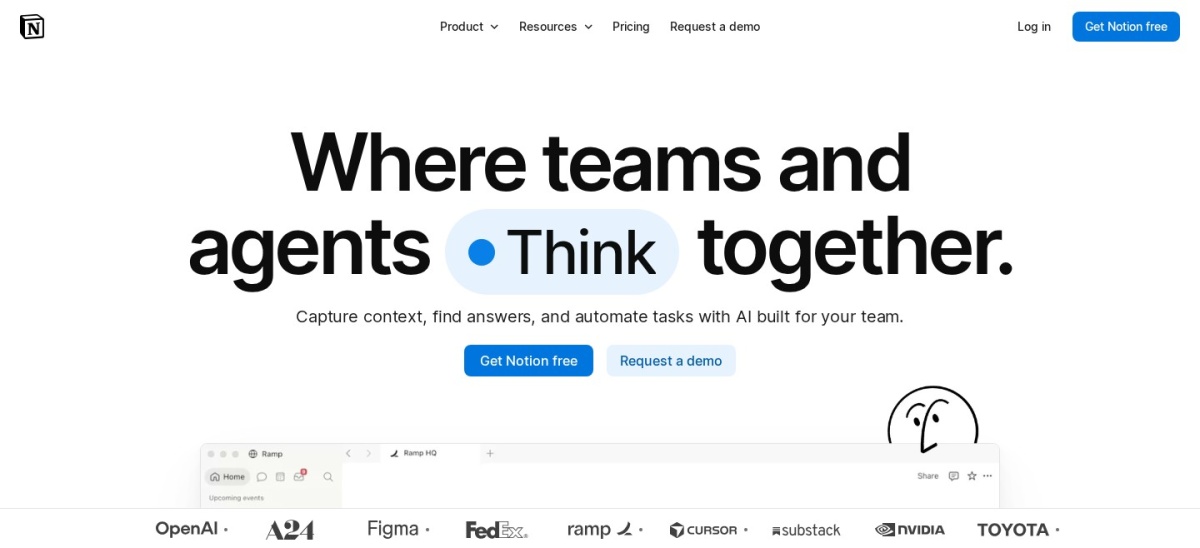
Notion homepage, captured Nov 2026.
Notion is a connected workspace for notes, documents, knowledge bases, databases and project planning. Its free plan supports personal organization, basic forms and websites. Plus costs $12 per member monthly and adds unlimited collaborative blocks, file uploads, expanded page history and more customization options.
The trade off is that advanced AI agents, enterprise search and additional administrative controls require Business or Enterprise. Complex databases and workflows also take time to organize effectively. It suits individuals and teams that want documentation, project information and shared knowledge in one customizable workspace.
What we like
Free plan for personal organization
Flexible documents and relational databases
Project tracking and knowledge management
Large template ecosystem
Collaboration and publishing features
Watch out for
Advanced AI features require higher plans
Complex setups can become difficult to maintain
Not a replacement for dedicated accounting or CRM systems
Plus adds expanded collaboration, uploads, history and workspace customizationVisit notion.com
04
ClickUp
4.6/5on G2 (15,178 reviews, checked Nov 2026)
Paid from$12/mo
Best for managing projects and everyday tasks
Free planUnlimited tasks
Paid entryCore, $12/user/mo regular
Automation allowance1,000 actions/mo on Core
G2 rating4.6/5, 15,178 reviews
clickup.com
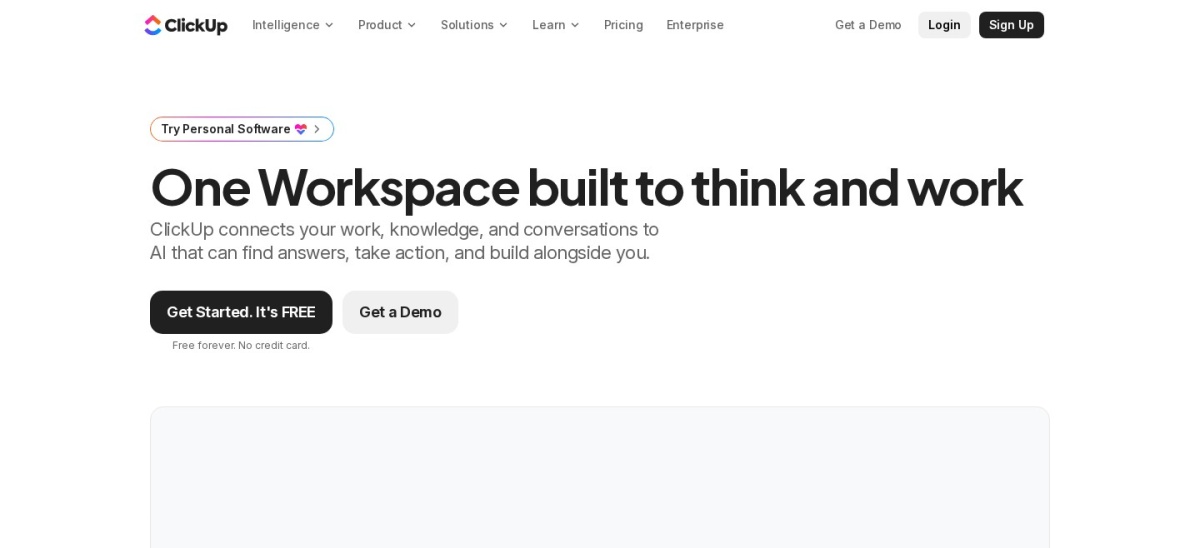
ClickUp homepage, captured Nov 2026.
ClickUp is a work management platform combining tasks, projects, documents, calendars and team communication. Its Free Forever plan includes unlimited tasks, collaborative documents, Kanban boards and basic time tracking. Core has a regular price of $12 per user monthly and adds custom fields, unlimited forms, storage, Gantt charts and 1,000 automation actions monthly.
The trade off is that advanced dashboards, resource planning and broader automation require Business, while some AI capabilities have separate usage limits. Core currently shows discounted annual billing at $9 per user monthly, but the regular rate is used here. It suits teams that want detailed task tracking and customizable workflows.
Slack is a workplace communication platform built around channels, direct messages, file sharing, meetings and application integrations. Its free plan includes 90 days of searchable message history, up to 10 app integrations and one-to-one huddles. Pro costs $8.75 per active user monthly and expands history, integrations and collaboration capabilities.
The trade off is that Slack primarily manages communication rather than complete project delivery, so teams may still need task management or document applications. Business+ adds more administration and security options. It suits distributed teams that coordinate work through ongoing conversations and connected software.
What we like
Organized channels and direct messaging
Permanent free plan
Extensive third-party integrations
Searchable conversations and files
Audio and video huddles
Watch out for
Free message history is limited
Can create excessive notifications
Advanced administration requires higher plans
Pro expands message history, integrations, huddles and collaborationVisit slack.com
06
Zoom Workplace
4.5/5on G2 (56,459 reviews, checked Nov 2026)
Paid from$16.99/mo
Best for video meetings and remote collaboration
Free meeting limit40 minutes
Free participants100
Paid entryPro, $16.99/user/mo
G2 rating4.5/5, 56,459 reviews
zoom.com
Zoom Workplace homepage, captured Nov 2026.
Zoom Workplace is a communication platform combining video meetings, team chat, whiteboards and AI productivity features. Its free Basic plan supports meetings of up to 40 minutes with 100 participants, limited AI meeting summaries and team messaging. Pro costs $16.99 per user monthly and expands meeting duration and collaboration functionality.
The trade off is that advanced administrative, webinar, telephony and enterprise meeting features may require additional plans or purchases. Pro is discounted to $14.16 per user monthly with annual billing. It suits businesses that primarily need reliable video communication, client meetings and remote team collaboration.
What we like
Free video meetings for basic use
Screen sharing and team messaging
AI meeting and note-taking features
Whiteboards and collaboration tools
Large public review history
Watch out for
Free meetings have a time limit
Advanced communication features may cost extra
Not a complete project management replacement
Pro expands meeting limits, AI usage and collaboration capabilitiesVisit zoom.com
07
Asana
4.4/5on G2 (14,143 reviews, checked Nov 2026)
Paid from$13.49/mo
Best for structured team project management
Free plan2 users
Paid entryStarter, $13.49/user/mo
Annual billing$10.99/user/mo
G2 rating4.4/5, 14,143 reviews
asana.com
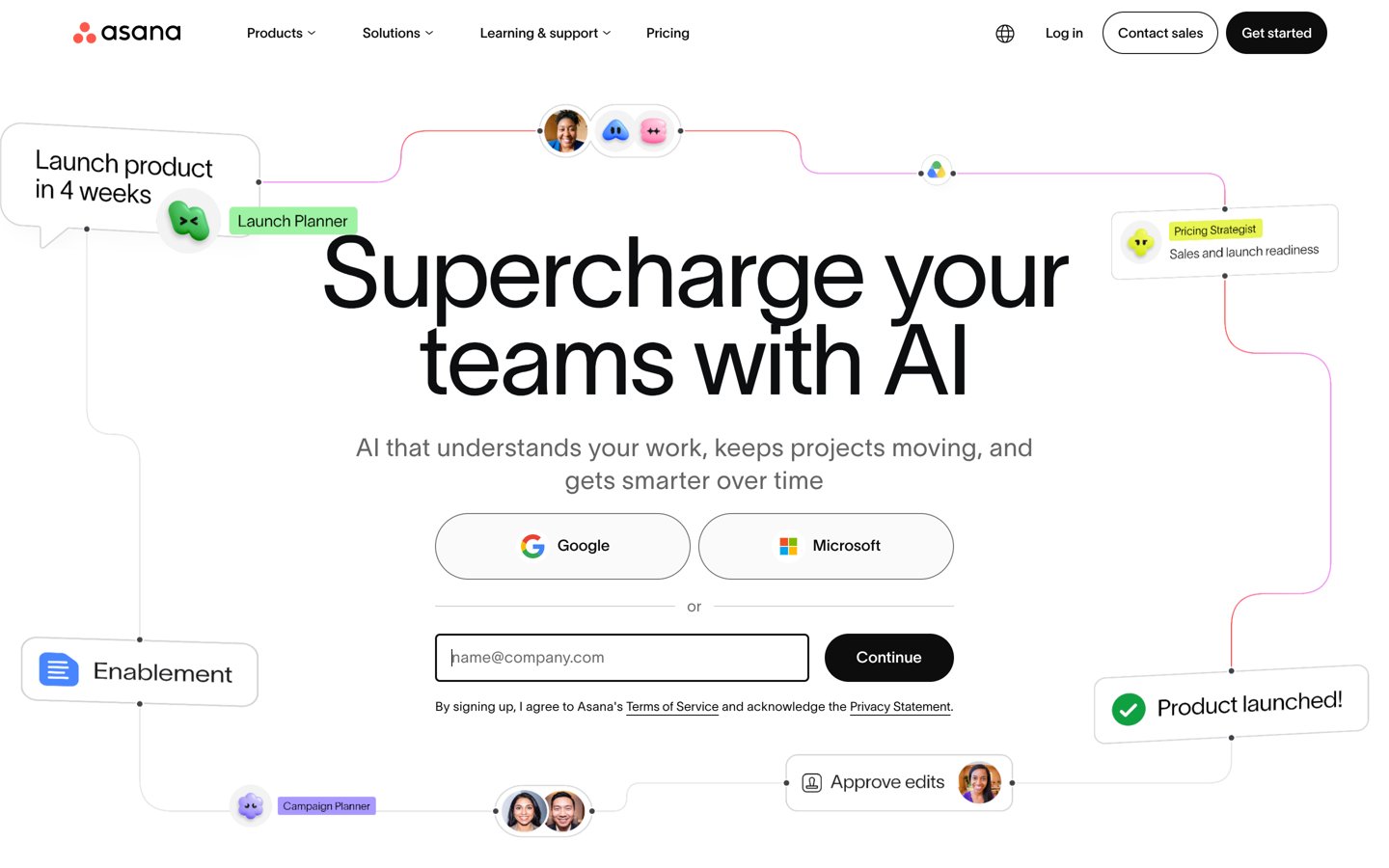
Asana homepage, captured Nov 2026.
Asana is a work management platform for planning projects, assigning tasks, tracking deadlines and coordinating team activities. Its free Personal plan supports two users, unlimited tasks and projects, and list, board and calendar views. Starter costs $13.49 per user monthly and adds timelines, Gantt charts, dashboards, forms and unlimited automations.
The trade off is that portfolio reporting, resource management and organizational goal tracking require Advanced at a higher subscription price. Asana also focuses on project execution rather than replacing an office suite. It suits teams managing structured work with clear responsibilities, deadlines and reporting requirements.
What we like
Free plan for small teams
Clear task ownership and deadlines
Multiple project planning views
Reporting and automation on Starter
Templates and integrations
Watch out for
Advanced portfolio management requires upgrades
Costs increase with team size
Document editing and communication still rely partly on integrations
Starter adds timelines, dashboards, forms, custom fields and automationsVisit asana.com
Which type of software do you actually need?
Productivity suites such as Google Workspace and Microsoft 365 cover everyday business activities: email, documents, spreadsheets, presentations and file storage. They are useful starting points because these tools support work across many departments.
Knowledge management software such as Notion focuses on organizing information. Shared pages, databases, internal documentation and project notes help teams maintain a common reference for ongoing work.
Project management platforms such as ClickUp and Asana organize tasks, deadlines, dependencies and responsibilities. They are most useful when work requires coordination, reporting and follow-up rather than document creation alone.
Communication tools such as Slack and Zoom Workplace help teams exchange information and collaborate remotely. Slack emphasizes ongoing conversations, while Zoom is especially relevant for meetings and real-time communication.
Many businesses need a combination of these categories. The aim is not to purchase every available platform but to select a compatible set of tools that covers essential workflows without creating unnecessary duplication.
How to compare software subscription costs fairly
Most products in this comparison charge by user or member. A low entry price can become a larger recurring expense when several employees need access, especially if advanced administration or collaboration features require an upgrade.
Google Workspace Business Starter and Microsoft 365 Business Basic each cost $8.40 per user monthly under their flexible monthly subscription arrangements. Both also offer lower rates with annual commitments.
Slack Pro costs $8.75 per active user monthly, Notion Plus costs $12 per member monthly, and Asana Starter costs $13.49 per user monthly. Their capabilities differ, so comparing only the subscription price does not establish which provides better value.
ClickUp's Core plan has a regular price of $12 per user monthly, with a discounted annual offer displayed separately. Zoom Workplace Pro costs $16.99 monthly, or $14.16 per user monthly with annual billing.
For accurate budgeting, multiply the applicable per-user rate by the number of paid seats and the billing period. Then include any additional storage, AI credits, integrations or administrative features your organization requires.
How we chose
We selected established software products covering common productivity and business workflows rather than attempting to rank unrelated specialized applications on one feature scale. The shortlist represents office productivity, knowledge management, project execution, communication and video collaboration. Rankings consider breadth of use, accessibility, product functionality and public customer feedback.
Prices and ratings were checked on 22 Nov 2026 against official vendor pricing documentation and G2 review pages. Annual comparison figures use regular monthly subscription prices multiplied by 12, excluding temporary promotions. Per-user licensing, annual-commitment discounts and free plan limitations are distinguished throughout the comparison.
We excluded products with unconfirmed public entry prices, insufficient established review history or highly specialized functionality that would not support a broad software buying guide. This comparison does not imply that unrelated product categories are interchangeable. No vendor paid for a place, and we do not claim testing for this list.
How to choose the best software for your needs
Identify your most important daily tasks, then compare the features, integrations and subscription costs required to complete them.
Define the problem you need to solve. List your essential workflows, such as creating documents, sharing files, organizing projects, communicating with teammates or running meetings. Prioritize software that addresses the main problem instead of selecting products based on feature counts alone.
Compare features and existing integrations. Check compatibility with applications you already use, supported file formats, permissions, collaboration tools and data exports. Software that fits existing workflows can reduce migration effort and repeated data entry.
Calculate costs for your full team. Review per-user subscriptions, annual commitments, free plan limits and upgrade requirements. Include optional AI tools, storage, advanced security and other paid features when estimating your ongoing costs.
Evaluate usability and long-term flexibility. Use available free plans or trials to assess whether the software fits your workflow. Review documentation, support options, account controls and the ability to export important information before committing to a long-term subscription.
FAQ
What is the best software in 2026?
Google Workspace is a strong overall choice for everyday business productivity because it combines professional email, documents, spreadsheets, cloud storage and meetings. Business Starter costs $8.40 per user monthly with flexible billing. Microsoft 365 and Notion are alternatives for Office-based workflows and organized knowledge management.
What is the best free software for productivity?
Notion, ClickUp, Slack, Zoom Workplace and Asana offer free plans with different strengths. Notion focuses on notes and organization, ClickUp on tasks, Slack on communication, Zoom on meetings and Asana on projects. The right free tool depends on the workflow and its limitations.
Which software is best for small businesses?
Google Workspace and Microsoft 365 are useful foundations for small businesses because they provide common office applications, email and file collaboration. Businesses managing complex projects may also benefit from ClickUp or Asana. The best combination depends on team size, existing applications and daily responsibilities.
Is Google Workspace better than Microsoft 365?
Google Workspace emphasizes browser-based collaboration across Gmail, Docs, Sheets and Drive. Microsoft 365 is attractive for organizations relying on Word, Excel, PowerPoint and Outlook, with desktop applications available on higher plans. Both have Business Starter or Basic subscriptions priced at $8.40 per user monthly with flexible billing.
What is the cheapest paid software in this comparison?
Google Workspace Business Starter and Microsoft 365 Business Basic both cost $8.40 per user monthly with flexible monthly billing. Slack Pro costs $8.75 per active user monthly. However, the cheapest subscription is not necessarily the best value because these products address different business needs.
Which software is best for managing projects?
ClickUp and Asana are strong options for project planning, task assignment, deadlines and progress tracking. ClickUp offers a free plan with unlimited tasks, while Asana provides a free plan for two users. Their paid plans add automation, custom fields, reporting and more advanced project views.
What software is best for remote teams?
Google Workspace and Microsoft 365 provide shared files and productivity applications. Slack supports ongoing discussions through channels and direct messages, while Zoom Workplace handles meetings and real-time collaboration. Project management tools such as Asana or ClickUp help track responsibilities across distributed teams.
Do I need separate communication and project management software?
Not always. Some work management platforms include comments, notifications, chat and basic meetings. However, teams with frequent communication or complex project requirements may benefit from dedicated tools. Compare overlapping features and integrations before purchasing multiple subscriptions.
How much should a business budget for software?
Software budgets depend on paid users, required applications and additional features. Entry subscriptions in this comparison range from $8.40 to $16.99 per user monthly at regular flexible rates. Calculate the cost for your actual team and include storage, AI, administrative upgrades and other necessary services.