Adobe Acrobat Pro is the best software to create PDFs for most people, creating PDFs from Office files and scans with full editing, and it is rated 4.5/5 by 5,336 G2 reviewers. Pick Foxit PDF Editor for the same desktop depth at $129.99 a year, or Sejda for occasional jobs at $63 a year.
How we make this list: we compare pricing pages, product documentation and public user reviews, then re-check every price before each update. No product paid for a place. Disclosure.
Adobe Acrobat Pro is the most complete PDF creator, rated 4.5/5 by 5,336 G2 reviewers, at $19.99 a month on an annual plan.
Foxit PDF Editor covers the same desktop ground for $129.99 a year, about half the $239.88 a year Acrobat Pro costs.
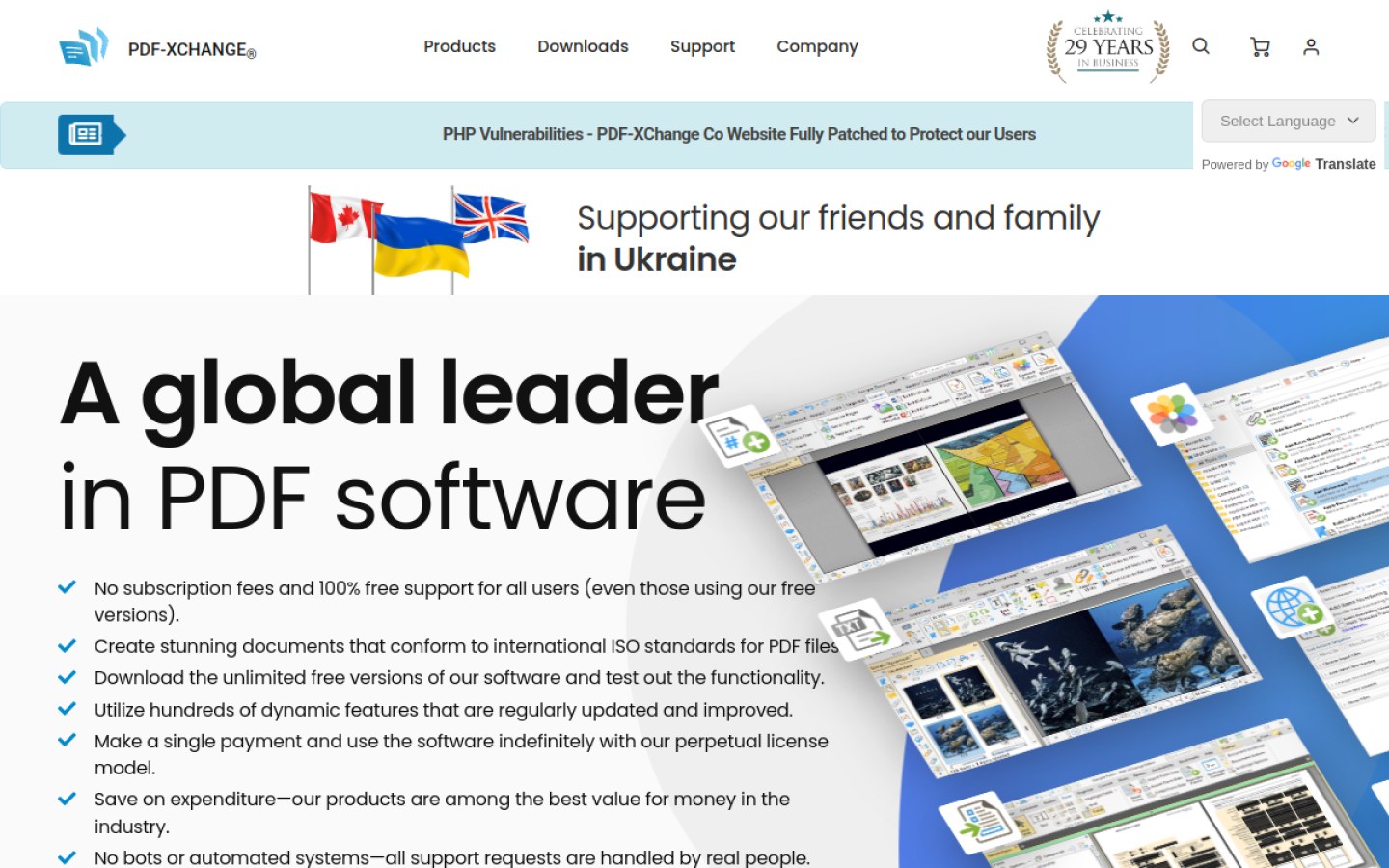
PDF-XChange Editor Plus is the cheapest way to own an editor outright at $79 once, but it runs on Windows only.
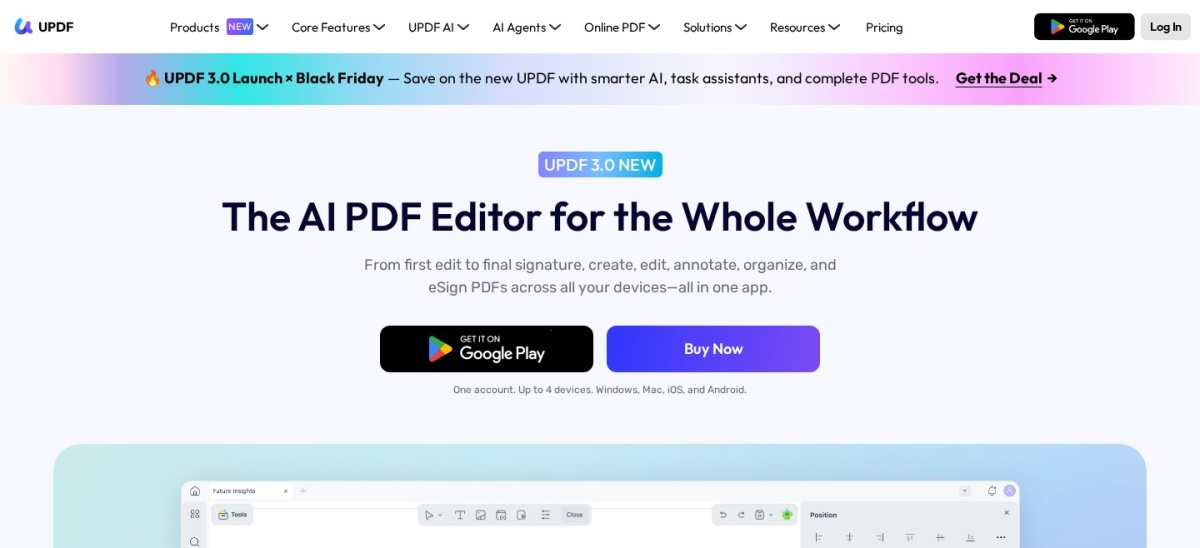
UPDF is the cheapest subscription here at $64.99 a year, with a free version that watermarks saved files.
Sejda is the cheapest paid plan for occasional use at $63 a year, and its free tier needs no account.
What to look for in a PDF creator
A PDF creator turns Word documents, spreadsheets, images and scans into files that look the same on any device. Most tools in this list also edit, sign and convert those files, so the choice is about how often you create PDFs and what you do with them after.
Desktop editors such as Acrobat, Foxit and Nitro handle large files offline and keep fonts and layout intact. Browser tools such as Smallpdf and Sejda need nothing installed, but they upload your file to a server, which matters for contracts and other private documents.
Price shapes the list more than features do. Subscriptions run from $63 to $239.88 a year, while PDF-XChange Editor Plus costs $79 once and Foxit sells a perpetual licence for $209.99. Our guide on adding a PDF to WordPress covers what happens after the file is made.
Free plans are worth checking first. Five of the nine tools here have one, but most cap file size, page counts or daily tasks, and some watermark saved files.
Adobe Acrobat Pro is the PDF editor from the company that created the PDF format. It creates PDFs from Word, Excel, PowerPoint, images and scans, edits text and images with reflow, and adds OCR, redaction, forms and e-signatures in one app. A 7-day free trial lets you try it before the subscription starts.
The trade off is price. Pro costs $19.99 a month on an annual plan, or $239.88 a year, which is the highest subscription in this list, and there is no perpetual licence for the current version. It suits people who create and edit PDFs every day and need files to open correctly everywhere.
What we like
Creates PDFs from almost any file type
Most complete editing, OCR and redaction
Rated 4.5/5 by 5,336 G2 reviewers
Watch out for
Highest yearly price in this list
Subscription only, no perpetual licence
Pro adds editing, OCR and e-signatures over free ReaderVisit adobe.com
02
Foxit PDF Editor
4.6/5on G2 (3,784 reviews, checked Nov 2026)
Starts at$129.99/yr
Best Acrobat alternative for offices
Create from OfficeYes
OCRYes
Free planNo, 14-day trial
Paid planEditor, $129.99/yr
foxit.com
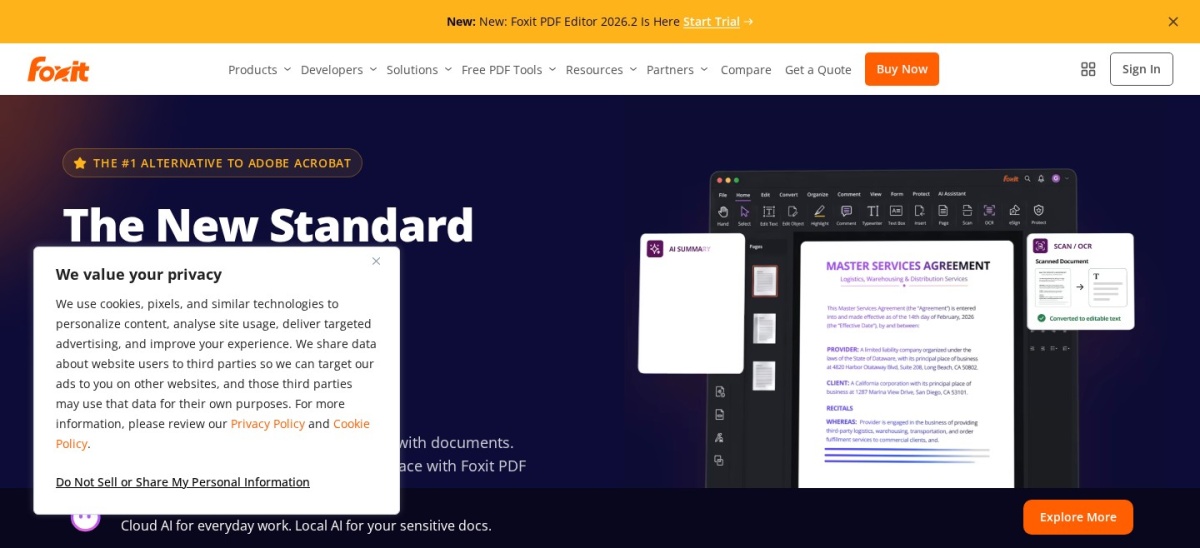
Foxit PDF Editor homepage, captured Nov 2026.
Foxit PDF Editor is a desktop PDF editor for Windows, macOS and the web with an Office-style ribbon. It creates PDFs from Office files and scans, edits text, converts files, runs OCR, redacts passages and adds Bates numbering. The standard plan includes 300 AI credits a month.
The trade off is the upsell path. E-signatures, mobile apps and Smart Redact need Editor+ at $159.99 a year, and the AI Assistant add-on costs $49.99 a year on top. It suits offices that want Acrobat-class editing without the Acrobat price.
What we like
Half the price of Acrobat Pro
Redaction and Bates numbering included
Perpetual licence available for $209.99
Watch out for
E-signatures need the $159.99 Editor+ plan
AI Assistant is a $49.99 add-on
Editor+ adds e-signatures, mobile apps and Smart RedactVisit foxit.com
03
Wondershare PDFelement
4.5/5on G2 (1,070 reviews, checked Nov 2026)
Starts at$129/yr
Best value desktop editor
Create from OfficeYes
OCRYes
Free planNo, 14-day trial
Paid planYearly, $129/yr
pdf.wondershare.com
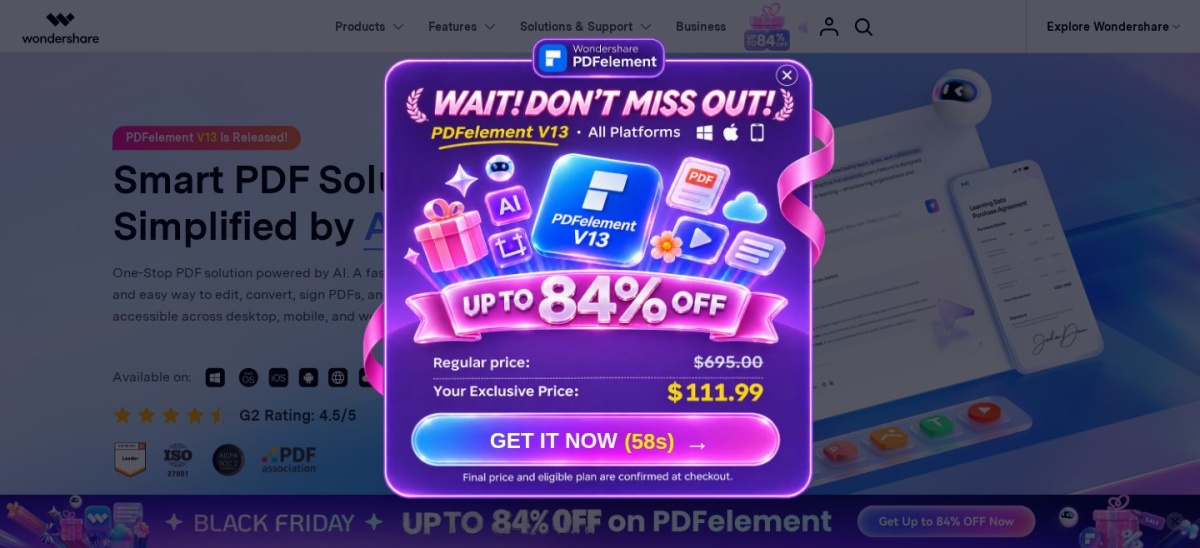
Wondershare PDFelement homepage, captured Nov 2026.
Wondershare PDFelement is a desktop PDF editor for Windows and Mac, with iOS, Android and web apps on cross-platform plans. It creates PDFs from Office files and images, edits text, converts files, runs OCR and builds fillable forms. The yearly plan costs $79.99 on sale against a $129 regular price.
The trade off is the pricing maze. Yearly, 2-year and perpetual plans overlap, AI features are metered separately after 50 free uses, and the sale price changes often. It suits buyers who want a modern editor on both Windows and Mac without paying Adobe prices.
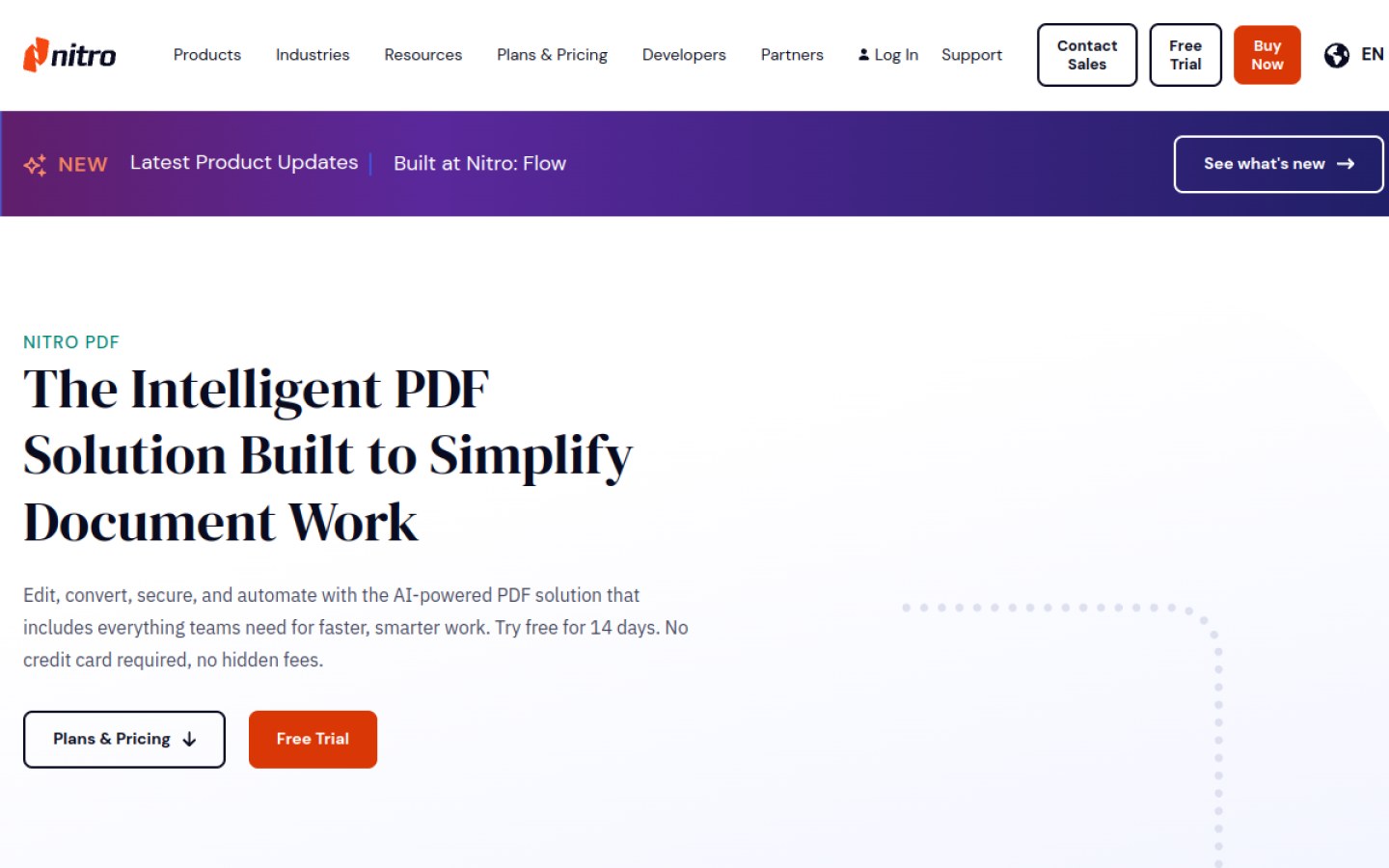
Nitro PDF Pro is a desktop PDF editor for Windows, Mac and iOS with a Microsoft Office-style ribbon. It creates PDFs from Office files and scans, edits text, converts files, compares versions and runs batch OCR. The Standard plan costs $15 per user a month, billed annually.
The trade off is the platform gap. The Mac app is thinner than the Windows version, there is no Android app, and e-signatures are a separate Nitro Sign product from $10 a month. It suits Windows-first offices that want Acrobat-style editing with an admin portal.
PDF-XChange Editor Plus homepage, captured Nov 2026.
PDF-XChange Editor Plus is a Windows PDF editor sold as a one-time licence. It creates PDFs from Office files and scans, edits text, adds comments and measurements, and runs OCR. The Plus licence costs $79 once and includes one year of maintenance.
The trade off is platform. It runs on Windows 10 and later only, with no Mac or mobile apps, and new versions after the maintenance year cost extra. It suits Windows users who want to pay once and own their editor.
UPDF is a PDF editor for Windows, Mac, iPhone, Android and the web. It creates PDFs from Office files and images, edits text, converts files, runs OCR and signs documents. The Pro annual plan costs $64.99 a year and includes 10 GB of cloud storage.
The trade off is the AI split. Unlimited AI chat and summaries are a separate $69 a year add-on, and the free version watermarks saved files. It suits people who want one cheap editor across every device they own.
Smallpdf is a browser-first PDF suite with more than 30 tools and desktop and mobile apps. It creates PDFs from Word, Excel, PowerPoint and images, compresses files, converts formats and signs documents. Pro costs $120 a year, or $15 a month billed monthly.
The trade off is the free cap. The free plan covers 2 tasks a day, and heavy work such as batch processing and OCR needs Pro. It suits people who work in a browser and want signing included.
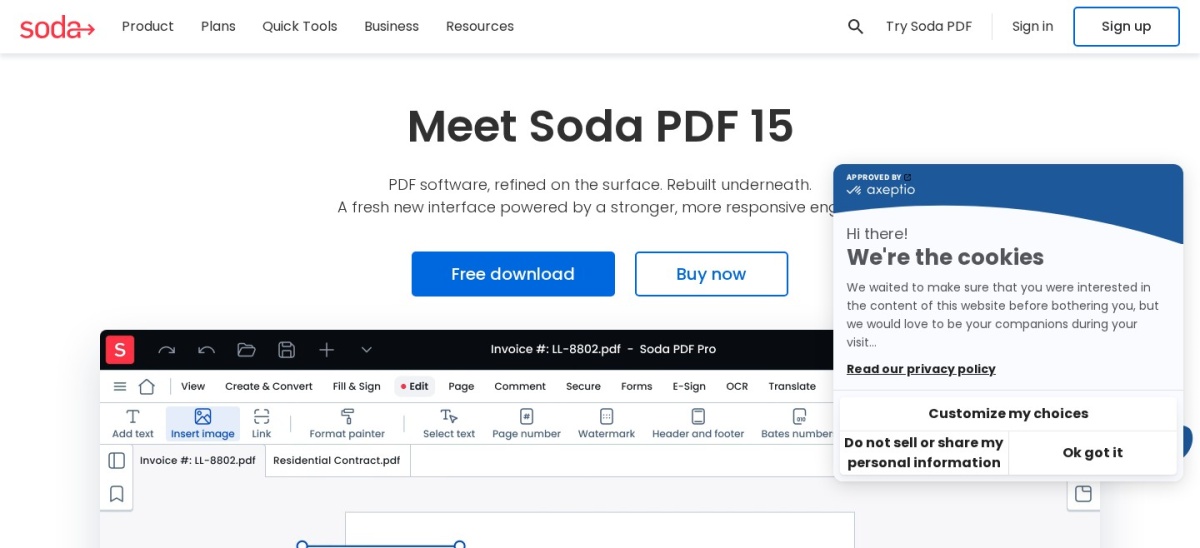
Soda PDF is a PDF editor from Avanquest with a Windows desktop app and a browser version. It creates PDFs from Office files and scans, edits text, converts files, runs OCR and adds Bates numbering. The desktop app shows the full editing ribbon.
The trade off is the renewal jump. Pro costs $89 for the first year and renews at $129 a year, and the Business plan costs $198 a year. It suits buyers who want a desktop editor with a free online version to try first.
Sejda is an online PDF toolkit with a desktop app for Windows, macOS and Linux. It creates PDFs from Office files and images, edits text, merges, splits, compresses and signs files. The free tier needs no account and covers files up to 50 MB or 200 pages.
The trade off is the task cap. The free tier allows 3 tasks an hour on the web, and the desktop app processes files locally so private documents never upload. It suits occasional jobs and sensitive files.
Free plans create real PDFs, but they ration the work. Sejda allows 3 tasks an hour on the web, Smallpdf allows 2 tasks a day, and UPDF watermarks files saved from its free version.
Paid plans mostly remove caps and add OCR, batch processing and form tools. Acrobat Pro and Foxit add redaction and document comparison, which free tools rarely include.
If you create PDFs every day, a subscription pays for itself in saved time. If you make one or two a month, a free plan or a one-time licence such as PDF-XChange Editor Plus at $79 is the cheaper route.
How we chose
We started from the PDF editors people actually pay for in 2026, then kept the nine with published prices and public ratings on G2.
Prices come from each vendor's pricing page, checked on 26 November 2026. Ratings and review counts come from G2 on the same day. Where a vendor shows a sale, the list shows the regular price.
We left out tools with no published price and free-only tools with no paid plan. No vendor paid for a place, and we do not claim to have used these tools ourselves.
How to choose software to create PDFs
Start with how often you create PDFs, then match the tool to the volume.
Count how many PDFs you make each month. One or two a month fits a free plan such as Sejda or Smallpdf. Daily work needs a desktop editor with batch tools.
Decide whether files can leave your computer. Desktop editors process files locally. Browser tools upload them, so keep contracts and medical forms on a desktop app.
Check OCR and forms before you pay. Scanned pages need OCR to become searchable text, and fillable forms need a form builder. Both are paid features in most tools here.
Compare the second year, not the first. Soda PDF charges $89 for the first year and $129 on renewal, and PDFelement shows $79.99 against a $129 regular price. Read the renewal line.
FAQ
What is the best software to create PDFs?
Adobe Acrobat Pro is the best software to create PDFs for most people. It creates PDFs from Office files, web pages and scans, edits text with reflow, and is rated 4.5 out of 5 by 5,336 G2 reviewers. It costs $19.99 a month on an annual plan.
What is the cheapest way to create PDFs?
Sejda is the cheapest paid route at $63 a year, and its free tier needs no account. PDF-XChange Editor Plus costs $79 once and never bills again, which is cheaper over two years. Free plans from Smallpdf and UPDF also work for occasional files, with daily limits.
Can I create a PDF for free?
Yes. Sejda, Smallpdf, UPDF, Soda PDF and PDF-XChange Editor all have free plans or free versions. They cap file size, page counts or daily tasks, and some watermark saved files, so they fit occasional use rather than daily work.
Is Foxit PDF Editor a good Acrobat alternative?
Yes. Foxit PDF Editor covers the same desktop ground, including OCR, redaction and Bates numbering, for $129.99 a year against $239.88 for Acrobat Pro. It is rated 4.6 out of 5 by 3,784 G2 reviewers, slightly above Acrobat's 4.5.
Do I need a subscription to create PDFs?
No. PDF-XChange Editor Plus costs $79 once, Foxit sells a perpetual licence for $209.99, and PDFelement offers a perpetual licence for $129.99. Subscriptions add updates and cloud features, but a one-time licence keeps working without another payment.
Which PDF creator is best for Windows only?
PDF-XChange Editor Plus is the best Windows-only pick at $79 once, with a fast editor and a free version. Nitro PDF Pro is the stronger Windows-first subscription at $180 a year, with an Office-style ribbon and admin tools for teams.
SaaS SEO and WordPress specialist with about 8 years of experience. Rakib compares WordPress plugins, themes, hosting and software using public pricing, documentation and user reviews. See how we rank.