TradingView is the best software to backtest trading strategies for most traders, combining browser-based charts with Pine Script strategy reports from $14.95/mo. QuantConnect fits Python and C# quants needing multi-asset portfolio testing, while TrendSpider suits traders who want no-code visual strategy building.
How we make this list: we compare pricing pages, product documentation and public user reviews, then re-check every price before each update. No product paid for a place. Disclosure.
TradingView offers a free Basic plan and starts at $14.95/mo ($155.40/yr billed annually) with 10,000 historical bars on Essential.
QuantConnect includes unlimited free backtesting in Python and C#, with paid compute starting at $84/mo on Researcher.
TrendSpider has no free tier and starts at $82/mo regular rate ($395.28/yr first-year promo) for no-code backtesting across 50+ years of data.
AmiBroker sells a perpetual Windows license for $299 one-time with 24 months of upgrades for fast portfolio-level AFL testing.
MetaTrader 5 and NinjaTrader let you backtest strategies for free via desktop terminals, charging only when you trade live or lower broker commissions.
What to look for in backtesting software
Backtesting software replays historical market data against your entry, exit, and position-sizing rules to show how a strategy would have behaved before you risk capital. The two main approaches are automated rule testing—using scripts or visual logic blocks—and manual bar-by-bar replay for discretionary setups.
Data resolution and realistic friction matter more than headline win rates. A strategy tested on daily bars without commissions, spreads, or slippage often collapses once moved to intraday execution or live brokerage fills.
Look closely at asset coverage, lookahead bias protections, and deployment parity. Platforms that let you test and execute in the same environment prevent subtle translation errors between your backtest code and live order routing.
The 8 best software to backtest trading strategies
01
TradingView
4.5/5on G2 (77 reviews, checked Nov 2026)
Paid from$14.95/mo
Best for chart-based strategy testing
Strategy builderPine Script & Bar Replay
Historical bars5,000 free; 10,000 Essential
PlatformsWeb, desktop, iOS, Android
MarketsStocks, forex, futures, crypto
tradingview.com
TradingView homepage, captured Nov 2026.
TradingView is a browser-based charting platform with an integrated Strategy Tester and Bar Replay mode. The free Basic plan includes 1 chart per tab, 2 indicators per chart, 5,000 historical bars, and access to over 150,000 community scripts across stocks, forex, futures, and crypto.
The trade off is that automated backtesting relies on single-symbol Pine Script rather than multi-asset portfolio logic, and Deep Backtesting requires the Premium tier. Paid plans start at $14.95/mo ($12.95/mo billed annually). It suits discretionary and technical traders who want fast chart-native testing.
What we like
Runs in any browser with synced desktop and mobile apps
Supports both automated Pine Script tests and manual Bar Replay
Models commissions and slippage inside Strategy Tester settings
Connects directly to dozens of supported brokers for live trading
Watch out for
Single-symbol Pine Script limits portfolio-wide ranking
Deep Backtesting requires upgrading to the $69.95/mo Premium tier
Essential ($14.95/mo) unlocks 10,000 historical bars, 5 indicators per chart, and 20 technical alerts.Visit tradingview.com
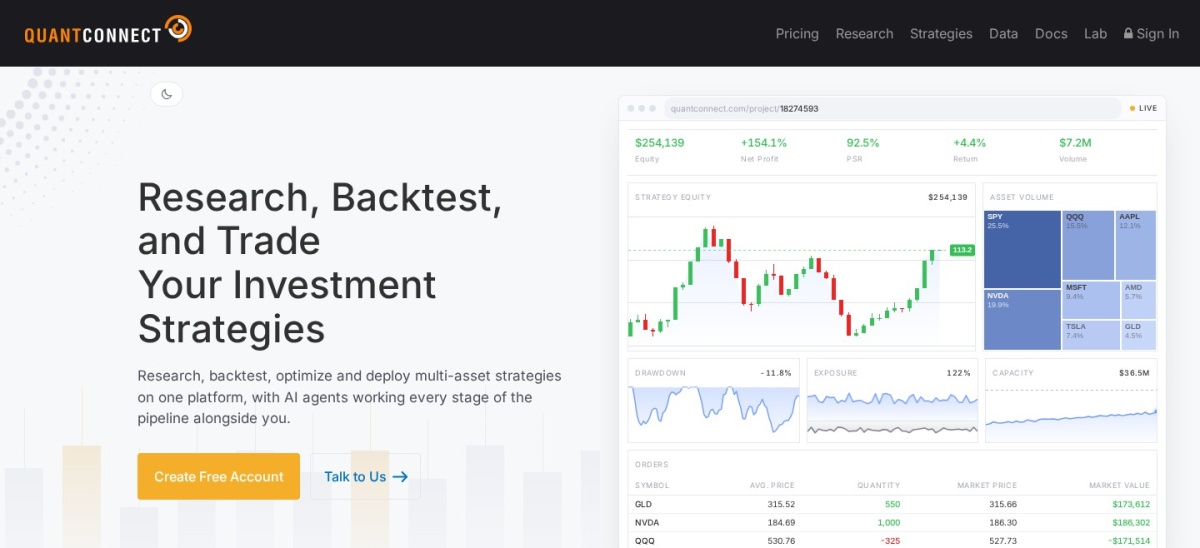
QuantConnect is an algorithmic trading platform built on the open-source LEAN engine. Its free tier provides unlimited cloud backtesting on minute, hour, and daily data across equities, options, futures, forex, and crypto, plus Jupyter research notebooks and local VSCode development.
The trade off is a steep programming requirement with zero no-code tools, and live deployment requires paid compute nodes starting at $84/mo on the Researcher plan. It suits quantitative developers building multi-asset portfolio strategies with institutional data.
What we like
Unlimited backtesting on curated multi-asset datasets for free
Supports complex portfolio logic, options chains, and custom fill models
Same Python or C# code deploys straight to live brokerages
Open-source LEAN engine can also run locally on your own hardware
Watch out for
Requires solid Python or C# coding skills
No live brokerage connections to European equity exchanges
Researcher ($84/mo) adds up to 2 compute nodes, tick/second data, and live brokerage trading.Visit quantconnect.com
03
TrendSpider
4.8/5on Trustpilot (979 reviews, checked Nov 2026)
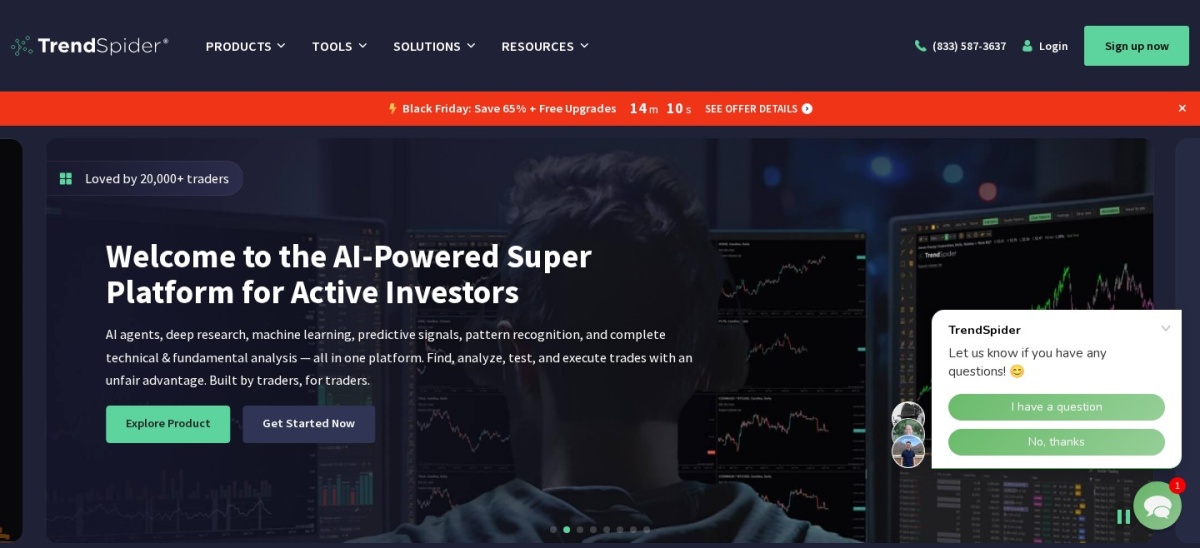
TrendSpider is a browser-based technical analysis and backtesting platform with a visual Strategy Tester. Every plan includes multi-symbol backtesting, variance testing, slippage adjustments, AI strategy creation via Sidekick, and access to over 50 years of historical price data.
The trade off is the lack of a free tier, and standard monthly renewals cost $82/mo after a $19 7-day trial (currently discounted to $32.94/mo billed annually for the first year). It suits technical traders who want no-code rule testing and bot automation.
What we like
Visual condition builder tests ideas without writing code
Includes variance testing and CSV exports for parameter sensitivity
Bundles real-time US equities, forex, and crypto data in base plans
Converts tested strategies directly into cloud trading bots
Watch out for
No permanent free tier; starts with a paid 7-day trial
Real-time CME futures ($7.50/mo) and OPRA options ($9.50/mo) cost extra
Standard ($82/mo regular) unlocks full Strategy Tester access, ML Quant Lab, and 5 automated orders/mo.Visit trendspider.com
04
Composer
3.5/5on Trustpilot (28 reviews, checked Nov 2026)
Paid from$10/mo
Best for no-code ETF and stock rotation
Strategy builderNo-code visual tree & AI assistant
Asset classesUS stocks and ETFs
ExecutionBuilt-in SEC/FINRA brokerage
RebalancingDaily, weekly, quarterly, threshold
composer.trade
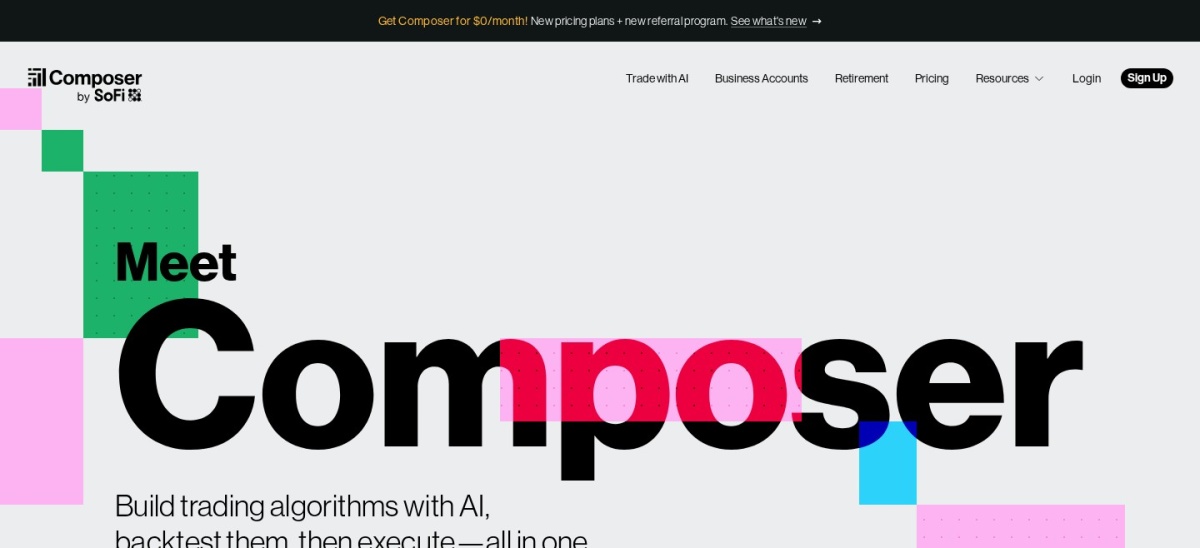
Composer homepage, captured Nov 2026.
Composer is a no-code strategy builder, backtester, and automated brokerage for US stocks and ETFs. Its free Starter plan lets you build and backtest unlimited visual strategies—called Symphonies—with corporate-action-adjusted data and automate 1 live strategy up to 200 nodes.
The trade off is that Composer operates as a closed US-only brokerage ecosystem with no intraday bar testing or third-party broker routing. Paid plans start at $10/mo for up to 5 automated strategies. It suits systematic swing and portfolio investors.
What we like
Unlimited free backtesting with bundled dividend-adjusted stock and ETF data
Deploys validated strategies directly to taxable or IRA accounts
Models regulatory fees and adjustable slippage in backtests
Includes an AI assistant and library of editable community Symphonies
Watch out for
No intraday tick or minute backtesting
Restricted to Composer's own brokerage without code export
Advanced ($10/mo) expands live automation to 5 strategies and up to 350 logic nodes per Symphony.Visit composer.trade
05
AmiBroker
3.6/5on Trustpilot (3 reviews, checked Nov 2026)
Starts at$299 one-time
Best one-time license for portfolio tests
LanguageAmiBroker Formula Language (AFL)
Validation toolsWalk-forward & Monte Carlo simulation
Operating systemWindows desktop (32-bit / 64-bit)
Data feedsBring your own or AmiQuote add-on
amibroker.com
AmiBroker homepage, captured Nov 2026.
AmiBroker is a Windows desktop technical analysis and portfolio backtesting application powered by AmiBroker Formula Language (AFL). A 30-day evaluation trial lets you test multi-symbol portfolio backtests, walk-forward optimization, and Monte Carlo simulations before buying.
The trade off is a dated Windows-only interface, a real learning curve for AFL, and no bundled market data feed. The Standard Edition costs $299 one-time with 24 months of free upgrades. It suits systematic traders avoiding recurring SaaS subscriptions.
What we like
Perpetual single-user license with no recurring subscription required
Processes large multi-symbol portfolio backtests and optimizations rapidly
Built-in walk-forward testing and Monte Carlo risk analysis
Optional AFL Code Wizard ($99) generates formulas from plain English
Watch out for
Windows-only software with no native macOS or web client
Requires sourcing and importing your own historical market data
Standard Edition ($299 one-time) unlocks perpetual desktop use, 1-minute intraday intervals, and 24 months of updates.Visit amibroker.com
06
NinjaTrader
3.7/5on Trustpilot (1,063 reviews, checked Nov 2026)
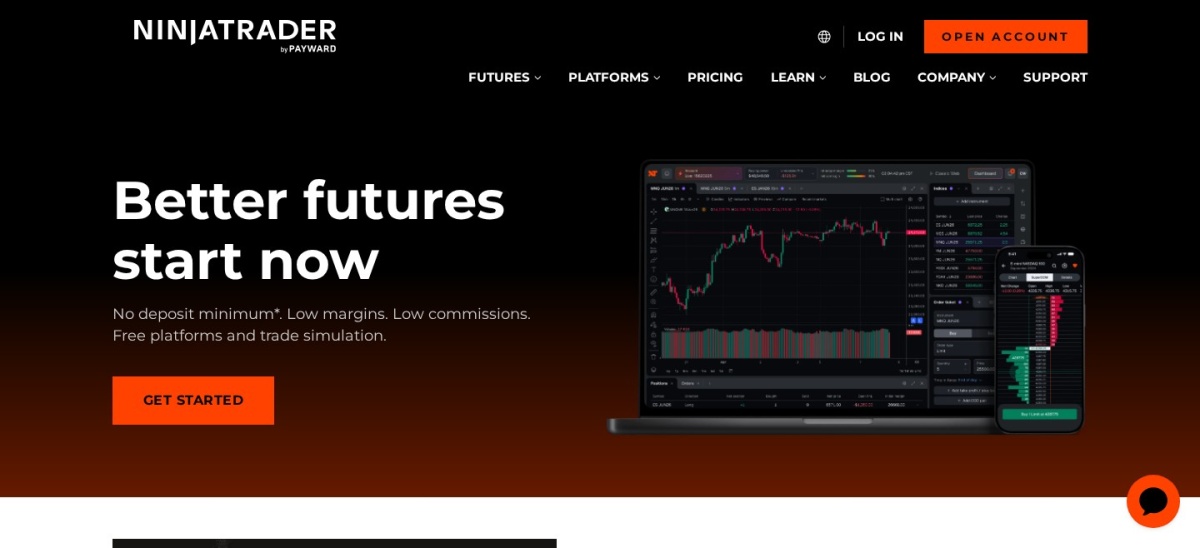
NinjaTrader is a futures brokerage and Windows desktop trading platform featuring Strategy Analyzer and tick-by-tick Market Replay. Its free plan includes unlimited simulated trading, historical strategy backtesting, and a point-and-click Strategy Builder alongside full C# NinjaScript coding.
The trade off is a Windows-only desktop architecture and live exchange data fees once you move beyond simulation. Paid plans start at $99/mo solely to reduce live futures commissions from $0.39 to $0.29 per micro contract. It suits active futures traders.
What we like
Free tier includes full Strategy Analyzer backtesting and Market Replay
Supports both no-code Strategy Builder rules and full C# NinjaScript
Low $50 intraday margins on Micro E-mini futures contracts
Large ecosystem of third-party indicators and order flow add-ons
Watch out for
Full Strategy Analyzer requires Windows desktop installation
Real-time CME data and live accounts carry separate monthly exchange fees
Monthly plan ($99/mo) lowers live futures commissions and includes Order Flow+ volumetric bars.Visit ninjatrader.com
07
FX Replay
4/5on Trustpilot (680 reviews, checked Nov 2026)
Paid from$17.99/mo
Best for discretionary chart replay
Testing modeManual historical bar replay
Data resolution1-minute free; seconds on Pro
MarketsForex, indices, crypto, futures, stocks
AnalyticsWin rate, drawdown, R-multiple journal
fxreplay.com
FX Replay homepage, captured Nov 2026.
FX Replay is a web-based manual backtesting and trade journaling simulator built on TradingView charts. Its free Beginner tier includes 2 backtesting sessions with limited historical data and trades across forex, indices, and crypto pairs without requiring code.
The trade off is that FX Replay tests manual trade execution rather than running automated algorithmic rules, and futures or stock data requires the Pro tier. Paid plans start at $17.99/mo ($15/mo billed annually). It suits discretionary price-action traders.
What we like
Runs entirely in the browser with familiar TradingView charting tools
Tracks R-multiples, session performance, and drawdown automatically
Supports multi-timeframe synced charts during manual bar replay
Includes a permanent free Beginner plan to test the workflow
Watch out for
No automated strategy scripting or algorithmic optimization
Futures, stocks, and seconds-level candles require the $35/mo Pro plan
Intermediate ($17.99/mo) unlocks unlimited backtesting sessions, indicators, and full multi-year forex/crypto history.Visit fxreplay.com
08
MetaTrader 5
4.2/5on G2 (36 reviews, checked Nov 2026)
PriceFree
Best free tester for forex EAs
LanguageMQL5 (Expert Advisors)
Tick modelingReal ticks, 1-min OHLC, open prices
OptimizationMulti-threaded & genetic algorithms
PlatformsWindows, macOS, Linux, web, mobile
metatrader5.com
MetaTrader 5 homepage, captured Nov 2026.
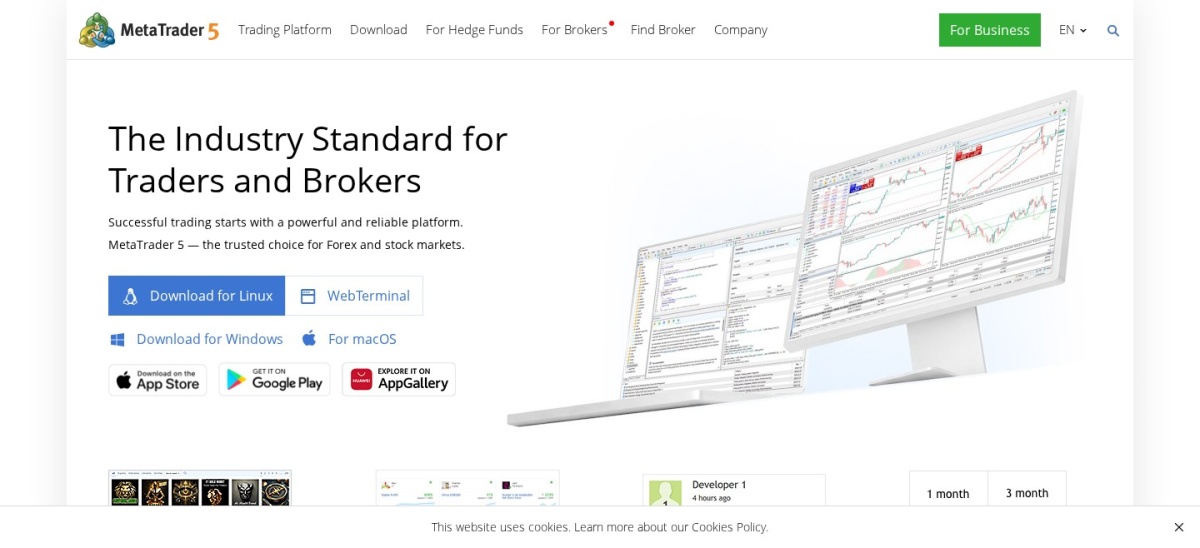
MetaTrader 5 is a free multi-asset trading terminal featuring a multi-threaded Strategy Tester for automated Expert Advisors (EAs). Available at zero cost through hundreds of brokers, it supports multi-currency testing, genetic parameter optimization, forward testing, and real-tick execution modeling.
The trade off is that automated testing requires learning proprietary MQL5 code, and historical tick accuracy depends entirely on your connected broker's server feed. There is no paid software subscription. It suits systematic forex and CFD traders.
What we like
Completely free terminal with no software subscription fees
Multi-threaded Strategy Tester runs fast genetic optimizations
Supports simultaneous multi-currency and multi-asset portfolio tests
Models variable spreads and real broker tick data
Watch out for
Automated backtests require coding in MQL5
Historical data quality varies significantly between brokers
Free through supported brokers; optional MQL5 Cloud Network compute credits are billed per usage.Visit metatrader5.com
Automated rule engines vs. manual bar replay
Backtesting software splits into two distinct workflows. Automated engines like QuantConnect, AmiBroker, and MetaTrader 5 evaluate explicit code or visual conditions across thousands of bars in seconds, giving you statistically repeatable metrics and parameter optimization.
Manual replay tools like FX Replay and TradingView Bar Replay hide future candles so you can practice discretionary entries and exits by hand. Manual replay builds screen-time intuition, while automated engines prevent hindsight bias and verify whether a rule set holds up across decades.
How we chose
We evaluated leading backtesting platforms across algorithmic code engines, visual no-code builders, and manual replay simulators to cover equities, futures, forex, and crypto traders.
All pricing, free-tier caps, and public user ratings from G2 and Trustpilot were verified on 22 Nov 2026 directly from official vendor pricing pages and review profiles.
We excluded discontinued research platforms, broker-locked terminals without transparent software pricing, and early-access tools without public rates. No vendor paid for a place, and we do not claim testing for this list.
How to choose backtesting software
Match the testing engine to your coding comfort, target markets, and execution workflow before subscribing.
Decide between automated rules and manual replay. Choose an automated tester like QuantConnect, TrendSpider, or AmiBroker if your entries can be defined by strict rules; pick FX Replay or TradingView Bar Replay if you trade discretionary price action.
Verify data resolution and market coverage. Intraday scalpers need tick or 1-minute data with variable spreads, whereas daily swing and ETF rotation traders can rely on end-of-day dividend-adjusted history.
Check how transaction costs are modeled. Ensure the software lets you configure commissions, bid-ask spreads, and slippage so high-turnover strategies do not show artificial profits.
Confirm deployment parity with your broker. Select a tool that either connects directly to your broker—such as QuantConnect, Composer, or NinjaTrader—or exports clean signals so you do not have to rewrite tested logic from scratch.
FAQ
What is the best free software to backtest trading strategies?
MetaTrader 5 and QuantConnect offer the most capable free backtesting tiers. MetaTrader 5 provides a free multi-threaded Strategy Tester for forex and CFDs, while QuantConnect includes unlimited free Python and C# backtesting across stocks, options, futures, and crypto.
Can I backtest trading strategies without knowing how to code?
Yes. TrendSpider and Composer provide visual point-and-click strategy builders that run automated backtests without code, while FX Replay and TradingView Bar Replay let discretionary traders practice setups bar by bar.
Why do backtest results often differ from live trading?
Backtests frequently overstate returns due to missing commission and slippage assumptions, lookahead bias in custom indicators, or overfitting parameters to past market noise. Out-of-sample testing and realistic fee settings reduce this gap.
How much historical data do I need for a reliable backtest?
Aim for at least two to three years of intraday data or ten or more years of daily data so your rules face bull markets, bear drawdowns, and sideways ranges rather than a single favorable trend.
Is TradingView good enough for algorithmic backtesting?
TradingView works well for single-symbol technical strategies written in Pine Script, especially on its Premium plan with Deep Backtesting. However, traders needing multi-asset portfolio ranking or custom tick fill models should use QuantConnect or AmiBroker.
SaaS SEO and WordPress specialist with about 8 years of experience. Rakib compares WordPress plugins, themes, hosting and software using public pricing, documentation and user reviews. See how we rank.