Square is the best mobile-compatible POS software for most businesses, with a free checkout app and a 4.6/5 Capterra rating from 3,043 reviews. Choose Loyverse for affordable inventory and employee management or Shopify POS for connecting physical retail sales with an ecommerce store.
How we make this list: we compare pricing pages, product documentation and public user reviews, then re-check every price before each update. No product paid for a place. Disclosure.
Square combines free mobile checkout with paid business management features starting at $49 per month per location.
Loyverse earns 4.8/5 from 458 Capterra reviews and offers employee management from $5 per employee per month.
Shopify POS connects online and physical retail operations, with its Basic ecommerce subscription priced at $39 per month.
Toast offers restaurant-specific handheld checkout with paid POS software starting at $69 per month.
PayPal POS offers free checkout software and earns 4.4/5 from 34 G2 reviews.
What to look for in mobile-compatible POS software
Mobile point-of-sale software lets businesses process transactions without relying entirely on a traditional checkout counter. Retailers, restaurants, market vendors and service businesses can accept payments using smartphones, tablets or dedicated handheld terminals.
Check whether the software supports your preferred operating system and payment hardware. Some platforms work with ordinary mobile devices, while others require proprietary terminals for payment processing.
Look beyond checkout features. Inventory synchronization, employee permissions, customer profiles and sales reporting determine how well a mobile POS system supports everyday operations.
Compare the total cost of ownership rather than subscription fees alone. Card processing charges, additional terminals, hardware purchases and optional integrations can increase your expenses.
4.6/5on Capterra (3,043 reviews, checked Nov 2026)
Paid from$49/mo
Best for most small businesses
Mobile platformsiOS and Android
Inventory managementIncluded
Payment processingIntegrated
Paid planPlus, $49/mo per location
squareup.com
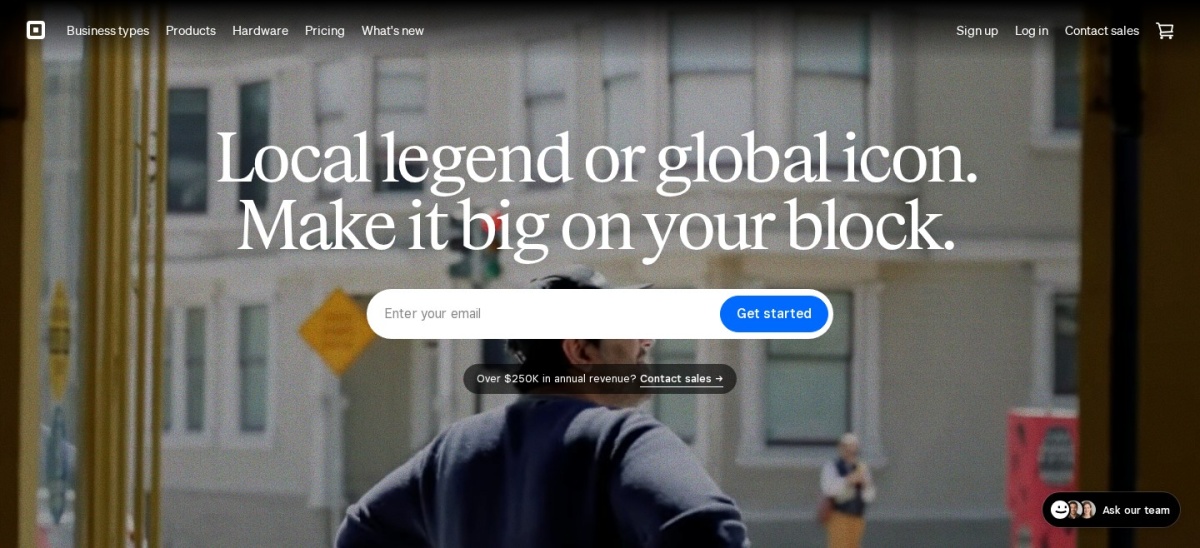
Square homepage, captured Nov 2026.
Square is a mobile POS and business management platform supporting retailers, restaurants and service providers. Its free plan includes payment acceptance, an item catalog, inventory tracking and sales reporting, with a 4.6/5 Capterra rating.
The trade off is that advanced business management features require Square Plus at $49 per month per location, while payment processing costs apply separately. It suits small businesses that want to start accepting mobile payments without a software subscription.
What we like
Free mobile POS application
Integrated payments and inventory tracking
Supports multiple business types
Extensive business software ecosystem
Watch out for
Payment processing fees apply
Paid subscriptions are charged per location
Plus adds advanced inventory, loyalty, marketing and staff management.Visit squareup.com
02
Loyverse
4.8/5on Capterra (458 reviews, checked Nov 2026)
Paid from$5/mo
Best for affordable mobile POS management
Mobile platformsiOS and Android
Customer loyaltyIncluded
Kitchen displayFree
Paid planEmployee management, $5/mo per employee
loyverse.com
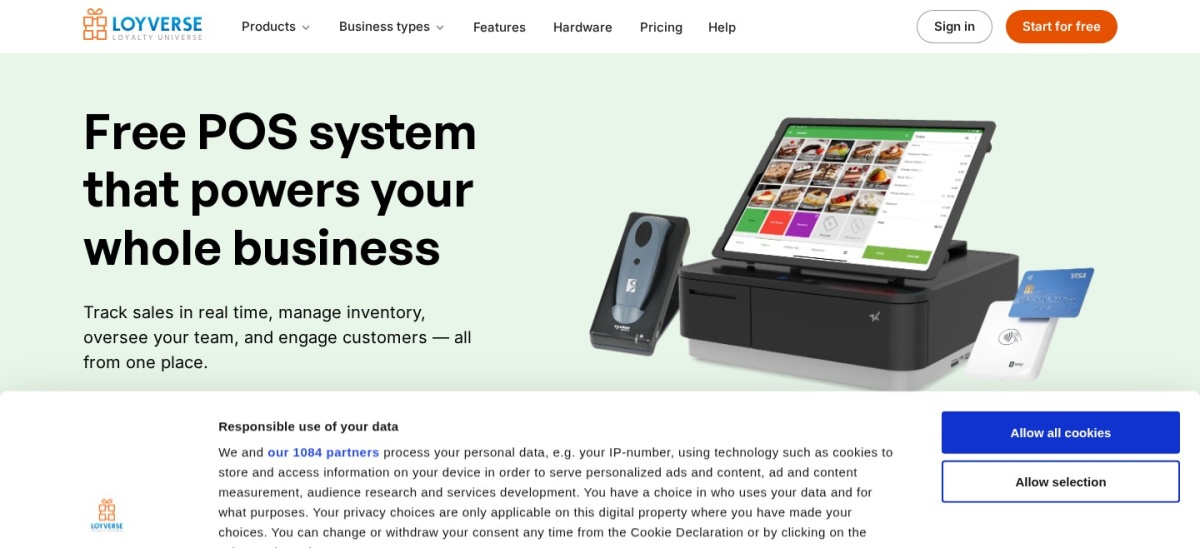
Loyverse homepage, captured Nov 2026.
Loyverse is a mobile-first POS platform for independent retailers, cafes and restaurants. Its free software includes checkout, customer loyalty, kitchen displays and multi-store management, with sales history limited to the last 31 days.
The trade off is that employee management costs $5 per employee per month or $50 per year, while advanced inventory costs $25 per store per month. It suits businesses that want free core checkout software and optional management upgrades.
What we like
Free core POS application
Customer loyalty features included
Free kitchen display software
Supports multiple store locations
Watch out for
Advanced inventory requires a separate subscription
Shopify POS is a mobile retail checkout application connected to Shopify's ecommerce platform. Its Basic subscription costs $39 per month and includes customer profiles, connected product management and in-person selling capabilities.
The trade off is that advanced physical retail features require POS Pro, priced at an additional $89 per month per location. It suits merchants who want inventory, customers and orders managed across an online store and physical sales channels.
What we like
Connected online and physical inventory
Mobile checkout on compatible devices
Shared customer records
Extensive ecommerce integrations
Watch out for
Requires a Shopify subscription
Advanced retail features increase location costs
Less suitable for full-service restaurants
POS Pro adds more advanced retail management and staff controls.Visit shopify.com
04
Toast
4.1/5on Capterra (555 reviews, checked Nov 2026)
Paid from$69/mo
Best for restaurants and tableside ordering
Mobile hardwareDedicated handheld terminals
Tableside orderingSupported
Kitchen managementAvailable
Paid planPoint of Sale, from $69/mo
pos.toasttab.com
Toast homepage, captured Nov 2026.
Toast is a restaurant-focused POS platform designed for ordering, payment processing and food service operations. Its Starter Kit starts at $0 per month, while compatible handheld devices allow servers to enter orders and accept payments away from the counter.
The trade off is its dedicated hardware ecosystem and additional restaurant management costs, with paid POS software starting at $69 per month. It suits restaurants that need portable tableside checkout connected to their kitchen and front-of-house workflows.
PayPal POS is a mobile payment and checkout platform previously known as Zettle. Its free application supports product management, in-person sales and reporting, and the platform has a 4.4/5 G2 rating from 34 reviews.
The trade off is that free software does not eliminate transaction charges or compatible hardware expenses. It suits independent merchants, temporary shops and existing PayPal business users who prioritize portable payment acceptance over complex retail management.
What we like
No recurring POS software subscription
Connected PayPal business account
Portable payment hardware options
Product catalog and sales reporting
Watch out for
Dependent on the PayPal payment ecosystem
Fewer advanced inventory management options
Hardware and payment processing cost extra
Additional expenditure covers payment processing and compatible hardware.Visit paypal.com
06
Lightspeed Retail
4/5on Capterra (973 reviews, checked Nov 2026)
PricingCustom pricing
Best for inventory-intensive retailers
Mobile checkoutCompatible iPad setup
Inventory managementAdvanced
Multi-location managementAvailable
Paid planRequest current pricing
lightspeedhq.com
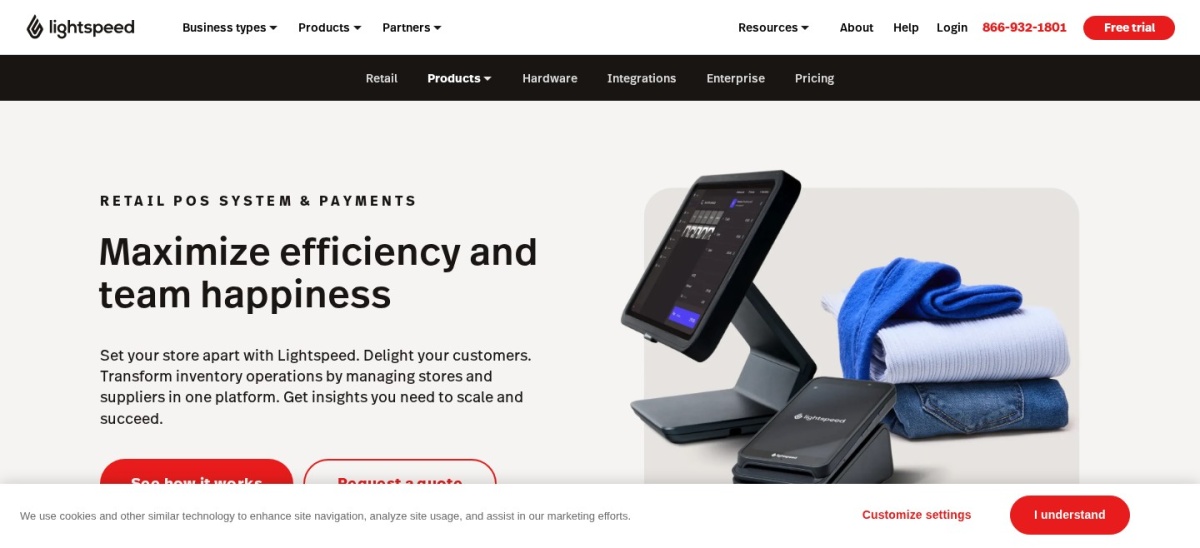
Lightspeed Retail homepage, captured Nov 2026.
Lightspeed Retail is a cloud-based retail POS platform focused on inventory management, purchasing and sales across store locations. Its compatible iPad checkout setup supports mobile retail workflows, while Capterra users rate the platform 4/5.
The trade off is that retailers must confirm their subscription, payment processing and hardware costs before purchasing. It suits established retailers that need detailed stock records, purchasing workflows and centralized oversight across physical stores.
What we like
Detailed inventory management capabilities
Supports multi-location retail operations
Purchasing and supplier management
Connected ecommerce options
Watch out for
More complex than basic mobile POS apps
Hardware and payment arrangements affect costs
Not ideal for occasional sellers
Higher-tier subscriptions expand reporting, integrations and retail management.Visit lightspeedhq.com
07
Clover
3.8/5on Capterra (617 reviews, checked Nov 2026)
PricingCustom pricing
Best for dedicated portable POS hardware
Mobile hardwareClover Flex and Go
Payment processingIntegrated
Sales analyticsAvailable
Paid planBusiness-specific pricing
clover.com
Clover homepage, captured Nov 2026.
Clover is a payment and POS ecosystem offering portable terminals, countertop registers and business management software. Its handheld hardware supports mobile transactions, while connected reporting and customer engagement tools help merchants manage sales.
The trade off is that subscription costs depend on the business type, equipment and payment agreement, with processing fees charged separately. It suits merchants who prefer dedicated portable checkout hardware and an integrated payment environment.
What we like
Dedicated handheld POS terminals
Supports multiple payment methods
Connected sales reporting
Business-specific software configurations
Watch out for
Hardware and processing agreements require careful review
Subscription costs vary by configuration
Lower public review rating than other picks
Business-specific subscriptions combine equipment and POS management capabilities.Visit clover.com
How much does mobile POS software cost?
Mobile checkout software can be free, as demonstrated by Square, Loyverse and PayPal POS. These options allow merchants to begin accepting payments without committing to a recurring core software subscription.
Paid subscriptions vary according to business requirements. Square Plus costs $588 per year per location, while Toast's paid Point of Sale subscription starts at $828 per year.
These annual figures use monthly subscription rates multiplied by twelve. Employee-based charges, optional add-ons, payment processing and hardware purchases are separate unless the vendor explicitly includes them.
Phone-based checkout vs dedicated handheld terminals
Phone-based POS systems work well for market vendors, mobile service providers and small retailers. Compatible smartphones and tablets can reduce the need to purchase dedicated checkout equipment.
Dedicated handheld terminals make more sense when employees process transactions throughout a busy restaurant or retail floor. They combine payment acceptance and checkout functions in equipment designed for commercial use.
Confirm operating system compatibility, supported payment methods, charging requirements and offline behavior before choosing either approach.
How we chose
We selected established POS platforms that support checkout through smartphones, tablets or dedicated portable terminals. We compared inventory features, payment integrations, business suitability and subscription structures.
Pricing pages and public Capterra and G2 ratings were reviewed on 27 Nov 2026. Annual prices use published monthly rates multiplied by twelve, excluding hardware, processing fees and optional add-ons. Shopify's figure represents its published Basic POS-compatible subscription, while Lightspeed and Clover require confirmation of configuration-specific pricing.
We excluded desktop-only checkout systems, discontinued products and software without established public review histories. Rankings prioritize mobile checkout capabilities, pricing accessibility and practical business requirements. No vendor paid for a place, and we do not claim testing for this list.
How to choose mobile-compatible POS software
Compare these requirements before committing to a mobile checkout platform.
Confirm mobile device compatibility. Check whether the POS application supports your existing smartphones or tablets. Identify any mandatory payment readers, terminals or operating system requirements.
Calculate the complete payment cost. Combine software subscriptions, payment processing fees, hardware purchases and employee or location charges to estimate your actual operating expenses.
Match features to your business model. Retailers should prioritize inventory synchronization and product management, while restaurants need menu customization, tableside ordering and kitchen communication.
Review connectivity and support. Check offline functionality, technical support options, data export capabilities and contract cancellation terms before moving your business operations to a new platform.
FAQ
What is the best mobile-compatible POS software?
Square is our top pick because it combines free mobile checkout, integrated payment processing and inventory management. Loyverse is a good budget alternative, while Shopify POS is particularly suitable for businesses selling through both online and physical stores.
Can I use my smartphone as a POS system?
Yes. Platforms such as Square, Loyverse, Shopify POS and PayPal POS offer mobile checkout applications. Depending on your device and payment processor, you may accept contactless payments directly or connect a compatible card reader.
Is there free mobile POS software?
Square, Loyverse and PayPal POS offer free core checkout software. However, businesses should account for transaction charges, payment hardware and optional subscriptions for advanced reporting, inventory controls or employee management.
Can mobile POS software work without internet access?
Some mobile POS systems support limited offline transactions or locally stored sales records. The exact capabilities depend on the application, hardware and payment processor. Review transaction restrictions and synchronization procedures before relying on offline checkout.
Which mobile POS software is best for restaurants?
Toast is particularly suitable for restaurants that need tableside ordering and dedicated portable checkout terminals. Loyverse offers a more affordable option for smaller cafes and food businesses that prioritize basic checkout and kitchen display functionality.
Do mobile POS systems require a card reader?
Not always. Compatible devices may support contactless payment acceptance without an external reader. However, accepting chip cards or providing additional payment methods can require dedicated hardware, depending on the POS application and payment processor.
SaaS SEO and WordPress specialist with about 8 years of experience. Rakib compares WordPress plugins, themes, hosting and software using public pricing, documentation and user reviews. See how we rank.