QuickBooks Online is the best accounting software with online file storage for most small businesses, with receipt capture and document uploads on every paid plan and a 4-out-of-5 rating from 3,870 G2 reviewers. Pick Xero for unlimited users, or ZipBooks for a free plan with a dedicated Documents section.
How we make this list: we compare pricing pages, product documentation and public user reviews, then re-check every price before each update. No product paid for a place. Disclosure.
QuickBooks Online pairs receipt capture with document uploads on every paid plan, from $38 a month.
Xero includes Smart Document Capture on Early at $27 a month, with unlimited users on every plan.
Zoho Books, Wave and ZipBooks all offer free plans that store files, with paid upgrades from $15 a month.
Kashoo lets you attach any file to any transaction with no stated file-size limit, for a flat $30 a month.
FreeAgent caps receipt scanning at 10 files a month unless you add Smart Capture Unlimited for $6 a month.
What online file storage means in accounting software
Online file storage in accounting software usually means two things: a place to keep receipts and documents, and a way to attach them to the transaction they belong to. A receipt stored next to its expense is easy to find at tax time; the same receipt in a separate folder is not.
Look for receipt capture first. Most tools here scan a photo of a receipt and read the amount and vendor into an expense. QuickBooks Online, Xero and FreshBooks include it on paid plans, while Wave keeps unlimited capture in its $19 Pro plan.
Then check the attachment rules. Kashoo lets you attach any file to any transaction with no stated size limit, ZipBooks has a dedicated Documents section with tags, and FreeAgent caps scans at 10 a month. Keeping the paperwork with the numbers matters most at filing time, as our guide on setting up taxes in WooCommerce shows.
Free plans can store files too. Zoho Books, Wave and ZipBooks all include file uploads on their free tiers, so a freelancer can go paperless without paying. The catch is usually a cap: fewer users, fewer invoices, or a limit on scans.
The 9 best accounting software with online file storage
01
QuickBooks Online
4/5on G2 (3,870 reviews, checked Nov 2026)
Paid from$38/mo
Best accounting software with file storage overall
File attachmentsYes, on transactions
Receipt captureMobile app, all paid plans
Free planYes, $0 Free plan
Paid planSimple Start, $38/mo
quickbooks.intuit.com
QuickBooks Online homepage, captured Nov 2026.
QuickBooks Online is Intuit's cloud accounting tool for small businesses, covering invoicing, expenses, bank feeds and reports. Receipt capture in the mobile app reads receipts into expenses, and you can attach documents to transactions, invoices and expenses. A free plan covers 1 user, 2 invoices a month and 1 bank account.
The trade off is price. Simple Start costs $38 a month for 1 user, and the page currently shows 70% off for 3 months in a Black Friday sale ending 29 November, so the list price is what you pay after that. It suits most small businesses that want the widest accountant and app network behind their books.
What we like
Receipt capture and document uploads on paid plans
Xero is a cloud accounting platform for small businesses, with invoicing, bank feeds, expenses and reports. Smart Document Capture reads bills and receipts into the books on every plan, and Xero Files stores documents against transactions, invoices and contacts. Early costs $27 a month and includes unlimited users.
The trade off is the Early cap. Early allows 20 invoices and 5 bills a month, so a growing business moves to Growing at $59 a month for unlimited invoicing. It suits small teams that want everyone in the books without paying per user.
What we like
Unlimited users on every plan
Document capture included on the cheapest plan
Clean interface with a large app marketplace
Watch out for
Early caps invoices at 20 a month
US prices rose on 1 October 2026
Multi-currency needs the $97 Established plan
Growing adds unlimited invoices and bills for $59/moVisit xero.com
03
FreshBooks
4.5/5on G2 (981 reviews, checked Nov 2026)
Starts at$23/mo
Best for freelancers who store receipts
File attachmentsYes, on expenses
Receipt captureYes, mobile app
Billable clients5 on Lite
Paid planLite, $23/mo
freshbooks.com
FreshBooks homepage, captured Nov 2026.
FreshBooks is accounting software built around invoicing for freelancers and service businesses. Receipts can be captured in the mobile app and attached to expenses, and clients get a portal where invoices and files live together. Lite costs $23 a month for up to 5 billable clients, with unlimited invoices, expenses and time tracking.
The trade off is the client cap. Lite stops at 5 billable clients, and each extra team member costs $11 a month on top of the plan. It suits freelancers and small service businesses that bill a short client list and want clean invoicing.
What we like
Highest G2 rating in this list at 4.5 out of 5
Easy invoicing with a client portal
Time tracking included on every plan
Watch out for
Lite caps billable clients at 5
No free plan, only a 30-day trial
Reporting is thinner than QuickBooks Online or Xero
Zoho Books is Zoho's cloud accounting tool for small businesses, covering invoicing, expenses, bank feeds and reports. Files can be attached to invoices, bills and expenses, and clients can view shared documents through the client portal. The free plan covers businesses under $50,000 in annual revenue.
The trade off is the free plan's limits. It covers 1 user plus 1 accountant, so a growing team moves to Standard at $20 a month, which includes 3 users. It suits small businesses that already use Zoho apps and want a low-cost start.
What we like
Genuine free plan with file uploads
Low paid start at $20 a month
Strong fit if you already use Zoho apps
Watch out for
Free plan covers only 1 user
Payroll is limited compared with rivals
Bank feeds can drop, reviewers report
Standard adds 3 users and more invoices for $20/moVisit zoho.com
05
Wave
4.3/5on G2 (328 reviews, checked Nov 2026)
Paid from$19/mo
Best free accounting with receipt capture
Receipt captureUnlimited OCR on Pro
Bank importPro only
Free planYes, Starter $0
Paid planPro, $19/mo
waveapps.com
Wave homepage, captured Nov 2026.
Wave is free accounting software for freelancers and micro-businesses, with invoicing, expenses and bookkeeping at no cost on the Starter plan. Receipts can be scanned with OCR and stored against expenses, and bank transactions import automatically. Starter includes unlimited estimates, invoices, bills and bookkeeping records.
The trade off is that receipt capture is not free. Unlimited receipt scanning and bank auto-import sit in the Pro plan at $19 a month, or in a standalone receipts add-on at $8 a month. It suits very small businesses that want real bookkeeping for free and will pay only for the extras.
What we like
Free Starter plan with unlimited invoicing
Unlimited OCR receipt capture on Pro
Simple enough for owners with no bookkeeping background
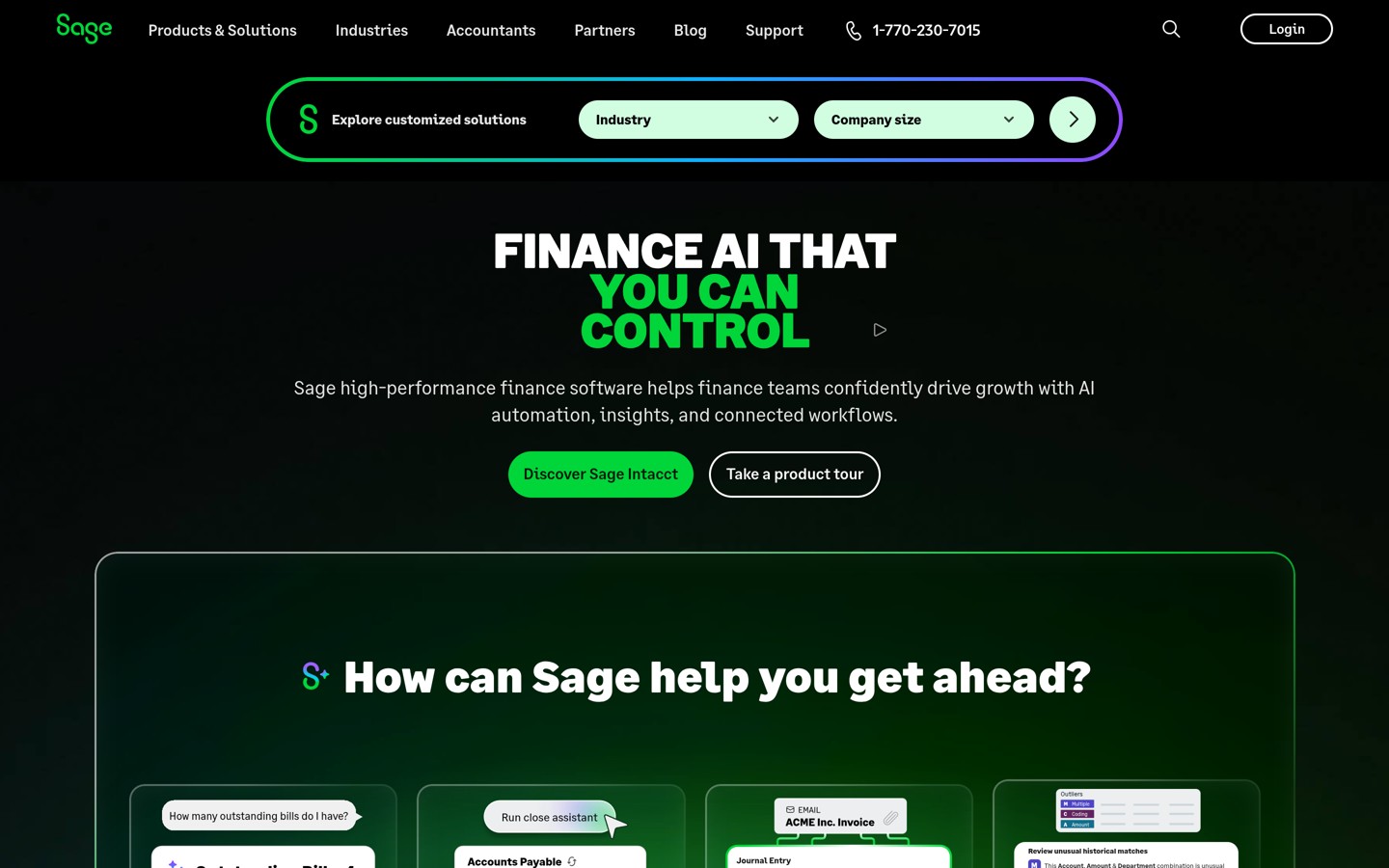
Sage Business Cloud Accounting homepage, captured Nov 2026.
Sage Business Cloud Accounting is Sage's cloud ledger for small businesses, with invoicing, bank feeds, expenses and sales tax. Documents can be attached to invoices and expenses, so the paperwork stays with the transaction. Start costs $20 a month for 1 user with unlimited sales invoices.
The trade off is the intro price. Start is listed at $10 a month for the first 6 months, then $20 a month, and Start is cash-basis only, so a second user means the $40 Standard plan. It suits small firms that want flat monthly pricing from an established vendor.
What we like
Flat monthly pricing with no annual licence
Unlimited sales invoices on every plan
Plus tier adds unlimited users for $50 a month
Watch out for
Thin G2 base of 76 reviews
Start covers only 1 user
Intro price doubles after 6 months
Standard adds a second user and quotes for $40/moVisit sage.com
07
FreeAgent
4.3/5on G2 (43 reviews, checked Nov 2026)
Starts at$27/mo
Best single flat price for sole proprietors
File attachmentsYes, on expenses
Receipt capture10 scans/mo included
UsersNo published cap
Paid planUS plan, $27/mo
freeagent.com
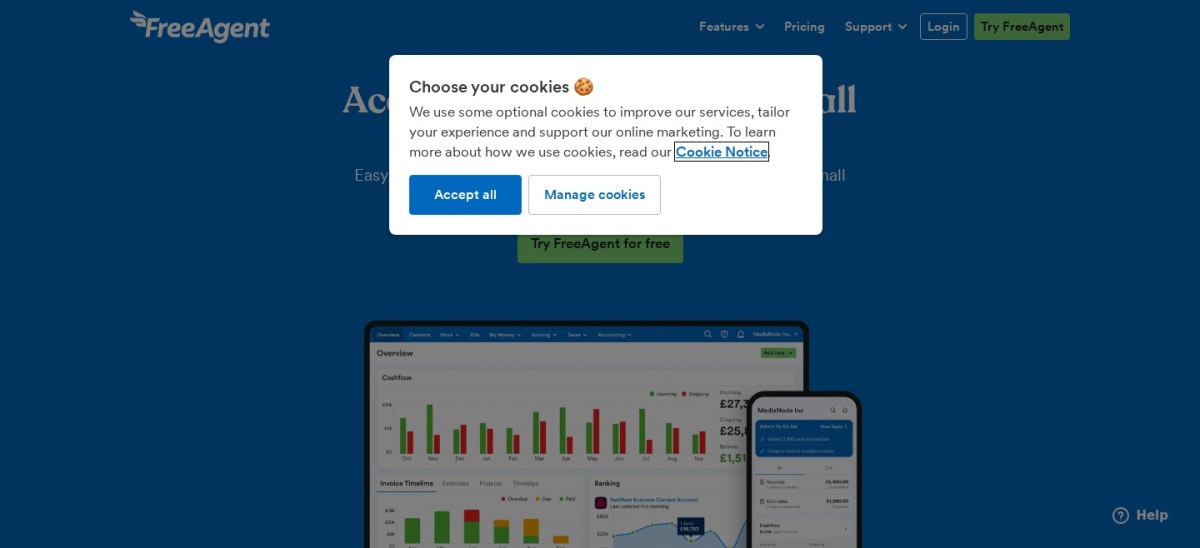
FreeAgent homepage, captured Nov 2026.
FreeAgent is cloud accounting software for freelancers and small businesses, with invoicing, expenses, bank reconciliation and tax workflows. Receipts can be scanned with Smart Capture and attached to expenses, and the single US plan includes multi-currency invoicing and sales tax reporting. It costs $27 a month, or $270 a year.
The trade off is the scan cap. Smart Capture covers 10 files a month, and unlimited scanning needs the $6 a month add-on. It suits US sole proprietors who want one flat price with no tier decisions.
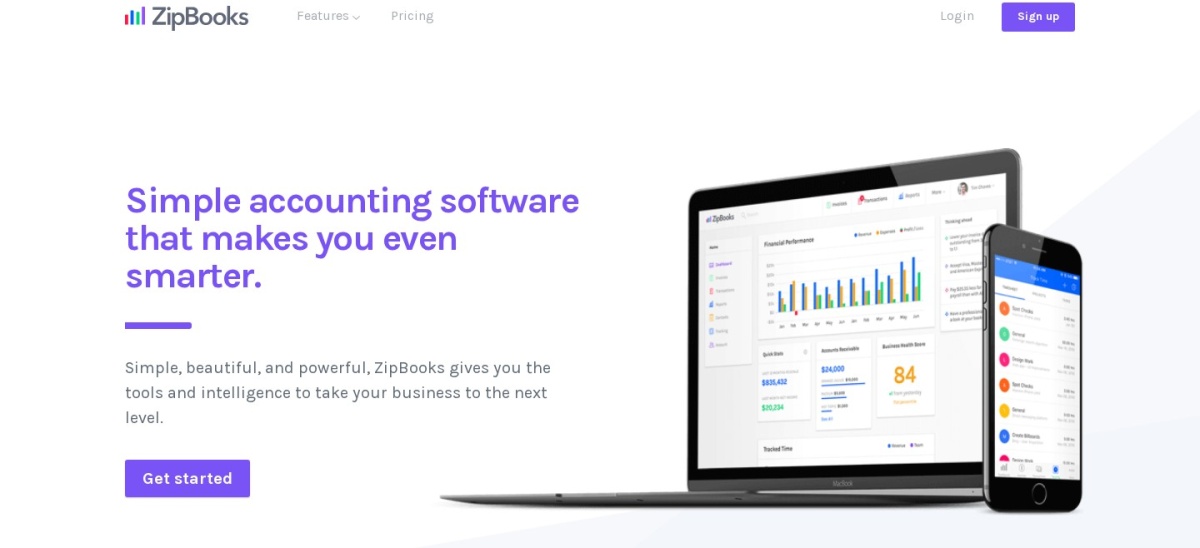
ZipBooks is a lightweight cloud accounting tool for freelancers and service businesses, with invoicing, expenses and basic reports. Its Documents section stores files with tags, and documents can be attached to invoices, bills and expenses. The Starter plan is free with unlimited invoices, customers and vendors.
The trade off is depth. The mobile app has been discontinued, reporting is basic, and there is no payroll, so growing teams outgrow it. It suits freelancers who want free file storage with their books and little else.
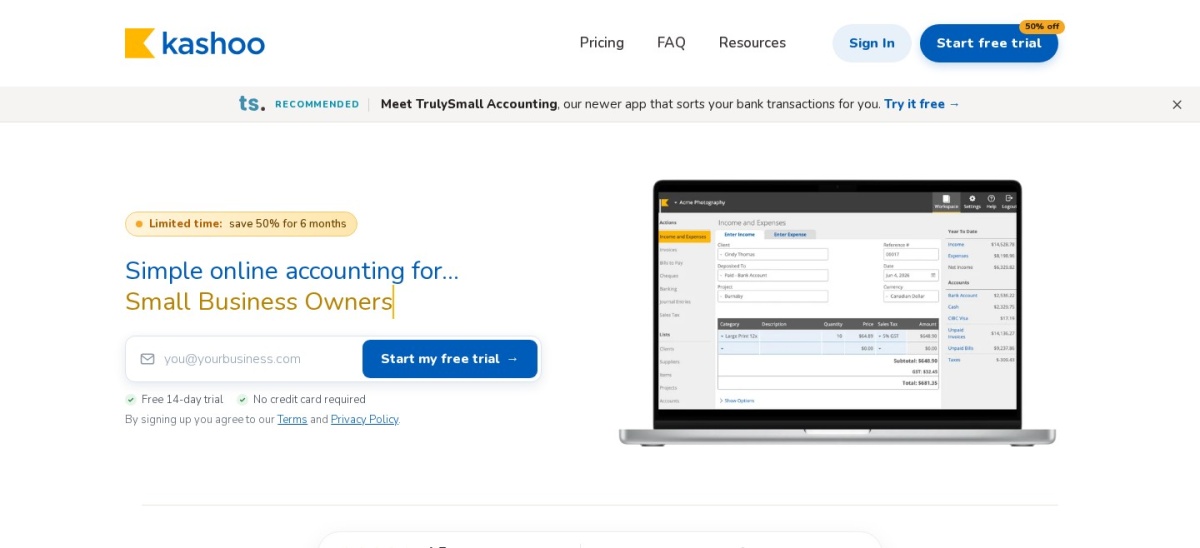
Kashoo is a simple cloud accounting tool for owners with no bookkeeping background, covering invoicing, expenses, bank feeds and reports. Any file can be attached to any transaction, with no stated file-size limit, and receipts can be captured in the mobile app. One flat plan costs $30 a month and includes unlimited users.
The trade off is choice. There is a single plan and no free tier, only a 14-day trial, and payroll is not built in. It suits sole proprietors who want the simplest possible double-entry books with their files attached.
Free plans store files, but each one caps something else. Zoho Books Free limits you to 1 user plus an accountant, Wave Starter has no bank import, and ZipBooks Starter connects only 1 bank account.
Paid plans mostly remove a cap rather than add a feature. Wave Pro adds unlimited receipt capture and bank import for $19 a month, and FreeAgent's $6 Smart Capture Unlimited add-on lifts its 10-scan monthly cap.
Before you pay, count how many receipts you scan in a busy month. A freelancer with 5 receipts a month fits every free plan here, while a shop with 50 a month needs unlimited capture from the start.
How we chose
We started from the best-known cloud accounting tools that store files online, then kept the nine with receipt capture or document attachment on a current plan.
Prices come from each vendor's pricing page, checked on 26 November 2026. Ratings and review counts come from G2 on the same day. Where a vendor shows a sale, the list shows the regular price.
We left out desktop-only accounting tools and tools with no file storage at all. No vendor paid for a place, and we do not claim to have used these tools ourselves.
How to choose accounting software with online file storage
Start with how many receipts you handle each month, then match the storage limits to that number.
Count your monthly receipts. If you scan more than 10 a month, FreeAgent's cap will cost you the $6 add-on. Unlimited capture is in QuickBooks Online, Xero, Wave Pro and Kashoo.
Check what the free plan stores. Zoho Books, Wave and ZipBooks all store files for free, but each caps something else: users, invoices or bank connections.
Match the plan to your team. Xero and Kashoo include unlimited users on every plan, while QuickBooks Online Simple Start and Sage Start cover one user each.
Keep the payment trail together. Receipts, invoices and payments should live in one place. See how payment gateway fees compare before you pick a payment method.
FAQ
What is the best accounting software with online file storage?
QuickBooks Online is the best pick for most small businesses. Its paid plans include receipt capture in the mobile app and document uploads on transactions, invoices and expenses, and it is rated 4.0 out of 5 by 3,870 G2 reviewers.
Can I store receipts in accounting software for free?
Yes. Wave Starter, Zoho Books Free and ZipBooks Starter all store files at no cost. Wave keeps receipt scanning in its $19 Pro plan, Zoho Books Free covers businesses under $50,000 in annual revenue, and ZipBooks Starter includes a Documents section.
Which accounting software lets me attach files to transactions?
All nine tools here attach files, but Kashoo is the most open: any file can go on any transaction with no stated size limit. ZipBooks adds a dedicated Documents section with tags, and QuickBooks Online and Xero attach documents to transactions, invoices and expenses.
Does Xero store files online?
Yes. Xero Files stores documents against transactions, invoices and contacts, and Smart Document Capture reads bills and receipts into the books. Both are included on Early at $27 a month, which also includes unlimited users.
Is there a file size limit on receipts?
Kashoo states no file-size limit for attachments, and the other tools here do not publish one either. Very large scans can still be slow to upload, so keep the original paper or a backup copy for anything you may need in an audit.
What is the cheapest accounting software with receipt scanning?
ZipBooks Starter is free and lets you attach receipts to expenses, though it does not read them automatically. For automatic scanning, Wave Pro at $19 a month is the cheapest plan here, with unlimited OCR receipt capture and bank auto-import included.
SaaS SEO and WordPress specialist with about 8 years of experience. Rakib compares WordPress plugins, themes, hosting and software using public pricing, documentation and user reviews. See how we rank.