Ramp is the best software for vendor spend management, holding a 4.8 out of 5 rating across 2,587 G2 reviews with a free core plan and Ramp Plus starting at $15/user/month. Precoro fits teams needing dedicated purchase orders from $499/month billed annually, while Zoho Expense starts at $3/user/month for lean expense tracking.
How we make this list: we compare pricing pages, product documentation and public user reviews, then re-check every price before each update. No product paid for a place. Disclosure.
Ramp holds a 4.8/5 rating across 2,587 G2 reviews with a $0/user/month free tier.
Precoro starts at $499/month billed annually for purchase orders, receipts, and invoice matching.
Zoho Expense starts at $3/user/month billed annually after a free plan for up to 3 users.
Invoice Ninja offers a free plan for up to 5 clients and Pro starting at $14/month.
Airwallex includes up to 10 free Spend users and charges $12/month per extra Spend user.
How do you choose the best software for vendor spend management?
Pre-approval controls matter more than post-purchase reports when stopping rogue vendor spend. Teams that only review bills after payment miss budget leaks until month-end close.
Card-led platforms fit recurring software and travel spend well. Virtual cards with per-vendor limits stop unwanted renewals before a charge posts.
Purchase order workflows become necessary as non-card supplier bills grow. Matching invoices against purchase orders and receipts catches overbilling before funds leave your account.
Per-seat pricing can add up quickly when casual approvers need access. Checking whether occasional reviewers count as paid seats keeps annual renewals predictable.
For budget billing, expenses, and self-hosting options
$14/mo
Free plan
4.7/5
Price ladder: cheapest paid plan per year
List prices, USD, checked Nov 2026
ProcurifyCustom
Zoho ExpenseFREE$36
BrexFREE$144
AirwallexFREE$144
Invoice NinjaFREE$168
RampFREE$180
Precoro$5,988
The 7 best software for vendor spend management
01
Ramp
4.8/5on G2 (2,587 reviews, checked Nov 2026)
Paid from$15/user/mo
Best for all-in-one card, expense, and bill pay workflows
G2 rating4.8/5 (2,587 reviews)
Free tier$0/mo/user
Paid plan$15/mo/user (Plus)
Billing note20% off with annual billing
ramp.com
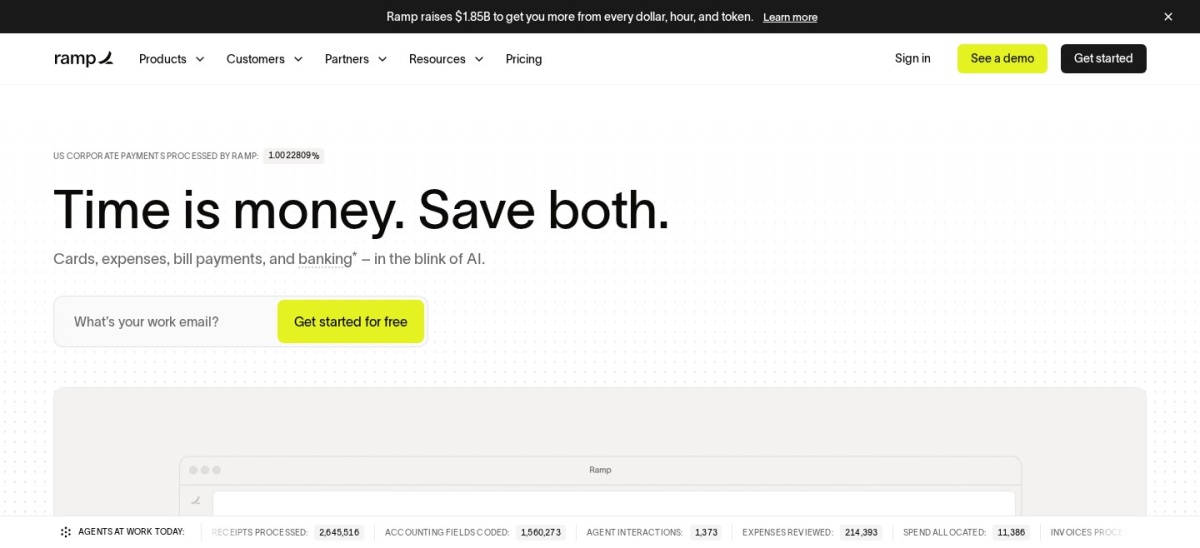
Ramp homepage, captured Nov 2026.
Ramp is a spend management platform combining corporate cards, expense tracking, accounts payable, and vendor management on a free core plan. Its free tier includes unlimited cards, auto-receipt matching, OCR invoice capture, and QuickBooks Online or Xero integrations.
The trade off is that Ramp Plus adds a per-user seat fee plus a platform fee based on team size, and procurement PO controls sit as an add-on. It suits finance teams that want card-driven spend controls and bill pay in one place.
What we like
Free core tier with unlimited physical and virtual cards
Automated receipt matching and OCR invoice extraction
4.8/5 rating across 2,587 G2 reviews
Watch out for
Plus tier charges per user plus a platform fee
Procurement add-on requires Plus or Enterprise
Ramp Plus ($15/mo/user) adds AI-driven automation and unlocks procurement add-on options.Visit ramp.com
02
Precoro
4.7/5on G2 (227 reviews, checked Nov 2026)
Starts at$499/mo
Best for structured purchase orders and approval workflows
G2 rating4.7/5 (227 reviews)
Free tierNo free plan
Starting plan$499/mo billed annually
Higher tierAutomation at $999/mo
precoro.com
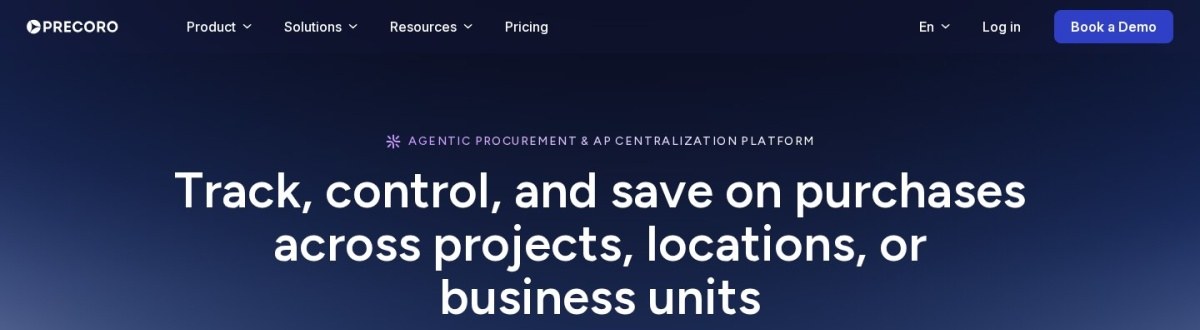
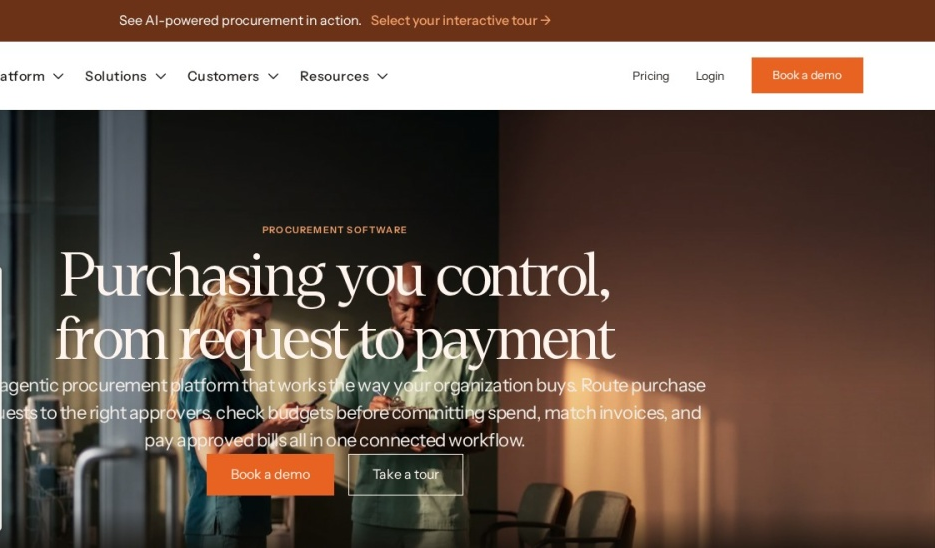
Precoro homepage, captured Nov 2026.
Precoro is a procurement platform built to centralize purchase requisitions, purchase orders, receipts, and supplier invoices with configurable approval routing. The Core plan starts at $499 per month billed annually for teams moving away from spreadsheets and email approvals.
The trade off is there is no free plan, and intelligent AP automation sits on higher tiers or separate modules. It suits mid-sized teams that need strict purchase order discipline before suppliers get paid.
What we like
Clear approval workflows by department or spend amount
Centralizes purchase requests, POs, receipts, and invoices
4.7/5 rating across 227 G2 reviews
Watch out for
No free plan or free trial listed on G2
$5,988/yr entry cost is high for micro-businesses
Automation ($999/mo) expands workflows and AI-assisted document processing.Visit precoro.com
03
Brex
4.8/5on G2 (1,667 reviews, checked Nov 2026)
Paid from$12/user/mo
Best for startup cards, travel, and multi-entity spend
G2 rating4.8/5 (1,667 reviews)
Free tier$0/user/mo
Paid tier$12/user/mo
Core focusCards, expenses, travel, bill pay
brex.com
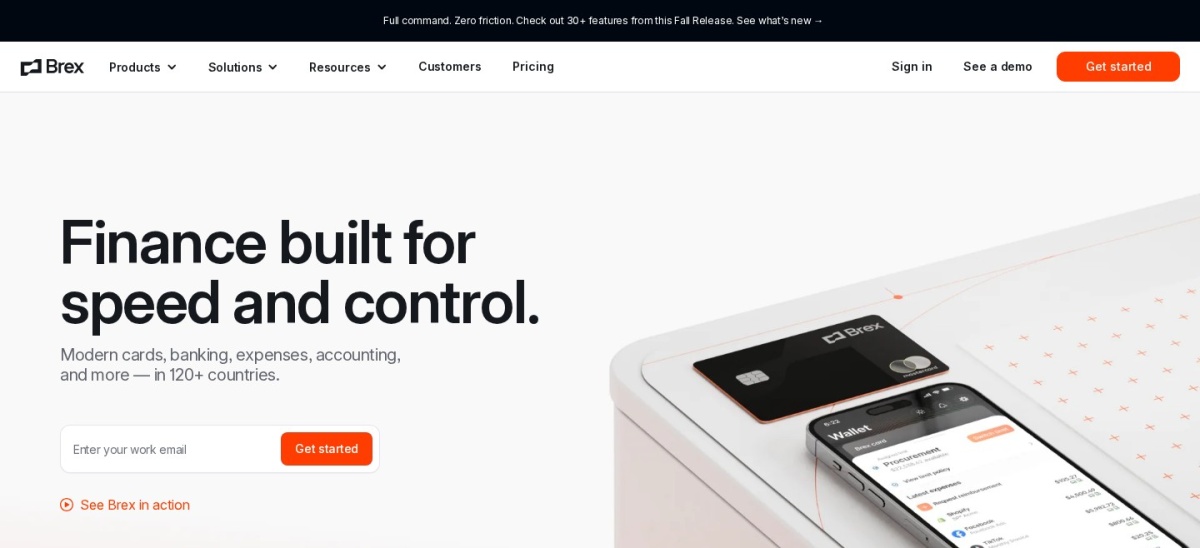
Brex homepage, captured Nov 2026.
Brex is a spend and expense platform offering corporate cards, automated receipt matching, travel tools, and bill pay starting at $0 per user per month. Teams can issue virtual cards with spending limits and sync coded transactions to accounting systems.
The trade off is advanced features cost $12 per user per month, and user overages above contracted seats can apply. It suits high-growth companies that manage vendor spend heavily through cards and reimbursements.
What we like
Entry plans start at $0 per user per month
Fast virtual card creation and receipt matching
4.8/5 rating across 1,667 G2 reviews
Watch out for
Per-user pricing rises to $12/mo for advanced features
Excess user seats above commitments can trigger overages
Paid plans at $12/user/mo unlock more advanced spend and workflow capabilities.Visit brex.com
04
Procurify
4.6/5on G2 (417 reviews, checked Nov 2026)
PricingCustom/yr
Best for modular intake-to-pay and live budget tracking
G2 rating4.6/5 (417 reviews)
Free tierNone listed
Pricing modelModular quote pricing
Key workflowPurchasing, AP, cards, approvals
procurify.com
Procurify homepage, captured Nov 2026.
Procurify is a procurement platform that handles purchasing requests, multi-level approval routing, live budget tracking, and AP or card add-ons. Its modular packaging lets organizations start with purchasing and layer on extra modules as workflows expand.
The trade off is pricing requires a custom quote rather than a flat self-serve checkout. It suits mid-market teams that want configurable approval chains and real-time budget visibility before orders go out.
What we like
Modular setup lets teams add AP, expenses, or cards over time
Live budget visibility and customizable multi-level approvals
4.6/5 rating across 417 G2 reviews
Watch out for
No public self-serve pricing or free plan
Less cost-effective for very small teams on tight budgets
Adding AP, Expense, and Card modules expands control from initial request to payment.Visit procurify.com
05
Zoho Expense
4.5/5on G2 (1,609 reviews, checked Nov 2026)
Paid from$3/user/mo
Best for low-cost expense reports and receipt OCR
G2 rating4.5/5 (1,609 reviews)
Free tierUp to 3 users
Paid plan$3/user/mo billed annually
Higher tierPremium at $5/user/mo
zoho.com
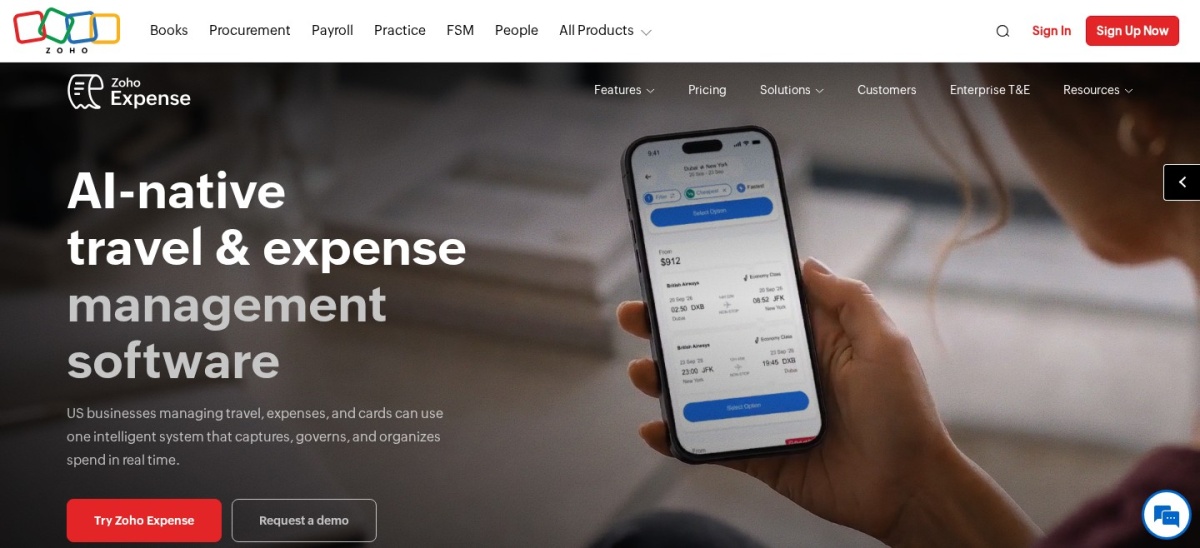
Zoho Expense homepage, captured Nov 2026.
Zoho Expense is an expense tracking platform with AI receipt scanning, multi-currency support, and accounting integrations. Its free plan supports up to 3 users with receipt capture, mileage tracking, and 5 GB of receipt storage.
The trade off is Standard at $3 per user per month billed annually covers expense workflows rather than full procurement suites, and add-ons cost extra. It suits small and growing businesses that want low-cost expense and card tracking.
What we like
Low entry price starting at $3/user/month billed annually
Free plan available for up to 3 users
4.5/5 rating across 1,609 G2 reviews
Watch out for
Free tier caps usage at 3 users and 5 GB storage
Support tiers and travel add-ons cost extra
Standard ($3/user/mo) adds multiple expense policies, ACH reimbursements, and custom roles.Visit zoho.com
06
Airwallex
4.5/5on G2 (650 reviews, checked Nov 2026)
Paid from$12/user/mo
Best for multi-currency cards and international vendor transfers
Free tierUp to 10 Spend users
Extra user fee$12/active Spend user/mo
FX markup0.5% to 1.0% above interbank
TransfersFree batch transfers in 120+ countries
airwallex.com
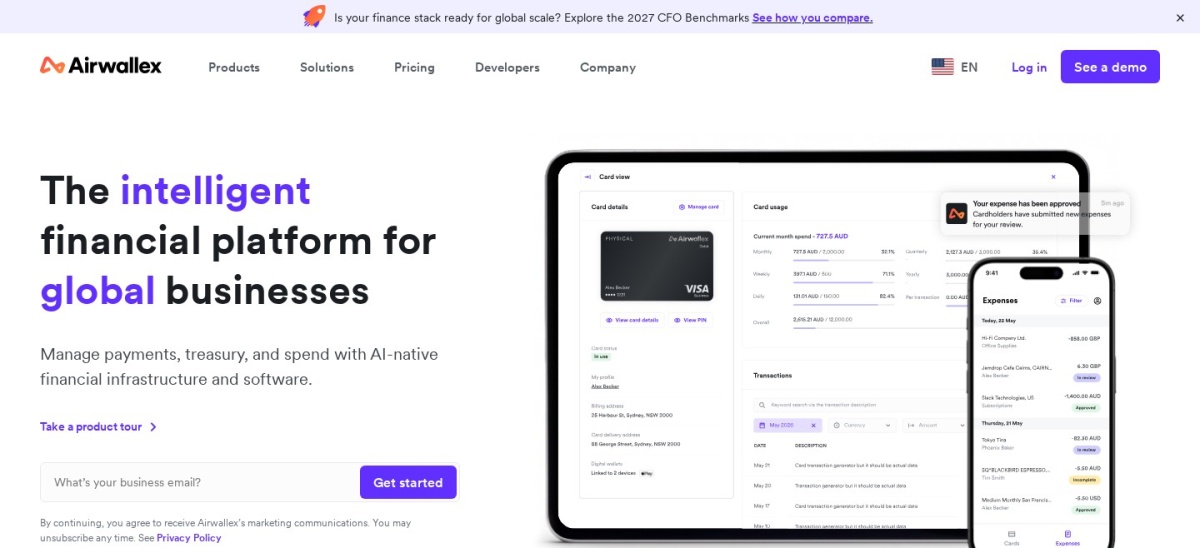
Airwallex homepage, captured Nov 2026.
Airwallex is a global financial and spend platform with multi-currency accounts, company and employee cards, and accounting sync. Its base tier has no monthly fee and includes up to 10 free Spend users.
The trade off is adding more than 10 Spend users costs $12 per active user per month up to 250 users, alongside FX conversion fees. It suits businesses paying international suppliers and software subscriptions in multiple currencies.
What we like
No monthly plan fee with up to 10 free Spend users
Multi-currency accounts and employee cards across borders
Direct accounting sync with tools like QuickBooks and Xero
Watch out for
Charges $12/month per active Spend user past 10 users
FX conversions carry percentage markups above interbank rates
Adding extra Spend users at $12/mo scales card and expense seats up to 250 users.Visit airwallex.com
07
Invoice Ninja
4.7/5on Capterra (167 reviews, checked Nov 2026)
Paid from$14/mo
Best for budget billing, expenses, and self-hosting options
Capterra rating4.7/5 (167 reviews)
Free tierUp to 5 clients
Pro monthly$14/mo ($140/yr annual)
EnterpriseStarts at $18/mo
invoiceninja.com
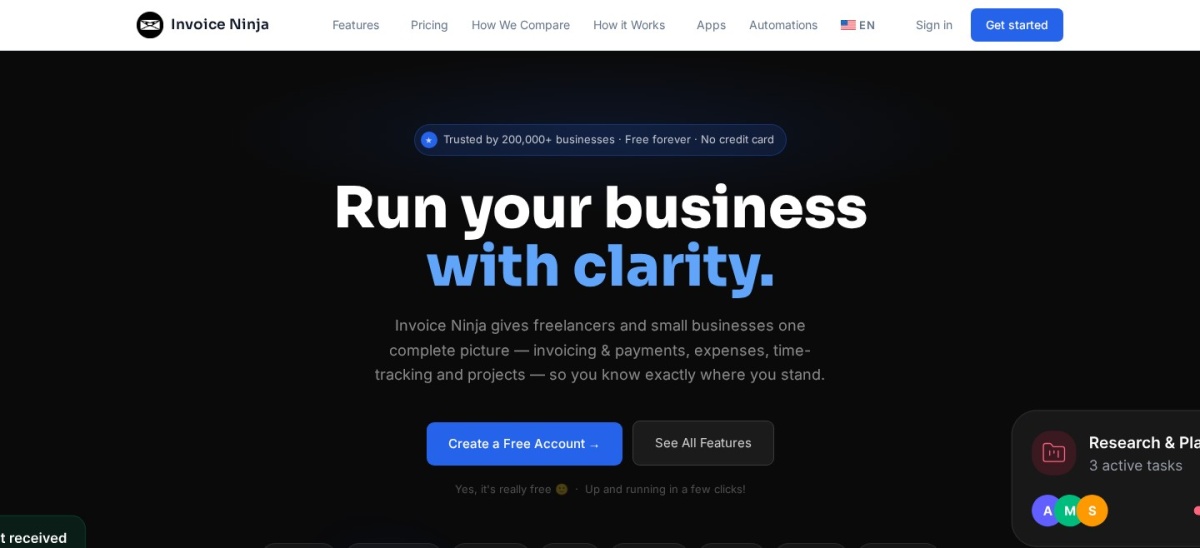
Invoice Ninja homepage, captured Nov 2026.
Invoice Ninja is an invoicing, expense, and billing platform available in cloud and self-hosted editions. Its free plan includes unlimited invoicing for up to 5 clients and online payment gateways.
The trade off is Ninja Pro at $14 per month focuses on billing and expense tracking rather than full enterprise procurement controls. It suits freelancers and small teams that want affordable billing and expense software.
What we like
Free plan covers up to 5 clients with unlimited invoices
Transparent monthly and annual pricing starting at $14/mo
4.7/5 rating across 167 Capterra reviews
Watch out for
Free tier caps active clients at 5
Not a dedicated purchase-order procurement suite
Ninja Pro ($14/mo) removes client limits and adds more invoice templates.Visit invoiceninja.com
When do you need purchase orders instead of corporate cards?
Corporate cards work well for predictable software subscriptions and employee travel. Setting per-card or per-vendor caps blocks unauthorized charges right at the payment layer.
Purchase orders become essential when buying custom services, hardware, or large supplier contracts. Matching vendor invoices against approved POs and delivery receipts prevents paying for unapproved or incomplete work.
How we chose
This list was compiled from established spend management, procurement, and expense platforms with active public documentation and verified user review profiles. Every tool included is actively maintained with clear positioning for business spend or expense workflows.
All prices, free-tier terms, ratings, and review counts were checked on 29 Nov 2026 from vendor pricing pages and review directories. Where vendors run seasonal discounts, list prices reflect standard rates rather than temporary promotions.
Products without verifiable pricing or review data on the pages checked were left out, along with tools geared solely toward legacy enterprise rollouts without transparent entry terms. No vendor paid for a place, and we do not claim testing for this list.
How to pick the right vendor spend software
Follow four practical steps to match a platform to how your team buys from vendors.
Map how vendor purchases start today. List whether requests come from employee cards, recurring SaaS renewals, or formal supplier invoices.
Decide where pre-approval must happen. Choose card controls for fast discretionary spend and purchase order approvals before larger commitments.
Check seat and add-on pricing rules. Verify per-user fees, platform charges, and whether PO or AP modules cost extra.
Confirm your accounting sync first. Make sure general ledger coding and bill status sync cleanly with your existing accounting tool.
FAQ
What is the best software for vendor spend management in 2026?
Ramp is the top overall pick with a 4.8/5 rating across 2,587 G2 reviews and a $0/user/month free tier. For strict purchase order workflows, Precoro starts at $499/month billed annually, while Zoho Expense starts at $3/user/month.
Can you manage vendor spend for free?
Yes, several platforms offer free tiers with core spend or expense features. Ramp starts at $0/user/month, Brex starts at $0/user/month, Airwallex includes up to 10 free Spend users, and Zoho Expense is free for up to 3 users.
How much does vendor spend software usually cost?
Costs range from $0 on free tiers up to $3 to $15 per user per month on entry paid plans like Zoho Expense and Ramp Plus. Dedicated procurement suites like Precoro start at $499/month billed annually.
Is Ramp or Precoro better for vendor spend management?
Ramp fits teams that want corporate cards, expenses, and bill pay starting at $0/user/month with a 4.8/5 G2 rating. Precoro fits teams that need dedicated purchase order and receipt workflows from $499/month billed annually.
What should small teams look for first?
Small teams benefit from a free or low per-seat plan, virtual cards with spend limits, and simple accounting sync. Avoid heavy enterprise procurement setups until approval volume and vendor counts require them.
SaaS SEO and WordPress specialist with about 8 years of experience. Rakib compares WordPress plugins, themes, hosting and software using public pricing, documentation and user reviews. See how we rank.