FreshBooks is the best software for creating invoices for most service businesses, with customizable billing, expense tracking and estimates starting at $23 per month. Invoice Ninja is better for businesses seeking affordable billing automation, while Wave suits business owners who want unlimited free invoicing alongside basic bookkeeping.
How we make this list: we compare pricing pages, product documentation and public user reviews, then re-check every price before each update. No product paid for a place. Disclosure.
FreshBooks costs $23 per month and includes invoicing for 5 clients, estimates and expense tracking.
Invoice Ninja offers unlimited invoices for 5 clients on its free plan, with paid upgrades starting at $14 per month.
Wave includes unlimited invoice creation on its free Starter plan and offers Pro for $19 per month.
Zoho Invoice supports up to 500 invoices annually without a subscription fee.
Xero's $27 monthly Early plan limits invoice creation to 20 invoices per month.
Harvest starts at $11 per seat per month for teams that want to turn billable hours into invoices.
What should the best software for creating invoices include?
Invoice software should reduce the time between completing work and receiving payment. Customizable templates, saved customer information, reusable line items and online payment options make billing more manageable than manually editing documents.
Free invoicing software can be sufficient for freelancers and small businesses. However, customer limits, invoice quotas, branding restrictions and payment processing fees can affect the actual cost of using a free platform.
Accounting integration becomes more important as your business grows. Software that connects invoices with expenses, bank transactions and financial reports reduces duplicate data entry and makes outstanding payments easier to identify.
Recurring billing is especially valuable for businesses with ongoing client agreements. Automated invoices and payment reminders help subscription businesses, consultants and agencies maintain consistent billing schedules without manually preparing every invoice.
4.5/5on Capterra (4,534 reviews, checked Nov 2026)
Starts at$23/mo
Best for creating invoices and managing service businesses
Entry planLite
Billable clients5 on Lite
EstimatesIncluded
Expense trackingIncluded
freshbooks.com
FreshBooks homepage, captured Nov 2026.
FreshBooks is an invoicing and accounting platform designed primarily for freelancers, consultants and service businesses. Its Lite plan supports invoicing for 5 clients alongside estimates, expense recording and digital payment collection, giving independent professionals a central place to manage client billing.
The trade off is the customer limit on its $23 monthly Lite subscription, which makes upgrading necessary for businesses with growing client lists. The pricing page displayed a temporary introductory discount, but the regular price is used here. It suits service providers who want invoicing and financial administration in the same application.
What we like
Customizable professional invoice templates
Estimates and expense tracking in the entry plan
Recurring billing and payment reminders
Integrated online payment collection
Straightforward interface for service businesses
Watch out for
Lite supports only 5 billable clients
No permanent free subscription
Additional team members increase costs
Higher plans expand client allowances and financial management features.Visit freshbooks.com
02
Invoice Ninja
4.7/5on Capterra (166 reviews, checked Nov 2026)
Paid from$14/mo
Best for affordable invoice automation
Free client limit5 clients
Free invoice allowanceUnlimited
Free templates4
Recurring invoicesIncluded
invoiceninja.com
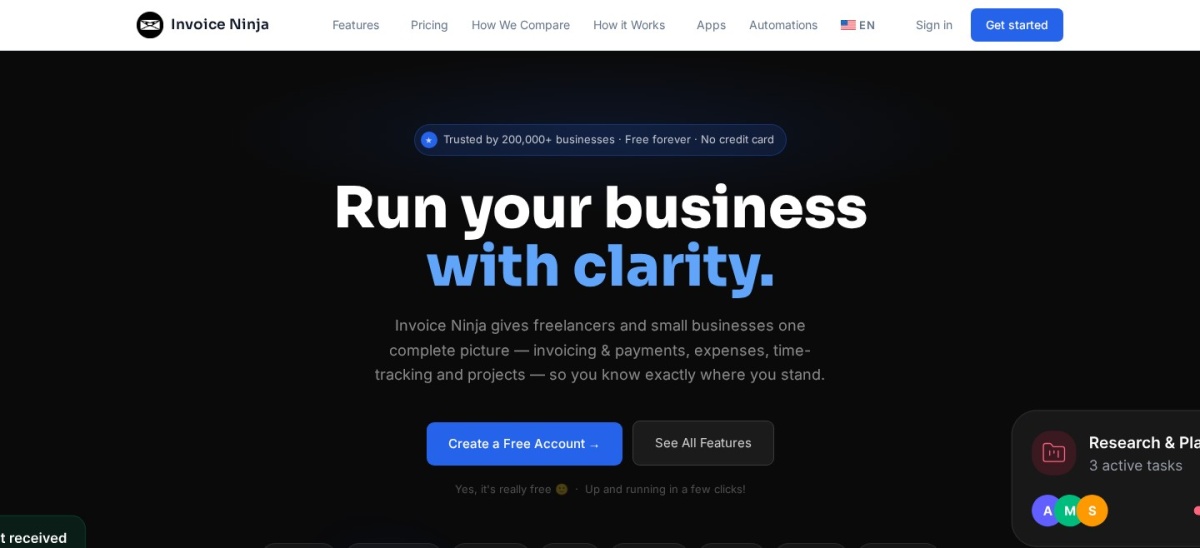
Invoice Ninja homepage, captured Nov 2026.
Invoice Ninja is a dedicated billing platform with invoice customization, recurring payments, project time tracking and expense management. Its free hosted plan allows unlimited invoices for 5 clients, provides 4 invoice templates and includes a customer-facing portal for viewing invoices and making payments.
The trade off is the free plan's restricted client allowance and the additional configuration involved in advanced billing workflows. Ninja Pro costs $14 per month at its regular monthly rate. It suits freelancers, agencies and recurring-service businesses that need flexible invoice automation without purchasing a comprehensive accounting suite.
What we like
Unlimited invoice creation on the free plan
Recurring invoices without a paid subscription
Customer invoice and payment portal
Supports deposits and partial payments
Self-hosted deployment option
Watch out for
Free plan restricts the number of clients
Advanced configurations can take time
Less comprehensive accounting than dedicated accounting suites
4.4/5on Capterra (1,732 reviews, checked Nov 2026)
Paid from$19/mo
Best for unlimited free invoices and basic bookkeeping
Free invoicesUnlimited
EstimatesUnlimited
BookkeepingIncluded
Paid planPro
waveapps.com
Wave homepage, captured Nov 2026.
Wave is a financial management platform that combines invoice creation with bookkeeping and business expense organization. Its free Starter plan supports unlimited invoices, estimates and bookkeeping records, making it an attractive option for independent businesses with straightforward accounting requirements.
The trade off is that several automation features require the Pro subscription at $19 per month, and online payment processing carries separate fees. A temporary introductory discount was displayed when pricing was checked. It suits business owners who want to create invoices and maintain financial records without an obligatory monthly subscription.
What we like
Unlimited free invoices and estimates
Basic bookkeeping included
Centralized customer and payment information
Mobile invoice creation
Optional paid automation features
Watch out for
Payment processing incurs additional charges
Advanced bookkeeping automation requires Pro
Limited inventory management capabilities
Pro adds automated transaction importing and additional billing automation.Visit waveapps.com
04
Zoho Invoice
4.7/5on Capterra (823 reviews, checked Nov 2026)
PriceFree
Best for free professional invoice creation
Annual invoice limit500
Users2
Projects3
SubscriptionFree
zoho.com
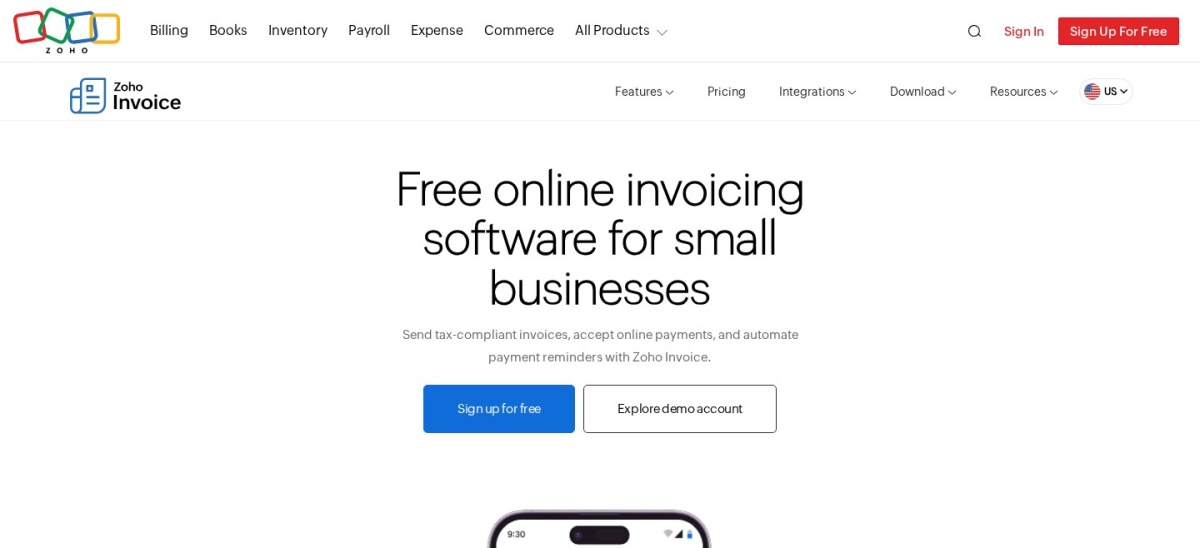
Zoho Invoice homepage, captured Nov 2026.
Zoho Invoice is a standalone invoicing application for freelancers and small businesses that need professional billing without subscription expenses. The free platform supports up to 500 invoices annually, 2 users and 3 projects, alongside payment reminders, customer records and customizable invoice templates.
The trade off is that the free service has invoice, project and user limits and includes Zoho Invoice branding. There is no standalone paid subscription, so businesses exceeding those limits may need another Zoho product or a different billing platform. It suits independent professionals with predictable invoice volumes.
What we like
No recurring software subscription
Customizable invoice templates
Automated payment reminders
Customer portal for invoice access
Integration with the broader Zoho ecosystem
Watch out for
Limited to 500 invoices annually
Supports only 2 users
Includes Zoho Invoice branding
No direct paid upgrade within the standalone product
No paid Invoice plan; growing businesses can explore Zoho Books separately.Visit zoho.com
05
QuickBooks Online
4.3/5on Capterra (8,554 reviews, checked Nov 2026)
Paid from$38/mo
Best for invoicing with comprehensive bookkeeping
Entry paid planSimple Start
Paid plan users1
Accountant access2 accountants
Financial reportsIncluded on Simple Start
quickbooks.intuit.com
QuickBooks Online homepage, captured Nov 2026.
QuickBooks Online is an accounting platform that connects customer invoices with business transactions, expenses and financial reporting. Its Simple Start subscription supports 1 business user and access for 2 accountants, helping owners and financial professionals maintain connected records without relying on separate billing documents.
The trade off is the regular $38 monthly Simple Start subscription, which is relatively expensive for businesses that only need invoice creation. The pricing page also lists a basic free tier and a temporary paid-plan discount. It suits established small businesses that prioritize accounting visibility and collaboration with their accountants.
What we like
Invoicing connected with bookkeeping records
Financial reporting and expense management
Dedicated accountant access on paid plans
Bank transaction organization
Multiple upgrade options for growing businesses
Watch out for
Higher subscription cost than dedicated invoice tools
Simple Start limits business user access
Accounting features can be excessive for occasional invoicing
4.4/5on Capterra (3,341 reviews, checked Nov 2026)
Starts at$27/mo
Best for connecting invoices with bank reconciliation
Entry planEarly
Monthly invoice allowance20
Monthly bill allowance5
Bank reconciliationIncluded
xero.com
Xero homepage, captured Nov 2026.
Xero is cloud accounting software that combines customer invoicing, bank reconciliation, expense organization and financial reporting. Its Early subscription includes online invoice payments, quotes, up to 20 invoices and 5 bills per month, providing a connected financial workspace for businesses with modest transaction volumes.
The trade off is the monthly invoice restriction on the $27 Early plan, which can become inconvenient for businesses with frequent billing activity. A temporary introductory discount was available when pricing was checked. It suits small businesses that prioritize accurate accounting records and reconciliation over dedicated invoice automation.
What we like
Invoices connected directly to accounting records
Bank reconciliation features
Online invoice payment support
Financial reporting included
Integration options for business applications
Watch out for
Early plan restricts monthly invoice volume
No permanent free plan
Requires more accounting setup than standalone invoice tools
Harvest is a time tracking and invoicing platform for businesses that charge customers according to recorded working hours. Its Teams subscription starts at $11 per seat per month with monthly billing, connecting project activity, billable time, expenses and customer invoices within a shared workspace.
The trade off is the per-seat subscription model, which increases total expenses as additional employees require access. Harvest also offers a restricted free plan, but it is primarily a time-based billing system rather than a comprehensive accounting platform. It suits consultants, creative agencies and professional service teams.
What we like
Converts recorded billable time into invoices
Project-level time and expense visibility
Useful for hourly service agreements
Integrates with accounting and payment applications
Free plan available
Watch out for
Per-seat pricing increases with team size
Limited standalone accounting functionality
Less suitable for inventory-based businesses
Paid subscriptions expand project capacity, team collaboration and reporting.Visit getharvest.com
Is free invoice software enough for a small business?
Free invoice software is sufficient when your business has straightforward billing requirements. Wave supports unlimited free invoices, while Zoho Invoice offers a free subscription with an annual allowance of 500 invoices.
Paid invoicing software becomes worthwhile when manual administration starts consuming productive working time. Automatic reminders, recurring billing, transaction matching and expanded customer allowances can justify the additional subscription expense.
A free subscription does not necessarily mean free payment collection. Payment providers may charge transaction fees whenever customers pay electronically, regardless of whether the invoice application itself has a monthly subscription.
Which invoice creation tasks should businesses automate?
Recurring invoices should be the first priority for businesses that charge regular retainers or subscription fees. Creating scheduled billing arrangements prevents repetitive data entry and helps maintain consistent payment schedules.
Payment reminders help businesses follow up on outstanding invoices without manually reviewing customer accounts every day. Choose software that lets you control reminder timing and adjust messages for individual clients.
Time-based invoice generation is particularly useful for professional services. Connecting timesheets with invoices reduces the likelihood of missed billable hours and makes it easier to explain charges to customers.
Bank reconciliation completes the billing workflow by connecting incoming payments with outstanding invoices. Businesses with growing transaction volumes should prioritize software that supports this process or integrates with their accounting system.
How we chose
We shortlisted established invoicing, accounting and time tracking applications with customer billing features. Products were ranked according to invoice creation, automation, subscription affordability, customer limits, payment collection and suitability for freelancers and small businesses.
Official subscription pricing and public Capterra ratings were checked on 29 Nov 2026. Prices use regular monthly subscription rates rather than introductory discounts, and annual equivalents multiply monthly rates by 12. Harvest pricing represents one paid seat. Capterra review totals reflect the figures displayed on the pages accessed, which may update between listings.
We excluded document editors without dedicated billing workflows, payment-only services with limited invoice management and products without confirmable subscription information. Customer and installation figures were omitted where comparable vendor data was unavailable. No vendor paid for a place, and we do not claim testing for this list.
How to choose software for creating invoices
Compare your customer volume, billing arrangements, accounting requirements and payment collection preferences before committing to an invoicing subscription.
Calculate your monthly invoice and customer volume. Estimate how many customers you bill and how frequently you create invoices. Invoice Ninja's free subscription restricts client capacity, while Xero's Early plan restricts invoice volume. Choose software that accommodates your expected growth without requiring an immediate upgrade.
Identify the billing tasks you want to automate. Determine whether you need recurring invoices, automatic reminders, deposits, partial payments or timesheet-based billing. Invoice Ninja is useful for recurring service agreements, while Harvest is better suited to businesses that charge customers according to recorded working hours.
Decide whether you need integrated accounting. Choose FreshBooks, Wave, QuickBooks Online or Xero if you want invoices connected with broader financial records. A dedicated invoice application can be sufficient when your accountant already manages bookkeeping in another system.
Compare the complete cost of collecting payments. Review regular subscription prices, additional user fees, payment processing charges and potential upgrade expenses. Create a representative invoice and examine the customer payment process before transferring your existing billing records to a new platform.
FAQ
What is the best software for creating invoices in 2026?
FreshBooks is the best overall software for creating invoices for service businesses, starting at $23 per month. Invoice Ninja is a more affordable option for recurring billing, while Wave is suitable for businesses that want unlimited free invoices and basic bookkeeping.
What is the best free software for creating invoices?
Wave is the best free option for unlimited invoice creation, while Zoho Invoice is an excellent standalone billing application with no paid subscription requirement. Zoho Invoice supports 500 invoices annually, and Invoice Ninja provides unlimited free invoices for up to 5 clients.
How much does invoice software cost?
Invoice software can be free or cost hundreds of dollars annually. Invoice Ninja costs $14 per month, FreshBooks starts at $23 per month and QuickBooks Online starts at $38 per month for its paid subscription. Payment processing and additional user charges can increase total expenses.
Is FreshBooks or Invoice Ninja better for creating invoices?
FreshBooks is better for businesses that want invoicing combined with expense management and broader accounting capabilities. Invoice Ninja is better for affordable billing automation, customer payment portals and flexible invoice customization, particularly when bookkeeping is handled through another application.
What is the easiest invoice software for beginners?
Wave and Zoho Invoice are suitable choices for beginners because they provide dedicated invoice creation workflows without requiring a paid subscription. FreshBooks is another accessible option for business owners who want estimates, invoicing and expense tracking within the same financial management platform.
Can invoice software automatically send recurring invoices?
Yes, applications such as Invoice Ninja and FreshBooks support recurring billing workflows. These features are useful for consultants, agencies and businesses that charge regular retainers. Check whether recurring invoices, automatic payment collection and reminders are included in your selected subscription.
What software creates invoices from employee timesheets?
Harvest is particularly suitable for creating invoices from recorded billable hours. Its project-based time tracking connects employee activity with client billing, making it useful for agencies and consultancies. FreshBooks and Invoice Ninja also provide time tracking features for service-based invoicing.
Do I need accounting software to create professional invoices?
No, dedicated invoice software can create professional invoices without a comprehensive accounting subscription. Zoho Invoice and Invoice Ninja are suitable examples. Accounting platforms become more useful when you also need bank reconciliation, financial statements, expense management and collaboration with accountants.
Does free invoice software charge payment processing fees?
Yes, free invoice applications can charge separate fees when customers pay electronically. These charges depend on the payment provider and transaction method. Compare payment collection costs alongside subscription pricing, especially if your business processes frequent invoices or high-value customer payments.
SaaS SEO and WordPress specialist with about 8 years of experience. Rakib compares WordPress plugins, themes, hosting and software using public pricing, documentation and user reviews. See how we rank.