Precoro offers the best procurement automations for most growing businesses, combining automated approvals, purchase orders and three-way invoice matching from $499 per month. ProcurementExpress is a good alternative for straightforward purchasing controls, while Tradogram offers a lower entry price for businesses managing purchase orders and suppliers.
How we make this list: we compare pricing pages, product documentation and public user reviews, then re-check every price before each update. No product paid for a place. Disclosure.
Precoro earns 4.8/5 from 259 Capterra reviews and includes automated approvals and three-way matching from $499/month.
ProcurementExpress has 424 Capterra reviews, the largest review count among the seven products compared.
Tradogram starts at $99/month, although requisitions and more extensive purchasing workflows require a higher plan.
ProcureDesk costs $830/month billed annually for a package that includes 10 users.
Four of the seven platforms publish entry prices, while Procurify, Zip and Order.co require custom quotes.
ProcurementExpress Basic costs $415/month but supports only up to $10,000 in monthly managed spending.
How do you choose the best procurement automations for your business?
Procurement automation should prevent unauthorized spending before it happens. A structured purchasing system collects requests, checks approval requirements and creates purchase orders without depending on disconnected spreadsheets or email conversations.
Purchase approvals and invoice matching solve different problems. Approvals establish whether someone can make a purchase, while invoice matching checks whether the supplier has billed correctly for the goods or services ordered.
The cheapest procurement subscription is not always the cheapest complete solution. Some providers charge by user, others impose spending limits, and more advanced platforms calculate prices around the modules and integrations a business needs.
Accounting compatibility matters as much as purchasing features. A procurement platform should transfer approved transactions into your accounting system without requiring finance employees to enter the same information again.
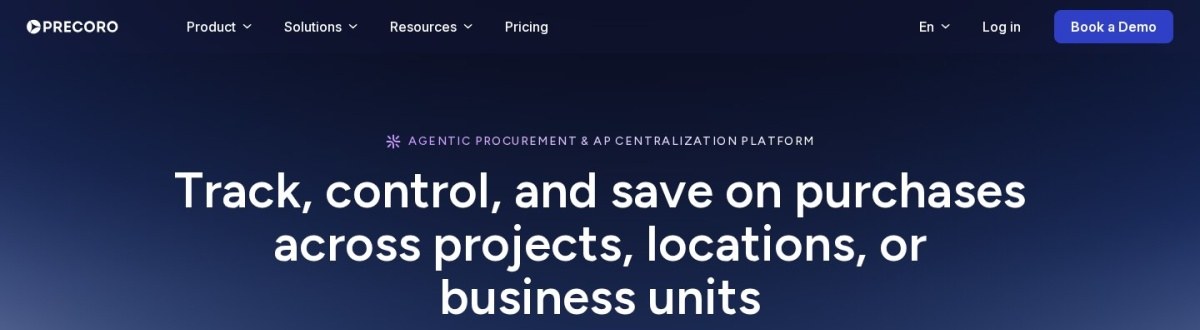
Precoro is a procurement and spend management platform that connects purchase requests, approvals, supplier records, purchase orders and invoices. Its Core plan starts at $499 per month with annual billing and includes both two-way and three-way matching, configurable approval workflows and a purchasing catalog.
The trade off is that more extensive automation features require the Automation plan, which starts at $999 per month with annual billing. The Core subscription suits growing businesses that need structured purchasing and invoice verification without introducing a complete enterprise resource planning system.
What we like
Automated purchasing approvals on the entry plan
Invoice matching includes receiving records
Supplier records and purchasing catalogs share a workspace
Connects with established accounting applications
Strong overall Capterra rating
Watch out for
Annual billing creates an upfront financial commitment
Advanced automation increases subscription costs
Some reviewers report reporting and integration limitations
Core includes purchasing workflows, invoice matching and supplier management.Visit precoro.com
02
ProcurementExpress
4.7/5on Capterra (424 reviews, checked Nov 2026)
Starts at$415/mo
Best for straightforward purchase approvals
Entry planBasic
Monthly spending capacity$10,000
Organizations1 on Basic
Accounting integrationQuickBooks
procurementexpress.com
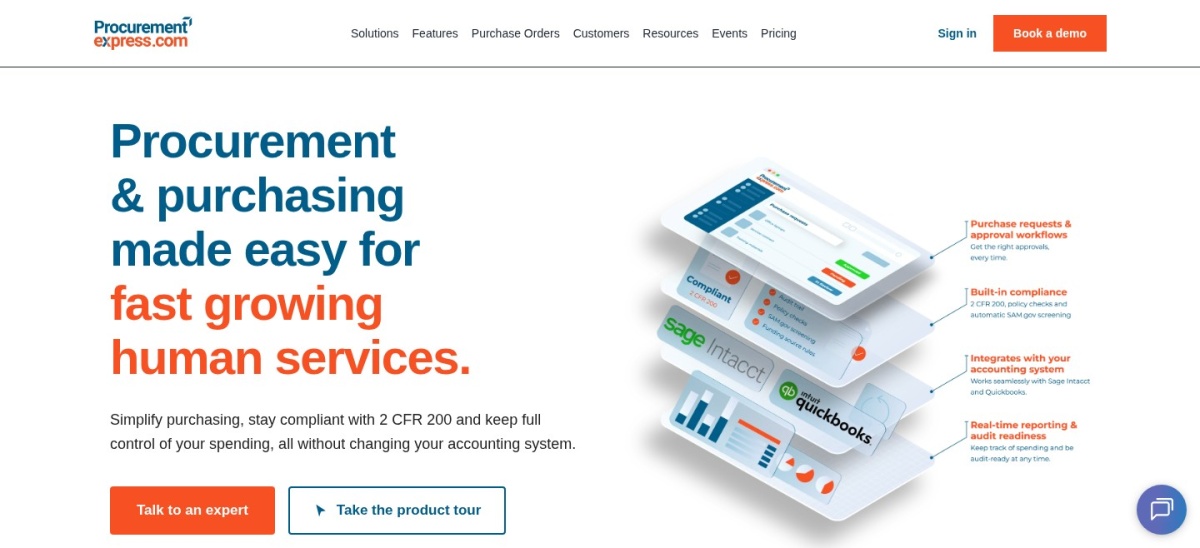
ProcurementExpress homepage, captured Nov 2026.
ProcurementExpress is a purchasing management platform focused on purchase orders, spending authorization and financial accountability. Its Basic package costs $415 per month and supports a single organization managing up to $10,000 in monthly purchasing, with QuickBooks integration and basic reporting.
The trade off is its spending-based pricing structure, which can make upgrades necessary even when a business has relatively few purchasing employees. The Better plan costs $900 per month and raises managed spending capacity to $1 million per month. It suits companies that want clear purchasing controls and a straightforward approval process.
What we like
Focused purchasing and approval interface
QuickBooks integration on Basic
Clear published subscription prices
Large collection of public customer reviews
Watch out for
Entry plan has a low managed spending ceiling
Multiple organizations require a higher subscription
Document scanning and matching require the Best plan
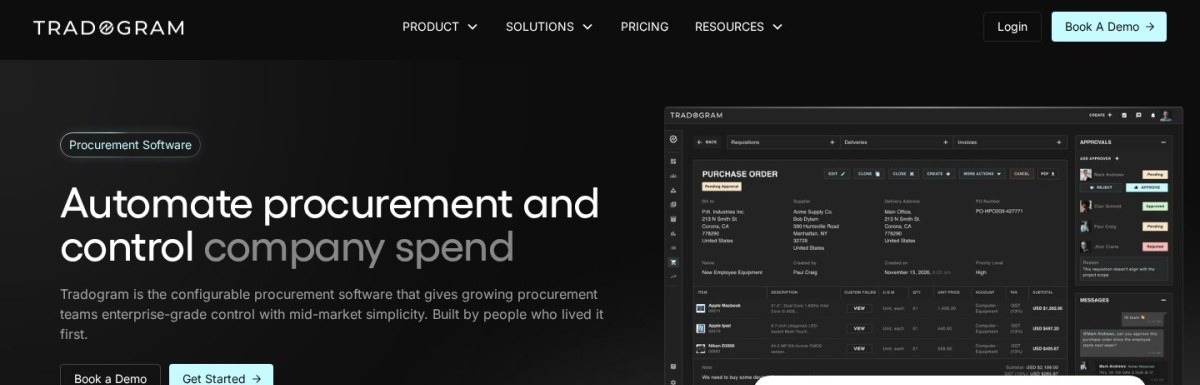
Tradogram is a purchasing and supplier management platform for organizations replacing informal buying processes. Its Essentials subscription starts at $99 per month, with additional user charges, and covers purchase orders, supplier information, accounts payable invoices, expense management and document capture.
The trade off is that the $99 monthly entry price does not cover every procurement workflow. Purchase requisitions, sourcing requests and receiving functionality belong to the Premium package, which requires a custom quote. It suits smaller purchasing teams that can begin with basic purchasing records before expanding their workflows.
What we like
Lowest published entry price in this comparison
Supplier management on Essentials
Purchase orders and invoice records in one platform
Mobile applications available
Watch out for
Additional users increase the subscription cost
Requisition management requires Premium
Complete procurement automation pricing requires a quote
Procurify is a procurement management platform that helps finance teams establish purchasing policies across departments. Its purchasing package brings together approvals, budget management, analytics, integrations and mobile access, and its Capterra review page shows a rating of 4.6 from 211 reviews.
The trade off is custom pricing and modular packaging rather than a publicly available fixed subscription. Accounts payable, expense management and additional purchasing capabilities can affect the final quote. It suits organizations that need consistent authorization rules across several teams and want to introduce additional financial workflows gradually.
What we like
Purchasing and budget controls share a platform
Mobile access supports distributed approvers
Modular expansion into accounts payable
Centralized purchasing records improve accountability
Watch out for
No public starting subscription price
Additional financial workflows may increase costs
Some reviewers find comments and notifications difficult to navigate
Purchasing provides the foundation for approvals, budgets and spending analytics.Visit procurify.com
05
ProcureDesk
4.7/5on Capterra (39 reviews, checked Nov 2026)
Starts at$830/mo
Best for purchasing and accounts payable teams
Entry planStartup
Included users10
Additional users$20/user/month
Invoice automationBasic three-way matching and OCR
procuredesk.com
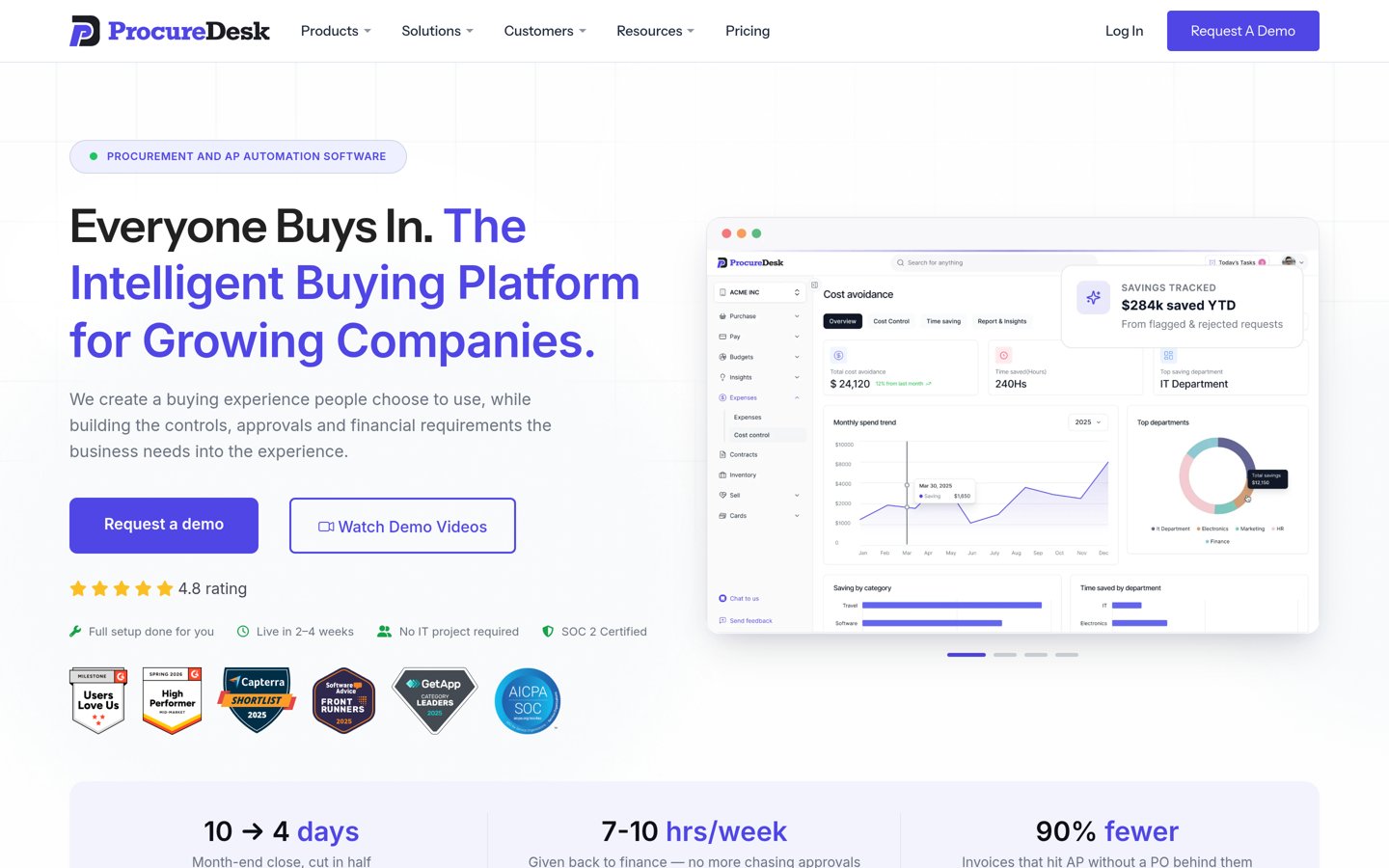
ProcureDesk homepage, captured Nov 2026.
ProcureDesk is a purchasing and accounts payable platform that connects requests, purchase orders, receiving records and invoices. Its Startup plan starts at $830 per month billed annually, includes 10 users and supports approval workflows, budget monitoring, document capture and basic three-way matching.
The trade off is the $9,960 annual starting commitment, with additional users costing $20 per month each. Supplier onboarding, single sign-on and two-factor authentication are not included in Startup according to its pricing comparison. It suits finance-led purchasing teams that need invoice processing as well as purchase authorization.
What we like
Purchasing and accounts payable in one system
Basic three-way matching on Startup
Clearly stated included user allowance
QuickBooks, Xero and Bill.com integrations
Watch out for
Highest published entry price in this comparison
Additional users create recurring costs
Supplier onboarding is unavailable on Startup
Startup does not include SSO or two-factor authentication
Startup combines purchasing, receiving, invoice matching and expense reporting.Visit procuredesk.com
06
Zip
4.7/5on Capterra (33 reviews, checked Nov 2026)
PricingCustom pricing
Best for cross-department procurement orchestration
Primary workflowProcurement intake
Approval routingCross-functional
Supplier onboardingSupported
Pricing modelContact sales
zip.com
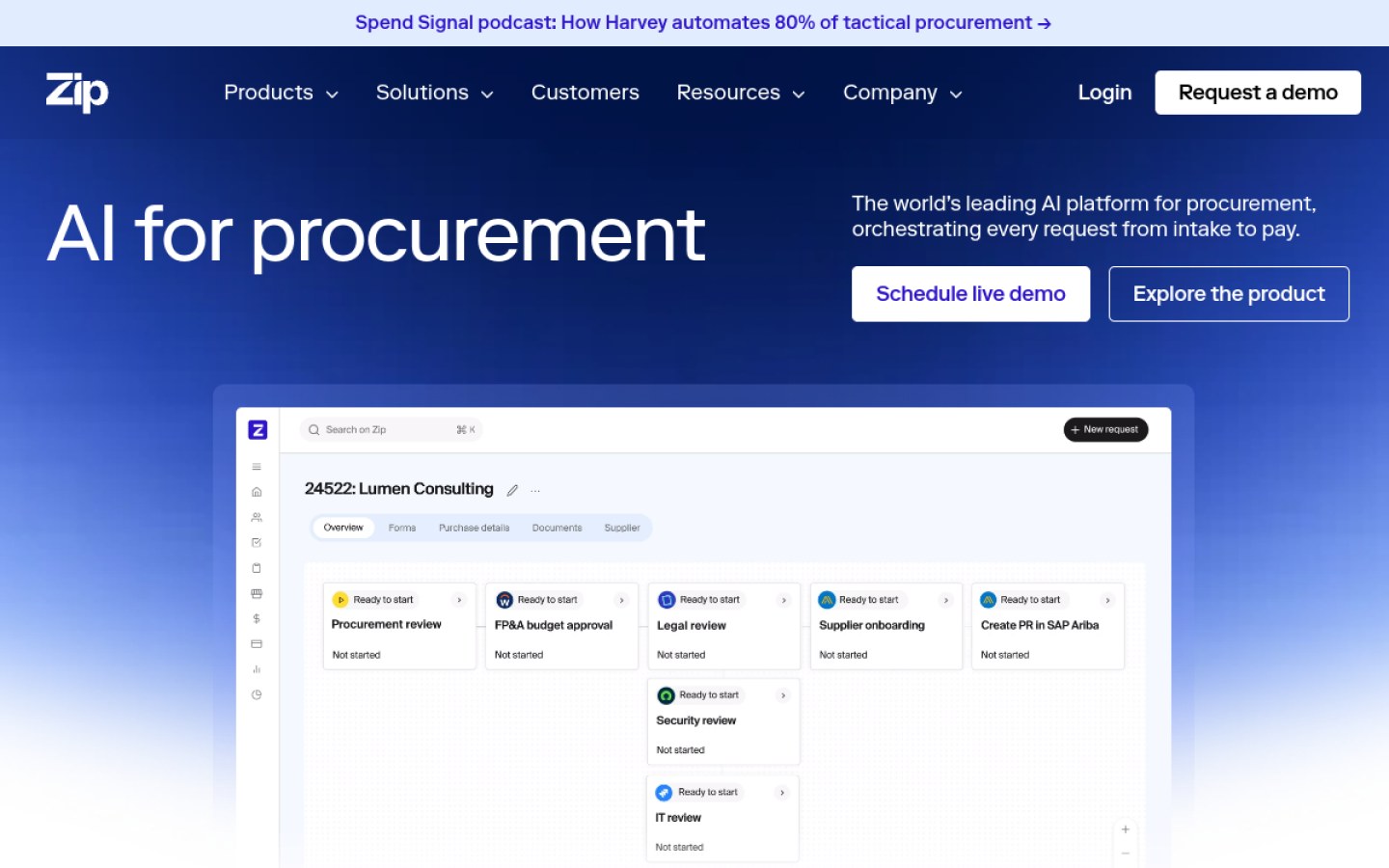
Zip homepage, captured Nov 2026.
Zip is a procurement orchestration platform designed to give employees a common starting point for purchasing requests. It coordinates approvals involving procurement, finance and other business functions, with a Capterra rating of 4.7 from 33 reviews and AI-assisted purchasing capabilities promoted on its official website.
The trade off is custom pricing and the implementation effort associated with coordinating multiple departments and existing business systems. Buyers must request a demonstration and confirm module availability before budgeting. It suits larger organizations with complex approval requirements, supplier reviews and purchasing requests involving several stakeholders.
What we like
Central starting point for purchasing requests
Coordinates approvals across business departments
Supports supplier onboarding workflows
Suitable for organizations with complex purchasing policies
Watch out for
No public subscription prices
Implementation requires careful workflow planning
May exceed the requirements of small purchasing teams
Paid packages coordinate purchasing intake, approvals and related procurement processes.Visit zip.com
07
Order.co
4.5/5on Capterra (179 reviews, checked Nov 2026)
PricingCustom pricing
Best for recurring purchasing across locations
Purchasing focusIndirect procurement
Order placementAutomated
Product catalogsApproved supplier items
Pricing modelQuote through demonstration
order.co
Order.co homepage, captured Nov 2026.
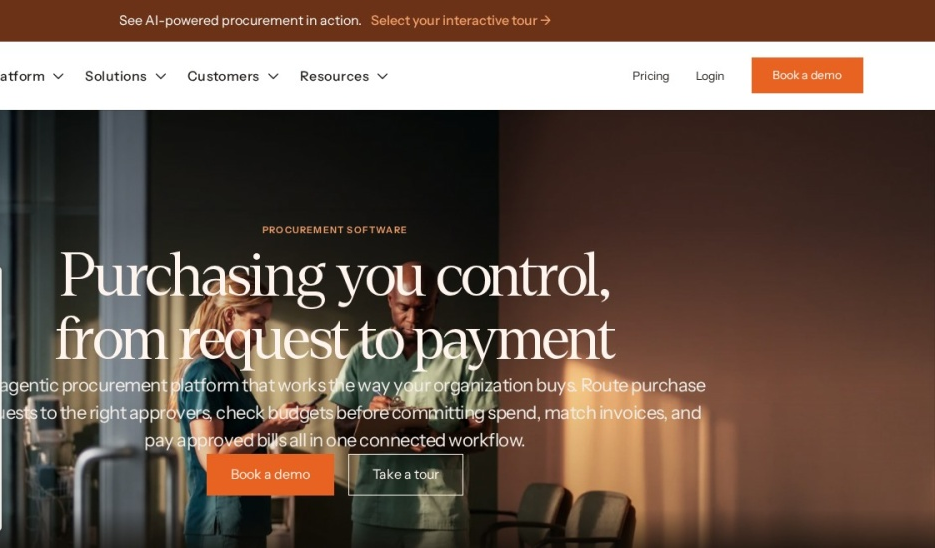
Order.co is a procurement and finance automation platform focused on buying recurring supplies from multiple vendors. It combines controlled product catalogs, configurable approvals, automated order placement and delivery tracking, with a Capterra rating of 4.5 from 179 reviews.
The trade off is custom pricing and a purchasing model centered on indirect goods rather than complex direct-material sourcing. The vendor provides current pricing during a sales demonstration. It suits organizations operating several locations that want to reduce repetitive supplier ordering, delivery follow-up and purchasing administration.
What we like
Automates order placement after approval
Consolidates purchasing across suppliers
Supports controlled product catalogs
Tracks deliveries within the purchasing platform
Watch out for
Subscription pricing requires a sales conversation
Less suited to formal direct-material sourcing
Some reviewers report delivery and returns difficulties
Paid access combines purchasing controls with automated ordering and fulfillment coordination.Visit order.co
Which procurement processes should you automate first?
Start with purchase request intake. Employees should have a consistent way to explain what they need, why they need it and which budget should cover the expense.
Automate approval routing next. Requests should reach the appropriate budget owner based on purchase category, spending authority and organizational policy instead of relying on employees to identify the correct approver.
Connect approved requests to purchase orders. Keeping these records connected helps purchasing teams understand which orders were authorized and which supplier commitments remain outstanding.
Introduce invoice matching when purchasing and receiving records are reliable. Comparing invoices against purchase orders and delivery records helps finance teams identify discrepancies before authorizing payment.
Why procurement automation pricing varies so much
Entry subscriptions cover different amounts of functionality. Tradogram starts at $99 per month for purchasing essentials, while Precoro starts at $499 per month with automated approvals and invoice matching.
Spending limits can change the cost independently of employee numbers. ProcurementExpress Basic supports $10,000 in monthly managed purchasing, so businesses with larger purchasing budgets should examine the higher subscription tiers.
Annualized prices are useful for comparing published subscription commitments, but they do not represent every implementation expense. Additional users, accounting integrations, data migration and supplier onboarding can increase total ownership costs.
Custom pricing is not free software. Procurify, Zip and Order.co use zero as a comparison-data placeholder because a public subscription amount is unavailable. Their actual annual costs require individual quotes.
How we chose
We started with established procurement and purchasing platforms that support repeatable buying processes. We compared approval automation, purchasing records, supplier coordination, budget controls, invoice processing and the practical restrictions associated with entry-level subscriptions.
Official vendor pricing and Capterra review pages were opened on 29 November 2026. Ratings and review counts come from the displayed overall review summaries. Public prices are regular entry subscription amounts, annualized where appropriate. For Zip and Order.co, official sales information establishes the contact-sales purchasing route rather than a published price table.
We excluded generic task management applications, standalone invoice scanners and products without sufficient public review evidence. Quote-only platforms appear below products with published entry prices, and the rankings reflect procurement functionality and purchasing requirements rather than review scores alone. No vendor paid for a place, and we do not claim testing for this list.
How to choose procurement automation software
Identify the purchasing bottlenecks your business needs to remove before comparing subscription packages and automation features.
Map your current purchasing workflow. Document how employees request purchases, who approves them, how suppliers receive orders and how finance verifies invoices. Look for software that connects the steps creating the most repeated administrative work.
Identify your approval and spending requirements. Decide whether purchasing approval depends on department, project, supplier, spending amount or expense category. Confirm that the proposed subscription supports the rules your organization needs rather than relying on features reserved for expensive upgrades.
Check accounting and supplier compatibility. Confirm that purchase orders, supplier records, invoices and accounting codes transfer correctly between the procurement platform and your existing financial systems. Ask the vendor which integrations are included and which require additional implementation fees.
Calculate the complete annual commitment. Include subscription charges, additional purchasing users, spending allowances, implementation costs and optional financial modules. Request a written quote for the workflows you intend to deploy, especially when a vendor does not publish complete pricing.
FAQ
What are the best procurement automations in 2026?
Precoro is the best overall procurement automation platform for growing businesses that need purchasing approvals and invoice matching. ProcurementExpress is a good choice for purchase authorization, while Tradogram provides a less expensive starting point for basic purchasing and supplier management.
How much does procurement automation software cost?
Published entry prices in this comparison range from $99 per month for Tradogram to $830 per month for ProcureDesk. Actual costs depend on billing commitments, user allowances, spending capacity, accounting integrations and the procurement capabilities included in each subscription.
What is the best procurement automation software for small businesses?
Tradogram is a good starting point for small businesses that mainly need purchase orders, supplier records and invoice management. Precoro is preferable when the business already needs configurable approval workflows, receiving records and invoice matching within its entry subscription.
Is there free procurement automation software?
None of the seven platforms compared offers a verified permanent free procurement plan. Businesses can use available demonstrations or trials to evaluate purchasing workflows, but should budget for a recurring subscription when implementing these products for regular operations.
Is Precoro better than ProcurementExpress?
Precoro is better for businesses requiring a broader procurement-to-invoice workflow, including two-way and three-way matching. ProcurementExpress is better for organizations focused on straightforward purchase orders and approvals, provided their managed spending remains within the selected subscription's allowance.
What is the difference between procurement automation and accounts payable automation?
Procurement automation manages purchasing requests, approvals, orders and supplier-related processes before payment. Accounts payable automation focuses on collecting invoices, checking billing accuracy, routing invoice approvals and preparing payments. Combining these workflows can reduce repeated data entry between purchasing and finance.
Can procurement automation software prevent unauthorized spending?
Procurement automation can reduce unauthorized spending by requiring employees to obtain approval before committing company funds. Budget restrictions, approved supplier catalogs and recorded authorization decisions help enforce purchasing policies, although their effectiveness depends on configuration and employee compliance.
What does three-way matching mean in procurement automation?
Three-way matching compares the supplier invoice with the original purchase order and the receiving record. It helps finance teams check that invoiced prices and quantities correspond to authorized purchases and delivered goods before releasing payment or investigating discrepancies.
Can procurement automation integrate with accounting software?
Yes, many procurement platforms connect with accounting applications to transfer purchasing and invoice information. Precoro and ProcureDesk support QuickBooks and Xero integrations, while ProcurementExpress Basic includes QuickBooks connectivity. Confirm supported accounting editions and synchronization requirements before purchasing.
SaaS SEO and WordPress specialist with about 8 years of experience. Rakib compares WordPress plugins, themes, hosting and software using public pricing, documentation and user reviews. See how we rank.