Airtable is the best software for customizable data models for most teams, with linked records, custom fields and a free plan, rated 4.6 out of 5 on G2. Pick Notion if your data lives beside docs, or Sanity if developers define the model in code.
How we make this list: we compare pricing pages, product documentation and public user reviews, then re-check every price before each update. No product paid for a place. Disclosure.
Airtable leads with 4.6 out of 5 from 3,287 G2 reviews and a free plan capped at 1,000 records per base.
Notion has the largest review base here: 4.6 out of 5 from 14,029 G2 reviews, with Plus at $10 a seat a month.
Sanity and Directus define the model in code or SQL: Sanity Growth costs $15 a seat a month, Directus Cloud starts at $89 a month.
Seven of the 9 tools have a free plan; Knack and SmartSuite offer a 14-day trial instead.
Cheapest paid plans run from $8 a user a month for Zoho Creator to $89 a month for Directus Cloud.
What customizable data models mean
A customizable data model means you define the tables, fields and links yourself, instead of fitting your work into fixed forms. That is the shared idea behind the tools in this list, even though they come from three places: no-code databases, headless CMS platforms and no-code backends.
No-code databases such as Airtable and Baserow are the closest match for most teams. You build tables with your own field types, link records across tables and show the same data as a grid, a board or a calendar.
Headless CMS tools such as Sanity and Directus suit teams where developers own the model. Sanity defines content types in code, while Directus wraps an existing SQL database and adds an admin panel and APIs.
Price is mostly per seat, so check the seat count before you compare monthly figures. Our guide on adding custom fields in WordPress shows the same idea at a smaller scale: fields you define, reused across records.
The 9 best software tools for customizable data models
01
Airtable
4.6/5on G2 (3,287 reviews, checked Nov 2026)
Paid from$20/mo
Best customizable data model tool overall
Free records1,000 per base
Linked recordsYes
Paid planTeam, $20/user/mo
APIREST API included
airtable.com
Airtable homepage, captured Nov 2026.
Airtable is a no-code database where each base holds tables you design yourself, with your own field types and links between records. The free plan covers 1,000 records per base, and the same data can be shown as a grid, a board, a calendar or a gallery.
The trade off is price as teams grow. Team costs $20 a user a month billed yearly, and Business is $45, so a large editing team pays far more than the headline figure. It suits operations, marketing and product teams that want to shape their own data without code.
What we like
Linked records across tables with many field types
Same data shown as grid, board, calendar or gallery
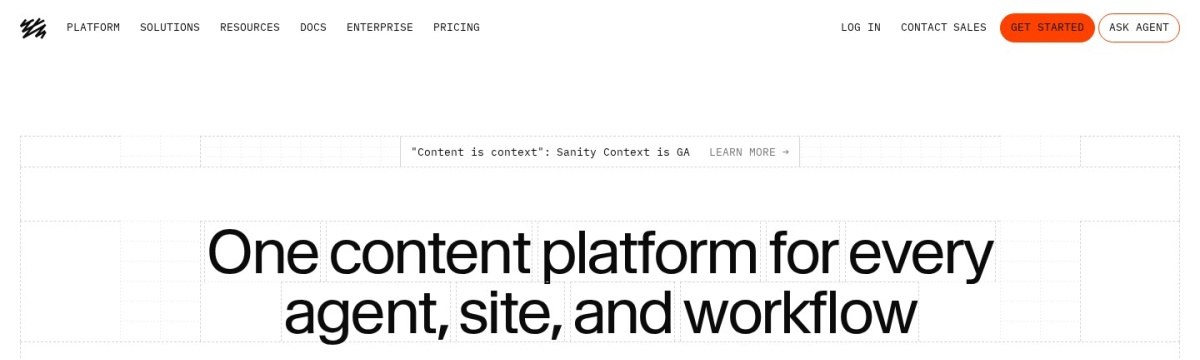
Notion is a docs workspace where databases sit inside pages, so a project tracker, a wiki and the notes behind it share one place. Databases use custom properties, relations between tables and rollups, and the free plan covers personal use.
The trade off is depth. Notion databases suit tracking and planning, but they are not a full database engine, and large bases can feel slow. Plus costs $10 a seat a month billed yearly. It suits small teams that want docs and data in one tool.
Sanity is a headless content platform where developers define content types and fields in code, and editors work in a live studio. The free plan covers 20 seats, 2 public datasets and unlimited content types, which is generous for small projects.
The trade off is the learning curve. The studio is built in code, so non-developers cannot reshape the model on their own, and Growth costs $15 a seat a month. It suits developer-led teams building sites, apps and content products.
What we like
4.7 out of 5 from 926 G2 reviews
Generous free plan with 20 seats
Real-time editing and live previews
Private datasets and scheduled publishing on Growth
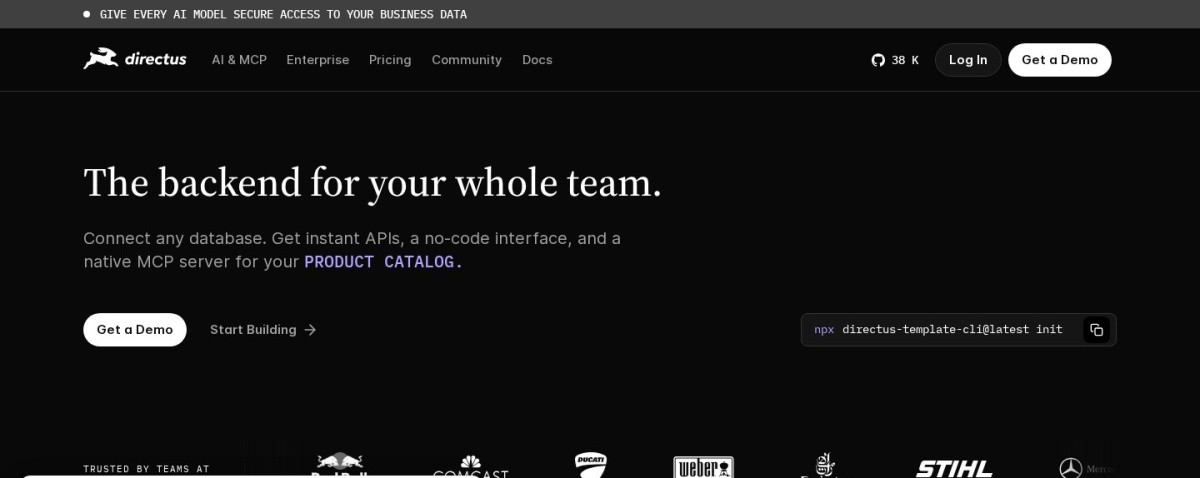
Directus is an open data platform that wraps an existing SQL database with instant REST and GraphQL APIs and a no-code admin app. You model collections, fields and relations in the studio, and the data stays in your own database.
The trade off is the jump to paid cloud. Self-hosting is free, but Cloud Core costs $89 a month billed yearly for 3 seats and 25 collections, which is steep for a small project. It suits teams that already run Postgres or MySQL and want full data ownership.
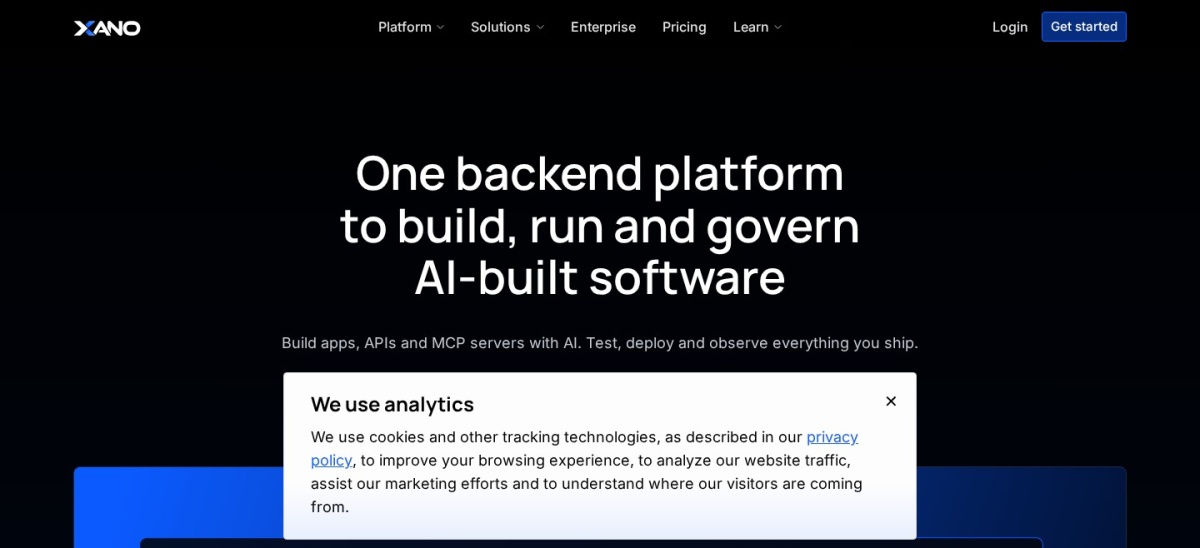
Xano is a no-code backend that pairs a Postgres database with a visual API builder and business logic, plus logins for app users. The free plan covers 100,000 records for building and testing, and paid plans remove the rate limits.
The trade off is the price step. There is nothing between free and Essential at $85 a month billed yearly, so a small production app pays that from day one. It suits teams building apps with a separate front end.
What we like
Real Postgres database under the visual builder
APIs, logic and logins in one place
Free plan covers 100,000 records
Flat price, not per seat
Watch out for
No plan between free and $85 a month
Only 67 G2 reviews, a small sample
Learning curve for serious builds
Essential adds dedicated hosting and no rate limitsVisit xano.com
06
SmartSuite
4.4/5on G2 (238 reviews, checked Nov 2026)
Starts at$15/mo
Best for governed team workflows
Free planNo, 14-day trial
Records5,000 per solution
Paid planTeam, $15/user/mo
Minimum users3 on Team
smartsuite.com
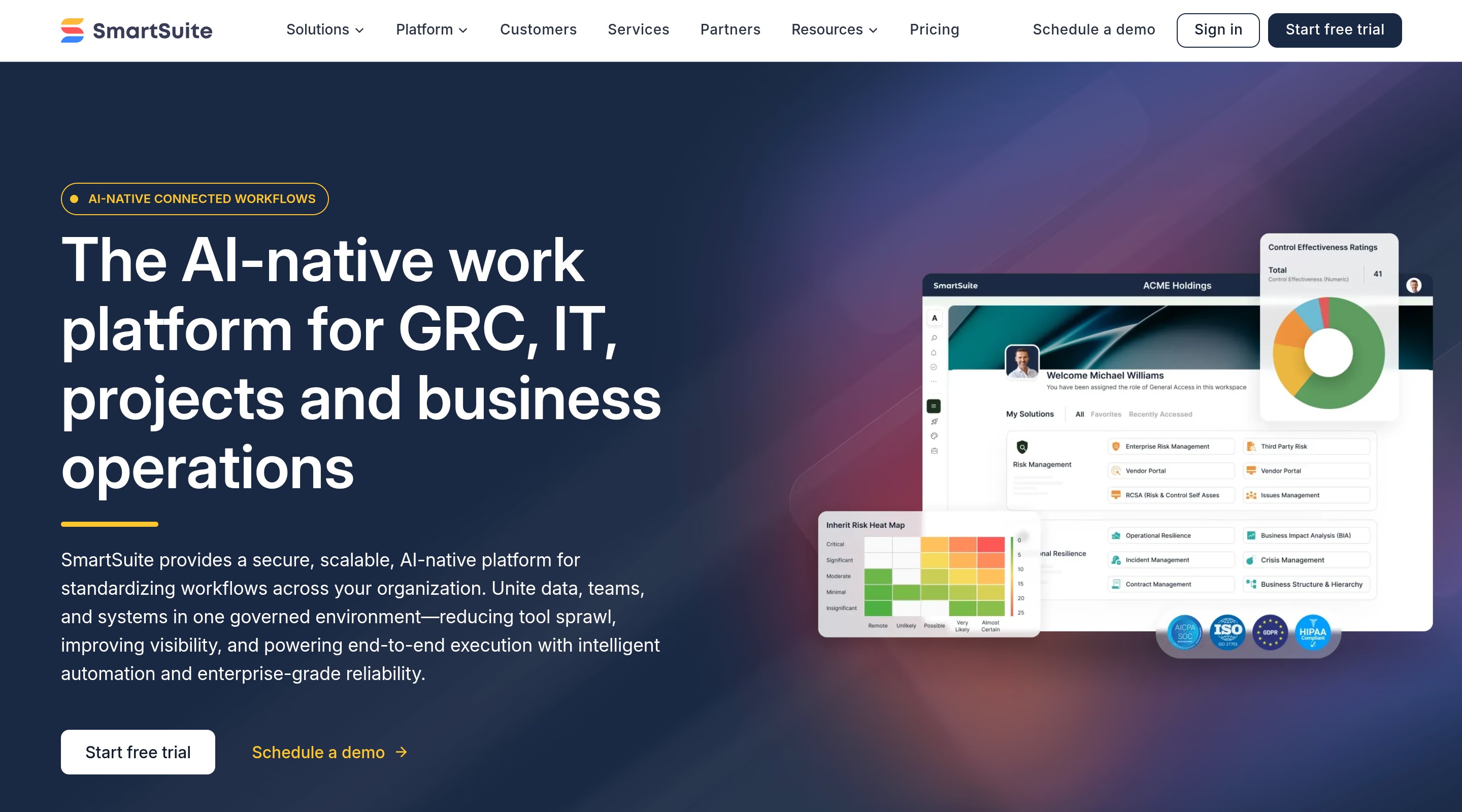
SmartSuite homepage, captured Nov 2026.
SmartSuite is a work management platform where teams build custom solutions from tables, records and automations. Team costs $15 a user a month billed yearly, with a 3-user minimum, and covers 5,000 records per solution and 50 GB of storage.
The trade off is the missing free plan. There is only a 14-day trial of the Professional plan, so you cannot run a small setup for free. It suits teams that want structured workflows with permissions and reporting in one place.
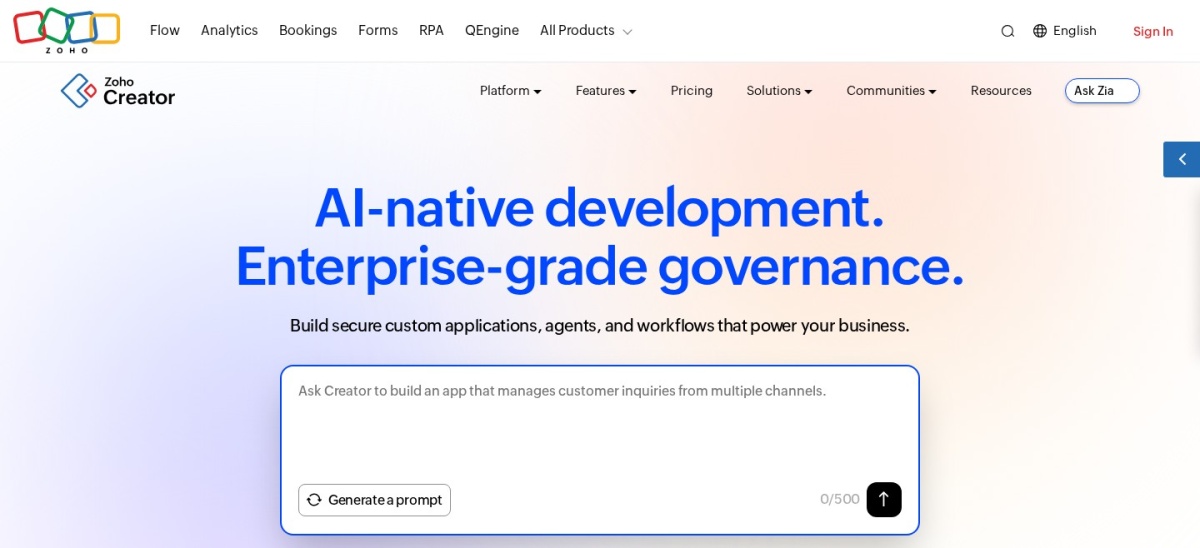
Zoho Creator is a low-code platform for building custom apps from forms, reports and workflows, with 32 field types to shape each form. The free edition covers one app, and Standard costs $8 a user a month billed yearly.
The trade off is scope. Standard covers a single app, so teams that need many apps must move to Professional at $20 a user a month. It suits small businesses that want a cheap first custom app.
What we like
Cheapest paid plan in this list
32 field types for custom forms
Free edition for one app
Runs on web, iOS and Android
Watch out for
Standard covers only one app
Per-user price grows with the team
Deluge scripting takes time to learn
Professional adds unlimited apps and AI modelsVisit zoho.com
08
Knack
4.3/5on G2 (118 reviews, checked Nov 2026)
Starts at$49/mo
Best for portals with many users
Free planNo, 14-day trial
Records20,000 on Starter
Apps3 on Starter
App usersUnlimited
knack.com
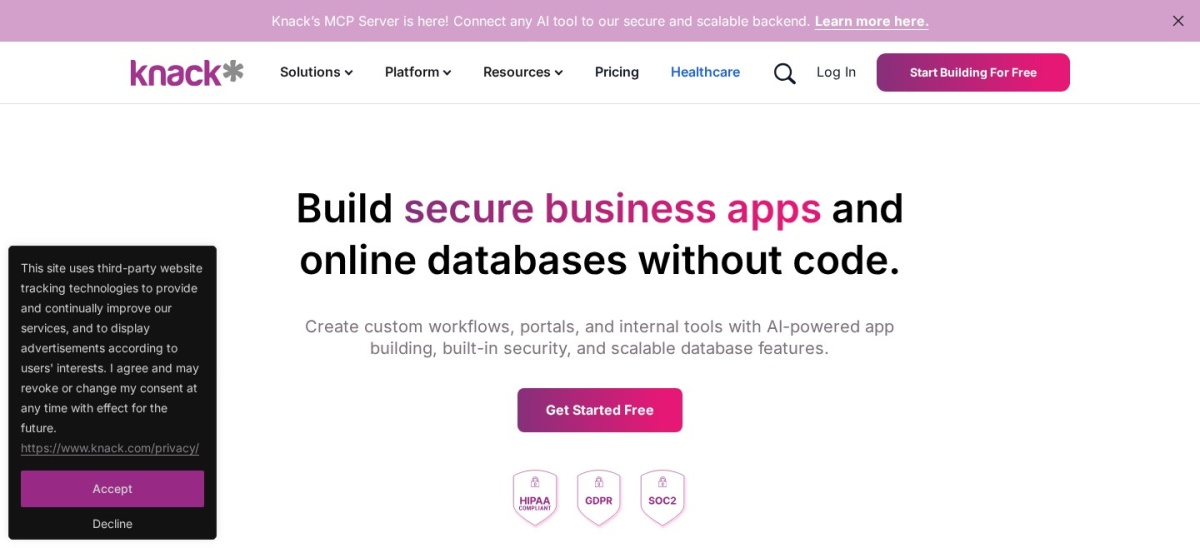
Knack homepage, captured Nov 2026.
Knack is a no-code database and app builder for portals, internal tools and CRMs, where you define tables, relations, forms and user roles. Starter costs $49 a month billed yearly for 20,000 records, 2 GB of storage and 3 apps, with unlimited app users on every plan.
The trade off is the entry price. New customers see $19 a month for the first 3 months, then the regular $49, and there is no free plan beyond a 14-day trial. It suits teams with many portal users and a fixed amount of data.
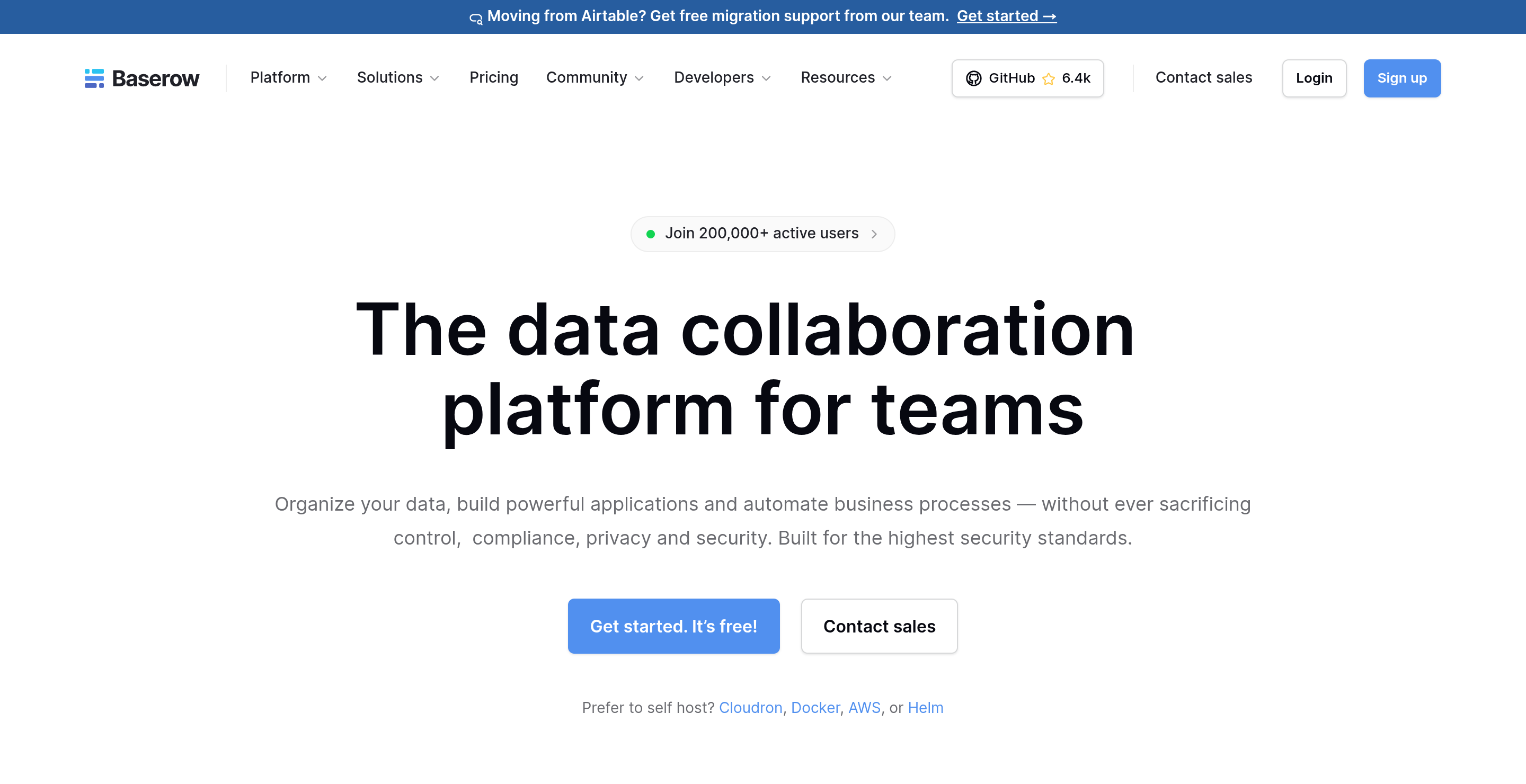
Baserow is an open-source database in the Airtable style, with linked tables, rollups and grid, gallery, kanban and form views. The cloud free plan covers 3,000 rows per workspace, and the self-hosted Community edition is free with no row limit.
The trade off is the thin review base. Capterra rates it 4.6 out of 5 from 69 reviews, while G2 shows only 4 reviews, so the score is less settled than the others here. It suits teams that want to own their data or self-host.
No-code databases vs headless CMS: which shape fits
No-code databases keep the model and the interface together. You change a field and the form, the grid and the views change with it, which is why Airtable, Notion and Baserow suit operations teams.
Headless CMS tools split the model from the front end. Developers define the schema, editors fill in content, and the site or app reads it through an API. That split suits content-heavy sites and products with more than one front end.
No-code backends such as Xano sit between the two. You model tables and add logic and logins, then connect any front end. Pick the shape that matches who will change the model: a no-code database for the team itself, a headless CMS for developers.
How we chose
We started from no-code databases, headless CMS platforms and no-code backends where a custom data model is a named, central feature, not a side option. Each tool had to let you define your own tables or content types, fields and relationships.
Prices come from each vendor's pricing page, checked on 26 November 2026. Ratings and review counts come from G2 on the same day, except Baserow, which uses Capterra because its G2 base is only 4 reviews. Where a vendor shows a sale or an intro offer, the list shows the regular price.
We left out tools with no public numeric rating, including NocoDB and Coda, whose pricing changed after its rename to Superhuman Docs. No vendor paid for a place, and we do not claim to have used these tools ourselves.
How to choose software for customizable data models
Start from who will change the model, then check the limits that will bind first.
Decide who owns the model. If the team itself will add fields, pick a no-code database. If developers own it, a headless CMS or a backend fits better.
Count the seats and the records. Most tools charge per seat, and free plans cap records at 1,000 to 100,000. Work out the cost for your real team size, not one user.
Check how the data gets out. Look for an API, CSV export and the import tools you need. A model you cannot export is a model you cannot leave.
Try the free plan with real data. Build one full table with your own fields and links, then check the views, permissions and automations before you pay.
FAQ
What is the best software for customizable data models?
Airtable is the best pick for most teams. It lets you define tables, field types and links between records, shows the same data in several views, and is rated 4.6 out of 5 from 3,287 G2 reviews.
What is a customizable data model?
It is a data structure you define yourself: the tables, the field types in each table and the links between them. Instead of fixed forms, you shape the model around your own records, such as projects, clients or stock.
Is Airtable or Notion better for data models?
Airtable is the stronger database, with linked records, richer field types and views built for data work. Notion wins when the data sits beside docs and wikis, since its databases live inside pages your team already uses.
Do I need code to build a custom data model?
No, not with a no-code database such as Airtable, Baserow or Knack, where you build tables and fields by pointing and clicking. Headless tools such as Sanity and Directus need a developer to define the schema.
Can I self-host a customizable data model tool?
Yes. Directus and Baserow both offer a free self-hosted edition. Self-hosting keeps the data on your own server, but you take on updates, backups and uptime yourself.
What is the cheapest tool in this list?
Zoho Creator is cheapest at $8 a user a month billed yearly for its Standard plan. Notion Plus and Baserow Premium both cost $10 a month, while seven of the nine tools also offer a free plan.
SaaS SEO and WordPress specialist with about 8 years of experience. Rakib compares WordPress plugins, themes, hosting and software using public pricing, documentation and user reviews. See how we rank.