Developer · Guide
How to Use Advanced Custom Fields (ACF) in WordPress
Short answer
To use Advanced Custom Fields, install the free ACF plugin, go to ACF > Field Groups > Add New, add fields such as text, image or date, and set location rules that decide where the fields appear. Fill in the fields when editing content, then display the values in your theme with get_field or the_field, or with the ACF shortcode where enabled.
Key takeaways
- ACF adds structured extra fields to posts, pages, users, terms and more.
- Field groups hold fields; location rules decide which edit screens show them.
- Values are shown on the front end through theme code, shortcodes or block bindings.
- The free plugin can also register custom post types and taxonomies.
- Repeater, Flexible Content, Gallery, Options Pages and ACF Blocks need ACF PRO.
What is Advanced Custom Fields?
Advanced Custom Fields, or ACF, is a plugin that adds your own structured fields, such as a price or an event date, to WordPress edit screens so you can show that data on your site.
The ACF plugin page lists more than 2 million active installations and over 30 field types. The plugin is developed by WP Engine and has a free version on WordPress.org plus a paid PRO version.
WordPress has basic custom fields built in, but they are plain key and value boxes. Our guide on adding custom fields in WordPress shows the built-in method, and ACF is the friendlier, more powerful version.
When should you use ACF?
Use ACF when content has a repeating structure, such as products, properties, events, recipes or staff profiles, and you want editors to fill in clear fields instead of formatting everything by hand.
For example, a property listing might need price, bedrooms, bathrooms and location. With ACF, editors enter each value in its own labelled box, and the theme displays them in the same layout every time.
Structured fields also make your content easier to reuse. The same price field can appear on the listing page, in search results and in a comparison table without copying text.
How do you install ACF?
Go to Plugins > Add New Plugin, search for Advanced Custom Fields, install the plugin by WP Engine and activate it; an ACF menu then appears in the dashboard.
If you bought ACF PRO, download the PRO plugin from your account, upload it under Plugins > Add New Plugin > Upload Plugin, and enter your licence key under ACF > Updates. PRO replaces the free plugin, so deactivate the free version first.
How do you create a field group?
Go to ACF > Field Groups > Add New, give the group a title, add fields with a label, name and type, set the location rules, then click Save Changes.
- Open ACF > Field Groups and click Add New
- Enter a title, such as Event details
- Click Add Field and choose a type, such as Date Picker
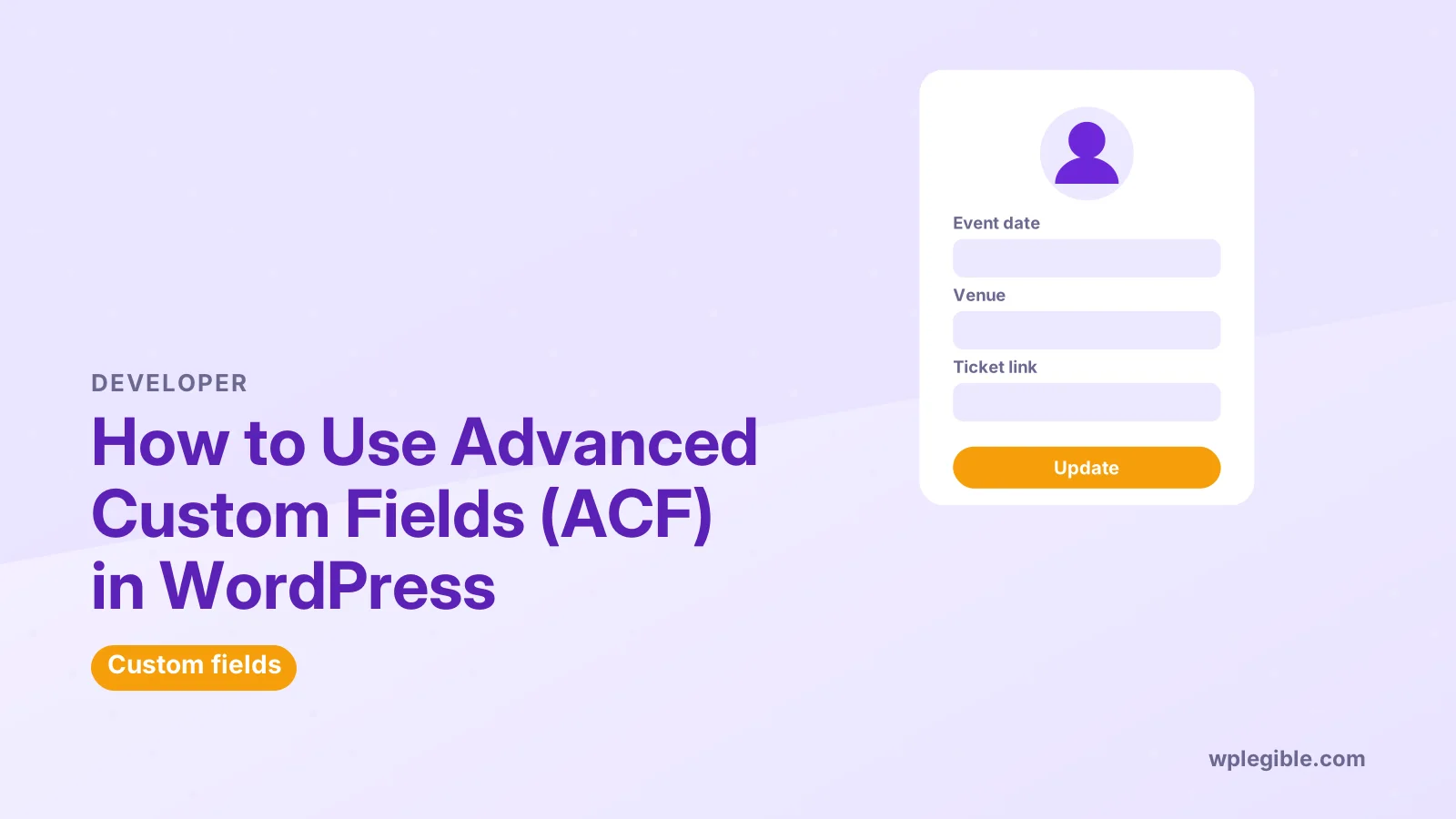
- Enter a Field Label, such as Event date
- Check the Field Name, which ACF creates from the label
- Add more fields, such as Venue and Ticket link
- Set the location rules under Settings
- Click Save Changes
The field name is what you use in code, so keep it short and clear, with lowercase letters and underscores. Changing it later means updating every template that uses it.
Which field types are most useful?
Text, Text Area, Number, Image, File, URL, Email, Date Picker, True / False, Select, Relationship and Post Object cover most projects.
| Field type | Good for |
|---|---|
| Text / Text Area | Short labels, summaries |
| Number | Prices, quantities, ratings |
| Image / File | Logos, downloads |
| Date Picker | Events, deadlines |
| True / False | Feature flags, yes or no options |
| Select / Radio | Fixed choices like size or category |
| Relationship | Linking related posts or products |
Each field has settings, such as whether it is required, its default value and instructions for editors. Write short instructions; they appear under the field and save editors from guessing.
How do location rules work?
Location rules decide where a field group appears, such as on all posts of a certain type, on one page template, on posts in a category, or on user profiles and taxonomy terms.
For example, the rule Post Type is equal to Event shows the group on every event. Combining rules with and or or groups gives precise control.
Keep rules as narrow as you can. Field groups that appear everywhere clutter the editor and confuse writers who do not need them.
How do you enter data in ACF fields?
Open a post or page that matches your location rules, and the fields appear below the content or in the sidebar; fill them in and click Update to save.
You can control where the group sits on the edit screen, and whether it appears high or low, in the field group's settings. Placing key fields near the top helps editors notice them.
Required fields block saving until they are filled in, which helps keep data complete across many posts. Conditional logic, available in the free plugin, can also hide fields that do not apply, such as a ticket link field that only appears when an event is marked as paid.
How do you display ACF fields on your site?
In theme templates, use get_field to fetch a value or the_field to print it. Block bindings and the ACF shortcode offer no-code options in some setups.
A simple template example prints the event date with the_field followed by the field name in brackets and quotes. Escape values when you print them, especially text entered by users, to avoid security problems.
The ACF documentation lists the display functions and examples for each field type. Image and relationship fields return arrays or objects, so check the return format setting.
Block bindings connect custom fields to core blocks without PHP. Our guide on how to use block bindings in WordPress explains the feature, and ACF's own docs describe which of its integrations require PRO.
Edit theme files in a child theme, not the parent. Our explainer on what a child theme is shows why.
Can ACF create custom post types?
Yes. ACF lets you register custom post types and taxonomies from its menu without code, so you can create an Events post type and attach your event field group to it.
Custom post types separate different kinds of content, such as events, from normal posts. Our explainer on what a custom post type is covers when that makes sense.
If you later want to move the definitions into code, ACF can export them as PHP. That keeps the post type working even if the plugin is removed.
What does ACF PRO add?
ACF PRO adds advanced fields like Repeater, Flexible Content, Gallery and Clone, plus Options Pages for site-wide settings and ACF Blocks for building custom editor blocks.
The Repeater field is the most common reason to upgrade. It lets editors add as many rows as they need, such as a list of team members, each with a name, photo and role.
Options Pages store global data, such as a phone number or social links, in one place that every template can read. ACF Blocks let developers create custom blocks with PHP templates instead of JavaScript.
How do you keep ACF fields in version control?
Turn on local JSON by creating an acf-json folder in your theme, and ACF saves each field group as a JSON file you can commit to Git and sync between sites.
This is a good habit on any project with more than one environment, and it works with any version control system, such as Git.
Every change to a field group then shows up as a readable diff, so you can see who added or renamed a field and roll back a mistake. Field groups created on a local site then appear on staging and live sites after you deploy the theme.
ACF shows a Sync option when JSON files and database field groups differ. Review changes before syncing, especially on live sites.
What should you watch out for with ACF?
Plan field names before building templates, avoid huge numbers of fields on one screen, and escape output in templates; also keep the plugin updated, since it powers key parts of your content.
If ACF is deactivated, the data stays in the database but templates that call its functions can throw errors. Wrap calls in checks, or use WordPress's own get_post_meta for simple values.
The WordPress Developer Resources page on escaping data explains how to output field values safely.
Frequently asked questions
Is Advanced Custom Fields free?
Yes. ACF has a free version on WordPress.org with many field types, location rules and custom post type registration. ACF PRO is paid and adds Repeater, Flexible Content, Gallery, Clone, Options Pages and ACF Blocks.
Do I need to code to use ACF?
Creating fields needs no code. Showing values on the front end usually needs small template edits, though block bindings and the ACF shortcode let you display some fields without PHP.
What happens to my data if I deactivate ACF?
Field values stay in the WordPress database as post meta. Templates that use ACF functions may show errors until ACF is reactivated or the code is updated.
Can ACF add fields to users and categories?
Yes. Location rules can show field groups on user profiles, taxonomy terms such as categories, media items, comments and menus, as well as posts and pages.
Who makes Advanced Custom Fields?
ACF is developed by WP Engine. It was originally created by Elliot Condon and later maintained by Delicious Brains before WP Engine took over.
Sources
- Advanced Custom Fields plugin WordPress.org Plugins
- ACF Resources Advanced Custom Fields
- Escaping Data WordPress Developer Resources
- Git git-scm.com
Is your product missing, or something out of date?
Tell us what to add or correct. We read every note and reply when we need a source. A message does not buy a ranking.
Thanks — we review requests within 3 business days.
Related guides
About the editors
Researched from the primary sources listed above and checked against our editorial rules before publishing.