Lucidchart is the best software for creating flowcharts for most teams, with an Individual plan at $9 a month billed yearly and a 4.5 out of 5 G2 rating from 7,566 reviews. Pick draw.io if you want a free tool with no limits, or Visio if your team already uses Microsoft 365.
How we make this list: we compare pricing pages, product documentation and public user reviews, then re-check every price before each update. No product paid for a place. Disclosure.
Lucidchart leads on templates and integrations, with a free plan limited to 3 documents of 75 shapes each.
draw.io is free with no document or shape limits and needs no account, the only $0 tool here.
Visio Plan 1 costs $5 per user a month billed yearly, the cheapest paid plan for Microsoft 365 teams.
Miro and Whimsical both score 4.6 on G2, the highest ratings in this list, but start at $8 and $10 a month.
SmartDraw has no free plan and its regular price is $10.95 a month, with new customers offered $7.95 at first.
What to look for in flowchart software
A flowchart tool should make it quick to place shapes, connect them with arrows and rearrange a diagram without breaking the layout.
Free plans differ more than prices suggest. Some cap documents or shapes, while others limit exports or version history.
Collaboration matters once more than one person edits the same diagram. Real-time editing, comments and version history keep a shared process map current.
Check exports before you commit. If you need to print a diagram or paste it into a document, PNG, PDF and SVG exports save rework.
Lucidchart is a web-based diagramming tool built for flowcharts, process maps and org charts. The free plan covers 3 editable documents with up to 75 shapes each and 100 templates, while paid plans add unlimited documents, data linking and AI diagram generation.
The trade off is the free plan's 3-document cap, which runs out fast if you diagram often. Individual costs $9 a month billed yearly, and Team adds commenting and revision history at $10 per user a month. It suits teams that want polished diagrams and shared templates.
What we like
Large template library for flowcharts and process maps
AI tools that build a first draft from a prompt
Real-time collaboration with comments and revision history
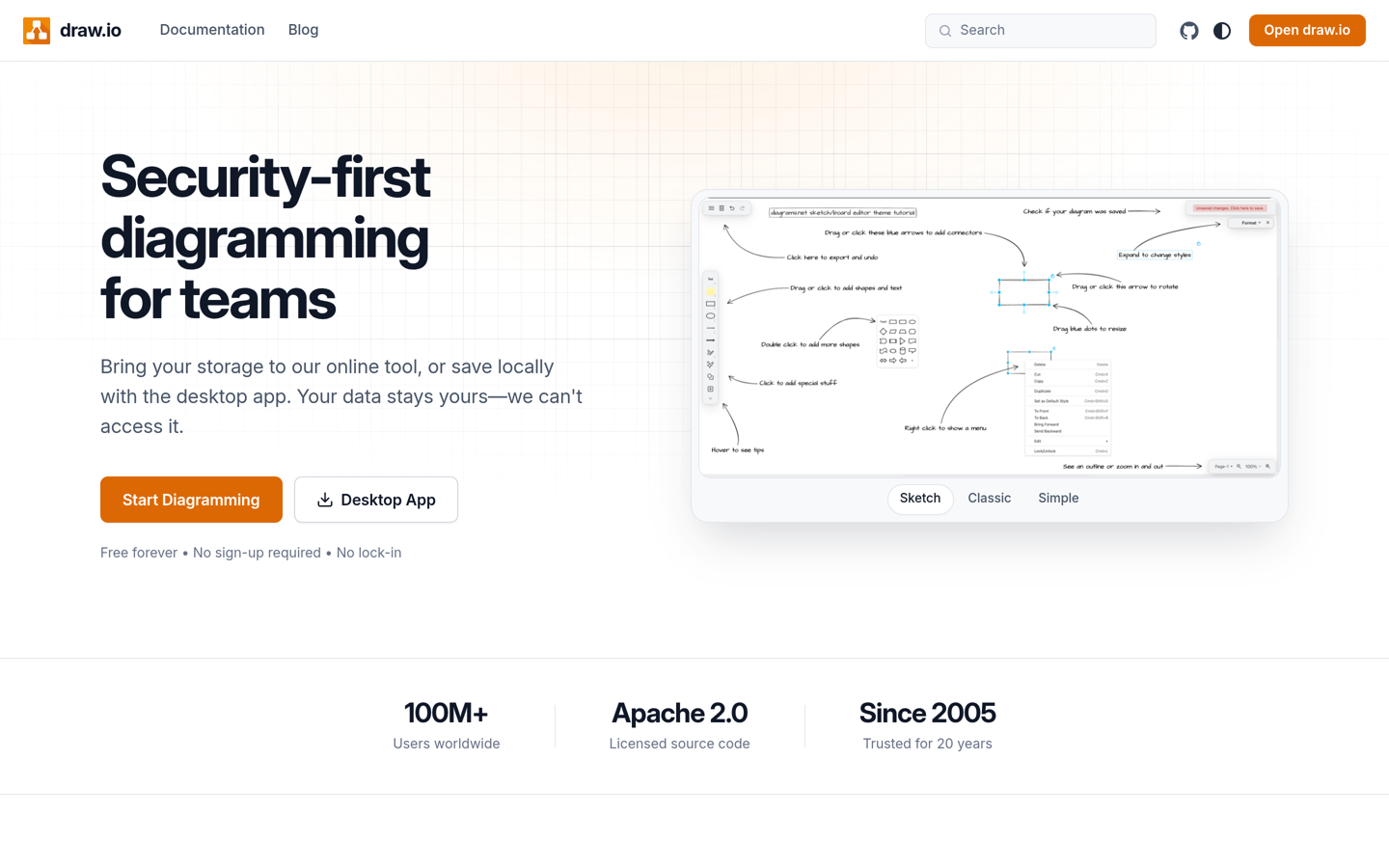
draw.io (diagrams.net) homepage, captured Nov 2026.
draw.io is a free, open-source diagram editor that runs in the browser or as a desktop app. It needs no account, sets no limits on documents or shapes, and stores files in your own storage, Google Drive, OneDrive or GitHub.
The trade off is polish. Real-time collaboration is weaker than paid tools, and the interface looks plain next to Lucidchart or Miro. It suits anyone who wants capable flowchart software without paying or signing up.
What we like
Completely free with no document or shape limits
Works offline with desktop apps for Windows, macOS and Linux
Opens and saves Visio (.vsdx) and Lucidchart files
Files stay in your own storage, not on vendor servers
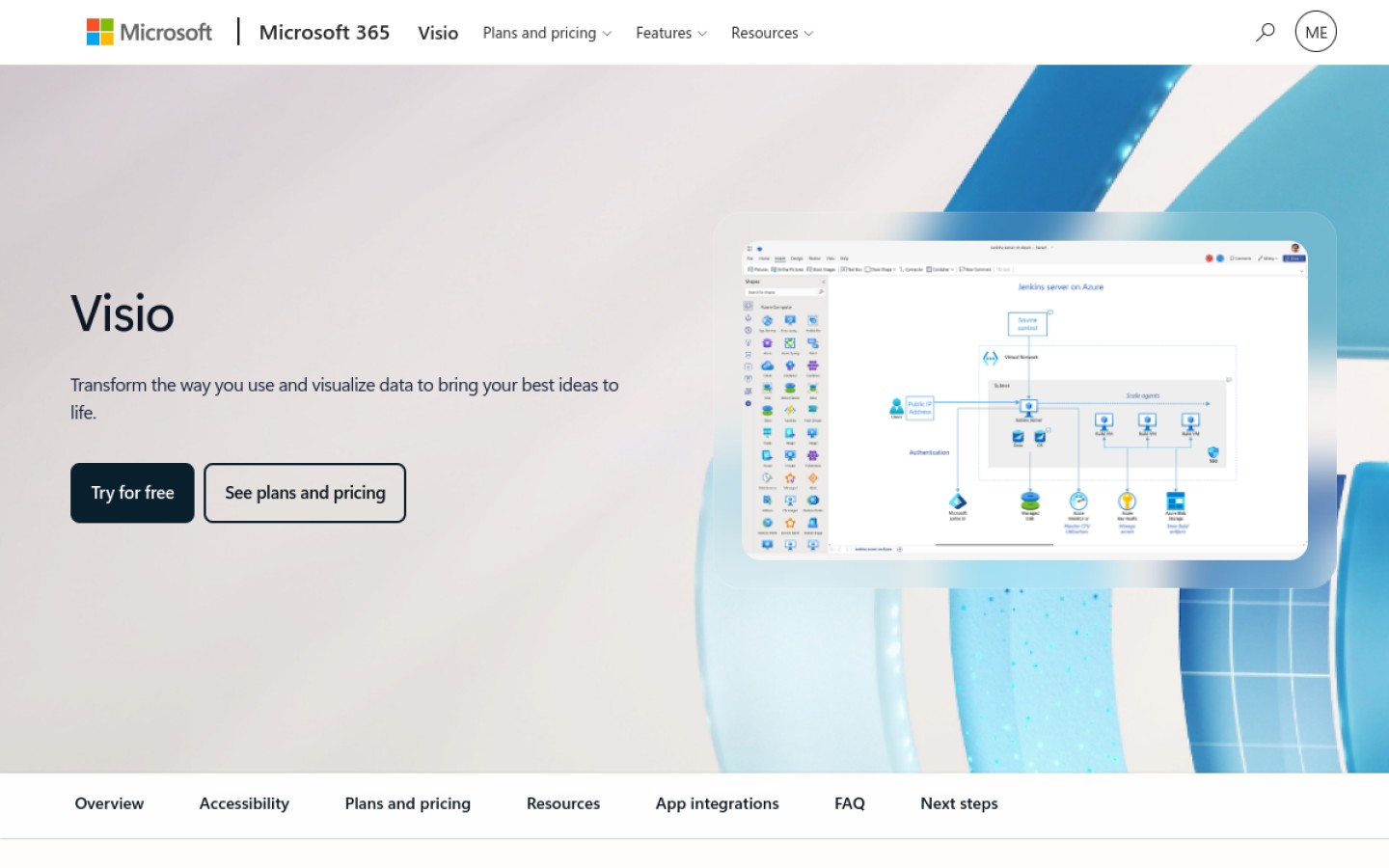
Microsoft Visio is Microsoft's diagramming tool for flowcharts, process maps and network diagrams. Plan 1 costs $5 per user a month billed yearly and covers the web app with thousands of shapes, Power BI integration and 2 GB of OneDrive storage.
The trade off is the desktop app, which needs Plan 2 at $15 per user a month. Plan 1 is web-only, and there is no free plan beyond a 30-day trial, though the web app is included in some Microsoft 365 commercial plans. It suits teams already paying for Microsoft 365.
What we like
Deep integration with Microsoft 365, Teams and Excel
Thousands of shapes and templates for technical diagrams
Miro is an online whiteboard where teams sketch flowcharts, maps and plans together on a shared canvas. The free plan covers 3 editable boards, and Starter at $8 per member a month billed yearly adds unlimited boards, private sharing and 25 AI credits per member a month.
The trade off is focus. Miro is a whiteboard first, so its flowchart shapes and connectors are simpler than a dedicated diagramming tool. It suits workshops and live sessions where the diagram is built together in real time.
What we like
Best real-time collaboration in this list
Unlimited boards on paid plans
Large template library for workshops and mapping
Works well for remote teams and live sessions
Watch out for
Free plan caps at 3 editable boards
Flowchart tools are simpler than dedicated apps
Per-member pricing adds up on large teams
Business adds SSO and unlimited guests at $20 a monthVisit miro.com
05
Whimsical
4.6/5on G2 (189 reviews, checked Nov 2026)
Paid from$10/mo
Best for fast, simple flowcharts
Free plan3 team boards
Cheapest paid planPro, $10/mo
Free AI actions100 total
G2 rating4.6/5 (189 reviews)
whimsical.com
Whimsical homepage, captured Nov 2026.
Whimsical is a fast visual workspace for flowcharts, wireframes, mind maps and docs in one place. The free plan covers 3 team boards and 100 AI actions, and Pro at $10 per editor a month adds unlimited boards, 500 AI actions a month and 90-day version history.
The trade off is depth. Whimsical keeps things simple, so it has fewer shape libraries and diagram types than Lucidchart or Visio. It suits small teams that want a quick flowchart without learning a heavy tool.
What we like
Very fast to learn and use
Flowcharts, wireframes and docs in one workspace
Clean, uncluttered canvas and shapes
Watch out for
Fewer shape libraries than dedicated diagram tools
Creately is a visual workspace for flowcharts, org charts, mind maps and process maps. The free plan allows unlimited canvases with up to 45 items each, and Personal at $5 a month unlocks unlimited items, all export formats and 30-day version history.
The trade off is performance on big diagrams, which G2 reviewers say can lag as a canvas grows. The Business plan at $89 a month covers unlimited users, which suits small teams better than per-user pricing. It suits teams that want a low per-user price.
What we like
Lowest per-user paid price in this list
Large template library for flowcharts and process maps
Business plan covers unlimited users for $89 a month
Cacoo is an online diagramming tool from Nulab for flowcharts, wireframes, mind maps and network diagrams. The free plan covers 6 sheets with PNG exports, and Pro costs $6 per user a month billed monthly, or $5 billed yearly, with unlimited sheets and revision history.
The trade off is the free plan, which runs out at 6 sheets and has no revision history. Paid plans stay cheap, and Team adds shared folders and one-on-one training at the same per-user price. It suits small teams that co-edit diagrams every day.
What we like
Real-time co-editing with revision history on paid plans
SmartDraw is a browser-based diagramming tool with more than 70 diagram types, from flowcharts and org charts to floor plans. The Individual plan lists at $10.95 a month billed yearly, and it includes AI diagram generation, Visio import and exports to PDF, PNG and SVG.
The trade off is price and billing. New customers are offered $7.95 a month at first, but the regular rate is $10.95, and every plan bills yearly with no monthly option. It suits technical teams that need many diagram types in one tool.
EdrawMax is a diagramming suite from Wondershare with more than 210 diagram types, including flowcharts, org charts and network diagrams. It runs on Windows, macOS, Linux, web and mobile, and the Annual plan costs $99 a year with 1 GB of cloud storage.
The trade off is the free plan, which watermarks exports and locks premium symbols and templates. A Perpetual license costs $198 once for the desktop version. It suits users who want desktop software with a huge template library.
What we like
More than 210 diagram types and thousands of templates
Free plans cover simple flowcharts well. draw.io is the exception, with no caps at all, while Lucidchart, Miro and Whimsical limit documents or boards.
Paid plans mostly add room and history. You get unlimited documents, longer version history and more export formats.
If you map a publishing workflow, our content calendar guide shows how to plan the steps before you draw them.
For a team that diagrams every week, a paid plan often costs less than the time lost to free-plan limits.
How we chose
We started from the diagramming tools with the most reviews on G2, then kept the nine best suited to flowcharts, from dedicated diagramming apps to whiteboards with flowchart shapes.
Prices come from each vendor's pricing page, checked on 26 November 2026. Ratings and review counts come from G2 on the same day. Where a vendor shows a sale or an introductory price, the list shows the regular price.
We left out tools with no public rating and tools built only for one niche, such as code-based diagramming. No vendor paid for a place, and we do not claim to have used these tools ourselves.
How to choose flowchart software
Start with how often you diagram and who else needs to edit the file.
Count how many diagrams you need. If you draw one flowchart a month, a free plan may be enough. If you diagram weekly, check the document or board cap first.
Check who else edits the diagram. Real-time co-editing matters for shared process maps. Solo diagrams can live in a simpler, cheaper tool.
Match the tool to your other software. Microsoft 365 teams get the most from Visio, while Google Drive users may prefer draw.io or Lucidchart.
Try the free plan before paying. Draw a real flowchart, export it and share it with a colleague. If the export or sharing step fails, try another tool.
FAQ
What is the best software for creating flowcharts?
Lucidchart is the best flowchart software for most teams. Its Individual plan costs $9 a month billed yearly, it is rated 4.5 out of 5 on G2 from 7,566 reviews, and it has the largest template library in this list.
Is there a free flowchart tool with no limits?
Yes, draw.io is free with no limits on documents or shapes and needs no account. It runs in the browser or as a desktop app, stores files in your own storage, and opens Visio files.
Can I create flowcharts in Microsoft Visio for free?
Not fully. Visio has no free plan, only a 30-day trial, but the web app is included in some Microsoft 365 commercial plans. Standalone use starts with Plan 1 at $5 per user a month billed yearly.
Which flowchart tool is best for teams?
Miro is the best pick for live team sessions, with real-time boards and a 4.6 G2 rating from 13,821 reviews. Lucidchart and Cacoo suit teams that need shared templates and version history instead.
Do I need a paid plan to export a flowchart?
It depends on the tool. draw.io exports for free with no limits, while EdrawMax watermarks free exports and Creately limits free exports to PNG or JPEG. Check the export rules before you commit to a tool.
What is the cheapest flowchart software?
draw.io costs nothing and has no paid tier for standalone use. Among paid tools, Visio Plan 1, Creately Personal and Cacoo Pro all cost $5 per user a month on yearly billing, or $60 a year.
SaaS SEO and WordPress specialist with about 8 years of experience. Rakib compares WordPress plugins, themes, hosting and software using public pricing, documentation and user reviews. See how we rank.