Google Docs is the best software for collaborative article creation for most teams, free with a personal Google account, rated 4.6 out of 5 on G2, with suggestion mode that makes review rounds simple. Pick Notion for a structured wiki or Microsoft Word for tracked changes on client files.
How we make this list: we compare pricing pages, product documentation and public user reviews, then re-check every price before each update. No product paid for a place. Disclosure.
Google Docs is free for personal use and rated 4.6 out of 5 on G2, with the simplest suggestion and comment flow in this list.
Notion Plus costs $10 per member per month and turns drafts into a wiki with databases, templates and page history.
Microsoft Word is rated 4.7 out of 5 on G2, the highest rating here, and has the strongest tracked changes.
ClickUp Docs links each draft to the task that owns it, but the regular Core price is $12 per user per month.
All 8 tools offer real-time editing, and 7 of them have a free plan or a free version.
What collaborative article software should do
Collaborative article creation is drafting, review and approval in one shared place. Two or more people work in the same document at the same time, see each change as it happens, leave a comment on one sentence, and suggest an edit that an editor can accept or reject.
Real-time editing is now the baseline. Every tool in this list shows other editors in the document, marks their cursor position, and saves changes as they type, so a team never has to merge emailed copies.
Review controls matter more than the editor itself. Suggestion mode, tracked changes, comments that resolve, and a version history that shows who changed what are what keep a draft moving from first version to final.
Approvals differ the most between tools. Google Docs has no built-in approval button on most plans, so teams use suggestion mode or a comment that says approved. Notion and Confluence let a team mark a page as verified, and Confluence can lock a page while a review is open.
Start from the draft, not the wiki. Our guide on how to write a blog post in WordPress covers the structure a draft needs before a tool choice can fix it.
The 8 best software tools for collaborative article creation
01
Google Docs
4.6/5on G2 (114 reviews, checked Nov 2026)
Paid from$7/mo
Best for most teams drafting articles together
Free planYes, personal Google account
Suggestion modeYes
Version historyYes, full
Paid planWorkspace Business Starter, $7/user/mo
workspace.google.com
Google Docs homepage, captured Nov 2026.
Google Docs is the default for a reason. It opens fast, it saves every keystroke, and it shows each collaborator by name and colour as they type. A reviewer can suggest an edit, leave a comment on one sentence, or resolve a thread when the point is fixed, and the editor can accept or reject each suggestion one at a time.
The trade off is structure. A team with hundreds of pages needs folders and naming rules to keep the library usable, and Docs has no built-in approval step, so sign-off happens by comment. It suits teams that draft, review and approve written content every week and want the fastest start.
What we like
Real-time editing with almost no learning curve
Suggestion mode for clean review
Free with a personal Google account
Watch out for
Weak as a structured wiki for long doc libraries
No built-in approval button on most plans
Gemini in Docs is not included on Business Starter
Notion is the most flexible tool in this list. A page can be a simple doc, a meeting note, a project hub, or a database with filters, views and linked records. Comments sit inside a page, and page history on Plus runs to 30 days, so a team can see how a draft changed.
The trade off is discipline. Notion works best when one person owns the structure, sets the templates, and keeps the sidebar tidy, and large pages can load slowly. It suits teams that want pages, databases, meeting notes and a lightweight wiki in one flexible workspace.
What we like
Pages, databases and templates in one place
Flexible layout for wikis and hubs
Comments and mentions inside every page
Watch out for
Performance can slow on very large pages and databases
Export of complex databases is imperfect
Offline use is limited
Plus adds 30-day history, larger uploads and unlimited guestsVisit notion.com
03
Microsoft Word
4.7/5on G2 (2,074 reviews, checked Nov 2026)
Paid from$7/mo
Best for tracked changes and client files
Free planLimited web version
Tracked changesYes, strongest in this list
OneDrive storage1 TB per user on paid plans
Paid planMicrosoft 365 Business Basic, $7/user/mo
microsoft.com
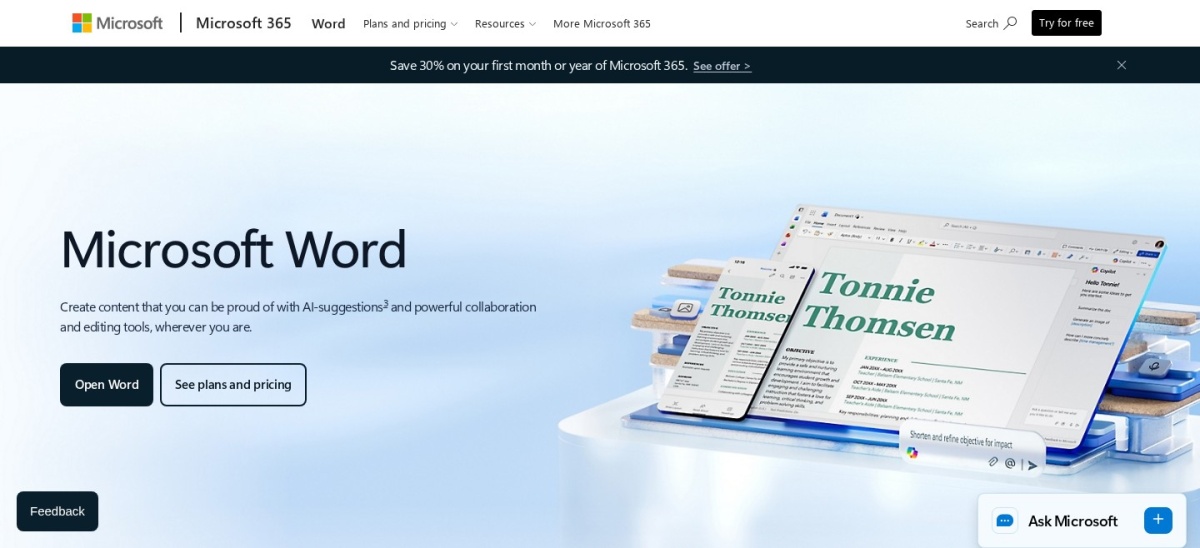
Microsoft Word homepage, captured Nov 2026.
Microsoft Word is the standard that every other word processor is measured against. It has the deepest formatting in this list, from styles and section breaks to tables of contents and footnotes, and it reads and writes the DOCX format that most of the world uses. Word for the web and desktop Word both support real-time co-authoring.
The trade off is the plan split. Business Basic at $7 per user per month includes web apps, email, Teams and 1 TB of storage per user, while desktop Word needs the $14 Business Standard plan. It suits teams that trade Office files with clients and need tracked changes.
What we like
Best tracked changes and formatting for client-facing documents
Real-time co-authoring on web and desktop
1 TB OneDrive storage per user on paid plans
Watch out for
Business Basic gives web and mobile apps only, so desktop Word needs Business Standard
The Copilot bundles cost far more than the plain plans
Heavier to set up than Google Docs for a quick draft
Business Standard adds desktop Word at $14 per user per monthVisit microsoft.com
04
ClickUp
4.6/5on G2 (13,731 reviews, checked Nov 2026)
Paid from$12/mo
Best for docs linked to tasks and deadlines
Free planYes, Free Forever
Docs link to tasksYes
Free storage60 MB
Paid planCore, $12/user/mo regular price
clickup.com
ClickUp homepage, captured Nov 2026.
ClickUp Docs is the doc layer inside a much larger workspace. A doc can be a wiki page, a meeting note, a brief, or a spec, and it can link to the task that owns the work, so the draft and the deadline stay in one place. A content team can write a brief in Docs, turn its steps into tasks, and track the whole piece from draft to publish.
The trade off is price and breadth. Core lists at $9 per user per month billed yearly against a $12 regular price, and the breadth of the workspace can overwhelm a team that only wants docs. It suits small teams that want docs, tasks, chat and goals in one workspace.
What we like
Docs link directly to tasks, so a brief and its work stay together
Unlimited storage on paid plans
Many views, from list to Gantt
Watch out for
The breadth can overwhelm a team that only wants docs
Useful permissions and AI sit behind paid add-ons or higher tiers
Pricing is hard to read, with two price lines for the same plan
Core adds unlimited storage, Gantt charts and custom fieldsVisit clickup.com
05
Confluence
4.1/5on G2 (4,368 reviews, checked Nov 2026)
Paid from$5.78/mo
Best for a structured wiki that must last
Free planYes, up to 10 users
Page permissionsYes, on paid plans
Free storage2 GB
Paid planStandard, $5.78/user/mo
atlassian.com
Confluence homepage, captured Nov 2026.
Confluence is built for docs that must last. Spaces hold pages in a clear tree, templates give meeting notes and product specs a fixed shape, and page permissions decide who can view or edit each page. Comments sit on a page, and restrictions can lock a page while a review is open.
The trade off is weight. The editor feels heavier than Google Docs for quick drafts, and it has the lowest G2 rating in this list at 4.1 out of 5. It suits teams that already use Jira, or that need page permissions and a formal approval trail.
What we like
Clear space and page structure for large doc libraries
Page permissions and page restrictions
Strong search across spaces
Watch out for
The editor feels heavier than Google Docs for quick drafts
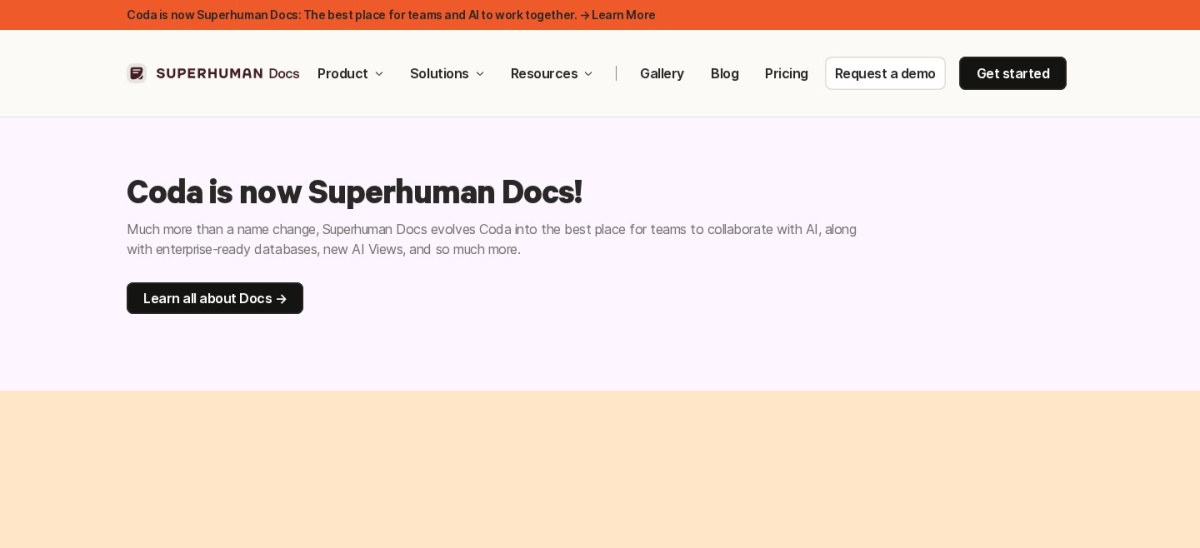
Coda, now sold as Superhuman Docs, is a doc that behaves like a small app. A page can hold text, a table that filters and sorts itself, a button that changes a status, and a formula that pulls a value from another table. Only Doc Makers pay, while editors and viewers are free.
The trade off is the rename and the learning curve. The July 2026 rename to Superhuman Docs moved the pricing page, and the tables and formulas take time to learn. It suits teams where a few makers build docs that act like trackers, hubs and lightweight apps.
What we like
Connected tables, formulas, buttons and automations in one doc
Editors and viewers are free, so only makers pay
A team of 20 with 3 makers pays for 3 seats on Pro
Watch out for
The rename to Superhuman Docs changed the brand and pricing page
Export is weaker than the in-app tables
Steep learning curve for formulas and automations
Pro adds unlimited doc size and 30-day version historyVisit coda.io
07
Miro
4.6/5on G2 (13,631 reviews, checked Nov 2026)
Paid from$8/mo
Best for planning articles on a visual board
Free planYes, 3 editable boards
Real-time boardYes, with cursors and comments
TemplatesYes, for workshops and reviews
Paid planStarter, $8/member/mo billed annually
miro.com
Miro homepage, captured Nov 2026.
Miro is the only visual tool in this list, and it is included because content work starts before the first sentence is written. A team can map a campaign on a board, sketch a page layout, stick notes from a workshop, and leave comments on a specific frame, all in real time, with cursors and names visible as people move.
The trade off is that a board is not a draft. Long drafts need headings, tracked changes and a clear version history, which a board does not provide. It suits content teams that plan, map and review visual work on a shared board before they write the final draft.
What we like
Infinite canvas for mapping campaigns, page layouts and user journeys
Templates for workshops and reviews
Comments and voting on the board
Watch out for
Weak as the final home for long written drafts
The free plan caps editable boards at 3
Needs a second tool for the draft itself
Starter adds unlimited boards, while Business adds single sign-onVisit miro.com
08
ONLYOFFICE Docs
4.6/5on G2 (26 reviews, checked Nov 2026)
Paid from$8/mo
Best for self-hosted, Microsoft-compatible editing
Free planYes, community edition
Microsoft format supportYes, DOCX and more
Self-hosted optionYes, Enterprise edition
Paid planDocs Enterprise Cloud, $8/user/mo
onlyoffice.com
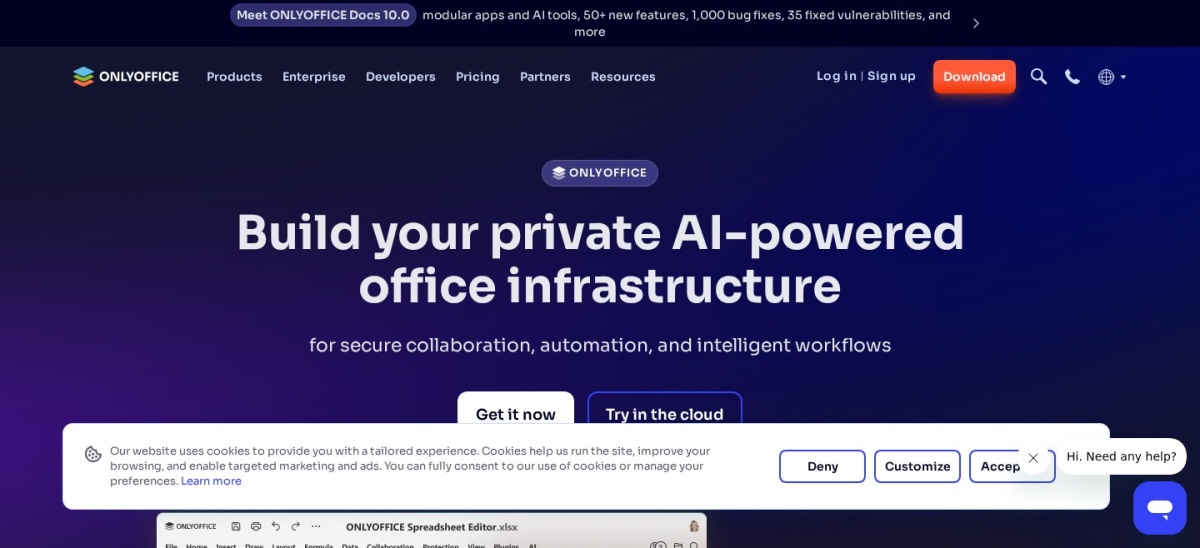
ONLYOFFICE Docs homepage, captured Nov 2026.
ONLYOFFICE Docs is an online office suite for documents, spreadsheets, presentations and PDFs, with real-time co-editing, comments and version history. It keeps Microsoft formatting intact, which matters when a draft moves between a team and clients who use Word. A free community edition can be self-hosted.
The trade off is the small review base and the confusing product range. Its G2 rating of 4.6 out of 5 rests on only 26 reviews, and choosing between Docs, DocSpace and Workspace takes care. It suits teams that want Microsoft-compatible editors they can self-host.
What we like
Strong Microsoft Office compatibility
Real-time co-editing with comments and version history
Free community edition and free desktop apps
Watch out for
G2 rating rests on only 26 reviews
Self-hosted setup can be complex for non-technical teams
Choosing between Docs, DocSpace and Workspace is confusing
Free plans cover drafting and review well. Most include real-time editing, comments and some version history, and Google Docs is free for personal use with no document limit.
Paid plans mostly add control and history. You get longer page history, page permissions, more storage and admin controls, plus single sign-on on the higher tiers.
If a draft must survive as a record, pay for the history. Our guide on limiting post revisions in WordPress shows the same idea on the publishing side: keep the versions you need and prune the rest.
For a team that drafts every week, the first year of a paid plan often costs less than the time lost merging emailed copies of the same article.
How we chose
We started from the tools teams actually use to draft, review and approve articles together, then kept those with real-time editing, comments and a public rating.
Prices come from each vendor's pricing page or a G2 pricing page, checked on 26 November 2026. Ratings and review counts come from G2 on the same day. Where a vendor shows a sale, the list shows the regular price.
We left out Quip, because Salesforce closed it to new accounts on 17 February 2026, and Dropbox Paper, because it has no public rating of its own. No vendor paid for a place, and we do not claim to have used these tools ourselves.
How to choose software for collaborative article creation
Start with how your team reviews, then pick the tool that fits that flow.
Check how review works today. If reviewers suggest edits and an editor accepts them one by one, Google Docs fits. If they need tracked changes on DOCX files, Word fits.
Decide where finished drafts should live. A wiki suits Notion or Confluence. A task board suits ClickUp Docs. A shared drive suits Google Docs or Word.
Count who really needs a paid seat. Coda charges only Doc Makers, and Notion guests are free on single pages. Paying for every reader is the fastest way to overspend.
Test the export before you commit. Export a draft to Word and PDF and check the formatting survives. A tool that cannot export a clean file will trap your content.
FAQ
What is the best software for collaborative article creation?
Google Docs is the best pick for most teams. It is free with a personal Google account, rated 4.6 out of 5 on G2, and its suggestion mode and comments make review rounds simple for writers and editors alike.
Is Google Docs really free for collaborative writing?
Yes. Google Docs is free with a personal Google account, and the free version includes real-time editing, comments, suggestion mode and version history. Business use adds Google Workspace, from $7 per user per month for Business Starter.
Which tool is best for tracked changes?
Microsoft Word has the strongest tracked changes in this list, rated 4.7 out of 5 on G2. It is the best choice when clients or editors expect DOCX files with every edit shown before it is accepted.
Can a team use Notion for article drafts?
Yes. Notion holds drafts, templates, meeting notes and a wiki in one workspace, and Plus costs $10 per member per month. It works best when one person owns the structure, because large pages can load slowly.
What does ClickUp Docs cost?
ClickUp Docs is free on the Free Forever plan. The cheapest paid plan, Core, lists at $9 per user per month billed yearly against a $12 regular price, so this list shows $12 per user per month.
Is Coda still called Coda?
Coda is now sold as Superhuman Docs after a rename on 8 July 2026, and its pricing page moved. Pro costs $12 per Doc Maker per month billed annually, and editors and viewers are free.
Do I need Miro as well as a word processor?
Not always. Miro is strong for planning a campaign or mapping an article on a board, at $8 per member per month for Starter. Long drafts still need a word processor, so use Miro beside Google Docs, Notion or Word.
SaaS SEO and WordPress specialist with about 8 years of experience. Rakib compares WordPress plugins, themes, hosting and software using public pricing, documentation and user reviews. See how we rank.