GitBook is the best software documentation generator for most teams, rated 4.7/5 by 208 G2 reviewers, with Git sync and AI-ready output. Pick Mintlify for docs-as-code sites and ReadMe for interactive API references.
How we make this list: we compare pricing pages, product documentation and public user reviews, then re-check every price before each update. No product paid for a place. Disclosure.
GitBook leads at 4.7/5 from 208 G2 reviews, but Essential now costs $65 per site a month plus $12 per user.
Mintlify's free Starter covers 5 editors, yet Pro jumps to $450 a month on annual billing.
ReadMe builds its interactive API reference from an OpenAPI spec, with Pro at $250 a month.
Document360 is quote-only with no free plan, despite a 4.7/5 rating from 549 reviews.
Confluence is the cheapest paid pick at $5.78 per user a month, and Scribe auto-generates guides at 4.8/5 from 939 reviews.
What a documentation generator should do
A documentation generator turns source material into a published docs site with as little manual formatting as possible. That source can be Markdown files, an OpenAPI spec, code comments or a recorded click-through.
The best tools keep docs close to the code. Git sync, MDX files in a repository and spec-driven API references mean a release can update the docs in the same pull request.
Search and AI readiness matter more than they used to. Readers now arrive through AI answers, so look for llms.txt, an MCP server and search that returns a direct answer, not just a list of pages.
Price models vary more here than in most software lists. Some tools charge per site, some per user and some per project, so compare the bill for your team size, not just the headline number. Our guide on using the WordPress REST API shows why an API-first setup changes what a docs tool must support.
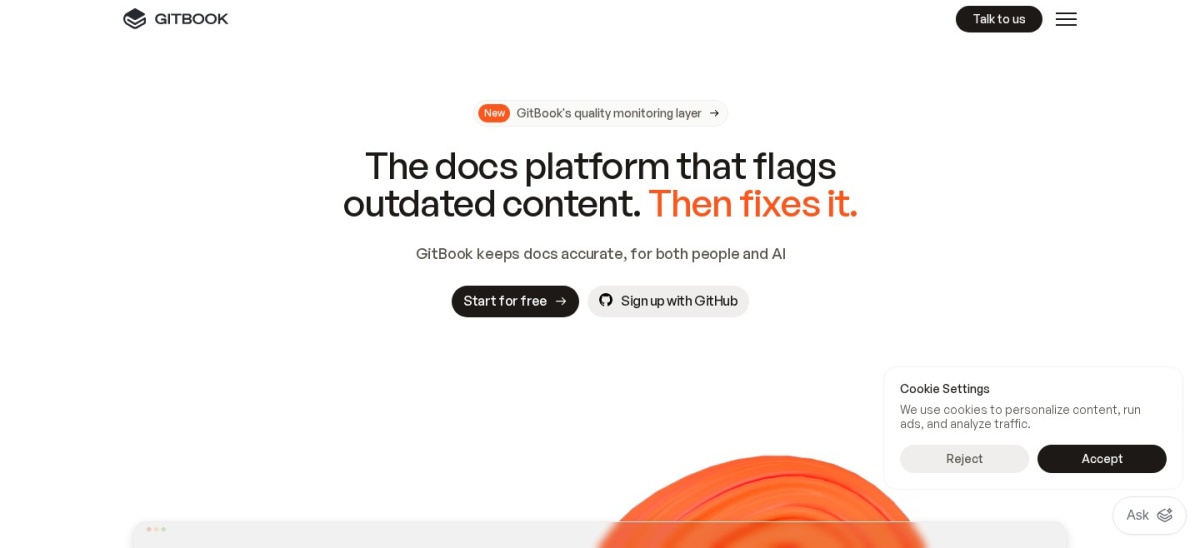
GitBook is a documentation platform that turns Markdown into a published docs site, with a visual block editor and two-way Git sync. The free plan covers one user, and paid sites add a custom domain, analytics, redirects and 2,000 AI credits a month.
The trade off is price. Essential costs $65 per site a month plus $12 per user a month on annual billing, so a small team pays more than a per-user wiki. It suits product and developer teams that want Git review and AI-readable docs in one place.
What we like
Git sync with a visual editor for non-developers
AI-ready output with llms.txt and an MCP server
Highest review volume among the docs-first tools here
Watch out for
Per-site plus per-user pricing adds up fast
Free plan is limited to a single user
Essential adds a custom domain, analytics and AI answersVisit gitbook.com
02
Mintlify
4.6/5on G2 (19 reviews, checked Nov 2026)
Paid from$450/mo
Best docs-as-code site for developers
Cheapest paid planPro, $450/mo
Docs formatMDX in your repo
Free planYes, 5 editors
AI credits10,000/mo on Pro
mintlify.com
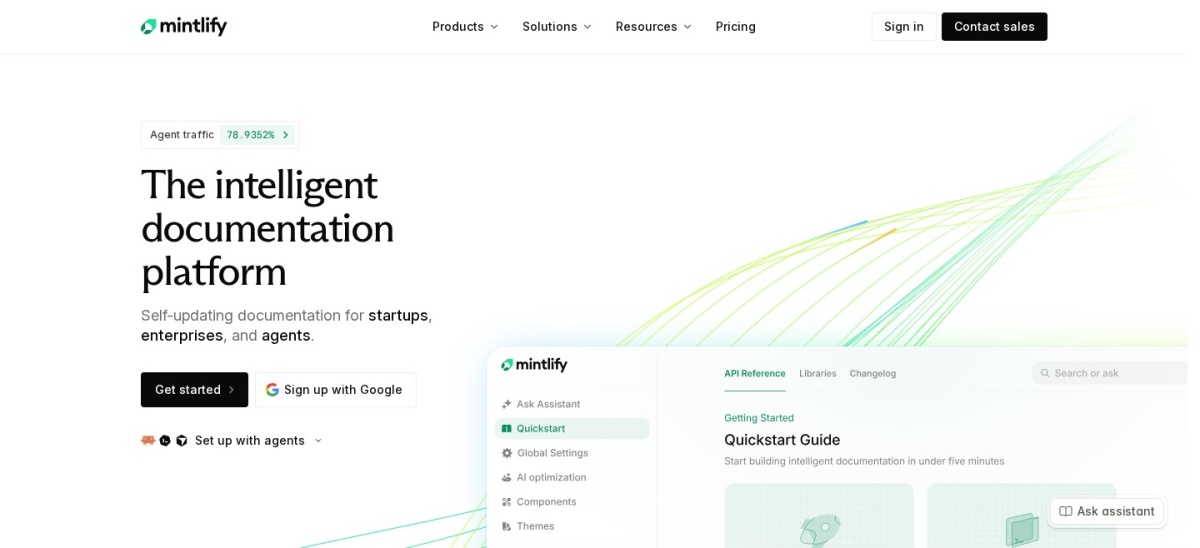
Mintlify homepage, captured Nov 2026.
Mintlify is a docs-as-code platform that builds a polished docs site from MDX files in your repository. The free Starter plan covers 5 editors, a custom domain, a web editor, an API playground and an MCP server.
The trade off is the jump to paid. Pro costs $450 a month on annual billing ($540 month to month) and holds the AI assistant, writing agent and automations behind 10,000 metered credits. It suits developer-tool startups whose docs drive sign-ups.
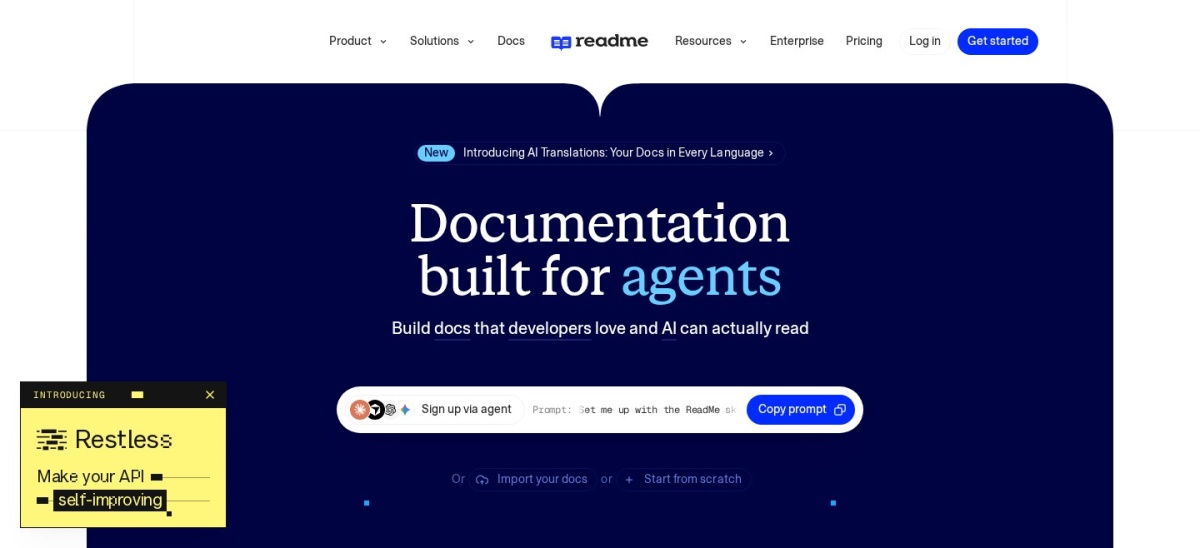
ReadMe is a developer hub that builds an interactive API reference from an OpenAPI spec, with a try-it console, guides, recipes and changelogs in one place. The free Starter plan covers one project, and Pro adds team roles, analytics and more projects.
The trade off is cost. Pro costs $250 a month on annual billing, and enterprise features such as SSO sit higher still. It suits API teams whose reference docs need live calls, usage data and versioned guides.
What we like
Try-it console lets readers call the API from the docs
Usage analytics show which endpoints developers use
Two-way sync with GitHub and GitLab
Watch out for
Pro is $250 a month before any team add-ons
Only 46 G2 reviews, a small sample
Pro adds team roles, API analytics and more projectsVisit readme.com
04
Document360
4.7/5on G2 (549 reviews, checked Nov 2026)
PricingCustom/yr
Best governed knowledge base
Cheapest paid planCustom quote
Review workflowYes, with approvals
Free planNo, 14-day trial
API docsYes, from OpenAPI
document360.com
Document360 homepage, captured Nov 2026.
Document360 is a knowledge base platform for customer-facing help centers, product docs, user manuals and API docs. It adds categories, version history, review workflows, translations and AI search to plain article publishing.
The trade off is pricing. There is no published price and no free plan, only a 14-day trial, so every quote needs a sales conversation. It suits support and docs teams publishing hundreds of articles under review.
What we like
Strongest review and approval workflow here
Handles many products and languages in one account
Archbee is a documentation portal for product docs, internal docs and API references, with a block editor, Markdown and MDX, and Git sync. Growing costs $80 a month, covers 5 team members and leaves readers free.
The trade off is the ceiling on Growing. Versioning, the review system and localization start on Scaling at $350 a month, and several add-ons cost $80 a month each. It suits SaaS teams that want public and private docs in one portal.
Scribe is a guide generator that watches you click through a task and writes a step-by-step guide with a screenshot for each step. The free Basic plan captures web apps, and Pro adds desktop capture, branding, redaction and exports.
The trade off is team pricing. Pro Personal costs $25 a seat a month on annual billing, while Pro Team drops to $13 a seat but needs 5 seats, so a small team pays $65 a month. It suits support and ops teams that document repeatable workflows.
What we like
Highest G2 rating here, 4.8/5 from 939 reviews
A guide takes minutes instead of an hour of writing
Exports drop straight into a wiki or help center
Watch out for
Only makes step-by-step guides, not reference docs
ClickHelp is a cloud authoring tool for online help, user manuals and knowledge bases, with single-source reuse, conditional content and translation workflows. Starter costs $194 a month and covers the core authoring and publishing set.
The trade off is price and age. At $194 a month it costs far more than a wiki, and its interface feels older than newer block editors. It suits technical writing teams that publish long manuals in several formats.
Confluence is Atlassian's team wiki, where pages, whiteboards and databases sit beside Jira work. The free plan covers up to 10 users, and Standard at $5.78 per user a month adds permissions, analytics and more storage.
The trade off is focus. It is a general wiki, not a docs generator, so API references and docs-as-code workflows need add-ons or another tool. It suits teams already on Jira that need shared internal documentation.
Notion is a flexible workspace of pages, wikis and linked databases that many small teams use as their internal docs home. The free plan suits solo use, and Plus at $10 per member a month adds unlimited blocks, file uploads and 30 days of history.
The trade off is structure. Notion has no docs-as-code workflow, no API reference generator and limited versioning, so developer docs outgrow it fast. It suits small teams that want docs, notes and light project tracking in one place.
Docs-as-code tools such as Mintlify, GitBook and ReadMe keep content in a repository, so docs change in the same pull request as the code. That is the right shape when engineers write most of the docs.
Wiki tools such as Confluence and Notion are faster for non-developers, since anyone can edit a page in the browser. They work best for internal process docs, meeting notes and team handbooks.
A third shape generates docs from activity. Scribe records a click-through and writes the guide, which fits repeatable support and ops workflows better than either of the other two shapes.
How we chose
We started from the documentation platforms named most often in 2026 buyer guides, then kept those with a public G2 rating and a published price or a clear quote-only position.
Prices come from each vendor's pricing page, checked on 26 November 2026. Ratings and review counts come from G2 on the same day. Where a vendor shows a sale, the list shows the regular price.
We left out open-source generators such as Sphinx, Docusaurus and MkDocs because they carry no public user rating, so the checker could not score them. No vendor paid for a place, and we do not claim to have used these tools ourselves.
How to choose a software documentation generator
Start with who writes the docs, then match the tool to their workflow.
Name the main author first. If engineers write the docs, pick a docs-as-code tool. If support or product teams write them, pick a visual editor or a governed knowledge base.
Check the API docs need. Teams with a public API need a spec-driven reference with a try-it console, which points to ReadMe, Mintlify or Archbee.
Price it for your real team size. Per-site and per-project prices beat per-user prices for large reader groups, while per-user wikis win for small teams.
Trial it on one real guide. Import or write a single guide end to end, publish it and check search, mobile layout and AI answers before you migrate the rest.
FAQ
What is the best software documentation generator?
GitBook is the best overall pick, rated 4.7/5 by 208 G2 reviewers, with Git sync, a visual editor and AI-ready output. Mintlify suits docs-as-code teams, and ReadMe suits API-first teams with an OpenAPI spec.
Which documentation generator is best for API docs?
ReadMe is the strongest API pick, since it builds an interactive reference with a try-it console from an OpenAPI spec. Mintlify and Archbee also generate API references, while GitBook covers API docs beside product guides.
Is there a free software documentation generator?
Yes. GitBook, Mintlify, ReadMe, Confluence, Notion and Scribe all offer a free plan, though each limits seats, projects or features. Open-source options such as Sphinx and Docusaurus are free but need hosting and setup.
What is the cheapest documentation generator?
Confluence is the cheapest paid pick here, with Standard at $5.78 per user a month after a free plan for up to 10 users. Notion Plus follows at $10 per member a month, while Document360 has no published price at all.
Do documentation generators work with Git?
Several do. GitBook, Mintlify, ReadMe and Archbee sync with GitHub or GitLab, so docs can change in the same pull request as code. Confluence, Notion and Scribe do not offer that workflow.
Why is Document360 priced by quote?
Document360 moved to quote-only pricing in late 2024, so its price depends on team accounts, projects, languages and AI use. Expect a sales conversation before you see a number, and budget for onboarding on top.
SaaS SEO and WordPress specialist with about 8 years of experience. Rakib compares WordPress plugins, themes, hosting and software using public pricing, documentation and user reviews. See how we rank.