Hootsuite is the best social media tool for most government agencies, with approval workflows, audit trails and 10 accounts on its $99-per-user Standard plan. Sprout Social suits teams that answer the public in one inbox, while Zoho Social is the cheapest paid option at $10 a month.
How we make this list: we compare pricing pages, product documentation and public user reviews, then re-check every price before each update. No product paid for a place. Disclosure.
Hootsuite leads for large public teams: 10 accounts and approval workflows from $99 per user a month.
Sprout Social's Standard plan adds a shared inbox for $199 per seat a month, with 5 profiles.
Sendible charges per workspace, not per seat, so whole departments can share one $35-a-month Core plan.
Zoho Social is the cheapest paid pick at $10 a month, with a pause button that freezes all scheduled posts.
Loomly offers a 50% lifetime discount to nonprofits, and its Starter plan covers 12 accounts for $49 a month.
What government teams should look for
Government accounts carry extra risk. A post goes out under an official name, so it needs a second pair of eyes before it publishes.
Approval workflows, role-based access and an audit trail matter more here than in most workplaces. Public replies also need a plan: our guide on moderating comments in WordPress covers the same habit of checking public comments before they go live.
Public records rules also shape the choice. Some agencies must archive social posts and messages, so check whether your records team needs an archiving add-on before you buy.
Price is usually per user, per channel or per brand, so the same plan can cost very different amounts depending on how your team is set up.
The 9 best social media tools for government agencies
01
Hootsuite
4.3/5on G2 (7,798 reviews, checked Nov 2026)
Starts at$99/mo
Best for large government teams
Social accounts10 on Standard
Approval workflowYes
Free planNo
Entry planStandard, $99/user/mo
hootsuite.com
Hootsuite homepage, captured Nov 2026.
Hootsuite is a social media management platform built for teams that run many accounts under one brand. The Standard plan covers 10 social accounts for $99 per user a month, with scheduling, a shared inbox, reports and approval workflows that route posts to a manager before they go live.
The trade off is the per-user price. Every extra seat costs another $99 a month, so a team of five pays about $495 a month before add-ons such as listening. It suits city, county and state teams that need formal approvals and a clear record of who published what.
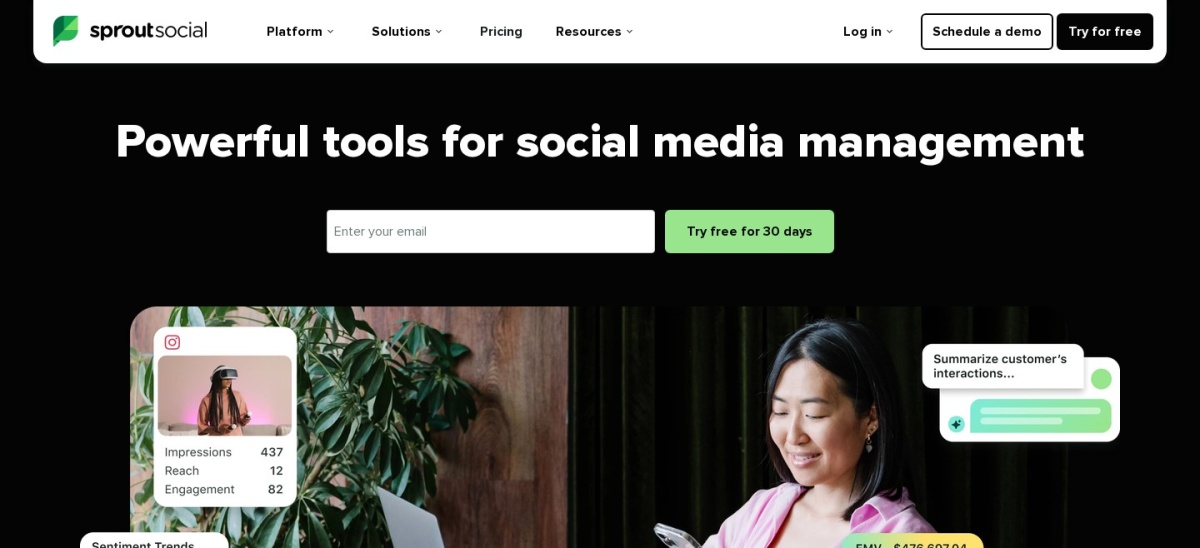
Sprout Social is a social management suite with strong reporting and a shared inbox for public messages. The Essentials plan costs $79 per seat a month billed annually and covers 5 profiles with scheduling, optimal send times and profile-level reports.
The trade off is that the inbox starts on Standard at $199 per seat a month, so the plan most agencies need costs more than twice the entry price. It suits communications teams that answer a high volume of public comments and messages every day.
What we like
One inbox for comments and messages
Clear, board-ready reports
Review management on Standard
Watch out for
No free plan
Inbox needs the $199 Standard plan
Every seat is billed at the full rate
Standard adds the inbox, collaboration and review toolsVisit sprout.com
03
Agorapulse
4.5/5on G2 (979 reviews, checked Nov 2026)
Starts at$79/mo
Best inbox value for teams
Social profiles10 on Standard
Shared inboxYes
Free planNo, free trial
Entry planStandard, $79/user/mo
agorapulse.com
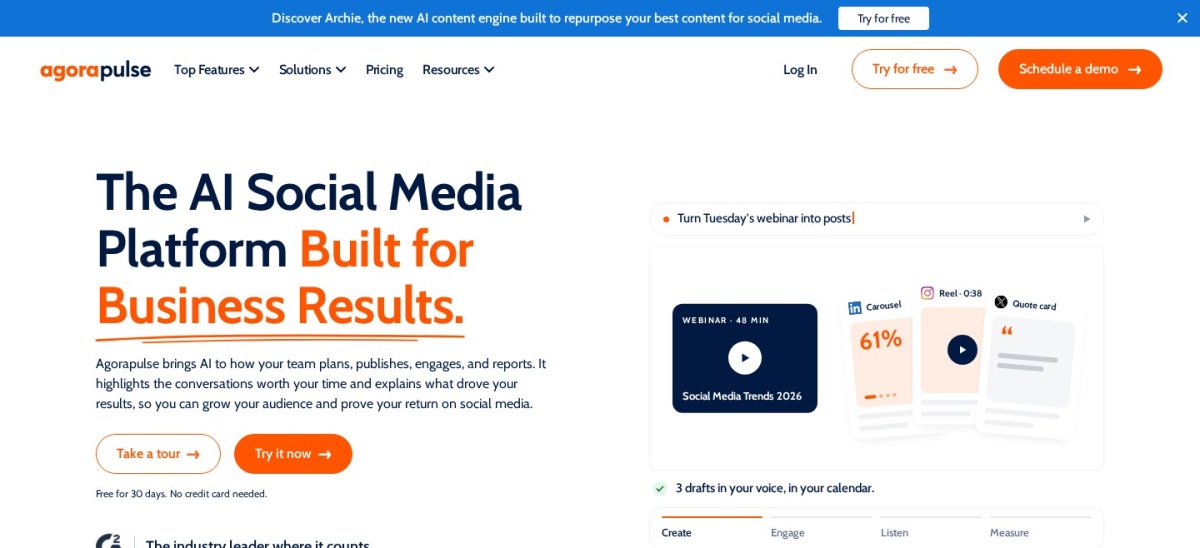
Agorapulse homepage, captured Nov 2026.
Agorapulse is a social media platform that combines scheduling, a shared inbox and reports in one dashboard. The Standard plan costs $79 per user a month billed annually, covers 10 profiles and includes unlimited scheduling, team assignments and branded report exports.
The trade off is scale. Advanced reporting and extra profiles cost more, and the Advanced plan rises to $149 per user a month billed annually. It suits small and mid-size agency teams that need inbox triage and approvals without paying enterprise prices.
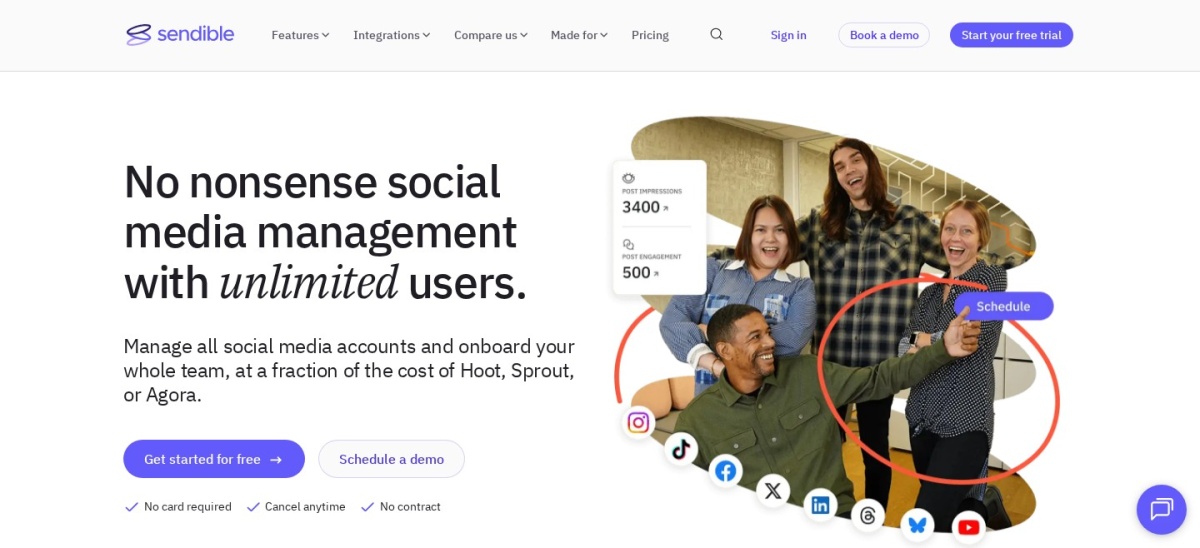
Sendible is a social media platform that charges by workspace instead of by seat, so every plan includes unlimited users. The Core plan costs $35 a month, covers 1 workspace with 6 social profiles, and includes scheduling, monitoring and standard reports.
The trade off is approvals. Assignment and approval workflows start on the Plus plan at $99 a month, so the cheapest plan cannot gate posts before they publish. It suits departments that want the whole team inside one account without paying per person.
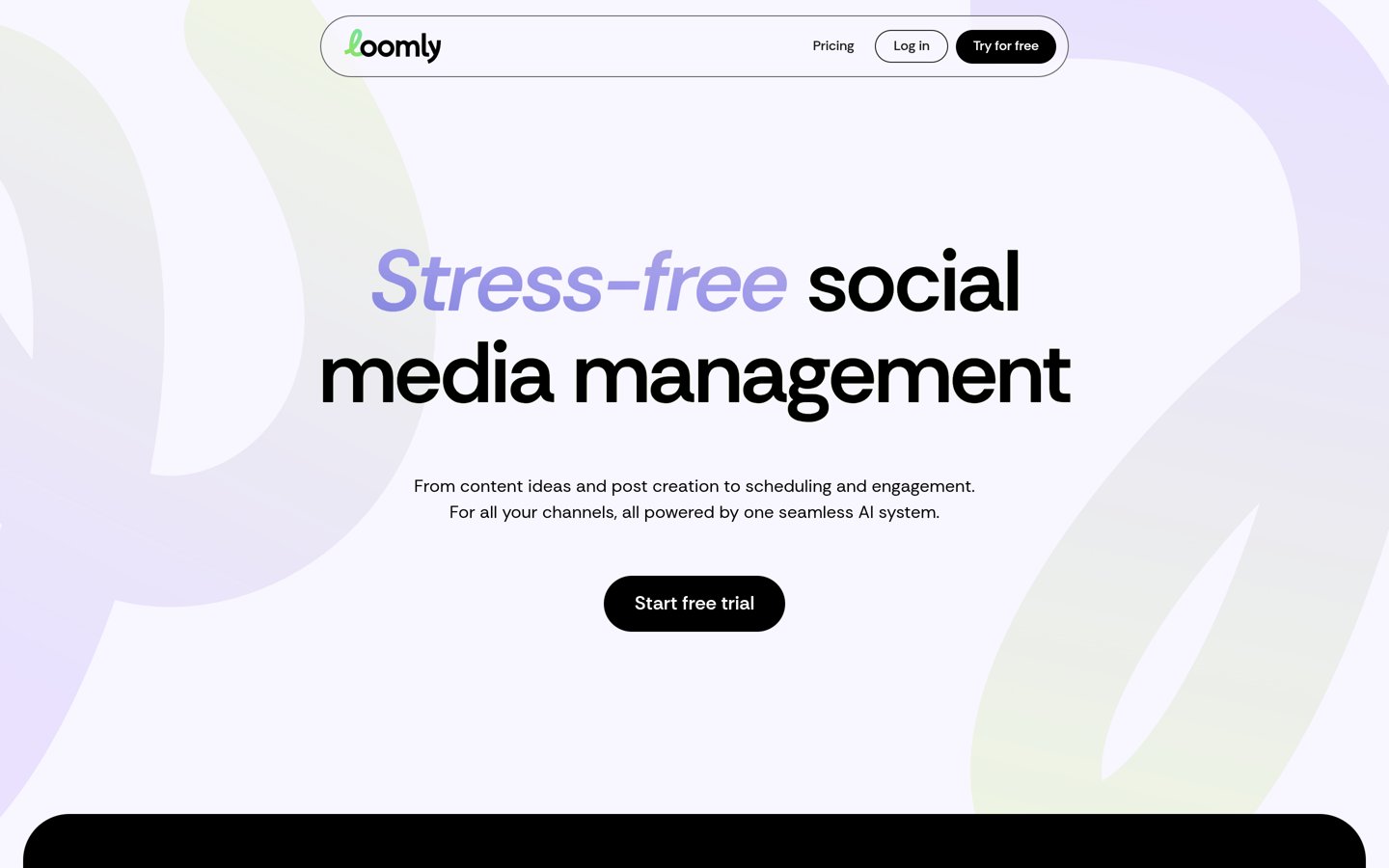
Loomly is a social media platform built around a shared calendar, post ideas and approval workflows. The Starter plan costs $49 a month billed annually, covers 12 social accounts and 3 users, and includes scheduling, approvals, advanced analytics and AI caption help.
The trade off is price growth. The Beyond plan jumps to $249 a month billed annually for 60 accounts and unlimited users, with no middle tier. It suits teams that plan content together on a calendar and need every post approved before it goes out.
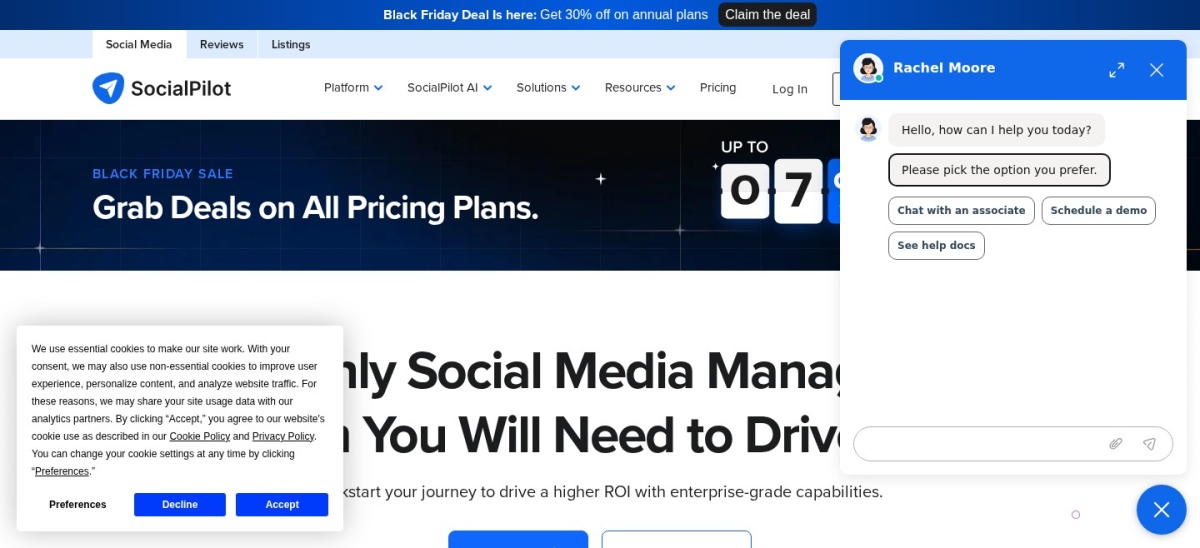
SocialPilot is a low-cost social media suite aimed at small teams and agencies that schedule in bulk. The Essentials plan costs $17 a month billed annually, covers 1 user, and includes bulk scheduling, a content library, analytics and AI caption help.
The trade off is collaboration. Team features and client approval workflows start on higher plans, and extra accounts cost $4 a month each. It suits small teams that mainly need cheap, reliable scheduling across many accounts.
Zoho Social is the social media tool inside the Zoho business suite, and it is the cheapest paid option in this list. The Standard plan costs $10 a month billed annually for 1 brand with 14 channels, and the free plan covers 1 brand with 6 channels.
The trade off is team size. Standard includes only 1 team member, and approvals, the shared inbox and custom reports start on Premium at $40 a month billed annually. It suits small public offices that need a low-cost scheduler with a pause button for scheduled posts.
Buffer is a simple social media toolkit for creating, scheduling and publishing posts from one place. The Essentials plan costs $5 a month per channel billed annually, and the free plan covers the basics for a small account set.
The trade off is depth. Buffer has no approval workflow, and the bill grows by $5 a month for every channel you add. It suits a small office that posts to a few accounts and does not need formal sign-off.
Later is a visual social media scheduler built around a drag-and-drop calendar and a Link in Bio page. The Starter plan costs $18.75 a month billed annually, covers 1 social set of 8 profiles, and includes 30 scheduled posts per profile a month.
The trade off is limits. Starter allows only 1 user and 3 months of analytics history, and approvals start on the Growth plan at $37.50 a month billed annually. It suits image-led accounts that plan Instagram and TikTok visually.
What we like
Visual calendar with grid preview
Link in Bio included on all plans
Best-time-to-post suggestions
Watch out for
Only 1 user on Starter
30 posts per profile a month
Approvals need the Growth plan
Growth adds approvals, more posts and 1 year of dataVisit later.com
What government teams should check first
Ask your records team what must be archived. Social posts and direct messages can count as public records, and archiving is usually a separate add-on.
Confirm who approves posts. If more than one person signs off, pick a tool with approvals on the plan you will actually buy, not only on the top tier.
Test the pause button. When an emergency hits, you need to freeze scheduled posts in one click, not delete them one by one.
Check accessibility and language support. Posts from a public office should work with screen readers, and alt text should be easy to add.
How we chose
We started from the social media tools most often used by public-sector and nonprofit teams, then kept the nine with published prices and public review-site ratings.
Prices come from each vendor's pricing page, checked on 25 November 2026. Ratings and review counts come from G2 on the same day. Where a vendor shows an annual discount, the list shows the regular annual-billed monthly price. Sprout Social's pricing page would not load for us, so its prices were confirmed from three independent pricing guides that quote the same page.
We left out government-only tools such as Granicus and ArchiveSocial because they publish no prices and carry no public review-site ratings, so they could not be scored the same way. No vendor paid for a place, and we do not claim to have used these tools ourselves.
How to choose a social media tool for a government agency
Match the tool to how your team approves and publishes posts, not to the feature list alone.
Count the people who will publish. Per-user tools such as Hootsuite and Sprout Social get costly as the team grows, while Sendible charges by workspace and Zoho Social charges by brand.
Check approvals on the plan you will buy. Some tools include approvals on every plan, while others reserve them for a higher tier, so check the plan you will actually pay for.
Ask about archiving and records. Find out whether posts and messages must be kept for public records, and whether the tool exports or archives them.
Trial it with a real approval chain. Run one week of real posts through the tool with the people who will approve them, then check the audit trail before you commit.
FAQ
What is the best social media tool for government agencies?
Hootsuite is the strongest pick for most government agencies. Its Standard plan covers 10 accounts for $99 per user a month, with approval workflows and audit trails, and it is rated 4.3 out of 5 on G2 from nearly 7,800 reviews.
Do government agencies need approval workflows?
Yes, in most cases. A post goes out under an official name, so a second person should check it before it publishes. Loomly, Hootsuite and Agorapulse include approvals on their entry plans, while Sendible and Sprout Social reserve them for higher tiers.
What is the cheapest social media tool for a small agency office?
Zoho Social is the cheapest paid option here at $10 a month billed annually, and it also has a free plan for one brand. Buffer is the next cheapest at $5 a month per channel, with a free plan as well.
Do these tools archive posts for public records?
Most do not archive on their own. They keep a history of scheduled and published posts, but formal public-records archiving usually needs a separate tool such as ArchiveSocial or a records add-on, so check with your records team first.
Can a whole department share one account?
Yes, on some tools. Sendible includes unlimited users on every plan and charges by workspace, while Loomly and Zoho Social charge by account or brand. Per-user tools such as Hootsuite and Sprout Social charge for every seat.
Which tool is best for scheduling in bulk?
SocialPilot is the cheapest bulk scheduler here at $17 a month billed annually, with bulk uploads and a content library. Sendible also supports bulk import, and Loomly includes bulk posting on its Starter plan.
SaaS SEO and WordPress specialist with about 8 years of experience. Rakib compares WordPress plugins, themes, hosting and software using public pricing, documentation and user reviews. See how we rank.