GTmetrix is the best free tool to check Core Web Vitals for most sites, running Lighthouse on real Chrome from 33 locations and rated 4.6/5 on G2. Pick DebugBear for ongoing monitoring and Sitebulb Pro for crawler-based checks with PageSpeed data.
How we make this list: we compare pricing pages, product documentation and public user reviews, then re-check every price before each update. No product paid for a place. Disclosure.
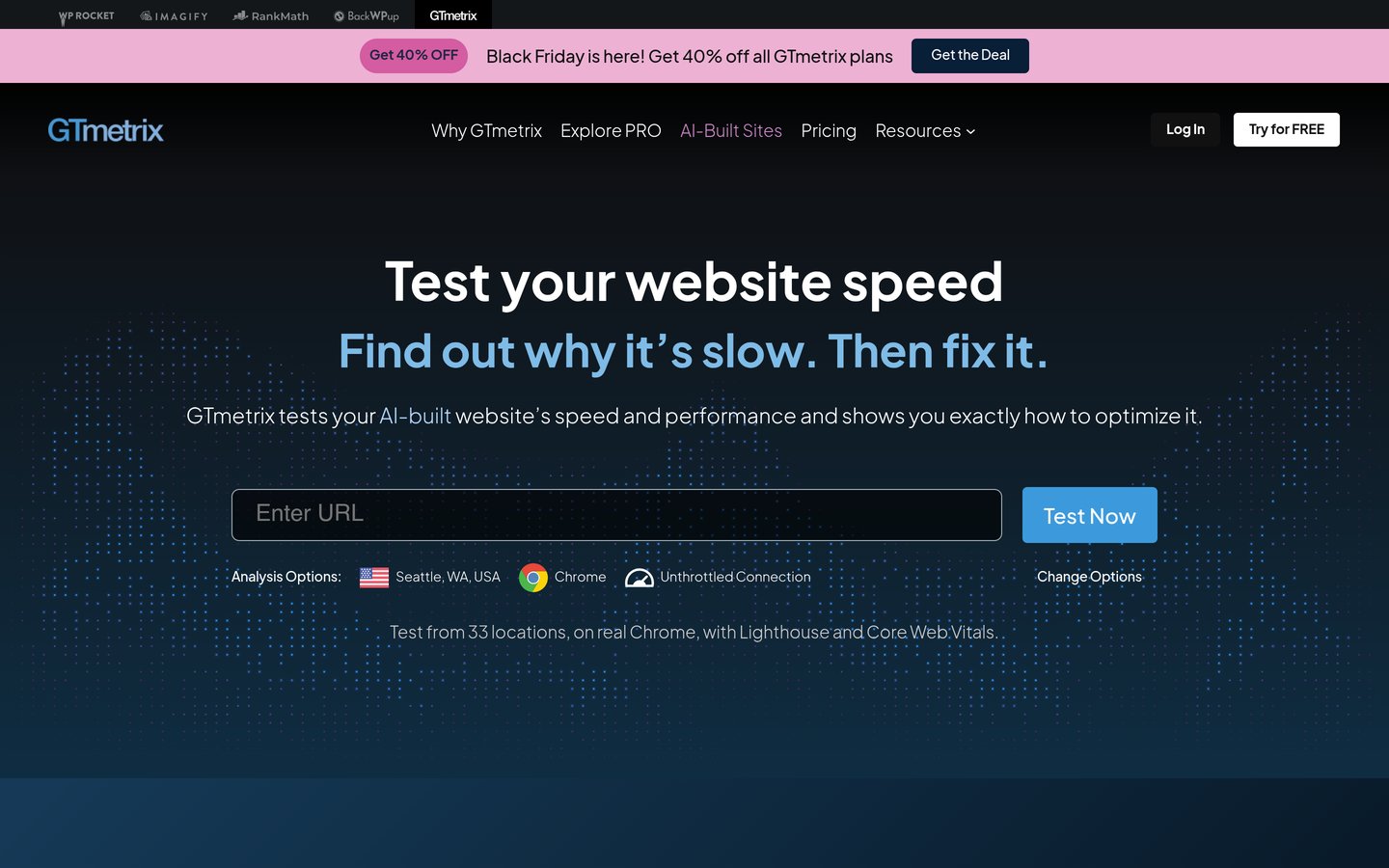
GTmetrix is the only free tool here with full Lighthouse Core Web Vitals reports, from 33 test locations.
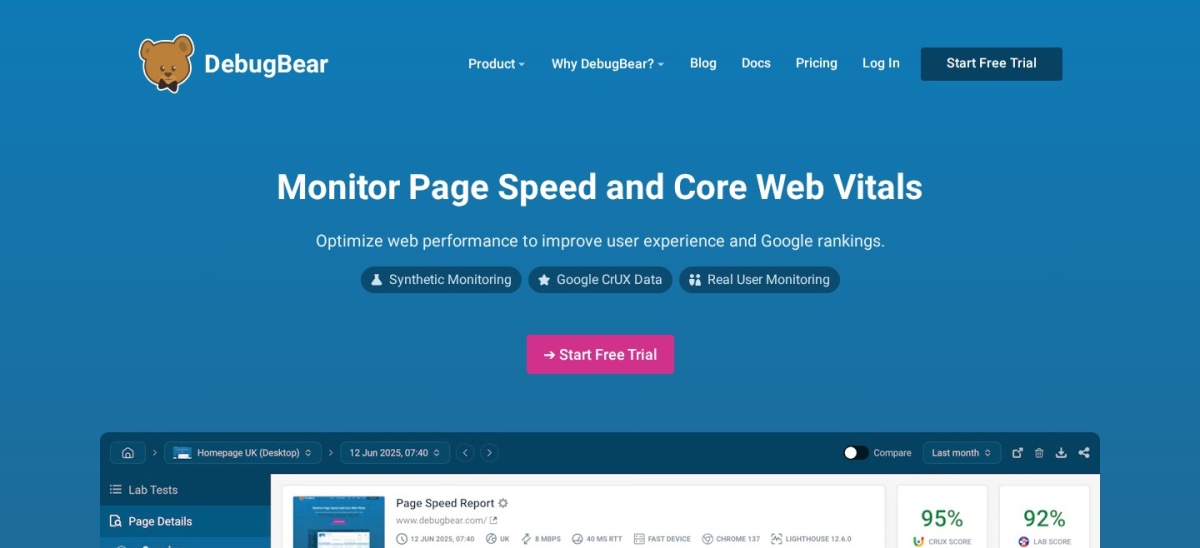
DebugBear tracks Core Web Vitals over time with lab tests, real user data and Google CrUX data, from $49 a month.
Sitebulb and Screaming Frog pull PageSpeed Insights data into full-site crawls, so you can check every page, not just one.
Ahrefs, Semrush and SE Ranking check Core Web Vitals inside site audits, but cost $129 to $140 a month.
SpeedCurve is the deepest Core Web Vitals tool here, but Starter starts at $90 a month and suits teams, not single sites.
What to look for in a Core Web Vitals tool
Core Web Vitals are three Google metrics: Largest Contentful Paint, Interaction to Next Paint and Cumulative Layout Shift. They measure how fast a page loads, how quickly it responds and how stable it looks while loading.
Lab data comes from a controlled test, while field data comes from real visitors. Our guide on lab data vs field data explains why the two scores often disagree.
A one-off checker is enough if you only need a score for a page. Ongoing monitoring matters when you publish often or run a store, because a single plugin update can push a metric over the limit.
Crawlers are the third option. They pull PageSpeed data for every URL on a site, so you can find the worst pages first instead of guessing.
GTmetrix is a free speed test that runs Lighthouse on real Chrome and reports all three Core Web Vitals. Tests run from 33 locations, and each report breaks down what is slowing the page, with a waterfall and fix suggestions.
The trade off is volume. The free plan limits how many tests you can run and keeps monitoring, alerts and extra locations behind paid plans, which start at $5.99 a month. It suits anyone who needs a quick, free Core Web Vitals check on a few pages.
DebugBear is a monitoring tool built around page speed and Core Web Vitals. It runs scheduled Lighthouse tests, collects real user data and pulls in Google CrUX field data, so lab and field scores sit on one dashboard.
The trade off is price and the thin review base. Plans start at $49 a month with a free trial and no free plan, and G2 shows only 3 reviews. It suits teams that publish often and want to know the moment a metric slips.
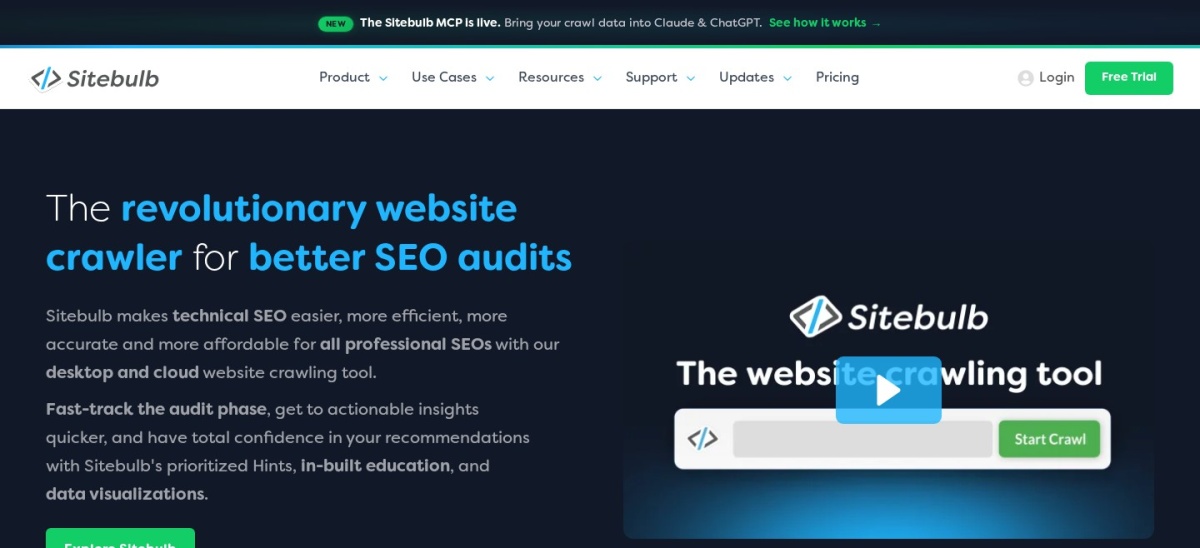
Sitebulb is a desktop crawler that audits a whole site and explains each issue with prioritised hints. Its Pro plan pulls PageSpeed Insights data into the audit, so you can see Core Web Vitals for every crawled page in one report.
The trade off is that the Core Web Vitals reports need Pro. Lite costs $18 a month but leaves out the performance reports, so the plan that checks vitals costs $42 a month. It suits consultants and agencies that audit client sites in bulk.
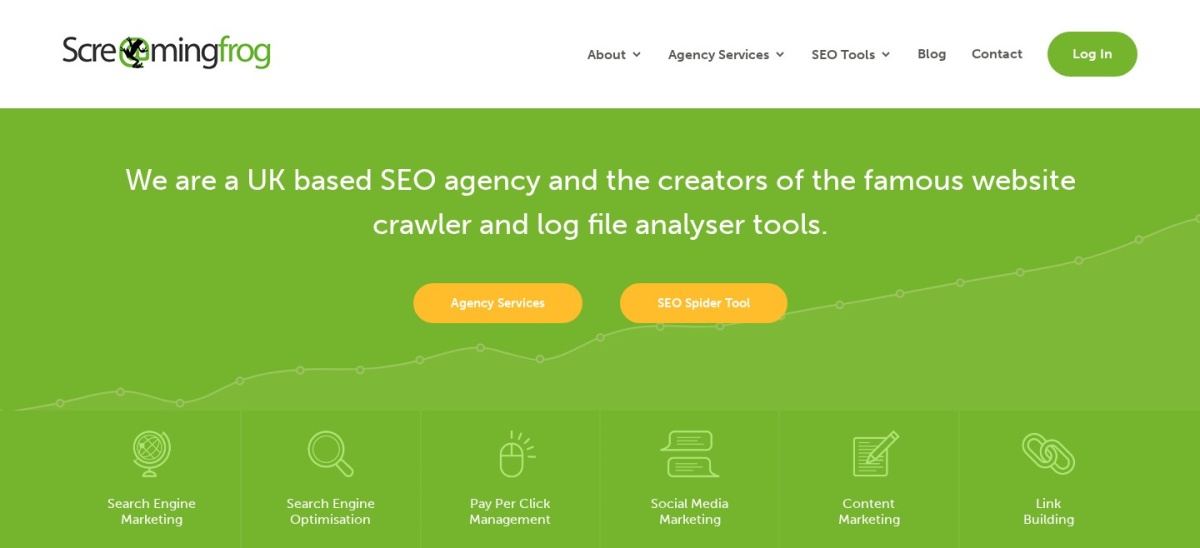
Screaming Frog SEO Spider homepage, captured Nov 2026.
Screaming Frog SEO Spider is a desktop crawler that audits a site the way a search engine does. It connects to the PageSpeed Insights API to pull Core Web Vitals for crawled URLs, and the free version covers up to 500 URLs.
The trade off is that it runs on your machine. Large crawls use local memory, and JavaScript rendering, scheduling and saved crawls need the $279 yearly licence. It suits technical SEOs who want full-site vitals data without a monthly bill.
Pingdom is a long-running monitor that pairs uptime checks with page speed tests from more than 100 probe locations. Synthetic monitoring starts at $18 a month for 10 uptime checks, and real user monitoring is sold as a separate plan.
The trade off is that it is not a Core Web Vitals specialist. Its page speed reports are lighter than GTmetrix or DebugBear, and real user data costs extra. It suits teams that already monitor uptime and want speed checks in the same tool.
SpeedCurve is a performance monitor that pairs real user monitoring with synthetic tests to track Core Web Vitals. Starter starts at $90 a month and includes unlimited teams and users, synthetic monitoring and real user monitoring.
The trade off is cost. Annual billing saves 20%, but the plan is priced for teams, and 13 months of data retention starts on Growth at $576 a month. It suits larger sites where speed work is a shared job across a team.
Ahrefs is a full SEO suite whose Site Audit checks Core Web Vitals as part of a wider technical audit. Lite costs $129 a month and includes 100,000 crawl credits, 750 tracked keywords and 5 non-verified projects.
The trade off is that vitals are one feature among many. You pay for keyword research, backlinks and rank tracking too, so it is poor value if you only need speed data. It suits SEO teams that already live in Ahrefs and want vitals in the same audit.
Semrush is an all-in-one SEO platform whose Site Audit flags Core Web Vitals issues beside crawl errors and markup problems. Pro costs $139.95 a month and covers 5 projects with 500 keywords tracked daily.
The trade off is price and plan churn. The free account audits only 100 pages a month, and the pricing page now lists renamed plans, so confirm the plan name before you buy. It suits marketing teams that want vitals, keywords and content tools in one login.
SE Ranking is an all-in-one SEO platform with a website audit that reports Core Web Vitals issues. Core costs $129 a month, or $103.20 on annual billing, and covers 10 projects, 2,000 tracked keywords a day and 250,000 audit pages a month.
The trade off is depth. Its audit is solid for routine checks but lighter than a dedicated speed tool, and there is no free plan, only a 14-day trial. It suits small agencies that want audits, rank tracking and backlink data for one price.
Free tools cover one-off checks well. GTmetrix and the free versions of Screaming Frog, Ahrefs and Semrush all report the three Core Web Vitals without payment.
Paid plans mostly add monitoring and scale. You get scheduled tests, alerts when a metric slips, real user data and crawls of thousands of pages.
If a client pays you for speed work, monitoring pays for itself the first time it catches a regression before the client does.
How we chose
We started from the established speed and SEO tools that report all three Core Web Vitals, then kept those with public pricing and a public review score.
Prices come from each vendor's pricing page, checked on 25 November 2026. Ratings come from G2, except Pingdom, which uses Capterra. Where a vendor shows a sale, the list shows the regular price.
We left out tools with no public rating, including WebPageTest and PageSpeed Insights. No vendor paid for a place, and we do not claim to have used these tools ourselves.
How to choose a Core Web Vitals tool
Start with how often you need to check, then pick the tool that fits that rhythm.
Check one page first. Run a free GTmetrix test on your slowest page. If the score is green, you may not need a paid tool at all.
Decide between lab and field data. Lab tests show what to fix; field data shows what visitors actually experience. Our guide on lab data vs field data explains how to read the two side by side.
Pick monitoring if you publish often. DebugBear or SpeedCurve watch scores daily and alert you when a metric slips. A one-off checker will not catch a regression.
Use a crawler for a whole site. Sitebulb or Screaming Frog pull PageSpeed data for every page, so you can fix the worst pages first.
FAQ
What is the best tool to check Core Web Vitals?
GTmetrix is the best free option for most sites. It runs Lighthouse on real Chrome from 33 locations and reports all three Core Web Vitals with fix suggestions. Pick DebugBear if you need daily monitoring instead of one-off tests.
What is a good Core Web Vitals score?
Google's thresholds are an LCP under 2.5 seconds, an INP under 200 milliseconds and a CLS under 0.1. A page passes when 75% of real visits meet all three. Lab scores from a single test can differ, so check field data too.
Why do Core Web Vitals scores differ between tools?
Tools test from different locations, devices and connection speeds, and some use lab data while others use real visitor data. A page can pass in one tool and fail in another. Compare the same metric in the same conditions before you act.
Can I check Core Web Vitals for free?
Yes. GTmetrix runs free Lighthouse tests with all three metrics, and Google's own PageSpeed Insights is free too. Screaming Frog, Ahrefs and Semrush also have free versions, but each limits how many pages you can check.
Do I need a paid tool to monitor Core Web Vitals?
Only if you need ongoing checks. A free one-off test is enough for a small site that rarely changes. Paid monitoring earns its keep when you publish often, run a store, or need an alert the moment a metric slips.
Which tool checks Core Web Vitals for a whole site?
Sitebulb and Screaming Frog pull PageSpeed Insights data into a full-site crawl, so you can rank every page by its vitals. Ahrefs, Semrush and SE Ranking do the same inside their site audits, with page limits set by each plan.
SaaS SEO and WordPress specialist with about 8 years of experience. Rakib compares WordPress plugins, themes, hosting and software using public pricing, documentation and user reviews. See how we rank.