Plane is the best self-hosted project management software for most teams, with a free Community Edition that has unlimited projects and no user cap, rated 4.5 out of 5 on G2. Pick Taiga for strict Scrum and Kanban, or OpenProject for Gantt charts and classic planning.
How we make this list: we compare pricing pages, product documentation and public user reviews, then re-check every price before each update. No product paid for a place. Disclosure.
Plane leads the list: a free self-hosted Community Edition with no user cap, rated 4.5 out of 5 on G2.
Taiga has the most reviews here, 74 on G2 at 4.4, and its Premium cloud plan costs $7 a user a month.
OpenProject is the only pick with full Gantt charts, dependencies and time tracking in its free edition.
Kanboard and Huly cost nothing to run beyond hosting, but Kanboard has only 4 Capterra reviews and Huly only 3 on G2.
Paid plans run from $6 a user a month for Plane Pro to $16.90 for Odoo Standard, and Rukovoditel charges a $195 one-time fee.
What to look for in self-hosted project management software
Self-hosted means the software runs on your server, not the vendor's. You own the data, control updates and avoid per-seat cloud bills, but you also own backups, security patches and upgrades.
Start with the licence and the install path. Plane, Taiga, OpenProject, Leantime, Kanboard and Huly all publish open-source editions you can run with Docker, while Odoo and Rukovoditel ship free community editions with paid upgrades.
Check what the free edition actually includes. Gantt charts, time tracking and single sign-on are often paid extras, so match the free feature list to your workflow before you install anything.
Our guide on managing multiple WordPress sites covers the same self-hosting trade-offs: control and data ownership against maintenance work.
The 8 best self hosted project management software
01
Plane
4.5/5on G2 (23 reviews, checked Nov 2026)
Paid from$6/mo
Best self-hosted project management software overall
Self-hosted editionCommunity, free
Free cloud seatsUp to 12
ViewsList, Kanban, calendar
Paid planPro, $6/seat/mo
plane.so
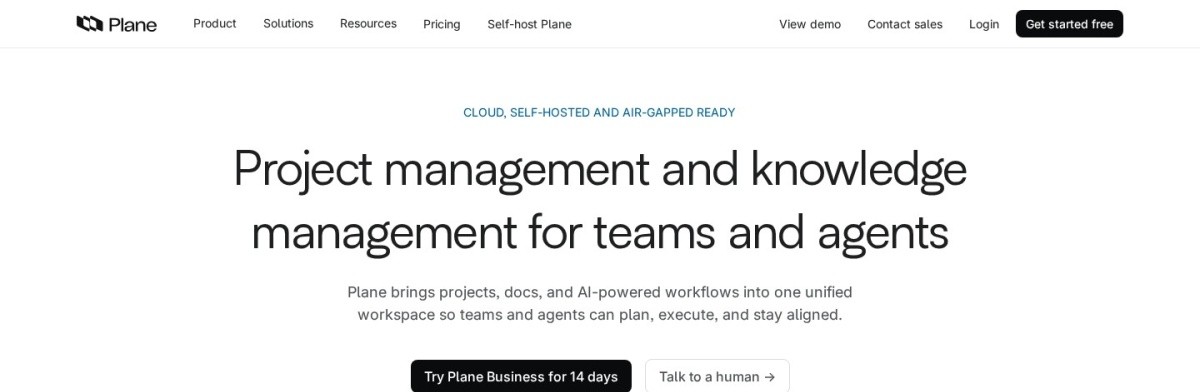
Plane homepage, captured Nov 2026.
Plane is a modern, open-source alternative to Jira and Linear, licensed under AGPL-3.0. The free Community Edition has unlimited projects, work items, cycles, modules and pages with no user cap, and it deploys with Docker Compose, Kubernetes or one-click installers.
The trade off is planning depth. Plane has no built-in scheduling engine, critical path or resource-pool planning, so it is weaker for classic waterfall work. Pro costs $6 a seat a month and adds premium features. It suits software teams that want a fast, modern tracker on their own server.
What we like
Free self-hosted edition with no user cap
Clean interface similar to Linear
Cycles, modules, pages and a REST API included
Rated 4.5 out of 5 on G2
Watch out for
No critical path or resource planning
Needs at least 2 CPU cores and 4 GB of RAM
Reporting is limited, with no custom dashboards
Pro costs $6 a seat a month on the hosted planVisit plane.so
02
Taiga
4.4/5on G2 (74 reviews, checked Nov 2026)
Paid from$7/mo
Best for Scrum and Kanban teams
Self-hosted editionFree, MPL 2.0
Scrum toolsBacklog, sprints, burndown
Kanban boardsYes
Paid planPremium, $7/user/mo
taiga.io
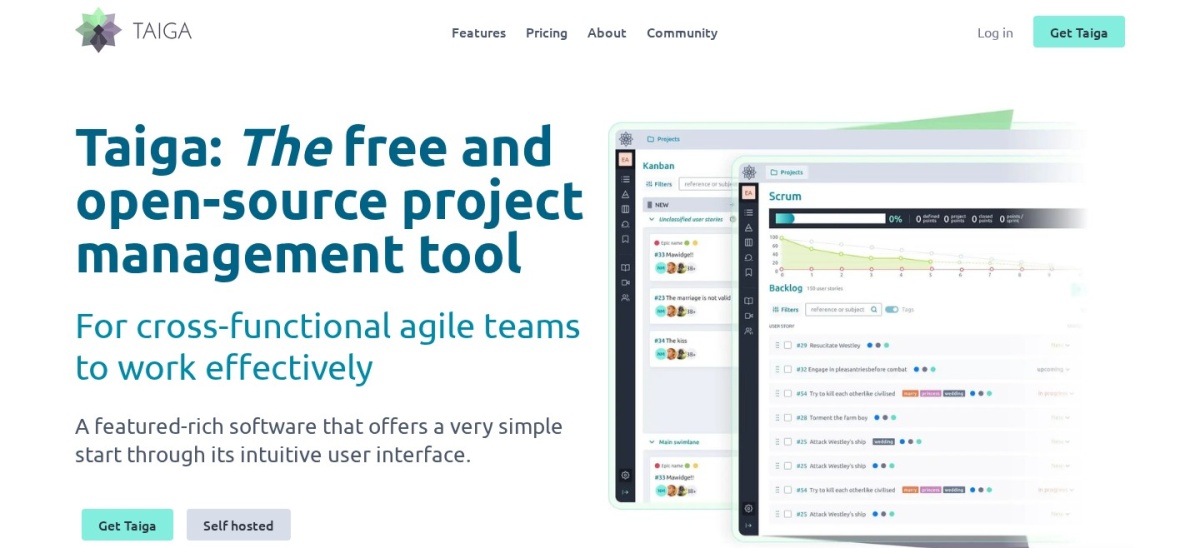
Taiga homepage, captured Nov 2026.
Taiga is an open-source Agile tool for Scrum and Kanban teams, released under the Mozilla Public License 2.0. The free self-hosted edition covers backlogs, sprint planning with story points, burndown charts and Kanban boards, with no user limit.
The trade off is scope. Taiga has no Gantt charts or resource planning, so it fits Agile software teams better than classic project offices. Premium costs $7 a user a month for the hosted version. It suits small development teams that want a light, strict Agile tool.
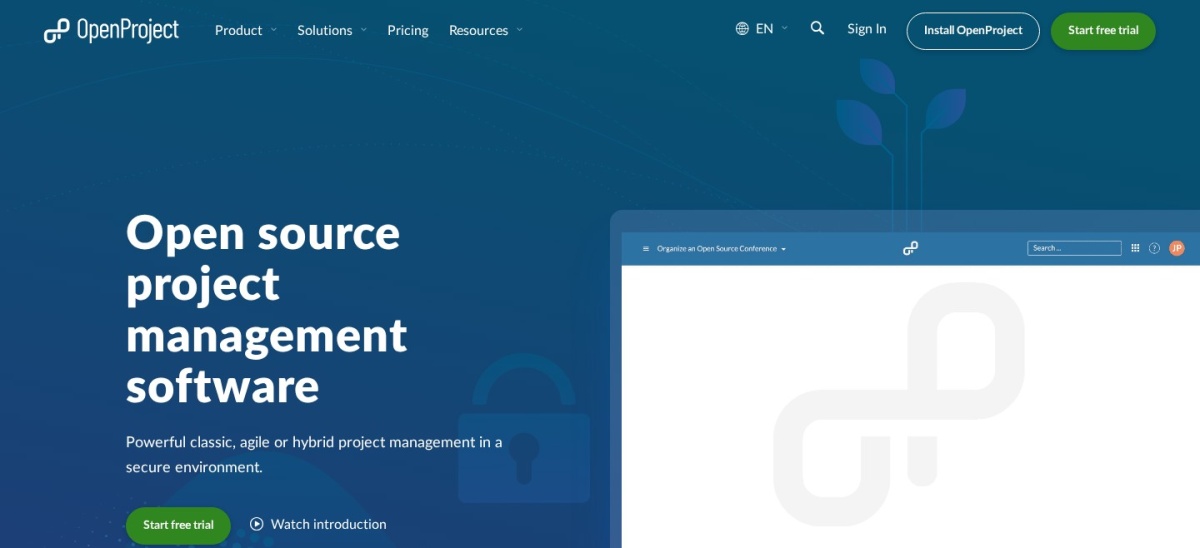
OpenProject is the most established open-source project management platform, licensed under GPLv3. The free Community edition covers Gantt charts, work packages, agile boards, time tracking and wikis, with no user or project limit.
The trade off is polish. The interface feels dated next to Plane, and setup takes more care than a hosted tool. Enterprise on-premises starts at $7.25 a user a month with a 25-user minimum. It suits teams that need classic planning, dependencies and cost reporting on their own server.
What we like
Full Gantt charts with dependencies and critical path
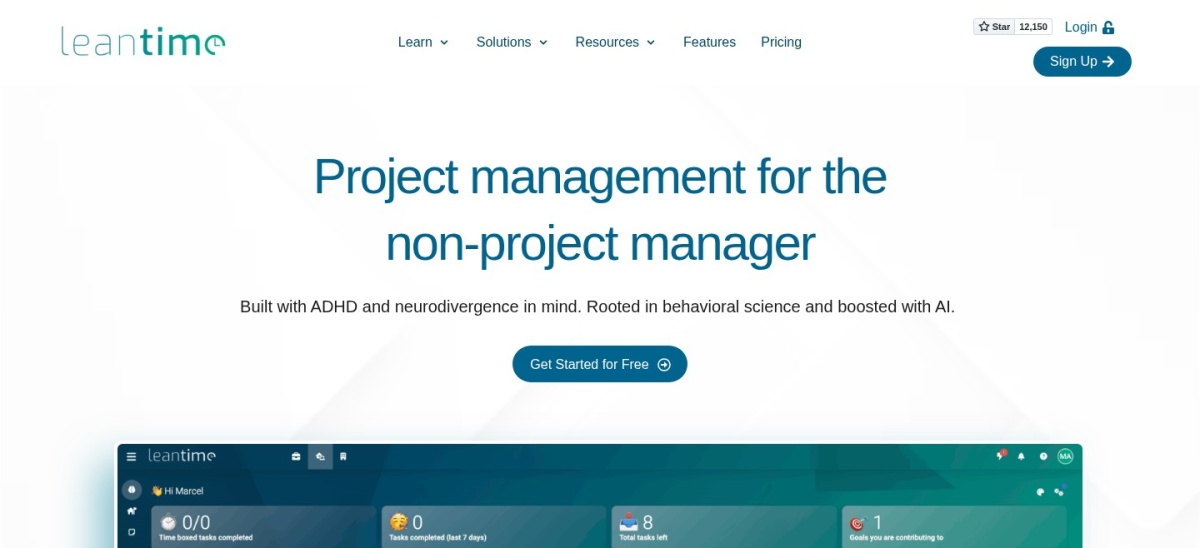
Leantime is a self-hosted project system built around goals, ideas and strategy, designed with ADHD, autism and dyslexia in mind. The free Community Edition covers projects, tasks, timelines, Kanban boards and time tracking under AGPLv3.
The trade off is breadth. Strategy tools, whiteboards and custom fields are paid plugins or Pro features, and the community is smaller than OpenProject's. Pro costs $8 a user a month billed yearly, or $10 monthly. It suits small teams that want planning tied to goals.
Odoo Project is the project app inside Odoo, the open-source ERP suite licensed under LGPLv3. Used on its own it is free for unlimited users under the One App Free plan, with Kanban boards, Gantt-style timelines, tasks and timesheets.
The trade off is price. The full Standard plan costs $16.90 a user a month at the regular yearly rate, after a $13.50 first-year offer, and self-hosted Enterprise needs the Custom plan. It suits companies that already run, or plan to run, CRM, invoicing or inventory on Odoo.
What we like
Project app free for unlimited users
Shares data with CRM, sales and accounting
Kanban, Gantt and forecasting in one app
Rated 4.4 out of 5 on G2
Watch out for
Full suite pricing is per user, not per app
Odoo.sh hosting costs extra on top of the plan
Self-hosted Enterprise needs the Custom plan
Standard adds all apps, hosting, support and maintenanceVisit odoo.com
06
Rukovoditel
4.7/5on G2 (19 reviews, checked Nov 2026)
Paid from$195/once
Best for building custom workflows
Self-hosted editionFree, open source
Custom modulesBuild your own entities
Kanban boardsPaid Extension
Paid planBasic, $195 one-time/user
rukovoditel.net
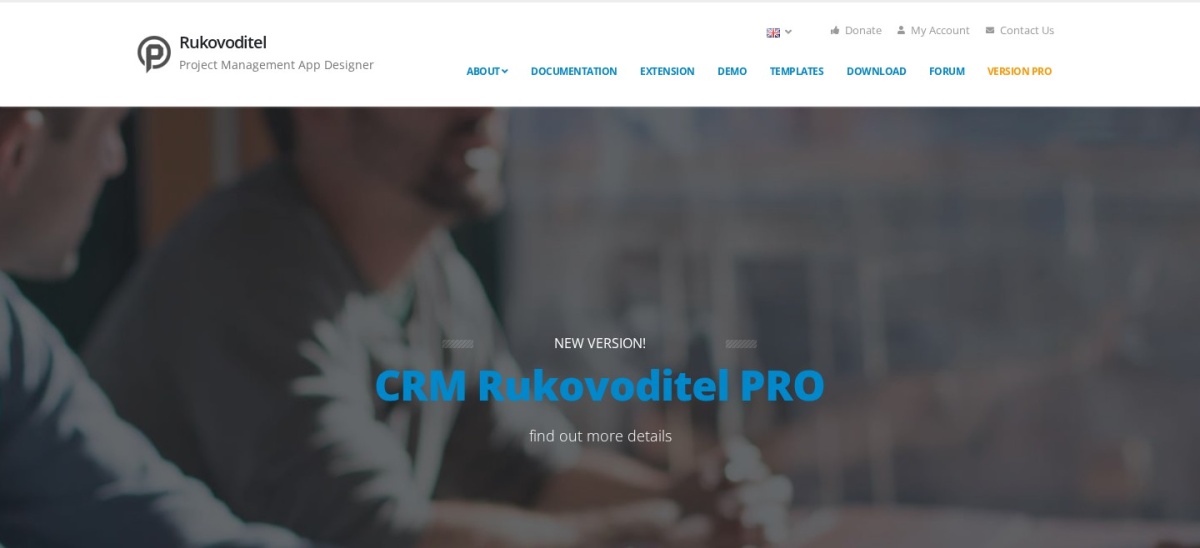
Rukovoditel homepage, captured Nov 2026.
Rukovoditel is a free, open-source PHP app builder that teams shape into a project tracker, CRM or helpdesk without coding. The free core covers projects, tasks, custom entities, filters, reports and Gantt charts on your own server.
The trade off is polish and support. The interface is dated, documentation is thin, and the paid Extension is a $195 one-time purchase per user. It suits small teams that want a highly configurable tracker and are comfortable self-hosting a PHP app.
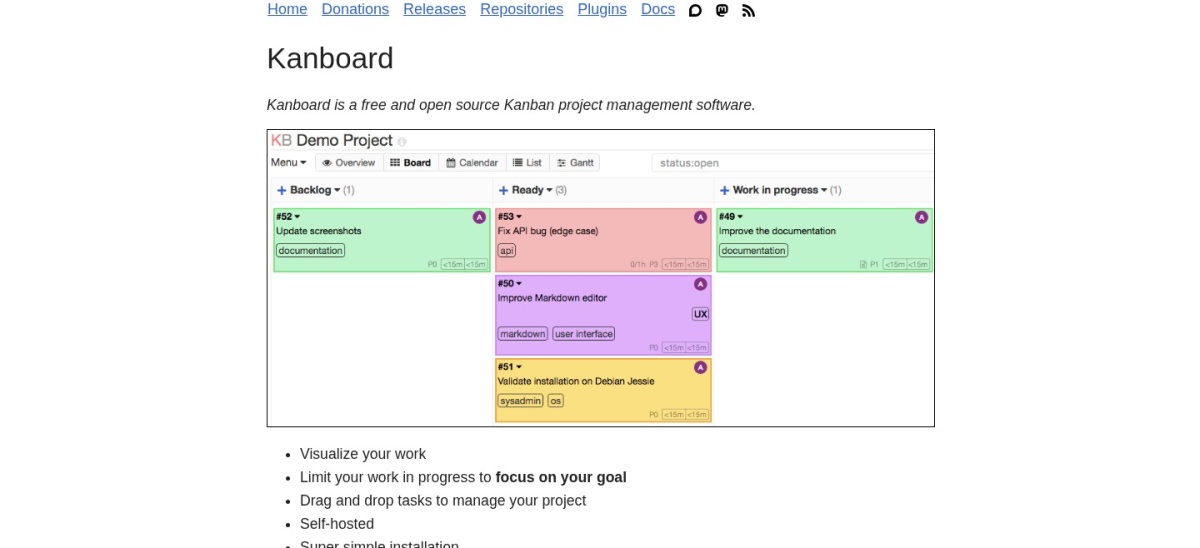
Kanboard is a minimal, self-hosted Kanban board licensed under MIT, running on a simple PHP stack with SQLite, MySQL or PostgreSQL. It is entirely free with no user limit, and covers WIP limits, subtasks, attachments, comments and a Gantt view.
The trade off is scope. Kanboard is a board, not a suite: no built-in time tracking, reporting or goal planning, and the interface is intentionally plain. It suits teams that want the lightest possible self-hosted Kanban tool with no vendor lock-in.
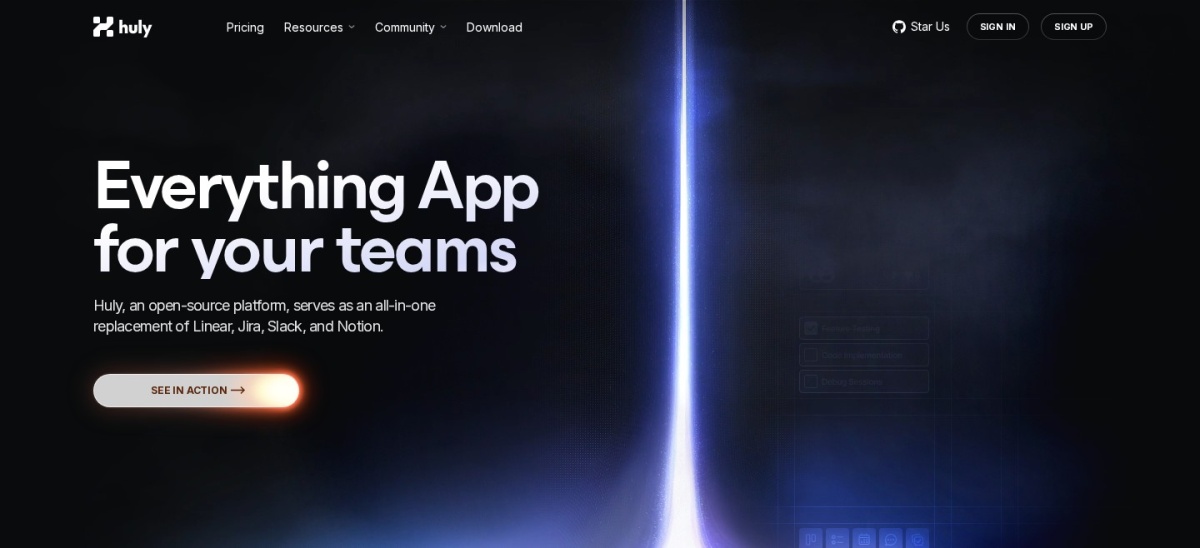
Huly is an open-source platform that combines issue tracking, docs, chat and a team planner under EPL-2.0. The self-hosted edition is free to run with Docker, with no licence fee and no user limit.
The trade off is backing. The vendor shut down its hosted cloud offering, so there is no managed option, and only 3 G2 reviews exist to judge it by. It suits engineering teams that want one self-hosted tool instead of stitching together three subscriptions.
What we like
Free self-hosted platform with no user limit
Issues, docs, chat and planner in one app
Two-way GitHub sync included
Docker-first install
Watch out for
Hosted cloud offering shut down
Only 3 G2 reviews so far
EPL-2.0 licence is less common than GPL or MIT
Self-hosting is free; no paid plan is listedVisit huly.io
Self-hosted vs cloud: what you give up
Self-hosting trades a monthly bill for maintenance work. You pay for the server, backups and upgrades with your own time instead of a subscription.
Every tool in this list has a free self-hosted edition. Paid plans mostly add support, single sign-on and AI features, not the core boards.
If your team has no one comfortable running Docker or a Linux server, a hosted plan is cheaper than hiring that help. Our guide on choosing hosting for agency client sites covers the same trade-off.
Start with the free edition on a small VPS, then pay only when you need support or a feature the free edition lacks.
How we chose
We started from the open-source project management tools with a working self-hosted edition and a public rating on G2 or Capterra, then kept the eight that cover the main workflows: Agile boards, classic planning, goal tracking and lightweight Kanban.
Prices come from each vendor's pricing page, checked on 26 November 2026. Ratings and review counts come from G2 or Capterra on the same day. Where a vendor shows a first-year discount, the list shows the regular price.
We left out tools with no public rating, including Vikunja and Focalboard. No vendor paid for a place, and we do not claim to have used these tools ourselves.
How to choose self-hosted project management software
Start with your team's workflow, then check the server you already have.
Match the tool to your method. Agile software teams fit Taiga or Plane. Classic planning with Gantt charts points to OpenProject or Odoo.
Check the server requirements first. Kanboard runs on almost anything, while Plane needs at least 2 CPU cores and 4 GB of RAM. Our guide on choosing hosting for agency client sites explains how to size a server for client work.
Test the free edition on real work. Install the free edition, run one real project through it for two weeks, and check backups and upgrades work before you move everything over.
Price the paid plan per user, not per team. Most paid plans bill per user per month, so a $6 plan costs $72 a year for one seat and $720 for ten. Count seats before you compare prices.
FAQ
What is the best self-hosted project management software?
Plane is the best pick for most teams. Its free Community Edition has unlimited projects and no user cap, it is rated 4.5 out of 5 on G2, and it deploys with Docker Compose or Kubernetes. Taiga fits strict Agile teams, and OpenProject fits classic Gantt planning.
Is self-hosted project management software really free?
The software itself is free in every tool on this list, but you still pay for the server, domain, backups and your own maintenance time. A small VPS costs a few dollars a month, so a five-person team usually spends far less than on a per-seat cloud plan.
Which self-hosted tool is best for Agile teams?
Taiga is built for Agile work, with Scrum backlogs, sprint planning, story points and burndown charts in its free edition. Plane is the stronger all-rounder, with cycles and modules that cover sprints without forcing a strict Scrum process.
Can I migrate from Jira or Asana to a self-hosted tool?
Yes, most of these tools ship importers for Jira, Asana, Trello and CSV files. Plane and OpenProject both document Jira migration paths. Export your data first, test the import on a trial install, and check that attachments and comments survive the move.
Do I need technical skills to self-host?
Yes, at least basic server skills. You need to run Docker or a Linux install, set up backups and apply security updates. Kanboard is the lightest install, while Plane and OpenProject need more memory and care. Teams without that skill should use a hosted plan.
What does Odoo Project cost?
The Project app alone is free for unlimited users under Odoo's One App Free plan. The full Standard plan costs $16.90 a user a month at the regular yearly rate, after a $13.50 first-year offer. Self-hosted Enterprise needs the Custom plan instead.
SaaS SEO and WordPress specialist with about 8 years of experience. Rakib compares WordPress plugins, themes, hosting and software using public pricing, documentation and user reviews. See how we rank.