Octoparse is the best screen scraping tool for most people. Its no-code builder and free plan, rated 4.8 out of 5 on G2, cover small jobs without code, while Browse AI suits site monitoring and Apify suits large-scale scraping.
How we make this list: we compare pricing pages, product documentation and public user reviews, then re-check every price before each update. No product paid for a place. Disclosure.
Octoparse is the top pick: a no-code builder with a free plan, rated 4.8 out of 5 on G2, from $19 a month.
Browse AI is best for watching pages change, with monitors from every 5 minutes and a free plan of 50 credits a month.
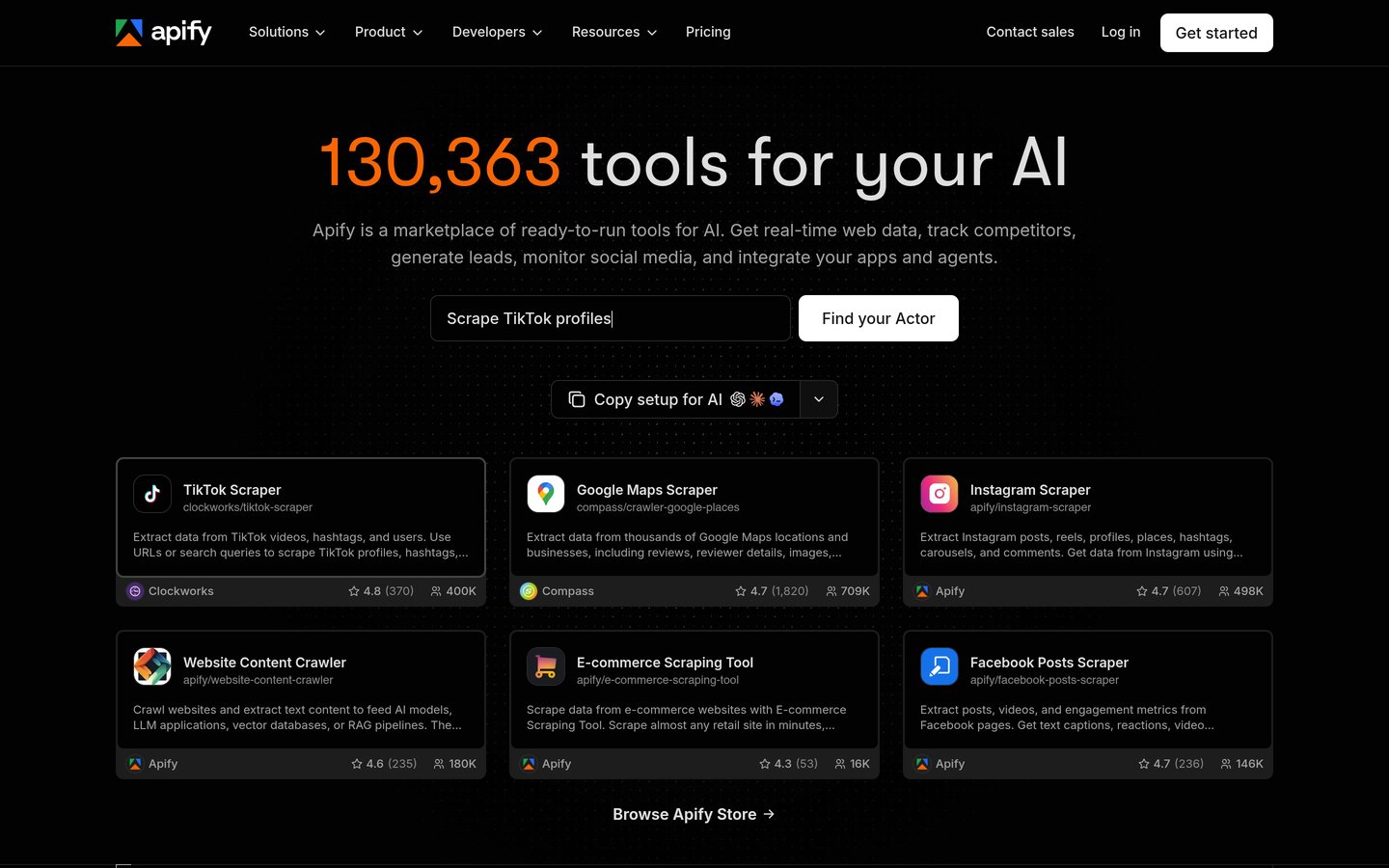
Apify has the largest review base here, 721 G2 reviews, and a store of more than 130,000 ready-made scrapers.
ScrapingBee and ScraperAPI are the simplest developer options, both starting under $50 a month with one API call per page.
Diffbot has the highest rating at 4.9 out of 5, but its first paid plan costs $299 a month, the most in this list.
What screen scraping tools do
Screen scraping means pulling structured data out of web pages that have no API. Prices, listings, reviews and tables all sit in HTML, and a scraper turns them into a spreadsheet or a feed.
No-code tools let you point at the data you want and run the job on a schedule. APIs do the same work from your own code, handling proxies, browsers and CAPTCHAs behind one call.
The right pick depends on volume. A few hundred pages a month fits a free plan, while daily monitoring or thousands of pages needs a paid plan with more credits and faster runs.
If the site you need already offers an API, use it first. Our guide on using the WordPress REST API shows how an API returns clean data without any scraping.
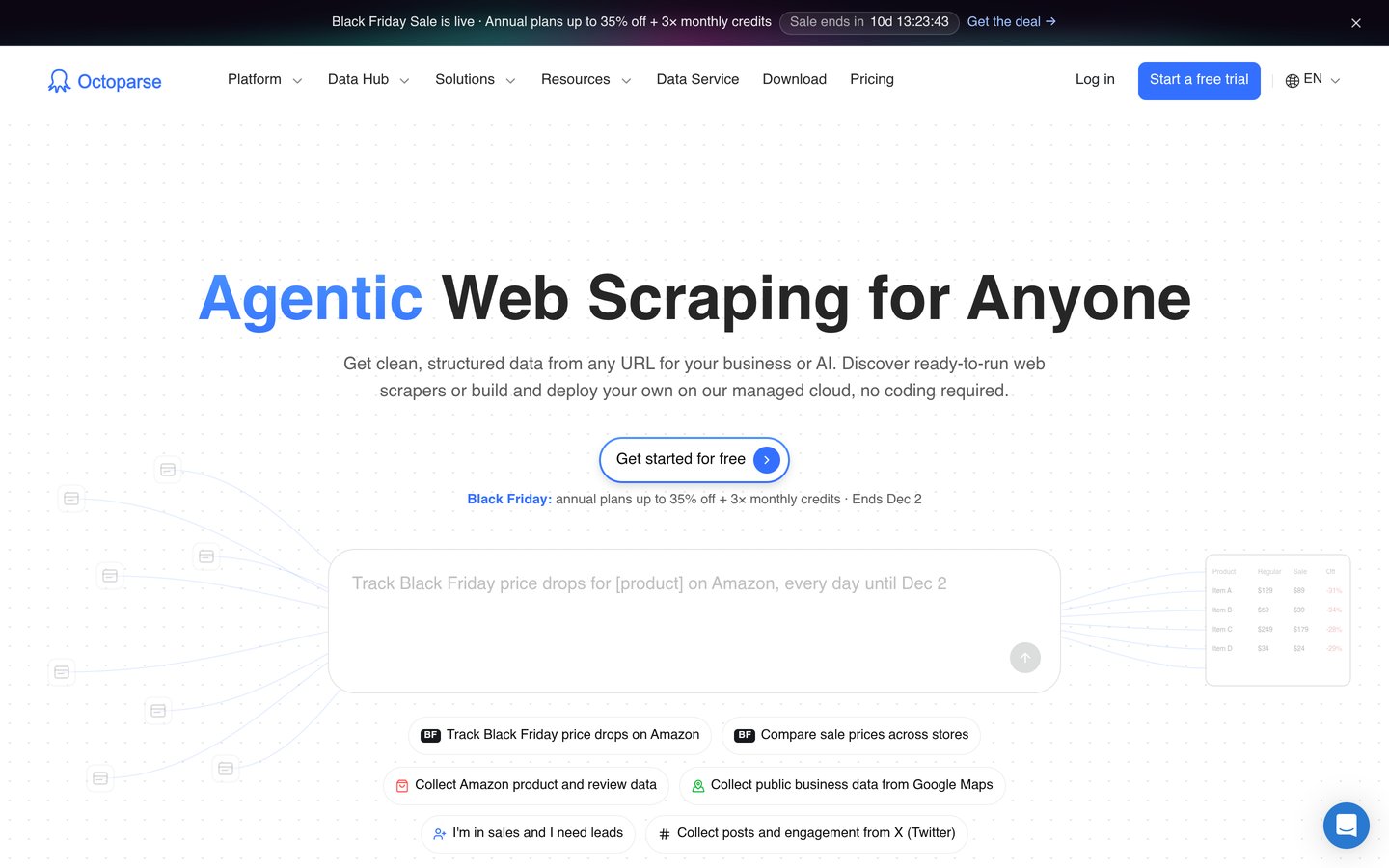
Octoparse is a no-code web scraper with a desktop app and optional cloud runs. You point at the data on a page and it builds the extraction for you, with more than 500 ready-made templates for common sites. The free plan covers 10 tasks and 50,000 rows of exports a month.
The trade off is that cloud runs, scheduling and CAPTCHA solving need a paid plan. Basic costs $19 a month, while Standard at $69 a month adds cloud extraction, IP rotation and the template library. It suits beginners and small teams that want scraping without code.
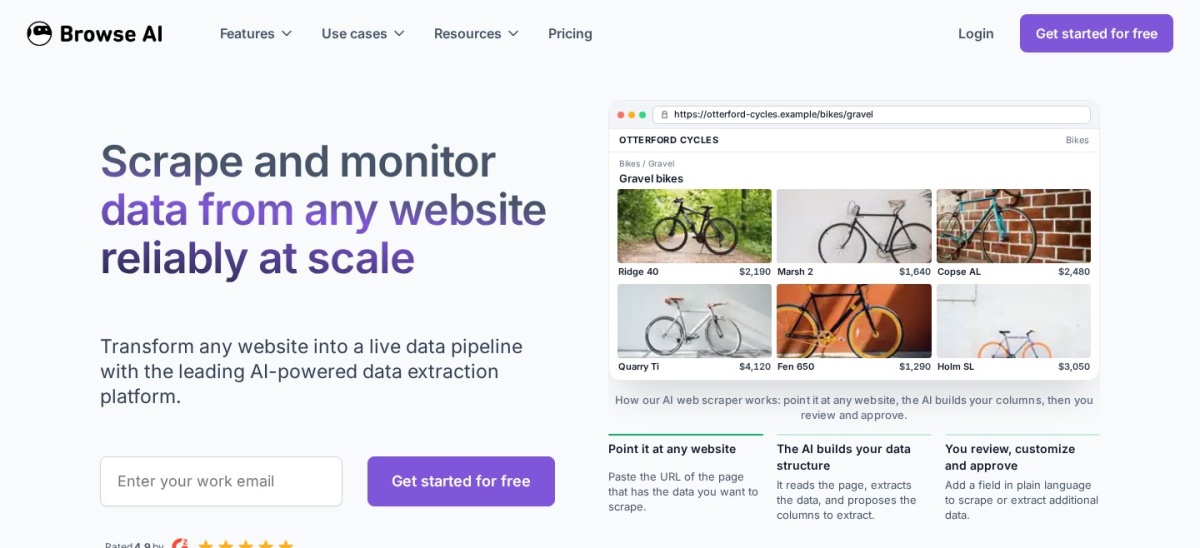
Browse AI is a no-code tool that records a task in your browser, then repeats it on a schedule and sends the results to a spreadsheet or app. You train a robot by clicking through the page once, and it watches for changes. The free plan includes 50 credits a month across 2 websites.
The trade off is credits. One credit extracts 10 rows or takes a screenshot, so large pages burn through the allowance fast. Personal costs $19 a month billed annually, or $48 month to month. It suits teams that monitor a handful of pages for price or listing changes.
What we like
Trains by recording clicks, no code needed
Monitors pages and alerts on changes
Connects to sheets and apps via Zapier and Make
Watch out for
Credits burn fast on large pages
Monthly billing costs more than double the annual rate
Personal adds 12,000 credits a year and 5 websitesVisit browse.ai
03
Apify
4.7/5on G2 (721 reviews, checked Nov 2026)
Paid from$29/mo
Best for ready-made scrapers at scale
Ready-made Actors130,000+
Free credit$5 per month
Starter proxies30 datacenter IPs
Cheapest paid planStarter, $29/mo
apify.com
Apify homepage, captured Nov 2026.
Apify is a cloud platform for running web scrapers and browser automation, with a store of more than 130,000 ready-made tools called Actors. You can run a ready-made Actor in minutes or build your own in code. The free plan includes $5 of platform credit every month.
The trade off is billing. Usage is charged in compute units on top of the plan, plus proxies and storage, so large jobs are hard to price in advance. Starter costs $29 a month. It suits developers and data teams that need scraping at scale.
ScrapingBee is a single API that fetches a page for you, handling headless browsers, proxy rotation and CAPTCHAs behind one call. You send a URL and get back HTML, JSON or a screenshot. The Hobby plan costs $19 a month for 75,000 API credits and 25 concurrent requests.
The trade off is that there is no visual builder and no recurring free plan, only a trial with 1,000 credits. JavaScript rendering costs extra credits per request, so heavy pages use the allowance faster. It suits developers who already have scraping logic and just need the infrastructure.
ScraperAPI is a scraping API with one endpoint: send a URL and it returns the page, rotating proxies and solving CAPTCHAs for you. The Hobby plan costs $49 a month for 100,000 credits and 20 concurrent threads. A free plan includes 1,000 credits a month.
The trade off is credit math. JavaScript rendering costs 10 credits per request and premium proxies cost more, so hard pages drain the allowance quickly. Annual billing takes 10% off. It suits developers who want fast, simple API calls for easy and medium-difficulty pages.
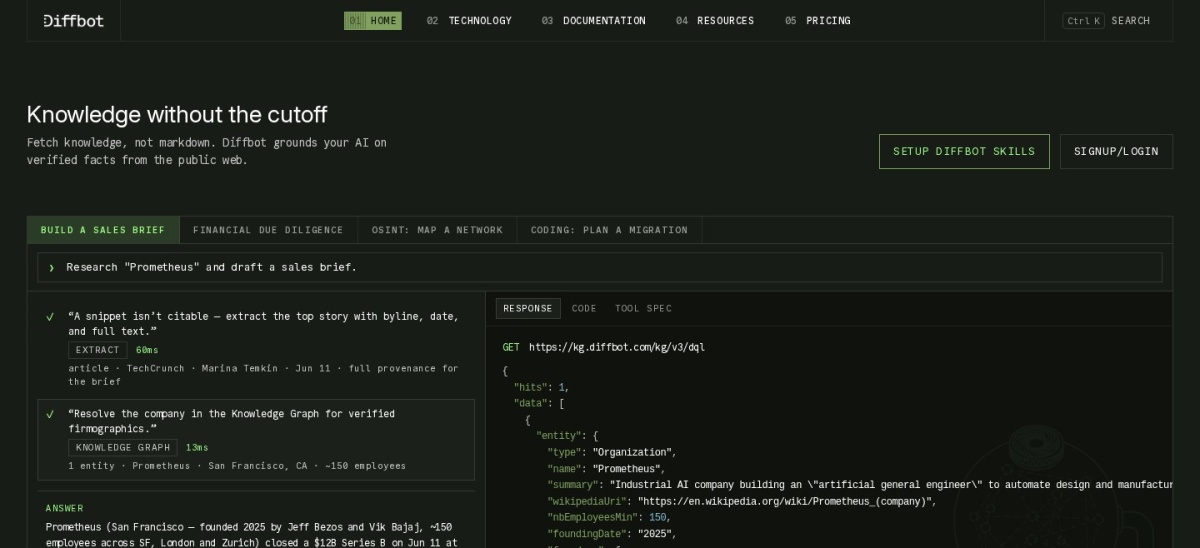
Diffbot is an AI extraction service that reads a page and returns structured data, such as article text, product details or company facts, without selectors. It also runs a Knowledge Graph of more than 10 billion entities. The free plan includes 10,000 credits a month.
The trade off is price. Startup costs $299 a month for 250,000 credits, the highest entry price in this list, and Knowledge Graph exports cost 25 to 100 credits each. It suits teams that need clean structured data and entity enrichment for AI work.
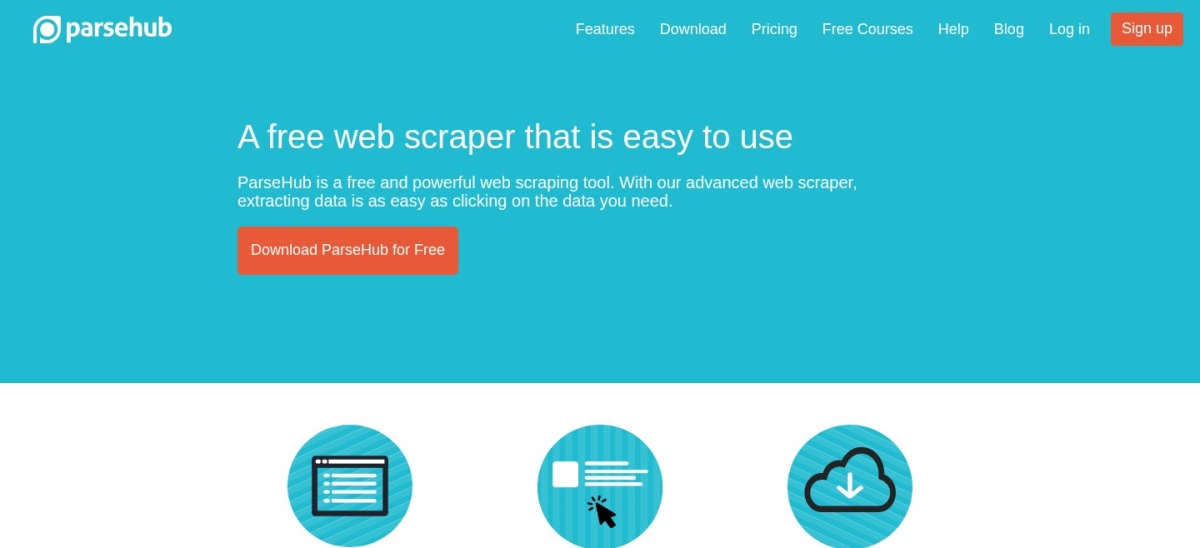
ParseHub is a visual desktop scraper for Windows, macOS and Linux. You click the data you want on a page and it builds the extraction, including logins, dropdowns and infinite scroll. The free plan covers 5 public projects with 200 pages per run.
The trade off is the price jump. Standard costs $189 a month for 10,000 pages per run and 20 private projects, with no plan in between. It suits small teams that want a simple visual tool for occasional extractions.
No-code tools suit people who do not write code. You train the scraper by clicking, then schedule it to run and send results to a spreadsheet.
APIs suit developers with existing code. You send a URL and get back HTML or JSON, while the provider handles proxies, rendering and retries.
Cost works differently too. No-code tools usually charge per month for a plan, while APIs charge per credit or per thousand requests, so heavy jobs can cost more than the plan price suggests.
How we chose
We started from the scraping tools with public G2 ratings and published pricing, then kept seven that cover no-code builders, monitoring tools and developer APIs.
Prices come from each vendor's pricing page, checked on 26 November 2026. Ratings and review counts come from G2 on the same day. Where a vendor shows a sale, the list shows the regular price.
We left out tools with no public rating and tools that hide their prices behind a sales call. No vendor paid for a place, and we do not claim to have used these tools ourselves.
How to choose a screen scraping tool
Match the tool to the job, the volume and your coding comfort, then start on a free plan.
Decide who builds the scraper. If nobody on the team writes code, pick a no-code tool such as Octoparse or Browse AI. Developers should look at the API tools first.
Count the pages you need each month. Free plans cover tens of thousands of rows or credits. Daily jobs across many sites need a paid plan, so check the credit math before you commit.
Check the site's defences. JavaScript-heavy pages and CAPTCHAs need rendering and proxy rotation. All seven tools here handle JavaScript, but only the paid plans include the stronger anti-blocking features.
Run a small job before paying. Scrape ten pages on the free plan or trial and check the output format. If the columns are wrong, fix the setup before scaling up.
FAQ
What is the best screen scraping tool?
Octoparse is the best screen scraping tool for most people. Its no-code builder, free plan and 4.8 out of 5 G2 rating cover small and medium jobs without code, and cloud runs arrive on the Standard plan.
Is screen scraping legal?
It depends on the site and the data. Public facts are usually fine to collect, but terms of service, login walls and copyrighted content can restrict it. Check the site's terms and robots file, and avoid personal data.
Do I need to know how to code to scrape a website?
No. Octoparse, Browse AI and ParseHub all work by pointing and clicking, with no code needed. Code helps only when you need a custom pipeline or want to call a scraping API from your own app.
What is the cheapest screen scraping tool?
Octoparse, Browse AI and ScrapingBee all start at $19 a month, or $228 a year. All three have a free tier or trial, so you can run small jobs before paying anything.
What is the difference between screen scraping and web scraping?
They mean the same thing in practice. Screen scraping is the older term for reading data off a rendered page, while web scraping covers the whole job, including APIs, crawling and parsing HTML.
Can I scrape a site that needs a login?
Most of these tools can. Octoparse, ParseHub and Browse AI record login steps, while the API tools accept cookies or session tokens. Logged-in scraping still has to respect the site's terms.
SaaS SEO and WordPress specialist with about 8 years of experience. Rakib compares WordPress plugins, themes, hosting and software using public pricing, documentation and user reviews. See how we rank.