Cal.com is the best scheduling tool API for developers: its free plan covers one user with unlimited links and calendars, and its API v2 and webhooks let you build booking into your own product. Calendly is the safer pick for the widest integrations, and Nylas is the pure API platform for embedding scheduling at scale.
How we make this list: we compare pricing pages, product documentation and public user reviews, then re-check every price before each update. No product paid for a place. Disclosure.
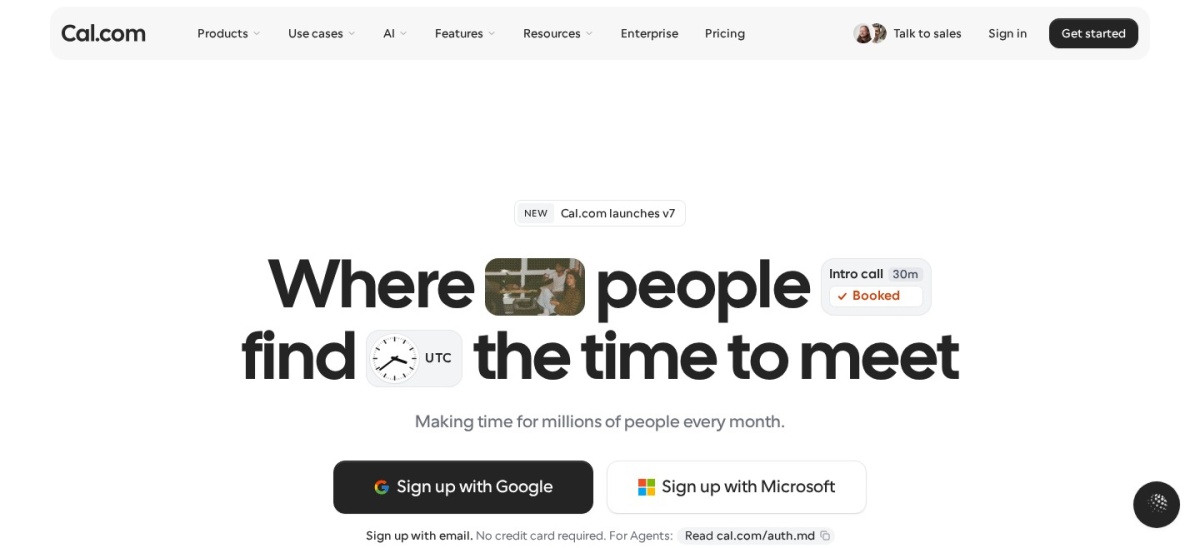
Cal.com gives developers a public API v2 with webhooks, and its free plan covers one user with unlimited links and calendars.
Calendly has the largest review base here at 4.7 out of 5 from 2,681 G2 reviews, with a REST API and webhooks on paid plans.
Nylas is the only pure API platform in the list: no booking app to run, just calendar, availability and Scheduler APIs from $15 a month.
API access is not always on the cheapest plan: YouCanBookMe gates its API to Team, and Acuity gates it to Powerhouse.
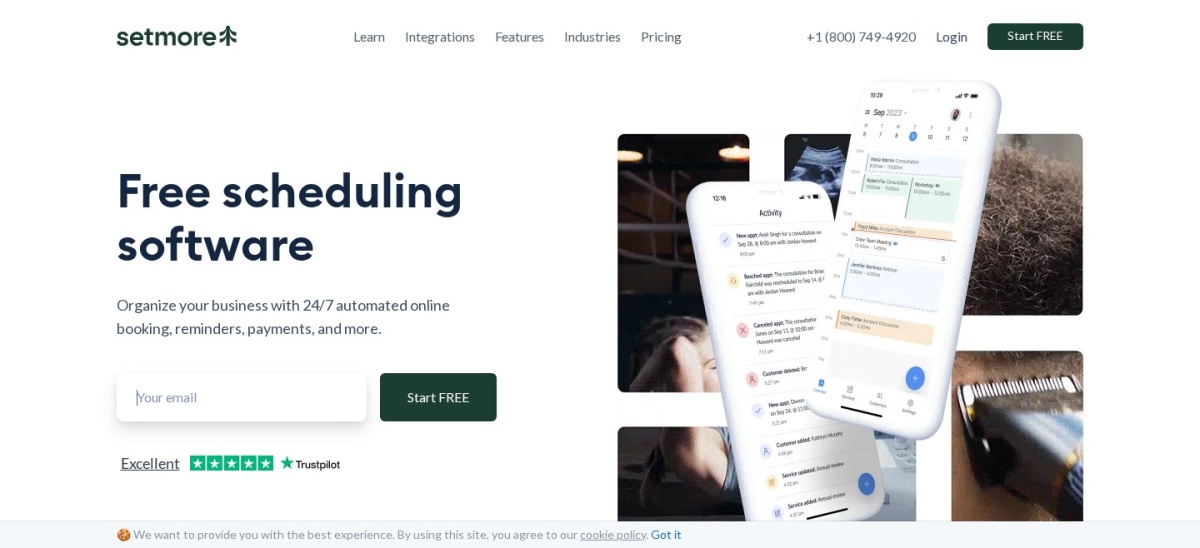
Setmore is the cheapest paid route at $5 a user a month billed yearly, and its Pro plan includes API access.
What a scheduling API should give developers
A scheduling API is only useful if it covers the whole booking flow: reading free and busy times, creating and cancelling events, and getting a webhook when something changes. A booking page alone is not an API.
Check what is included on the plan you would actually buy. Some tools put the API on every plan, while others keep it for a higher tier, so the cheapest price on the page may not buy you any API access at all.
A free tier matters while you build. Our guide on how to use the WordPress REST API shows the same pattern: test against the real API before you commit to a paid plan.
Docs and sandbox access matter as much as price. Look for versioned docs, an API key you can create yourself, and webhooks for bookings, cancellations and reschedules.
Cal.com is a scheduling platform built for developers, with a public API v2, webhooks and routing forms for building booking into your own product. The free plan covers one user with unlimited event types, unlimited calendar connections, more than 100 app integrations and Stripe and PayPal payments. Teams costs $12 a user a month billed yearly. It is rated 4.6 out of 5 on G2 from 154 reviews.
The trade off is setup. Cal.com asks for more configuration than Calendly, and its strongest compliance features sit on Organizations at $28 a user a month. It suits developers who want a full scheduling API without building the calendar logic themselves.
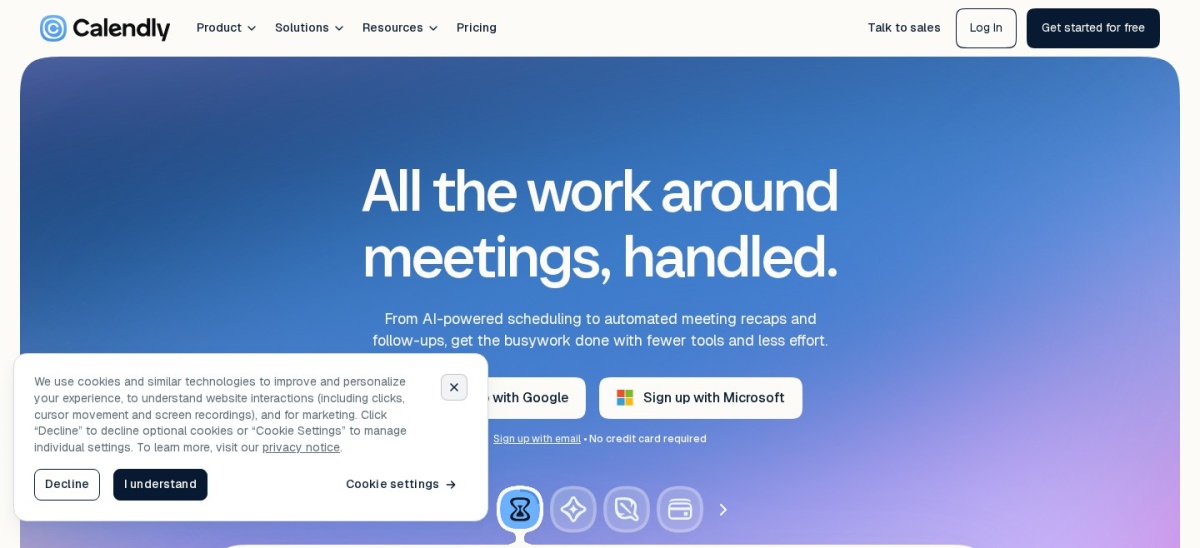
Calendly is the scheduling tool most people already recognise, and its REST API v2 covers event types, invitees and availability, with webhooks for booking changes. The free plan allows unlimited one-on-one meetings with one event type and one connected calendar. Standard costs $10 a seat a month billed yearly and adds unlimited event types and six calendar connections. It is rated 4.7 out of 5 on G2 from 2,681 reviews.
The trade off is that the API and webhooks sit on paid plans, and team features such as round robin need Teams at $16 a seat a month. It suits teams that want the most familiar booking link plus a documented API for syncing bookings into a CRM.
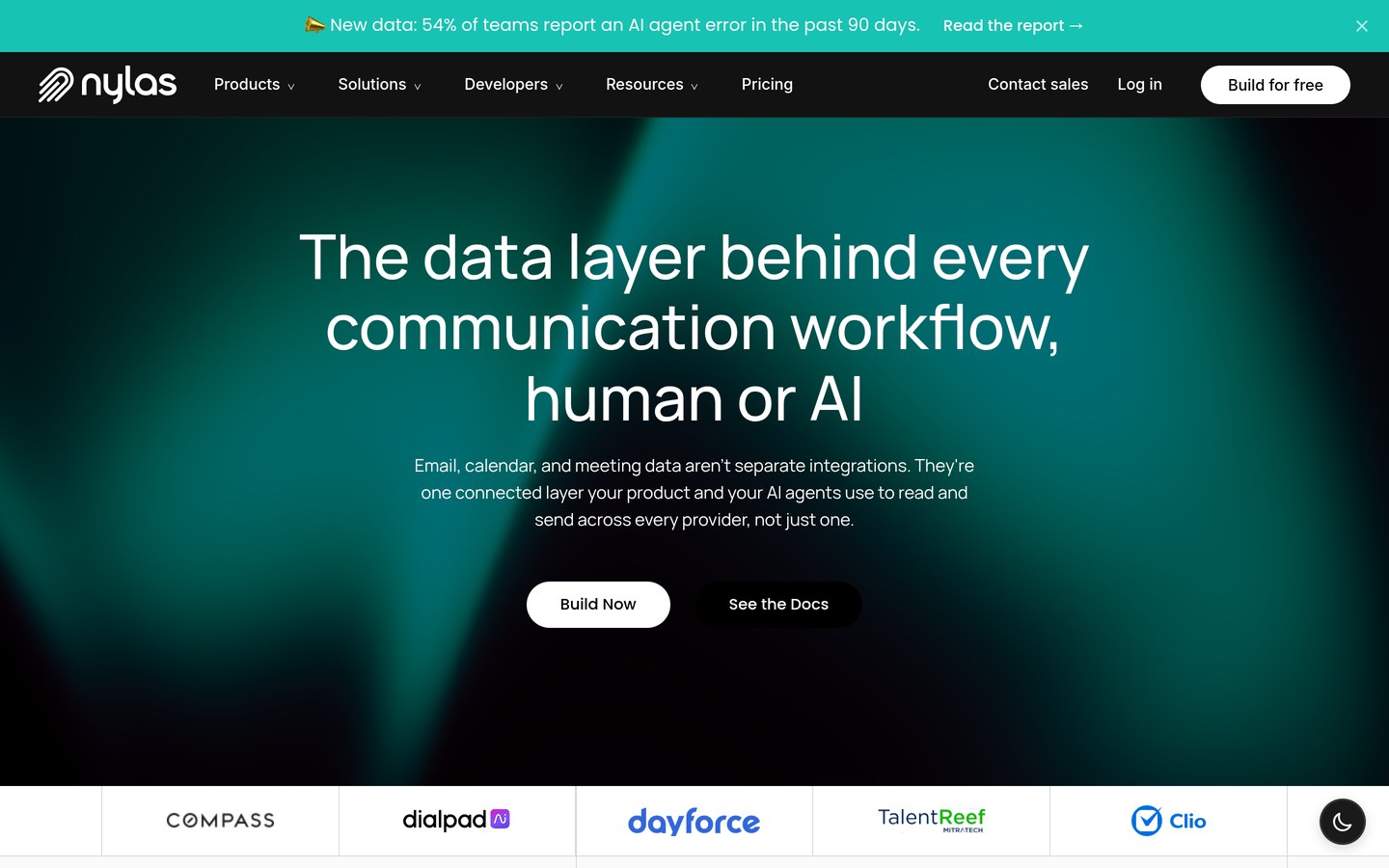
Nylas is a developer platform, not a booking app: one API covers email, calendar, contacts and scheduling across Google, Outlook, Exchange and iCloud. The free plan gives full API access for 5 connected accounts with no card, and Essentials costs $15 a month for 10 email and calendar accounts plus 10 calendar-only accounts. It is rated 3.8 out of 5 on G2 from 63 reviews.
The trade off is that you build the booking experience yourself: there is no ready-made booking app, and extra accounts cost $2.25 each on Essentials. It suits developers embedding scheduling inside their own product rather than sending users to a booking link.
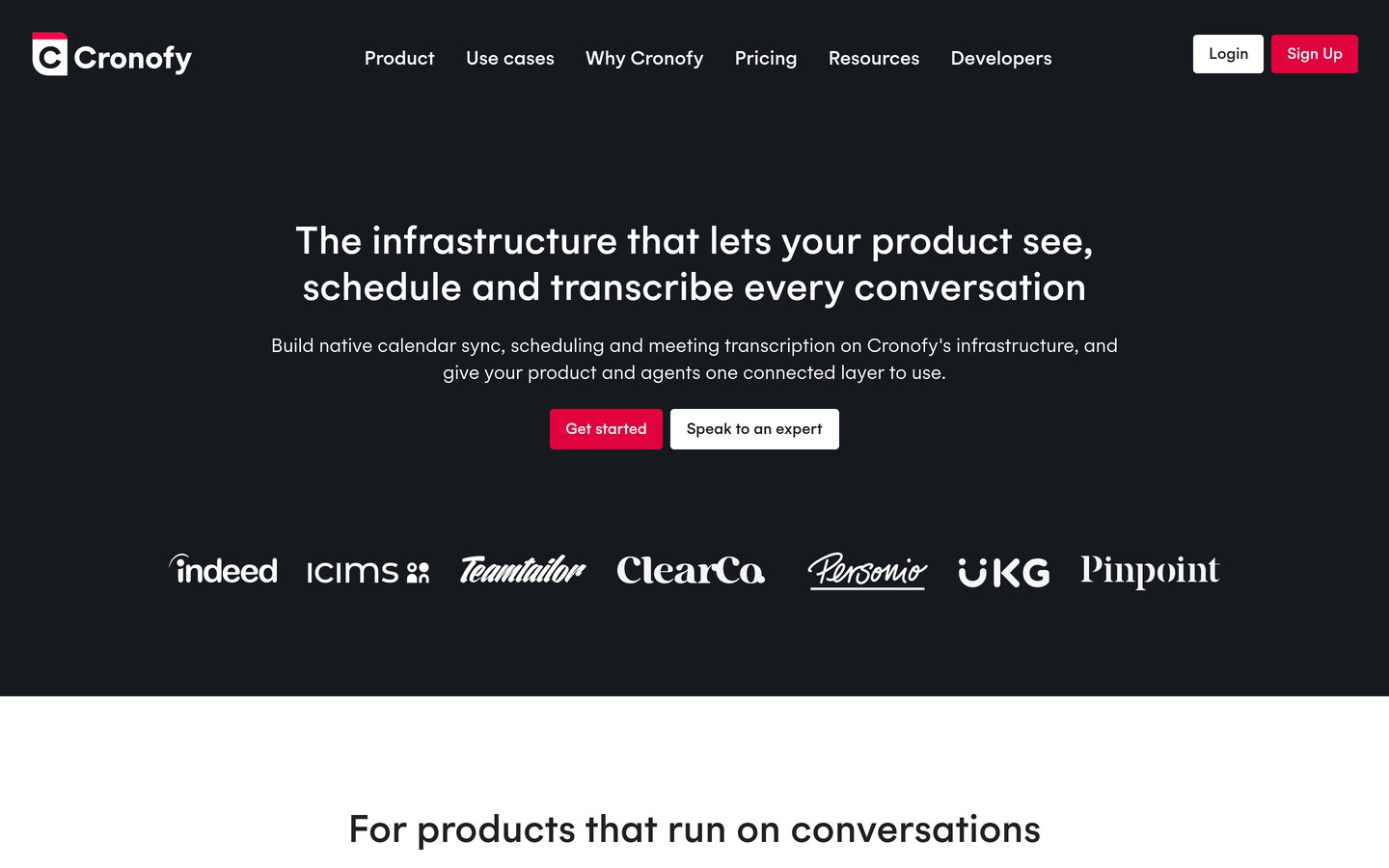
Cronofy sells scheduling and calendar infrastructure to software teams, with APIs for calendar sync, availability, smart invites and scheduling. The Team plan costs $15 a user a month and covers booking pages and multi-person scheduling. It is rated 4.7 out of 5 on G2 from 55 reviews.
The trade off is price for builders: the embedding API lives on the OEM Emerging plan at $819 a month, so the $15 Team plan buys the scheduling app, not the API. It suits recruiting and sales products that need deep calendar sync behind their own booking flow.
4.8/5on Capterra (5,723 reviews, checked Nov 2026)
Starts at$16/mo
Best for paid bookings with an API
Cheapest paid planEmerging, $16/mo
Free planNo, 7-day trial
APIOn Powerhouse plan
Calendars1 on Emerging
acuityscheduling.com
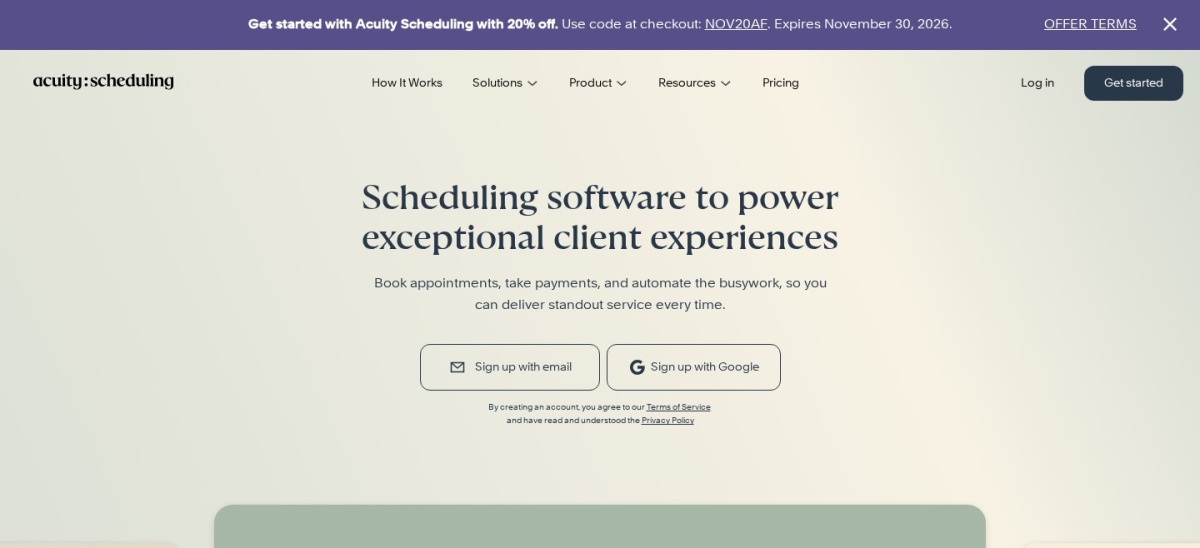
Acuity Scheduling homepage, captured Nov 2026.
Acuity Scheduling, part of Squarespace, is built for service businesses that charge for appointments, with payments, packages, memberships and intake forms in every plan. Emerging costs $16 a month billed yearly for one calendar, with email reminders and payment processing. It is rated 4.8 out of 5 on Capterra from 5,723 reviews, the largest review base here.
The trade off is API access: it sits on the Powerhouse plan at $49 a month billed yearly, along with HIPAA support, so developers pay three times the entry price to build on it. It suits businesses that sell bookable services and need payments and intake forms with the booking.
Setmore is a booking tool for small service teams, and its Pro plan includes API access for custom setups at $5 a user a month billed yearly. The free plan covers up to 4 users, 200 appointments a month, a booking page, email reminders and payments. It is rated 4.6 out of 5 on Capterra from 958 reviews.
The trade off is depth: two-way calendar sync, SMS reminders and recurring appointments all need Pro, and the API is a smaller part of the product than at Cal.com or Nylas. It suits small teams that want the cheapest paid route to API access.
4.6/5on Capterra (1,293 reviews, checked Nov 2026)
Paid from$11.90/mo
Best for booking websites with an API
Cheapest paid planBasic, $11.90/mo
Free planYes, 50 bookings
APIJSON API
Providers5 on Basic
simplybook.me
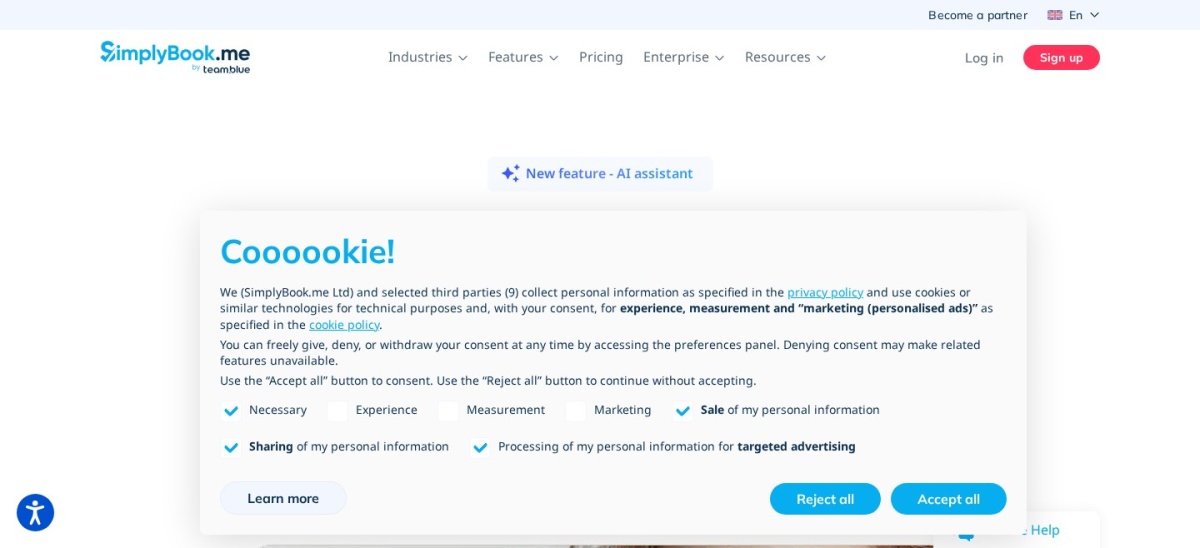
SimplyBook.me homepage, captured Nov 2026.
SimplyBook.me is an online booking system with a JSON API, embeddable widgets and a booking website you can publish without coding. The free plan covers 50 bookings a month for one provider, and Basic costs $11.90 a month billed yearly for 100 bookings, five providers and three custom features. It is rated 4.6 out of 5 on Capterra from 1,293 reviews.
The trade off is the booking cap: 100 bookings a month runs out fast for a busy studio, and Standard at $29.90 a month is the next step. It suits businesses that want a full booking website with an API for syncing bookings elsewhere.
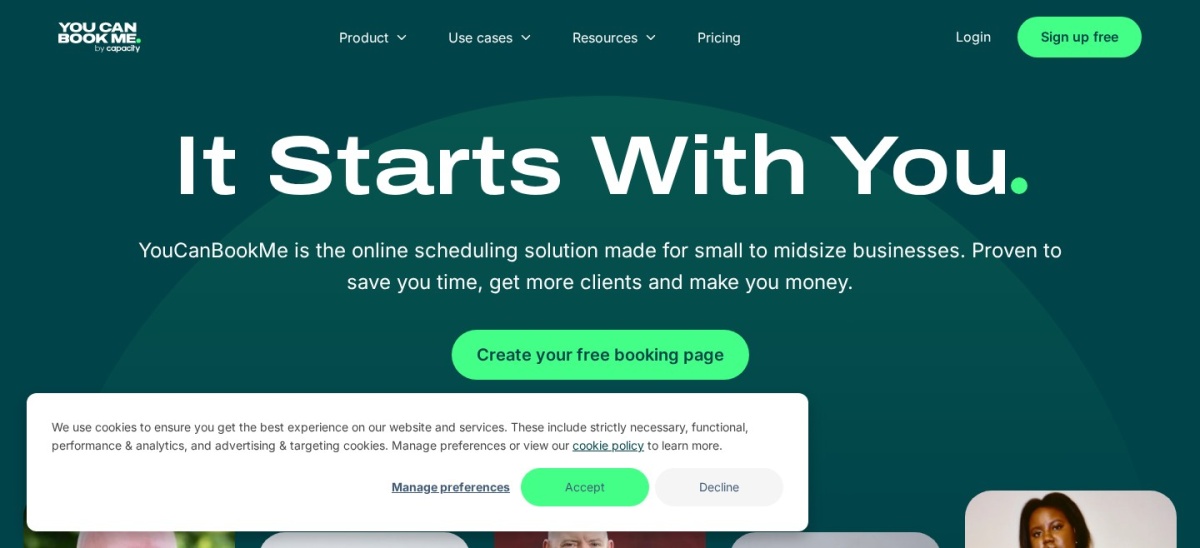
YouCanBookMe turns a Google, Microsoft or Apple calendar into a public booking page with brand colours, conditional form logic and Stripe payments. The free plan covers one calendar, one booking page and 30 bookings a month, and Individual costs $8.10 a month billed yearly. It is rated 4.7 out of 5 on G2 from 1,934 reviews.
The trade off is that the REST API and round robin sit on the Team plan at $16.20 a member a month, so developers pay double the entry price for API access. It suits solo operators who want a polished booking page and can live without the API until they grow.
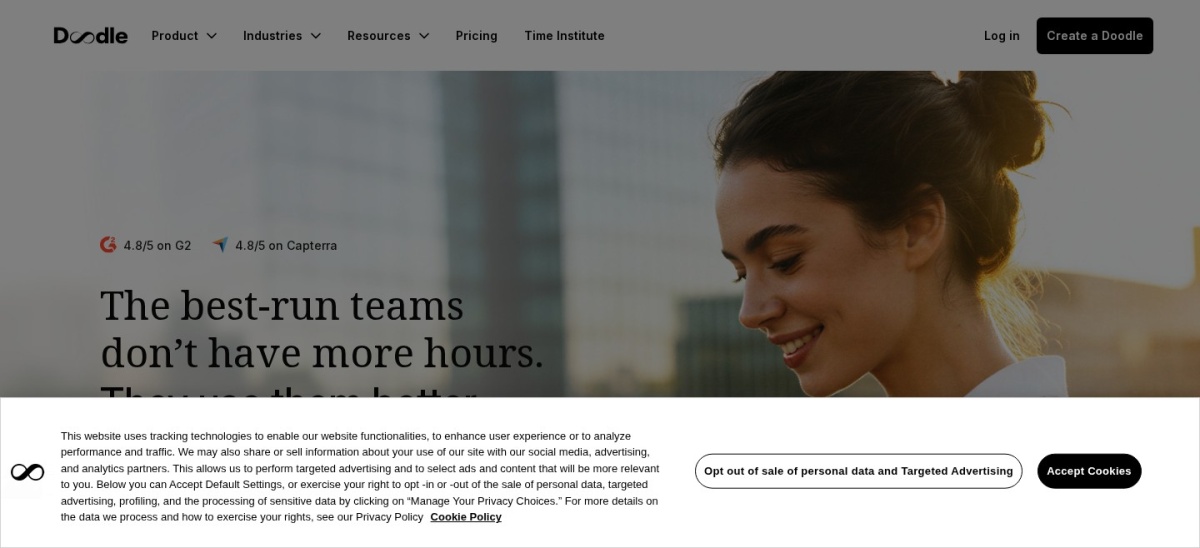
Doodle is built around group polls: propose times, let everyone vote, and turn the winner into a booking. The free plan covers group polls, sign-up sheets and one booking page with ads, and Pro costs $11 a seat a month billed yearly with unlimited polls and booking pages. It is rated 4.4 out of 5 on G2 from 2,080 reviews.
The trade off is that Doodle is a polling tool first, so its API and booking pages are thinner than Cal.com or Calendly for product building. It suits teams that need to find a time for a group before they need a full booking system.
Cal.com documents a public API v2, and its free plan covers one user with unlimited links and calendars. Nylas says every plan, including free, includes full API access for its email, calendar and Scheduler products.
Cronofy, Acuity and YouCanBookMe keep their APIs on higher tiers. Cronofy's embedding API starts on the OEM Emerging plan at $819 a month, Acuity's API needs Powerhouse at $49 a month, and YouCanBookMe's API needs Team at $16.20 a member a month.
Setmore is the exception at the budget end: its $5 Pro plan includes API access, which makes it the cheapest paid route to a scheduling API in this list.
How we chose
We started from scheduling tools with a documented public API or developer programme, then kept the nine with a published price and a public rating on G2 or Capterra.
Prices come from each vendor's pricing page, checked on 26 November 2026, and show the cheapest paid plan at its regular price. Ratings and review counts come from G2 or Capterra on the same day. Where a vendor shows a sale, the list shows the regular price.
We left out tools with no public API, no published price, or no public rating. No vendor paid for a place, and we do not claim to have used these tools ourselves.
How to choose a scheduling tool API
Start with the API surface, then check the plan that unlocks it.
Check the API covers your whole flow. You need availability reads, booking creation, cancellations and webhooks. If any of those is missing, you will build workarounds.
Find the plan that unlocks the API. Cal.com and Nylas include API access for free, while Acuity, Cronofy and YouCanBookMe gate it to higher tiers. Price the tier you need, not the cheapest one.
Test with the free tier or trial. Create an API key, make a booking and watch the webhook arrive before you pay. See our guide on how to use the WordPress REST API for the same test-first habit.
Check rate limits and support. Ask how many calls a minute you get, what happens over the limit, and whether support answers developers on your plan.
FAQ
What is the best scheduling tool API for developers?
Cal.com is the best scheduling tool API for developers. Its free plan covers one user with unlimited links and calendars, and its public API v2 with webhooks lets you build booking into your own product without paying first.
Does Calendly have an API?
Yes. Calendly offers a REST API v2 that covers event types, invitees and availability, plus webhooks for booking changes. API access sits on paid plans, starting with Standard at $10 a seat a month billed yearly.
Which scheduling API has a free plan?
Cal.com's free plan covers one user with unlimited links and calendars, and Nylas gives full API access for 5 connected accounts with no card. Setmore and Doodle also have free plans, though their API access sits on paid tiers.
What is Nylas used for?
Nylas is a developer platform that unifies email, calendar, contacts and scheduling behind one API. Developers use it to embed booking pages, availability checks and calendar sync inside their own products instead of sending users to a separate scheduling app.
How much does a scheduling API cost?
Entry prices in this list run from $5 a user a month for Setmore Pro to $15 a month for Nylas Essentials, billed yearly. Embedding APIs cost more: Cronofy's OEM plan starts at $819 a month, so check which plan unlocks the API you need.
Do I need a paid plan to use a scheduling API?
It depends on the tool. Cal.com and Nylas include API access on their free plans, while Calendly, Acuity, Cronofy and YouCanBookMe keep the API on paid tiers. Always check the plan page before you build.
SaaS SEO and WordPress specialist with about 8 years of experience. Rakib compares WordPress plugins, themes, hosting and software using public pricing, documentation and user reviews. See how we rank.