Calendly is the best scheduler software for most people, rated 4.7 out of 5 on G2 from 2,680 reviews, with a free plan and Standard at $10 per user a month. Pick YouCanBookMe for the lowest paid price, or Setmore if you need a free plan for up to 4 users.
How we make this list: we compare pricing pages, product documentation and public user reviews, then re-check every price before each update. No product paid for a place. Disclosure.
Calendly is the top pick at 4.7 out of 5 on G2 from 2,680 reviews, with a free plan and Standard at $10 per user a month.
YouCanBookMe has the lowest paid price in this list at $8.10 a month billed annually, with a free plan covering 30 bookings a month.
Setmore is the cheapest paid plan for teams at $5 per user a month, and its free plan covers up to 4 users.
Cal.com has the strongest free plan, with unlimited event types and calendar connections for one user.
Acuity Scheduling is the only tool here with no free plan, only a 7-day trial, and it starts at $16 a month.
Square Appointments charges per location, not per user, so one $49 a month Plus plan covers unlimited staff calendars.
What scheduler software should cover
A scheduler replaces the back-and-forth of finding a time. You share a booking link, the other person picks a free slot, and the meeting lands on your calendar.
The free plan is where most tools differ. Some cap you at one event type, some cap bookings per month, and a few let a small team run on the free plan. Check the cap that will hit you first.
Payments matter if you sell appointments. Calendly, Cal.com, Acuity, Setmore and SimplyBook.me all take payments at booking, so clients pay before the meeting is confirmed.
Prices below are the monthly rate on annual billing, which is how most vendors show their cheapest paid plan. Paying month to month costs more, usually by 20% or more.
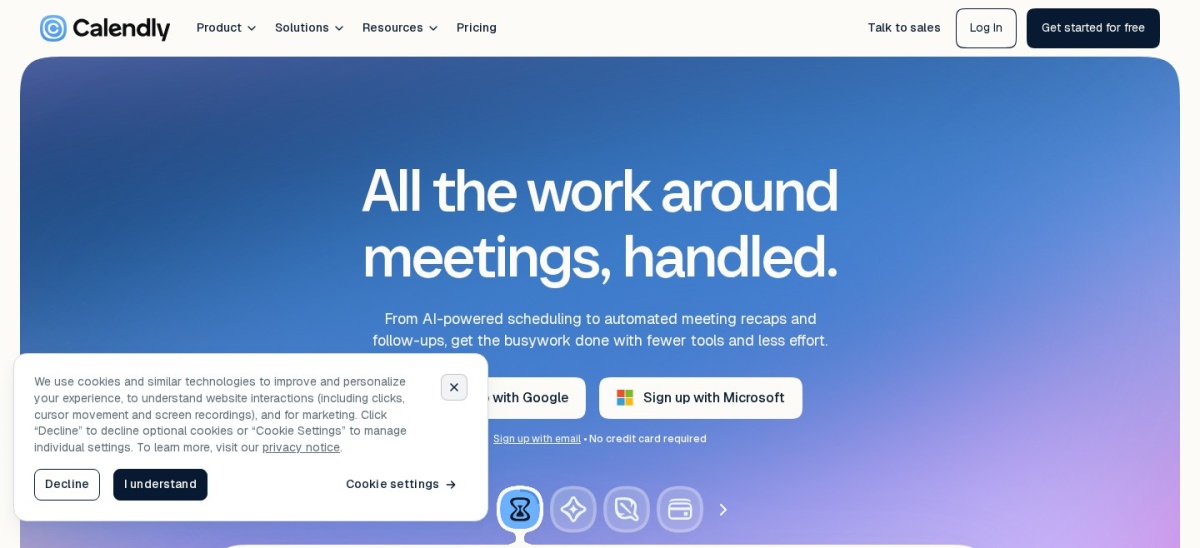
Calendly is the booking link most people already recognise, which helps when you send it to clients and prospects. Every plan, including the free one, allows unlimited one-on-one meetings, and the free plan covers one event type and one connected calendar. Standard costs $10 a seat a month billed annually. It is rated 4.7 out of 5 on G2 from 2,680 reviews.
The trade off is the free plan. One event type is tight, and round robin and team scheduling need Teams at $16 a seat a month. It suits professionals and sales teams who want the most familiar booking link.
YouCanBookMe is a booking-page tool that covers the basics at a low price. The free plan gives you one booking page, one appointment type, 30 bookings a month and one calendar connection. Individual costs $8.10 a month billed annually and adds a second booking page, a second appointment type and unlimited bookings. It is rated 4.7 out of 5 on G2 from 1,933 reviews.
The trade off is depth. Automated workflows, SMS reminders and the HubSpot link need Professional at $11.70 a month billed annually, and team features need the Team plan. It suits solo coaches, consultants and small service businesses that want a cheap, plain booking page.
What we like
Lowest paid price in this list
Free plan with 30 bookings a month
Payments through Stripe
40+ languages supported
Watch out for
Workflows need Professional
Team plan is priced per member
Some Trustpilot reviews report slow support replies
Acuity Scheduling, owned by Squarespace, is built for service businesses that sell appointments. Starter costs $16 a month billed annually and covers one calendar, payments through Stripe, Square, PayPal and Venmo, email reminders and custom intake forms. There is no free plan, only a 7-day trial. It is rated 4.6 out of 5 on G2 from 410 reviews.
The trade off is price per calendar. Text reminders, packages and memberships need Standard at $27 a month billed annually, and HIPAA compliance needs Premium at $55. It suits salons, coaches and clinics that take payments and sell packages.
Cal.com is a booking-link scheduler with the most generous free plan in this list. One user gets unlimited event types, unlimited calendar connections, email and SMS notifications, payments through Stripe and PayPal, and sync with HubSpot and Salesforce. Teams costs $12 a user a month billed annually and adds round robin, routing forms and shared availability. It is rated 4.6 out of 5 on G2 from 154 reviews.
The trade off is setup. G2 reviewers praise the flexibility but note complex settings and a learning curve, and the commercial product moved to closed source in April 2026. It suits solo users and technical teams that want a strong free plan and room to grow.
What we like
Unlimited event types on the free plan
Stripe and PayPal payments included free
Round robin and routing forms on Teams
100+ integrations
Watch out for
Setup takes longer than Calendly
Fewer reviews than the top picks
No longer open source
Teams adds round robin and routing forms at $12 a user a monthVisit cal.com
05
Setmore
4.5/5on G2 (268 reviews, checked Nov 2026)
Paid from$5/mo
Best free plan for small teams
Entry pricePro $5/user/mo
Free usersUp to 4
Two-way calendar syncPro only
SMS remindersPro only
setmore.com
Setmore homepage, captured Nov 2026.
Setmore is a booking-page tool built for small service businesses, and its free plan is the most generous for teams here. Up to 4 users can take bookings, accept payments through Stripe, Square and PayPal, and send email reminders, with no time limit. Pro costs $5 a user a month billed annually. It is rated 4.5 out of 5 on G2 from 268 reviews.
The trade off is sync. Two-way calendar sync, SMS reminders, recurring appointments and branding removal all need Pro, and the monthly rate jumps to $12 a user. It suits salons, clinics and solo practitioners that want a free plan a small team can run on.
What we like
Free plan covers up to 4 users
Payments on the free plan
24/7 support on every plan
Cheapest paid plan in this list
Watch out for
Two-way sync needs Pro
Free plan has one-way sync only
Per-user cost adds up as teams grow
Pro adds two-way sync and SMS reminders at $5 a user a monthVisit setmore.com
06
Square Appointments
4.5/5on Capterra (262 reviews, checked Nov 2026)
Paid from$49/mo
Best for salons already on Square
Entry pricePlus $49/location/mo
Free planYes, $0 per location
Pricing basisPer location, not per user
No-show feesPlus plan
squareup.com
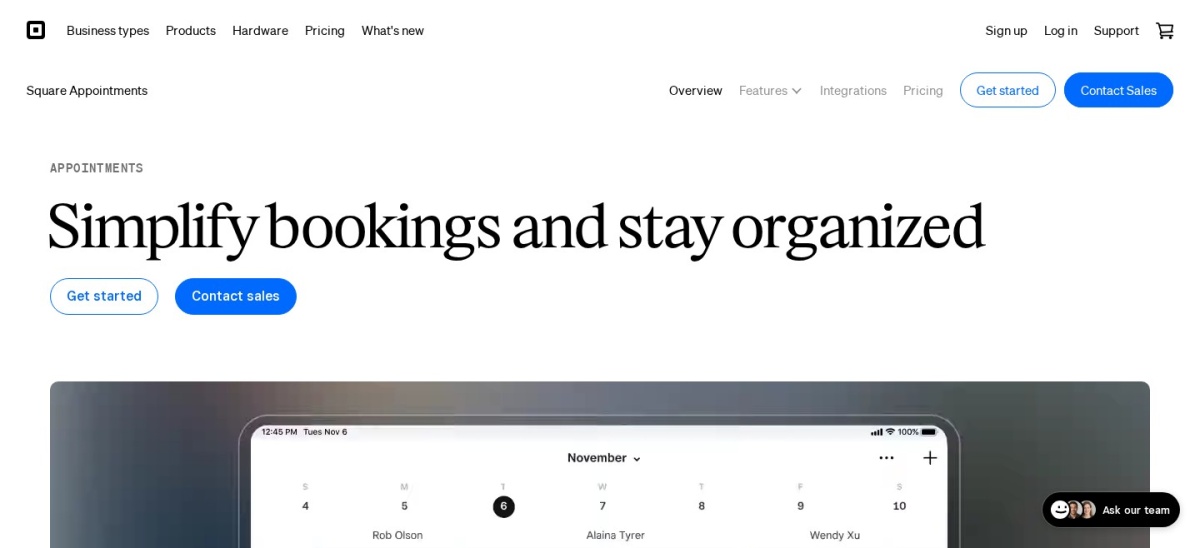
Square Appointments homepage, captured Nov 2026.
Square Appointments brings booking into the Square payments system, so salons and barbers can take bookings and card payments in one place. The free plan costs $0 per location and includes a booking website, unlimited staff calendars, reminders, deposits and invoices. Card processing is 2.6% plus 15 cents in person. It is rated 4.5 out of 5 on Capterra from 262 reviews.
The trade off is the per-location price. Plus costs $49 a month per location and adds no-show fees, the waitlist, classes and packages, and Google Calendar sync. It suits businesses that already take card payments through Square.
Doodle is the group scheduling tool in this list. People vote on time slots in a poll, and the organiser picks the time that works for everyone, with no shared calendar access needed. The free plan covers group polls, one booking page and one active one-to-one meeting, with ads. Pro costs $11 a month billed annually and removes the ads and the caps. It is rated 4.4 out of 5 on G2 from 2,071 reviews.
The trade off is that Doodle is a poll tool first. Calendar sync, unlimited booking pages, custom branding and video links need Pro, and team controls need the Team plan from $16 a seat a month. It suits anyone who books meetings with groups rather than one client at a time.
SimplyBook.me is an online booking platform for service businesses that need bookings around the clock. The free plan covers 50 bookings a month, one provider and one custom feature. Basic costs $11.90 a month billed annually and raises the limit to 100 bookings and 5 providers, with payments and deposits. It is rated 4.4 out of 5 on G2 from 118 reviews.
The trade off is the add-on model. Features such as SMS reminders and group booking come as plugins, so the price can climb as you add them, and the booking limits stay in place until Premium. It suits small businesses that want a booking page with room to add features later.
Free plans in this list are genuinely usable. Calendly, Cal.com, Setmore and YouCanBookMe all let you take bookings at no cost, with no time limit.
Paid plans mostly add reminders, sync and team features. Two-way calendar sync, SMS reminders, round robin and branding removal sit behind a paid plan in almost every tool here.
The cheapest paid plan is Setmore Pro at $5 a user a month billed annually, but the monthly rate is $12, so the saving only holds if you pay for a year up front.
If you take payments at booking, check the card processing fee as well as the plan price. Square charges 2.6% plus 15 cents in person on its free plan, and the rate falls on paid plans.
How we chose
We started from the best-known appointment and meeting schedulers with a public rating on G2 or Capterra, then kept those with a free plan or a low entry price.
Prices come from each vendor's pricing page, checked on 26 November 2026. Prices are the monthly rate on annual billing. Ratings and review counts come from G2 or Capterra on the same day. Where a vendor shows a sale, the list shows the regular price.
We left out tools with no public rating and tools priced only by quote. No vendor paid for a place, and we do not claim to have used these tools ourselves.
How to choose scheduler software
Start with who books with you, then match the tool to that flow.
Count who books and how often. A solo consultant with a few bookings a week fits a free plan. A salon with several staff needs a plan priced per location or per team, not per booking.
Check the free plan cap that will hit you first. Calendly caps event types, YouCanBookMe caps monthly bookings, and SimplyBook.me caps bookings and providers. Pick the cap you can live with.
List the paid features you need on day one. If you need SMS reminders, two-way sync or round robin, price the plan that includes them, not the cheapest plan on the page.
Test the booking page as a client would. Share the link with a colleague and book a slot. If the page is confusing or the time zone is wrong, clients will drop off before they book.
FAQ
What is the best scheduler software?
Calendly is the best scheduler software for most people. It is rated 4.7 out of 5 on G2 from 2,680 reviews, has a free plan with unlimited one-on-one meetings, and Standard costs $10 per user a month billed annually.
Is there free scheduler software?
Yes. Calendly, Cal.com, YouCanBookMe, Setmore, Doodle, SimplyBook.me and Square Appointments all have free plans. Setmore covers up to 4 users free, and Cal.com gives one user unlimited event types free.
What is the cheapest scheduler software?
Setmore has the cheapest paid plan at $5 per user a month billed annually, though the monthly rate is $12. YouCanBookMe Individual is $8.10 a month billed annually, and Calendly Standard is $10 per user a month.
What is the difference between Calendly and Cal.com?
Calendly is the more familiar booking link, with the largest review base. Cal.com has the stronger free plan, with unlimited event types and calendar connections for one user, plus round robin on its $12 Teams plan.
Do I need a paid plan to take payments?
Not always. Calendly, Cal.com, Setmore and SimplyBook.me take payments on free or entry plans through Stripe or PayPal. Acuity includes payments from Starter, while Square takes payments on its free plan with card processing fees.
Which scheduler is best for group meetings?
Doodle is best for groups. People vote on time slots in a poll, so you can find a time that works for everyone without shared calendar access. Its free plan covers group polls and one booking page.
SaaS SEO and WordPress specialist with about 8 years of experience. Rakib compares WordPress plugins, themes, hosting and software using public pricing, documentation and user reviews. See how we rank.