Calendly is the best schedule software for most teams, with a free plan for one-on-one meetings and Standard at $12 a seat a month. Pick Homebase for hourly staff rotas and Acuity Scheduling for client appointments with intake forms.
How we make this list: we compare pricing pages, product documentation and public user reviews, then re-check every price before each update. No product paid for a place. Disclosure.
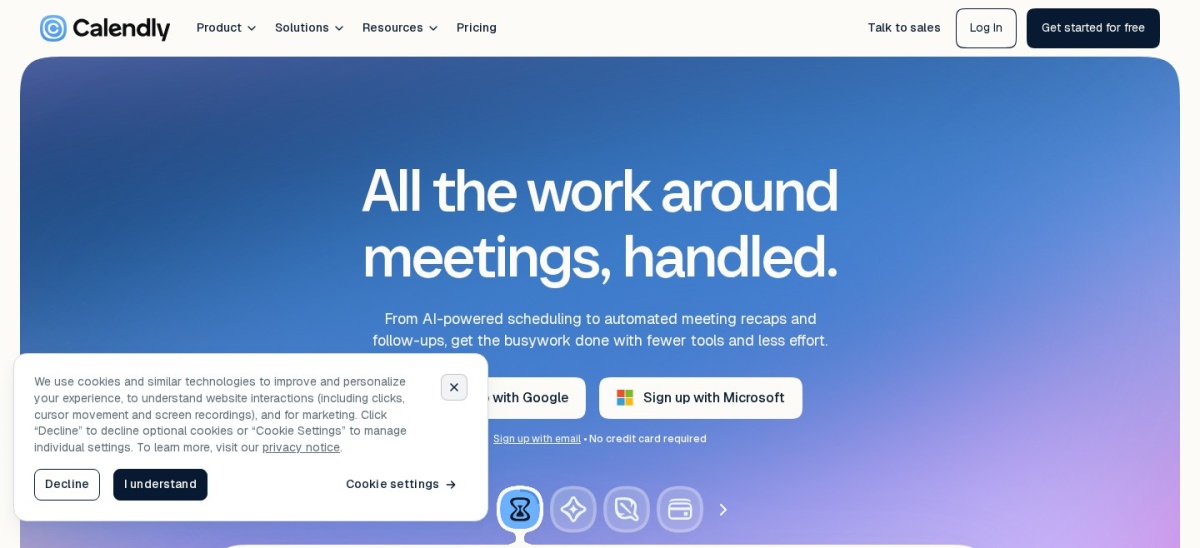
Calendly leads for meetings and appointments, rated 4.7/5 on G2 from 2,680 reviews, with Standard at $12 a seat a month.
Homebase is the best pick for hourly staff, with a free rota for up to 10 staff and Essentials at $24 a location a month.
Sling has the widest free plan here: scheduling for up to 30 users at no cost, with Premium at $1.70 a user a month.
Entry prices run from $1.70 a user a month for Sling to $39.99 a location a month for 7shifts.
Appointment tools and staff rota tools bill differently, so check per-user, per-seat and per-location prices before comparing totals.
What schedule software should cover
Schedule software covers two different jobs. Appointment tools let customers and colleagues book time with you, while staff rota tools assign shifts to employees and track the hours they work.
A good appointment tool checks calendar availability, prevents double bookings and sends confirmations without email exchanges. A good rota tool builds shifts from availability, lets staff swap shifts in the app and turns approved hours into a timesheet.
Pricing is where these tools split. Some charge per seat or per user, some per location, and some cap free plans by bookings or calendars. Our guide on adding a booking calendar to WordPress covers the appointment side in more depth.
Free plans matter here. Six of the nine tools in this list let a small team schedule without paying, so start free and pay only when the caps bite.
Calendly is an online scheduling platform that lets people book meetings from a link instead of trading emails. Its free plan covers one event type, one calendar connection and one-on-one meetings, with a booking page you can share anywhere. Standard costs $12 a seat a month at the regular monthly rate, or $10 a seat a month billed yearly, and adds unlimited event types, more calendars, reminders and payment links.
The trade off is that team scheduling costs more. Round-robin booking and routing rules need the Teams plan at $16 a seat a month billed yearly, and the free plan allows only one event type. It suits consultants, sales teams and recruiters who book frequent one-on-one meetings.
What we like
Free plan covers basic individual meetings
Booking pages are straightforward for invitees
Integrates with common calendars and video meeting services
Paid plan includes automated reminders and payment integrations
Large public review base on G2
Watch out for
Free plan allows only 1 event type
Subscription costs increase with additional seats
Round-robin team scheduling requires a higher plan
Standard adds unlimited event types, multiple calendars, reminders and paymentsVisit calendly.com
02
Homebase
4.6/5on G2 (664 reviews, checked Nov 2026)
Paid from$24/mo
Best for hourly staff rotas
Entry priceEssentials $24/location/mo
Free planYes, up to 10 staff
Time clockYes, GPS on Essentials
PayrollAdd-on, $49/mo + $6/staff
joinhomebase.com
Homebase homepage, captured Nov 2026.
Homebase is an all-in-one app for hourly teams that covers scheduling, a time clock, team messaging and hiring in one place. The free Basic plan covers one location with up to 10 employees and includes basic scheduling, basic time tracking and a point-of-sale link. Essentials costs $24 a location a month billed yearly and adds advanced scheduling, GPS time tracking and team messaging.
The trade off is that payroll costs extra at $49 a month plus $6 per employee paid, and the free plan stores timesheets for 90 days only. It suits a single shop, cafe or clinic that wants scheduling and a time clock without a per-person bill.
Connecteam is a mobile-first app for staff who never sit at a desk, with scheduling, a GPS time clock, forms, tasks and chat in one place. Scheduling sits in the Operations Hub, and the free Small Business plan covers up to 10 users with every hub included. Operations Basic costs $29 a month billed yearly for the first 30 users, then $0.80 per extra user.
The trade off is hub pricing. Each hub costs $29 a month on its own, so the full suite runs $87 a month for 30 users, and auto-assigning shifts needs the $99 Expert plan. It suits construction, care and field teams that want one app for the whole working day.
Deputy is workforce software for hourly teams that pairs scheduling with time tracking, labor law compliance and payroll links. Lite costs $5 a user a month and covers basic scheduling, timesheets, time clocking, shift swaps and leave management. Core adds auto-scheduling and demand forecasting at $6.50 a user a month.
The trade off is the bill. Every user counts, managers included, and monthly plans carry a $30 minimum spend per invoice. It suits multi-site employers that need break rules, overtime control and forecasts more than a low headline price.
What we like
Labor law compliance on every plan
Auto-scheduling and demand forecasting on Core
Biometric time clocking on Core
Rated 4.5 out of 5 on G2 from 962 reviews
Watch out for
No free plan, only a free trial
$30 minimum monthly spend
Per-user pricing climbs fast past 20 staff
Pro adds single sign-on and 24/7 chat at $9 a user a monthVisit deputy.com
05
Acuity Scheduling
4.6/5on G2 (412 reviews, checked Nov 2026)
Starts at$20/mo
Best for client service booking
Entry priceStarter $20/mo
Free planNo, 7-day trial
Calendars1 on Starter
PaymentsStripe, Square, PayPal, Venmo
acuityscheduling.com
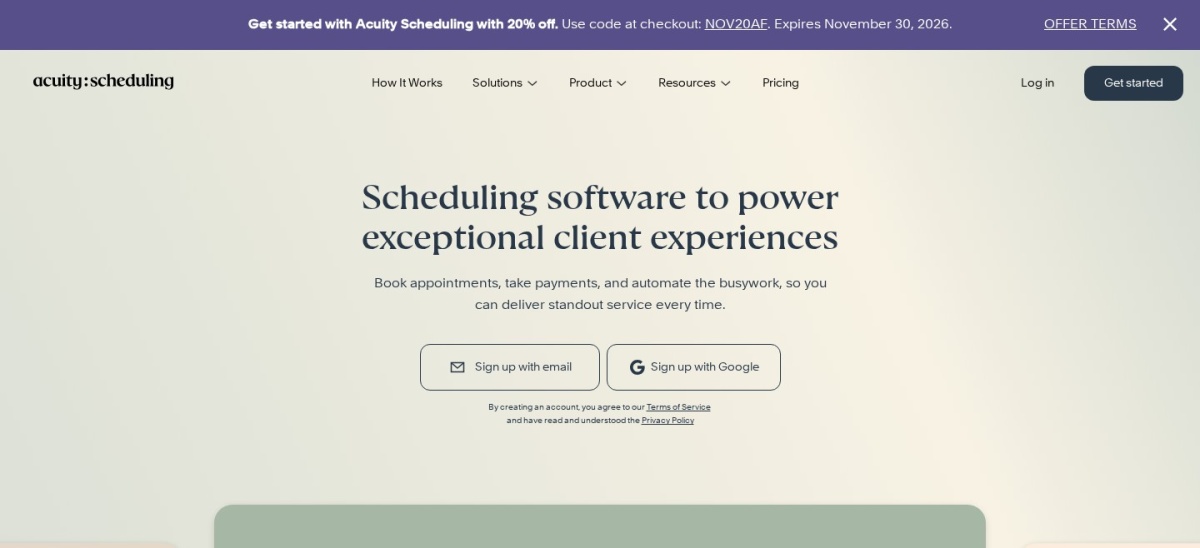
Acuity Scheduling homepage, captured Nov 2026.
Acuity Scheduling is an appointment booking system from Squarespace for businesses that deliver scheduled services. Its Starter plan costs $20 a month, or $16 a month billed yearly, and covers one calendar, client intake forms, email reminders and payments through Stripe, Square, PayPal and Venmo. It has no free plan, only a 7-day trial.
The trade off is that Starter covers only one calendar, and text reminders, packages and memberships need Standard at $34 a month. Premium costs $69 a month and adds HIPAA compliance, up to 36 calendars and an AI booking assistant. It suits coaches, consultants and wellness providers that book client appointments with forms and payments.
What we like
Client intake forms built into the entry plan
Supports online payments through established providers
Automated email reminders and confirmations
Designed around client appointments rather than internal meetings
Watch out for
No permanent free subscription
Starter is limited to 1 calendar
More expensive entry point than basic meeting schedulers
When I Work is a plain scheduling app with a time clock and team messaging built in. Essentials costs $2.50 a user a month and includes auto scheduling, multi-week schedules, shift templates, open shifts and shift swaps, with unlimited users. It is rated 4.4 out of 5 on G2 from 404 reviews.
The trade off is the free tier. There is no free plan, only a 14-day trial, and multi-location teams pay $5 a user a month instead of $2.50. It suits small teams that want one price per person and a rota they can publish the same day.
What we like
Auto scheduling on the cheapest plan
One simple price per user
Shift swaps and open shifts included
Payroll and POS integrations
Watch out for
No free plan, only a 14-day trial
Multi-location pricing doubles to $5 a user
Advanced rules and API need Pro or Premium
Pro adds scheduling rules and custom reports at $5 a user a monthVisit wheniwork.com
07
Sling
4.4/5on G2 (88 reviews, checked Nov 2026)
Paid from$1.70/mo
Best free plan for small teams
Entry pricePremium $1.70/user/mo
Free planYes, up to 30 users
Time clockPremium plan
Auto-assign shiftsBusiness plan
getsling.com
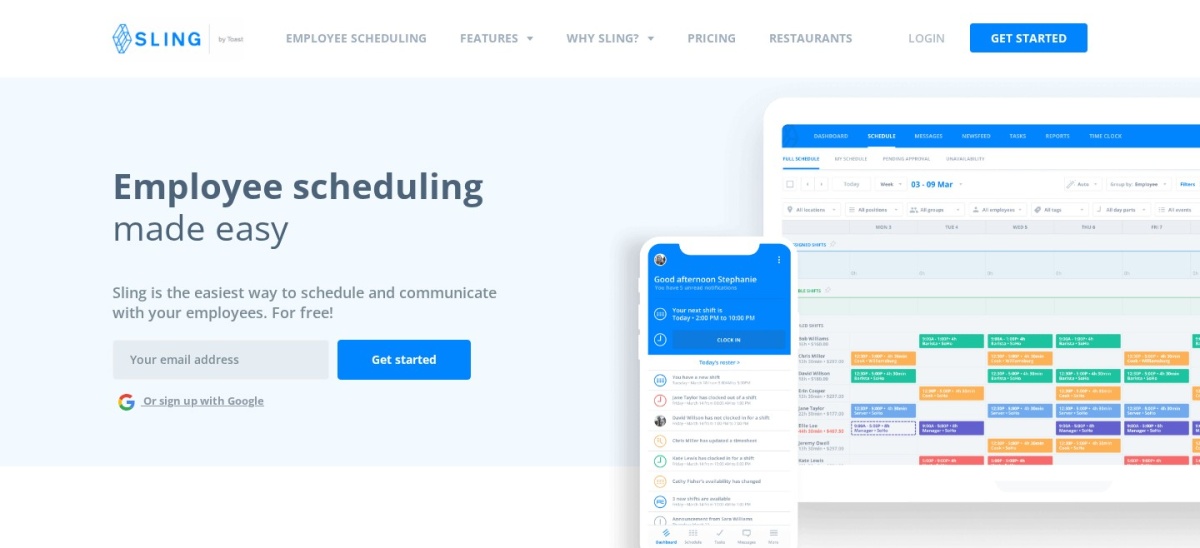
Sling homepage, captured Nov 2026.
Sling is a scheduling app from Toast that covers shift templates, availability, time-off requests, shift swaps and team messaging. The free plan covers scheduling for up to 30 users with no time limit. Premium costs $1.70 a user a month billed yearly and adds mobile time tracking and labor cost tools.
The trade off is the time clock. Free users get no time tracking, and auto-assigning shifts needs the $3.40 Business plan. It suits a cafe, bar or shop that wants a free rota now and a cheap upgrade when it needs hours tracked.
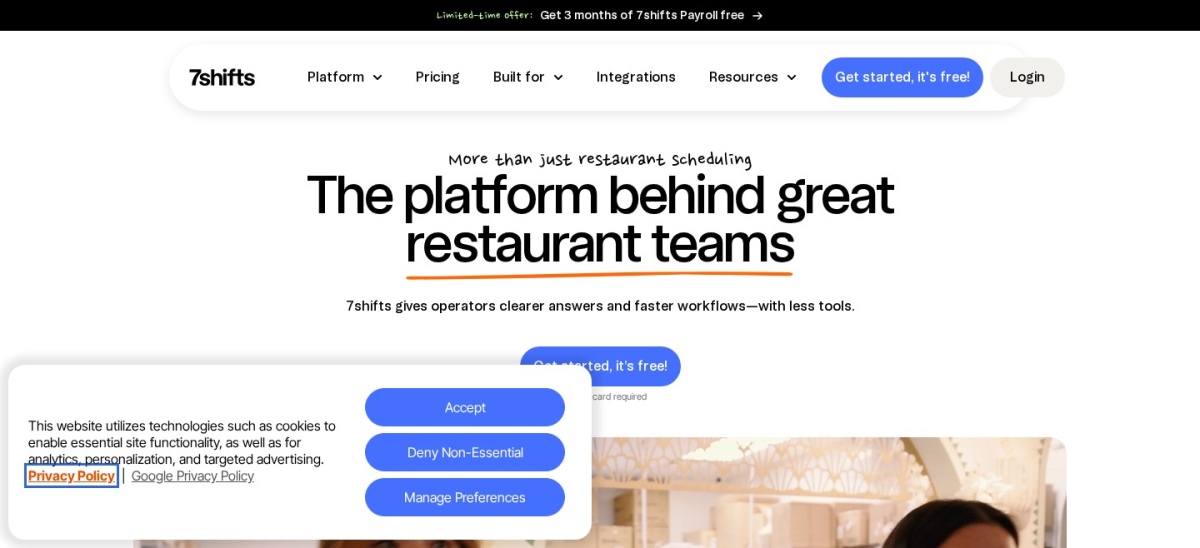
7shifts is scheduling software built only for restaurants, with tip pooling, labor budgeting against sales and POS links to Toast, Square and Clover. The free Comp plan covers one location with up to 15 employees. Essentials costs $39.99 a location a month billed yearly for up to 30 employees.
The trade off is scope. It is a poor fit outside food service, and labor compliance and PTO accruals need the Pro plan. It suits a single restaurant or a small group that schedules around covers and sales, not headcount.
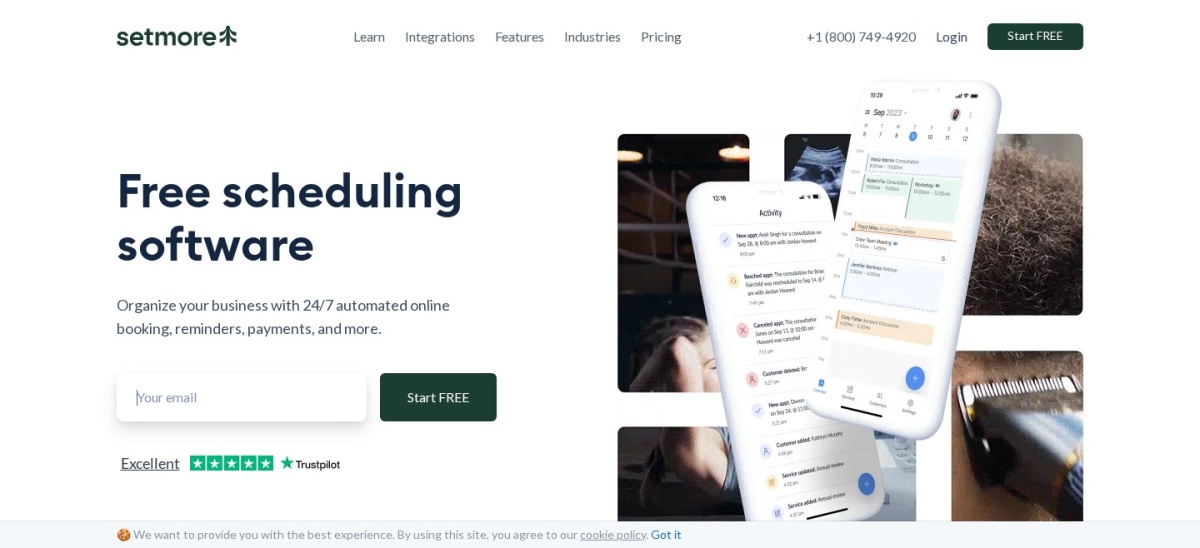
Setmore is an appointment scheduling platform for individuals and teams managing customer bookings. Its free plan supports up to 4 users and includes booking pages, appointments, email reminders and payment links. Pro costs $12 a user a month and adds SMS reminders, recurring appointments, 2-way calendar sync and branding removal.
The trade off is that 2-way calendar sync, SMS reminders and branding removal all need Pro, and per-user pricing rises with every extra staff calendar. It suits small businesses that want staff booking capabilities without paying for an entry subscription.
What we like
Free plan supports up to 4 team members
Customer-facing booking pages
Payment and video meeting integrations
Paid plan includes SMS reminders and recurring appointments
Mobile apps for appointment management
Watch out for
2-way calendar synchronization requires Pro
SMS reminders are paid features
Per-user monthly pricing can increase team costs
Pro adds SMS reminders, 2-way sync, branding removal and recurring appointmentsVisit setmore.com
Appointments vs rotas: pick the right kind
Appointment tools book time with people outside your team. Calendly, Acuity Scheduling and Setmore fit that job, with booking pages, reminders and payments.
Rota tools assign shifts to your own staff. Homebase, Connecteam, Deputy, When I Work, Sling and 7shifts fit that job, with availability, shift swaps and time clocks.
Buying the wrong kind is the most common mistake here. A rota tool will not send booking links to customers, and an appointment tool will not build a shift pattern or track worked hours.
If you need both, run one tool for each job. The free plans in this list make that affordable: Calendly free for meetings beside Sling free for up to 30 staff.
How we chose
We started from the scheduling tools with the most G2 reviews and the longest track records, then kept nine that cover meeting booking, client appointments and hourly staff rotas.
Prices come from each vendor's pricing page, checked on 26 November 2026, and show the regular price, not a sale. Ratings and review counts come from G2 on the same day. The Calendly, Acuity and 7shifts pricing pages render their figures in scripts, so those prices are corroborated from G2 pricing pages and secondary sources and flagged for a re-check before publish.
We left out tools that do not publish a standalone scheduling price. No vendor paid for a place, and we do not claim to have used these tools ourselves.
How to choose schedule software
Start with what you schedule, then match the billing model to that need.
Decide which kind of scheduling you need. Pick an appointment tool for customer bookings and a rota tool for staff shifts. The two jobs need different features, and one tool rarely does both well.
Count heads, seats and sites. Per-user plans charge for every person on the rota, per-location plans charge one flat fee per site. A team of 10 at one site can often run free, while a team of 40 usually pays less per location.
Check the free plan caps. Free plans cap at 4, 10, 15 or 30 users depending on the tool. Pick one whose cap sits above your headcount, so you are not forced onto a paid plan in month two.
Run one real week before paying. Publish a rota or share a booking link, handle a change and check the reminders on the free plan or trial. If the app fights you in week one, it will fight you every week.
FAQ
What is the best schedule software?
Calendly is the best pick for most teams. Its free plan handles one-on-one meetings, and Standard costs $12 a seat a month. Homebase suits hourly staff rotas, and Acuity Scheduling suits client appointments with intake forms.
Is there free schedule software?
Yes. Calendly, Homebase, Connecteam, Sling, 7shifts and Setmore all have free plans. Sling covers the most people free at 30 users, while Setmore covers up to 4 users and Homebase covers one location with up to 10 employees.
How much does schedule software cost?
Entry prices in this list run from $1.70 a user a month for Sling to $39.99 a location a month for 7shifts. Calendly Standard costs $12 a seat a month, and Deputy Lite costs $5 a user a month.
What is the difference between appointment scheduling and employee scheduling?
Appointment scheduling lets customers book time with you through a public page, with reminders and payments. Employee scheduling assigns shifts to your own staff, with availability, swaps and time tracking. Choose the kind that matches the job.
Which schedule software is best for restaurants?
7shifts is built only for restaurants, with tip pooling, labor budgets tied to POS sales and a free plan for one location with up to 15 employees. Homebase and Sling are cheaper general options that also work well in a restaurant.
Do I need a time clock with scheduling software?
It helps for staff rotas. A time clock in the same app turns scheduled hours into worked hours without retyping, and most rota tools here include one on paid plans. Sling leaves the clock off its free plan, so check before you choose.
SaaS SEO and WordPress specialist with about 8 years of experience. Rakib compares WordPress plugins, themes, hosting and software using public pricing, documentation and user reviews. See how we rank.