UiPath is the best RPA software for most teams, rated 4.6/5 on G2 from 7,734 reviews, with a free Community tier and paid plans from $25 a month. Pick Microsoft Power Automate if your team runs on Microsoft 365, or Automation Anywhere for cloud-native bots with strong document automation.
How we make this list: we compare pricing pages, product documentation and public user reviews, then re-check every price before each update. No product paid for a place. Disclosure.
UiPath leads this list with 7,734 G2 reviews at 4.6/5 and a free Community tier, with paid plans from $25 a month.
Microsoft Power Automate is the cheapest named entry point for attended bots at $15 a user a month, with unattended bots at $150 a bot a month.
Automation Anywhere is the only fully cloud-native platform here, but it publishes no current price list and its entry pack lists at $750 a month.
Blue Prism and Tungsten publish no prices at all, so both need a sales quote before you can budget.
IBM RPA holds the highest G2 rating here at 4.7/5, but its starter pack starts at $840 a month.
ElectroNeek charges a flat $1,450 a month for a 5-user team, the highest entry price in this list.
What to look for in RPA software
Robotic process automation tools drive software the way a person would: clicking through desktop apps, copying data between screens and filling in forms, with no API needed. That makes them the right pick for legacy systems that cannot be integrated any other way.
The first split is deployment. Cloud-native tools such as Automation Anywhere run bots from a browser console, while UiPath, Blue Prism and IBM also run on premises, which matters when the apps being automated never leave the office network.
Pricing meters vary sharply. Some vendors charge per user seat, some per bot, some a flat monthly rate for a team, and several enterprise vendors publish no price at all. Before buying desktop bots, check whether the job can be done with API automation instead. Our guide on Fluent Forms and Zapier shows how one WordPress form connects to other apps without a bot.
Governance is the other split. Regulated teams need audit trails, access controls and a control room for every bot run, which is where Blue Prism and IBM earn their price, while small teams can start with a free tier and grow into paid bots.
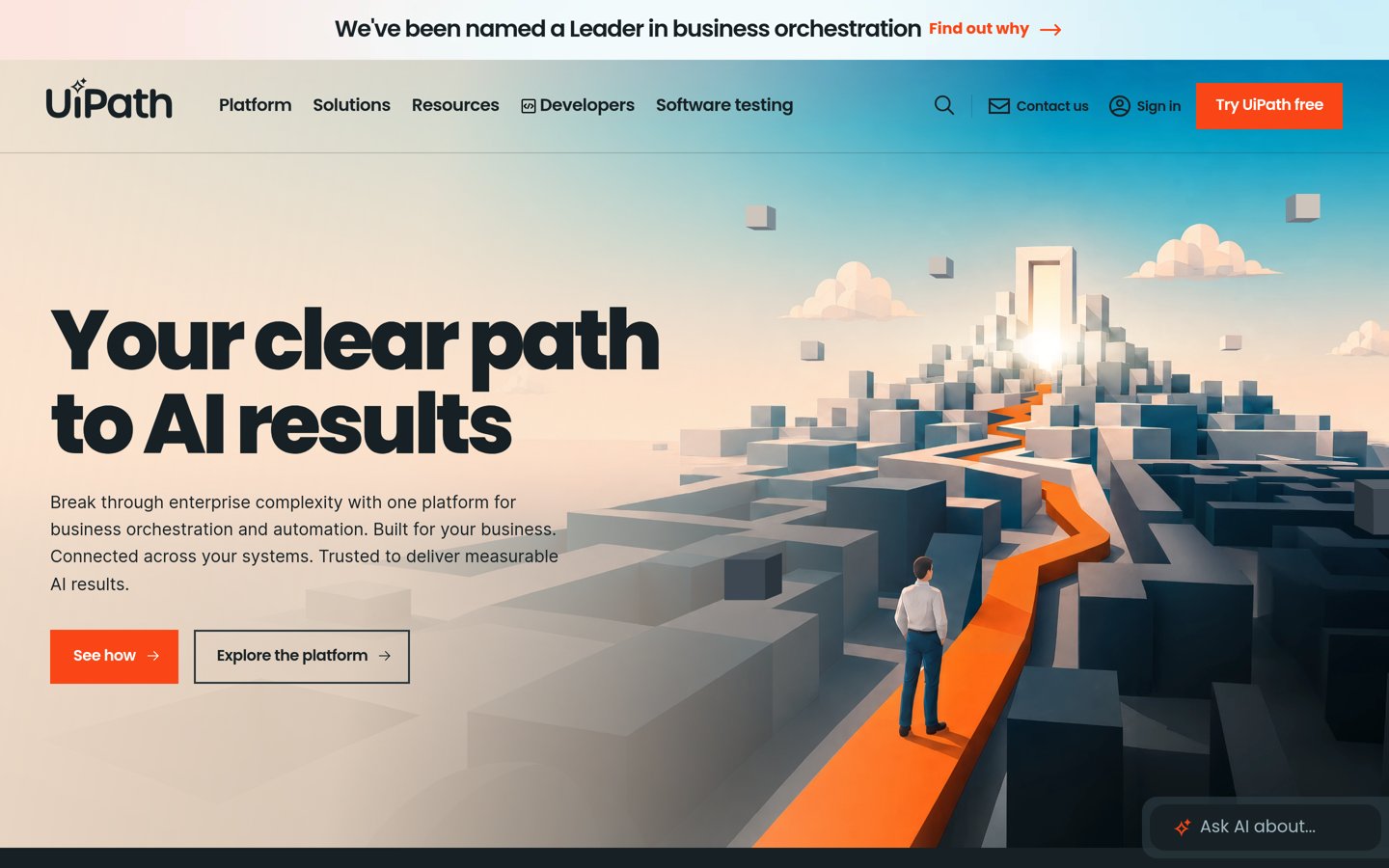
UiPath is an enterprise automation platform built around software robots, with Studio for building bots, Orchestrator for running them and Maestro for coordinating robots, AI agents and people. The free Community plan covers Studio and attended automation for individual builders, and the Basic plan starts at $25 a user a month.
The trade off is price and complexity. Basic caps an organization at 11 users and 2 robots with Europe-only hosting, and Standard and Enterprise are quote-only, so a real deployment needs a sales conversation. It suits large teams with a dedicated automation group and legacy apps to drive.
What we like
Largest RPA review base in this list
Attended and unattended bots in one platform
Built-in document processing and AI agents
Free Community tier for individual builders
Watch out for
Standard and Enterprise pricing is quote-only
Basic plan is capped and Europe-hosted only
Licensing mixes users, robots and usage units
Standard and Enterprise add scale, SSO and governance by quoteVisit uipath.com
02
Automation Anywhere
4.5/5on G2 (5,733 reviews, checked Nov 2026)
Paid from$750/mo
Best cloud-native RPA platform
Entry paid planCloud Starter Pack, $750/mo
Free tierCommunity Edition
Document automationDocument Automation (IQ Bot)
DeploymentCloud-native
automationanywhere.com
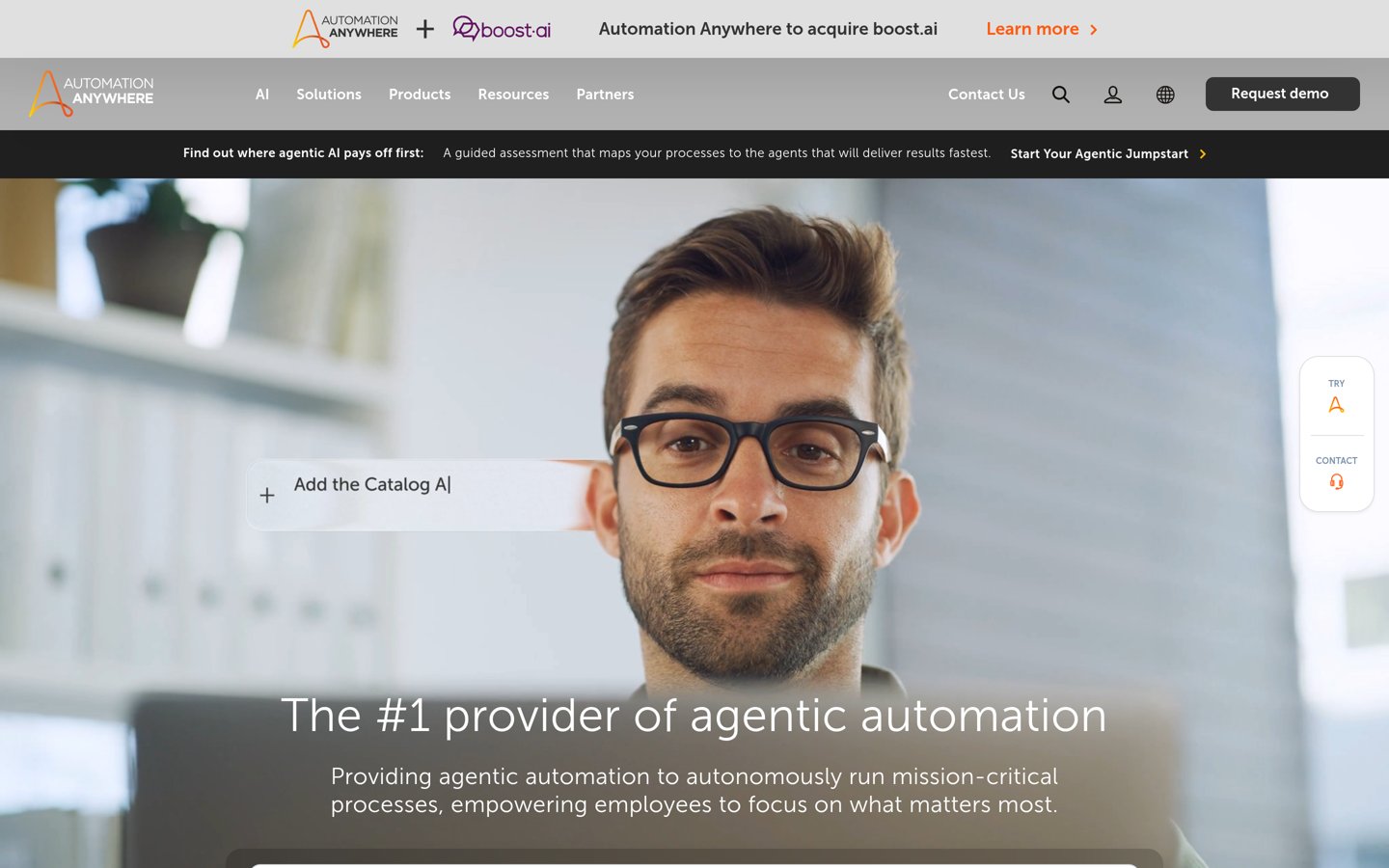
Automation Anywhere homepage, captured Nov 2026.
Automation Anywhere is a cloud-native RPA platform, now sold as Agentic Process Automation, that runs bots, AI agents, document processing and APIs from a web console with no desktop Studio to install. The free Community Edition covers RPA, AI and analytics for developers and small teams, and the Cloud Starter Pack lists at $750 a month for one Bot Creator, one Control Room and one unattended Bot Runner.
The trade off is price transparency. The vendor publishes no current price list, so the $750 figure rests on the last published rate card and the $9,000 a year Basic plan on G2, and larger packs are custom quotes. It suits cloud-first teams that need strong document automation without on-premises servers.
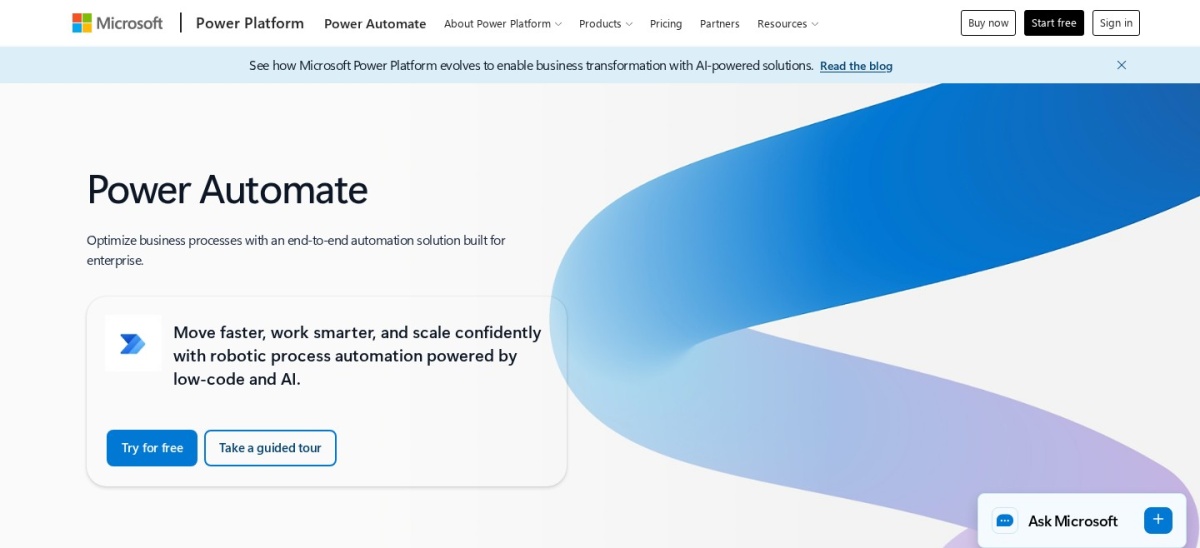
Microsoft Power Automate homepage, captured Nov 2026.
Microsoft Power Automate is a cloud and desktop RPA platform inside the Microsoft Power Platform, with deep native links to Outlook, SharePoint, Teams, Excel and Dynamics. Premium costs $15 a user a month paid yearly and includes cloud flows, attended desktop flows, AI Builder credits and Dataverse storage.
The trade off is the jump to unattended automation. The Process plan costs $150 a bot a month paid yearly, and the Hosted Process plan costs $215 a bot a month with a Microsoft-managed virtual machine. It suits organizations already standardized on Microsoft 365 that want desktop automation in the same tenant.
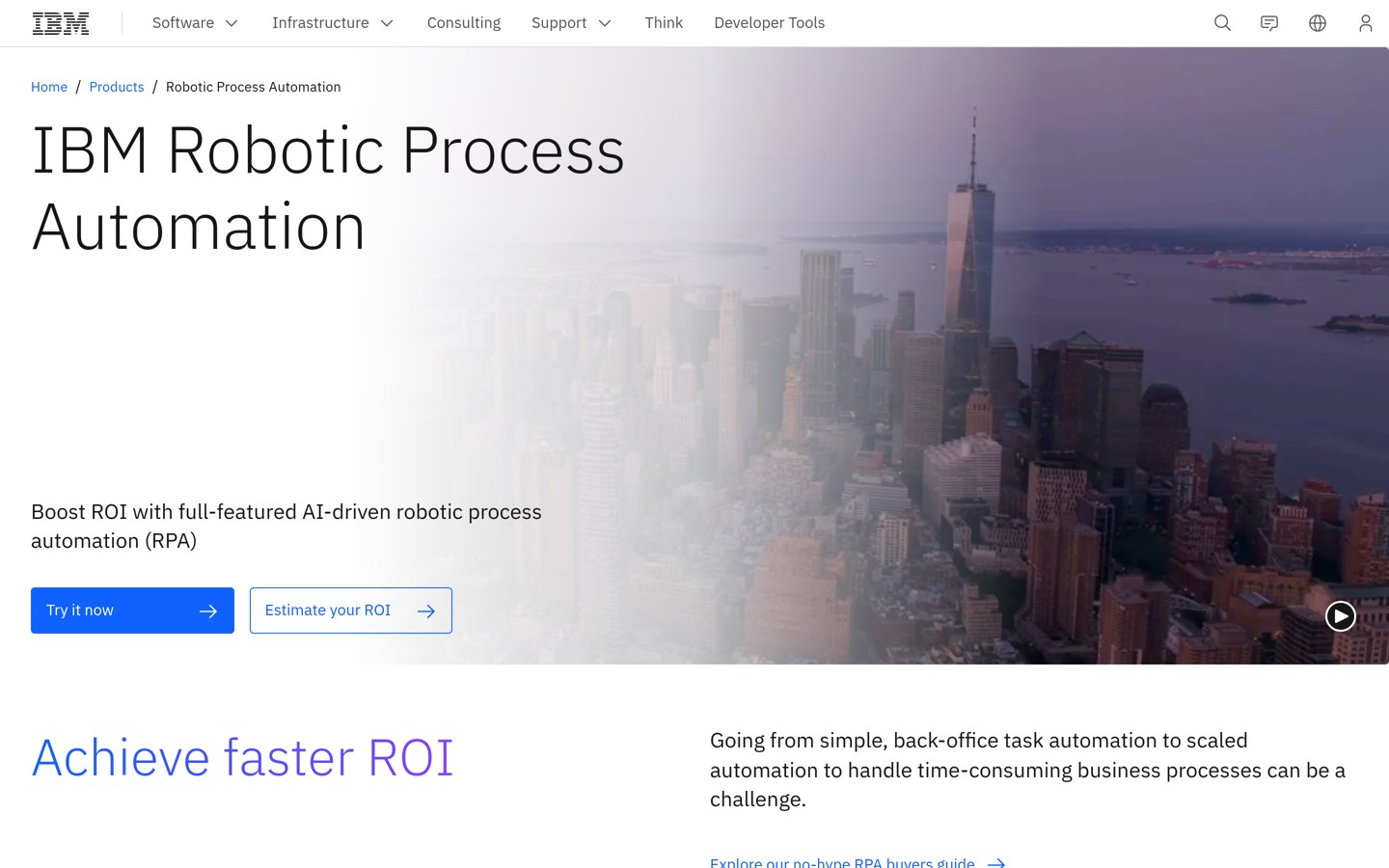
IBM Robotic Process Automation homepage, captured Nov 2026.
IBM Robotic Process Automation is an enterprise RPA platform for automating repetitive back-office work, with a low-code Studio for building bots, workload management, scheduling and dashboards. The SaaS starter pack starts at $840 a month, and the same price applies on premises, with a no-cost trial to start.
The trade off is cost and setup time. Reviewers note the $840 a month entry price and a setup that can take weeks, and advanced features such as Google Cloud Vision OCR sit in add-ons. It suits IBM shops and regulated teams that want RPA beside IBM automation and AI products.
What we like
Highest G2 rating in this list, at 4.7/5
SaaS and on-premises deployment options
Strong scheduling and workload management
No-cost trial to evaluate
Watch out for
Entry price is high for small teams
Setup can take weeks for complex processes
Some AI features need add-ons
Paid plans unlock full production deployment and add-onsVisit ibm.com
05
SS&C Blue Prism
4.5/5on G2 (402 reviews, checked Nov 2026)
PricingCustom/yr
Best for governed, audited bot fleets
Entry paid planCustom quote
Free tierNone
DeploymentOn-premises or cloud
GovernanceAudit trail and control room
blueprism.com
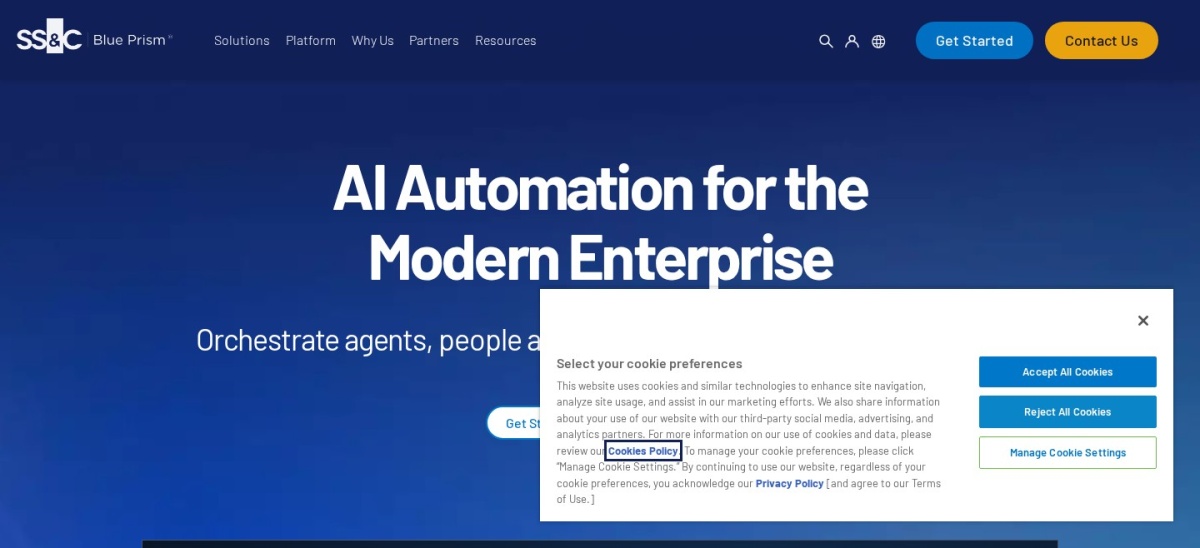
SS&C Blue Prism homepage, captured Nov 2026.
SS&C Blue Prism is a security-first RPA platform built for governed, auditable unattended bot fleets in regulated industries. Its design separates bot building from runtime execution, so every bot action leaves a clear audit trail, and the platform now sits inside the wider SS&C automation portfolio.
The trade off is access and price. There is no public price list and no free tier, so every deployment starts with a sales conversation, and the platform is aimed at enterprise teams rather than small businesses. It suits banks, insurers and other audited organizations that put governance first.
What we like
Strong governance and audit trail
Built for unattended bots at scale
Long track record in regulated industries
Part of the wider SS&C portfolio
Watch out for
No public pricing
No free tier or trial pricing published
Enterprise-only positioning prices out small teams
Appian is a low-code platform that unites process automation, case management, RPA bots and AI agents on one data fabric. The Standard tier includes 5 RPA bots, Advanced includes 25 and Premium includes unlimited bots, and a free Community Edition gives a limited instance for non-production use.
The trade off is pricing. Appian publishes tiers without dollar figures and bills per user, per month, per app, while G2 lists a Basic plan at $75 per feature per month, so the real bill depends on users and apps. It suits large enterprises automating end-to-end processes rather than single desktop tasks.
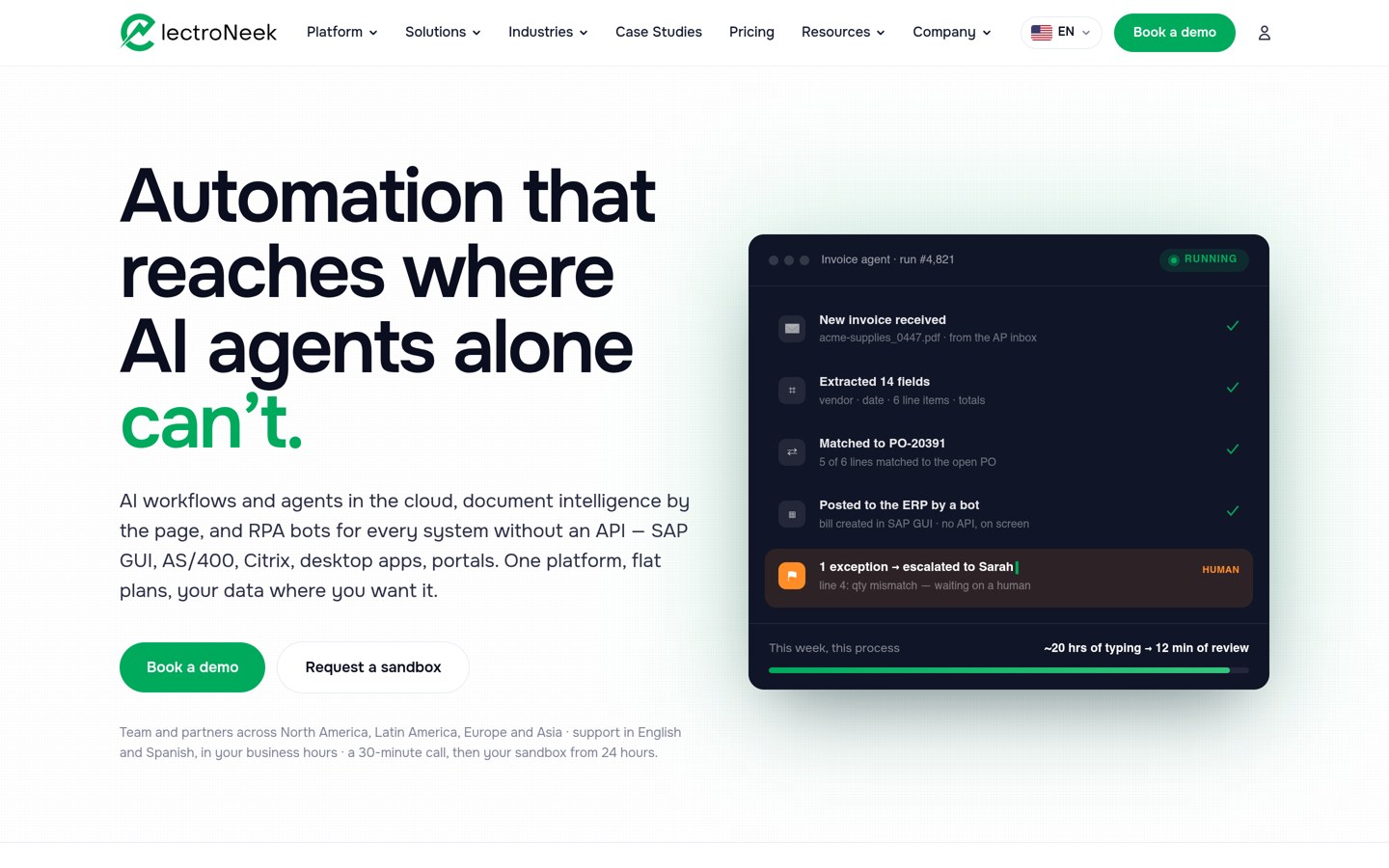
ElectroNeek is an RPA and AI platform for small and mid-size teams, with Studio Pro for building desktop and web bots, document processing with pre-trained models, and AI agents for routine work. The Team plan costs $1,450 a month flat for 5 users, and the Business plan costs $1,650 a month flat for 5 users.
The trade off is the flat monthly floor. At $1,450 a month, the Team plan costs far more than per-seat rivals for a single user, though the flat rate covers the whole team. It suits service providers and mid-size teams that want packaged RPA with document processing and support.
Pega Platform combines robotic automation with AI decisioning, case management and workflow on one low-code platform. The Low-code Factory Edition lists at $35 a user a month, or $0.45 per case, with a 500 named-user minimum, billed annually on a 3-year term.
The trade off is scale and learning curve. The 500-user minimum puts the entry edition out of reach for small teams, and reviewers note a real learning curve for advanced automation. It suits large enterprises whose automation need is really a case-management problem with an RPA component.
What we like
RPA plus decisioning and case management
Low-code Studio speeds up process apps
Strong in banking, insurance and IT
Free trial available
Watch out for
500-user minimum on the entry edition
Lowest G2 rating among the large platforms here
Pricing is opaque beyond the entry edition
Standard costs $90 a user a month; Enterprise is a custom quoteVisit pega.com
09
Tungsten RPA
4.2/5on G2 (12 reviews, checked Nov 2026)
PricingCustom/yr
Best for document-heavy automation
Entry paid planCustom quote
Free accessFree trial available
Document platformTotalAgility
DeploymentOn-premises or cloud
tungstenautomation.com
Tungsten RPA homepage, captured Nov 2026.
Tungsten RPA, formerly Kofax RPA, is the robot builder inside Tungsten Automation's TotalAgility platform for document-heavy work. It pairs a low-code robot designer with capture, OCR and document processing, plus Git-based version control across development, test and production.
The trade off is breadth and proof. G2 shows only 12 reviews at 4.2/5, and there is no public pricing, so every deal is a custom quote. It suits teams whose automation is fundamentally a document-processing problem and who already run Tungsten capture tools.
Desktop bots shine on legacy Windows apps, Citrix screens and mainframe terminals, where no API exists. UiPath, Power Automate, IBM and ElectroNeek all record or build bots that drive the screen directly.
Cloud workflows win when the apps already have APIs. They run faster, break less often when a screen changes, and usually cost less per run than a desktop bot.
Most teams end up with both. A common pattern is cloud workflows for SaaS apps and desktop bots for the one or two legacy systems that cannot be reached any other way.
Price the whole fleet before signing. A $15 seat looks cheap until unattended bots, document processing and add-ons push the bill past the enterprise quote you skipped.
How we chose
We started from the established RPA platforms with a public G2 listing, then kept the nine with the clearest fit for the keyword, from full-stack enterprise platforms to low-code and document-focused tools.
Prices come from each vendor's pricing page or, where the vendor publishes none, from the most recent public listing, checked on 26 November 2026. Ratings and review counts come from G2 on the same day.
We left out tools that have been folded into another product, such as Robocorp, now Sema4.ai, and WorkFusion, now part of UiPath. No vendor paid for a place, and we do not claim to have used these tools ourselves.
How to choose RPA software
Start with the system you need to automate, then match the tool to it.
List the apps your bots must drive. If they are legacy desktop apps with no API, you need a desktop bot platform such as UiPath or Power Automate. If they are SaaS apps, check API automation first.
Count attended and unattended bots separately. Attended bots run beside a person and are usually priced per user, while unattended bots run alone and are priced per bot, often at ten times the seat price.
Check the free tier before paying. UiPath, Automation Anywhere and Appian all offer a free tier or Community Edition. Use it to build one real process before signing a contract.
Ask for the full quote in writing. Several vendors here publish no price, and add-ons for document processing, AI agents and hosting can dwarf the entry tier. Get every line item before budgeting.
FAQ
What is the best RPA software?
UiPath is the best RPA software for most teams. It combines attended and unattended bots with document processing and orchestration, holds a 4.6 out of 5 G2 rating from 7,734 reviews, and offers a free Community tier with paid plans from $25 a month.
How much does RPA software cost?
Entry prices in this list run from $15 a user a month for Microsoft Power Automate Premium to $1,450 a month for ElectroNeek Team, with UiPath Basic at $25 a month. Blue Prism and Tungsten publish no prices, so both need a custom quote from sales.
Is there free RPA software?
Yes. UiPath, Automation Anywhere and Appian all offer free tiers: UiPath Community, Automation Anywhere Community Edition and Appian Community Edition. They cover learning and small personal automations, while production bot fleets need a paid plan.
What is the difference between RPA and workflow automation?
RPA drives software through its user interface, clicking and typing like a person, which suits legacy apps with no API. Workflow automation moves data between apps through APIs, which is faster and cheaper when the apps support it.
Do I need coding skills to use RPA software?
Not always. UiPath, Power Automate and ElectroNeek offer low-code builders with drag-and-drop steps, while Appian and Pega are low-code platforms. Developer-focused tools need scripting for complex bots, so match the tool to your team's skills.
Which RPA tool is best for small businesses?
Microsoft Power Automate is the best fit for most small businesses, at $15 a user a month with a 30-day trial, especially for teams already on Microsoft 365. UiPath Community is free for individuals, and ElectroNeek suits small teams that need document processing.
SaaS SEO and WordPress specialist with about 8 years of experience. Rakib compares WordPress plugins, themes, hosting and software using public pricing, documentation and user reviews. See how we rank.