Best Reservation Software in 2026: 7 Tools Compared
WLWPLegible EditorsLast verified 22 Nov 2026How we rank8 min read
★ Short answer
Amelia is the best reservation software for WordPress sites in 2026, scoring 4.6/5 across 796 reviews with a free Lite tier and $49/yr Starter plan. Choose FluentBooking ($79/yr) for multi-staff teams or Acuity Scheduling ($192/yr) if you prefer a hosted SaaS platform.
How we make this list: we compare pricing pages, product documentation and public user reviews, then re-check every price before each update. No product paid for a place. Disclosure.
Amelia starts free on WordPress.org (90,000+ installs, 4.6/5) and unlocks multi-staff scheduling from $49/yr regular.
FluentBooking includes unlimited calendars and staff on a single $79/yr regular license (46 reviews, 20,000+ installs).
Simply Schedule Appointments holds a 5.0/5 rating across 155 reviews, with paid plans starting at $129/yr regular.
Bookly Pro costs $99/yr regular on top of a free core plugin with 60,000+ installs and 587 reviews.
Hosted SaaS options like Acuity Scheduling start at $16/mo ($192/yr) with no free tier, while Cloudbeds starts at $180/mo ($2,160/yr) for hotels.
What to look for in reservation software
Reservation software covers two distinct architectures: self-hosted WordPress plugins that keep guest data on your server, and hosted SaaS platforms that run on vendor infrastructure. WordPress plugins charge flat annual site licenses, while SaaS tools typically bill per staff member, room, or monthly booking volume.
Before comparing sticker prices, check which features sit behind paid tiers. Many free booking plugins cap staff accounts at one person, omit two-way Google Calendar sync, or restrict payment gateways to a single processor until you upgrade.
Also confirm how your business models inventory. Service businesses need time-slot calendars with buffer times and staff routing, whereas hotels and rentals require date-range availability calendars and channel sync.
4.6/5on WordPress.org (796 reviews, checked Nov 2026)
Paid from$49/yr
Best for appointments and events on WordPress
Free tier1 employee, Square payments
Entry paid$49/yr Starter (1 site)
Calendar syncStandard ($99/yr) and up
Booking typesAppointments and events
wpamelia.com
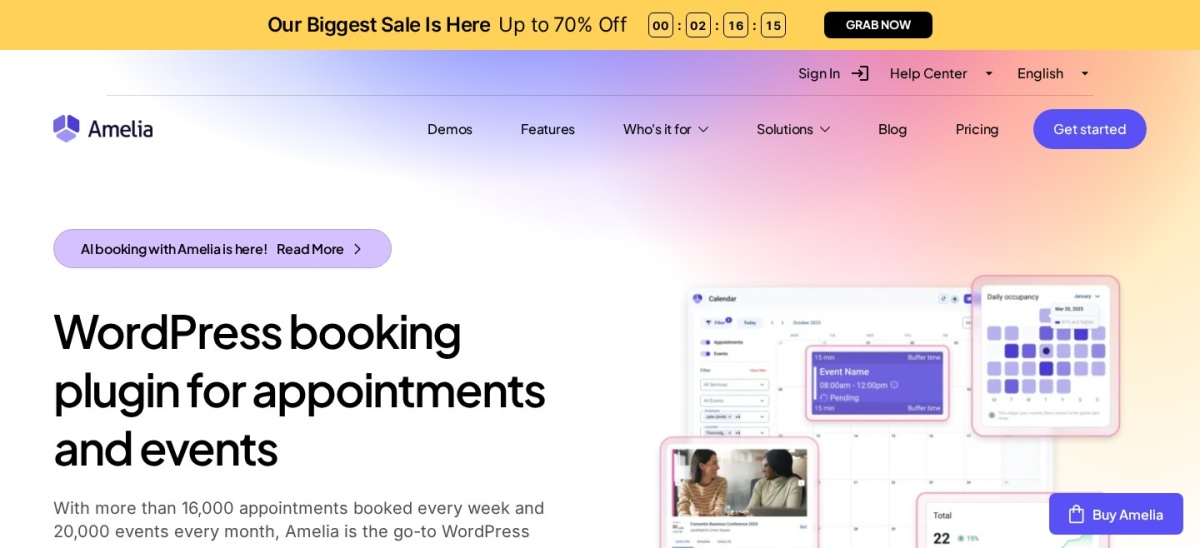
Amelia homepage, captured Nov 2026.
Amelia is a WordPress reservation plugin built for service appointments and ticketed events. Its free Lite version on WordPress.org supports unlimited services, client time-zone detection, email notifications, and Square payments for a single staff member.
The trade off is that Lite omits buffer times, scheduled reminders, and two-way calendar sync, while the Starter plan ($49/yr regular) still lacks Google Calendar sync until Standard ($99/yr). It suits solo providers and growing salons or clinics wanting a clean booking wizard.
What we like
Handles both one-on-one appointments and multi-day events
Free Lite version includes Square payment processing
Flat annual pricing with no per-booking commissions
Watch out for
Google and Outlook calendar sync require the $99/yr Standard tier
Free tier restricts schedules to one employee and zero buffer time
Starter ($49/yr) adds a second employee, group bookings, coupons, and service extras.Visit wpamelia.com
02
FluentBooking
4.9/5on WordPress.org (46 reviews, checked Nov 2026)
Paid from$79/yr
Best for multi-staff teams on a flat license
Free tierUnlimited bookings, email reminders
Entry paid$79/yr Solo (1 site)
Team limitsUnlimited hosts and calendars
IntegrationsGoogle, Outlook, Zoom, Stripe
fluentbooking.com
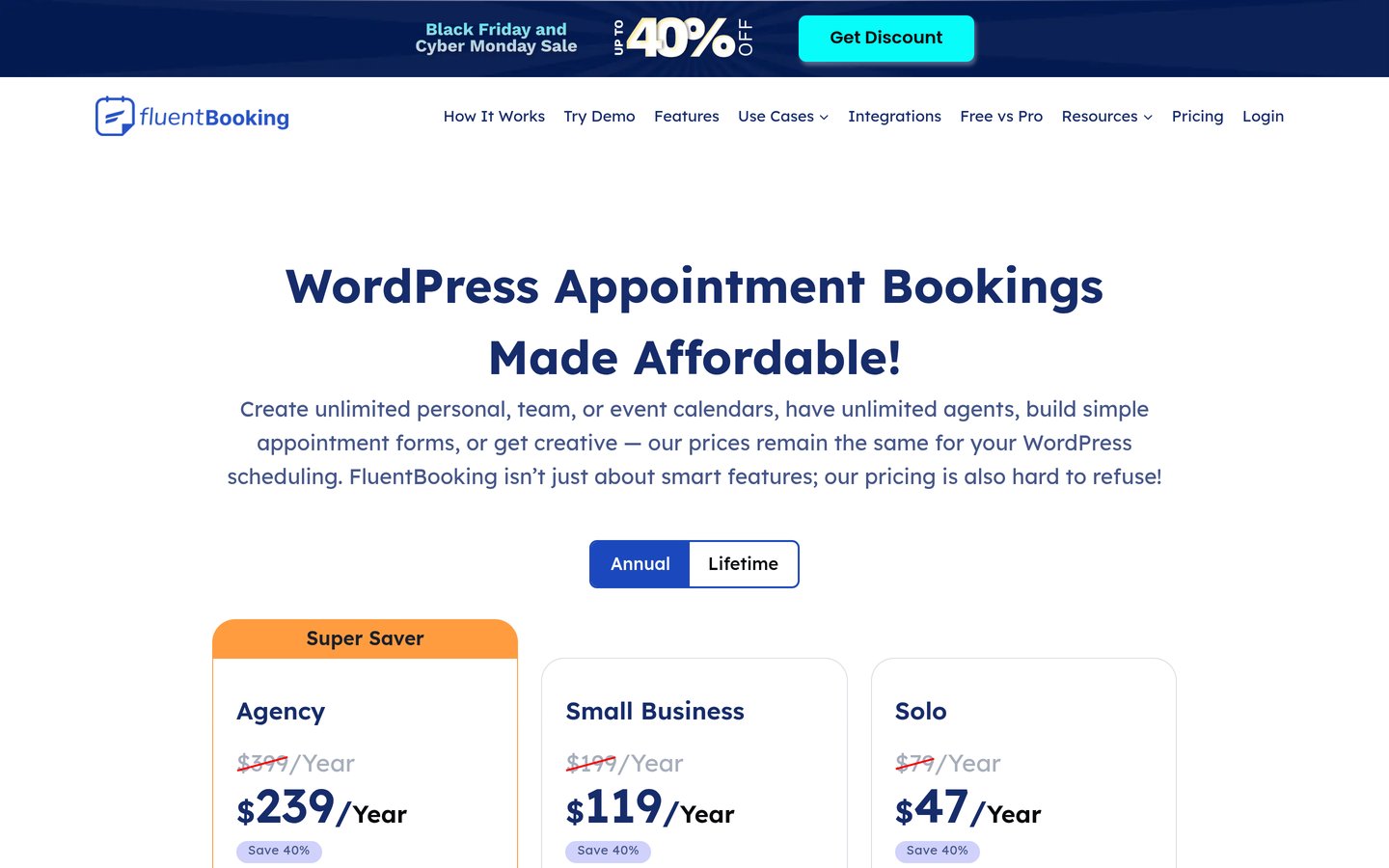
FluentBooking homepage, captured Nov 2026.
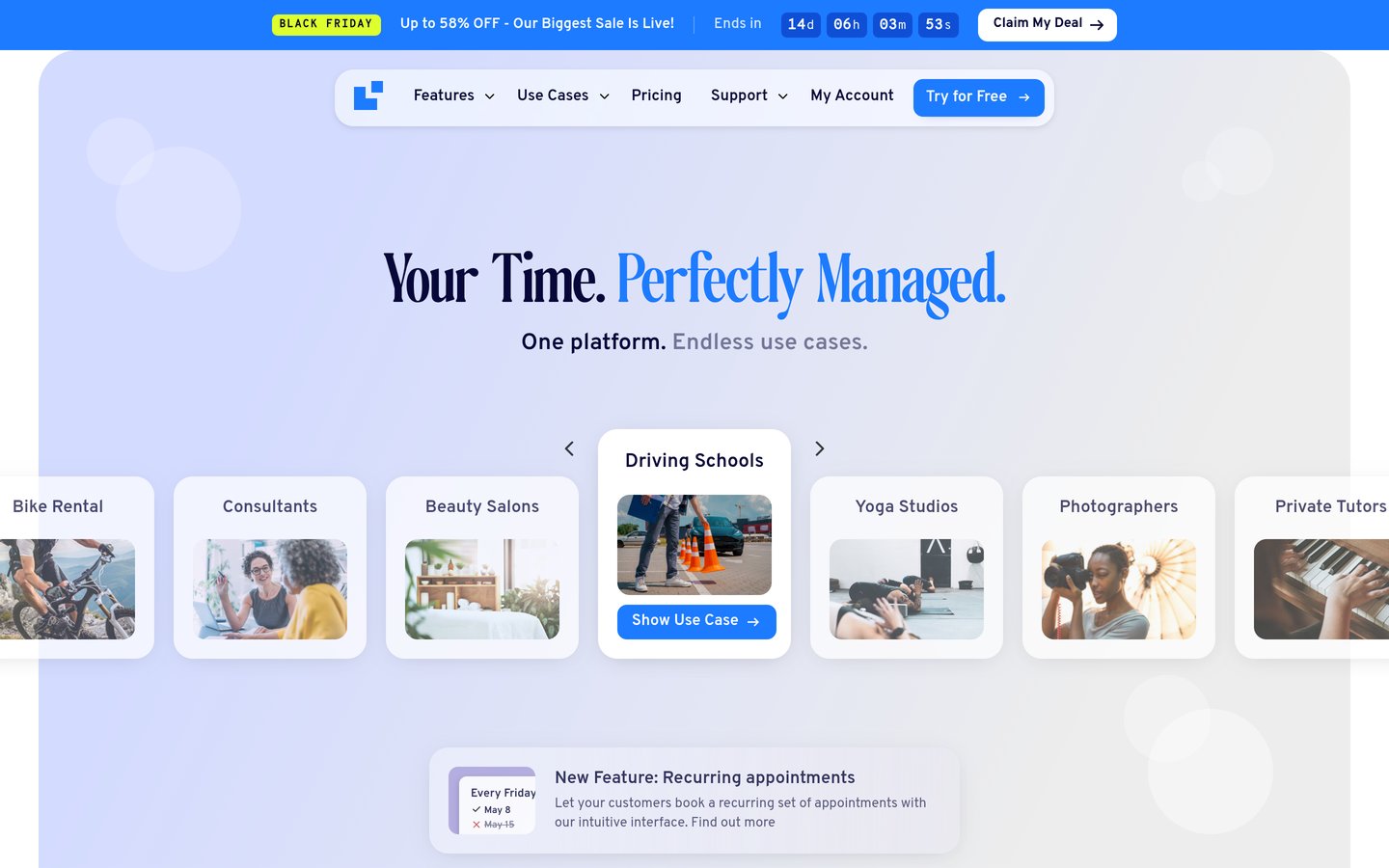
FluentBooking is a WordPress scheduling plugin from WPManageNinja designed for meetings, consultations, and team routing. The free version includes unlimited appointments, automated email reminders, and reschedule links, while the $79/yr regular Solo license (often discounted to $47/yr) unlocks all features on one site.
The trade off is that online payments, SMS notifications, and calendar integrations require a paid license, and its review count (46) is smaller than older rivals. It suits agencies, sales teams, and service businesses that want round-robin booking without per-seat fees.
What we like
No per-agent or per-calendar fees on any paid tier
Free version includes automated reminders and reschedule links
Native integration with FluentCRM and Fluent Forms
Watch out for
No payment gateways in the free version
Focused on meetings and services rather than overnight rentals
Solo ($79/yr regular) unlocks unlimited hosts, Stripe/PayPal payments, and two-way calendar sync.Visit fluentbooking.com
03
Simply Schedule Appointments
5/5on WordPress.org (155 reviews, checked Nov 2026)
Paid from$129/yr
Best for fast setup and solo consultants
Free tierUnlimited calendars and bookings
Entry paid$129/yr Plus ($99/yr intro)
PaymentsProfessional ($249/yr regular)
Page buildersBlock editor, Elementor, Divi
simplyscheduleappointments.com
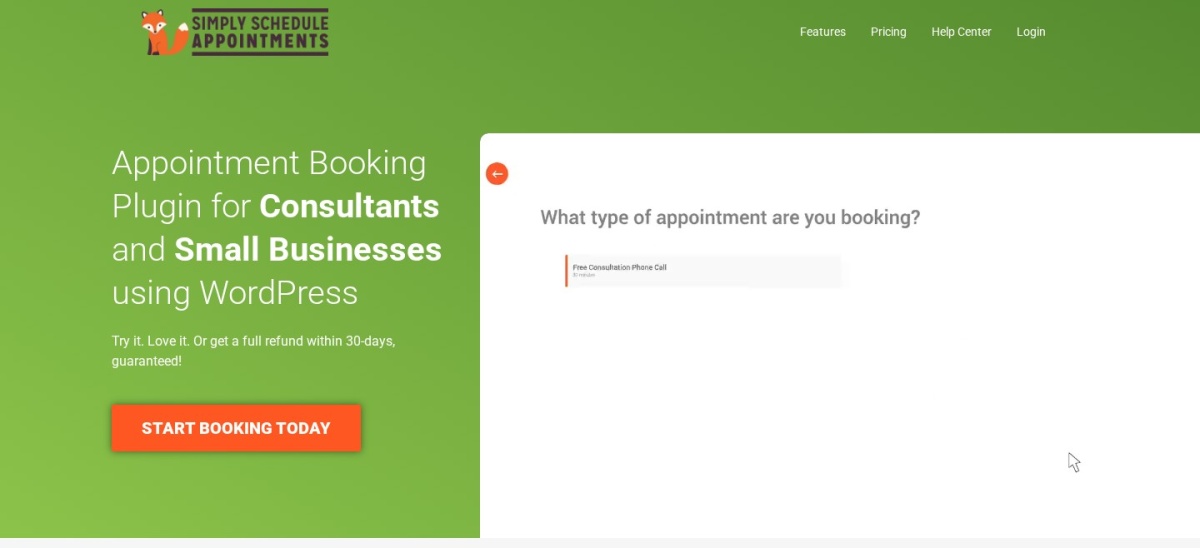
Simply Schedule Appointments homepage, captured Nov 2026.
Simply Schedule Appointments is an accessible WordPress appointment plugin backed by a 5.0/5 rating across 155 reviews. Its free Basic edition supports unlimited appointment types, blackout dates, and customizable email notifications with a five-minute setup wizard.
The trade off is steep tier gating: Plus ($129/yr regular, $99/yr first year) adds Google Calendar and Zoom, while Stripe and PayPal payments sit on Professional ($249/yr regular) and team scheduling requires Business ($499/yr regular). It suits solo consultants who prioritize simplicity.
What we like
Highest user satisfaction score on WordPress.org at 5.0/5
Free Basic edition imposes no caps on booking volume
Clean visual styling with native Elementor, Divi, and Beaver Builder blocks
Watch out for
Online payments require the $249/yr Professional plan
Team member and resource scheduling sit on the $499/yr Business tier
4.4/5on WordPress.org (587 reviews, checked Nov 2026)
Paid from$99/yr
Best for modular add-on customization
Free tier1 staff member, up to 5 services
Entry paid$99/yr Bookly Pro
NotificationsEmail and SMS reminders
Active installs60,000+ WordPress sites
booking-wp-plugin.com
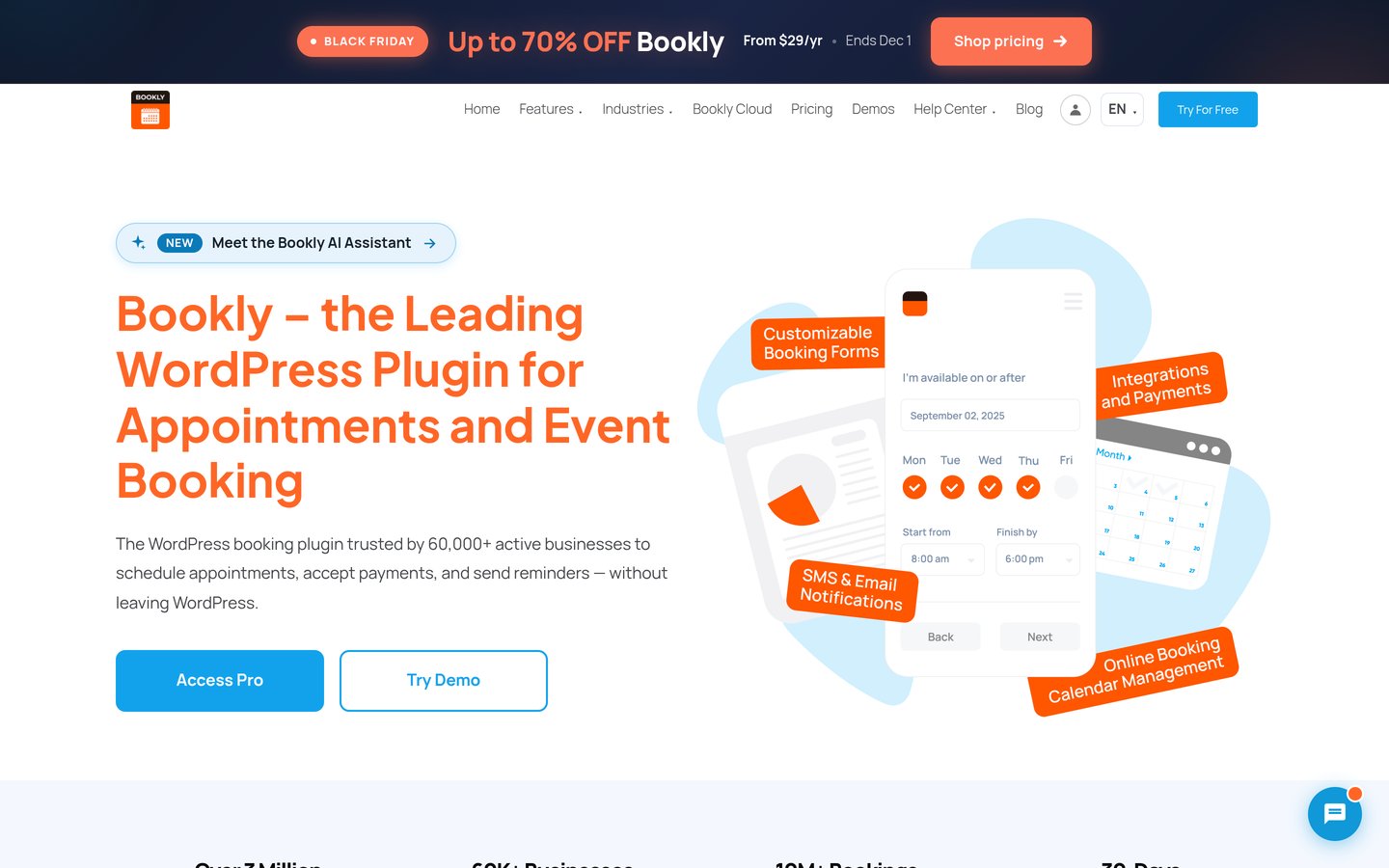
Bookly homepage, captured Nov 2026.
Bookly is a long-running WordPress reservation system used on more than 60,000 sites. The free plugin provides a mobile-responsive booking form, searchable customer list, and automated email or SMS notifications for one staff member and up to five services.
The trade off is modular pricing: Bookly Pro costs $99/yr regular to unlock unlimited staff, services, and online payments, and specialized workflows like group bookings or recurring appointments require separate paid add-ons. It suits service businesses wanting granular control over form steps.
What we like
Proven track record with 60,000+ active installs and 587 reviews
Customizable multi-step booking form layout and fields
Built-in SMS notification settings in the admin panel
Watch out for
Free version caps usage at 1 staff member and 5 services
Advanced features require purchasing individual add-ons beyond Pro
Bookly Pro ($99/yr) unlocks unlimited staff, unlimited services, and online payment gateways.Visit booking-wp-plugin.com
05
LatePoint
4.9/5on WordPress.org (109 reviews, checked Nov 2026)
Paid from$99/yr
Best for mobile-first customer portals
Free tierCore booking form, 2.9% payment fee
Entry paid$99/yr ($79/yr intro)
Client portalBuilt-in Customer Cabinet
Active installs100,000+ WordPress sites
latepoint.com
LatePoint homepage, captured Nov 2026.
LatePoint is a WordPress appointment and event scheduling plugin installed on over 100,000 websites with a 4.9/5 rating. Its free version delivers a fast, app-like booking drawer, admin calendar views, and a self-service customer cabinet where clients manage their own bookings.
The trade off is that free-plan online payments carry a 2.9% platform transaction fee on top of Stripe or PayPal charges until you upgrade to the paid plan ($99/yr regular, $79/yr first year). It suits mobile-heavy service businesses that value a sleek checkout flow.
What we like
Fast, mobile-first booking modal and dedicated customer portal
4.9/5 rating across 109 reviews with 100,000+ active installs
Clean admin dashboard built for quick front-desk scheduling
Watch out for
Free version adds a 2.9% surcharge on online payments
Fewer native third-party marketing integrations than FluentBooking
Paid license ($99/yr regular) removes the 2.9% payment fee and unlocks pro add-ons.Visit latepoint.com
06
Acuity Scheduling
4.7/5on G2 (396+ reviews, checked Nov 2026)
Starts at$16/mo
Best hosted SaaS for coaches and therapists
Free tierNone (7-day trial only)
Entry paid$16/mo ($192/yr) Emerging
Staff limit1 staff/location on Emerging
HostingFully hosted SaaS
acuityscheduling.com
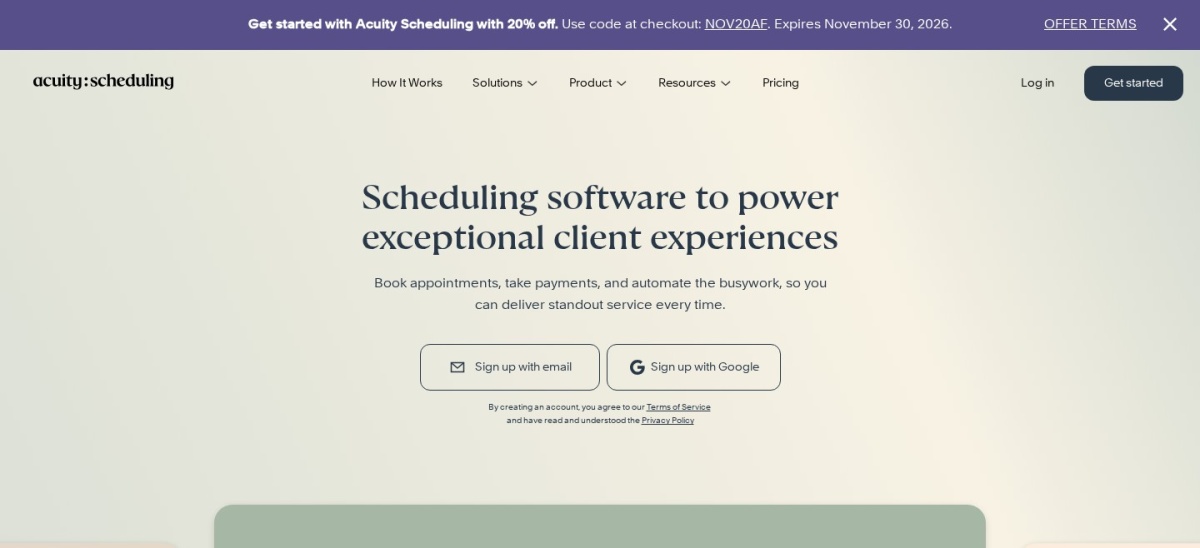
Acuity Scheduling homepage, captured Nov 2026.
Acuity Scheduling is a cloud-based reservation platform owned by Squarespace that embeds onto any website or runs via standalone booking links. Starting at $16/mo ($192/yr) on the Emerging plan, it includes self-booking, intake questionnaires, time-zone conversion, and Stripe, Square, or PayPal payments.
The trade off is that Acuity offers no permanent free plan, and scaling to 6 staff members requires the Growing plan at $27/mo ($324/yr). It suits solo practitioners and consultants who want zero server maintenance.
What we like
No WordPress plugin updates or hosting maintenance required
Strong intake forms, packages, and subscription billing tools
Syncs natively with Google, iCloud, Outlook, and Zoom
Watch out for
No free forever plan
Pricing scales by staff and location count ($27/mo for 6 staff)
Cloudbeds is a hosted hospitality management system combining a direct booking engine, property management system, and real-time channel manager. Pricing starts at $9 per room per month with a $180/mo ($2,160/yr) minimum on Cloudbeds Flex, syncing inventory across Booking.com, Airbnb, and Expedia.
The trade off is enterprise-level cost and onboarding complexity compared to simple appointment plugins. It suits independent hotels, hostels, and multi-unit vacation rentals that need automated OTA distribution and housekeeping workflows.
What we like
Commission-free direct website booking engine included
Real-time rate and availability sync across major OTAs
Unified front-desk calendar, housekeeping, and payment processing
Watch out for
$180/mo minimum spend puts it out of reach for single-unit hosts
Overkill for hourly service or appointment businesses
Cloudbeds Flex ($9/room/mo, $180/mo minimum) includes PMS, booking engine, and channel manager.Visit cloudbeds.com
WordPress booking plugins vs hosted SaaS reservation tools
WordPress reservation plugins like Amelia, FluentBooking, and Simply Schedule Appointments store customer records inside your own database and charge a flat annual fee per website. Even if you add ten employees or book 2,000 appointments a month, your software bill stays fixed.
Hosted SaaS platforms such as Acuity Scheduling and Cloudbeds handle server uptime, security patches, and SMS delivery for you, but they charge per staff seat or per room. For a five-person team, a $79/yr WordPress plugin saves hundreds of dollars annually over per-seat SaaS subscriptions.
How we chose
We compiled this list by reviewing active reservation plugins in the WordPress.org directory alongside established SaaS booking platforms listed on G2. Every candidate had to maintain active updates within the past 12 months and publish transparent public pricing.
All prices, review counts, star ratings, and active installation figures were verified directly against official vendor pricing pages, WordPress.org listings, and G2 product profiles on 22 Nov 2026. Where vendors display introductory first-year discounts, we list the regular renewal rate as the primary annual figure.
We excluded plugins removed from WordPress.org, tools with fewer than 1,000 active installs or 20 public reviews, and restaurant or hotel platforms that hide rates behind custom sales quotes. No vendor paid for a place, and we do not claim testing for this list.
How to choose the right reservation software
Match your booking workflow and team size to the right pricing model before committing to an annual license.
Identify your booking unit. Choose an appointment scheduler like Amelia or FluentBooking for hourly staff services, or a property management system like Cloudbeds for overnight room inventory.
Count your staff and locations. If you have three or more providers, pick a flat-rate plugin like FluentBooking rather than tools that charge per seat or restrict employees on entry tiers.
Check payment and calendar gates. Verify whether Stripe, PayPal, and two-way Google Calendar sync are included in the base paid tier or locked behind mid-tier upgrades.
Calculate multi-year renewal costs. Compare regular renewal rates rather than first-year promotional discounts, and factor in extra SMS segment fees or payment processing charges.
FAQ
What is the best free reservation software for WordPress?
Amelia Lite and FluentBooking offer the strongest free WordPress tiers in 2026. Amelia Lite includes Square payments and event booking for one employee, while FluentBooking provides unlimited appointments, email reminders, and reschedule links at no cost.
Is a WordPress plugin cheaper than hosted reservation software?
Yes, especially for teams. WordPress plugins like FluentBooking ($79/yr) and Amelia ($49/yr) charge a flat site license, whereas hosted SaaS tools like Acuity Scheduling start at $192/yr for a single staff member and scale upward per seat.
Which reservation software works best for hotels and vacation rentals?
Cloudbeds is built specifically for hotels, hostels, and multi-unit rentals, combining a commission-free direct booking engine with real-time Airbnb and Booking.com channel sync starting at $9 per room per month ($180/mo minimum).
Do reservation plugins charge per-booking commissions?
Most WordPress booking plugins charge zero commission on reservations, though standard Stripe, Square, or PayPal processing fees still apply. One exception is LatePoint's free tier, which adds a 2.9% fee until you upgrade to a paid license.
Can I accept online deposits with reservation software?
Yes, though deposit payments usually require a paid tier. Amelia unlocks partial deposit payments on its $99/yr Standard plan, while FluentBooking, Bookly Pro, and Acuity Scheduling support upfront payments and deposits on their paid plans.