Best Landscape Business Management Software in 2026: 7 Tools Compared
WLWPLegible EditorsLast verified 22 Nov 2026How we rank14 min read
★ Short answer
Jobber is our top landscape business management software pick for everyday scheduling, estimates and invoicing, with Core at $49 per month and a 4.6/5 G2 rating from 547 reviews. Yardbook suits budget-conscious lawn care businesses with its free Starter plan, while GorillaDesk offers route-based pricing and unlimited users.
How we make this list: we compare pricing pages, product documentation and public user reviews, then re-check every price before each update. No product paid for a place. Disclosure.
Jobber Core costs $49 per month without a commitment, or $29 per month billed annually, and supports one user with scheduling, quotes and payments.
Yardbook offers a free Starter plan covering customer management, routing and invoices; Business costs $34.99 per month.
GorillaDesk Basic starts at $49 per month per route, includes unlimited users and supports basic routing for up to 25 stops.
Housecall Pro Basic costs $79 per month or $59 per month billed annually, with scheduling, job costing and online booking.
Kickserv Start is displayed at $60 per month with annual subscription savings and includes 5 users, time tracking and QuickBooks Online integration.
LMN Starter costs $297 per month for 1 office or crew-lead license and 5 crew-member licenses, while SingleOps Essential starts at $220 monthly.
What to look for in landscape business management software
Landscape business management software helps contractors organize estimates, recurring maintenance, crew schedules, customer records, invoices and payments. The right system replaces disconnected calendars and spreadsheets with a shared record of work.
Start with scheduling and routing. Lawn maintenance companies often visit the same properties repeatedly, so recurring job templates, route planning and mobile crew schedules can reduce administrative work and unnecessary travel.
Look for estimating and job costing if your business handles landscaping installations, hardscaping or commercial maintenance contracts. Estimating helps calculate a profitable selling price, while job costing compares actual labor, equipment and material costs against the original budget.
Customer management and billing are equally important. Useful features include client histories, property notes, digital estimates, invoice reminders, online payments and accounting integrations. These help office staff coordinate work and maintain accurate records.
Finally, check how the vendor charges for users, crews or routes. A solo operator may need only basic scheduling and invoicing, while a growing landscape company may require GPS tracking, additional crew access, reporting and formal onboarding.
The 7 best landscape business management software tools
01
Jobber
4.6/5on G2 (547 reviews, checked Nov 2026)
Starts at$49/mo
Best overall for small landscape businesses
Entry planCore
Included users1
Regular monthly price$49
Annual billing rate$29/mo
getjobber.com
Jobber homepage, captured Nov 2026.
Jobber is a field service management platform for landscaping, lawn care and other service businesses. Core costs $49 per month without a commitment or $29 per month billed annually for 1 user, including scheduling, customer management, quotes, invoicing, payments and reporting. It holds a 4.6/5 G2 rating from 547 reviews.
The trade off is that Core is limited to one user, while recurring-service automation, QuickBooks syncing and time tracking require Connect, starting at $139 per month without a commitment. Grow adds job costing at $199 monthly. It suits small landscape businesses that want organized daily operations and an upgrade path for larger crews.
What we like
Core combines scheduling, estimates and invoicing
Customer management and online payments included
Online booking and website tools
Mobile access for field operations
Higher plans add time tracking and job costing
Watch out for
Core includes only one user
QuickBooks integration requires Connect
Job costing requires Grow
Multi-user plans increase subscription costs
Connect adds automation and time tracking; Grow adds job costing.Visit getjobber.com
02
Yardbook
4.4/5on Capterra (14 reviews, checked Nov 2026)
Paid from$34.99/mo
Best free landscape business management software
Free editionStarter
Paid entryBusiness, $34.99/mo
RoutingIncluded in Starter
QuickBooks syncEnterprise
yardbook.com
Yardbook homepage, captured Nov 2026.
Yardbook is a landscape business management application with a free Starter plan covering customers, scheduling, estimates, invoices, routing, expenses, reports and employee access. Business costs $34.99 per month and adds GPS tracking, bulk messages and automatic invoice reminders. Capterra rates Yardbook 4.4/5 from 14 reviews.
The trade off is that advanced customer communication and GPS features require Business, while QuickBooks synchronization and an ad-free experience require Enterprise at $49.99 per month. Its smaller professional review sample also limits direct comparisons. It suits solo landscapers and small lawn care companies keeping software expenses low.
What we like
Free Starter plan for essential operations
Routing and invoicing included without a subscription
Estimates, expenses and customer records
Business adds GPS tracking
Enterprise offers QuickBooks synchronization
Watch out for
Free plan has fewer communication features
QuickBooks integration requires Enterprise
Free edition includes advertising
Smaller Capterra review sample
Business adds GPS, bulk messaging and automated invoice reminders.Visit yardbook.com
03
GorillaDesk
4.8/5on G2 (43 reviews, checked Nov 2026)
Starts at$49/mo
Best for recurring lawn care routes
Entry planBasic
Starting price$49/route/mo
Included usersUnlimited
Basic route limit25 stops
gorilladesk.com
GorillaDesk homepage, captured Nov 2026.
GorillaDesk is field service management software for lawn care, pest control and recurring property services. Basic starts at $49 per month for 1 route, with unlimited users, estimates, invoices, work orders, customer mapping and basic routing for up to 25 stops. Its G2 rating is 4.8/5 from 43 reviews.
The trade off is that pricing grows with the number of routes, and advanced routing, online booking, customer portals and QuickBooks Online synchronization require Pro at $99 per month for 1 route. It suits maintenance companies that need to coordinate repeat visits and track field activity.
What we like
Unlimited users on every plan
Basic routing included
Recurring invoices and customer communication
Material tracking and reporting
No setup fees advertised
Watch out for
Pricing increases with route count
Basic routing is limited to 25 stops
Advanced routing requires Pro
QuickBooks synchronization requires Pro
Pro adds advanced routing, online booking, a customer portal and QuickBooks sync.Visit gorilladesk.com
04
Housecall Pro
4.3/5on G2 (211 reviews, checked Nov 2026)
Starts at$79/mo
Best for landscaping teams focused on customer service
Entry planBasic
Included users1
Regular monthly price$79
Annual billing rate$59/mo
housecallpro.com
Housecall Pro homepage, captured Nov 2026.
Housecall Pro is home service management software supporting landscaping operations through scheduling, dispatching, estimates, invoices and customer communication. Basic costs $79 per month or $59 per month billed annually for 1 user and includes online booking, a price book, job costing and review management. G2 rates it 4.3/5 from 211 reviews.
The trade off is that Basic lacks several multi-crew capabilities. Essentials costs $189 monthly or $149 per month billed annually for up to 5 users, adding routes, employee GPS tracking and QuickBooks Online synchronization. It suits landscaping businesses that prioritize customer booking, payment collection and job profitability.
What we like
Online booking included in Basic
Estimates, invoices and payments
Job costing and price book
Customer review management
Essentials adds routing and GPS tracking
Watch out for
Basic includes only one user
Routing requires Essentials
QuickBooks integration requires Essentials
Additional services may carry separate charges
Essentials adds routing, employee GPS, checklists and QuickBooks integration.Visit housecallpro.com
05
Kickserv
4.5/5on G2 (186 reviews, checked Nov 2026)
Starts at$60/mo
Best for small landscape teams needing accounting integration
Entry paid planStart
Displayed price$60/mo
Included users5
Free trial30 days
kickserv.com
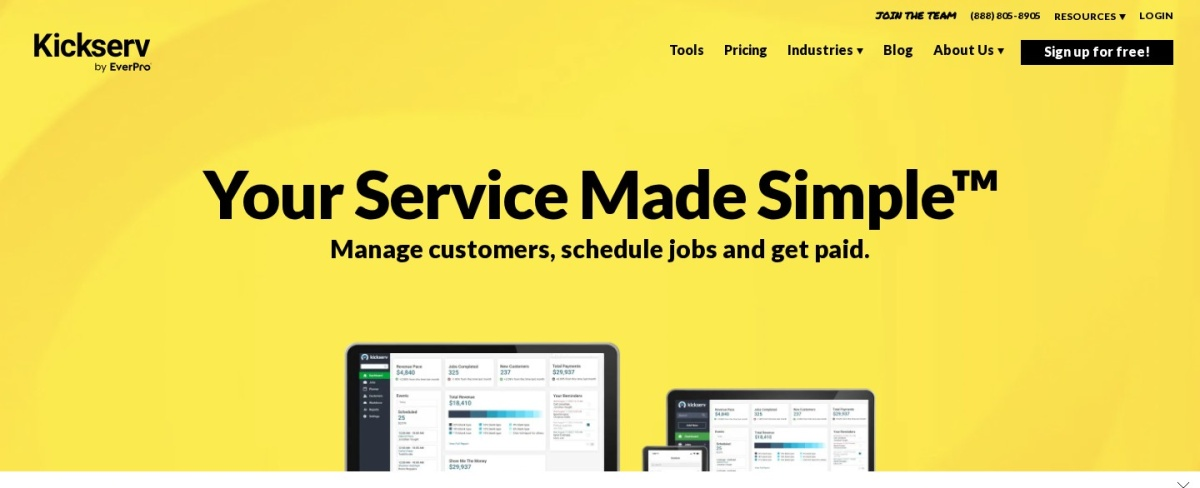
Kickserv homepage, captured Nov 2026.
Kickserv is field service management software for contractors, including landscaping businesses. Start is displayed at $60 per month with annual subscription savings and includes 5 users, customer management, time tracking, expense tracking, email and text reminders, QuickBooks Online integration and more than 20 business reports. G2 rates it 4.5/5 from 186 reviews.
The trade off is that dispatch mapping, GPS check-ins and custom reports require Run, displayed at $119 per month with annual subscription savings. The vendor also offers payment-processing incentives that may reduce subscription charges. It suits small teams needing shared access and accounting connections without buying separate software for every crew member.
What we like
Start includes 5 users
QuickBooks Online integration
Time and expense tracking
Automated customer reminders
More than 20 business reports
Watch out for
Dispatch mapping requires Run
GPS check-ins require Run
Advanced reporting requires a higher plan
Less specialized for landscape estimating than LMN
Run adds dispatch mapping, GPS check-ins and custom reporting.Visit kickserv.com
06
LMN
4.6/5on Capterra (93 reviews, checked Nov 2026)
Starts at$297/mo
Best for budget-based landscape estimating
Entry planStarter
Monthly price$297
Office or crew leads1 included
Crew members5 included
granum.com
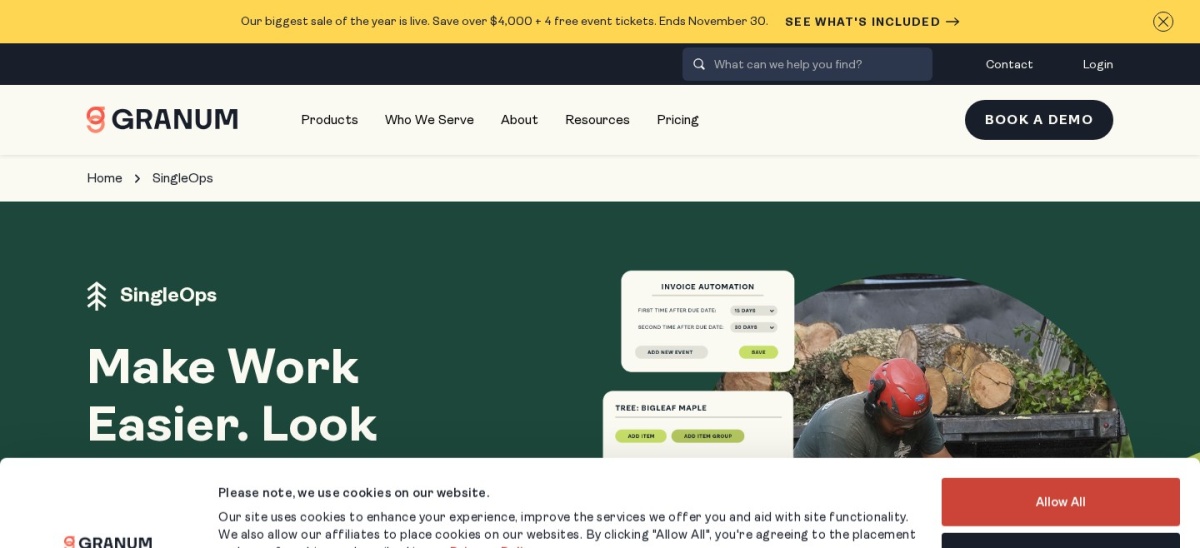
LMN homepage, captured Nov 2026.
LMN is landscaping business management software focused on budgeting, estimating, scheduling and crew operations. Starter costs $297 per month and includes 1 office or crew-lead license and 5 crew-member licenses, with estimating, invoicing, payments and crew scheduling. Capterra rates LMN 4.6/5 from 93 reviews.
The trade off is the higher subscription price, additional license fees and implementation requirements. Professional starts at $648 monthly and adds real-time job costing, equipment and material costing, and Zapier integrations. The vendor currently advertises a temporary Black Friday offer. It suits landscape contractors that need more structured budgeting and profitability analysis.
What we like
Budget-based landscape estimating
Material and labor cost calculations
Crew scheduling and route optimization
Integrated invoicing and payments
Professional adds real-time job costing
Watch out for
Higher entry cost than general field service tools
Additional crew or office licenses cost extra
Real-time job costing requires Professional
Implementation and training may add costs
Professional adds real-time job costing, material costing and integrations.Visit granum.com
07
SingleOps
4.4/5on Capterra (108 reviews, checked Nov 2026)
Starts at$220/mo
Best for tree care and landscape service operations
Entry planEssential
Monthly price$220
Annual billing rate$200/mo
Crew usersFree
granum.com
SingleOps homepage, captured Nov 2026.
SingleOps is business management software for tree care, landscaping and related property services. Essential starts at $220 per month or $200 per month billed annually, including estimating, scheduling, customer records, digital documents, invoicing and integrated payments. Crew users are free, and Capterra rates it 4.4/5 from 108 reviews.
The trade off is that additional office or sales users cost $55 per month on monthly billing, while advanced operations require higher tiers. Plus costs $385 monthly and adds broader operational capabilities, including field-to-office workflows. It suits landscape and tree service companies managing estimates, property records and crews.
What we like
Designed for tree and landscape businesses
Free crew-user access
Integrated estimates and digital payments
Customer records and scheduling
Higher tiers support broader field operations
Watch out for
Higher entry price than general-purpose tools
Additional office and sales users cost extra
Advanced job costing and routing require higher tiers
Implementation requires planning and training
Plus adds broader field operations, job costing and scheduling capabilities.Visit granum.com
Landscape maintenance vs. installation software
Landscape companies have different software requirements depending on the work they perform. Recurring mowing, lawn treatments and property maintenance depend on repeat schedules, efficient routes and predictable billing.
Yardbook and GorillaDesk are especially relevant for recurring services. Yardbook includes basic route planning in its free Starter edition, while GorillaDesk supports scheduled service routes and offers more advanced routing through Pro.
Landscape installation and hardscape projects require more detailed budgets, labor calculations and cost comparisons. LMN emphasizes estimating and budgeting, while SingleOps supports estimates, property records and broader crew workflows.
Companies handling both maintenance and installation should compare how each system tracks recurring agreements and project profitability. One subscription may cover both, but advanced job costing or project controls may require a higher edition.
How landscape management software pricing works
Software vendors use different licensing models. Jobber and Housecall Pro include a specified number of users per plan, while GorillaDesk charges by route and includes unlimited users.
LMN Starter includes an office or crew-lead license with crew-member access, and SingleOps charges separately for additional office or sales users while making crew-user access free.
These differences matter when a business grows. Adding a crew may increase route-based charges, while adding office employees may increase user-based subscription costs.
Compare the total cost for your actual workforce, including seasonal employees, rather than selecting software by its lowest advertised subscription. Account for onboarding, payment processing, premium reporting and accounting integrations.
How we chose
We selected established landscape and field service management platforms with documented scheduling, estimating, invoicing or crew management functionality. The shortlist includes landscape-specific systems and broader field service tools commonly used by landscaping contractors. We compared recurring scheduling, routes, budgeting, customer management, accounting integrations and the pricing model.
Prices and ratings were checked against official vendor pricing pages and public G2 or Capterra listings for the 22 Nov 2026 editorial date, with sources reviewed again on 23 Nov 2026. We distinguished regular subscription prices from annual billing savings and temporary promotional offers. Monthly starting prices were converted into annual USD equivalents for the price comparison.
We excluded software requiring custom quotes without a confirmable published entry price, products lacking relevant operational functionality and offerings with insufficient public adoption evidence. Yardbook was retained as an established landscaping platform despite its smaller professional review sample. No vendor paid for a place, and we do not claim testing for this list.
How to choose landscape business management software
Identify your daily operating requirements, then compare scheduling, estimating, crew access and total costs before selecting a platform.
Match the software to your landscape services. List whether you mainly provide recurring maintenance, lawn treatments, tree care, landscape construction or a combination. Maintenance businesses need reliable repeat schedules and routes, while installation contractors should prioritize detailed estimates, labor calculations and job profitability.
Check scheduling and mobile crew workflows. Review how the platform assigns employees, displays job instructions, records completed work and changes routes when plans shift. Compare mobile access, GPS features, customer notifications and offline capabilities where relevant. Confirm which functions are available on the entry plan.
Review estimating, invoicing and accounting. Choose software that supports your quoting process and billing schedule. Check whether estimates convert into jobs and invoices, whether clients can pay online, and how accounting data is synchronized. For larger projects, compare budget-versus-actual reporting and equipment or material costing.
Calculate subscription costs as your team grows. Count office users, crews, field employees and service routes. Compare monthly and annual billing, additional seat charges, payment fees and onboarding requirements. Request a demonstration using a typical customer, estimate, scheduled visit and completed invoice before committing.
FAQ
What is the best landscape business management software in 2026?
Jobber is our top overall choice for small landscaping businesses because it combines scheduling, estimates, invoicing, payments and customer management. Core starts at $49 monthly without a commitment. Yardbook is worth considering for free operations, while LMN better suits companies prioritizing detailed landscape estimates and budgeting.
Is there free landscaping business management software?
Yes. Yardbook offers a free Starter plan with customer management, scheduling, estimates, invoices, routing, expenses and reports. Businesses can upgrade to Business at $34.99 per month for additional communication and GPS features. Evaluate the free plan against your actual workflow before purchasing a subscription.
How much does landscaping management software cost?
Entry prices vary by provider. Yardbook Business costs $34.99 per month, Jobber Core costs $49, GorillaDesk Basic starts at $49 per route and Housecall Pro Basic costs $79. More specialized options include SingleOps Essential at $220 and LMN Starter at $297 monthly. User counts and route allowances affect total costs.
Which software is best for lawn care scheduling?
Yardbook and GorillaDesk are useful choices for recurring lawn care schedules. Yardbook includes scheduling and routing in its free Starter edition. GorillaDesk Basic supports route-based operations, while Pro adds more advanced routing tools. The better fit depends on how many crews, stops and recurring services you manage.
Can landscaping software create estimates and invoices?
Yes. All the products in this comparison provide estimating and invoicing capabilities. Jobber and Housecall Pro cover everyday service quotes and payments, while LMN emphasizes detailed budget-based landscape estimates. Compare whether estimates support labor, materials, equipment and profit margins before selecting a plan.
What is the best landscaping software for multiple crews?
GorillaDesk offers unlimited users with pricing based on routes, while Kickserv Start includes 5 users. LMN Starter combines an office or crew-lead license with crew-member access. Jobber and Housecall Pro offer higher tiers for growing teams. Compare crew permissions, GPS tracking and route management at your required size.
Does landscape business software integrate with QuickBooks?
Several products support QuickBooks integrations, although availability varies by edition. Kickserv Start includes QuickBooks Online integration, Jobber requires Connect, GorillaDesk requires Pro and Yardbook provides synchronization through Enterprise. Confirm the supported accounting version and synchronization direction before migrating financial data.
What is job costing in landscaping software?
Job costing compares actual labor, equipment, material and other expenses against the estimated cost of a landscaping job. It helps contractors identify profitable services and investigate budget overruns. Housecall Pro includes job costing in Basic, while Jobber adds it in Grow and LMN provides real-time costing in Professional.
Should a small landscaping company use specialized software?
A small company can begin with general scheduling and invoicing software if its services are straightforward. Specialized landscape software becomes more useful when recurring routes, property-specific pricing, chemical treatment records or detailed project estimates create additional complexity. Choose the system that handles your real operating needs without unnecessary administration.