Best Report Writing Software in 2026: 7 Tools Compared
WLWPLegible EditorsLast verified 23 Nov 2026How we rank9 min read
★ Short answer
Canva is the best report writing software for most teams: its templates and drag-and-drop editing make finished-looking reports fast, and Pro costs $18 a month or $144 a year. Pick Word for formal reports or Google Docs for free co-writing.
How we make this list: we compare pricing pages, product documentation and public user reviews, then re-check every price before each update. No product paid for a place. Disclosure.
Canva leads at 4.7/5 on G2 from 7,678 reviews, with Pro at $18 a month or $144 a year.
Word costs $99.99 a year with Microsoft 365 Personal, and the web version is free.
Notion Plus costs $10 a member a month and pairs reports with databases and wikis.
Google Docs is free and has the smoothest real-time collaboration here.
Visme Starter costs $147 a year and adds a dedicated Report Maker with charts.
What report writing software should cover
Report writing splits into three jobs: drafting the words, designing the layout and checking the writing. Word and Google Docs cover drafting, Canva and Visme cover design, and Grammarly covers checking.
Most reports need two of those jobs at once. A formal client report needs Word's styles and track changes plus Grammarly's checks, while a marketing report needs Visme's charts plus Canva's templates.
Free plans cover a lot here. Google Docs is free, Word for the web is free with a Microsoft account, and Canva, Notion, Coda, Visme and Grammarly all have free tiers. Paid plans start at $10 a member a month for Notion.
Collaboration decides team picks. Google Docs lets several people write at once with comments and version history, Notion keeps reports next to the data they describe, and Coda's live tables calculate their own numbers. Our guide on writing a blog post in WordPress covers the publishing side of the same writing workflow.
Canva is a design platform with a report template library that looks finished with very little design skill. Drag-and-drop editing makes adding charts, photos and brand colours quick, and you can publish a report as a website link that updates when the design changes, or export a print-ready PDF. The free plan includes more than 250,000 templates and 5 GB of storage.
The trade off is writing depth. Canva is not a word processor, so long structured reports with cross-references need Word or Docs instead. It suits small teams that want quick, attractive report layouts from templates.
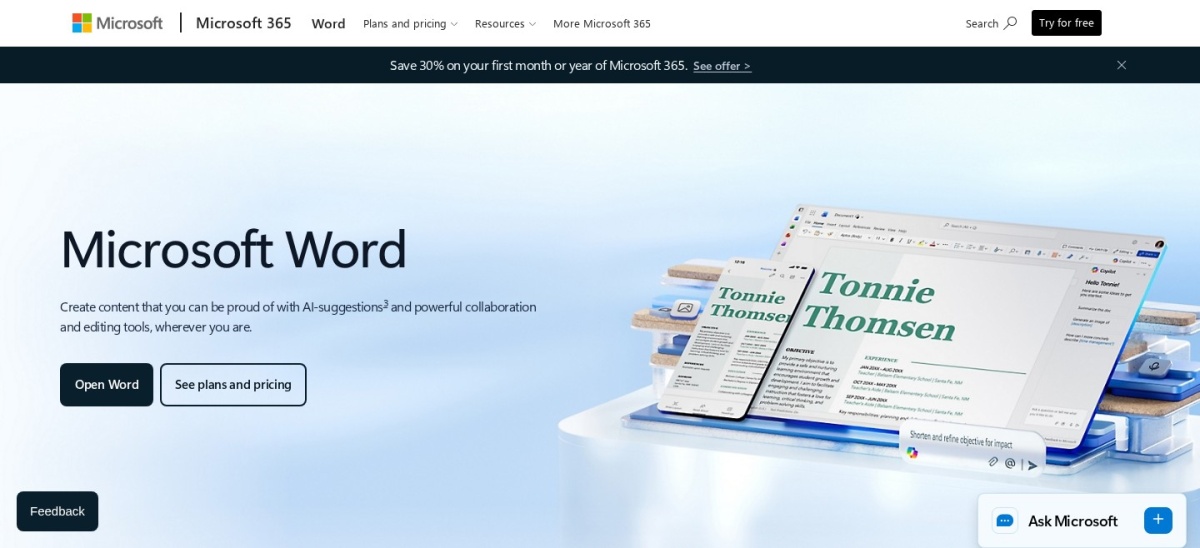
Microsoft Word is the standard for formal reports. Styles, automatic tables of contents, captions, cross-references and track changes handle long structured documents better than any other tool here, and the .docx format is what most clients, regulators and editors expect to receive. Microsoft 365 Personal costs $9.99 a month or $99.99 a year and includes Copilot AI help and 1 TB of OneDrive.
The trade off is collaboration. Word's real-time co-writing is weaker than Google Docs, and the desktop app needs a subscription. It suits formal business, technical and client reports that must follow a house style.
Notion is a workspace that holds reports next to the data they describe. Weekly status updates, project reviews and research notes can pull in databases, tables and linked pages, so the report sits next to the work. Templates make a recurring report quick to repeat. Plus costs $10 a member a month billed annually, or $12 monthly.
The trade off is formatting. Notion is not a page-layout tool, so print-ready reports need export to PDF or another editor. It suits teams that publish recurring internal reports alongside their project data.
Grammarly is a writing assistant that works inside any editor, checking grammar, spelling, punctuation and tone as you write. Report writers use it to keep long documents clear and consistent, whatever tool holds the report. The paid plan costs $12 a month on annual billing, with a free tier.
The trade off is that Grammarly does not write the report. It polishes text, but the structure, data and design come from another tool. It suits report writers who want clearer, more consistent writing in any editor.
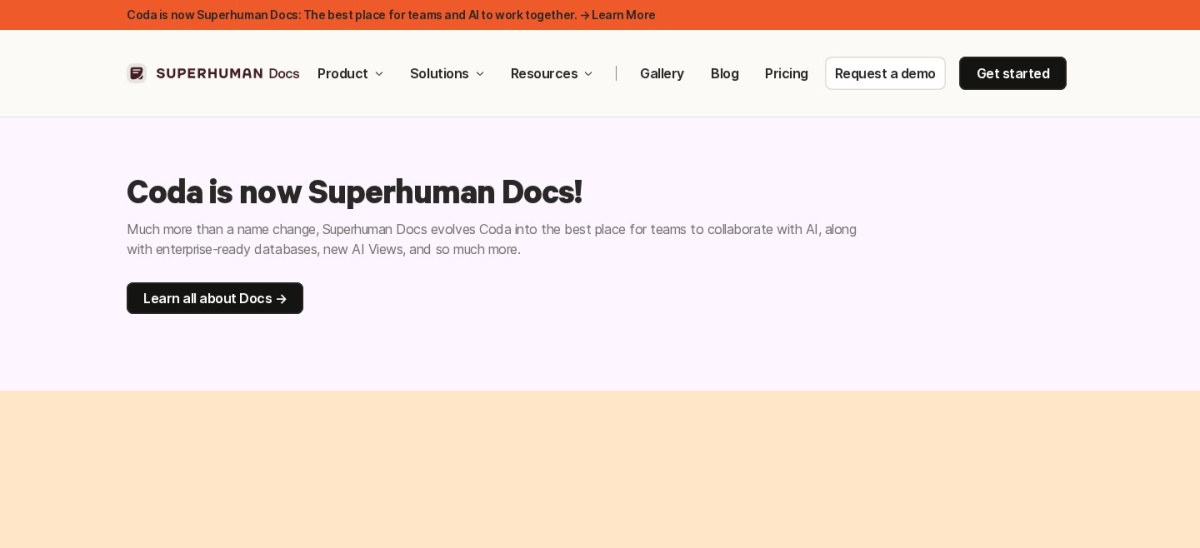
Coda is a document platform built around tables, formulas, buttons and automations, so a page can track a project, collect form replies and send reminders without a separate app. Reports combine live tables, calculations and narrative, and editors and viewers are free; only Doc Makers pay $12 a month billed annually. Coda was renamed Superhuman Docs in July 2026.
The trade off is the learning curve. Coda's formulas take time to learn, and its AI runs on credits on top of the plan. It suits teams whose reports combine live tables, calculations and narrative.
Google Docs is free with a Google account and has the smoothest collaboration of any tool here: several people can write at once, leave comments and suggest edits, and version history records every change. There is no limit on documents, and it runs in any browser. Google Workspace Starter costs $7 a user a month for admin features.
The trade off is formatting depth. Docs lacks Word's styles, cross-references and track changes power, and offline work is limited. It suits teams that co-write reports and want the easiest free collaboration.
Visme is a design tool with a dedicated Report Maker, plus templates for documents, proposals and ebooks, so a data-heavy report can be laid out with charts, icons and branded pages rather than plain text. The free Basic plan includes unlimited projects, 500 MB of storage and up to 50 pages. Starter costs $147 a year.
The trade off is cost for occasional use. Reviewers cite Visme as pricey for infrequent reports, and Business at $297 a year adds Brand Kit and analytics. It suits marketers and consultants who need visually designed reports with charts.
A report is a document with a job: it presents findings, data and recommendations to a reader who decides something. Word and Google Docs write it, Notion and Coda connect it to live data, Canva and Visme design it, and Grammarly polishes it.
Pick the tool for the job the report must do, not for the longest feature list. A weekly status update needs Notion, a client report needs Word, and a marketing report needs Visme.
How we chose
We started from the report writing tools teams name most often in 2026 comparisons, then kept those with a published price and a public G2 rating. Prices come from each vendor's pricing page or a comparison that read it, checked on 23 November 2026. Word is $99.99 a year, Notion Plus is $10 a member a month and Visme Starter is $147 a year.
Ratings come from G2 on the same day. Canva leads at 4.7/5 from 7,678 reviews and Word matches it at 4.7/5, while Notion holds 4.6/5 from 13,975 reviews, the largest base here. Coda was renamed Superhuman Docs in July 2026, and its Pro plan now costs $12 a Doc Maker a month billed annually.
We left out pure word processors without report features and enterprise tools with no public rating. No vendor paid for a place, and this list is based on pricing, docs and reviews, not on using the tools ourselves.
How to choose report writing software
Start with who reads the report, then check how the team writes together.
Formal or visual first. Formal client reports need Word's styles and track changes. Visual reports need Visme's charts or Canva's templates.
Check the collaboration. Google Docs lets several people write at once. Notion keeps reports next to project data. Pick the workflow your team already uses.
Price it per person. Notion at $10 a member and Coda at $12 a Doc Maker multiply by the team. Google Docs is free, and Word for the web is free too.
Add a writing check. Grammarly works inside any editor and costs $12 a month on annual billing. Add it to whichever writer you pick.
FAQ
What is the best report writing software?
Canva is the best pick for most teams. Its templates and drag-and-drop editing make finished-looking reports fast, Pro costs $18 a month or $144 a year, and it holds a 4.7 out of 5 G2 rating from 7,678 reviews.
Is Microsoft Word free?
The web version is free with a Microsoft account, though cut down. The desktop app comes with Microsoft 365 Personal at $9.99 a month or $99.99 a year, which includes Copilot AI help and 1 TB of OneDrive.
Is Google Docs really free?
Yes. Google Docs is free with a Google account, with no limit on documents. Google Workspace Starter costs $7 a user a month and adds admin features.
What is the cheapest report writing software?
Google Docs is free, and Word for the web is free too. Canva, Notion, Coda, Visme and Grammarly all have free tiers. The cheapest paid plan is Notion Plus at $10 a member a month.
Canva vs Visme for reports?
Canva leads on templates and brand kit, with Pro at $18 a month. Visme leads on charts with a dedicated Report Maker, with Starter at $147 a year. Canva rates 4.7/5 on G2 from 7,678 reviews against Visme at 4.5/5 from 512.
What happened to Coda?
Coda was renamed Superhuman Docs in July 2026, and its pricing page moved. Pro costs $12 a Doc Maker a month billed annually, while editors and viewers stay free.