Best Real Time Analytics Platforms in 2026: 7 Tools Compared
WLWPLegible EditorsLast verified 22 Nov 2026How we rank10 min read
★ Short answer
SlimStat Analytics is the best real time analytics platform for WordPress because its free plugin includes live visitor counters, an access log, and click counts across 70,000+ active installs. For users who prefer cloud dashboards or GA4 integration, Plausible Analytics ($90/yr billed annually) and MonsterInsights ($199/yr regular) provide hosted alternatives.
How we make this list: we compare pricing pages, product documentation and public user reviews, then re-check every price before each update. No product paid for a place. Disclosure.
SlimStat Analytics holds a 4.8/5 rating across 816 WordPress.org reviews and includes live visitor tracking and an access log in its free tier, with Pro starting at $49/yr.
Independent Analytics carries a 4.8/5 rating across 167 WordPress.org reviews on 100,000+ sites, reserving its live visitor dashboard for Pro at $49/yr.
WP Statistics runs on 500,000+ WordPress sites with a 4.1/5 rating from 762 reviews, offering live online user counts free and Premium plans starting at $119/yr regular.
MonsterInsights powers 2+ million WordPress sites (4.5/5 from 3,161 reviews) and unlocks its Realtime Analytics Dashboard on the Plus plan at $199/yr regular.
Plausible Analytics delivers lightweight cloud tracking without cookies starting at $90/yr ($7.50/mo billed annually) for up to 10,000 monthly pageviews.
What to look for in a real time analytics platform
Real time analytics platforms let you observe active visitors, current pageviews, and incoming traffic sources as they happen rather than waiting hours for batch reports. On WordPress, tools split into two architectures: self-hosted plugins that write directly to your local database and cloud platforms that ingest events via lightweight scripts.
Self-hosted WordPress plugins keep visitor records on your own server, avoid third-party data sharing, and frequently support cookieless tracking out of the box. The trade-off is database growth on high-traffic sites, so look for built-in IP hashing, bot filtering, and automated data pruning.
Cloud and Google Analytics 4 connectors offload query processing from your web host and make it easier to view traffic across multiple domains. When comparing prices, check whether real-time reporting is included in the free tier or gated behind an annual license, and verify the regular renewal rate rather than first-year introductory discounts.
4.8/5on WordPress.org (816 reviews, checked Nov 2026)
Paid from$49/yr
Best for free self-hosted live logs
Hosting modelSelf-hosted in WP database
Real-time scopeLive counters & access log (free)
Traffic limitUnlimited pageviews
Entry paid tier$49/yr for 1 site
wp-slimstat.com
SlimStat Analytics homepage, captured Nov 2026.
SlimStat Analytics is a self-hosted WordPress analytics plugin that records visitor activity directly inside your own database without external accounts or sampling. Its free version includes live visitor counters, a searchable real-time access log, geolocation, outbound-link tracking, WooCommerce revenue reports, and one active conversion goal across unlimited pageviews.
The trade off is that local database storage can grow quickly on busy sites unless you configure retention rules or move logs to an external database on Pro at $49/yr. It suits WordPress site owners who want immediate, granular visitor logs and click counts without paying recurring SaaS fees.
What we like
Real-time access log and live counters included free
4.8/5 rating across 816 WordPress.org reviews
No pageview caps or third-party data sharing
Affordable $49/yr Pro upgrade adds full click and scroll heatmaps
Watch out for
Stores rows in your WordPress database unless external DB is configured
Free version limits conversion tracking to one active goal
Pro ($49/yr for 1 site) adds full click/scroll heatmaps, 5 goals, 3 funnels, scheduled email reports, and external DB support.Visit wp-slimstat.com
02
Independent Analytics
4.8/5on WordPress.org (167 reviews, checked Nov 2026)
Paid from$49/yr
Best for clean privacy-first dashboards
Hosting modelSelf-hosted in WP database
Real-time scopeSame-day stats free; live view in Pro
Traffic limitUnlimited sites & pageviews (free)
Entry paid tier$49/yr for 1 site
independentwp.com
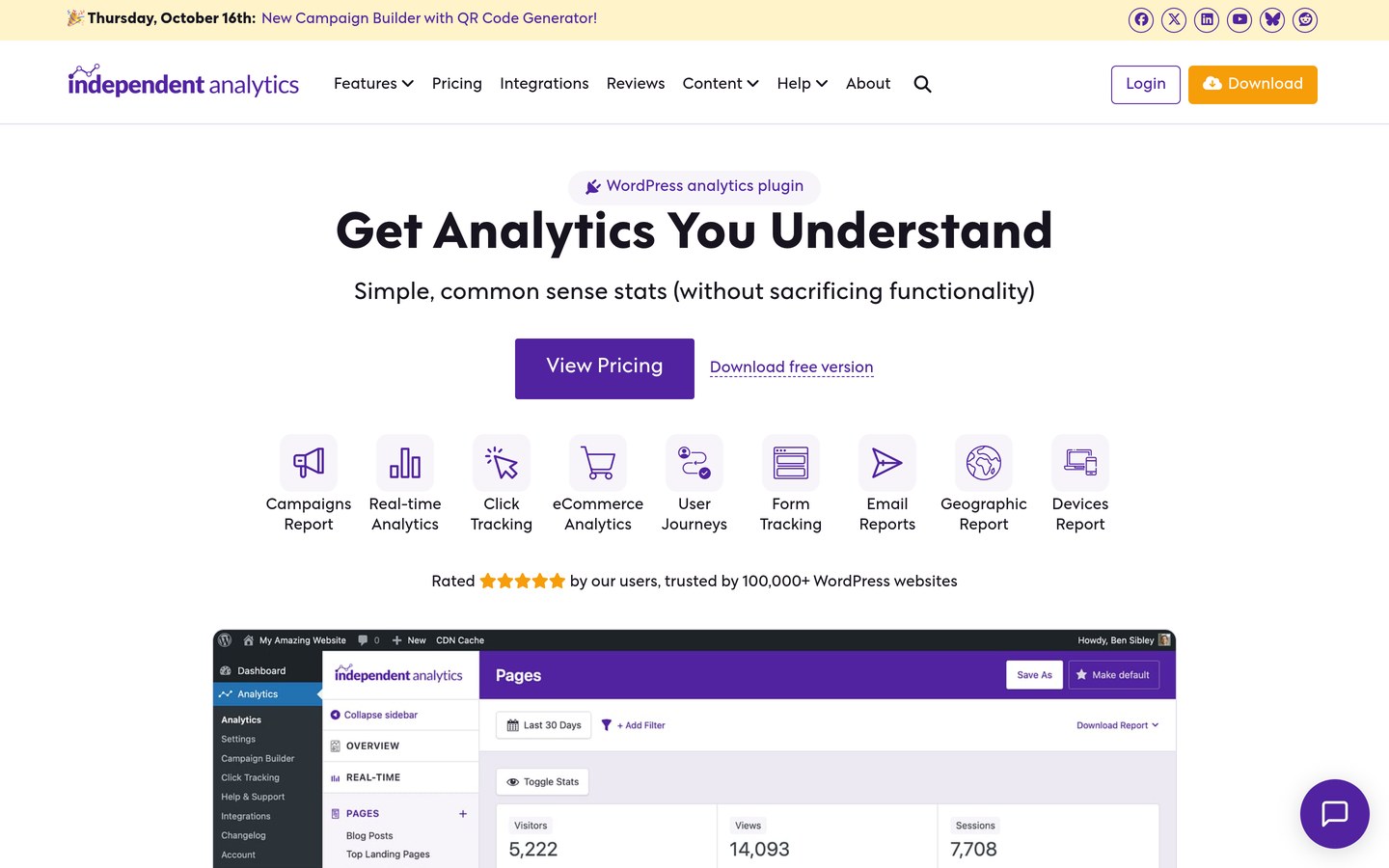
Independent Analytics homepage, captured Nov 2026.
Independent Analytics is a GDPR-ready WordPress analytics plugin that tracks pageviews, referrers, bounce rates, and geographic locations without cookies or external scripts. The free plugin supports unlimited sites and unlimited pageviews with same-day traffic updates inside the WordPress dashboard.
The trade off is that the dedicated real-time analytics dashboard listing active visitors, current pages, and live sources requires Pro Standard at $49/yr for one site. It suits bloggers, agencies, and WooCommerce stores that want a clean interface and accurate cookieless counts.
What we like
High 4.8/5 rating across 167 WordPress.org reviews
Zero external requests and no cookie consent banner required
Unlimited sites and pageviews on the free version
Entry Pro tier costs $49/yr with a 30-day money-back guarantee
Watch out for
Dedicated live visitor dashboard is locked behind Pro
Does not include click heatmaps or session recordings
Pro Standard ($49/yr for 1 site) unlocks the Real-time Analytics dashboard, UTM campaign tracking, form tracking, and WooCommerce revenue reports.Visit independentwp.com
03
Plausible Analytics
4.7/5on WordPress.org (29 reviews, checked Nov 2026)
Starts at$90/yr
Best for lightweight cloud analytics
Hosting modelCloud SaaS with WP connector
Real-time scopeLive current visitors & sources
Traffic limit10,000 monthly pageviews (Starter)
Entry paid tier$90/yr ($7.50/mo billed annually)
plausible.io
Plausible Analytics homepage, captured Nov 2026.
Plausible Analytics is a cloud-based, cookie-free web analytics platform paired with an official WordPress plugin that displays live current visitors, active pages, and referral sources on a single screen. It avoids storing personal data and keeps your WordPress database completely free of analytics rows.
The trade off is that there is no permanent free tier after the 30-day trial, and Starter starts at $90/yr ($7.50/mo billed annually, or $9/mo monthly) for up to 10,000 monthly pageviews. It suits publishers and marketers who want fast cloud reporting without managing server storage.
What we like
Offloads all tracking queries from your WordPress database
Cookie-free script avoids consent banner friction
Real-time visitor counter and source breakdown on the main screen
30-day free trial includes full Business features without a credit card
Watch out for
No permanent free plan
Pricing scales upward as monthly pageviews and custom events grow
Starter ($90/yr billed annually) covers 1 site and 10,000 monthly pageviews; Growth ($140/yr) adds team members and shared links.Visit plausible.io
04
WP Statistics
4.1/5on WordPress.org (762 reviews, checked Nov 2026)
Paid from$119/yr
Best for high-install local tracking
Hosting modelSelf-hosted in WP database
Real-time scopeLive online user monitor (free)
Traffic limitUnlimited visitor tracking
Entry paid tier$119/yr regular ($89 first year)
wp-statistics.com
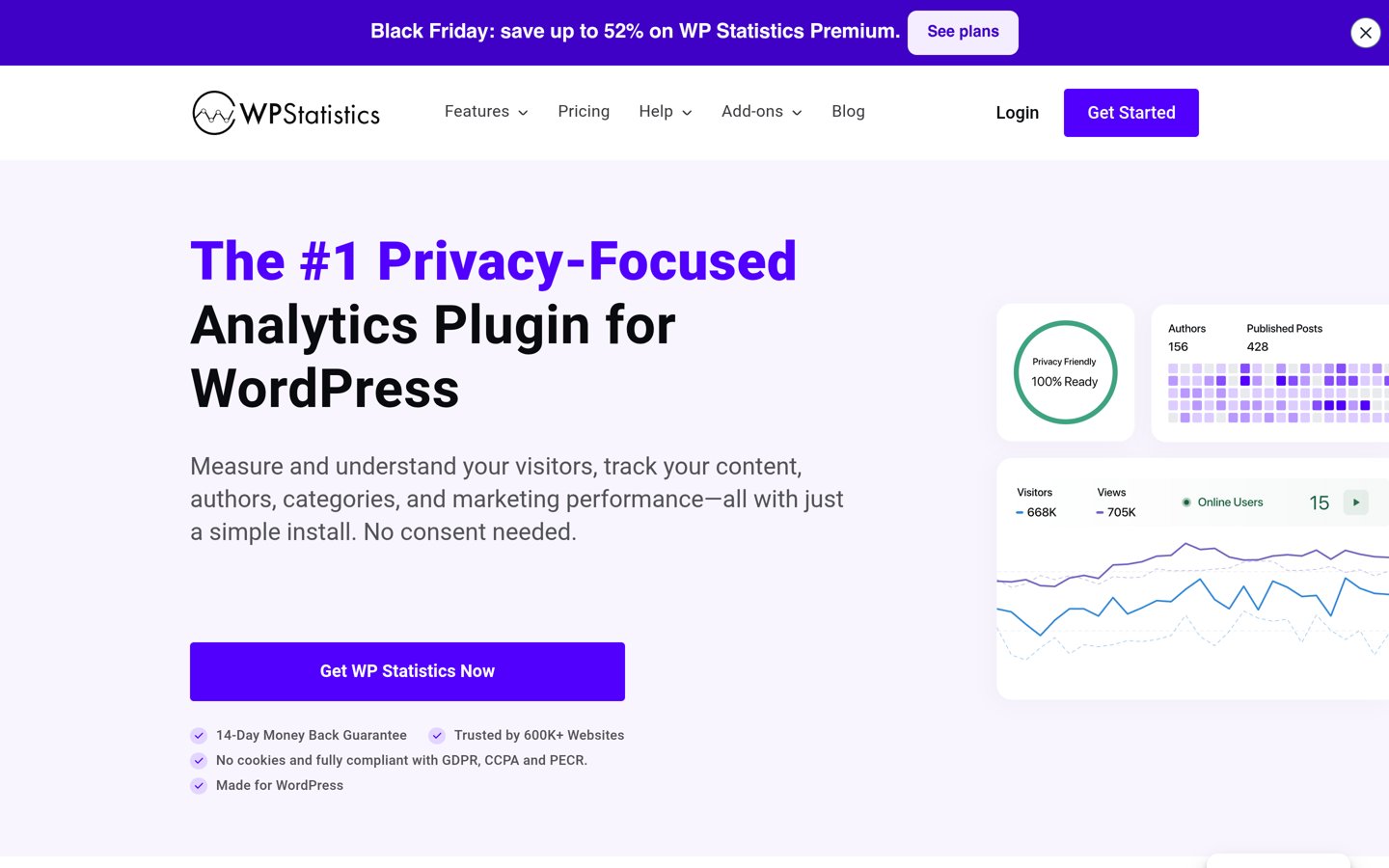
WP Statistics homepage, captured Nov 2026.
WP Statistics is an established WordPress analytics plugin active on over 500,000 sites that stores all visitor data locally without external accounts. Its free version tracks live online users, bounce rates, search engine referrals, and top content while hashing IP addresses with a daily salt.
The trade off is that advanced real-time dashboards, UTM campaign tracking, and Google Search Console integration require the Premium bundle, which renews at $119/yr regular ($89 for the first year). It suits site owners who want full local data ownership with modular add-ons.
What we like
500,000+ active WordPress installations with frequent updates
Live online traffic counter included in the free core plugin
Cookieless tracking with daily IP hashing and a built-in privacy audit
Individual add-ons like Data Plus can be purchased separately from $49/yr
Watch out for
Lower 4.1/5 average rating across 762 reviews than newer competitors
Full Premium suite renews at $119/yr after the first-year discount
Personal Premium ($119/yr regular, $89 first year) unlocks Real-Time Stats, Marketing UTM/event tracking, and Data Plus.Visit wp-statistics.com
05
MonsterInsights
4.5/5on WordPress.org (3,161 reviews, checked Nov 2026)
Entry paid tier$199/yr regular ($99.50 first year)
monsterinsights.com
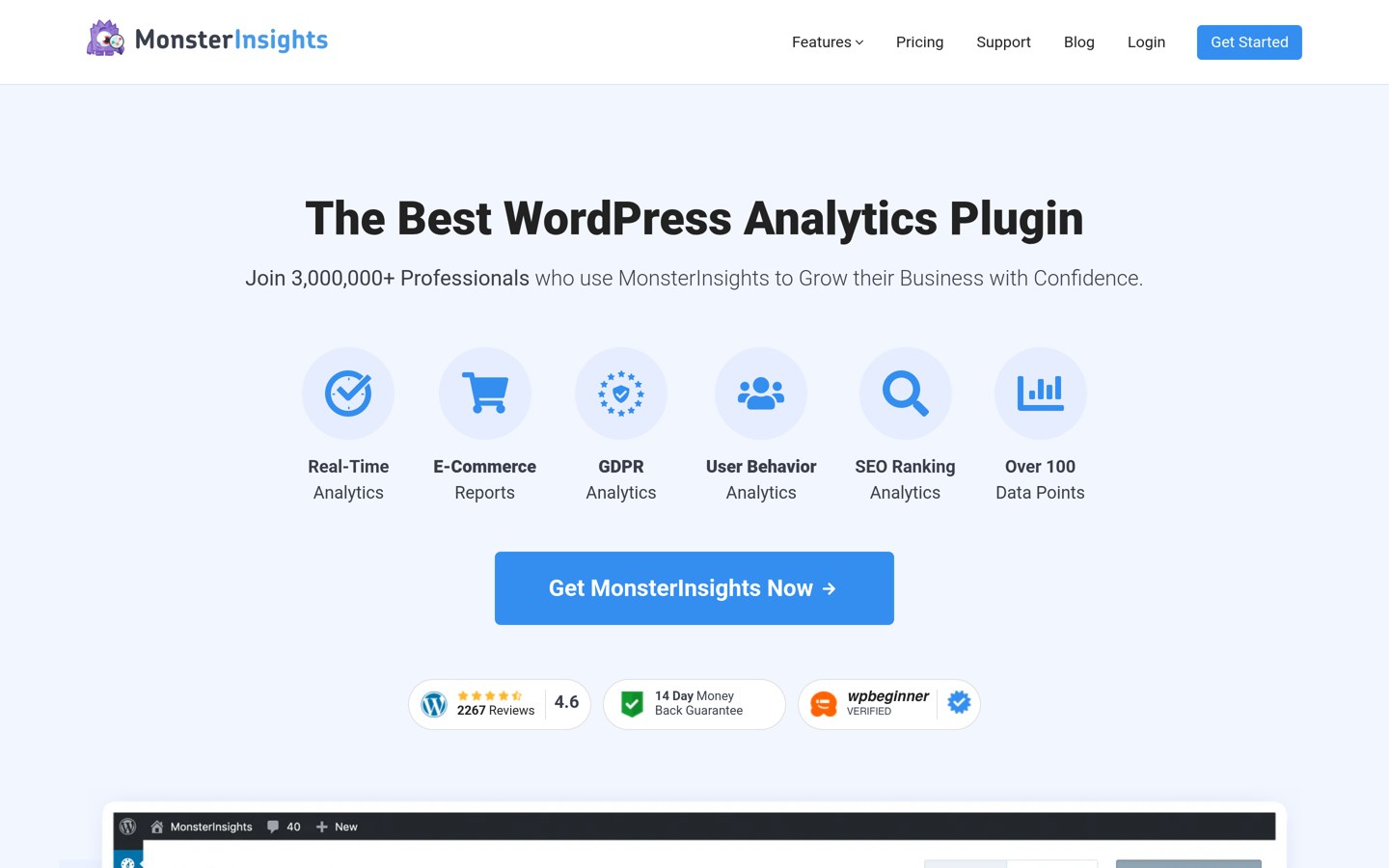
MonsterInsights homepage, captured Nov 2026.
MonsterInsights is the most widely installed Google Analytics plugin for WordPress, running on over 2 million sites with 3,161 reviews. Its free version connects your GA4 property without code and displays core audience, behavior, and top-page metrics inside wp-admin.
The trade off is that its dedicated Realtime Analytics Dashboard, scroll tracking, and custom dashboards require the Plus plan at $199/yr regular ($99.50 for the first year). It suits businesses already standardized on Google Analytics 4 that want live reports inside WordPress.
What we like
2+ million active installs and 3,161 WordPress.org reviews
Connects GA4 without manual script or tag edits
Plus tier includes 5,000 AI credits for natural-language report queries
Scales up to WooCommerce, MemberPress, and LifterLMS tracking on Pro
Watch out for
Relies on Google Analytics 4 rather than cookieless local storage
Regular renewal jumps from $99.50 to $199/yr on the Plus plan
Plus ($199/yr regular, $99.50 first year) adds the Realtime Analytics Dashboard, scroll tracking, and EU Compliance controls.Visit monsterinsights.com
06
Analytify
4.7/5on WordPress.org (488 reviews, checked Nov 2026)
Paid from$199/yr
Best for per-post GA4 insights
Hosting modelCloud via Google Analytics 4
Real-time scopeReal-time GA4 reporting (Pro)
Traffic limitGoverned by Google Analytics 4
Entry paid tier$199/yr regular ($99 sale)
analytify.io
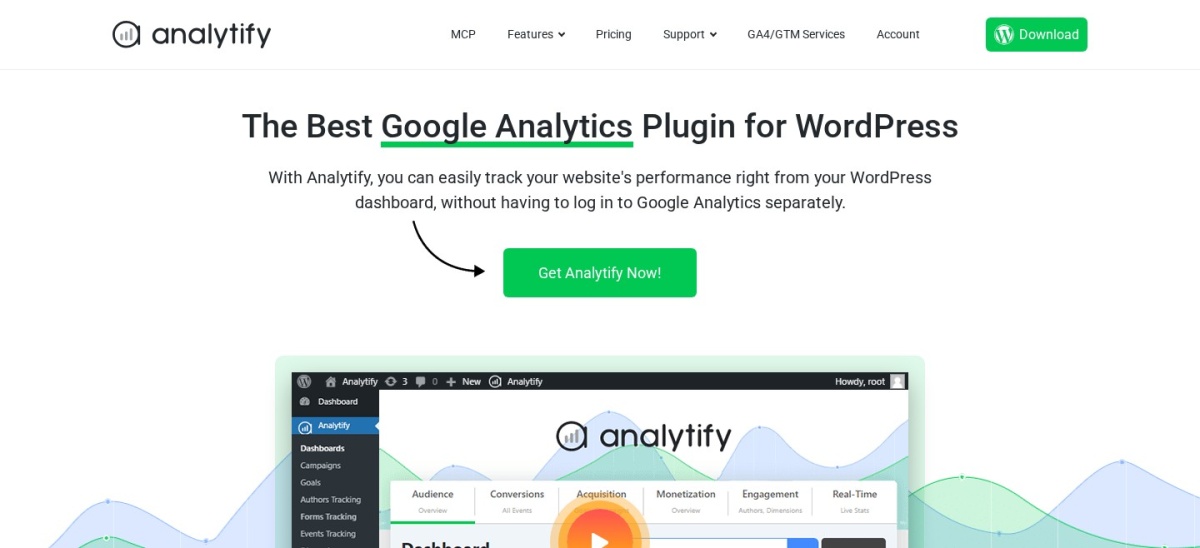
Analytify homepage, captured Nov 2026.
Analytify is a Google Analytics 4 plugin for WordPress with a 4.7/5 rating across 488 reviews that embeds traffic, bounce rate, and Search Console metrics directly beneath individual posts and pages. Its free plugin also includes ad-blocker-resistant first-party script serving and CookieYes integration.
The trade off is that real-time reporting, WooCommerce funnel tracking, and multistep form analytics require upgrading to Pro, where the StartUp plan lists a $199/yr regular price ($99/yr on sale) for two sites. It suits editorial teams that check post-level GA4 performance while editing.
What we like
Displays views, bounce rate, and time on page inside post editors
4.7/5 rating across 488 WordPress.org reviews
First-party script hosting helps reduce ad-blocker data loss
Supports two websites on the entry StartUp Pro tier
Watch out for
Real-time dashboard is excluded from the free plugin
Requires a Google Analytics 4 account
StartUp Pro ($199/yr regular, $99 sale for 2 sites) unlocks real-time reporting, WooCommerce tracking, and form analytics.Visit analytify.io
07
Matomo Analytics
4.6/5on WordPress.org (320 reviews, checked Nov 2026)
Matomo Analytics is an open-source web analytics platform that runs directly inside WordPress on 100,000+ active sites with zero data sampling and full data ownership. The free plugin includes a live visits log, ecommerce tracking, tag manager, and GDPR anonymization tools.
The trade off is server resource usage—Matomo recommends keeping the WordPress-hosted plugin to sites under 50,000 monthly pageviews unless you move to dedicated hosting—and optional marketplace add-ons like heatmaps or funnels cost extra. It suits teams wanting full enterprise-style reports without a mandatory subscription.
What we like
Free forever with live visits log and built-in Tag Manager
100% self-hosted in WordPress with no data sampling
Includes ecommerce tracking and GDPR opt-out shortcodes out of the box
Watch out for
Heavier PHP and database footprint than lightweight plugins
Heatmaps, session recordings, and funnels require paid marketplace add-ons
Core WordPress plugin is free; optional marketplace add-ons unlock heatmaps, session recordings, and funnels.Visit matomo.org
Self-hosted WordPress plugins vs. cloud real-time platforms
Self-hosted plugins such as SlimStat Analytics, Independent Analytics, WP Statistics, and Matomo write pageview events directly into your WordPress database. Because tracking requests stay on your own domain, they avoid third-party data transfers and often eliminate cookie consent banners when IP anonymization is enabled. However, high-traffic websites should configure automatic data retention or an external database so analytics tables do not slow down backups.
Cloud platforms like Plausible Analytics and GA4 connectors like MonsterInsights and Analytify process live visitor streams on external infrastructure. This keeps your WordPress database light and simplifies cross-domain reporting, though you trade direct database ownership for monthly traffic limits or Google account dependencies.
How we chose
We compiled this list by evaluating established WordPress analytics plugins and cloud connectors that explicitly provide live visitor tracking, real-time access logs, or instant traffic dashboards. Every candidate was verified for active maintenance within the past 12 months and sufficient adoption on WordPress.org.
All ratings, review counts, active installation figures, and pricing tiers were checked directly against WordPress.org listings and official vendor pricing pages on 22 Nov 2026. Where vendors display introductory first-year promotions, we listed the regular annual renewal rate alongside the promotional price.
We excluded discontinued plugins, tools without a clear real-time reporting view, and platforms lacking transparent public pricing. No vendor paid for a place, and we do not claim testing for this list.
How to choose the right real time analytics platform
Follow these four steps to match a live analytics platform to your site traffic, privacy rules, and budget.
Decide between local database storage and cloud processing. Choose a self-hosted plugin like SlimStat or Independent Analytics if you want 100% data ownership on your server, or pick Plausible or MonsterInsights if your site gets heavy traffic and you want zero database overhead.
Check whether live visitor views are included in the free tier. SlimStat Analytics, WP Statistics, and Matomo include real-time visitor counters or live access logs for free, whereas Independent Analytics, MonsterInsights, and Analytify reserve their dedicated real-time dashboards for paid plans.
Verify GDPR and cookie consent requirements. Cookieless plugins that hash IP addresses locally—such as Independent Analytics, Burst, and Plausible—reduce consent banner friction compared with standard Google Analytics 4 setups.
Compare regular annual renewal prices rather than launch discounts. Several plugins advertise 50% first-year discounts that double upon renewal, so budget around the regular annual rate ($49/yr to $199/yr) before committing.
FAQ
Which real time analytics platform has the best free plan for WordPress?
SlimStat Analytics offers the most complete free real-time toolset for WordPress, combining live visitor counters, a searchable real-time access log, geolocation, and WooCommerce revenue tracking without pageview caps.
Do self-hosted real time analytics plugins slow down WordPress?
Modern self-hosted plugins use lightweight tracking scripts and asynchronous requests so front-end page loads stay fast, though high-traffic sites should enable automatic data pruning to keep database tables compact.
Can I track real-time visitors without using cookies?
Yes. Platforms such as Independent Analytics, SlimStat Analytics, WP Statistics, and Plausible Analytics support cookieless tracking using anonymized daily hashes so you can measure live traffic without invasive cookies.
Is Google Analytics 4 still good for real-time tracking on WordPress?
Google Analytics 4 provides a free real-time overview in its web interface, and plugins like MonsterInsights or Analytify bring that live feed into wp-admin on their paid tiers.
Why do some analytics plugins cost more upon renewal?
Plugins such as WP Statistics, MonsterInsights, and Analytify advertise first-year promotional discounts of 25% to 50% and renew at their standard annual list price in year two.