monday.com is the best project management software with Gantt charts for most teams, rated 4.7 out of 5 on G2 from 17,940 reviews, though Gantt views need the $12 Standard plan. Pick TeamGantt for a Gantt-first planner at $24.95 a month, or ClickUp for Gantt charts plus docs and time tracking at a $12 regular price.
How we make this list: we compare pricing pages, product documentation and public user reviews, then re-check every price before each update. No product paid for a place. Disclosure.
monday.com leads on rating at 4.7 out of 5 on G2, but its $9 Basic plan has no Gantt view, so budget for Standard at $12.
TeamGantt and GanttPRO are the only Gantt-first tools here, rated 4.8 out of 5 each on G2.
Zoho Projects is the cheapest paid plan in the list at $4 per user a month for Premium.
ClickUp lists a lower sale price, but its regular Unlimited price is $12 per user a month.
Smartsheet and Microsoft Project have no free plan, only a free trial, and start at $9 and $10 a month.
What to look for in Gantt chart software
A Gantt chart turns a task list into a timeline. Each bar shows when work starts and ends, so slipped dates and overloaded weeks are easy to spot.
Dependencies matter most. A useful Gantt tool links tasks so moving one bar shifts the ones that follow, and shows the critical path of tasks that decide the finish date.
Check which plan includes the Gantt view before you buy. Several tools in this list sell a cheap first plan without it, and the Gantt view only appears one tier up.
The 9 best project management software tools with Gantt charts
01
monday.com
4.7/5on G2 (17,940 reviews, checked Nov 2026)
Paid from$9/mo
Best project management software with Gantt charts overall
Gantt viewStandard plan, $12/mo
Free planUp to 2 seats
Paid planBasic, $9/seat/mo
Minimum seats3 on paid plans
monday.com
monday.com homepage, captured Nov 2026.
monday.com is a board-based work platform that teams use to plan projects, track tasks and manage launches in one view. The free plan covers up to 2 seats with 3 boards and 3 docs, and the template library holds more than 200 templates for marketing, content and events.
The trade off is that the cheapest paid plan is light. Basic at $9 per seat a month has no timeline or Gantt view and no automations, so teams that need scheduling views must move to Standard at $12 per seat a month. It suits visual teams that want flexible boards first and Gantt charts second.
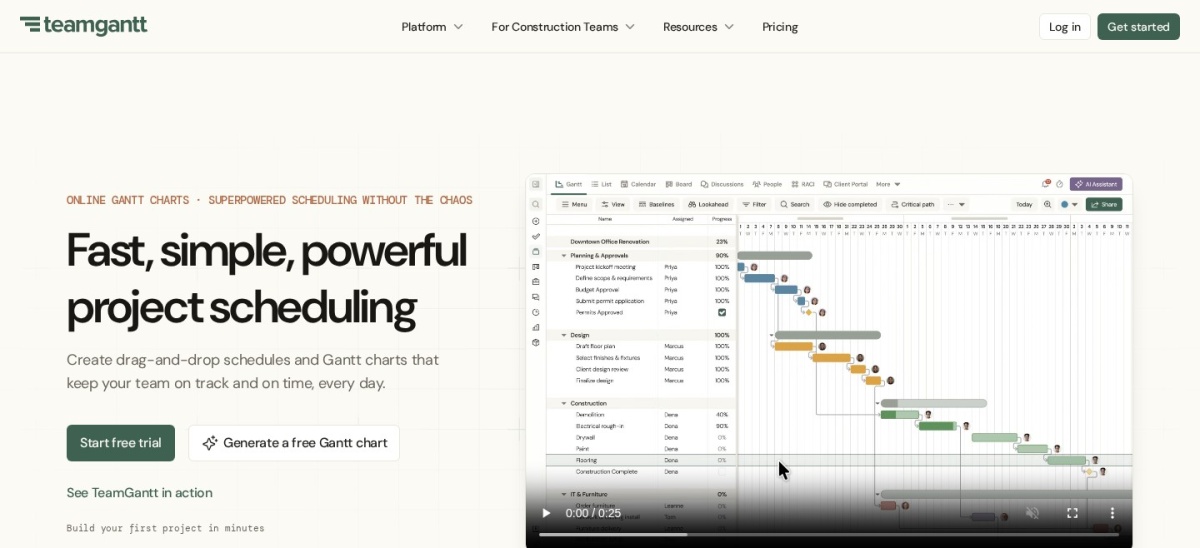
TeamGantt is a Gantt-first planner built around one visual timeline. Tasks are bars you drag to new dates, with dependencies, workload views and comments on the same chart, and the free plan covers 1 project with 60 tasks.
The trade off is price. Standard costs $24.95 per user a month, the highest starting price in this list, and Advanced is $29.95. It suits small teams that want the Gantt chart to be the plan, not one view among many.
What we like
Joint highest G2 rating in this list at 4.8 out of 5
ClickUp is an all-in-one workspace that joins tasks, docs, goals, chat and time tracking under one roof. The free plan includes unlimited tasks and members, and Unlimited adds Gantt charts, unlimited storage, custom fields and native time tracking.
The trade off is the price on the page. ClickUp shows a lower sale price, but the regular Unlimited price is $12 per user a month billed yearly, so budget on the higher figure. It suits small teams that want one tool to replace several and do not mind a long settings list.
What we like
Gantt charts and time tracking on every paid plan
Free plan has no task or member limit
Goals, docs and chat in the same workspace
Watch out for
Regular Unlimited price is $12, not the sale price shown
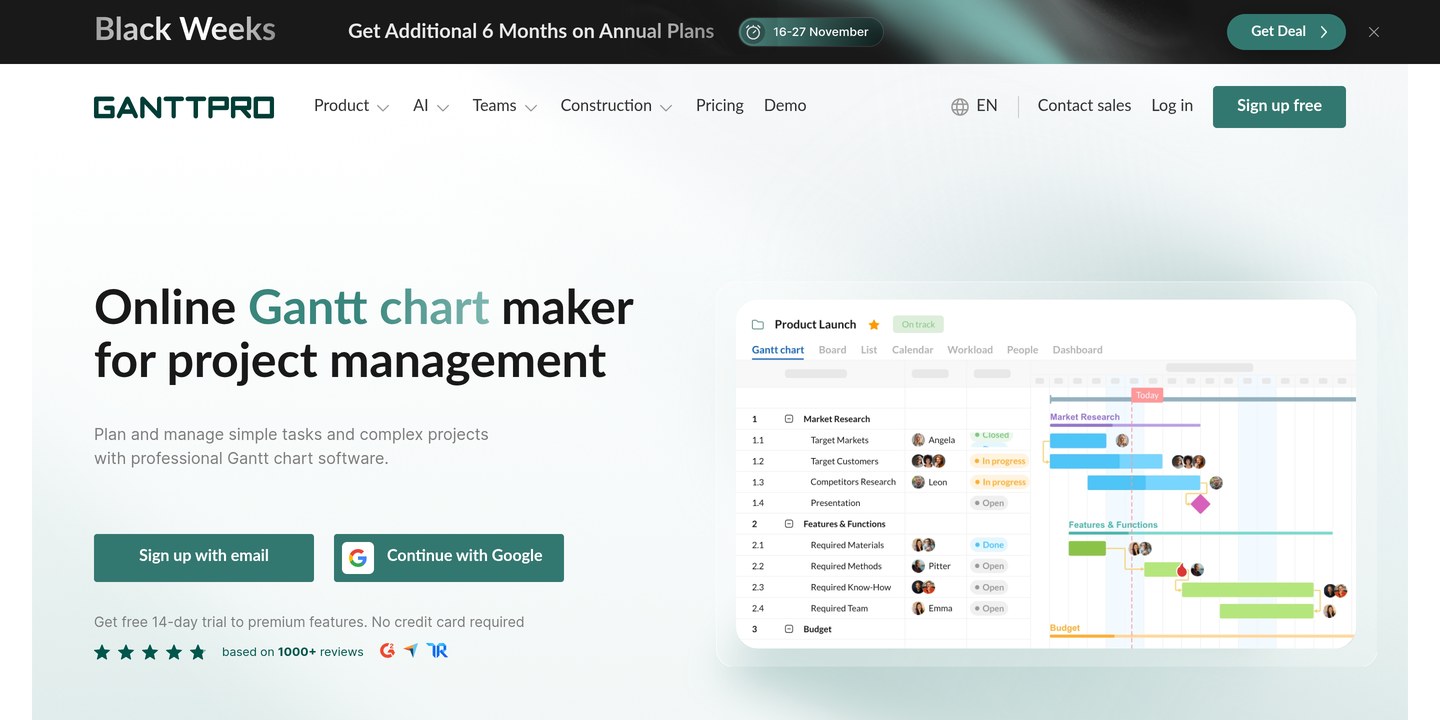
GanttPRO is an online Gantt chart maker built for planning projects on a timeline. Core starts at $7 per user a month billed yearly and covers Gantt charts with dependencies, resource workload views and time tracking, with a 14-day free trial and no free plan.
The trade off is scope. GanttPRO does less outside the timeline than the all-in-one tools here, and trial exports carry a watermark. It suits teams that plan in Gantt charts all day and want a focused tool at a low price.
What we like
Joint highest G2 rating in this list at 4.8 out of 5
Lowest paid starting price for a Gantt-first tool
Workload and time tracking included
Watch out for
No free plan, only a 14-day trial
Narrower than all-in-one rivals outside Gantt views
Asana is a work management platform built around tasks, owners and dates, which fits project tracking across marketing, design and sales. The free Personal plan covers up to 2 users with unlimited tasks and projects, and Starter adds timeline and Gantt views, dashboards and unlimited automations.
The trade off is that the planning views teams want most sit on higher plans. Portfolios and workload tracking need Advanced at $24.99 per user a month, so a team pays more to see all projects at once. It suits teams that run many projects in parallel and need clear owners and dates.
Smartsheet is a grid-based work platform that plans projects in rows like a spreadsheet, with Gantt charts, dashboards and automations on top. Pro costs $9 per user a month billed yearly, supports up to 10 members and includes 250 automations and 20 GB of storage.
The trade off is that useful extras cost more. Pivot tables, Dynamic View and Control Center need higher tiers or add-ons, and there is no free plan. It suits teams that already plan in sheets and want Gantt views without learning a new layout.
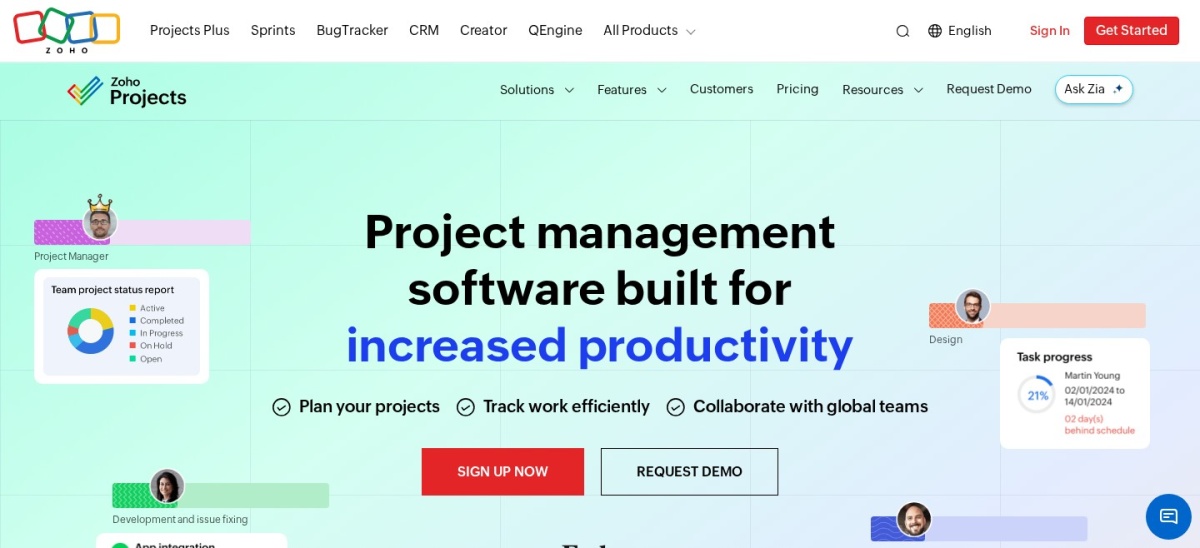
Zoho Projects is project management software for small and midsize teams, with tasks, milestones, Gantt charts and time tracking. The free plan covers 3 users and 2 projects with a Gantt chart viewer, and Premium at $4 per user a month adds unlimited projects, full Gantt charts, time tracking and project budgeting.
The trade off is polish. Reviewers praise the price but cite the interface, the learning curve and support quality as weak spots. It suits small teams that want the cheapest full Gantt plan and already use other Zoho apps.
Wrike is a work management platform with tasks, Gantt charts, request forms, proofing and approvals. The free plan covers basic task work with limits on active tasks, and Team at $10 per user a month adds interactive Gantt charts, shareable dashboards and AI Essentials for 2 to 15 users.
The trade off is the jump past 15 users. Growing beyond the Team limit moves the whole team to Business at $25 per user a month, a steep step. It suits midsize teams that need approvals and resource planning beside their Gantt charts.
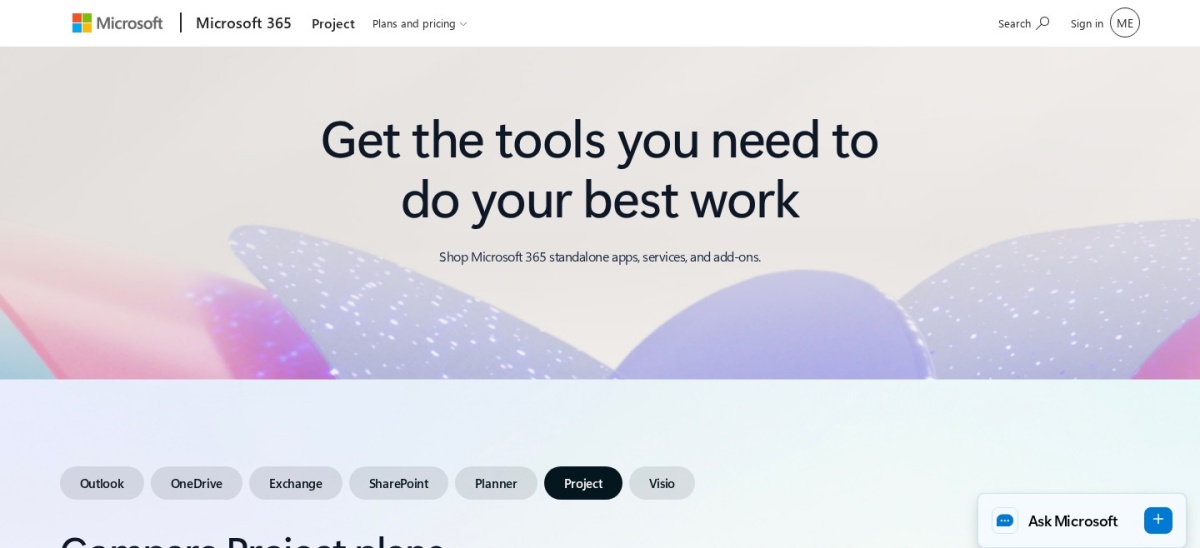
Microsoft Project is the long-standing scheduling tool for project managers, now sold as Planner plans inside Microsoft 365. Planner Plan 1 costs $10 per user a month and covers web planning with Gantt charts, while Plan 3 at $30 adds the desktop app and deeper resource management.
The trade off is ease of use. Reviewers rate it 4.0 out of 5 on G2, the lowest score in this list, and cite a steep learning curve and licensing cost. It suits large teams already on Microsoft 365 that need deep scheduling and portfolio control.
What we like
Deepest scheduling and critical-path control here
Fits Microsoft 365 and Teams workflows
Strong portfolio and resource management on higher plans
Gantt basics: dependencies, baselines and the critical path
A Gantt chart is only as good as its links. Without dependencies, a chart is a picture of dates, not a plan that updates when work slips.
The critical path is the chain of tasks that sets the finish date. If a task on that path slips by a day, the whole project slips by a day.
Baselines let you compare the plan with reality. Save the first agreed dates, then check current bars against them when you report progress.
Free plans rarely include all three. Check dependencies, baselines and the critical path on the plan you would actually pay for, not the free tier.
How we chose
We started from the most reviewed project management tools with a Gantt view on G2, then kept those with a published price and a Gantt chart on a paid plan.
Prices come from each vendor's pricing page, checked on 26 November 2026. Ratings and review counts come from G2 on the same day. Where a vendor shows a sale, the list shows the regular price.
We left out tools with no public G2 rating or no published price. No vendor paid for a place, and we do not claim to have used these tools ourselves.
How to choose project management software with Gantt charts
Start with who plans the work, then match the Gantt depth to the size of the plan.
Check which plan has the Gantt view. Basic and free plans often leave it out. Confirm the Gantt chart, dependencies and critical path are in the plan you would pay for.
Count the real seats. Some plans need at least 3 seats, and others cap the team at 15. Multiply the per-user price by your team before you compare.
Test dependencies on a real project. Move one task and see if the linked tasks move with it. If dates stay fixed, the chart will not warn you when work slips.
Pick the depth you will use. A Gantt-first tool fits timeline-led planning, while an all-in-one tool fits teams that also need docs, chat and time tracking.
FAQ
What is the best project management software with Gantt charts?
monday.com is the best pick for most teams. It is rated 4.7 out of 5 on G2 from 17,940 reviews, and its Standard plan at $12 per user a month adds timeline and Gantt views with automations.
Which Gantt chart software is cheapest?
Zoho Projects Premium is the cheapest paid plan here at $4 per user a month, with full Gantt charts, time tracking and unlimited projects. GanttPRO Core at $7 a month is the cheapest Gantt-first option.
Does monday.com include Gantt charts on the Basic plan?
No. Basic at $9 per seat a month has no timeline or Gantt view and no automations. Gantt charts start with Standard at $12 per seat a month, which also adds guest access.
What is the best free Gantt chart software?
ClickUp has the most generous free plan, with unlimited tasks and members, but Gantt charts need a paid plan. TeamGantt offers a free Gantt chart for 1 project with 60 tasks.
Is Microsoft Project still worth using in 2026?
It is worth it for large Microsoft 365 teams that need deep scheduling, critical-path control and portfolio views. Smaller teams often find it harder to learn, and it is rated 4.0 out of 5 on G2.
Do I need a Gantt-first tool or an all-in-one tool?
Pick a Gantt-first tool such as TeamGantt or GanttPRO when the timeline is the plan itself. Pick an all-in-one tool such as monday.com, ClickUp or Asana when the team also needs docs, chat and time tracking.
SaaS SEO and WordPress specialist with about 8 years of experience. Rakib compares WordPress plugins, themes, hosting and software using public pricing, documentation and user reviews. See how we rank.