Square POS is the best POS inventory software for most shops, with a free plan covering basic stock tracking and Plus at $49 a month per location adding purchase orders, backed by a 4.6 out of 5 rating from 1,228 G2 reviews. Lightspeed leads on multi-location depth, and Shopify fits sellers with an online store.
How we make this list: we compare pricing pages, product documentation and public user reviews, then re-check every price before each update. No product paid for a place. Disclosure.
Square POS is the cheapest start: a $0 free plan with basic stock tracking, and Plus at $49 a month adds purchase orders.
Lightspeed Retail has the deepest stock tools, with purchase orders and variants on Basic at $89 a month billed yearly.
Shopify POS keeps one stock pool for the website and the counter, with Pro at $89 a month per location for smart inventory.
KORONA POS is the only pick here that lets you bring your own payment processor, with real-time stock on Retail at $79 a month.
Toast and TouchBistro are restaurant systems first, so their inventory depth comes from add-ons or ingredient tracking, not the core plan.
Paid plans in this list run from $16 a month for Clover retail to $89 a month for Lightspeed Basic billed yearly.
What POS inventory software should track
A point-of-sale system takes the payment, but the inventory side is what keeps the shelves full. The tools in this list all connect the till to the stockroom, so a sale updates the count at once.
Look for low-stock alerts first. They warn you before a product runs out, and the better systems turn the alert into a purchase order with one click.
Purchase orders and supplier records matter as soon as you reorder from the same vendors each month. If the store also sells online, the stock pool should be shared, so the website and the counter never sell the same last item. Our WooCommerce cost guide shows what the online side adds to the bill.
Multi-location shops need transfers between stores and a single view of stock everywhere. That depth usually sits on a higher tier, so check which plan holds it before you sign.
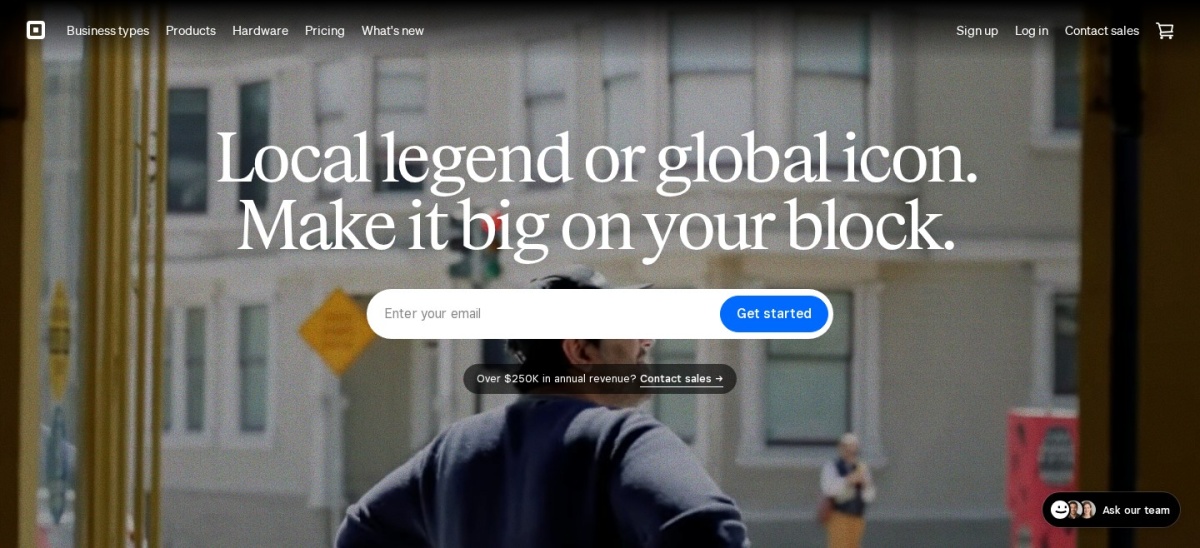
Square POS is a point-of-sale system for retail shops, cafes and market stalls, with a free plan that covers sales, basic inventory, item variants and an online store. In-person card sales cost 2.6% + 15 cents, and the free plan carries no monthly fee per location.
The trade off is depth. Purchase orders, vendor management and advanced stock counts sit in Plus at $49 a month per location, and multi-location transfers need Premium at $149. It suits single-location shops that want to start free and pay only when stock work grows.
What we like
Free plan includes basic inventory and low-stock alerts
No monthly fee or contract on the Free plan
Largest review base here, 1,228 G2 reviews
Online store included in the free plan
Watch out for
Purchase orders need Plus at $49 a month
Payment processing is locked to Square
Hardware costs extra
Plus adds purchase orders and vendor tools at $49 a month per locationVisit squareup.com
02
Lightspeed Retail
4/5on G2 (295 reviews, checked Nov 2026)
Starts at$89/mo
Best for multi-location inventory depth
Low-stock alertsYes, on Basic
Purchase ordersYes, on Basic
Multi-location transfersCore, $149/mo
Card-present rate2.6% + 10 cents
lightspeedhq.com
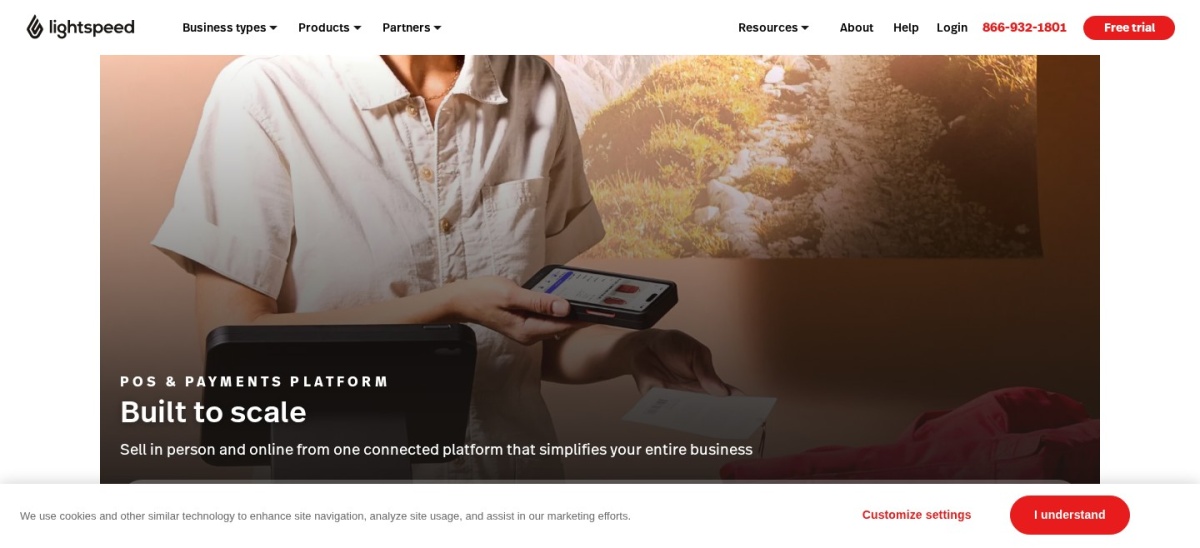
Lightspeed Retail homepage, captured Nov 2026.
Lightspeed Retail is a retail point-of-sale platform built around inventory, with purchase orders, low-stock alerts, product variants and matrix stock on its Basic plan. Basic costs $89 a month billed yearly, or $109 month to month, with card-present sales at 2.6% + 10 cents.
The trade off is price and setup. The features growing chains need, such as multi-location transfers and advanced reporting, sit in Core at $149 a month, and setup takes more work than plug-and-play rivals. It suits specialty retailers with size, color and supplier complexity.
Shopify POS is a point-of-sale system that keeps a Shopify storefront and a physical counter on one inventory pool, so a sale in either place updates the same stock count. Basic Shopify plans start at $29 a month billed yearly, or $39 month to month, and include basic in-person selling.
The trade off is the stack. Smart inventory management, unlimited registers and low-stock reporting need POS Pro at $89 a month per location, on top of the Shopify plan. It suits retailers who already sell online and want the website and the counter to agree.
What we like
One inventory pool for online and in-store sales
Low-stock reporting on POS Pro
Hundreds of apps for loyalty and accounting
Works on phones and Shopify card readers
Watch out for
Needs a Shopify plan even for counter-only sales
Pro costs $89 a month per location extra
Third-party payment providers carry extra fees
POS Pro adds smart inventory and unlimited registers at $89 a month per locationVisit shopify.com
04
KORONA POS
4.7/5on G2 (72 reviews, checked Nov 2026)
Starts at$59/mo
Best for choosing your own processor
Real-time inventoryRetail, $79/mo
Automated orderingRetail, $79/mo
Bring your own processorYes
Free trialUnlimited, no card
koronapos.com
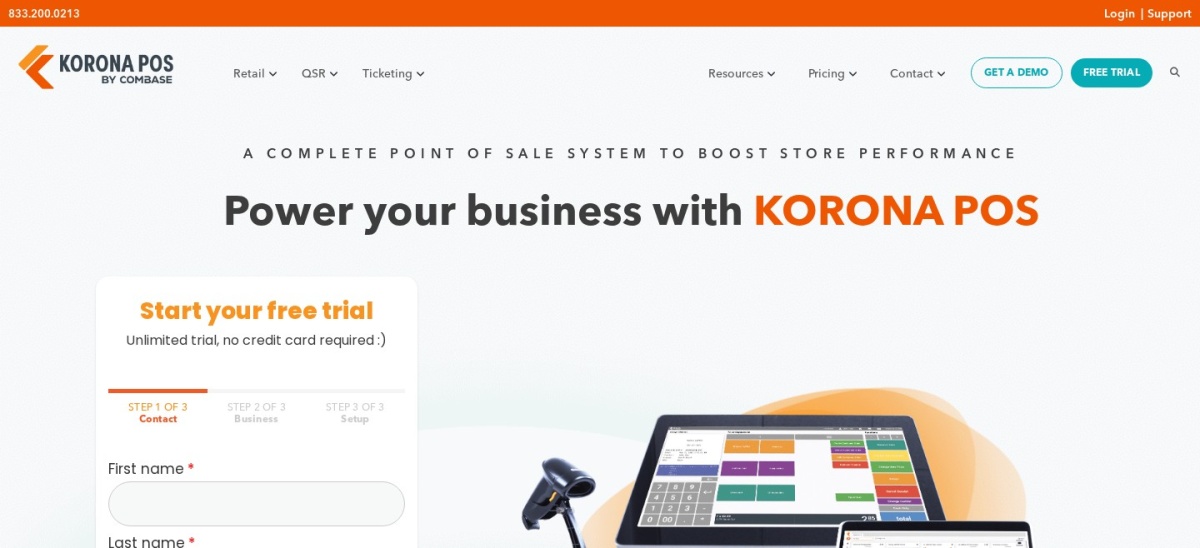
KORONA POS homepage, captured Nov 2026.
KORONA POS is a point-of-sale system for specialty retail that lets owners choose their own payment processor instead of being locked to one. Core costs $59 a month per terminal, and Retail at $79 adds real-time inventory tracking, supplier integrations and automated ordering.
The trade off is polish. The interface looks dated next to Square or Shopify, and add-on modules for ticketing and food service raise the monthly cost. It suits liquor, vape and convenience stores that want inventory depth without a contract.
What we like
Bring your own payment processor
Real-time inventory and automated ordering on Retail
No contracts or cancellation fees
Unlimited free trial with no card
Watch out for
Interface feels dated
Add-on modules cost extra
Smaller integration library than Clover or Shopify
Retail adds real-time inventory and automated ordering at $79 a month per terminalVisit koronapos.com
05
Clover
3.8/5on G2 (108 reviews, checked Nov 2026)
Starts at$16/mo
Best for a terminal for every counter
Retail Basic$16/mo
Retail Growth$84.95/mo
In-person card rate2.3% + 10 cents (Growth)
App Market300+ apps
clover.com
Clover homepage, captured Nov 2026.
Clover is a cloud point-of-sale system from Fiserv with countertop, handheld and mobile hardware for retail, restaurants and services. Retail plans start at $16 a month, and Retail Growth at $84.95 a month adds full inventory management, reporting and the lowest in-person card rate.
The trade off is the deal. Hardware bundles usually run on 36-month contracts, and pricing varies by dealer, so two buyers can pay different prices for the same package. It suits shops that want dedicated hardware and an app marketplace behind the counter.
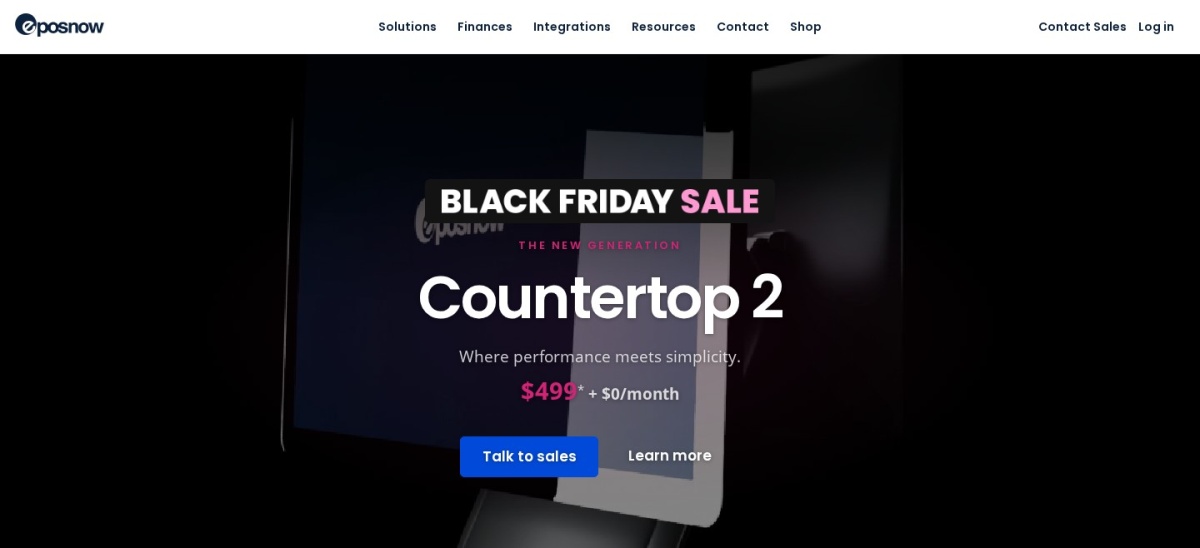
Epos Now is a cloud point-of-sale system for retail and hospitality that runs on iPads, Android tablets, PCs or its own terminals. The software-only plan costs $39 a month, and the Complete System bundle costs $349 upfront plus $79 a month, with real-time stock tracking and reorder alerts.
The trade off is the contract. Discounted bundles usually need a support package and multi-year terms, which push the real monthly cost above the $39 headline. It suits small shops that want to reuse tablets they already own.
What we like
Runs on hardware you already own
Real-time inventory and reorder alerts
100+ integrations including QuickBooks and Xero
30-day free trial
Watch out for
Bundles can need multi-year terms
24/7 support needs a paid upgrade
Reviewers report billing friction
Complete System adds a terminal, printer and drawer at $349 plus $79 a monthVisit eposnow.com
07
Toast
4.2/5on G2 (382 reviews, checked Nov 2026)
Paid from$69/mo
Best for restaurants that sell retail too
Starter Kit$0/mo, pay-as-you-go
Point of Sale$69/mo
InventoryxtraCHEF add-on
Extra terminals$50/mo
toasttab.com
Toast homepage, captured Nov 2026.
Toast is a restaurant point-of-sale platform that also sells retail bundles, with POS, online ordering, kitchen display and payments in one login. The Starter Kit costs $0 a month with pay-as-you-go processing, and the Point of Sale plan costs $69 a month with lower processing rates.
The trade off is that inventory is not the core. Food-cost and stock control come through the xtraCHEF add-on, and online ordering, loyalty and payroll each carry their own monthly fee. It suits restaurants with a small retail shelf beside the dining room.
What we like
Restaurant features built in, not bolted on
24/7 support on paid plans
Retail bundles from $90 a month per location
Starter Kit costs $0 a month
Watch out for
Inventory depth needs the xtraCHEF add-on
Payment processing is locked to Toast
Contracts typically run one to three years
Point of Sale drops processing to 2.49% + 15 cents at $69 a monthVisit toasttab.com
08
TouchBistro
4.1/5on G2 (109 reviews, checked Nov 2026)
Starts at$69/mo
Best iPad POS for restaurant stock
Solo plan$69/mo, 1 license
Dual plan$129/mo, 2 licenses
Team plan$249/mo, up to 5
Free trial30 days
touchbistro.com
TouchBistro homepage, captured Nov 2026.
TouchBistro is an iPad point-of-sale system for restaurants, with menu management, tableside ordering, cloud reporting and ingredient-level stock tracking. Solo costs $69 a month for one license, Dual costs $129 for two, and Team costs $249 for up to five licenses.
The trade off is the billing. Plans are billed annually in practice, so the monthly figure is a commitment, and payment processing rates are quote-only. It suits small restaurants whose staff already know how to use an iPad.
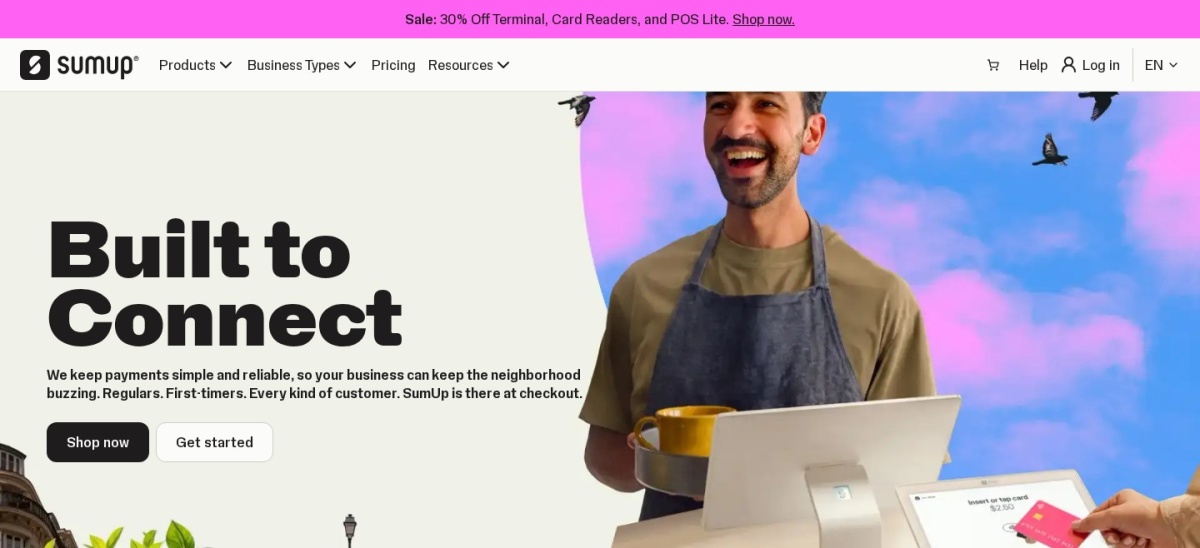
SumUp is a no-contract point-of-sale system for market stalls, pop-ups and micro retailers, with card readers, a handheld terminal and a countertop register. The base plan costs $0 a month, and in-person sales cost 2.6% + 10 cents, with hardware as a one-time purchase.
The trade off is inventory depth. SumUp handles basic stock tracking but does not run purchase orders, multi-location transfers or matrix inventory, and POS Plus at $49 a month adds multi-device sync. It suits a single counter with straightforward sales.
What we like
No monthly fee on the base plan
Cheap one-time hardware
Tap to Pay needs no reader
Simple flat processing rate
Watch out for
Inventory features are basic
Reporting is lighter than rivals
Support is mostly online
POS Plus adds multi-device sync and profit tracking at $49 a monthVisit sumup.com
Free vs paid: where the stock tools sit
Free plans cover checkout and basic stock counts well. Square and SumUp both run a single counter at $0 a month, with low-stock alerts on Square.
Purchase orders, supplier records and multi-location transfers are paid features almost everywhere. Lightspeed is the exception at the low end, with purchase orders on Basic.
The jump from free to paid is usually $49 to $89 a month. That buys the tools that save hours each week: purchase orders, stock transfers and deeper reports.
Pay for the tier that holds the one feature you cannot work without. A shop that reorders weekly needs purchase orders; a shop with two stores needs transfers.
How we chose
We started from the POS systems most often listed for retail and restaurant inventory, then kept nine with published prices and a public rating on G2 or Capterra.
Prices come from each vendor pricing page or a published pricing review, checked on 26 November 2026. Ratings and review counts come from G2 or Capterra pages on the same day. Where a vendor shows a sale, the list shows the regular price.
We left out systems with no published starting price and no public rating. No vendor paid for a place, and we do not claim to have used these tools ourselves.
How to choose POS inventory software
Count your locations, your products and your suppliers first, then match the plan to that list.
List what the stockroom must do. Write down low-stock alerts, purchase orders, transfers and variants. A tool that misses one of them will cost hours every week.
Check which plan holds each feature. Basic stock tracking is often free, but purchase orders and transfers usually sit on a paid tier. See our WooCommerce setup guide if the store also sells online.
Add hardware, processing and add-ons to the price. The software fee is only one bill. Terminals, card rates and modules such as online ordering change the monthly total.
Try the free plan or trial on real stock. Load your own products, run a count and place a test order before signing a contract.
FAQ
Which POS system has the best inventory management?
Lightspeed Retail has the deepest inventory tools here, with purchase orders, variants and matrix stock from Basic, and multi-location transfers on Core. KORONA POS is close behind with real-time tracking and automated ordering on Retail.
Can I use POS inventory software without a monthly fee?
Yes. Square POS has a free plan with basic stock tracking and low-stock alerts, and SumUp charges $0 a month with pay-as-you-go processing. Both cover a single counter, but purchase orders and multi-location tools need a paid plan.
What does POS inventory software cost per month?
Paid plans in this list run from $16 a month for Clover retail to $89 a month for Lightspeed Basic billed yearly. Square and SumUp start at $0 a month, while Toast and TouchBistro start at $69 a month.
Do I need a paid plan for purchase orders?
Usually yes. Square needs Plus at $49 a month and KORONA needs Retail at $79 a month for purchase orders. Lightspeed includes them on Basic at $89 a month, while SumUp has no purchase order feature at all.
Can I switch POS systems later without losing stock data?
Most systems let you export the product catalog, customer list and sales history, but the formats differ and some contracts charge to leave. Export everything during the free trial and confirm the formats before you cancel the old system.
Is a free POS plan enough for a small shop?
Often yes at the start. Square free and SumUp handle checkout, payments and basic stock for a single counter. You outgrow them when you need purchase orders, multi-location stock or staff permissions, and both vendors make the upgrade path clear.
SaaS SEO and WordPress specialist with about 8 years of experience. Rakib compares WordPress plugins, themes, hosting and software using public pricing, documentation and user reviews. See how we rank.