Square is the best point of sale accounting software for most small businesses, with a free plan covering sales, inventory and reports, rated 4.6 out of 5 on G2 from 1,211 reviews, and in-person card sales at 2.6% plus 15 cents. Pick Shopify POS for online and in-store selling in one place, and QuickBooks Online for bookkeeping beside a POS.
How we make this list: we compare pricing pages, product documentation and public user reviews, then re-check every price before each update. No product paid for a place. Disclosure.
Square starts free and charges 2.6% plus 15 cents per in-person card sale, with Plus at $49 a month per location.
Shopify POS Pro costs $89 a month per location on top of a Shopify plan, which starts at $39 a month billed monthly.
Toast starts at $0 a month on its Starter Kit, or $69 a month for the Point of Sale plan with a lower card rate of 2.49% plus 15 cents.
QuickBooks Online at $38 a month and Xero at $20 a month are the accounting-led picks, and both connect to Square, Shopify and Lightspeed.
Card fees add up fast: the cheapest monthly plan is rarely the cheapest total cost once processing, hardware and add-ons are counted.
What point of sale accounting software should cover
A point of sale system takes the payment, and the accounting side records the sale, the tax and the cost of what was sold. When the two are linked, daily sales land in the books without retyping each transaction.
Most tools in this list are POS systems first, with accounting reports and links to QuickBooks Online or Xero. Two are accounting tools first, QuickBooks Online and Xero, which connect to a POS instead of replacing it.
Card fees matter as much as the monthly price. Square charges 2.6% plus 15 cents per in-person sale on its free plan, while Toast charges 2.49% plus 15 cents on its $69 plan. A shop with high card volume can save more on fees than on the subscription.
Hardware, extra registers and add-ons sit outside the monthly software price in most cases. Our guide on integrating WooCommerce with QuickBooks shows how one common link between a store and its books is set up.
Pick the POS that fits how you sell, then check that its accounting link covers sales tax, refunds and inventory. A clean daily sales summary matters more than a long feature list.
The 9 best point of sale accounting software tools
01
Square
4.6/5on G2 (1,211 reviews, checked Nov 2026)
Paid from$49/mo
Best point of sale accounting software overall
In-person card rate2.6% + 15¢ on Free
Free planYes, $0 per location
Accounting linkSyncs with QuickBooks and Xero
Paid planPlus, $49/mo per location
squareup.com
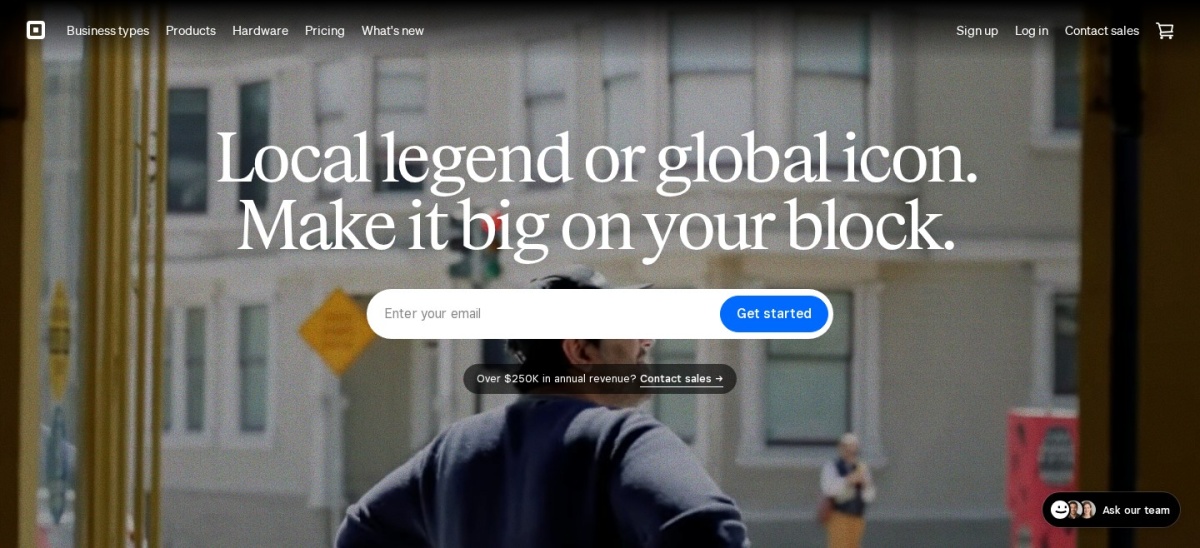
Square homepage, captured Nov 2026.
Square is a point of sale system with a free plan that covers the POS app, item library, sales reports and a basic online store. It charges 2.6% plus 15 cents per in-person card sale on Free, and it syncs sales with QuickBooks Online and Xero so daily totals reach the books.
The trade off is the card rate. Plus costs $49 a month per location and cuts the in-person rate to 2.5% plus 15 cents, while Premium at $149 a month cuts it to 2.4% plus 15 cents. It suits small shops and cafes that want to start with no monthly software fee.
What we like
Free plan with no monthly software fee
Highest G2 rating in this list at 4.6 out of 5
Sales sync with QuickBooks Online and Xero
Inventory, staff and loyalty tools on Plus
Watch out for
Card fees apply to every sale, even on the free plan
Shopify POS is the in-store arm of Shopify, so online and in-store orders share one product list, one stock count and one customer record. POS Lite is included with every Shopify plan, and POS Pro at $89 a month per location adds staff roles, smart inventory and in-store analytics.
The trade off is the stacked cost. POS Pro sits on top of a Shopify plan, which starts at $39 a month billed monthly on Basic, so one location on Basic plus Pro costs $128 a month before card fees. It suits retailers who already sell online with Shopify.
What we like
One stock count for online and in-store sales
Strong inventory and customer records on Pro
Rated 4.4 out of 5 on G2 from 368 reviews
Watch out for
Needs a Shopify plan before POS Pro makes sense
Pro fee is charged per location
Card fees are charged on top of both subscriptions
POS Pro adds staff roles, smart inventory and analyticsVisit shopify.com
03
Toast
4.2/5on G2 (371 reviews, checked Nov 2026)
Paid from$69/mo
Best for restaurants
In-person card rate2.49% + 15¢ on $69 plan
Free planStarter Kit, $0 a month
Accounting linkQuickBooks and Xero integrations
Paid planPoint of Sale, $69/mo
toasttab.com
Toast homepage, captured Nov 2026.
Toast is a restaurant POS with menu management, floor plans, tableside ordering and reporting built for food service. The Starter Kit costs $0 a month with a higher card rate of 3.09% plus 15 cents, and the $69 a month Point of Sale plan lowers the in-person rate to 2.49% plus 15 cents.
The trade off is add-on pricing. Online ordering, kitchen displays, loyalty and payroll are separate modules, and Toast requires its own card processing. It suits single-location restaurants that want one system for the dining room and the kitchen.
What we like
Built for restaurants, not adapted from retail
Starter Kit starts at $0 a month
Payroll, online ordering and loyalty available as add-ons
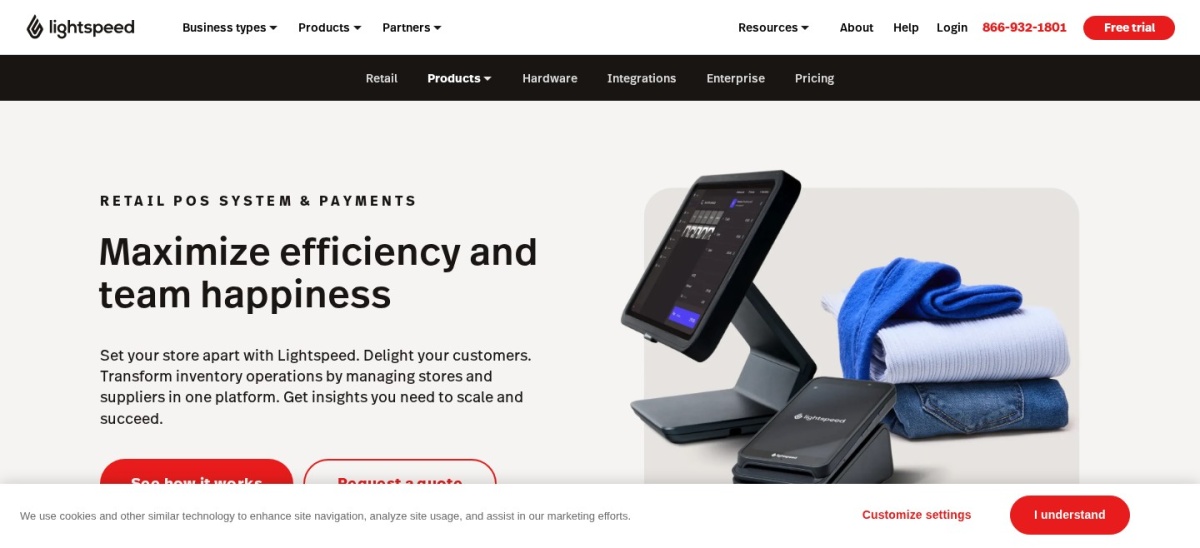
Lightspeed Retail is a cloud POS for shops that live on inventory detail, with variants, purchase orders, supplier catalogues and multi-location stock. Basic costs $109 a month billed monthly, or $89 a month billed yearly, and includes one register with integrated payments at 2.6% plus 10 cents per in-person sale.
The trade off is price. Core at $149 a month billed yearly adds loyalty, accounting integrations and advanced reports, and extra registers cost $59 a month each. It suits boutiques and multi-store retailers that reorder often and track stock across locations.
What we like
Strong inventory, variants and purchase orders
Multi-location stock and reporting
Built-in eCommerce on every plan
Watch out for
No free plan, and the cheapest plan is $109 a month
QuickBooks Online is cloud accounting software that takes daily POS sales into invoices, bank feeds, expenses and sales-tax reports. Simple Start costs $38 a month for one user plus accountant access, and it connects to Square, Shopify POS and Lightspeed so sales totals flow in without manual entry.
The trade off is that it is not a POS itself. A shop still pays for a POS and its card fees on top, and inventory and project tracking need the Plus plan at $140 a month. It suits US small businesses whose accountant already works in QuickBooks.
What we like
Most widely used by US accountants
Bank feeds, invoicing and sales-tax tracking
Largest review base in this list, 3,870 on G2
Watch out for
Not a POS, so a separate POS subscription is needed
Simple Start allows only one user
Regular price rises are a common reviewer complaint
Xero is cloud accounting with bank feeds, invoicing, bill payments and reporting, and it connects to Square, Shopify POS and Lightspeed through its app marketplace. Early costs $20 a month and covers 20 invoices and quotes a month, with unlimited users on every plan.
The trade off is the invoice cap. Early limits invoices to 20 a month, so a busy shop needs Growing at $47 a month for unlimited invoices. It suits small teams where several staff need access to the books without paying per seat.
What we like
Unlimited users on every plan
Cheapest paid plan in this list at $20 a month
Rated 4.4 out of 5 on G2 from 1,589 reviews
Watch out for
Early caps invoices at 20 a month
No free plan, only a 30-day trial
Payroll costs extra in the US
Growing adds unlimited invoices at $47 a monthVisit xero.com
07
TouchBistro
4.1/5on G2 (109 reviews, checked Nov 2026)
Starts at$69/mo
Best simple iPad POS for small restaurants
Free planNo, paid plans only
Licences1 on Solo at $69/mo
Accounting linkQuickBooks and Xero integrations
Paid planPoint of Sale, from $69/mo
touchbistro.com
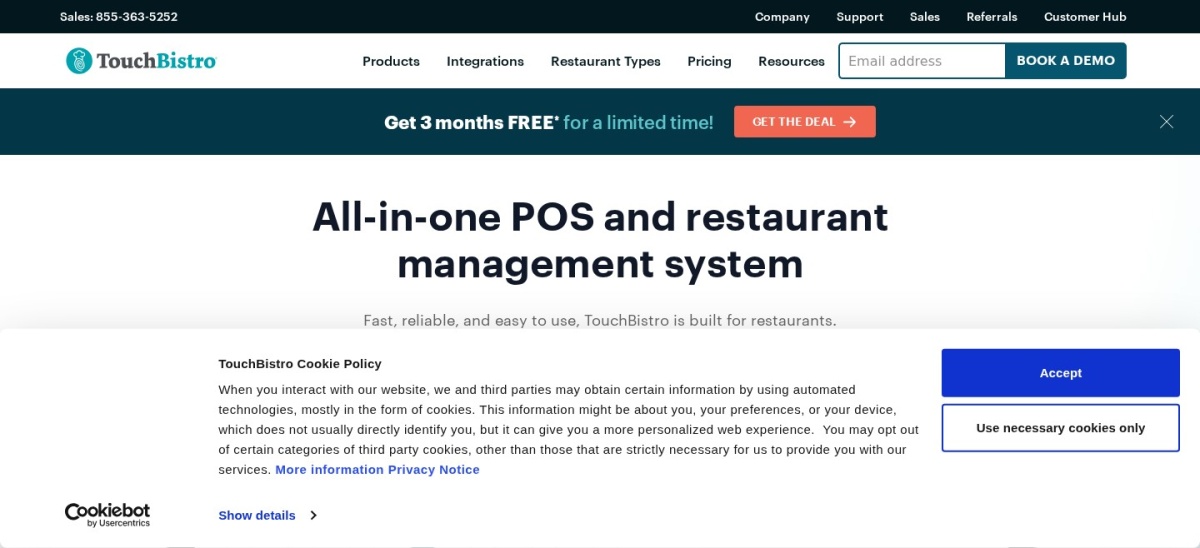
TouchBistro homepage, captured Nov 2026.
TouchBistro is a restaurant POS that runs on iPad, with menu management, floor plans, table management, staff management and reporting. Point of Sale software starts at $69 a month, and an Essentials Bundle from $119 a month adds hardware with $0 upfront.
The trade off is scope. It is built only for food service, so retailers should look elsewhere, and inventory, loyalty and reservations are add-on modules. It suits small restaurants that want a simple iPad system staff can learn fast.
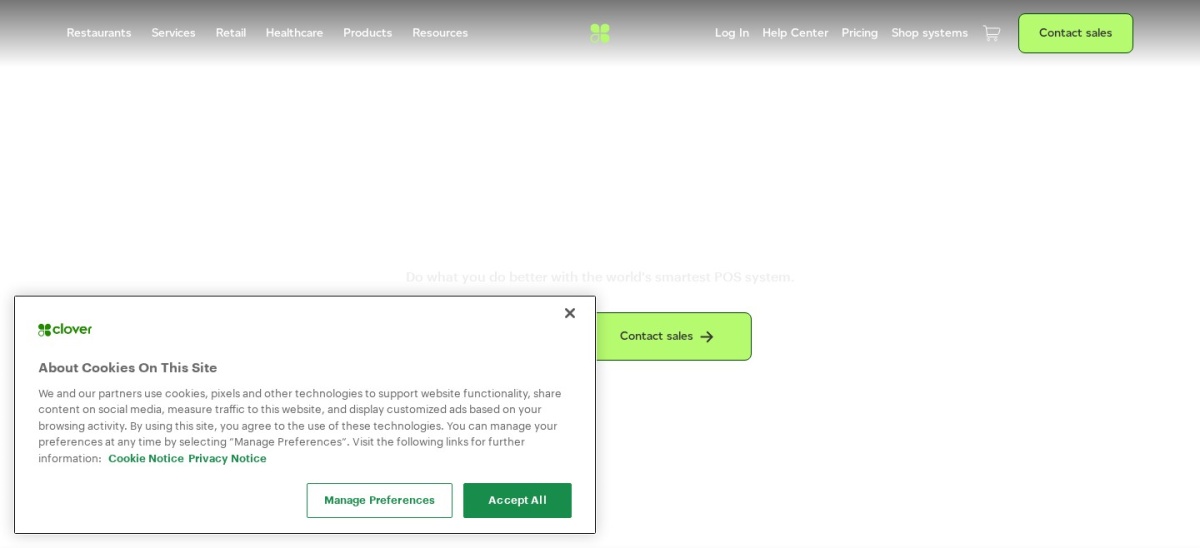
Clover is a POS system from Fiserv with countertop, mobile and kiosk hardware and an app market for loyalty, payroll and accounting links. Retail Basic costs $0 a month with in-person card sales at 2.6% plus 10 cents, and Retail Standard at $84.95 a month lowers the rate to 2.3% plus 10 cents.
The trade off is cost and contracts. Hardware ranges from a $199 card reader to a $1,899 Station Duo, and payment processing may need a long-term contract with Fiserv. It suits shops that want to pick their own terminal and add apps over time.
What we like
Wide choice of Clover hardware
Retail Basic plan costs $0 a month
App market for loyalty and accounting links
Watch out for
Lowest G2 rating in this list at 3.8 out of 5
Hardware is expensive and sold separately
Processing may need a long-term contract
Retail Standard adds the lower card rate and more toolsVisit clover.com
09
Epos Now
3.8/5on Capterra (710 reviews, checked Nov 2026)
Starts at$84/mo
Best bundled hardware and software starter kit
Hardware bundleFrom $399 upfront
Free planNo
Accounting linkXero and QuickBooks integrations
Paid plan$84/mo software
eposnow.com
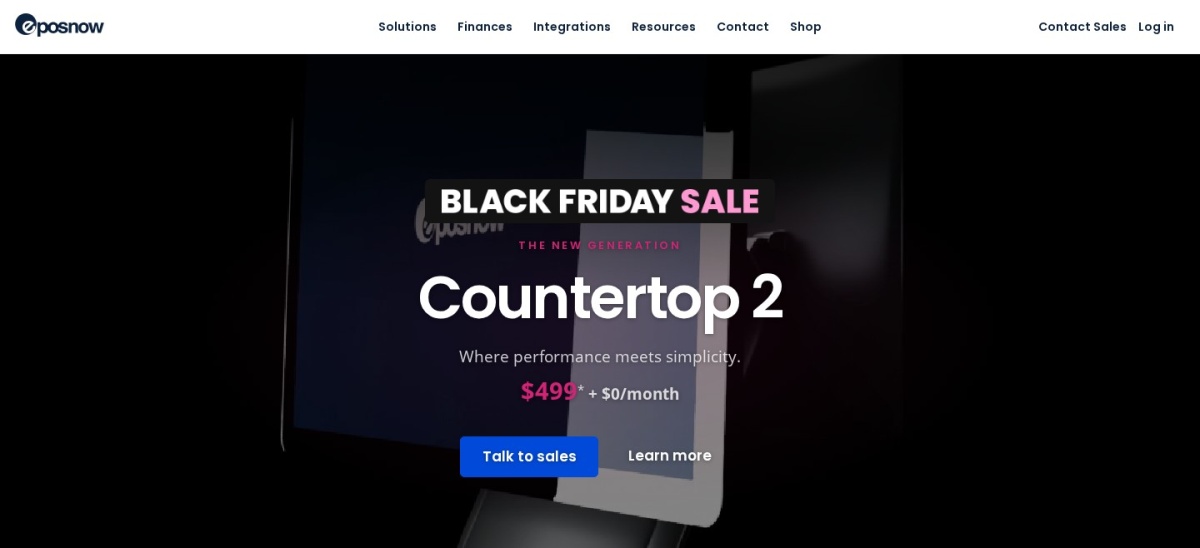
Epos Now homepage, captured Nov 2026.
Epos Now is a cloud POS for retail and hospitality, sold as a bundle with a terminal, receipt printer and card reader. The Complete POS System lists at $399 upfront plus $84 a month for the software, with stock control, reporting and loyalty in the cloud back office.
The trade off is transparency. The $84 a month software figure is reported by third-party reviews, not printed on the vendor pricing page, and contracts often run 12 to 36 months. It suits a new shop that wants hardware and software in one order.
What we like
Hardware and software in one bundle
Stock control and reporting in the cloud back office
Rated 3.8 out of 5 on Capterra from 710 reviews
Watch out for
Monthly software price is not printed on its own pricing page
Contracts often run 12 to 36 months
Card processing rate is not published on the pricing page
Start with the POS if the counter is the bottleneck. A slow till, weak stock counts or missing tableside ordering cost sales every day, and most POS tools already send a daily sales summary to the books.
Start with the accounting tool if the books are the bottleneck. Late invoices, messy bank feeds or sales-tax errors are fixed by QuickBooks Online or Xero, and either one can sit behind the POS you already use.
Either way, agree on one daily routine: close the till, check the sales summary, and confirm it reached the accounting tool before the next day starts.
How we chose
We started from the POS and accounting tools most often listed for small shops and restaurants, then kept nine with a published price and a public rating on G2 or Capterra.
Prices come from each vendor pricing page or, for Epos Now, from third-party reviews that quote its published bundle, checked on 26 November 2026. Ratings and review counts come from G2 and Capterra on the same day. Where a vendor shows a sale, the list shows the regular price.
We left out tools with no published price and no public rating. No vendor paid for a place, and we do not claim to have used these tools ourselves.
How to choose point of sale accounting software
Start with how you sell, then check the accounting link before you sign up.
List how you take money. Count in-person card sales, online orders, cash and invoices. The mix decides whether a low monthly fee or a low card rate saves more.
Check the accounting link first. Confirm the POS sends daily sales, tax, refunds and stock costs to QuickBooks Online or Xero, and check whether that link needs a paid plan.
Add up the full monthly cost. Add the software fee, card fees on your usual volume, hardware, extra registers and add-ons. Compare that total, not the headline price.
Try the free plan or trial on a real day. Run a normal trading day through it, then check the sales summary in the accounting tool the next morning.
FAQ
What is the best point of sale accounting software?
Square is the best pick for most small businesses. Its free plan covers sales, inventory and reports, it is rated 4.6 out of 5 on G2 from 1,211 reviews, and it syncs with QuickBooks Online and Xero.
Is there a free point of sale accounting option?
Yes. Square and Toast both start at $0 a month, and Clover Retail Basic is also $0 a month. You still pay card fees on every sale, so free means no monthly software fee, not no cost at all.
Do I need QuickBooks or Xero as well as a POS?
Most shops do. A POS records the sale, while QuickBooks Online or Xero turns daily sales into invoices, bank reconciliation, expenses and sales-tax reports. The POS tools in this list link to one or both.
How much does POS software cost per month?
Paid plans in this list run from $20 a month for Xero Early to $109 a month for Lightspeed Retail Basic billed monthly. Card fees of about 2.3% to 2.6% plus 10 to 15 cents per sale sit on top.
Which POS is best for a restaurant?
Toast is the strongest restaurant pick, with menu, floor plan and kitchen tools from $0 a month on its Starter Kit. TouchBistro is the simpler iPad option at $69 a month for a small restaurant.
Can Shopify POS handle accounting on its own?
It covers sales, tax and inventory reports, but it is not full accounting software. Connect it to QuickBooks Online or Xero for bank feeds, bills, payroll and year-end reports.
What card fees should I expect?
In-person card sales in this list cost 2.3% to 2.6% plus 10 to 15 cents per sale, depending on the plan. Online and keyed-in sales cost more, so check those rates before you compare plans.
SaaS SEO and WordPress specialist with about 8 years of experience. Rakib compares WordPress plugins, themes, hosting and software using public pricing, documentation and user reviews. See how we rank.