Square Payroll is the best payroll software for retail stores using Square POS, with unlimited employee pay runs starting at $35 per month plus $6 per worker. Gusto is a better option for employee benefits, while OnPay suits retailers wanting payroll and tax administration under one pricing structure.
How we make this list: we compare pricing pages, product documentation and public user reviews, then re-check every price before each update. No product paid for a place. Disclosure.
Square Payroll starts at $35 per month plus $6 per employee and connects directly with Square POS.
Gusto includes unlimited payroll runs and automated tax filing from $49 per month plus $6 per employee.
OnPay earns 4.8/5 from 471 Capterra reviews and supports multiple pay rates.
Homebase combines scheduling, time tracking and payroll, with a $29 monthly payroll option for teams of up to 5.
Patriot offers basic payroll from $17 per month plus $4 per worker, making it an affordable option for small retailers.
ADP and Paychex offer custom pricing for retailers needing additional payroll and HR services.
What retail payroll software should include
Retail businesses often employ a mix of hourly workers, salaried managers, seasonal employees and part-time staff. Payroll software should accommodate different pay rates and changing weekly schedules.
Look for time tracking and point-of-sale integrations that transfer employee hours into payroll. These connections reduce manual data entry and help prevent payment errors.
Automated tax calculations, overtime management, employee self-service and commission processing are useful features for stores with frequent staff changes.
Most payroll providers charge a monthly base fee plus a fee for each paid worker. The price ladder compares published base fees for employee payroll, excluding variable employee charges and optional services.
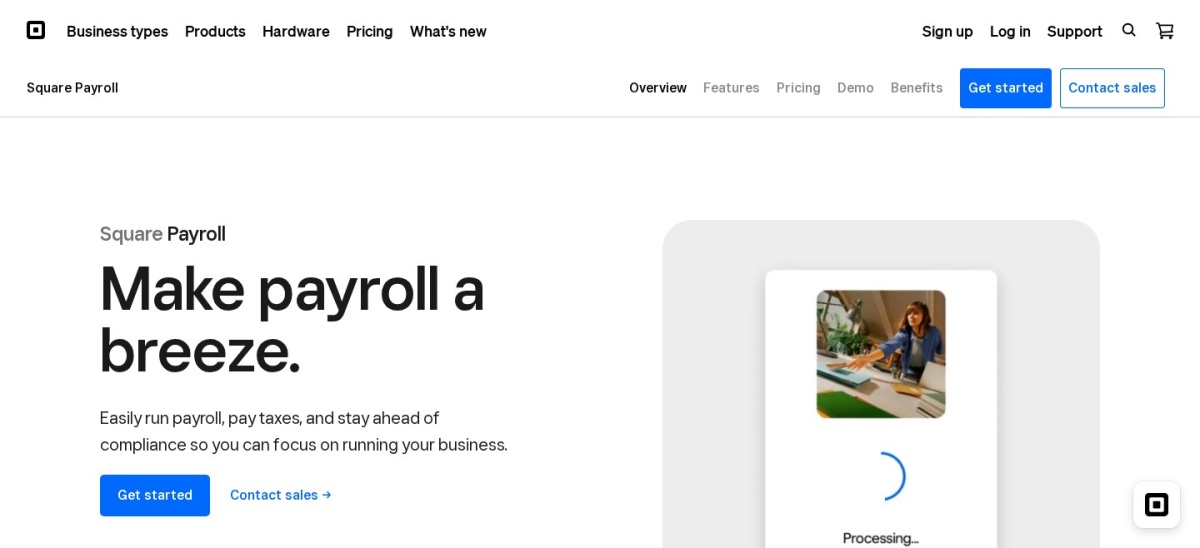
Square Payroll is a payroll platform that connects employee payments with Square POS. Its $35 monthly employee payroll plan includes unlimited pay runs, tax filing and payment options for hourly and salaried workers.
The trade off is its emphasis on the Square ecosystem, with employee payroll costing $35 monthly plus $6 per person. Contractor-only payroll costs $6 per contractor without a base fee. It suits retailers already using Square to manage sales.
What we like
Direct integration with Square POS
Unlimited employee payroll runs
Supports hourly and salaried workers
No long-term contract required
Watch out for
Limited advanced HR capabilities
Less compelling for stores using other POS systems
Full-service payroll adds employee tax filing and automatic payroll.Visit squareup.com
02
Gusto
4.6/5on Capterra (4,495 reviews, checked Nov 2026)
Starts at$49/mo
Best for payroll and employee benefits
Entry planSimple
Employee fee$6/mo per person
Tax filingAutomated
Time trackingPlus plan
gusto.com
Gusto homepage, captured Nov 2026.
Gusto is a payroll and HR platform with employee benefits administration and automated payroll processing. Its Simple plan costs $49 monthly plus $6 per person and includes unlimited pay runs, tax filing and basic paid time-off policies.
The trade off is that integrated scheduling and time tracking require Plus, which starts at $80 monthly plus $12 per person. It suits growing retailers that want to offer employee benefits alongside regular payroll.
What we like
Unlimited payroll processing
Employee benefits administration
Automated payroll tax filing
Paid time-off management
Watch out for
Integrated scheduling requires an upgrade
Entry plan has geographic payroll limitations
Plus adds time tracking, scheduling and expanded payroll coverage.Visit gusto.com
03
OnPay
4.8/5on Capterra (471 reviews, checked Nov 2026)
Starts at$49/mo
Best for straightforward full-service payroll
Entry planPayroll Essentials
Employee fee$6/mo per worker
Pay ratesMultiple supported
Pay runsUnlimited
onpay.com
OnPay homepage, captured Nov 2026.
OnPay is a full-service payroll platform for businesses managing different worker classifications and pay schedules. Its $49 monthly Payroll Essentials plan charges another $6 per paid worker and includes automatic tax filing, deductions and unlimited payroll processing.
The trade off is that native time tracking and expanded HR features cost extra beyond the $49 base subscription. It suits independent retailers that need flexible payroll processing without buying an extensive HR package.
What we like
Multiple pay rates and schedules
Automatic payroll tax administration
Assisted account setup and migration
Unlimited bonus and commission pay runs
Watch out for
Time tracking requires an add-on
Expanded HR services increase costs
Payroll Essentials includes tax filing, flexible payments and payroll support.Visit onpay.com
04
Homebase
4.6/5on Capterra (1,164 reviews, checked Nov 2026)
Starts at$29/mo
Best for hourly retail employees
Small-team payroll$29/mo for up to 5
Standard payroll$49/mo + $6/employee
SchedulingIntegrated
POS integrationAvailable
joinhomebase.com
Homebase homepage, captured Nov 2026.
Homebase is a workforce management platform that connects employee schedules and timesheets with payroll. Its published small-team payroll option costs $29 monthly for up to 5 employees, while basic scheduling is available separately at no charge.
The trade off is that standard payroll costs $49 monthly plus $6 per paid employee, with additional workforce features available separately. A temporary introductory promotion is also available. It suits stores with rotating shifts and hourly workers.
What we like
Employee scheduling and time clocks
Connected timesheets and payroll
POS integrations
Employee onboarding included with payroll
Watch out for
Small-team pricing has an employee limit
Advanced workforce features cost extra
Free scheduling does not include payroll
The payroll add-on includes employee payments, tax filing and onboarding.Visit joinhomebase.com
05
Patriot Payroll
4.8/5on Capterra (3,967 reviews, checked Nov 2026)
Starts at$17/mo
Best for budget-conscious retailers
Entry planBasic Payroll
Employee fee$4/mo per worker
Direct depositIncluded
Time trackingPaid add-on
patriotsoftware.com
Patriot Payroll homepage, captured Nov 2026.
Patriot Payroll is an affordable payroll platform offering unlimited payroll processing, employee portals and direct deposit. Basic Payroll regularly costs $17 monthly plus $4 per paid worker, excluding temporary introductory discounts.
The trade off is that the $17 Basic Payroll plan leaves payroll tax filing responsibilities with the employer. Time tracking also requires an additional subscription. It suits small retailers with straightforward payroll requirements and internal bookkeeping experience.
4.6/5on Capterra (1,775 reviews, checked Nov 2026)
PricingCustom pricing
Best for growing retail businesses
Entry packageEssential Payroll
Tax filingIncluded
POS integrationClover
Payroll support24/7
adp.com
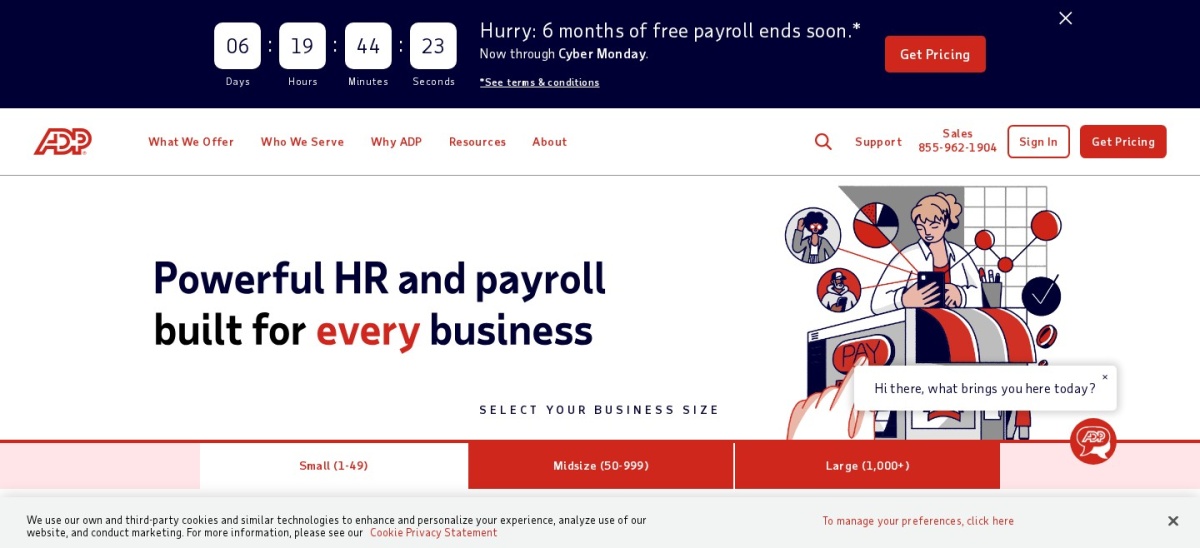
ADP RUN homepage, captured Nov 2026.
ADP RUN is a small-business payroll platform with tax administration, employee access and payroll reporting. Its entry package covers core payroll requirements, while additional services support scheduling, insurance and HR administration.
The trade off is custom pricing based on workforce size and selected services, making direct cost comparisons harder. Time management and expanded HR capabilities can require additional fees. It suits growing retail businesses with increasingly complex workforce requirements.
What we like
Automated payroll tax administration
Clover POS integration
Mobile payroll management
24/7 payroll support
Watch out for
Requires a personalized pricing quote
Additional services can increase costs
More configuration than basic payroll tools
Higher packages expand HR, compliance and employee management services.Visit adp.com
07
Paychex
4.2/5on Capterra (1,828 reviews, checked Nov 2026)
PricingCustom pricing
Best for payroll and HR outsourcing
PlatformPaychex Flex
Tax administrationAvailable
Employee portalIncluded
HR outsourcingAvailable
paychex.com
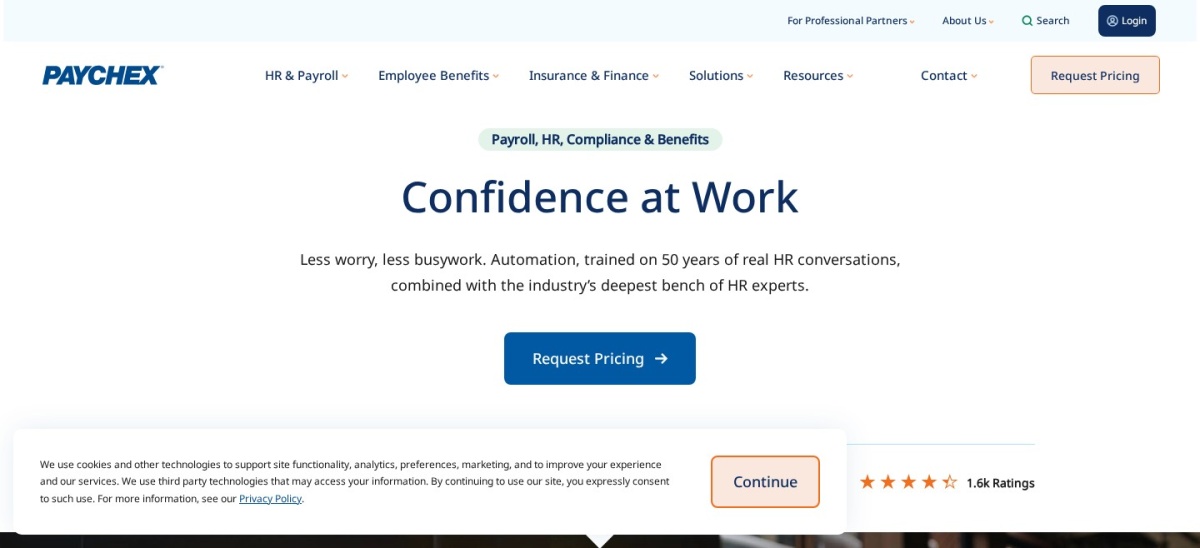
Paychex homepage, captured Nov 2026.
Paychex is a payroll and workforce management provider offering employee payments, tax administration and access to additional HR services. Its payroll packages support businesses that need assistance managing employee records and compensation.
The trade off is custom pricing, with costs depending on the selected package and additional services. Retailers should request an itemized quote covering payroll, time tracking and HR support. It suits established retailers looking to outsource administrative work.
What we like
Payroll and HR services in one platform
Employee self-service access
Retirement and benefits options
Expandable workforce management services
Watch out for
No standard public payroll price
Optional services increase subscription costs
Lower review rating than other listed providers
Expanded packages offer additional HR and workforce management services.Visit paychex.com
How much does payroll software cost for retail?
Employee payroll base subscriptions in this comparison range from $17 to $49 per month among publicly priced providers. Most also charge according to the number of workers paid.
For example, Square Payroll costs $95 per month for 10 paid employees, while Gusto Simple and OnPay Payroll Essentials each cost $109 before optional services.
Compare tax filing, scheduling, onboarding and time tracking costs before choosing a provider. A low base subscription may become more expensive after adding the features your store needs.
Custom-priced products are not free. Request a complete annual quote before comparing them with publicly priced subscriptions.
How we chose
We compared established payroll providers listed in Capterra's payroll and workforce management categories. Retail-specific considerations included hourly wage processing, employee scheduling, POS integrations, tax administration and seasonal workforce management.
Published subscription prices, product features and Capterra review ratings were checked on 25 Nov 2026. Annual prices represent regular employee payroll base subscriptions, excluding variable worker charges, temporary discounts and optional add-ons.
We excluded scheduling-only products, providers without established customer feedback and products lacking sufficient payroll functionality. Custom-priced providers were included where their services fit growing retail businesses. No vendor paid for a place, and we do not claim testing for this list.
How to choose payroll software for your retail business
Compare your workforce requirements, existing retail systems and complete payroll costs before committing to a subscription.
**Identify your employee types.** Check whether the platform supports hourly employees, salaried managers, contractors, seasonal workers and different pay rates.
**Check your existing retail integrations.** Choose software that connects with your POS, time clocks, employee scheduling tools and accounting platform.
**Compare complete monthly costs.** Include employee charges, scheduling subscriptions, tax filing, onboarding and optional HR services when calculating your budget.
**Review payroll support and reporting.** Confirm that managers can correct timesheets, process additional payments and access payroll records before each payment deadline.
FAQ
What is the best payroll software for retail stores?
Square Payroll is our top pick for retailers already using Square POS because it connects sales and employee management with payroll. Gusto and OnPay are suitable alternatives for businesses prioritizing benefits administration or flexible payroll processing.
What is the cheapest payroll software for small retailers?
Patriot Basic Payroll has the lowest published employee payroll base fee in this comparison at $17 per month plus $4 per paid worker. However, employers must handle tax filing themselves or purchase its full-service payroll package.
Can retail payroll software calculate overtime?
Many payroll platforms calculate overtime using employee hours, pay rates and configured payroll rules. Retailers should verify that their selected software supports applicable overtime requirements and correctly imports approved hours from their scheduling system.
Does payroll software integrate with retail POS systems?
Yes. Square Payroll connects with Square POS, while ADP RUN supports Clover integration. Homebase also offers POS connections. Confirm compatibility with your existing retail hardware and software before purchasing a payroll subscription.
Is payroll software suitable for seasonal retail workers?
Yes. Payroll platforms can accommodate seasonal and part-time workers alongside permanent employees. Look for flexible onboarding, different pay rates and billing based on paid workers so staffing changes do not create unnecessary administrative work.
Can payroll software manage employee commissions?
Many payroll platforms support additional payments such as sales commissions, bonuses and adjustments. OnPay and Square Payroll offer unlimited pay runs, which can help retailers process supplemental compensation outside their regular payroll schedule.
SaaS SEO and WordPress specialist with about 8 years of experience. Rakib compares WordPress plugins, themes, hosting and software using public pricing, documentation and user reviews. See how we rank.