FreshBooks is the best invoice app for contractors for most solo operators and small crews: Lite costs $23 a month, covers unlimited invoices and estimates, and is rated 4.5 out of 5 on Capterra. Pick QuickBooks Online when invoicing must sit inside full accounting, or Wave when the budget is zero.
How we make this list: we compare pricing pages, product documentation and public user reviews, then re-check every price before each update. No product paid for a place. Disclosure.
FreshBooks Lite costs $23 a month and covers unlimited invoices for up to 5 billable clients, with time tracking included.
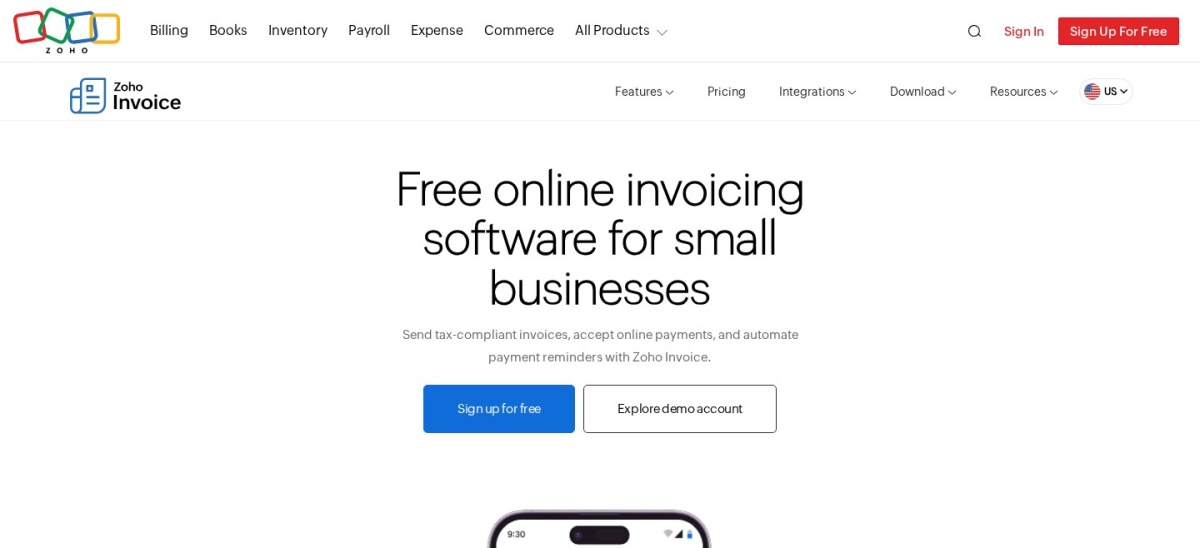
Wave and Zoho Invoice both start at $0: Wave has unlimited invoices, while Zoho Invoice caps at 500 a year.
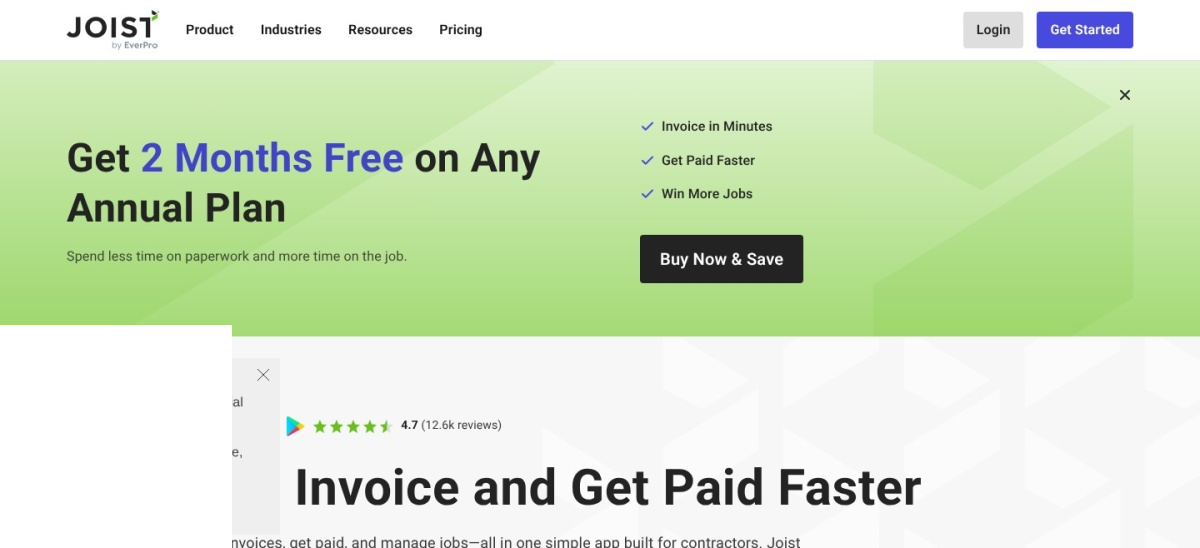
Joist is the cheapest contractor-first entry at $10 a month, but Basics caps at 5 documents a month.
QuickBooks Online Simple Start costs $38 a month for one user; a second user forces Essentials at $85.
Xero Early caps invoices at 20 a month, so a busy contractor needs Growing at $59.
Card fees sit on top everywhere: Square charges 3.3% plus 30 cents per card payment on its free plan.
What a contractor invoice app should cover
A contractor invoice is not a generic bill. It usually follows an estimate, carries line items for labour and materials, and often needs a deposit or a milestone payment before the work is done.
The best apps in this list turn an approved estimate into an invoice in one step, then track deposits, partial payments and reminders without a spreadsheet.
Check the cap before the price. FreshBooks limits billable clients, Xero limits invoices per month and Joist limits documents per month, so the cheapest plan can stop fitting within weeks.
Card fees are the second cost. Most tools charge around 2.9% plus 30 cents per card payment, so a contractor billing $10,000 a month by card pays close to $300 in fees. Our guide on WooCommerce payment gateway fees compared shows how those rates add up.
4.5/5on Capterra (4,526 reviews, checked Nov 2026)
Starts at$23/mo
Best invoice app for contractors overall
Free planNo, 30-day trial
Billable clients5 on Lite
EstimatesUnlimited
Time trackingYes, unlimited
freshbooks.com
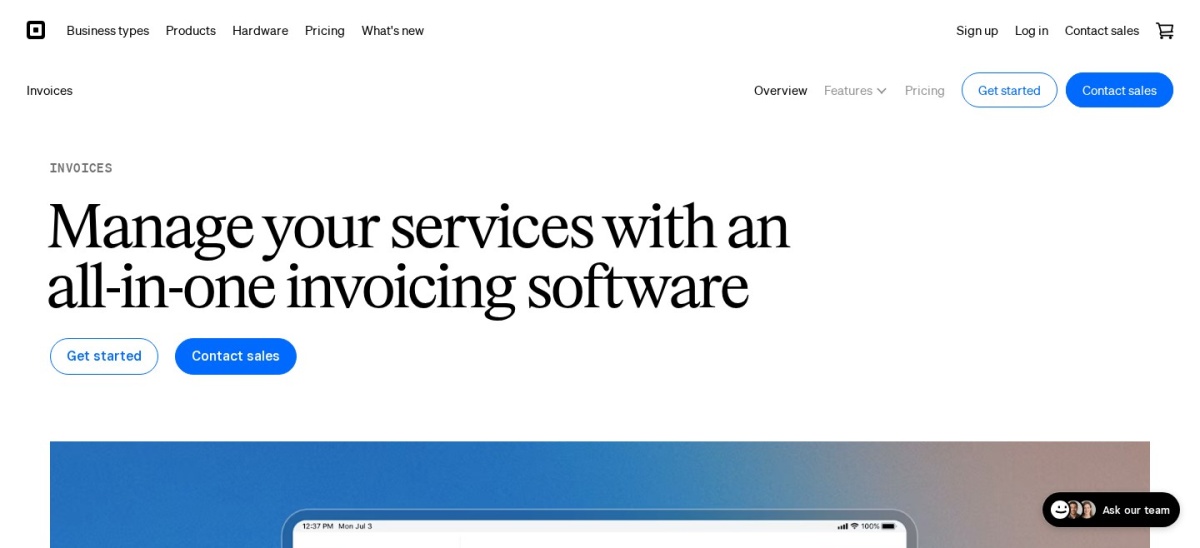
FreshBooks homepage, captured Nov 2026.
FreshBooks is an invoicing-first accounting app built for solo service businesses and small crews. Lite costs $23 a month and covers unlimited invoices and estimates for up to 5 billable clients, plus expense tracking, time tracking and automated payment reminders.
The trade off is the client cap. A sixth billable client forces a move to Plus at $43 a month, and each extra team member adds $11 a month. It suits solo contractors and small crews who bill by the job and want time tracking on the same invoice.
What we like
Unlimited invoices and estimates on every plan
Time tracking flows straight onto the invoice
Automated reminders and scheduled late fees
Rated 4.5 out of 5 on Capterra from 4,500+ reviews
4.3/5on Capterra (8,548 reviews, checked Nov 2026)
Paid from$38/mo
Best for invoicing inside full accounting
Free planYes, 2 invoices/mo
Paid entrySimple Start, $38/mo
Users1 on Simple Start
PayrollAdd-on, extra
quickbooks.intuit.com
QuickBooks Online homepage, captured Nov 2026.
QuickBooks Online is the accounting software most US accountants already use, and invoicing sits inside full double-entry books. Simple Start costs $38 a month for one user and covers unlimited invoices, estimates, bank feeds, bill management and profit-and-loss reports.
The trade off is price growth. Simple Start covers one user, so a second user forces Essentials at $85 a month, and Intuit raised the higher plans again in August 2026. It suits contractors whose accountant already works in QuickBooks and who want invoices tied to the ledger.
4.6/5on Capterra (1,474 reviews, checked Nov 2026)
Starts at$29/mo
Best for quotes, scheduling and invoices in one
Free planNo, 14-day trial
Entry planCore, 1 user
QuotesUnlimited
SchedulingYes, on Core
getjobber.com
Jobber homepage, captured Nov 2026.
Jobber is a field-service app that carries a job from quote to invoice to payment in one place. Core costs $29 a month billed annually for one user and covers unlimited quotes, jobs and invoices, online booking, scheduling and a client hub.
The trade off is the user cap. Core covers one user only, and a second person moves you to Connect, while month-to-month billing costs $49 a month instead of $29. It suits home-service contractors who need scheduling beside invoicing.
4.4/5on Capterra (3,343 reviews, checked Nov 2026)
Starts at$27/mo
Best for crews sharing the books
Free planNo, 1 month free
Invoice cap20/mo on Early
UsersUnlimited
Bank feedsYes, with reconciliation
xero.com
Xero homepage, captured Nov 2026.
Xero is cloud accounting with invoicing, quotes and bank reconciliation in one login. Early costs $27 a month and covers quotes, 20 invoices and 5 bills a month, plus Hubdoc receipt capture and real-time reports, with no per-user fees on any plan.
The trade off is the Early cap. Twenty invoices a month suits a small crew, but a busier contractor needs Growing at $59 a month for unlimited invoices. It suits growing firms where the owner, bookkeeper and crew all need access without seat fees.
Joist is built for trade contractors: you price a job on your phone, the client signs the estimate, and it becomes the invoice with deposits and milestone payments attached. Basics costs $10 a month and covers 5 documents a month, with online payments and homeowner financing included.
The trade off is volume. Five documents a month suits one or two quotes a week, so a busy contractor needs Pro at $17 a month for unlimited documents and QuickBooks sync. It suits solo electricians, plumbers, remodelers and painters who quote on site.
4.4/5on Capterra (1,731 reviews, checked Nov 2026)
Paid from$19/mo
Best free invoicing with real bookkeeping
Free planYes, Starter
InvoicesUnlimited on free
Bank importsPro only
Users1 on Starter
waveapps.com
Wave homepage, captured Nov 2026.
Wave is free accounting software that pairs invoicing with double-entry bookkeeping in one login. The Starter plan costs nothing and covers unlimited estimates, invoices, bills and accounting records, with a mobile app for invoicing on site.
The trade off is manual work. Automatic bank imports, receipt scanning and extra users all need Pro at $19 a month, and free-plan support is help articles only. It suits sole traders who want real books behind free invoices and can enter bank transactions by hand.
Zoho Invoice is the only tool here with one plan that costs $0 forever: no paid tier, no trial clock and no card required. It covers quotes, recurring invoices, automated reminders, online payments, expense tracking, time logging and a client portal for 2 users and 500 invoices a year.
The trade off is the ceiling. There is no paid Zoho Invoice tier, so outgrowing the caps means migrating to Zoho Billing, and multi-currency sits behind that upgrade. It suits solo contractors who send under 500 invoices a year and want the price to stay zero.
Best for proposals, contracts and invoices in one file
Free planNo, 30-day trial
Entry planStarter, $36/mo
ContractsYes, with e-signatures
AutomationsEssentials and up
honeybook.com
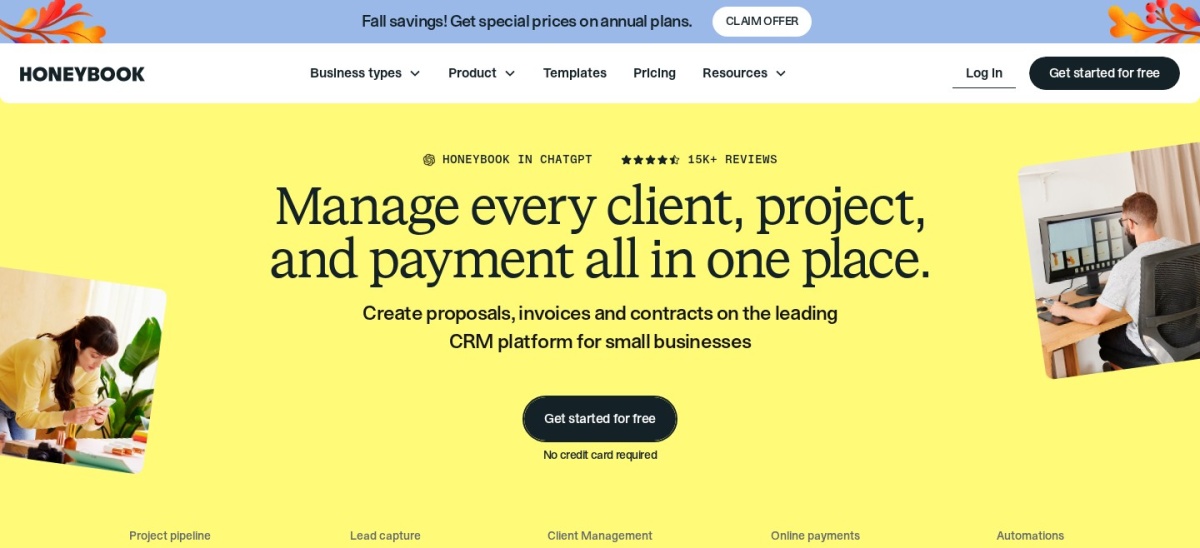
HoneyBook homepage, captured Nov 2026.
HoneyBook is client management software that folds proposals, contracts, invoices and payments into one client-facing file. Starter costs $36 a month, or $29 billed annually, and covers unlimited clients and projects, invoices, contracts, templates and a client portal.
The trade off is automation. Starter has no scheduler beyond one session type and no automations, so contractors who chase bookings need Essentials at $59 a month. It suits contractors who sell on experience and want one polished file per client.
Best for contractors who already take Square payments
Free planYes, unlimited invoices
Entry paidPlus, $49/mo
Card fee3.3% + 30¢ on Free
EstimatesYes, with contracts
squareup.com
Square Invoices homepage, captured Nov 2026.
Square Invoices is invoicing inside the same Square account as point of sale, so invoices, card payments and payouts share one dashboard. The free plan sends unlimited invoices, estimates, recurring bills and contracts, and clients pay straight from the invoice by card, bank transfer or text.
The trade off is the card fee. Every card payment costs 3.3% plus 30 cents on the free plan, and milestone schedules and custom templates need Plus at $49 a month per location. It suits contractors who already take card payments through Square.
Card fees are the biggest hidden cost. A contractor billing $10,000 a month by card pays roughly $290 to $330 in processing fees, which can beat the subscription itself.
User caps are the second surprise. QuickBooks Online, Jobber and Zoho Invoice all charge more, or force a plan change, when a second person needs access.
Promotions change the first bill, not the real price. FreshBooks, QuickBooks Online and Xero all run Black Friday offers in November 2026, so budget on the regular price shown in the table.
How we chose
We started from the invoice apps most often recommended for contractors in 2026 roundups, then kept the nine with a live product, published pricing and a public rating.
Prices come from each vendor's pricing page, checked on 25 November 2026. Ratings and review counts come from Capterra or G2 on the same day. Where a vendor shows a sale, the list shows the regular price.
We left out apps built only for one trade, and apps with no public rating. No vendor paid for a place, and we do not claim to have used these tools ourselves.
How to choose an invoice app for contractors
Start with how you quote jobs, then check the caps that decide the real price.
Count how you quote. If most jobs start with an on-site estimate, pick Joist or Jobber. If invoices follow hourly work, pick FreshBooks.
Check the cap on the cheapest plan. Count billable clients, invoices a month and documents a month, then compare those numbers with the plan limits in the table.
Decide whether you need books too. Wave, QuickBooks Online and Xero keep the ledger beside the invoice. Pure invoicing apps leave the books to something else.
Add the card fees before you compare. Multiply your monthly card volume by the fee rate. A free plan with a 3.3% fee can cost more than a $23 plan with a lower rate.
FAQ
What is the best invoice app for contractors?
FreshBooks is the best pick for most solo contractors and small crews. Lite costs $23 a month, covers unlimited invoices and estimates, and is rated 4.5 out of 5 on Capterra. Jobber fits crews that also need scheduling.
Is there a truly free invoice app for contractors?
Yes. Zoho Invoice costs $0 forever for 2 users and up to 500 invoices a year, and Wave Starter is free with unlimited invoices and bookkeeping. Both charge card processing fees when a client pays by card.
How much does invoicing software for contractors cost?
Free plans start at $0 with Wave and Zoho Invoice. Paid plans in this list run from $10 a month for Joist Basics to $49 a month for Square Plus, with FreshBooks Lite at $23 and QuickBooks Online Simple Start at $38.
Do I need accounting software or just an invoicing app?
An invoicing app is enough if you only send bills and track payments. Pick QuickBooks Online, Xero or Wave when you also need a ledger, bank reconciliation and reports your accountant can use at tax time.
What are the card fees on contractor invoices?
Most tools charge around 2.9% plus 30 cents per card payment. Square charges 3.3% plus 30 cents on its free plan, and HoneyBook card payments start at 2.7% plus 10 cents. Bank transfers are usually cheaper, around 1%.
Can I send estimates and invoices from my phone?
Yes. Joist is built for phone-first estimating, with client signatures and deposits on site. FreshBooks, Wave, Jobber and Square all have mobile apps for sending invoices, and HoneyBook covers proposals and invoices from its app too.
Which invoice app works best with QuickBooks?
QuickBooks Online is the direct option, since invoicing sits inside the books. Joist syncs to QuickBooks Online on its Pro plan, and Jobber adds the sync on Connect. FreshBooks and Xero both export data your accountant can import.
SaaS SEO and WordPress specialist with about 8 years of experience. Rakib compares WordPress plugins, themes, hosting and software using public pricing, documentation and user reviews. See how we rank.