Square Payroll is the best payroll software for restaurants using an integrated POS system, with unlimited payroll runs starting at $35 per month plus $6 per person. Choose OnPay for payroll flexibility and tax administration or Homebase for combined employee scheduling, time tracking and payroll.
How we make this list: we compare pricing pages, product documentation and public user reviews, then re-check every price before each update. No product paid for a place. Disclosure.
Square Payroll starts at $35 per month plus $6 per person and has a 4.7/5 Capterra rating.
OnPay earns 4.8/5 from 471 Capterra reviews and includes unlimited payroll runs.
Homebase lists regular payroll pricing of $49 per month plus $6 per employee, with a $29 option for teams of up to 5.
Gusto Simple costs $49 per month plus $6 per person and includes automated tax filing.
Paychex starts at $65 per month plus $8 per employee, while Toast and 7shifts require payroll pricing inquiries.
What restaurant payroll software should cover
Restaurant payroll involves more than calculating employee salaries. Managers must reconcile hourly wages, overtime, reported tips, varying job rates and deductions before approving each payroll run.
Look for software that connects with your existing point-of-sale system. Automatic imports of employee hours and tips reduce manual data entry and help managers identify discrepancies before payday.
Tax administration is another important consideration. A full-service payroll provider should calculate withholding, process applicable tax payments and prepare required employee documents.
Compare the complete subscription cost rather than the advertised base price. Employee charges, scheduling subscriptions, tip management modules and optional HR services can increase the total monthly expense.
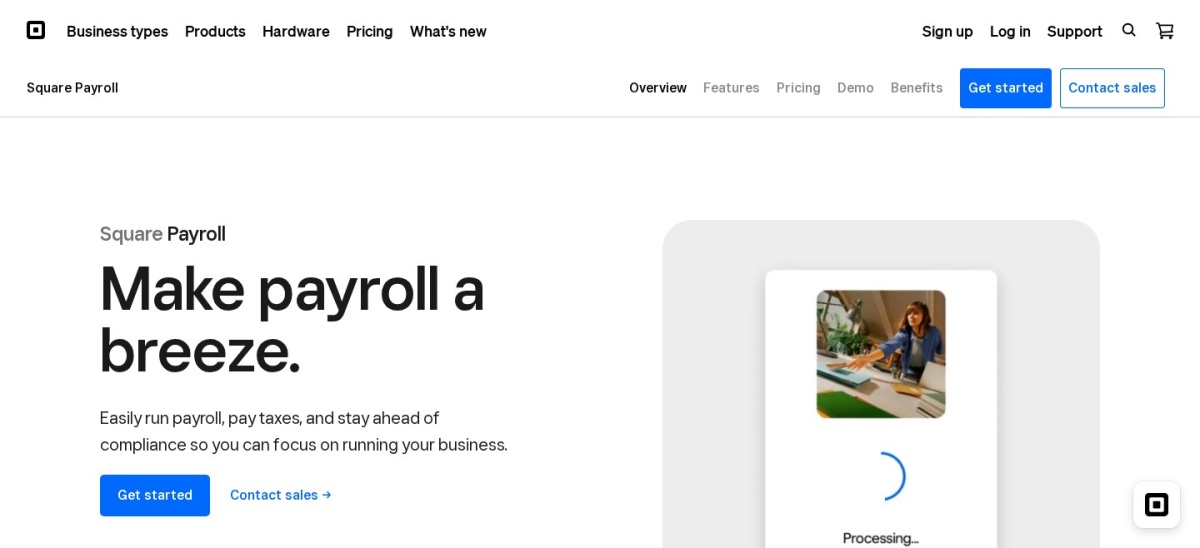
Square Payroll is a payroll processing service that connects employee payments with Square's POS ecosystem. Its full-service plan costs $35 per month plus $6 per person paid and includes unlimited payroll runs, automated tax filing and employee onboarding.
The trade off is that its strongest integrations favor businesses already using Square products. The $420 annual base subscription excludes employee fees, and contractor-only pricing is available separately. It suits cafes, bars and independent restaurants using Square POS.
What we like
Direct integration with Square POS
Unlimited payroll processing
Automated payroll tax filing
Transparent monthly pricing
Watch out for
Less attractive for restaurants using unrelated POS systems
Employee charges increase with headcount
Advanced reporting requirements may need additional software
Full-service payroll adds employee payments and automated tax administration.Visit squareup.com
02
OnPay
4.8/5on Capterra (471 reviews, checked Nov 2026)
Starts at$49/mo
Best for flexible restaurant payroll processing
Entry planPayroll Essentials
Worker fee$6/worker/mo
Payroll runsUnlimited
Tax administrationIncluded
onpay.com
OnPay homepage, captured Nov 2026.
OnPay is a full-service payroll platform with dedicated restaurant payroll capabilities. Payroll Essentials costs $49 per month plus $6 per worker and includes unlimited pay runs, configurable earnings, employee onboarding and automated tax administration.
The trade off is that additional workforce management capabilities can increase the $588 annual base subscription. Restaurants requiring time tracking should evaluate the available integrations and paid modules. It suits independent operators that want flexible payroll without per-run charges.
Payroll Essentials includes full-service payroll, tax filing and onboarding.Visit onpay.com
03
Homebase
4.6/5on Capterra (1,164 reviews, checked Nov 2026)
Paid from$29/mo
Best for scheduling and hourly employee payroll
Small-team payroll$29/mo for up to 5
Standard payroll$49/mo + $6/employee
Employee schedulingAvailable
Employee onboardingIncluded with payroll
joinhomebase.com
Homebase homepage, captured Nov 2026.
Homebase is a workforce management platform that combines scheduling, employee timesheets and payroll. Its pricing page lists a $29 monthly payroll option for teams of up to 5 employees, while standard payroll costs $49 per month plus $6 per employee paid.
The trade off is that larger teams and advanced scheduling requirements can increase subscription expenses. Homebase advertises a temporary six-month free payroll promotion, but the comparison uses regular pricing. It suits restaurants that want to connect staffing schedules with employee payments.
4.6/5on Capterra (4,495 reviews, checked Nov 2026)
Starts at$49/mo
Best for payroll and employee benefits
Entry planSimple
Employee fee$6/person/mo
Payroll runsUnlimited
Tax filingIncluded
gusto.com
Gusto homepage, captured Nov 2026.
Gusto is a payroll and employee management platform for businesses that want payroll and benefits administration together. Its Simple plan costs $49 per month plus $6 per person and includes unlimited payroll runs, tax payments and basic paid time off policies.
The trade off is that integrated time tracking and scheduling are available through the higher-priced Plus plan, which costs $80 per month plus $12 per person. It suits established restaurants that want organized employee records and room to expand their HR capabilities.
What we like
Unlimited payroll processing
Automated payroll tax administration
Employee benefits administration
Large public review base
Watch out for
Integrated scheduling requires a higher plan
Not built exclusively for restaurants
Per-person charges can increase expenses
Plus adds integrated time tracking, scheduling and expanded payroll capabilities.Visit gusto.com
05
7shifts
4.7/5on Capterra (1,212 reviews, checked Nov 2026)
PricingCustom pricing
Best for restaurant-specific workforce management
Restaurant schedulingIncluded in platform
Payroll processingAvailable
Tip managementAvailable
Free planBasic scheduling
7shifts.com
7shifts homepage, captured Nov 2026.
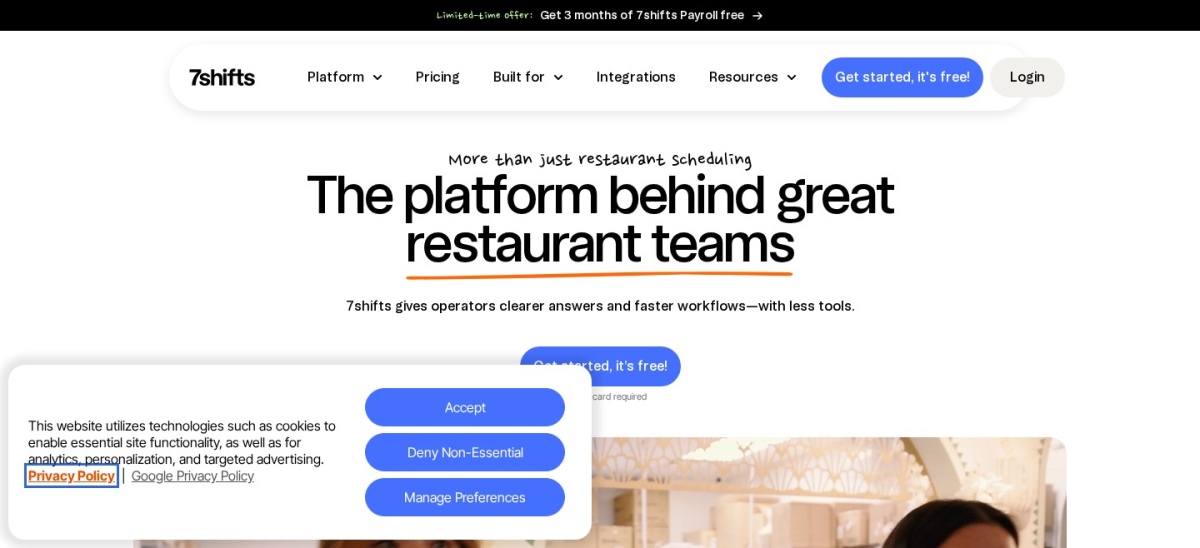
7shifts is a restaurant workforce management platform covering employee scheduling, time clocking, tip management and payroll. Its free scheduling plan supports basic workforce coordination, while the payroll product connects employee compensation with restaurant labor data.
The trade off is that a regular payroll subscription price could not be confirmed from the official pages reviewed. Restaurants should request a complete quote covering payroll, scheduling and tip management. It suits operators seeking a restaurant-specific employee management system.
What we like
Designed specifically for restaurant operations
Integrated scheduling and time clock tools
Tip management capabilities
Restaurant POS integrations
Watch out for
Regular payroll pricing requires an inquiry
Additional workforce modules may increase costs
Free scheduling does not include payroll
Paid payroll connects restaurant labor and employee compensation workflows.Visit 7shifts.com
06
Paychex
4.2/5on Capterra (1,828 reviews, checked Nov 2026)
Starts at$65/mo
Best for growing restaurant groups
Entry packageBasic
Employee fee$8/employee/mo
Payroll processingUnlimited
Employee payment optionsDirect deposit, checks and pay cards
paychex.com
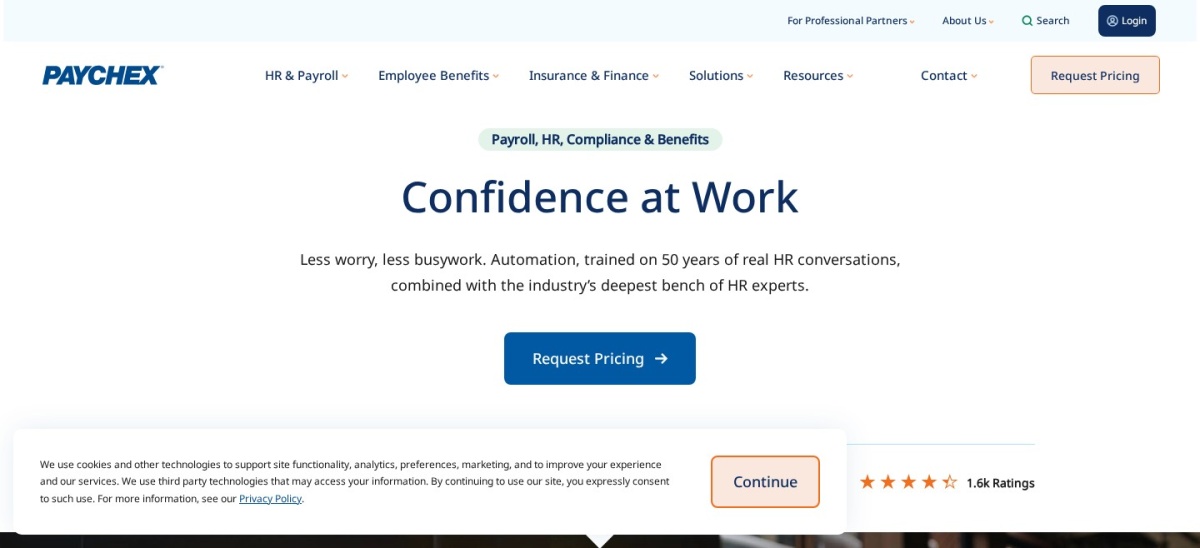
Paychex homepage, captured Nov 2026.
Paychex is a payroll and HR platform offering employee compensation, tax administration and workforce services. Its official package comparison lists starting prices of $65 per month plus $8 per employee, with unlimited payroll processing and multiple employee payment methods available.
The trade off is that the $780 annual starting base price does not cover employee charges or every optional service. Higher packages require individual pricing discussions. It suits expanding restaurant groups that expect to need additional HR and payroll support.
What we like
Multiple payroll and HR packages
Employee self-service capabilities
Several employee payment methods
Expandable workforce administration services
Watch out for
Higher published base price than several alternatives
Advanced package pricing requires a quote
Customer service ratings are lower than some competitors
Higher packages expand HR features and payroll support.Visit paychex.com
07
Toast Payroll
3.6/5on Capterra (23 reviews, checked Nov 2026)
PricingCustom pricing
Best for restaurants already using Toast POS
POS integrationToast POS
Tip poolingSupported
Multiple pay ratesSupported
Payroll onboardingGuided setup
toasttab.com
Toast Payroll homepage, captured Nov 2026.
Toast Payroll is a restaurant payroll platform that connects employee hours and reported tips with Toast POS. It supports tip pooling, overtime calculations, multiple job rates and payroll exception alerts, with a 3.6/5 rating from 23 Capterra reviews.
The trade off is that regular standalone payroll pricing could not be confirmed from the public pricing pages reviewed. Its value also depends heavily on using the Toast ecosystem. It suits restaurants already operating Toast POS that want fewer manual payroll transfers.
What we like
Direct connection with Toast POS
Restaurant-specific wage calculations
Tip pooling and payroll exception alerts
Guided payroll implementation
Watch out for
Regular payroll pricing requires a quote
Lower public rating than other listed products
Less suitable for restaurants using competing POS systems
Paid payroll connects Toast POS data with employee wage processing.Visit toasttab.com
How much does restaurant payroll software cost?
Square Payroll has a published full-service base price of $35 per month, while OnPay and Gusto start at $49 per month. All three charge an additional $6 per worker or employee paid.
Homebase offers a separate small-team payroll price of $29 per month. Larger restaurants should compare its standard payroll charges and any scheduling subscriptions required for their operations.
The annual price ladder uses published recurring payroll base fees multiplied by 12. Employee charges and optional modules are excluded. Custom-priced entries use a zero placeholder rather than representing free payroll software.
Why tip management matters in restaurant payroll
Restaurants must distinguish employee wages from reported tips and reconcile both before processing payroll. Software that imports POS and time clock records can reduce discrepancies caused by manual transfers.
Confirm whether the provider supports your tip pooling policy, employees working multiple roles and applicable overtime calculations. A dedicated tip management module may be necessary even when payroll itself is included.
How we chose
We selected established payroll and restaurant workforce management platforms based on payroll processing, hourly employee support, POS integrations, tip management, pricing transparency and public customer feedback.
We checked official vendor pricing pages and Capterra ratings on 25 Nov 2026. Published prices represent regular employee-payroll base subscriptions rather than contractor-only plans or temporary promotions. Homebase and 7shifts ratings cover their broader workforce platforms.
We excluded scheduling-only products, providers without sufficient public customer feedback and products without relevant payroll capabilities. Quote-based payroll products appear below the leading publicly priced options. No vendor paid for a place, and we do not claim testing for this list.
How to choose payroll software for your restaurant
Evaluate payroll software against your restaurant's staffing patterns, existing systems, compensation policies and budget before choosing a subscription.
Check your existing POS integrations. Choose a payroll platform that can receive employee hours and tip records from your current POS or time clock system.
Review hourly wage and tip requirements. Confirm support for overtime, different job rates, reported tips, deductions and your restaurant's tip distribution policies.
Calculate the complete subscription cost. Include the payroll base fee, employee charges, scheduling subscriptions, optional services and any implementation expenses.
Confirm tax filing and onboarding support. Ask how the provider handles payroll tax administration, employee records, account migration, payroll corrections and ongoing customer support.
FAQ
What is the best payroll software for restaurants?
Square Payroll is our top choice for restaurants using Square POS because it connects payroll with existing operational data. OnPay is a good alternative for flexible payroll administration, while Homebase combines employee scheduling and payroll.
How much does restaurant payroll software cost?
Square Payroll starts at $35 per month plus $6 per person paid. Gusto and OnPay start at $49 per month plus $6 per person. Actual costs depend on employee count and optional services.
Is there free payroll software for restaurants?
Homebase and 7shifts offer free workforce management or scheduling capabilities, but their payroll products require payment. Restaurants should distinguish free scheduling software from full-service payroll that includes employee payments and tax administration.
Can restaurant payroll software calculate employee tips?
Restaurant-focused platforms such as Toast Payroll support tip-related payroll workflows. Square Payroll also connects with its POS ecosystem. Confirm that the provider supports your specific tip reporting, pooling and distribution requirements before subscribing.
What payroll software is best for small restaurants?
Square Payroll and Homebase are practical options for small restaurants. Square works particularly well for existing Square POS users, while Homebase offers a $29 monthly payroll option for teams of up to 5 employees.
Does restaurant payroll software handle payroll taxes?
Full-service platforms such as Square Payroll, OnPay and Gusto include payroll tax administration. Review the provider's service agreement to understand which filings, payments, corrections and employer obligations are covered by the subscription.
SaaS SEO and WordPress specialist with about 8 years of experience. Rakib compares WordPress plugins, themes, hosting and software using public pricing, documentation and user reviews. See how we rank.