Invoice Ninja is the best open source accounting software for most small businesses. Its free self-hosted version covers invoicing, expenses and time tracking, and hosted Pro costs $14 a month, rated 4.7 out of 5 on Capterra. Pick GnuCash for free desktop bookkeeping and ERPNext when you need a full ERP.
How we make this list: we compare pricing pages, product documentation and public user reviews, then re-check every price before each update. No product paid for a place. Disclosure.
Invoice Ninja leads at 4.7 out of 5 on Capterra from 167 reviews, with a free self-hosted version and hosted Pro at $14 a month.
GnuCash, Dolibarr, ERPNext and FrontAccounting cost $0 to self-host, with no licence fee at all.
ERPNext and Odoo are full ERPs, not just accounting: stock, sales, HR and manufacturing sit beside the ledger.
Akaunting is the easiest web option, but its Capterra rating is 3.8 out of 5 and paid apps add cost.
FrontAccounting is the thinnest pick here: it is rated 4.3 out of 5 on G2, but from only 2 reviews.
What open source accounting software should cover
Open source accounting software gives you the code and your data, with no vendor able to raise the price or lock you out of your own books.
The trade is responsibility. You install it, apply updates and keep backups, or you pay a hoster to do that work for you.
Pure accounting tools such as GnuCash and Akaunting cover the ledger, invoicing and reports. Full ERPs such as ERPNext, Odoo and Dolibarr add stock, sales, CRM and manufacturing, at the cost of a longer setup.
Check the caps before the price. Invoice Ninja's free hosted plan covers 5 clients, and Akaunting's free self-hosted plan covers 1 company and 1,000 invoices, so a growing business can outgrow the free tier fast. Our guide on how to create an invoice in WooCommerce shows the same cap problem on the store side.
Bank feeds and payroll are the usual gaps. Several tools here need a paid app or a hosted plan for automatic bank imports, so check those two features first if you rely on them.
Best open source invoicing and accounting for freelancers
Free planYes, 5 clients
Paid entryPro, $14/mo
Self-hostedFree
Annual Pro price$140/yr
invoiceninja.com
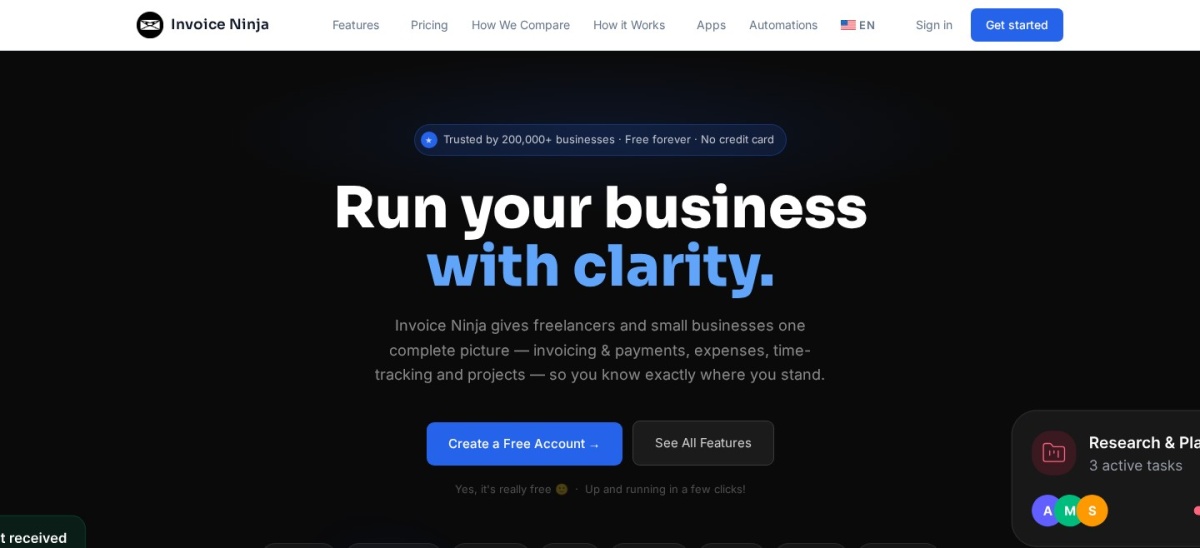
Invoice Ninja homepage, captured Nov 2026.
Invoice Ninja is an invoicing, quoting and payment platform with a free self-hosted version and a hosted plan beside it. It covers invoices, quotes, recurring billing, expenses, projects, time tracking and online payments, with a client portal for each customer.
The trade off is the free hosted cap. The hosted free plan covers 5 clients with unlimited invoices, so a growing client list forces a move to Pro at $14 a month, or $140 a year billed annually. It suits freelancers and small firms that want the widest features without a big subscription.
What we like
Free self-hosted version with no client cap in the software
Quotes, recurring invoices, expenses and time tracking included
Hosted Pro is $14 a month, or $140 a year billed annually
Rated 4.7 out of 5 on Capterra from 167 reviews
Watch out for
Hosted free plan caps at 5 clients
Version 5 uses the Elastic License 2.0, not a standard open source licence
Extra users need Enterprise, from $18 a month for 2 users
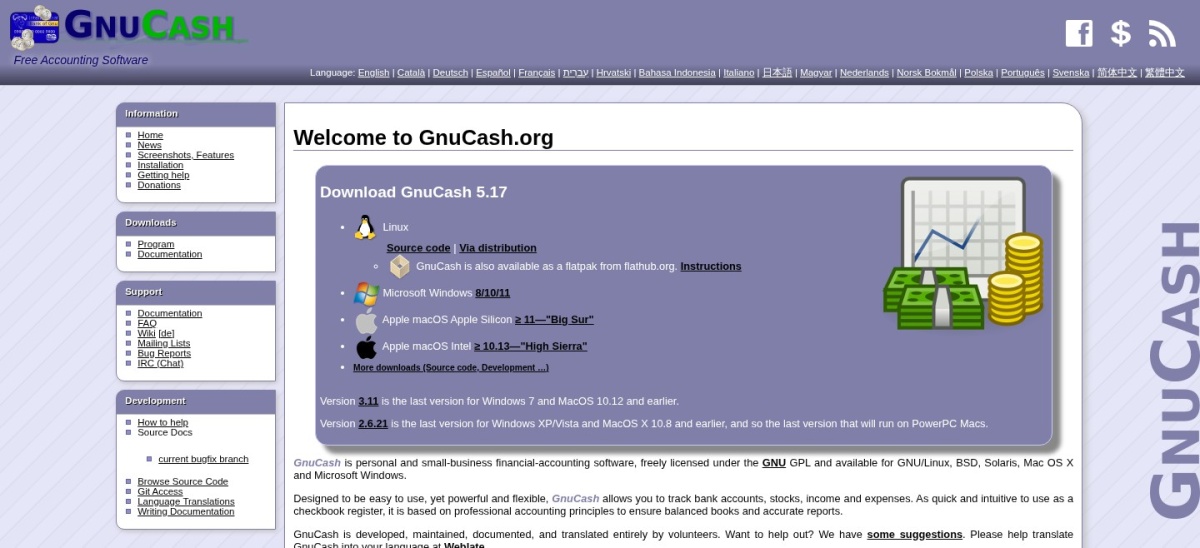
GnuCash is the classic open source accounting program, freely licensed under the GNU GPL. It tracks bank accounts, stocks, income and expenses with a checkbook-style register backed by double-entry principles, plus small-business invoicing, scheduled transactions and QIF/OFX import.
The trade off is that it is a desktop program. The interface feels dated, there is no built-in multi-user or web access, and bank feeds and payroll are missing. It suits freelancers and tiny businesses that want desktop accounting without subscriptions.
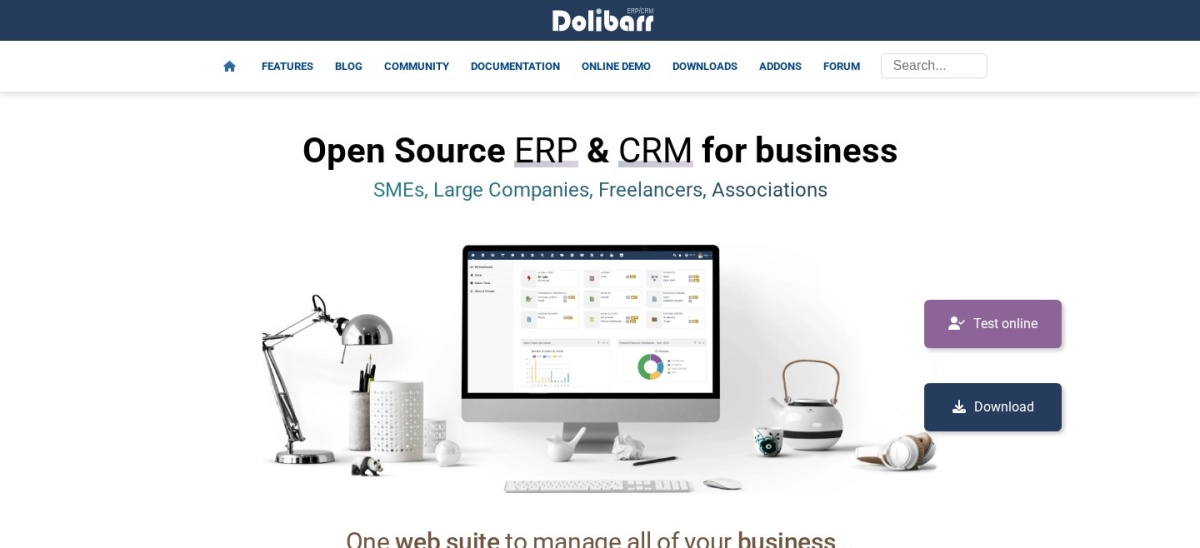
Dolibarr is an open source ERP and CRM web suite for small firms, freelancers and associations. Its modular design means you enable only what you need: accounting, CRM, HR, POS and stock, all integrated, with a marketplace of add-ons and a low-code Module Builder.
The trade off is polish. The interface shows its age, and its accounting depth lags the dedicated accounting modules in bigger ERPs. It suits small companies that want one system for accounting plus CRM and basic business management.
What we like
Enable only the modules you need
Runs on Windows, Mac, Linux, Docker or as SaaS
Large community and many add-ons
Rated 4.5 out of 5 on Capterra from 106 reviews
Watch out for
Interface feels dated next to newer tools
Accounting depth lags bigger ERP suites
Hosted DoliCloud price is per user, so teams pay more
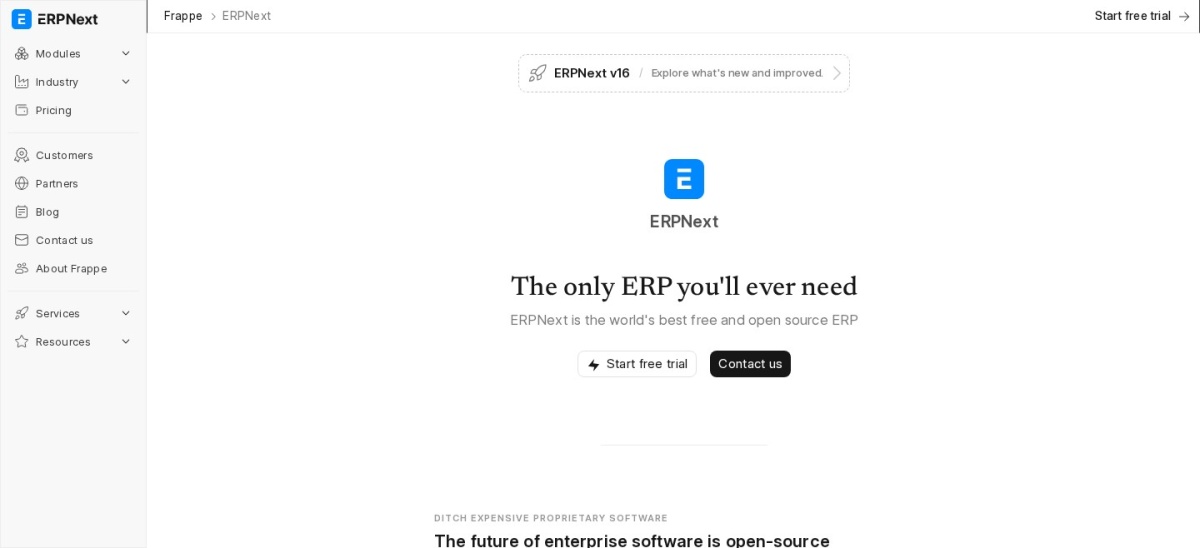
ERPNext is a full open source ERP covering accounting, invoicing, sales, procurement, stock, manufacturing, projects, POS, HR and payroll. Nothing is hidden behind paywalls, there is no per-user fee, and the project reports more than 30,000 companies have adopted it.
The trade off is implementation effort. ERP complexity needs real setup work, and you run it yourself or pay for Frappe Cloud hosting. It suits technical teams and small companies that want a modern ERP without licence fees.
What we like
No per-user licence cost at all
Full source code, so nothing is locked in
Covers manufacturing and HR as well as finance
More than 30,000 companies have adopted it
Watch out for
Small G2 review base of 51 reviews
Self-hosting needs technical skill or paid hosting
ERP setup takes longer than a pure accounting tool
Paid Frappe Cloud hosting removes the self-hosting workVisit erpnext.com
05
Odoo
4.2/5on G2 (355 reviews, checked Nov 2026)
Paid from$31.10/user/mo
Best ERP with accounting for growing teams
Free planOne app, free
Standard$31.10/user/mo
First year$24.90/user/mo
Light User$8.90/user/mo
odoo.com
Odoo homepage, captured Nov 2026.
Odoo is a modular ERP where every app, from accounting and sales to inventory, HR and manufacturing, shares one database and one per-user price. The free Community edition is open source, one app is free for unlimited users, and Standard with all apps costs $31.10 per user a month at the regular yearly rate.
The trade off is the first-year discount. New customers pay $24.90 per user a month for Standard in year one, then the regular $31.10 rate applies. It suits small companies that want to start with one app and add modules as they grow.
What we like
Free one-app plan with unlimited users
Lowest regular per-user price among the paid ERPs here
One fee covers all apps, not one module
Rated 4.2 out of 5 on G2 from 355 reviews
Watch out for
First-year price rises by about 25% at renewal
Multi-company and Studio need the $61 Custom plan
Setup can need a partner for larger rollouts
Custom adds Studio, multi-company and the external APIVisit odoo.com
06
Akaunting
3.8/5on Capterra (28 reviews, checked Nov 2026)
Paid from$8/mo
Best easy web accounting for small business
Free planYes, self-hosted
Cloud Standard$8/mo billed yearly
Companies1 on Standard
AppsPaid extras
akaunting.com
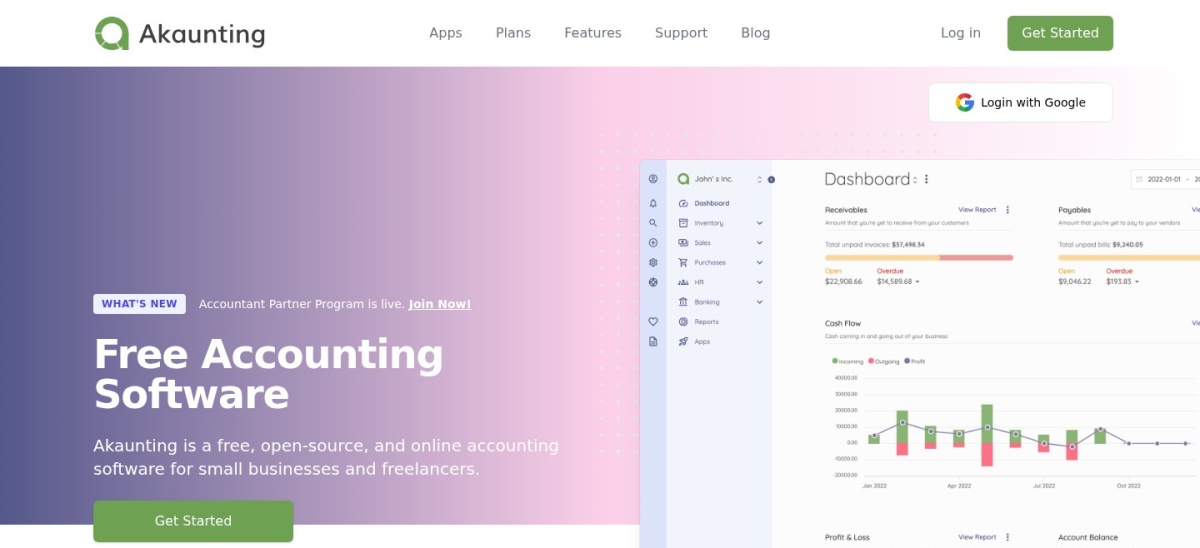
Akaunting homepage, captured Nov 2026.
Akaunting is free, open source accounting software for small businesses, built as a web application you can open from any device. It handles invoicing, expense tracking, cash flow and transaction categories, and the project reports more than 300,000 users in over 100 countries.
The trade off is cost creep. The free self-hosted Standard plan covers 1 company, 1 user plus 1 accountant and 1,000 invoices, but ships no apps, so double-entry and bank feeds need paid extras. It suits small businesses that want a modern web tool with zero licence cost.
What we like
Completely free self-hosted version with source code
Clean, modern web interface
Translated into more than 50 languages
More than 300,000 users reported
Watch out for
Lowest Capterra rating in this list at 3.8 out of 5
Useful features such as bank feeds cost extra
Cloud Standard caps at 1 company and 1,000 invoices
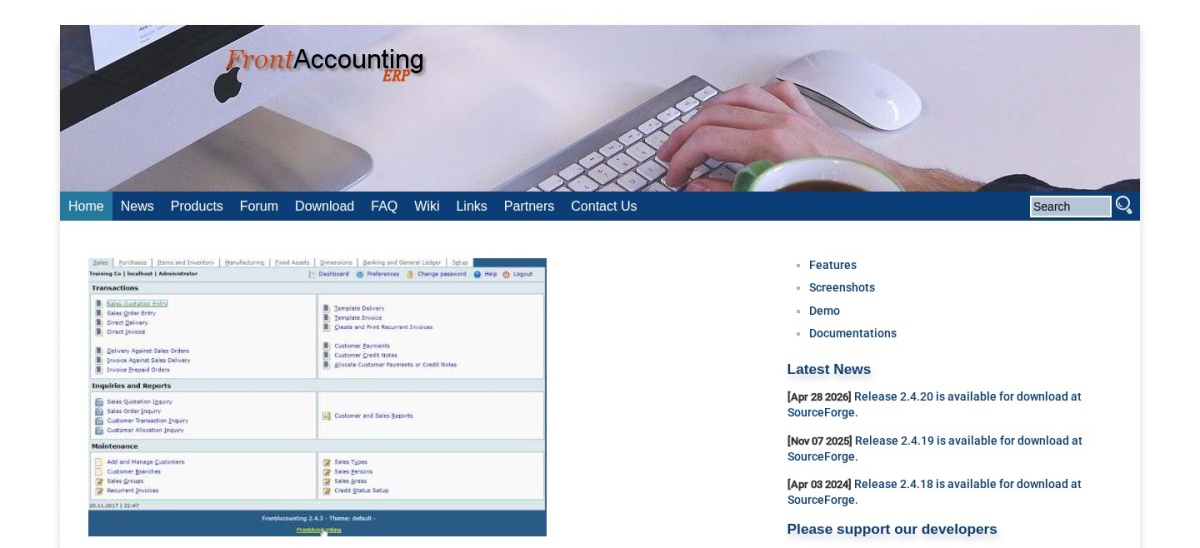
FrontAccounting is a free, GPL-licensed web ERP for small companies, covering purchase orders, supplier invoices, payments, inventory, manufacturing, fixed assets, sales orders and a general ledger with budgets. It supports multiple companies, languages and currencies, with a live demo to try first.
The trade off is evidence. Its 4.3 out of 5 G2 rating rests on only 2 reviews, the community is small and development moves slowly. It suits tiny businesses that want a straightforward free ERP and can accept a dated interface.
What we like
Free under the GPL with a live demo to try
Covers the full ERP chain from purchasing to ledger
Simple enough for non-technical users
Watch out for
G2 rating rests on only 2 reviews
Smallest community of the group
Development pace is slow and the interface is dated
Free here means the software licence, not the whole rollout. You still pay for a server, backups, SSL and someone to apply updates, unless you pick a hosted plan.
Hosted plans change the math. Invoice Ninja Pro costs $14 a month, Akaunting Cloud Standard costs $8 a month billed yearly, and Odoo Standard costs $31.10 per user a month, each removing the server work.
Payroll and automatic bank feeds are the features most often missing from free plans. Check those two before you commit, since adding them later can mean a paid app or a move to another tool.
For a business with one bookkeeper and simple sales, a free self-hosted tool can run for years at server cost only. For a team that needs support, audit trails and payroll, budget for hosting or a paid plan from the start.
How we chose
We started from the open source accounting tools that appear most often in 2026 roundups, then kept the seven with a live product, published pricing or a free licence, and a public rating on G2 or Capterra.
Prices come from each vendor's pricing page and from published pricing roundups, checked on 25 November 2026. Ratings and review counts come from G2 or Capterra on the same day. Where a vendor shows a sale or a first-year discount, the list shows the regular price.
We left out LedgerSMB, Tryton and FacturaScripts because no G2 or Capterra rating was verified for them in this round. FrontAccounting is included on a thin G2 base of 2 reviews, flagged in its entry. No vendor paid for a place, and we do not claim to have used these tools ourselves.
How to choose open source accounting software
Start with whether you need pure accounting or a full ERP, then check the caps that decide the real price.
Decide pure accounting or full ERP. Pick GnuCash, Akaunting or Invoice Ninja for books and invoices only. Pick ERPNext, Odoo, Dolibarr or FrontAccounting when you also need stock, sales or manufacturing.
Count the caps on the free plan. Check clients, companies, invoices and users. Invoice Ninja's free hosted plan covers 5 clients and Akaunting's free plan covers 1 company and 1,000 invoices.
Budget for hosting, not licences. Self-hosting needs a server, backups and updates. Compare that work with hosted prices such as $14 a month for Invoice Ninja Pro before you decide free is cheaper.
Check bank feeds, payroll and tax handling. These are the usual gaps in open source tools. Confirm your bank, your payroll needs and your tax reports work before you move your books.
FAQ
What is the best open source accounting software?
Invoice Ninja is the best pick for most small businesses. Its free self-hosted version covers invoicing, expenses and time tracking, hosted Pro costs $14 a month, and it is rated 4.7 out of 5 on Capterra from 167 reviews.
Is open source accounting software really free?
The software licence is free, but running it is not. Self-hosting needs a server, backups and updates, while hosted plans in this list run from $8 a month for Akaunting Cloud Standard to $31.10 per user a month for Odoo Standard.
Can open source accounting software replace QuickBooks?
For many small businesses, yes. Akaunting and GnuCash cover invoicing, expenses and reporting for simple businesses, while ERPNext and Odoo handle inventory and multi-entity needs. Payroll and bank feeds are the usual gaps to check first.
Which open source accounting software is easiest to use?
Akaunting is the easiest for non-technical users, with a modern web interface and templates. GnuCash is simple if you are comfortable with desktop software, while ERPNext and Odoo need more setup and learning.
Do open source accounting tools support multiple currencies?
Most do. FrontAccounting, Dolibarr and ERPNext all support multiple currencies, and GnuCash handles foreign currency accounts as well. Check the specific features if you invoice in several currencies regularly.
Can I get support for open source accounting software?
Yes, through community forums and documentation, and several tools offer paid support. Odoo and ERPNext have partner networks, and many independent consultants specialise in these tools. Paid support usually costs far less than commercial software licences.
SaaS SEO and WordPress specialist with about 8 years of experience. Rakib compares WordPress plugins, themes, hosting and software using public pricing, documentation and user reviews. See how we rank.