Best Offline Website Builder Software in 2026: 8 Tools Compared
WLWPLegible EditorsLast verified 23 Nov 2026How we rank12 min read
★ Short answer
Blocs is the best offline website builder for most users, rated 4.8/5 on G2 from $112.99 one-time. RapidWeaver suits Mac users at $99 a year, while Bootstrap Studio is the best value at $29 one-time.
How we make this list: we compare pricing pages, product documentation and public user reviews, then re-check every price before each update. No product paid for a place. Disclosure.
Blocs leads at 4.8/5 on G2, from $112.99 one-time, with a free version for unlimited sites.
Bootstrap Studio is the cheapest paid pick at $29 one-time, with clean HTML export.
Mobirise and Nicepage both have free plans; Nicepage Personal is $6.75 a month billed annually.
RapidWeaver Elements starts at $99 a year for the Base plan, with Plus at $149 and Pro at $249.
Dreamweaver is the only subscription here at $22.99 a month, and it is the priciest way to build offline.
What offline website builder software should cover
An offline website builder runs on your computer, not in a browser. You design pages, save the project file locally and publish to your own hosting when you are ready.
Export matters most. A builder that exports clean HTML lets you move hosts any time, while one that locks projects into its own format ties you to the vendor.
Most of these tools charge once, not monthly. Blocs, Bootstrap Studio and WYSIWYG Web Builder are one-time purchases, while Dreamweaver is the only monthly subscription here.
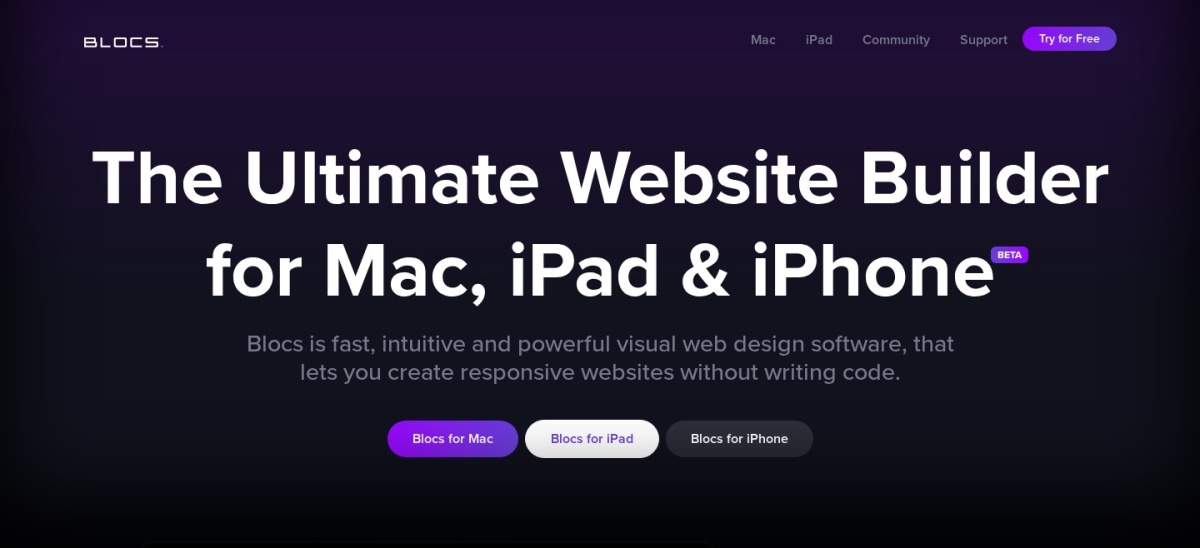
Blocs is a visual website builder for Mac, with a drag-and-drop editor, templates and clean code export. The Standard edition is $112.99 as a one-time purchase, and a free version lets you build unlimited sites.
The trade off is the free version's limits. Code export and publishing to your own hosting need the paid edition, and Blocs runs on Mac only. It suits Mac users who want a one-time price and full control.
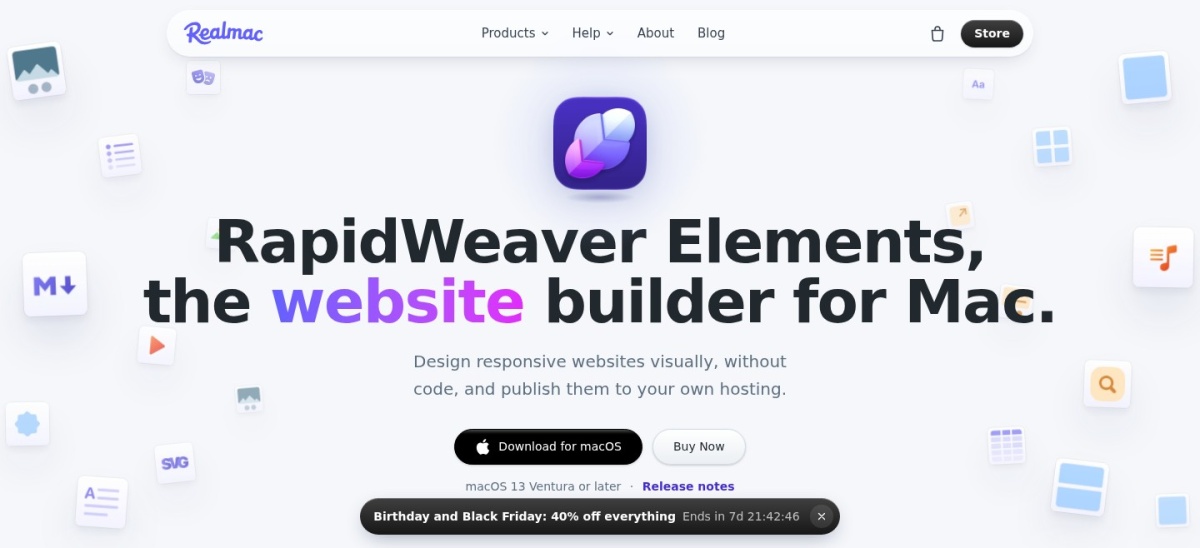
RapidWeaver is a native Mac website builder, with Elements built on Tailwind CSS, a visual editor and publishing by FTP, SFTP or S3 to any host. The Base plan is $99 a year, with a year of updates.
The trade off is the yearly cost. The app keeps working if you stop paying, but updates stop, and the CMS is a separate $199 license per domain. It suits Mac users who want a modern builder with their own hosting.
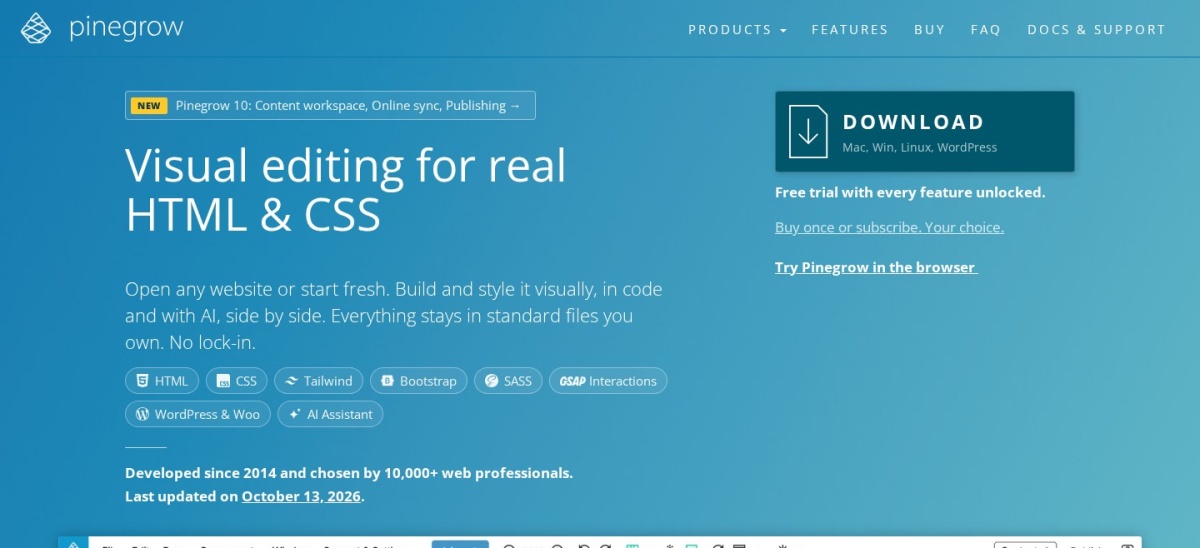
Pinegrow is a desktop web editor that works directly on real HTML and CSS, with support for Bootstrap, Tailwind and WordPress themes. The regular price is $99 a year, and it runs on Windows, Mac and Linux.
The trade off is the learning curve. Pinegrow shows real code, so it suits designers who know HTML better than beginners. Sale prices appear at times, but the regular price is $99 a year.
WYSIWYG Web Builder is a Windows desktop tool for designing sites by dragging objects onto the page while the app writes the HTML. Version 21 adds blocks, slideshows, forms and navigation menus, and the $59.95 license covers one user on three computers.
The trade off is the platform and the thin rating. It runs only on Windows, and its G2 rating rests on only 6 reviews. It suits Windows users who want a cheap one-time tool for building plain HTML sites offline.
Bootstrap Studio is a desktop app for designing Bootstrap websites visually, with drag-and-drop components, a code editor and clean HTML export. The Standard license is $29 once, with one year of upgrades.
The trade off is scope. It builds Bootstrap sites only, and ecommerce needs the $59 Lifetime plan. It suits designers who work in Bootstrap and want to pay once.
Adobe Dreamweaver is a web design app with a visual editor and a full code editor, live preview and Git support. It costs $22.99 a month as a single-app Creative Cloud plan, and it works offline.
The trade off is the subscription. Dreamweaver is the only monthly plan in this list, so a year costs more than any one-time tool here. It suits designers already in the Adobe ecosystem.
Mobirise is a free desktop website builder with drag-and-drop blocks, templates and HTML export. The app itself is free, and the Kit with all extensions is $149 a year.
The trade off is the add-ons. Many themes and extensions are paid, so a full-featured site costs more than the free app suggests. It suits beginners who want a free start with drag-and-drop blocks.
Nicepage is a drag-and-drop builder for HTML, WordPress and Joomla sites, with a desktop app and an online editor. The free Starter plan covers 2 projects, and Personal is $6.75 a month billed annually.
The trade off is the free plan's limits. Export and custom domains need a paid plan, and the lowest G2 rating here is 3.8 out of 5. It suits users who want WordPress themes from a desktop app.
What we like
Builds WordPress and Joomla themes
Free Starter plan
Desktop app plus online editor
Watch out for
Lowest G2 rating here at 3.8
Export needs a paid plan
Personal plan, billed annually; a one-time license is also soldVisit nicepage.com
How we chose
We started from the offline website builders with a G2 rating and a desktop app, then kept eight that cover visual editing and HTML export.
Prices come from each vendor's pricing page and G2 listing, checked on 23 November 2026. Ratings and review counts come from G2 on the same day. Where a vendor shows a sale, the list shows the regular price.
We left out online-only builders and tools with no G2 rating. No vendor paid for a place, and this list is based on pricing, docs and reviews, not on using the tools ourselves.
How to choose offline website builder software
Start with your platform and whether you need to export clean HTML, then check the price model.
Check your platform first. Blocs and RapidWeaver are Mac only; Pinegrow, Bootstrap Studio and Mobirise run on Windows too.
Confirm HTML export. If you want to move hosts, pick a tool that exports clean HTML, such as Bootstrap Studio or Pinegrow.
Weigh one-time against yearly. A $29 one-time license beats a $22.99 monthly plan in two months, but yearly plans include updates.
Test the free version. Blocs, Mobirise and Nicepage all have free plans, so build one page before you pay.
FAQ
What is the best offline website builder?
Blocs is the best offline website builder for most users. It is rated 4.8 out of 5 on G2, costs $112.99 once, and has a free version for unlimited sites.
Is there a free offline website builder?
Yes. Mobirise and Nicepage both have free plans, and Blocs has a free version. Free plans limit export or publishing, so check those limits before you build.
Can I build a website without the internet?
Yes, with a desktop builder such as Bootstrap Studio, Pinegrow or Blocs. You design on your computer and publish later, though some tools need a connection to sign in or download themes.
How much does offline website builder software cost?
One-time prices run from $29 for Bootstrap Studio to $112.99 for Blocs. Yearly plans run from $81 a year for Nicepage to $99 for RapidWeaver and Pinegrow, while Dreamweaver is $22.99 a month.
What is the best offline website builder for Mac?
Blocs suits most Mac users at $112.99 once, while RapidWeaver Elements starts at $99 a year and adds a CMS option. Both publish to any host.
Do offline builders work with WordPress?
Some do. Nicepage exports WordPress themes, and Pinegrow builds WordPress themes too. Blocs and Bootstrap Studio export plain HTML instead, which needs a different host setup.