Best Offline Accounting Software for Small Business in 2026: 7 Tools Compared
WLWPLegible EditorsLast verified 23 Nov 2026How we rank12 min read
★ Short answer
QuickBooks Desktop Enterprise is the best offline accounting software for most small businesses, with 200+ built-in reports and a 4.3/5 G2 rating from 1,056 reviews. Pick Manager.io if you want a free desktop ledger, and AccountEdge Pro if you work on a Mac.
How we make this list: we compare pricing pages, product documentation and public user reviews, then re-check every price before each update. No product paid for a place. Disclosure.
QuickBooks Desktop Enterprise is the most complete desktop option, rated 4.3/5 on G2 from 1,056 reviews, but entry starts at $1,703 a year.
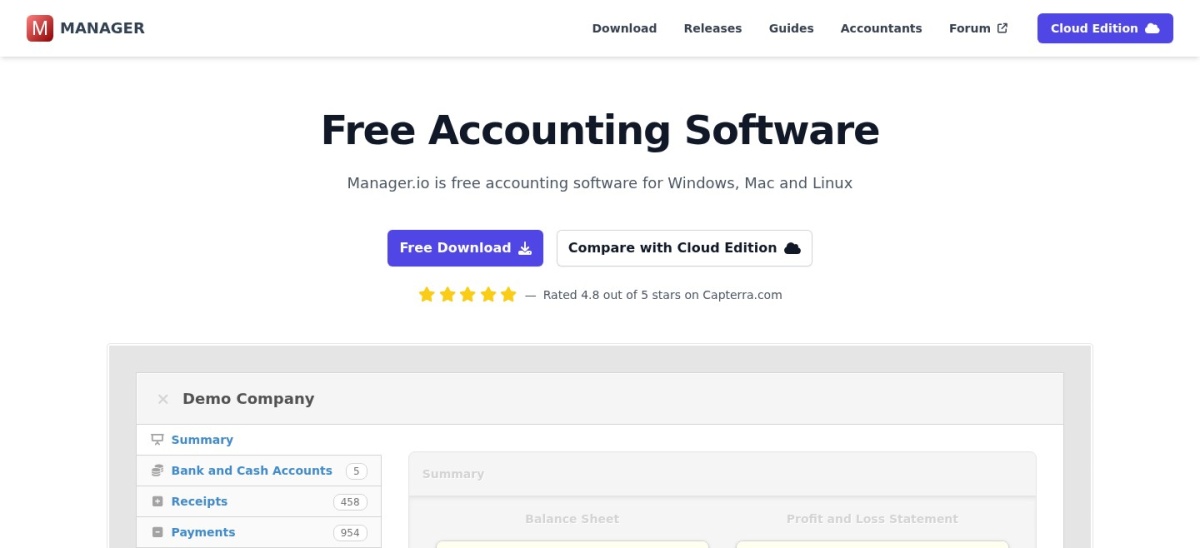
Manager.io is the best free desktop pick, rated 4.8/5 on Capterra, with every feature free on the desktop edition.
Four of the 7 tools cost nothing to use: Manager.io, GnuCash, Akaunting and Express Accounts.
AccountEdge Pro is the only Mac-first desktop ledger here, at $20 a month for one user.
Moneydance is the only buy-once option, at $65, but it is built for personal finance rather than full business accounting.
What to look for in offline accounting software
Offline accounting software runs on your own computer and keeps your books in a local file. You can open it, enter invoices and run reports with no internet connection at all.
The first thing to check is how your data is stored. Desktop programs keep the file on your machine, so you control backups, while self-hosted tools such as Akaunting need a server you look after yourself.
Price works differently here than with cloud tools. Some desktop programs charge every year, some charge once, and several are free, so compare the full yearly cost rather than the monthly figure.
Bank feeds are the biggest gap. Most offline tools import bank files by hand instead of pulling transactions in automatically, so plan for a little manual entry each week. Our guide on how to budget for a WordPress website shows the same habit of planning costs in advance.
Payroll is often an add-on or missing entirely. If you pay staff, check whether payroll is included before you pick a tool.
The 7 best offline accounting software for small business
01
QuickBooks Desktop Enterprise
4.3/5on G2 (1,056 reviews, checked Nov 2026)
Starts at$1,703/yr
Best complete desktop accounting
Desktop installYes, Windows
Built-in reports200+
PayrollAdd-on, from $3/employee/mo
UsersUp to 40
quickbooks.intuit.com
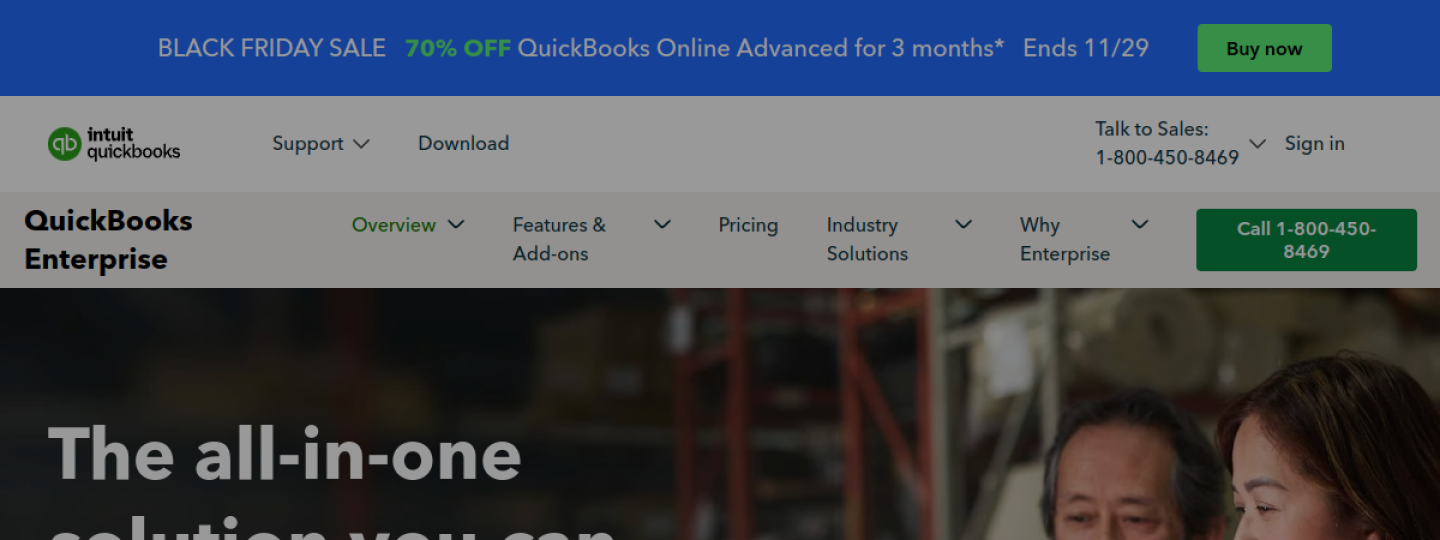
QuickBooks Desktop Enterprise homepage, captured Nov 2026.
QuickBooks Desktop Enterprise is Intuit's desktop accounting program for growing small businesses, with invoicing, inventory, payroll add-ons and more than 200 built-in reports. Your data lives in a file on your own computer, and the Silver plan includes phone and chat support seven days a week.
The trade off is price. Entry starts at $1,703 a year for one user, and each extra user adds a large amount on some plans, so costs climb fast for teams. It suits businesses that have outgrown basic bookkeeping and need inventory, job costing and advanced reporting in one desktop program.
What we like
More than 200 built-in, custom reports
Inventory, job costing and advanced pricing in higher plans
Largest user base, so accountants know it well
Phone and chat support seven days a week
Watch out for
Most expensive tool in this list
No free plan or free version
Desktop-only unless you pay extra for cloud hosting
Manager.io is a free desktop accounting program for Windows, Mac and Linux, with invoicing, expenses, inventory, payroll and multi-currency in the free edition. There are no limits on users, transactions or companies on the desktop version, and your data stays in a file on your own computer.
The trade off is automation. There are no automatic bank feeds, no cloud sync and no mobile app on the free desktop edition, so entries arrive by hand or file import. It suits owners who work from one computer and want full double-entry accounting at no cost.
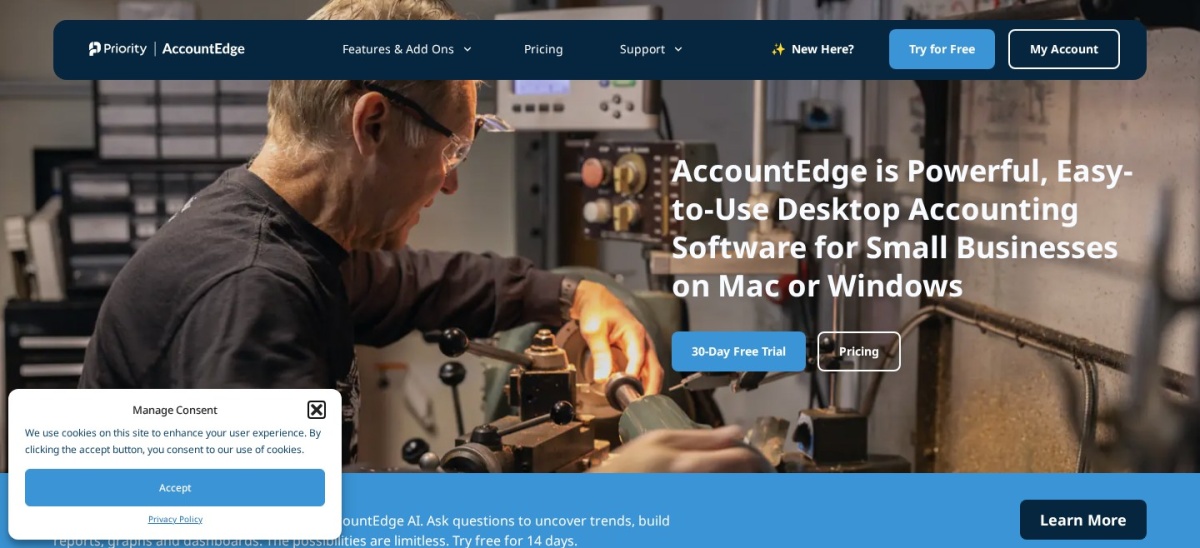
AccountEdge Pro is a desktop accounting program for Mac and Windows, with sales, invoicing, purchases, bill payments, payroll, inventory and time billing. The Pro plan starts at $20 a month for one user, and a 30-day free trial needs no credit card.
The trade off is the subscription. AccountEdge used to sell one-time licences, and now the desktop program costs $20 a month, with extra workstation licences at $10 a month each. It suits small firms on Mac that want payroll and inventory in one desktop program.
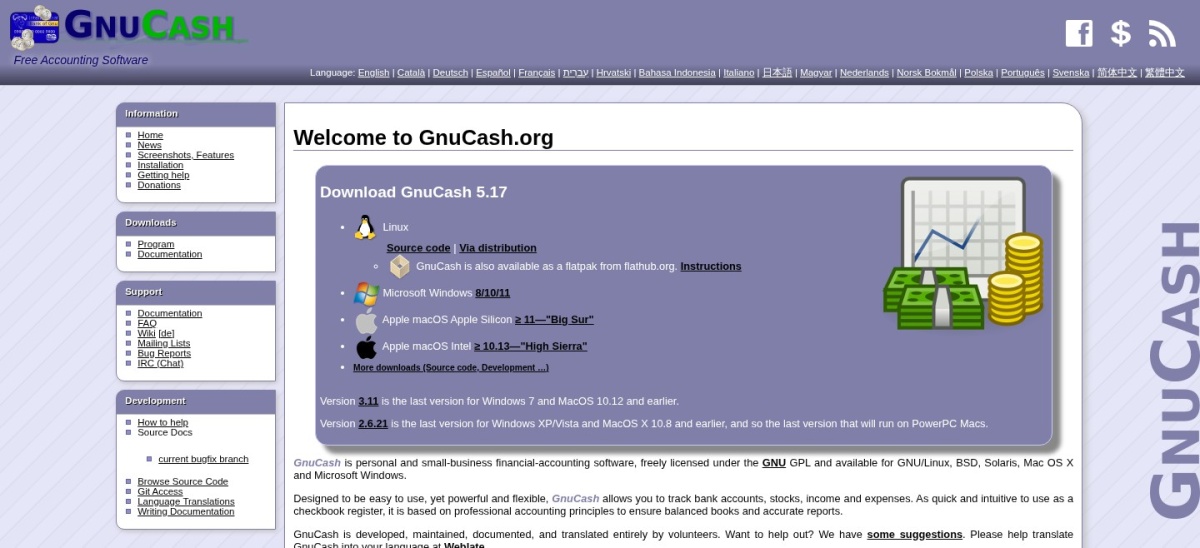
GnuCash is a free, open-source desktop accounting program for Windows, Mac and Linux, with double-entry ledgers, invoicing, scheduled transactions and investment accounts. Version 5.17 is the current stable release, and there is no paid tier at all.
The trade off is the learning curve. The interface looks dated, bank transactions arrive by file import rather than a live feed, and support comes from community forums. It suits owners who know double-entry basics and want a free ledger with no vendor lock-in.
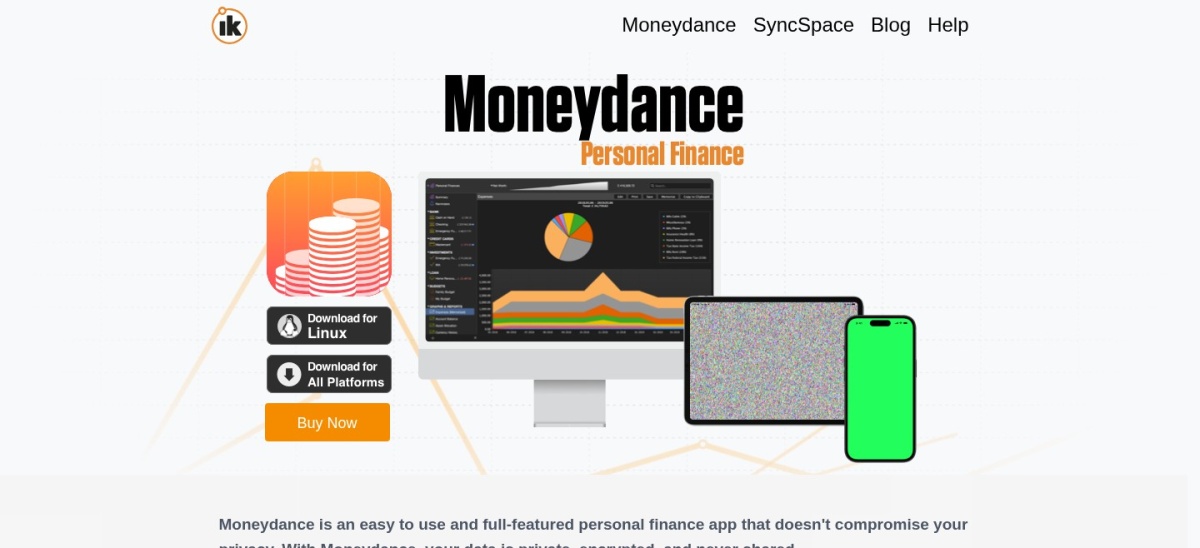
Moneydance is a desktop personal finance program from The Infinite Kind, for Mac, Windows and Linux, with budgeting, investment tracking, multi-currency and detailed graphs. A licence costs $65 once per household and includes a free upgrade to the next major release.
The trade off is scope. Moneydance is built for personal finance rather than full business accounting, and automatic bank downloads need the Moneydance+ add-on at $40 a year. It suits very small firms and sole traders who want a simple desktop ledger they own outright.
What we like
One-time $65 licence, no subscription
Runs on Mac, Windows and Linux
Data stays private and encrypted
90-day money-back guarantee
Watch out for
Aimed at personal finance, not full business accounting
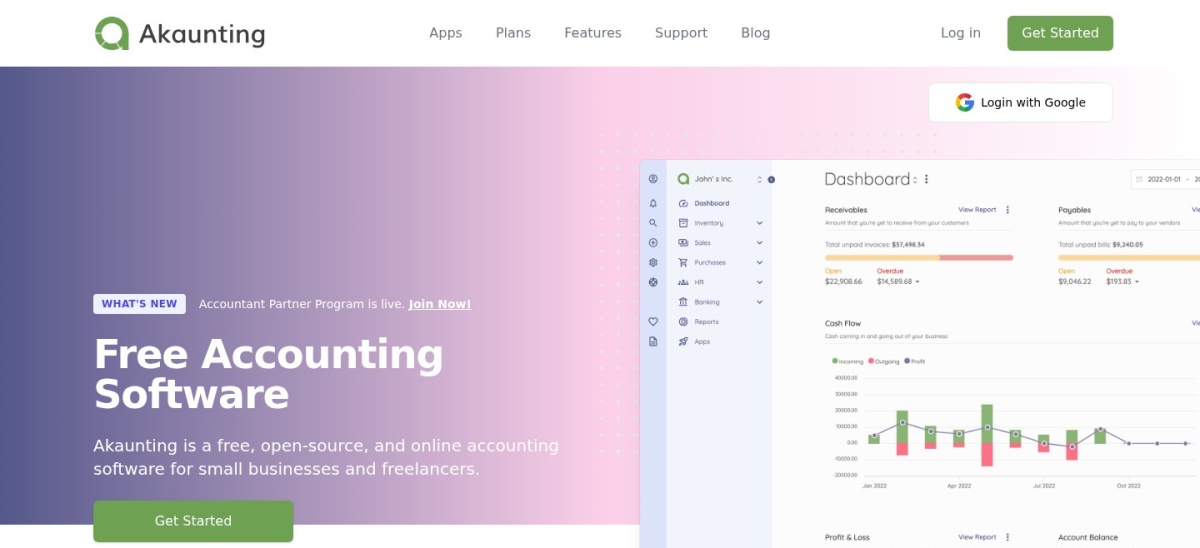
Akaunting is a free, open-source accounting app you can install on your own server, with invoicing, expense tracking, cash flow and a client portal. The free self-hosted Standard plan covers one company, one user plus one accountant, and 1,000 invoices.
The trade off is setup. You supply the server, the backups and the time to install it, and payroll, inventory and other modules are paid add-ons. It suits owners who want full control of their data and are happy to run their own server.
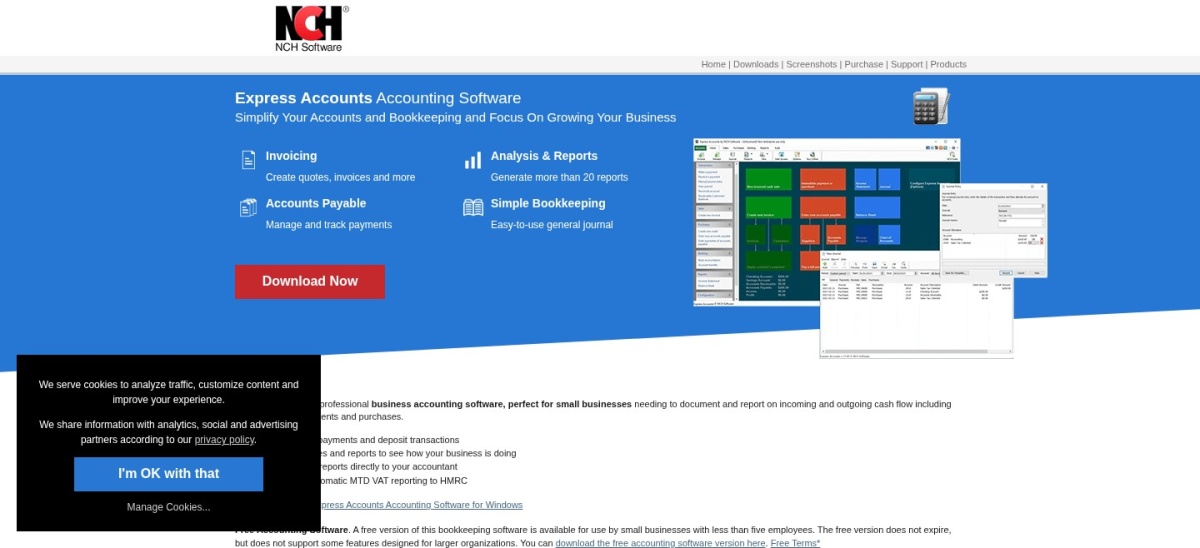
Express Accounts is a desktop bookkeeping program from NCH Software for Windows and Mac, with quotes, invoices, accounts payable and receivable, and more than 20 reports. The free version does not expire for businesses with fewer than five employees.
The trade off is depth. It covers simple bookkeeping well but has no payroll of its own, and the paid Plus licence costs $69.95 once per user. It suits micro businesses that need invoicing and basic reports without a monthly bill.
Offline does not always mean the same thing. A desktop program such as QuickBooks Desktop Enterprise or GnuCash runs fully on your computer, while a self-hosted app such as Akaunting runs on a server you control and opens in a browser.
Some desktop tools still phone home for activation, updates or optional cloud backup. If you work somewhere with no internet at all, check whether the program needs to connect before you buy it.
Backups are your job with offline software. Set a weekly routine to copy the company file to a second drive, because there is no cloud copy to fall back on.
How we chose
We started from desktop and self-hosted accounting programs that a small business can run without a constant internet connection, then kept the established tools with public pricing and third-party ratings.
Prices come from each vendor's pricing page or a named review source, checked on 23 November 2026. Ratings come from G2 or Capterra on the same day. Where a vendor shows a sale, the list shows the regular price.
We left out cloud-only tools such as Xero, FreshBooks and Wave, and we left out Sage 50 because its site blocks every screenshot service we use. No vendor paid for a place, and we do not claim to have used these tools ourselves.
How to choose offline accounting software
Start with how many people touch the books, then match the tool to that shape.
Count the users first. A one-person business can use any free desktop tool, while a team needs multi-user access, which usually means a paid plan.
Check payroll and inventory. Not every offline tool includes them. If you pay staff or hold stock, confirm both before you commit.
Work out the real yearly cost. Add extra users, payroll add-ons and bank-sync fees to the headline price, because those extras often cost more than the base plan.
Try the free version or trial. Enter a month of real invoices and bills before you move your full books, so you learn the limits early.
FAQ
What is the best offline accounting software for small business?
QuickBooks Desktop Enterprise is the strongest overall pick, with 200+ built-in reports and a 4.3/5 G2 rating from 1,056 reviews. Manager.io is the best free option, rated 4.8/5 on Capterra with every desktop feature free.
Is there really free offline accounting software?
Yes. Manager.io, GnuCash and Akaunting are free to use on your own computer or server, and Express Accounts is free for businesses with fewer than five employees. Free tools usually lack automatic bank feeds and payroll.
Can I use QuickBooks offline?
Yes, QuickBooks Desktop Enterprise runs on your own computer and stores data locally. It is sold as an annual subscription, starting at $1,703 a year for one user, and cloud hosting costs extra.
Does offline accounting software need the internet at all?
Day-to-day bookkeeping does not, but most tools need a connection for activation, updates or optional bank downloads. Self-hosted tools also need a server, and you handle backups yourself.
What is the cheapest offline accounting software?
Manager.io, GnuCash and Akaunting cost $0 for their desktop or self-hosted versions. Of the paid tools, Moneydance is cheapest at $65 once, and Express Accounts Plus costs $69.95 once per user.
Is Sage 50 still available offline?
Yes, Sage 50 still sells a desktop edition that installs on your computer, with Pro from $702 a year for one user. We left it out of this list because its website blocks the screenshot service used for every tool card.