Everlance is the best mileage app for most self-employed drivers. Its Starter plan costs $89.99 a year, tracks trips automatically, and adds expense tracking and tax filing tools, with a 4.8 out of 5 App Store rating from 53,640 ratings. Pick MileIQ for mileage-only tracking, or Stride if you want unlimited tracking free.
How we make this list: we compare pricing pages, product documentation and public user reviews, then re-check every price before each update. No product paid for a place. Disclosure.
Everlance is the top pick: Starter at $89.99 a year pairs unlimited automatic tracking with expenses and tax filing, rated 4.8/5 from 53,640 App Store ratings.
MileIQ is the simplest mileage-only app, with 40 free drives a month, but Unlimited now costs $139.92 a year after its 2026 price rise.
TripLog is the value pick: free unlimited automatic tracking, and Premium is $59.99 a year, the cheapest full plan here.
Stride is the only fully free app in this list, with unlimited automatic trips at $0 and a 4.8/5 App Store rating.
Hurdlr is the pick for 1099 workers who want live tax estimates beside their mileage log; Premium is $99.99 a year.
Shoeboxed is the only pick here with manual mileage tracking, but it pairs unlimited miles with mail-in receipt scanning from $97 a year.
What a mileage app should do
A mileage app should do one job without fuss: record every business drive, sort it from personal trips and turn it into a log your accountant can use.
Automatic GPS tracking is the feature that matters most. Apps that detect drives on their own save far more time than ones that need you to start and stop each trip, and most free plans cap how many automatic trips you get each month.
Free limits decide the real cost. MileIQ gives 40 drives a month free and Everlance 30 trips, while TripLog and Stride track unlimited trips free, so a daily driver can pay $0.
A clean mileage log also helps at tax time, when a missing month of drives is hard to rebuild. Our WooCommerce tax setup guide covers the record-keeping side for sellers who charge tax.
4.8/5on App Store (53,640 reviews, checked Nov 2026)
Paid from$89.99/yr
Best mileage app overall
Free auto trips30/month
Unlimited auto trackingStarter, $89.99/yr
Expense trackingYes, receipts included
Tax filingProfessional, $119.99/yr
everlance.com
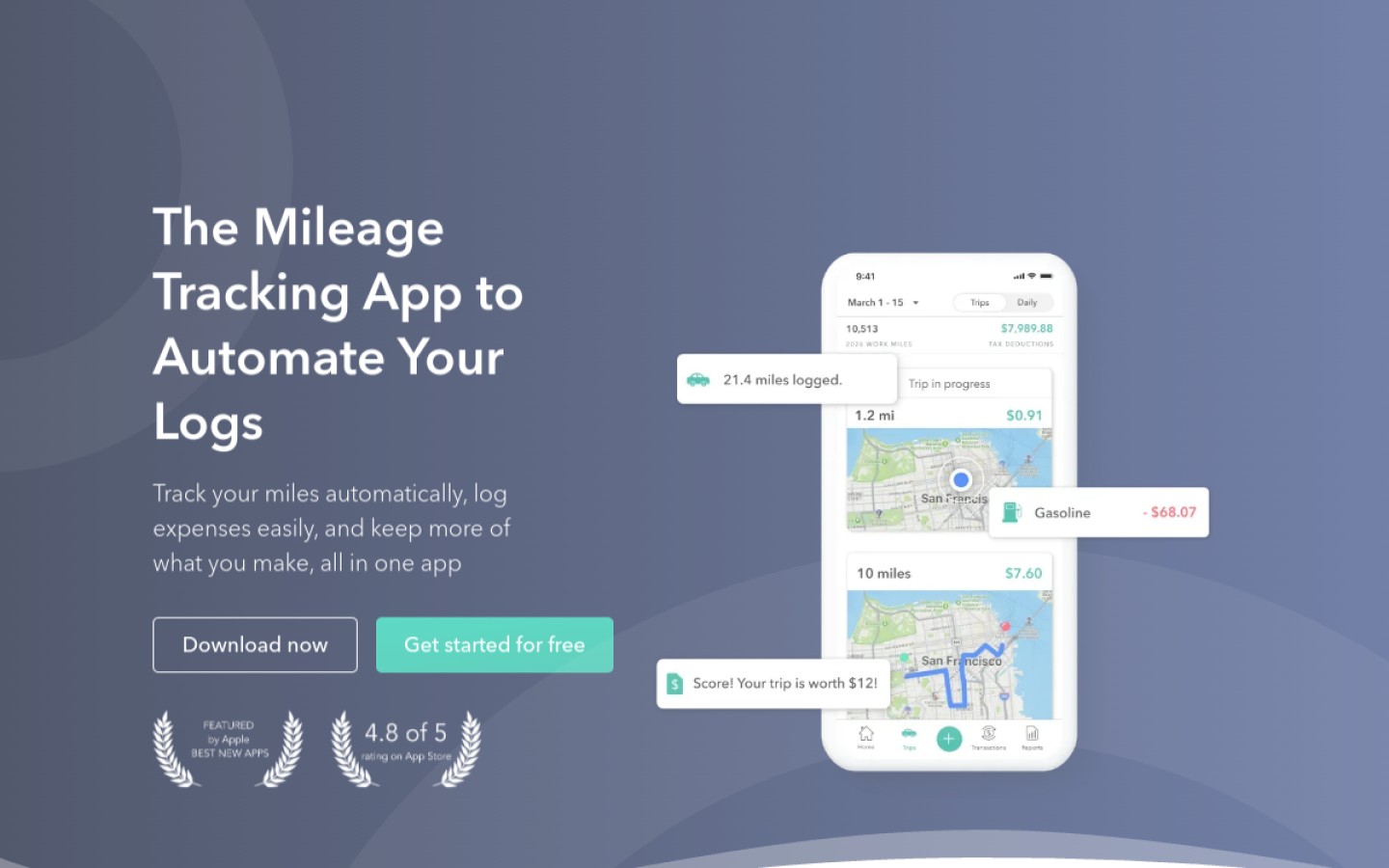
Everlance homepage, captured Nov 2026.
Everlance is a mileage and expense tracker for self-employed drivers, built around automatic trip detection. The free Basic plan covers 30 automatically detected trips a month, unlimited manual trips, unlimited receipt uploads and CSV exports. Starter adds unlimited automatic tracking, custom reports and Excel and PDF exports.
The trade off is price. Starter costs $89.99 a year, or $10.99 a month, and bank sync plus tax filing need Professional at $119.99 a year. It suits gig drivers and freelancers who want mileage, expenses and tax tools in one app rather than a mileage-only log.
What we like
Automatic tracking with 30 free trips a month
Expense tracking and receipt uploads included
Tax filing and audit defense on Professional
4.8 App Store rating from 53,640 ratings
Watch out for
Full automation needs a paid plan
Monthly billing costs much more than annual
Professional is the priciest single-user plan here
4.8/5on App Store (116,333 reviews, checked Nov 2026)
Paid from$139.92/yr
Best for simple mileage-only tracking
Free drives40/month
Unlimited$139.92/yr
Expense trackingNo, miles only
ReportsPDF and CSV
mileiq.com
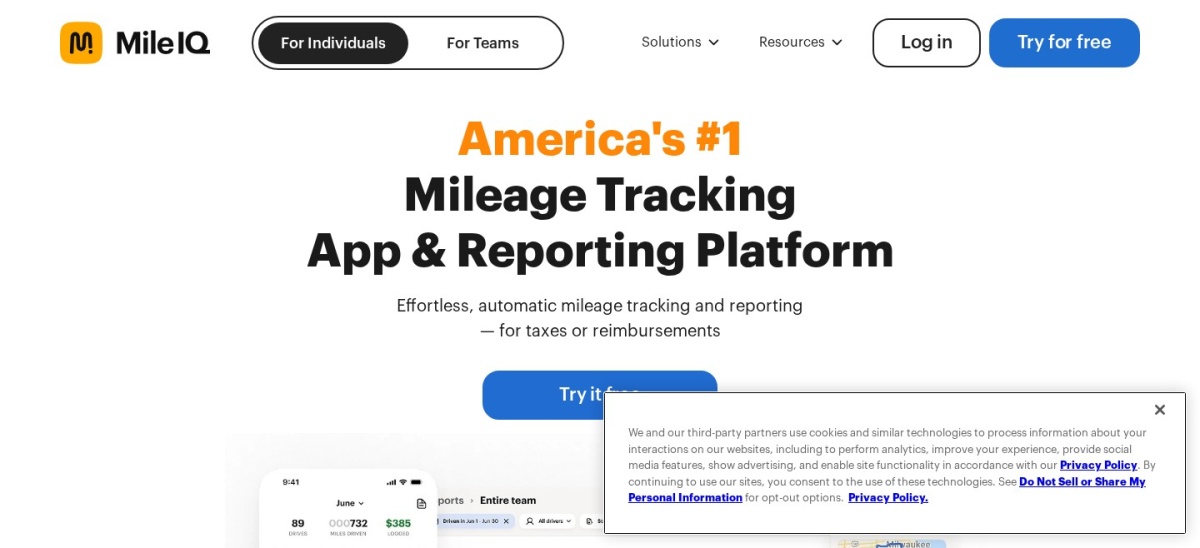
MileIQ homepage, captured Nov 2026.
MileIQ is the simplest mileage tracker in this list: it runs in the background, detects each drive and lets you swipe it business or personal. The free plan covers 40 automatically tracked drives a month with auto-generated reports. It is rated 4.8 out of 5 on the App Store from 116,333 ratings, the largest rating count here.
The trade off is the 2026 price rise. Unlimited costs $139.92 a year billed annually, or $13.99 a month, making it the dearest solo plan in this list, and it tracks miles only, with no expense tools. It suits drivers who want a mileage-only log and nothing else to learn.
4.5/5on App Store (4,817 reviews, checked Nov 2026)
Paid from$59.99/yr
Best value for heavy drivers
Free auto trackingUnlimited
Premium$59.99/yr
Receipt OCRPremium
Team plansFrom $8/user/mo
triplog.net
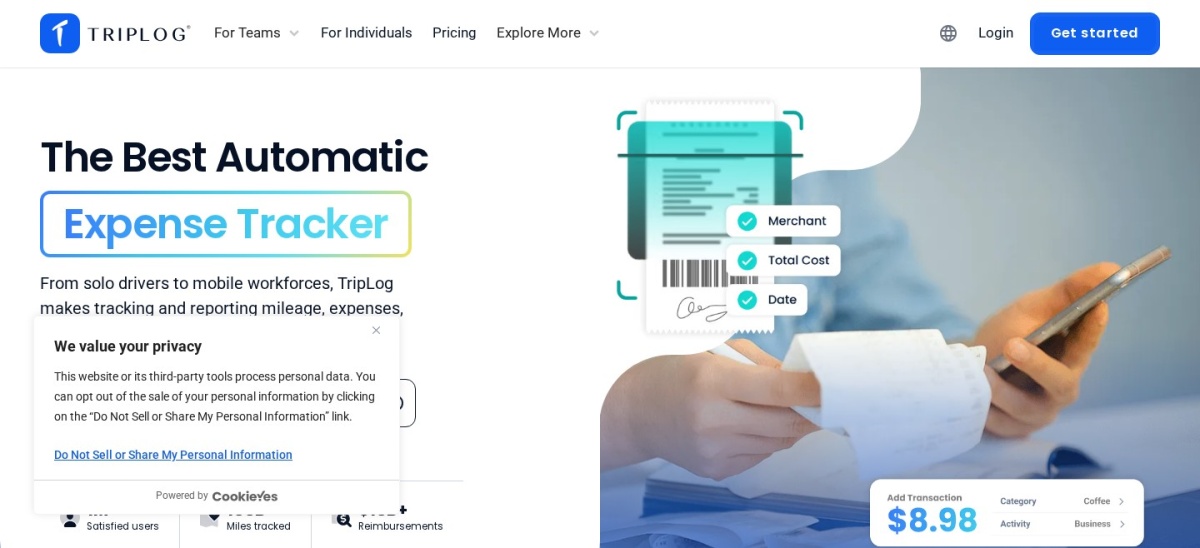
TripLog homepage, captured Nov 2026.
TripLog is a mileage tracker with free unlimited automatic GPS tracking on its Basic plan, which is rare in this list. It offers several ways to start a trip, including Bluetooth and plug-in modes, plus expense tracking and receipt scanning. Premium adds the web dashboard, unlimited reports, OCR receipts and bank and card import.
The trade off is reporting. Basic reports cover only the last 7 days unless you use the once-a-year 7-day Premium Pass, and the full web app needs Premium at $59.99 a year. It suits heavy drivers and small teams who want free tracking with cheap full access.
What we like
Unlimited automatic tracking free
Cheapest full paid plan here at $59.99 a year
Team plans with approvals from $8 per user a month
4.8/5on App Store (99,784 reviews, checked Nov 2026)
PriceFree
Best free mileage app
Price$0, no paid tier
Free auto tripsUnlimited
Expense trackingYes, basic
Team plansNo
stridehealth.com
Stride homepage, captured Nov 2026.
Stride is a free mileage and tax tracker for independent workers, with no paid tier and no trip cap. It tracks mileage automatically with GPS, builds an IRS-ready mileage log and flags tax deductions, and it also tracks income and expenses. It holds 4.8 out of 5 on the App Store from 99,784 ratings.
The trade off is depth. Stride has no paid tier to unlock, so its reports are simpler than paid rivals, and it earns money through insurance offers shown in the app. It suits rideshare and delivery drivers who want unlimited tracking at $0 and can live with basic reports.
What we like
Completely free with no trip cap
Automatic GPS tracking
IRS-ready logs and deduction finder
Highly rated with nearly 100,000 App Store ratings
4.7/5on App Store (21,149 reviews, checked Nov 2026)
Paid from$99.99/yr
Best for live tax estimates
Free trackingManual only
Premium$99.99/yr
Tax estimatesLive, incl. state
Bank sync9,500+ banks
hurdlr.com
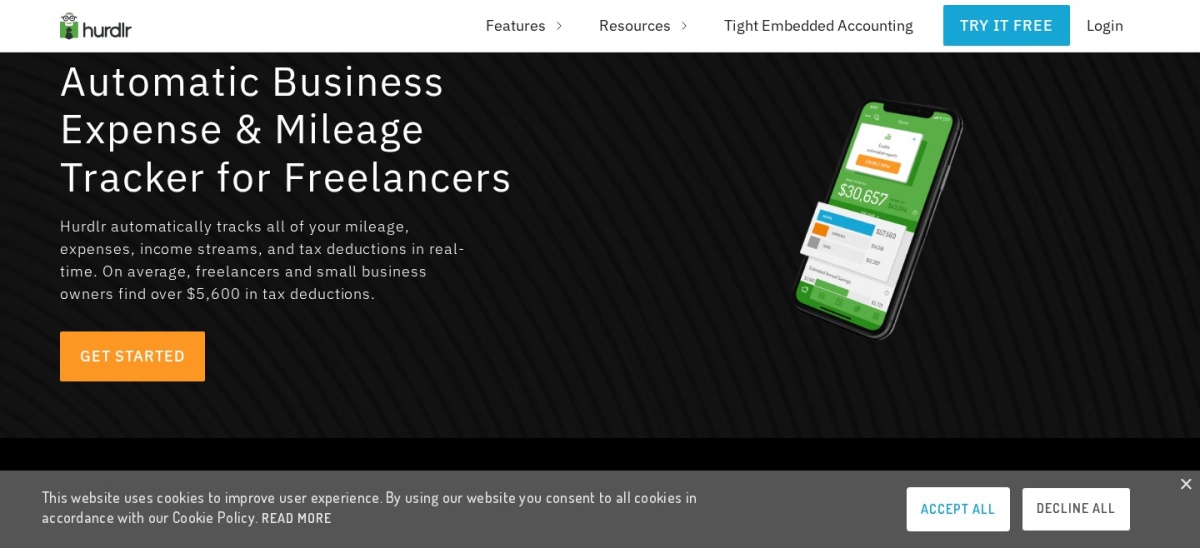
Hurdlr homepage, captured Nov 2026.
Hurdlr is a mileage, expense and tax app for self-employed workers that pairs automatic mileage tracking with live tax estimates. Premium adds automatic tracking, bank and card sync, speed tagging and detailed state, federal and self-employment tax estimates. It is rated 4.7 out of 5 on the App Store from 21,149 ratings.
The trade off is automation on the free plan. Free covers manual and semi-automatic mileage only, so automatic GPS tracking needs Premium at $9.99 a month or $99.99 a year, and invoices plus tax filing sit on Pro at $200 a year. It suits 1099 workers who want to see their tax bill all year.
What we like
Live quarterly and year-end tax estimates
Automatic mileage, income and expense tracking on Premium
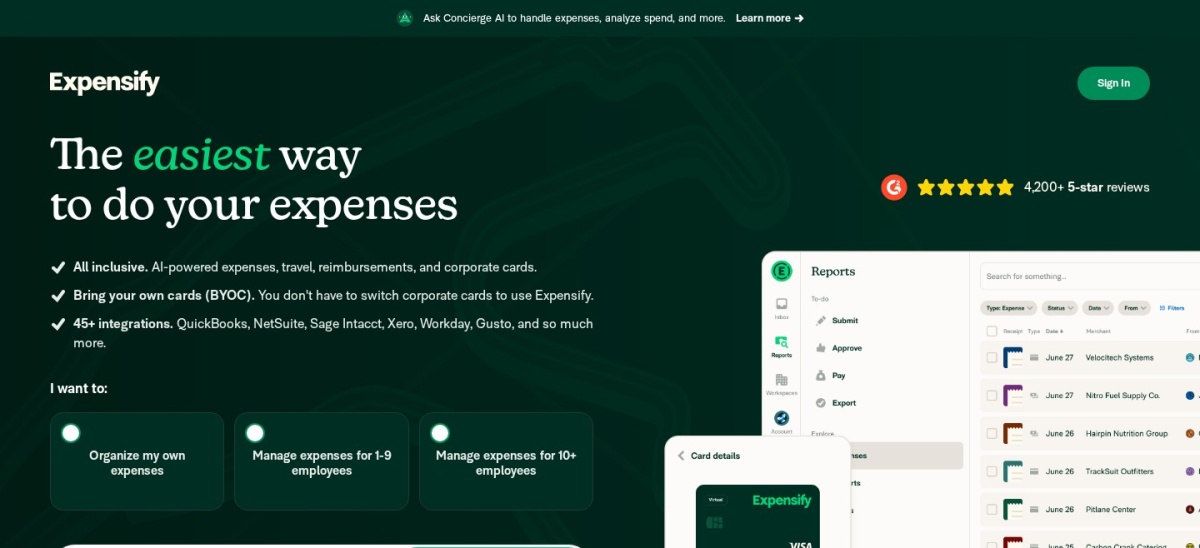
Expensify is an expense management app with GPS mileage tracking, aimed at small teams that reimburse travel. It captures mileage automatically, turns receipts into expenses with SmartScan and builds approval workflows and reimbursement reports. It is rated 4.5 out of 5 on G2 from 5,653 reviews.
The trade off is focus. Expensify is built for company expenses first, so solo drivers pay for team features they may not use, and its Collect plan costs $5 per user a month. It suits small businesses that already expense travel and want mileage inside the same system.
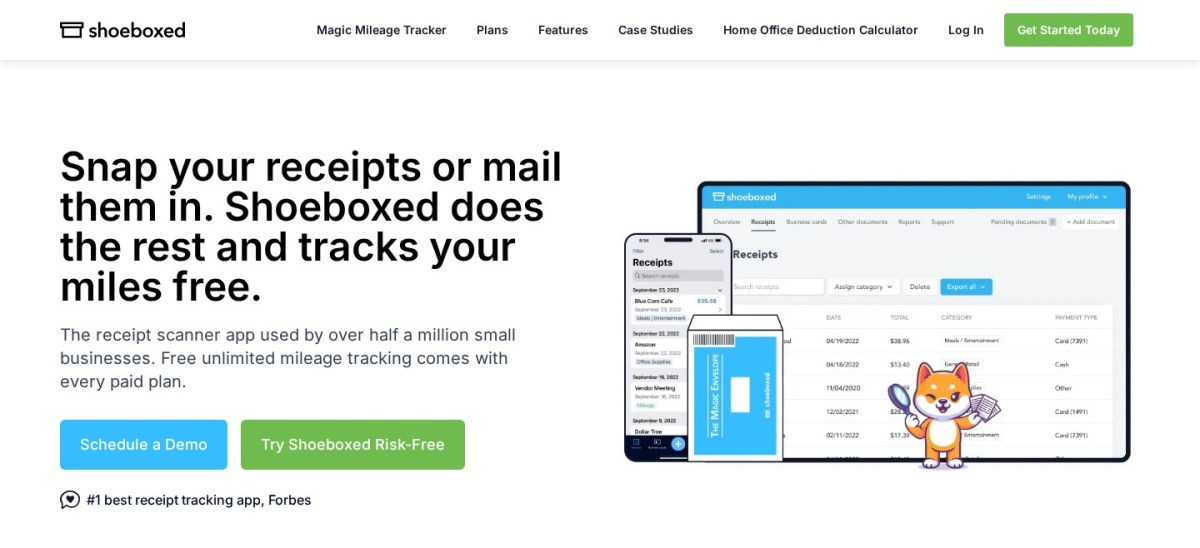
Shoeboxed is a receipt scanning service with unlimited mileage tracking on every plan. Photograph receipts in the app, forward them by email or mail paper receipts in a prepaid Magic Envelope, and Shoeboxed scans them with OCR plus human verification. Starter costs $97 a year and includes 50 digital scans a month.
The trade off is that mileage tracking is manual, not automatic GPS, so you start trips yourself in the app. Starter also caps paper scans at 20 a year, and accounting sync needs Pro at $297 a year. It suits paper-heavy businesses that want receipts and miles in one archive.
Free plans cover the basics well. TripLog and Stride track unlimited trips free, while MileIQ and Everlance cap free automatic trips at 40 and 30 a month.
Paid plans mostly add unlimited tracking and reports. You get every drive logged, full-year reports, a web dashboard and exports your accountant can open.
If you drive every day for work, a paid plan often pays for itself in one tax return. TripLog Premium at $59.99 a year is the cheapest way to remove every cap in this list.
Mileage-only apps stay cheaper than all-in-one tools. The dearest solo plan here, MileIQ Unlimited at $139.92 a year, still costs less than most bookkeeping software.
How we chose
We started from the mileage apps drivers name most often, then kept the seven with a live App Store or G2 rating, a published price and a free plan or trial.
Prices come from each vendor's pricing page or App Store listing, checked on 25 November 2026. Ratings come from the App Store or G2 on the same day. Where a vendor shows a sale, the list shows the regular price.
We left out apps with no public rating or no published price. No vendor paid for a place, and we do not claim to have used these tools ourselves.
How to choose a mileage app
Match the app to how much you drive, then check the free limit before you pay.
Count your weekly drives. If you drive daily, a free cap of 30 or 40 trips a month will run out fast. Pick TripLog or Stride for unlimited free tracking.
Decide if you need expenses too. Mileage-only apps such as MileIQ are simpler and cheaper. If you also track receipts, Everlance or Expensify keeps everything in one place.
Check the report you will file. Make sure the app exports a full-year log in PDF or CSV. If you bill clients for travel, see how to create an invoice in WooCommerce.
Try the free plan first. Drive a normal week on the free plan and check that trips are detected and classified correctly before you pay for a year.
FAQ
What is the best mileage app?
Everlance is the best mileage app for most self-employed drivers. Starter costs $89.99 a year and pairs unlimited automatic mileage tracking with expense tracking, custom reports and tax filing tools on the Professional plan.
What is the best free mileage app?
Stride is the best free mileage app, because it tracks unlimited trips automatically at $0 with no paid tier. TripLog is the other free option with unlimited automatic tracking, though full reports need Premium at $59.99 a year.
How much does MileIQ cost?
MileIQ Unlimited costs $13.99 a month, or $139.92 a year when billed annually. The free plan covers 40 automatically tracked drives a month, which suits occasional drivers but not daily drivers.
Do mileage apps work for taxes?
Yes, if the log is complete. A good app records the date, start and end points, distance and business purpose for every trip, then exports a full-year report. Keep the log for the whole tax year and check the rules that apply to you.
Is automatic mileage tracking accurate?
Automatic tracking uses your phone GPS, so it is usually accurate on distance, though it can miss short trips or misread a stop. Check and classify each trip in the app, and fix any drive the app records wrongly before tax time.
Can I use a mileage app for a team?
Yes. TripLog Teams starts at $8 per user a month with approvals and custom reports, and Expensify Collect costs $5 per user a month with reimbursement workflows. Solo apps such as MileIQ and Stride have no team tools.
SaaS SEO and WordPress specialist with about 8 years of experience. Rakib compares WordPress plugins, themes, hosting and software using public pricing, documentation and user reviews. See how we rank.