Best Lightweight LMS WordPress Themes in 2026: 7 Tools Compared
WLWPLegible EditorsLast verified 22 Nov 2026How we rank12 min read
★ Short answer
Astra is the best lightweight LMS WordPress theme for most course websites, with over 1 million active installations and dedicated LearnDash and LifterLMS integrations. Choose Zakra for LMS starter templates and Masteriyo compatibility, or Responsive for LearnDash-ready layouts and an affordable $59 annual Pro upgrade.
How we make this list: we compare pricing pages, product documentation and public user reviews, then re-check every price before each update. No product paid for a place. Disclosure.
Astra leads overall with 1M+ active installations, a 4.9/5 rating and dedicated LearnDash and LifterLMS integrations. Its cheapest Pro plan (Addon Only) costs $69/year.
Zakra offers 7 LMS-category starter designs, 30K+ active installations and a $69/year Pro upgrade.
Responsive includes LearnDash compatibility and 100+ free starter templates, with its Personal plan costing $59/year.
Neve supports dedicated LMS customization through its Business-tier LMS Booster, while its entry-level Personal plan normally costs $139/year.
GeneratePress adds less than 10KB gzipped to a fresh installation, with GeneratePress One starting at its regular $99/year price.
Kadence bundles LearnDash with its current $350/year one-site package, making it worth considering when you need the LMS software too.
What makes a WordPress LMS theme lightweight?
A lightweight LMS theme provides the design foundation for an online learning website without adding unnecessary code, large scripts or complicated page-building requirements. It should display course content clearly on desktop and mobile devices.
The theme is only part of an LMS website. LearnDash, Tutor LMS, LifterLMS and Masteriyo provide course management features such as lessons, quizzes, enrollments and progress tracking. Your theme controls how those features look and fit into the website.
Look for documented LMS compatibility rather than relying on a generic claim that a theme works with WordPress plugins. Course layouts, lesson sidebars, student dashboards and enrollment buttons may need specific integration support.
Performance also depends on hosting, caching, media files, page builders and the LMS plugin itself. A lightweight theme reduces unnecessary overhead, but it cannot guarantee fast course pages when the rest of the website is poorly configured.
Finally, compare regular subscription prices and included LMS features. Some themes offer free course-ready designs, while premium upgrades focus on templates, layout controls or integrations. Kadence's current paid package is different because it also includes LearnDash.
4.9/5on WordPress.org (6,559 reviews, checked Nov 2026)
Paid from$69/yr
Best lightweight LMS WordPress theme overall
LMS supportLearnDash and LifterLMS
Course layoutsDedicated LMS integrations
Active installations1M+
Paid planAstra Pro + AI, $69/yr
wpastra.com
Astra homepage, captured Nov 2026.
Astra is a lightweight WordPress theme with over 1 million active installations and documented integrations for LearnDash and LifterLMS. Its free version supports responsive layouts, the block editor and popular page builders. Astra also provides LMS-specific layout options, making it suitable for course catalogs, lessons and student-facing pages.
The trade off is that Astra does not include an LMS plugin license, and some advanced course customization requires the paid upgrade. Astra Pro + AI normally costs $149 per year, with a temporary $79 first-year promotion. It suits course creators who want established LMS compatibility and room to customize their websites.
What we like
Dedicated LearnDash and LifterLMS integration features
Lightweight and responsive design foundation
Works with popular WordPress page builders
Large user community and documentation library
Free version supports online course websites
Watch out for
LMS functionality requires a separate course plugin
Advanced LMS styling features require Pro
Regular premium price is higher than several competitors
Pro adds advanced LMS layout controls, headers, footers and customization.Visit wpastra.com
02
Zakra
4.9/5on WordPress.org (600 reviews, checked Nov 2026)
Paid from$69/yr
Best for ready-made LMS starter templates
LMS templates7 listed LMS designs
LMS supportMasteriyo, LearnDash, Tutor LMS
Active installations30K+
Paid planZakra Pro, $69/yr
zakratheme.com
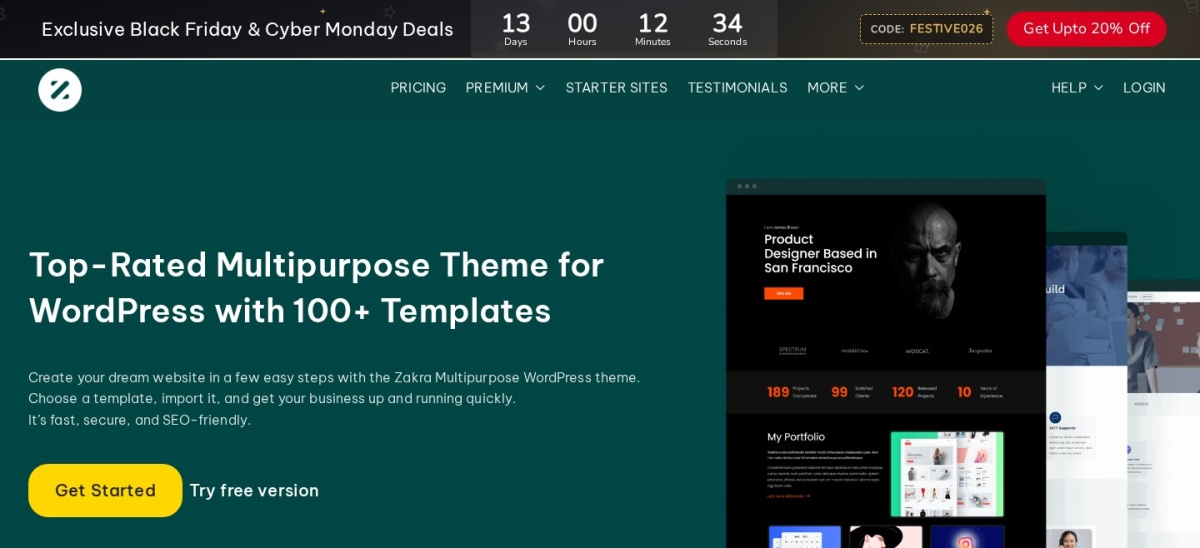
Zakra homepage, captured Nov 2026.
Zakra is a multipurpose WordPress theme with over 30,000 active installations and a dedicated LMS starter-template category. Its official template library lists 7 LMS designs, while its documentation describes compatibility with Masteriyo, LearnDash and Tutor LMS. The free theme supports responsive layouts, Gutenberg and Elementor.
The trade off is that starter templates do not replace the underlying LMS plugin, and premium designs or advanced styling may require an upgrade. Zakra Pro costs $69 per year for up to 3 websites. It suits instructors who prefer starting from an education-focused design instead of building course pages from scratch.
What we like
Dedicated LMS starter-template collection
Documented support for popular LMS plugins
Free version available on WordPress.org
Works with Gutenberg and Elementor
Affordable $69 annual Pro upgrade
Watch out for
Course management requires an LMS plugin
Some starter designs and customization tools require Pro
Smaller installation base than Astra or Kadence
Pro adds premium templates, advanced theme controls and priority support.Visit zakratheme.com
03
Responsive
4.7/5on WordPress.org (560 reviews, checked Nov 2026)
Paid from$59/yr
Best affordable LMS-compatible theme
LMS compatibilityLearnDash ready
Pro LMS integrationLifterLMS
Free starter templates100+
Paid planPersonal, $59/yr
cyberchimps.com
Responsive homepage, captured Nov 2026.
Responsive is a lightweight WordPress theme with over 10,000 active installations and more than 100 free starter templates. Its WordPress.org listing identifies LearnDash compatibility, while Responsive Pro provides an additional LifterLMS integration. The free theme supports Elementor, the WordPress block editor and responsive education website layouts.
The trade off is that the free theme provides the website foundation rather than a complete learning management system. Responsive Pro Personal costs $59 per year for 3 website licenses and adds premium templates and customization tools. It suits educators seeking a lower-cost theme with documented course-plugin compatibility.
What we like
LearnDash compatibility documented on WordPress.org
LifterLMS integration available with Pro
More than 100 free starter templates
Works with Elementor and Gutenberg
Low regular annual upgrade price
Watch out for
LifterLMS-specific integration requires Pro
Course creation and progress tracking need an LMS plugin
Smaller active user base than leading multipurpose themes
Pro adds LifterLMS integration, premium templates and expanded design controls.Visit cyberchimps.com
04
Neve
4.7/5on WordPress.org (1,284 reviews, checked Nov 2026)
Paid from$139/yr
Best for mobile-friendly online learning websites
LMS BoosterBusiness tier
Supported LMSMasteriyo, LifterLMS, LearnDash
Active installations200K+
Entry paid planPersonal, $139/yr
themeisle.com
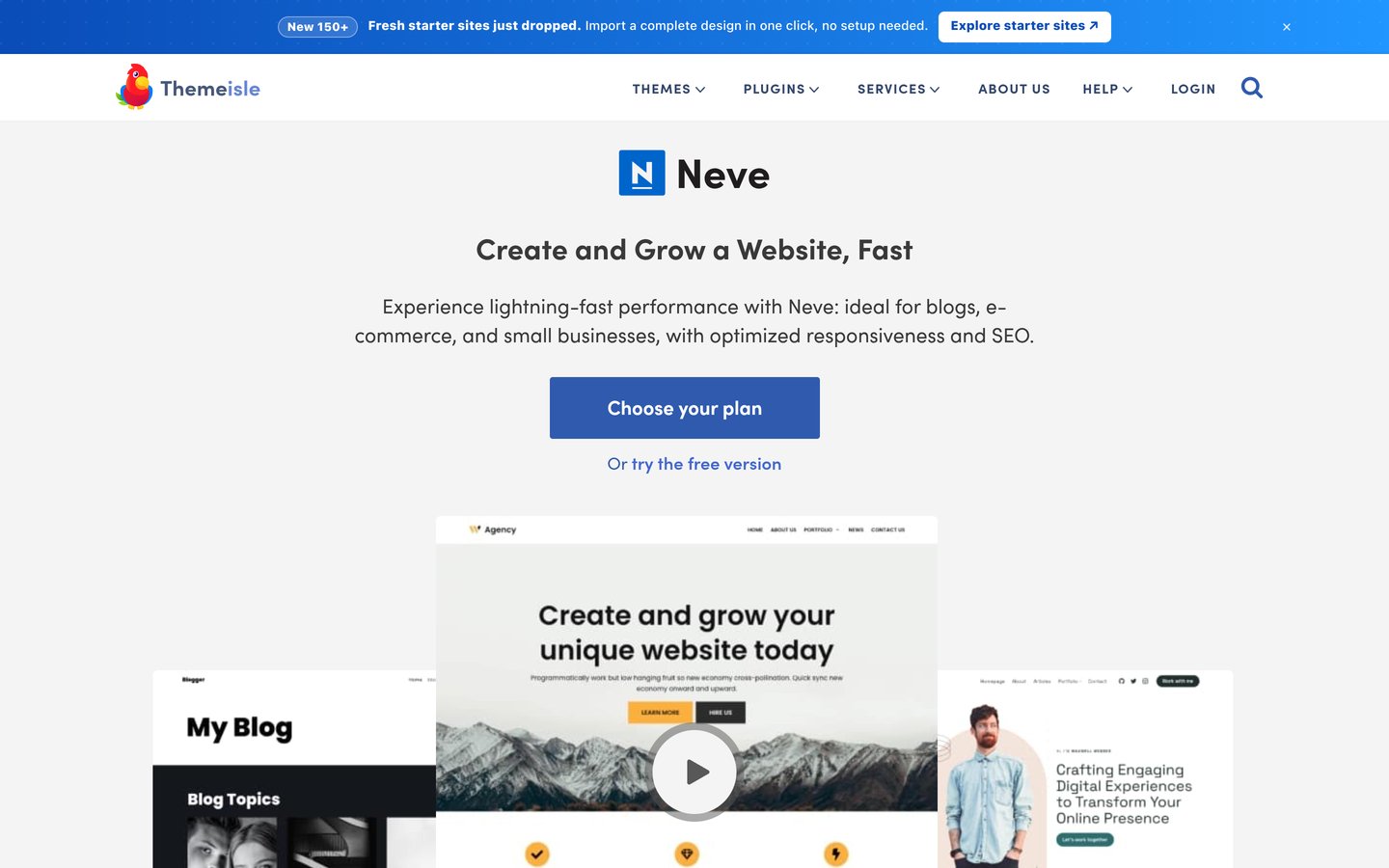
Neve homepage, captured Nov 2026.
Neve is a lightweight, mobile-focused WordPress theme with over 200,000 active installations. Its free version supports the block editor, popular page builders and responsive layouts. Neve's premium Business tier includes an LMS Booster with dedicated customization and compatibility options for Masteriyo, LifterLMS and LearnDash.
The trade off is that the LMS Booster is not included in the cheapest Personal plan, which normally costs $139 per year and is currently promoted at $69. The Business tier normally costs $299 per year. It suits education websites that prioritize mobile layouts and may need more detailed course styling.
What we like
Lightweight, mobile-focused theme design
Dedicated LMS Booster in the Business tier
Supports several major LMS plugins
Compatible with popular page builders
Personal includes additional performance controls
Watch out for
LMS Booster is excluded from the entry paid plan
Business-tier regular price is substantially higher
Requires a separate LMS plugin for lessons and enrollments
Personal adds performance and layout controls; Business adds the LMS Booster.Visit themeisle.com
05
Kadence
4.9/5on WordPress.org (458 reviews, checked Nov 2026)
Paid from$350/yr
Best for a bundled LearnDash course website
Course softwareLearnDash included in paid bundle
Site editingWordPress block editor
Active installations500K+
Paid planOne-site bundle, $350/yr
liquidweb.com
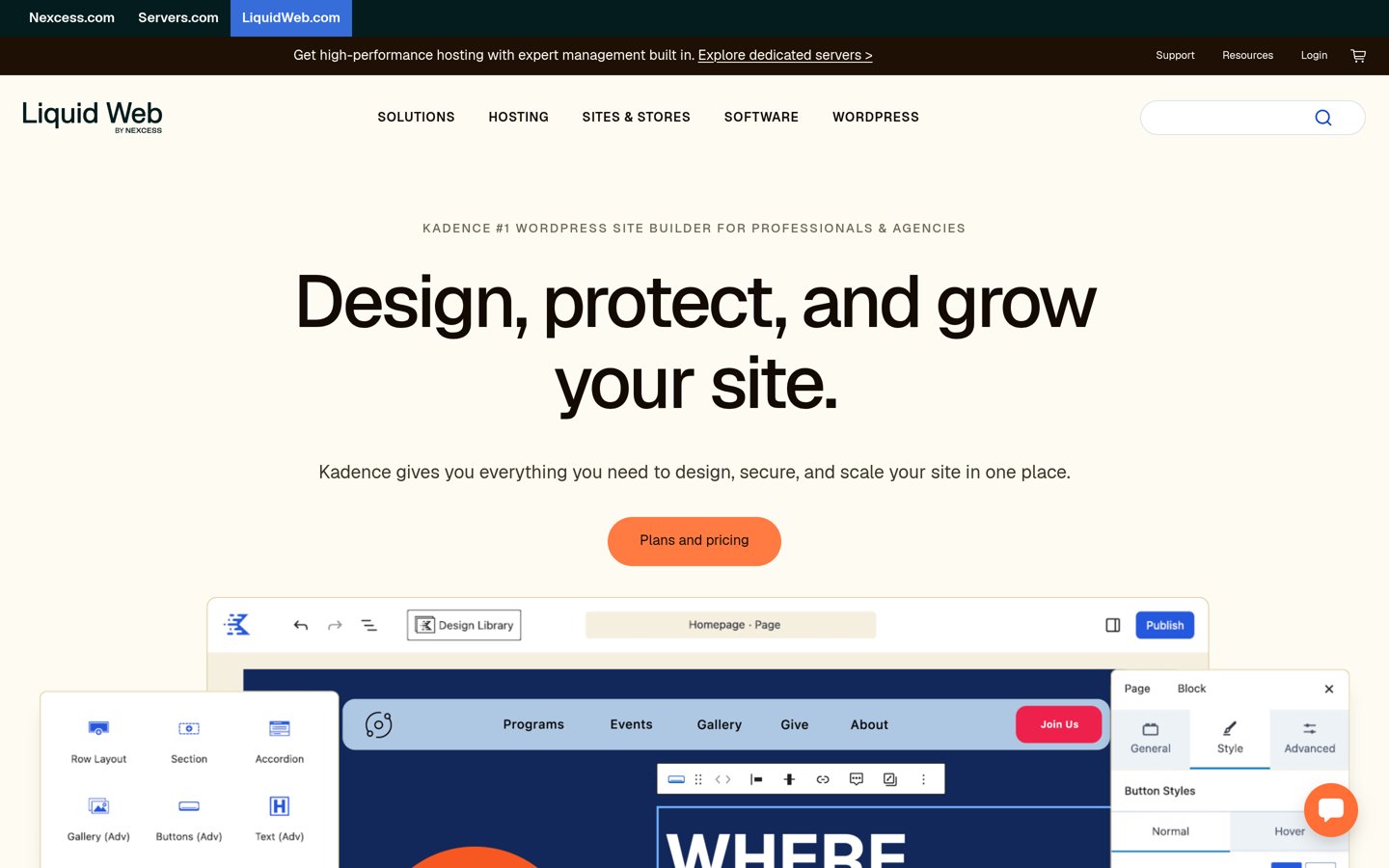
Kadence homepage, captured Nov 2026.
Kadence is a lightweight, block-friendly WordPress theme with over 500,000 active installations. The free version includes a drag-and-drop header and footer builder, global typography settings and starter templates. Its current paid package also includes LearnDash for creating courses, quizzes, assignments and certificates.
The trade off is cost and bundling: Kadence's current paid package starts at $350 per year for one website and also includes The Events Calendar and Give. The vendor no longer offers Kadence as a separate premium purchase through this pricing structure. It suits educators who need LearnDash and can use the additional bundled tools.
What we like
LearnDash included in the current premium package
Free theme provides flexible block-based editing
Header and footer builder included
Global colors and typography controls
Established WordPress.org user community
Watch out for
Higher minimum premium cost than other themes listed
Paid package includes tools some educators may not need
Free theme alone does not include LearnDash
Paid bundle includes premium Kadence features, LearnDash, Events Calendar and Give.Visit liquidweb.com
06
GeneratePress
4.9/5on WordPress.org (1,428 reviews, checked Nov 2026)
Paid from$99/yr
Best for minimal theme overhead
Fresh install overheadUnder 10KB gzipped
Course layoutsBlock-based customization
Active installations500K+
Paid planGeneratePress One, $99/yr
generatepress.com
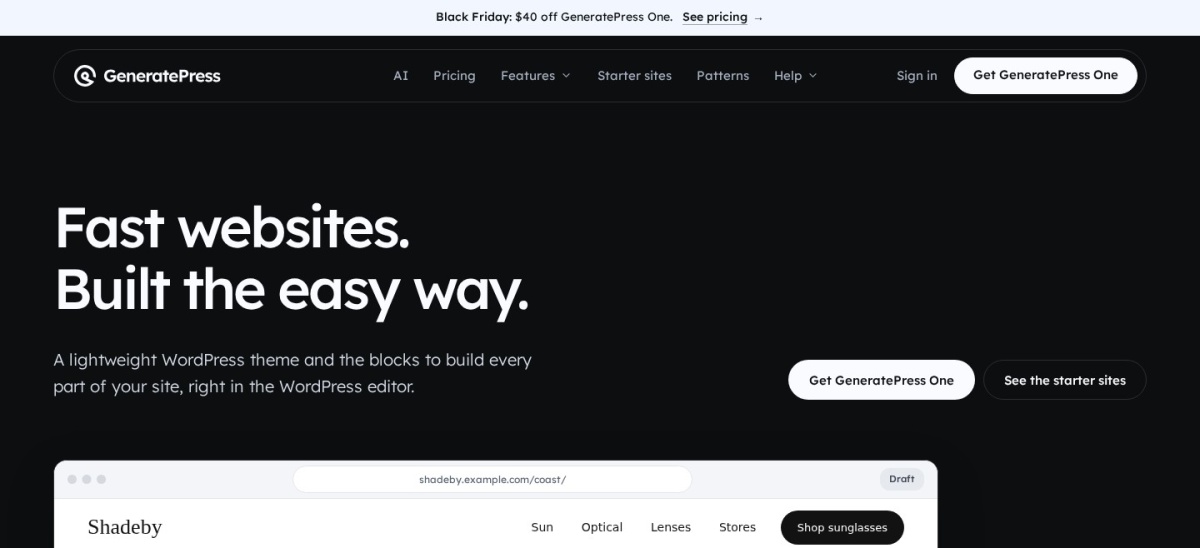
GeneratePress homepage, captured Nov 2026.
GeneratePress is a lightweight WordPress theme with over 500,000 active installations. Its WordPress.org description states that a fresh installation adds less than 10KB of gzipped page weight. The free theme supports the block editor, responsive layouts and common WordPress plugins, providing a minimal design foundation for LMS content.
The trade off is that GeneratePress does not include dedicated LMS management tools or the same collection of course-specific starter designs as some alternatives. GeneratePress One normally costs $99 per year for one site, with a temporary $59 first-year offer. It suits developers who prefer building course layouts around a minimal theme.
What we like
Documented under-10KB gzipped theme overhead
Minimal starting point for custom course designs
Works with the native WordPress editor
Over 500,000 active installations
Paid bundle includes GenerateBlocks Pro
Watch out for
No built-in LMS or course management system
Course-specific layouts require additional setup
Advanced site-building controls require a paid plan
GeneratePress One adds GP Premium, GenerateBlocks Pro, GenerateCloud and AI tools.Visit generatepress.com
07
Blocksy
5/5on WordPress.org (874 reviews, checked Nov 2026)
Paid from$69/yr
Best for customizable course and membership layouts
Course integrationThird-party LMS plugins
EditorWordPress block editor
Active installations300K+
Paid planPersonal, $69/yr
creativethemes.com
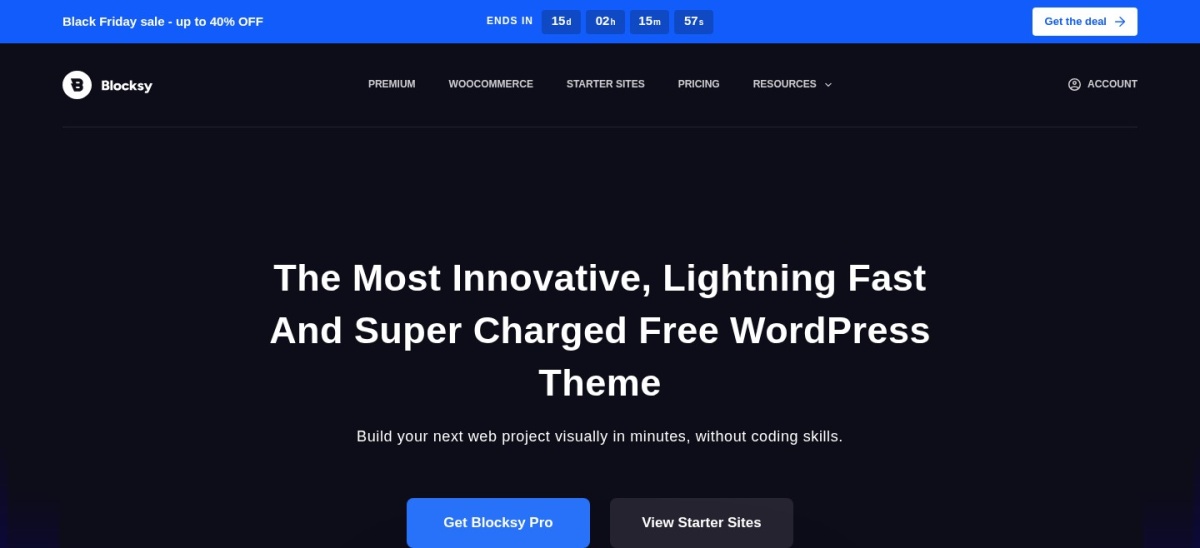
Blocksy homepage, captured Nov 2026.
Blocksy is a modern WordPress theme with over 300,000 active installations and a 5.0/5 WordPress.org rating. It supports the block editor, customizable headers and responsive page layouts. Its developer documentation and changelog reference compatibility work involving LearnDash and Tutor LMS, making it an option for customized course websites.
The trade off is that Blocksy focuses on general website design rather than providing a dedicated course-building system. Blocksy Personal normally costs $69 per year, with a temporary $42 annual promotion. It suits educators who want flexible course landing pages and are comfortable configuring their LMS plugin separately.
What we like
Highly rated on WordPress.org
Native block editor compatibility
Flexible header and layout customization
Developer references to LearnDash and Tutor LMS
Affordable regular premium price
Watch out for
No built-in course management system
LMS-specific templates and layouts may need customization
Some advanced extensions require Pro
Personal adds premium starter sites, advanced extensions and additional design options.Visit creativethemes.com
LMS theme vs LMS plugin: what do you actually need?
A WordPress LMS theme controls the visual presentation of your online learning website. It determines elements such as typography, page width, navigation, course landing pages and the appearance of lesson content.
The LMS plugin manages the learning experience. Plugins such as LearnDash, Tutor LMS, LifterLMS and Masteriyo can provide course creation, lessons, quizzes, student enrollment and progress tracking. Their available features and payment requirements differ.
Astra, Zakra, Neve and Responsive offer documented LMS-specific compatibility or integration features. Kadence's current premium bundle also includes LearnDash, while GeneratePress and Blocksy are more general-purpose design foundations.
Choose your LMS plugin before paying for a theme. Then confirm that the theme supports its lesson layouts, student account pages, enrollment workflow and any required course customization options.
How to keep a WordPress LMS website lightweight
Start with a theme that does not require unnecessary scripts or complicated page-building layers. GeneratePress emphasizes minimal theme overhead, while Astra, Neve and Kadence provide lightweight foundations with different levels of customization.
Use optimized images and avoid loading large background videos directly into course landing pages. Course pages should prioritize readable text, clear navigation and access to learning materials.
Caching can help public pages, but logged-in student dashboards and dynamic lesson progress need careful configuration. Avoid caching personalized student information as if it were ordinary public content.
Measure course catalog pages, individual lessons and logged-in student areas separately. A fast homepage does not prove that quizzes, enrollments or student dashboards will perform equally well.
How we chose
We selected established WordPress themes with lightweight design foundations, responsive layouts and practical applications for course or membership websites. We prioritized dedicated LMS integrations, course starter templates and clear developer documentation. General-purpose themes were included where their design approach could support a lean LMS website.
We opened the official WordPress.org listings and vendor pricing pages on 22 Nov 2026 to verify ratings, review counts, active installations, update dates and the cheapest regular paid upgrade. Temporary promotional offers were separated from normal annual prices. For Kadence, we used its current Liquid Web package rather than older standalone pricing.
We excluded themes without a recent WordPress.org update, insufficient public adoption or verifiable regular paid pricing. We also excluded heavier education themes when a lighter alternative offered a clearer starting point. Theme performance claims were treated as vendor descriptions rather than independently verified benchmarks. No vendor paid for a place, and we do not claim hands-on testing for this list.
How to choose a lightweight WordPress LMS theme
Choose your course platform first, then compare theme compatibility, editing requirements, performance overhead and regular upgrade costs.
Select the LMS plugin before choosing your theme. Decide whether you will use LearnDash, Tutor LMS, LifterLMS or Masteriyo. Review the theme's documented integration features and confirm that lessons, course catalogs, student dashboards and enrollment pages display correctly.
Prioritize a lightweight design foundation. Look for responsive layouts, minimal required dependencies and compatibility with the native WordPress editor. Avoid installing additional page builders or design extensions unless they provide features your learning website actually needs.
Choose the right course design workflow. Use Zakra when LMS starter templates are important, Astra for dedicated LearnDash and LifterLMS integrations, or Responsive for an affordable course-ready foundation. Consider GeneratePress when you prefer designing course layouts yourself.
Compare the full annual cost. Check the theme's regular renewal price alongside LMS plugin subscriptions, hosting, payment integrations and other requirements. Pay particular attention to premium feature tiers: Neve's LMS Booster requires Business, while Kadence's current premium package includes LearnDash.
FAQ
What is the best lightweight WordPress theme for an LMS website?
Astra is the strongest overall choice for most LMS websites because it provides documented LearnDash and LifterLMS integrations, responsive layouts and a large support ecosystem. Zakra is another good option when you prefer LMS-focused starter templates.
Which lightweight WordPress theme works with LearnDash?
Astra, Responsive, Neve, Zakra and Kadence have documented LearnDash compatibility or related integration features. Kadence's current premium package includes LearnDash itself. Compare the specific course layout controls available in each theme before choosing.
Can I build an LMS website with a free WordPress theme?
Yes. Free themes such as Astra, Zakra and Responsive provide suitable foundations for course websites. You still need an LMS plugin to manage lessons, students and learning progress. Some advanced LMS functions or theme integrations may require paid upgrades.
Is GeneratePress suitable for an online course website?
GeneratePress can serve as a minimal foundation for a course website using a compatible LMS plugin. Its main advantage is lightweight theme code and flexible block-based customization. However, it does not provide built-in course management or dedicated LMS functionality.
Does Astra support Tutor LMS, LearnDash and LifterLMS?
Astra provides documented integrations for LearnDash and LifterLMS, including dedicated layout and customization options. It can also be used with other WordPress course plugins, but you should check the current integration documentation for any specific Tutor LMS features you require.
Is Kadence a good choice for LearnDash?
Kadence is particularly relevant when you want both a block-based theme and LearnDash. Its current premium bundle includes LearnDash alongside Kadence, The Events Calendar and Give. The regular starting cost is $350 per year for one website.
Which LMS WordPress theme has the lowest paid upgrade price?
Responsive has the lowest confirmed regular premium entry price in this comparison at $59 per year. Zakra and Blocksy each start at $69 per year. However, entry-level prices should not be mistaken for the cost of any separate LMS plugin.
Do lightweight LMS themes make course websites load faster?
A lightweight theme can reduce unnecessary front-end overhead, but overall performance also depends on hosting, caching, LMS queries, media files and plugins. Optimize and measure logged-in lesson pages separately from public pages because their loading requirements may differ.
Should I choose an LMS-specific theme or a multipurpose theme?
Choose an LMS-focused theme when ready-made course layouts and dedicated integrations are essential. A multipurpose theme is preferable when you want more flexibility for marketing pages, blogs, memberships and other site sections. Both approaches still require suitable course management software.