Best Booking Plugins for WordPress for Courses in 2026: 9 Tools Compared
WLWPLegible EditorsLast verified 22 Nov 2026How we test14 min read
★ Short answer
Amelia is the best booking plugin for WordPress courses, with a 4.6 out of 5 rating from 798 reviews and more than 90,000 installs, plus group bookings and event tickets. Pick Simply Schedule Appointments for the highest rating at 5.0, and LatePoint if you want card payments in the free version.
How we make this list: we compare pricing pages, product documentation and public user reviews, then re-check every price before each update. No product paid for a place. Disclosure.
Amelia leads for courses: 4.6 out of 5 from 798 reviews and 90,000 installs, with group bookings and event tickets.
Simply Schedule Appointments has the highest rating at 5.0 out of 5, and its Plus plan adds group and class bookings.
LatePoint's free version already takes Stripe and PayPal payments, which no other tool here does.
Booking Calendar and Easy Appointments sell one-time licences from $79 and $39, not yearly subscriptions.
Paid plans run from $39 to $129 a year at regular prices, and first-year discounts cut most of them by a third or more.
What booking for courses actually needs
A booking plugin for courses has a different job from a booking plugin for one-to-one appointments. Classes have a fixed time, a set number of places and a price per seat, so the plugin needs capacity, group bookings and recurring dates, not just a free slot on one person's calendar.
Every tool in this list is a WordPress.org plugin with a free version. Amelia, Simply Schedule Appointments and LatePoint cover group bookings, while Booking Calendar and WP Simple Booking Calendar are better for rooms and availability, and Events Manager is built around recurring events.
Ratings and install counts are the quickest quality check. Every plugin here is rated 4.2 or higher on WordPress.org, but the bases differ: Amelia has 798 reviews and Appointment Hour Booking has 525, while LatePoint has only 109. Our guide on free vs premium WordPress plugins explains when paying is worth it.
Most of these tools discount the first year, so the price ladder shows the regular yearly price. One-time licences from Booking Calendar and Easy Appointments are the exception, and they include a limited period of updates rather than a yearly renewal.
List prices in each vendor's currency, checked Nov 2026
Simple CalFREE$39
Easy ApptsFREE$39
AmeliaFREE$49
Appt HourFREE€59
Booking CalFREE$79
LatePointFREE$99
BooklyFREE$99
Simply SchedFREE$129
Events MgrFREE$129
The 9 best booking plugins for WordPress courses
01
Amelia
4.6/5on WordPress.org (798 reviews, checked Nov 2026)
Paid from$49/yr
Best for courses with group bookings
Free planYes, Lite, 1 employee
Group bookingsYes, in Lite
Event ticketsStandard and up
Paid planStarter, $49/yr
wpamelia.com
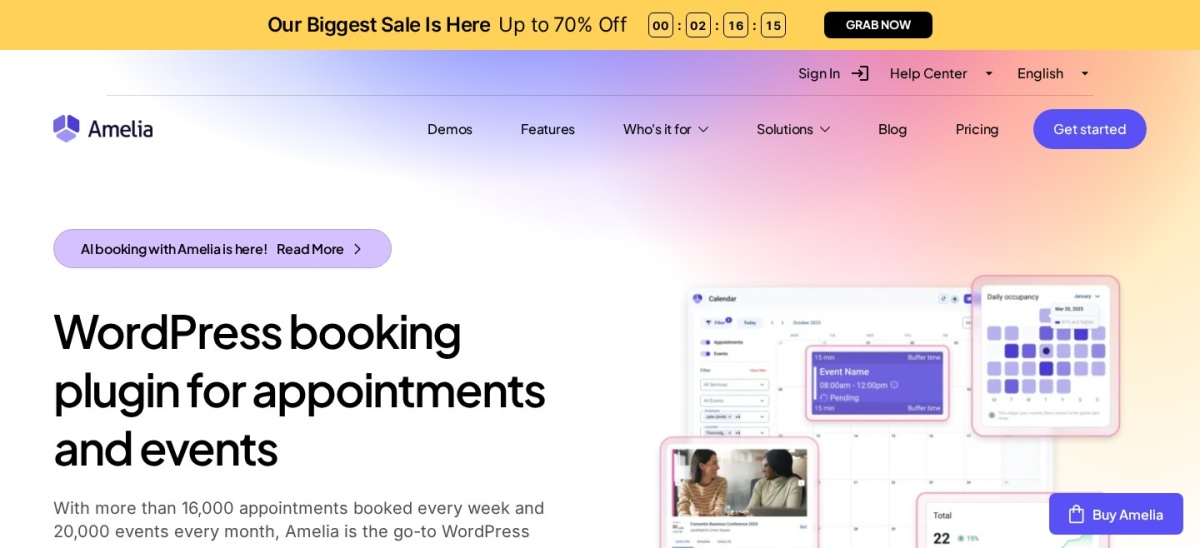
Amelia homepage, captured Nov 2026.
Amelia is a booking plugin for appointments and events, with a 4.6 out of 5 rating from 798 reviews and more than 90,000 active installs. The free Lite version covers one employee, group bookings and Square payments, and the plugin adds a calendar, an events module and a customer dashboard.
The trade off is that the useful gateways are paid. Starter costs $49 a year for one domain but only takes Square, so Stripe, PayPal, calendar sync and Zoom need Standard at $99 a year. It suits course providers who sell group classes and ticketed events from one calendar.
What we like
Group bookings and event tickets in one plugin
Free Lite version on WordPress.org
Zoom, Meet and Teams on Standard
Watch out for
Lite takes Square only, with one employee
Packages and cart need Pro at $199 a year
Higher tiers are often discounted from $329 and $599
5/5on WordPress.org (155 reviews, checked Nov 2026)
Paid from$129/yr
Best for class bookings with LifterLMS
Free planYes, Basic edition
Group bookingsPlus and up
LifterLMSProfessional and up
Paid planPlus, $129/yr
simplyscheduleappointments.com
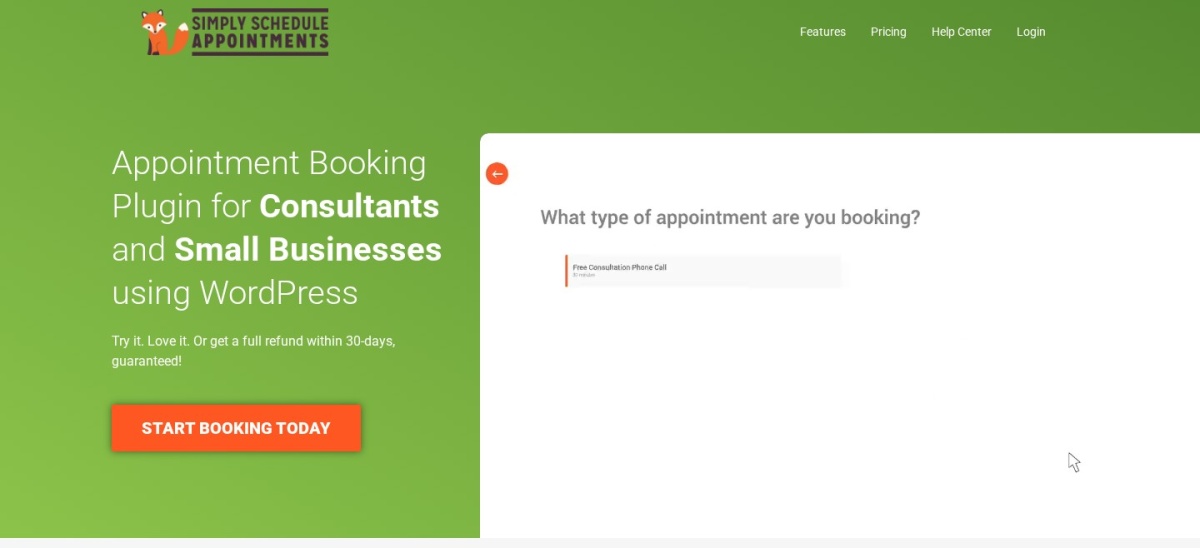
Simply Schedule Appointments homepage, captured Nov 2026.
Simply Schedule Appointments is a Calendly-style booking plugin with a 5.0 out of 5 rating from 155 reviews and more than 50,000 active installs. The free Basic edition covers unlimited calendars and appointments, and the vendor says setup takes about five minutes.
The trade off is the price ladder. Plus costs $99 in year one and renews at $129 a year, and payments need Professional at $199 in year one and $249 after that. It suits coaches and course providers who want group bookings and a LifterLMS link without a complex setup.
4.9/5on WordPress.org (109 reviews, checked Nov 2026)
Paid from$99/yr
Best free version that takes payments
Free planYes, with payments
Payments freeStripe, PayPal, Razorpay
Calendar syncPaid plans only
Paid planStarter, $99/yr
latepoint.com
LatePoint homepage, captured Nov 2026.
LatePoint is an appointment booking plugin with a 4.9 out of 5 rating from 109 reviews and more than 100,000 active installs. The free version takes Stripe, PayPal and Razorpay payments with no licence, and it covers unlimited bookings, a customer dashboard and a step-by-step booking flow.
The trade off is that the extras are all paid. Calendar sync, SMS, custom fields and rescheduling need a paid plan, and Starter costs $79 in year one and renews at $99 a year. It suits small studios that want every feature on one plan, since all paid tiers include the same features.
4.8/5on WordPress.org (657 reviews, checked Nov 2026)
Paid from$79 once
Best for rooms, rentals and full days
Free planYes, 1 resource
LicenceOne-time, not yearly
iCal syncYes, free
Paid planPersonal, $79 once
wpbookingcalendar.com
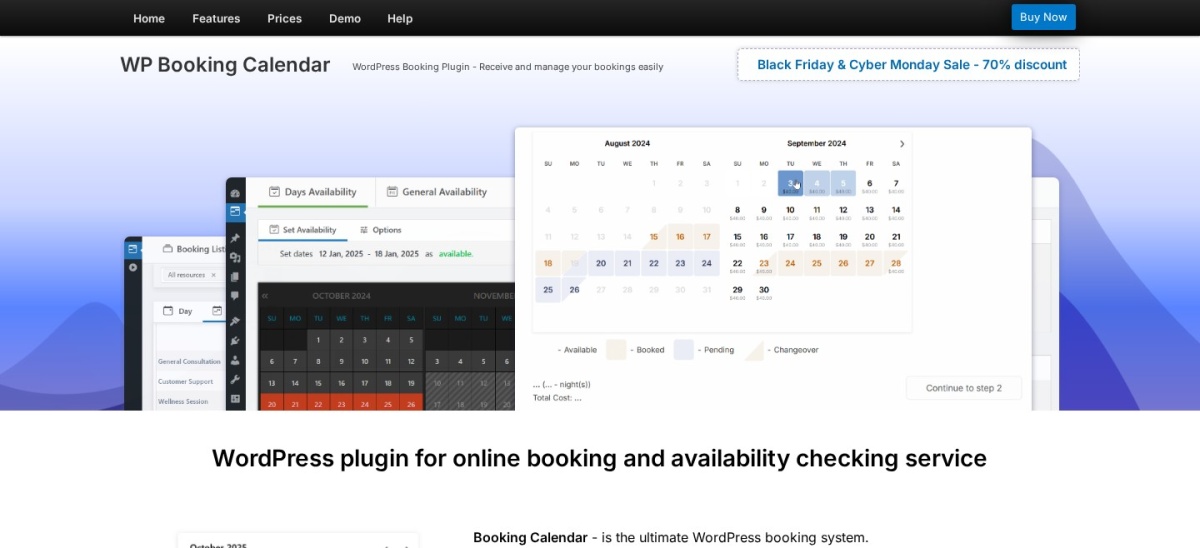
Booking Calendar homepage, captured Nov 2026.
Booking Calendar is a booking plugin running since 2009, with a 4.8 out of 5 rating from 657 reviews and more than 40,000 active installs. The free version covers one bookable resource with time slots or full days, double-booking prevention and two-way iCal sync with Airbnb, Booking.com and VRBO.
The trade off is that it books dates, not people. There is no staff or multi-person scheduling, and online payments start at Business Small, which costs $149 as a one-time licence. It suits rooms, rentals and equipment where the resource, not the person, is what gets booked.
4.9/5on WordPress.org (525 reviews, checked Nov 2026)
Paid from€59/yr
Best for fixed time slots and class sizes
Free planYes, with capacity
Class capacityYes, free
PaymentsProfessional only
Paid planProfessional, €59/yr
apphourbooking.dwbooster.com
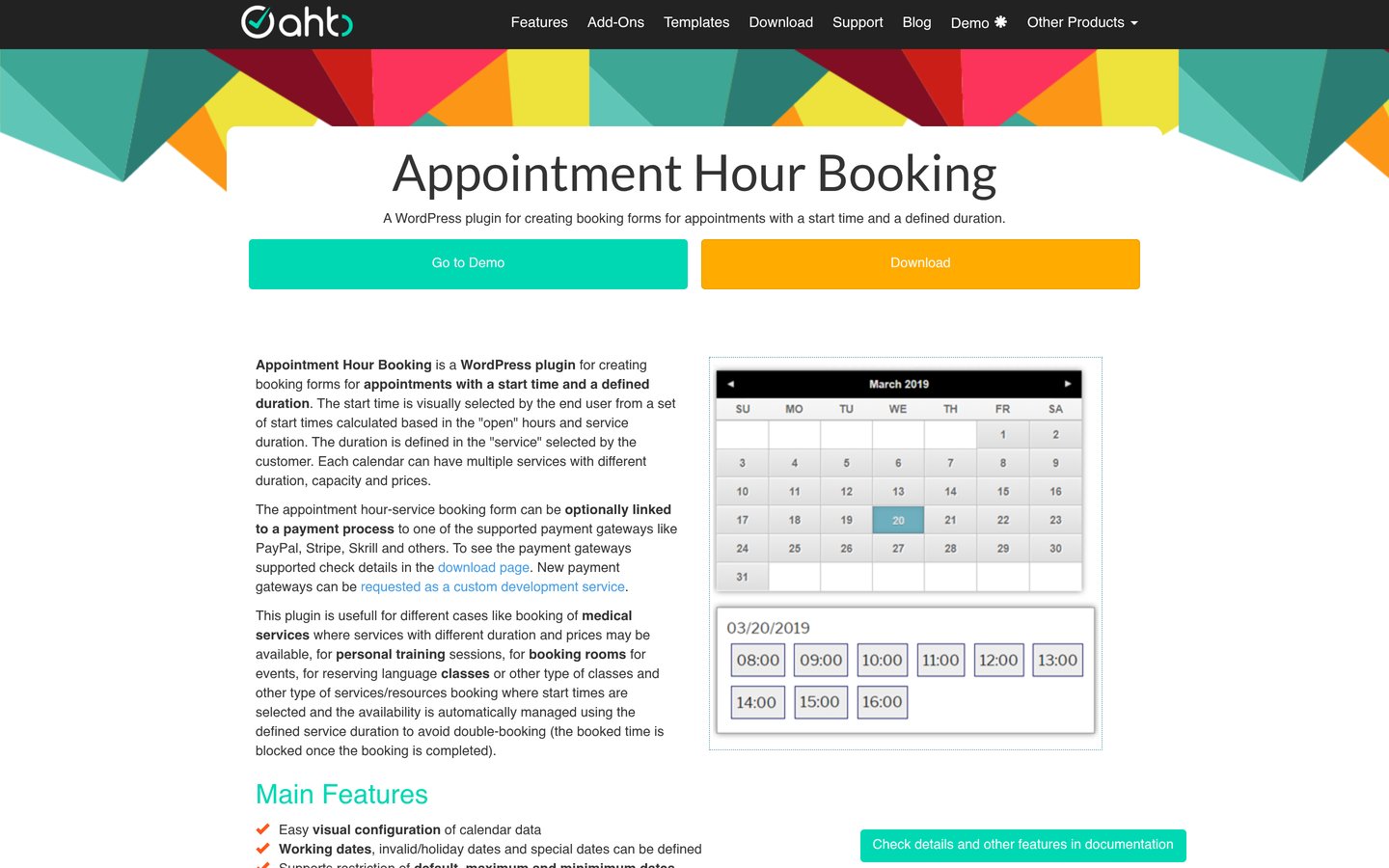
Appointment Hour Booking homepage, captured Nov 2026.
Appointment Hour Booking is a time-slot booking plugin with a 4.9 out of 5 rating from 525 reviews and more than 10,000 active installs. The free version covers multiple services with fixed durations, prices and capacity, so a class with 10 places works without paying, plus email notifications and iCal export.
The trade off is that payments and reminders are paid. Professional costs €59 a year for one site and adds payment gateways, Google Calendar sync, reminders and a visual form builder. It suits classes and rooms where each booking has a fixed length and a set number of places.
4.8/5on WordPress.org (227 reviews, checked Nov 2026)
Paid from$39/yr
Best for showing availability only
Free planYes, 1 calendar
Booking formNo, display only
iCal syncPremium only
Paid planPremium, $39/yr
wpsimplebookingcalendar.com
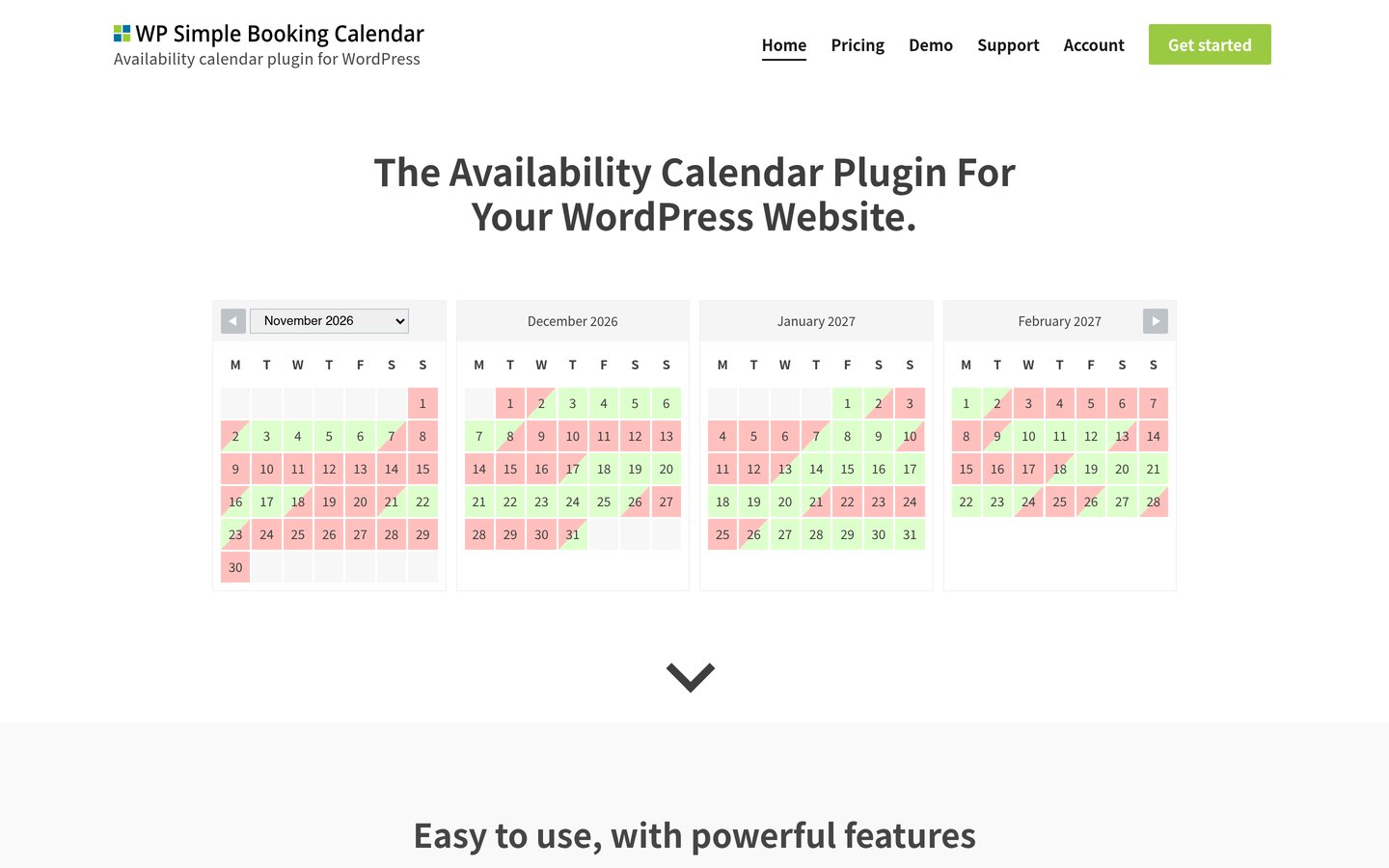
WP Simple Booking Calendar homepage, captured Nov 2026.
WP Simple Booking Calendar is a lightweight availability calendar with a 4.8 out of 5 rating from 227 reviews and more than 10,000 active installs. The free version shows one calendar with manual availability updates, embedded by shortcode or block, and Premium adds unlimited calendars, iCal sync and CSV export.
The trade off is that it only shows availability. There is no booking form, no payments and no customer record, so it works as a display next to a booking tool, not instead of one. It suits course pages that need a clear available-or-booked calendar and nothing else.
4.4/5on WordPress.org (587 reviews, checked Nov 2026)
Paid from$99/yr
Best for long track record and add-ons
Free planYes, 5 services
Staff in free1 staff member
Add-ons40+ paid
Paid planPro, $99/yr
booking-wp-plugin.com
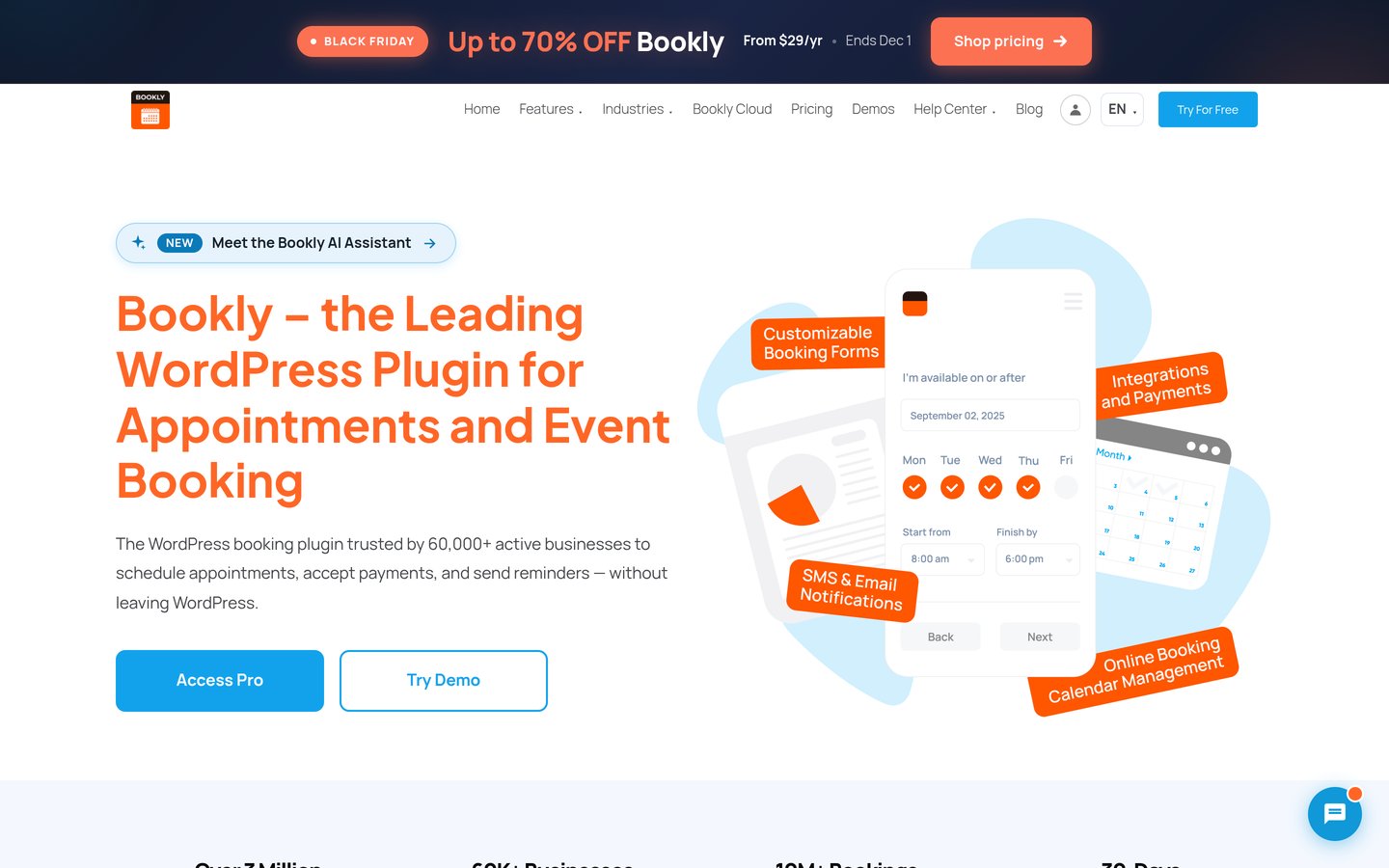
Bookly homepage, captured Nov 2026.
Bookly is a booking plugin on WordPress.org since 2014, with a 4.4 out of 5 rating from 587 reviews and more than 60,000 active installs. The free version covers five services and one staff member, and Pro adds unlimited services and staff, WooCommerce and notifications.
The trade off is that the extras are add-ons. Pro costs $39 in year one and renews at $99 a year, and group bookings, deposits and two-way Google Calendar sync need the Business tier or separate add-ons. It suits single-site owners who want a low entry price and a lifetime option.
4.3/5on WordPress.org (131 reviews, checked Nov 2026)
Paid from$39 once
Best for free multi-location booking
Free planYes, unlimited sites
LocationsUnlimited, free
PaymentsPro only
Paid planPro, $39 once
easy-appointments.com
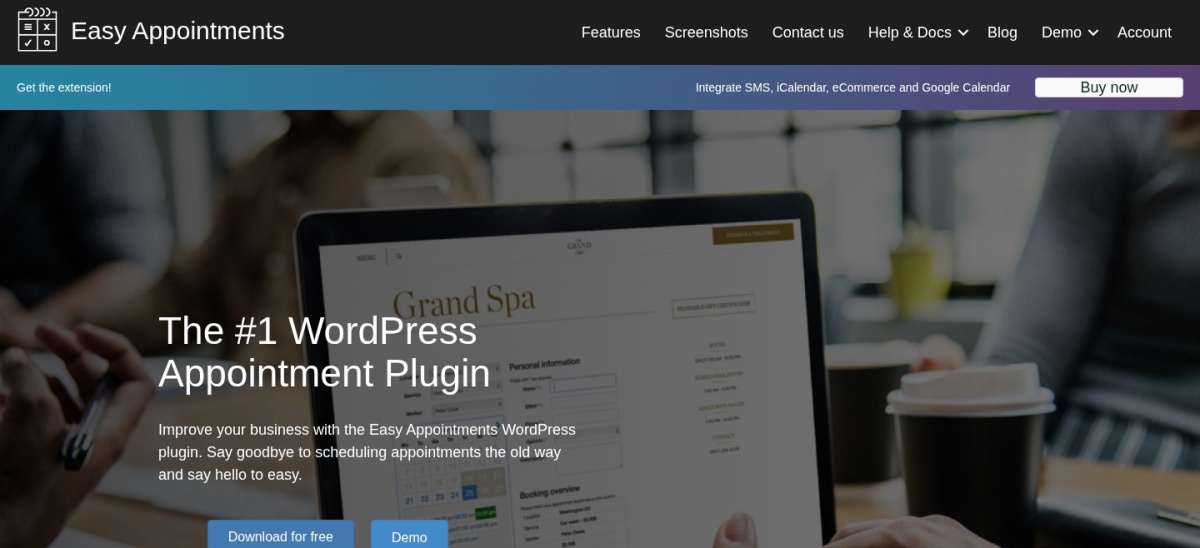
Easy Appointments homepage, captured Nov 2026.
Easy Appointments is a free booking plugin for multi-location businesses, with a 4.3 out of 5 rating from 131 reviews and more than 10,000 active installs. The free version covers unlimited locations, services and workers, email notifications, reCAPTCHA and CSV reports, with no cap on appointments.
The trade off is that the connections are paid. Google Calendar and Outlook sync, SMS, WhatsApp and Stripe, PayPal and WooCommerce payments all need the Pro extension, which costs $39 as a one-time purchase for one site. It suits small chains with two or three branches on a tight budget.
4.2/5on WordPress.org (553 reviews, checked Nov 2026)
Paid from$129/yr
Best for recurring events and tickets
Free planYes, with bookings
Recurring eventsYes, free
PaymentsPro only
Paid planPro, $129/yr
wp-events-plugin.com
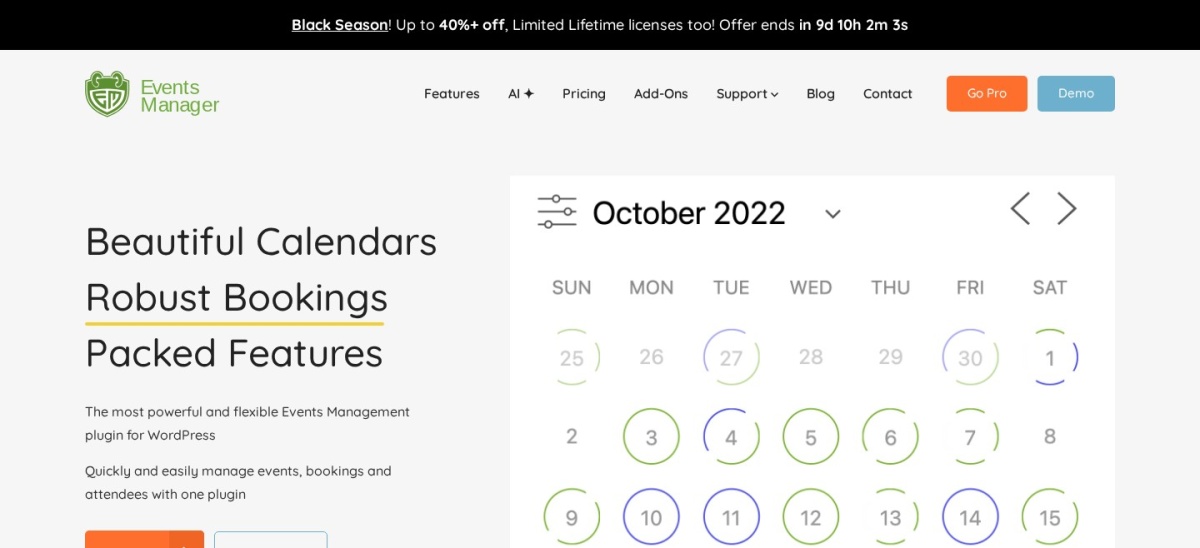
Events Manager homepage, captured Nov 2026.
Events Manager is an events plugin with bookings built in, running since 2009, with a 4.2 out of 5 rating from 553 reviews and more than 60,000 active installs. The free version covers recurring events, calendars and bookings, and Pro adds online payments with no commission, custom booking forms, coupons and QR check-in.
The trade off is that payments are paid. Pro costs $129 a year for one site at its regular price, currently $89 in the Black Friday sale, and the mobile app needs Pro Plus. It suits course providers who run the same class every week and want bookings without a separate tool.
Free versions cover the booking itself in most tools. Amelia, LatePoint, Appointment Hour Booking and Easy Appointments all take bookings without paying, and LatePoint even takes card payments for free.
Paid plans mostly add payments, sync and reminders. Calendar sync is paid in almost every tool here, except Booking Calendar, where iCal sync is free, and SMS reminders are paid everywhere.
Booking Calendar and Easy Appointments are the exceptions: both sell one-time licences, so the cost is a single payment plus an optional update renewal, not a yearly subscription.
For a course provider, one paid plan usually costs less than a single empty seat in a class, so pay for the feature that fills seats, not the cheapest plan.
What we left out
BookingPress did not make the list because its WordPress.org listing could not be verified; its Standard plan costs $89 a year on the current sale, $99 at renewal, and several roundups rate it highly.
WooCommerce Bookings was left out because it has no free version: it costs $249 a year and only makes sense inside a WooCommerce store that already sells courses as products.
FluentBooking and MotoPress Appointment Booking were also considered. FluentBooking is newer with a smaller review base, and MotoPress Appointment Booking Lite has only 21 reviews, so both were left out for thin evidence.
How we chose
We started from the WordPress.org booking plugins that handle classes and courses: group bookings, capacity per class, recurring dates and event tickets. Every tool here is on WordPress.org with a public rating and install count.
Prices come from each vendor's pricing page, checked on 22 November 2026. Ratings and install counts come from WordPress.org on the same day. Where a vendor shows a sale, the list shows the regular price, and where a price is in euros the list shows the vendor's own figure.
We left out plugins we could not verify on WordPress.org, tools with fewer than 100 reviews and a rating under 4.2, and premium-only tools with no free version. No vendor paid for a place, and we do not claim hands-on testing for this list.
How to choose the best booking plugins for WordPress courses
Start with how your classes run, then check the free version before you pay.
Count the seats in each class. A class with 10 places needs capacity and a waiting list, while a one-to-one lesson needs staff calendars. Pick the tool that matches the class, not the other way round.
Check what the free version already does. LatePoint takes payments for free and Appointment Hour Booking gives you class capacity for free. Only pay when a free version blocks something you actually need.
Test the booking flow as a student. Book a seat yourself, cancel it and rebook it. If the flow confuses you, it will confuse your students too.
Check the renewal price, not the first year. Simply Schedule Appointments renews at $129 after a $99 first year, and Bookly renews at $99 after $39. Budget for year two.
FAQ
What is the best booking plugin for WordPress courses?
Amelia is the best pick for courses, with group bookings, event tickets and Zoom links, plus a 4.6 out of 5 rating from 798 reviews. Simply Schedule Appointments has the highest rating at 5.0, and LatePoint is the best free version because it already takes card payments.
Can I take bookings for courses for free?
Yes. Every tool in this list has a free version, and several cover the whole job: LatePoint takes payments for free, Appointment Hour Booking gives you class capacity for free, and Events Manager covers recurring events and bookings for free.
Which booking plugin is best for group classes?
Amelia is the strongest choice for group classes, with group bookings in its free Lite version and event tickets on Standard. Simply Schedule Appointments adds group and class bookings in Plus, and Appointment Hour Booking sets a capacity per class for free.
Do booking plugins work with online course platforms?
Simply Schedule Appointments Professional connects to LifterLMS, so bookings can sit next to your courses. Amelia connects to WooCommerce, and Bookly Pro also works with WooCommerce, so you can sell course seats as products in a store.
What is the cheapest booking plugin for courses?
Easy Appointments Pro is the cheapest paid step at $39 as a one-time purchase for one site. WP Simple Booking Calendar Premium is $39 a year, and Amelia Starter is $49 a year, so all three cost less than one filled class seat in most courses.
Do I need a paid plan to take payments?
It depends on the plugin. LatePoint takes Stripe and PayPal payments in its free version, which no other tool here does. Every other tool needs a paid plan for payments, starting with Appointment Hour Booking Professional at €59 a year.