Best Lead Retrieval Software in 2026: 7 Tools Compared
WLWPLegible EditorsLast verified 22 Nov 2026How we rank6 min read
★ Short answer
Blinq leads our list with a 4.8 rating on G2 across 9,923 reviews, offering a free tier with badge scanning and contact enrichment. For scheduling-led lead routing, Calendly holds a 4.7 rating on G2, while Jotform stands out for custom lead forms with a 4.6 rating on G2.
How we make this list: we compare pricing pages, product documentation and public user reviews, then re-check every price before each update. No product paid for a place. Disclosure.
Blinq holds a 4.8 rating on G2 across 9,923 reviews with a free tier that includes a universal scanner and contact enrichment.
Calendly rates 4.7 on G2 across 2,682 reviews, with paid Standard plans starting at $10 per seat per month billed yearly ($120/yr).
HiHello offers a free plan with up to 2 digital cards and 5 monthly scans, while paid Professional plans start at $72/yr.
Wave Connect rates 4.6 on G2 across 1,026 reviews and offers a free plan plus a $7/mo annual Pro plan ($84/yr).
Jotform rates 4.6 on G2 across 5,961 reviews, with a free Starter tier and paid Bronze plans at $34/mo billed yearly ($408/yr).
What to look for in lead retrieval software
Lead retrieval software covers both event-floor capture tools—such as badge scanners, QR exchanges, and business card OCR—and digital capture workflows like routing forms, scheduling links, and CRM forms. Teams often lose event contacts when paper cards or badge scans sit in a spreadsheet until days after a show.
Start by checking how your team captures contacts on the floor or online. Event exhibitors need fast badge or QR scanning, custom qualifying questions, and offline capture when venue Wi-Fi drops, while inbound teams rely on web forms and instant calendar routing.
Next, check how captured records move into your sales stack. Native CRM sync to platforms like HubSpot, Salesforce, or Microsoft Dynamics saves reps from manual CSV imports and keeps follow-up notes tied to each lead.
Finally, watch plan limits and billing structure rather than headline monthly numbers. Many tools cap monthly scans, form submissions, or event campaigns, and annual billing often lowers the effective yearly cost compared to month-to-month rates.
For dedicated trade show and field revenue tracking
$7,500/yr
No free plan
4.9/5
Price ladder: cheapest paid plan per year
List prices, USD, checked Nov 2026
HiHelloFREE$72
Wave ConnectFREE$84
BlinqFREE$88
CalendlyFREE$120
TypeformFREE$336
JotformFREE$408
momencio$7,500
The 7 best lead retrieval software
01
Blinq
4.8/5on G2 (9,923 reviews, checked Nov 2026)
Paid from$87.99/yr
Best for badge scanning and contact enrichment
G2 rating4.8 / 5 (9,923 reviews)
Free planYes (2 cards, universal scanner)
Entry paid planPremium at $87.99/yr ($7.33/mo)
Team & event optionsBusiness from $4.99/mo per card (5+)
blinq.me
Blinq homepage, captured Nov 2026.
Blinq is a digital business card and lead capture platform that pairs badge, card, and QR scanning with AI contact enrichment. Its free plan includes up to 2 digital cards, unlimited sharing, a universal scanner, and AI contact enrichment subject to fair use.
The trade off is that CSV exports, API access, and native team CRM sync require higher tiers, with individual Premium starting at $87.99/yr ($7.33/mo billed annually). It suits solo reps and sales teams capturing leads at events and in-person meetings.
What we like
Generous free tier includes a universal contact scanner and AI contact enrichment
Supports Apple and Google Wallet passes plus offline sharing
Native CRM integrations available on team and enterprise tiers
SOC 2 Type II audited and GDPR compliant
Watch out for
Individual Free and Premium plans do not include CSV contact export
Team Business plan requires a minimum of 5 cards
Dedicated event campaign workspaces cost extra on top of team plans
Paid plans add up to 5 custom-branded cards, branded QR codes, CSV export, API access, and team CRM sync.Visit blinq.me
02
HiHello
4.6/5on G2 (828 reviews, checked Nov 2026)
Paid from$72/yr
Best for branded cards and low-cost solo entry
G2 rating4.6 / 5 (828 reviews)
Free planYes (2 cards, 5 scans/month)
Entry paid planProfessional at $72/yr ($6/mo yearly)
Team planBusiness at $60/user/yr (5-100 users)
hihello.com
HiHello homepage, captured Nov 2026.
HiHello is a digital business card and contact capture tool built around QR sharing, email signatures, and mobile card scanning. Its free Personal plan includes 2 digital business cards, Wallet passes, and 5 paper card or badge scans per month.
The trade off is that scan allowances are capped on lower tiers—20 scans per month on Professional at $72/yr ($6/mo billed yearly)—and CRM integrations sit on Business. It suits solo professionals and small teams standardizing cards and signatures.
What we like
Low entry annual price at $72/yr for solo users
Includes personal email signatures and virtual meeting backgrounds on free and paid plans
Clear per-user pricing for teams of 5 to 100 users
Watch out for
Monthly scan caps apply on Personal (5/mo) and Professional (20/mo)
CRM integrations with Salesforce, HubSpot, and Microsoft Dynamics require the Business plan
No physical NFC cards offered directly on its pricing page
Paid plans expand card counts, custom branding, contact enrichment, CRM sync, and team admin controls.Visit hihello.com
03
Wave Connect
4.6/5on G2 (1,026 reviews, checked Nov 2026)
Paid from$84/yr
Best for lightweight lead forms and two-way exchange
G2 rating4.6 / 5 (1,026 reviews)
Free planYes (lead form, two-way exchange)
Entry paid planPro at $84/yr ($7/mo billed annually)
Team planTeams at $5/user/mo yearly (min 3)
wavecnct.com
Wave Connect homepage, captured Nov 2026.
Wave Connect is a digital business card and lead capture platform that lets contacts submit details via lead forms or two-way exchange. Its free plan includes a lead capture form, two-way contact exchange, Wallet passes, and unlimited sharing.
The trade off is that custom lead capture forms, custom branding, and native CRM sync require Pro at $84/yr ($7/mo billed annually). It suits reps and small teams of 3 or more who want simple contact capture without heavy setup.
What we like
Includes a lead capture form and two-way contact exchange on the free tier
Low 3-user minimum on the Teams plan compared to many rivals
Native CRM sync options include HubSpot, Salesforce, Zoho, and Pipedrive on paid plans
Watch out for
Customizing lead capture forms and removing Wave Connect branding requires a paid tier
Event badge scanning is priced separately from standard digital card plans
Advanced team analytics require Teams or higher
Paid plans unlock custom lead capture forms, branded QR codes, native CRM sync, and shared team dashboards.Visit wavecnct.com
04
Calendly
4.7/5on G2 (2,682 reviews, checked Nov 2026)
Paid from$120/yr
Best for booking qualified meetings from leads
G2 rating4.7 / 5 (2,682 reviews)
Free planYes (1 event type, 1 calendar)
Entry paid planStandard at $120/yr per seat ($10/mo yearly)
Team routing planTeams at $16/seat/mo billed yearly
calendly.com
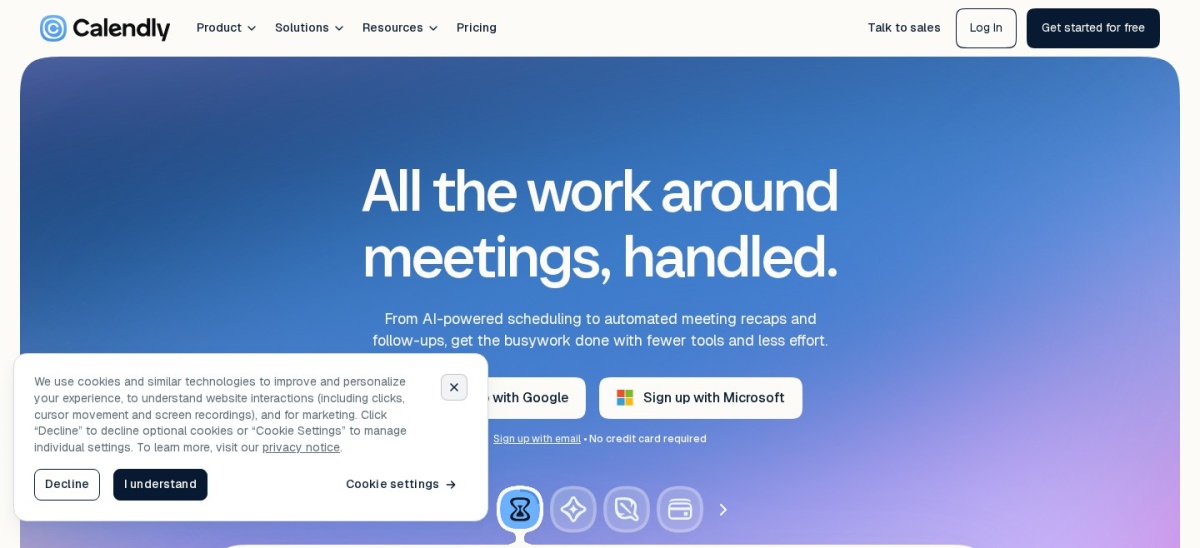
Calendly homepage, captured Nov 2026.
Calendly is a scheduling platform that turns inbound interest and post-event follow-ups into booked calendar meetings. Its free plan lets one user connect one calendar and offer a single event type with basic integrations.
The trade off is that paid plans charge per seat—starting at $120/yr ($10/mo billed yearly) on Standard—and round-robin routing plus Salesforce sync require Teams at $16/seat/mo yearly. It suits sales reps and revenue teams prioritizing fast meeting conversion.
What we like
Converts captured leads directly into scheduled calls before interest cools
Strong calendar conflict checking and automated reminder workflows
Round-robin assignment and routing forms available on Teams
Watch out for
Free plan is limited to one event type and one connected calendar
Per-seat pricing adds up quickly across larger sales teams
Salesforce integration requires the Teams tier rather than Standard
Paid plans add unlimited event types, up to 6 connected calendars, payment collection, and CRM or routing workflows.Visit calendly.com
05
Typeform
4.5/5on G2 (1,027 reviews, checked Nov 2026)
Paid from$336/yr
Best for conversational lead qualification forms
G2 rating4.5 / 5 (1,027 reviews)
Free planYes (10 monthly responses)
Entry paid planBasic at $336/yr ($28/mo billed yearly)
Higher tiersPlus ($56/mo yearly), Business ($91/mo yearly)
typeform.com
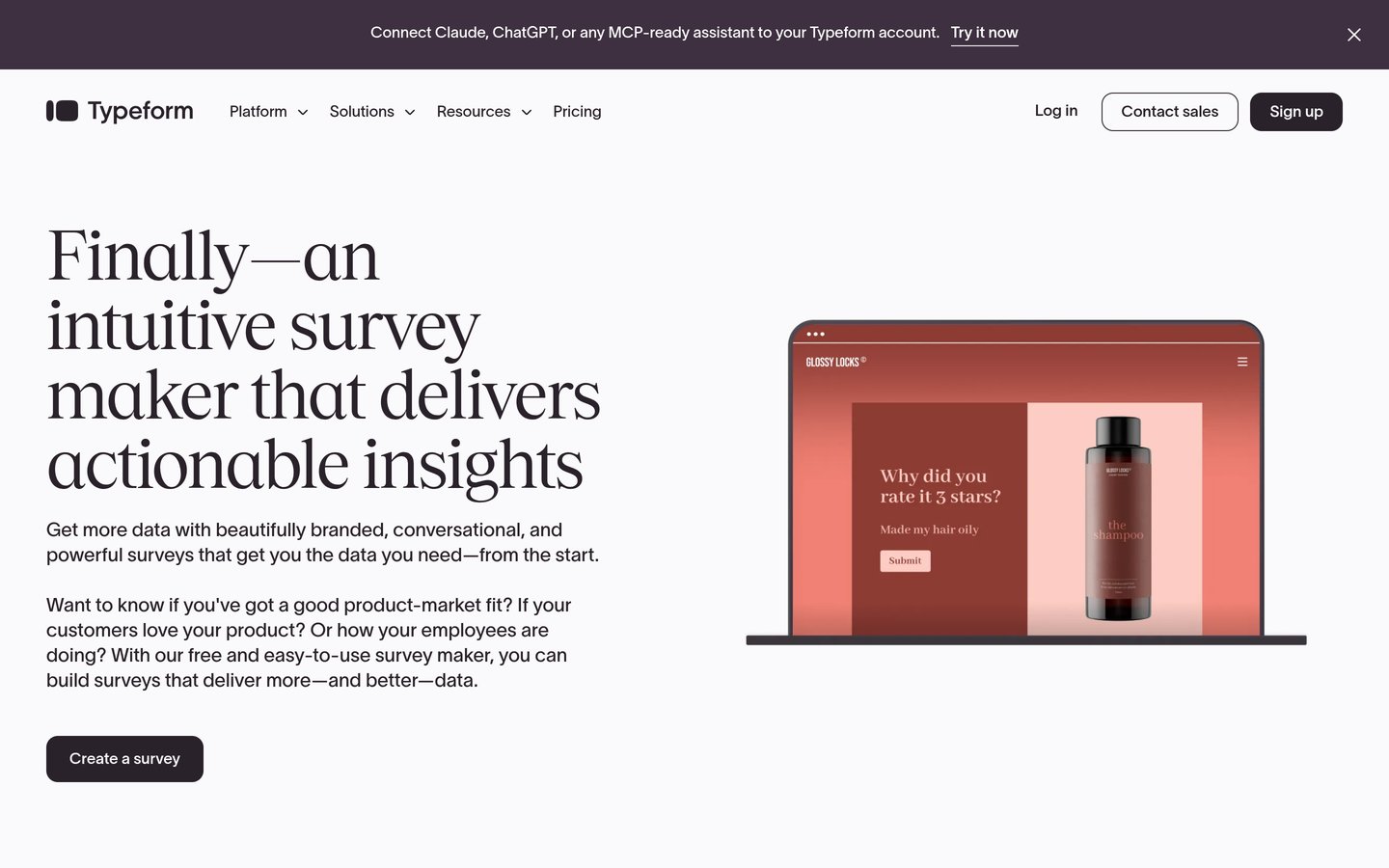
Typeform homepage, captured Nov 2026.
Typeform is an interactive form builder that presents questions conversationally with branching logic, scoring, and lead routing. Its free plan allows unlimited forms and logic features with a cap of 10 responses per month.
The trade off is strict monthly response caps and higher starting pricing, with Basic at $336/yr ($28/mo billed yearly) for 100 responses per month and 1 seat. It suits marketing teams running interactive lead quizzes and high-intent intake forms.
What we like
Engaging one-question-at-a-time layout with conditional logic and scoring
Supports embedding on websites, email launches, and webhook automations
Built-in lead scoring and automated follow-up options on supported tiers
Watch out for
Free tier only includes 10 responses per month
Removing Typeform branding and adding custom subdomains requires Plus or higher
Costs more at the entry level than basic form builders
Paid plans raise monthly response limits, add team seats, remove Typeform branding, and unlock deeper analytics.Visit typeform.com
06
Jotform
4.6/5on G2 (5,961 reviews, checked Nov 2026)
Paid from$408/yr
Best for custom lead forms, payments, and e-signatures
G2 rating4.6 / 5 (5,961 reviews)
Free planYes (5 forms, 100 monthly submissions)
Entry paid planBronze at $408/yr ($34/mo billed yearly)
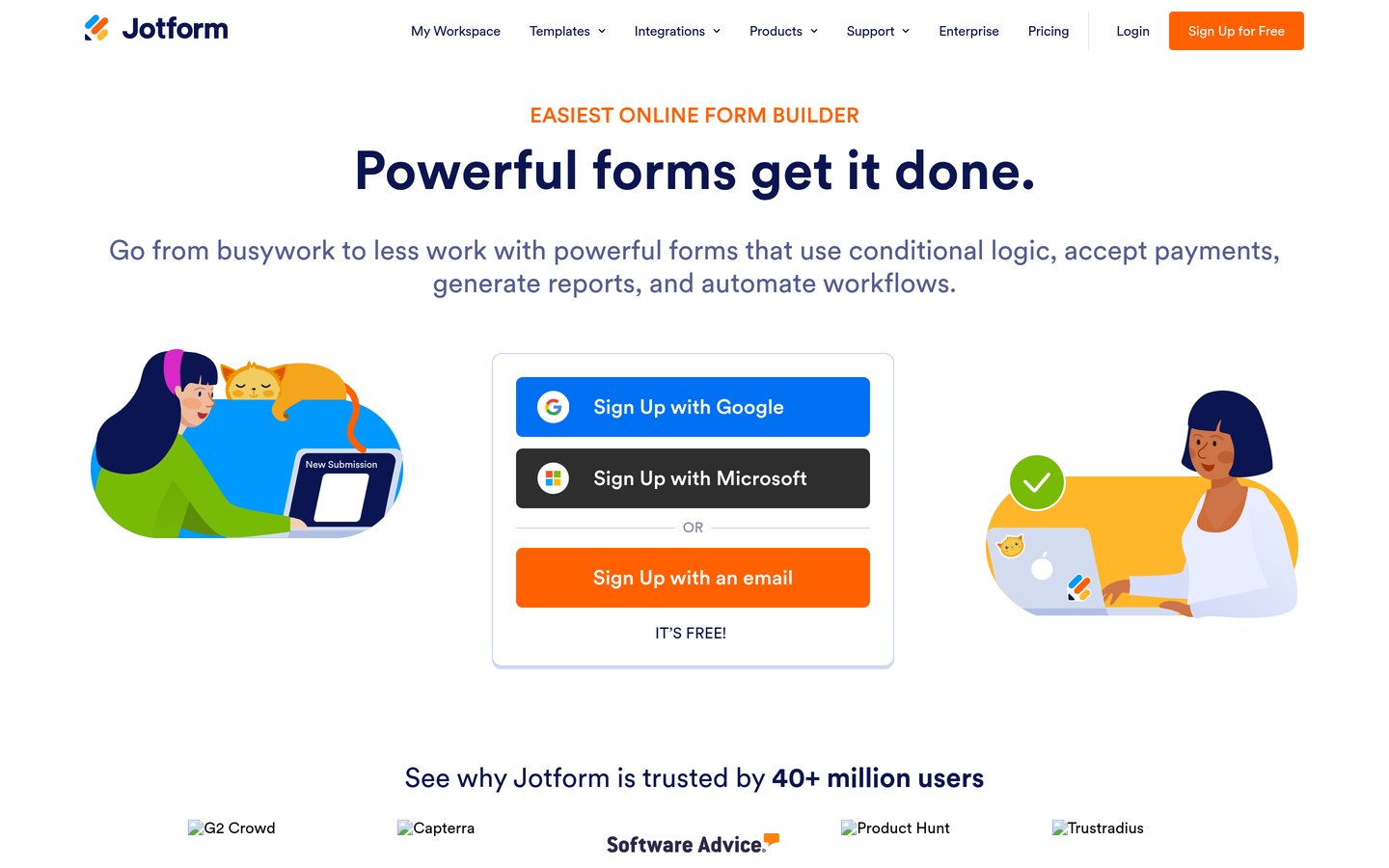
Jotform is an online form and workflow builder used to collect leads, registrations, payments, and signed agreements. Its free Starter plan includes 5 forms, 100 monthly submissions, and 100 MB of storage for 1 user.
The trade off is monthly submission and storage limits across tiers, with Bronze at $408/yr ($34/mo billed yearly) for 25 forms and 1,000 monthly submissions. It suits businesses needing flexible capture forms with payment or signature steps.
What we like
Large template library with drag-and-drop fields, conditional logic, and widgets
Supports payment gateways, PDF generation, and e-signatures inside forms
Connects directly to CRMs, spreadsheets, and automation tools
Watch out for
Free and lower paid tiers enforce monthly submission and storage caps
Jotform branding appears on the free Starter plan
Many configuration menus can feel busy for simple capture needs
Paid plans increase form and submission limits, expand storage, and remove Jotform branding.Visit jotform.com
07
momencio
4.9/5on G2 (17 reviews, checked Nov 2026)
Starts at$7,500/yr
Best for dedicated trade show and field revenue tracking
G2 rating4.9 / 5 (17 reviews)
Free planNo (demo available)
Entry paid planEvent Lead Capture at $7,500/yr
Higher tiersEngage from $10,300/yr, Amaze from $13,700/yr
momencio.com
momencio homepage, captured Nov 2026.
momencio is an event lead capture and field engagement platform built for trade shows, booths, and sales teams. Its annual Event Lead Capture plan is priced at $7,500/yr and covers unlimited events, badge and card scanning, contact enrichment, and automated follow-ups.
The trade off is a high annual price point with no free tier—starting at $7,500/yr—and a smaller review count on G2. It suits mid-market and enterprise teams running frequent trade shows that want event ROI dashboards and follow-up workflows.
What we like
Published annual pricing starting at $7,500/yr for unlimited events
Includes badge and card OCR scanning, lead scoring, and automated email follow-ups
Offers live event performance dashboards and enrichment credit allowances
Watch out for
High annual commitment with no free plan
Smaller G2 review sample (17 reviews) than broader capture tools
Content microsites and pipeline attribution require higher-priced tiers
Event badge scanning vs. digital and inbound capture
Not every tool called lead retrieval software solves the same bottleneck. Trade show teams need badge scanning, business card OCR, and quick rep notes on noisy exhibit floors where internet access can drop.
Inbound and pipeline teams often capture leads through web forms, booking links, and CRM workflows instead. Picking a tool that matches where your leads actually originate prevents duplicate data entry and slow follow-up.
How we chose
We built this shortlist by researching established lead retrieval, digital card, scheduling, and form platforms used for capturing and routing sales leads across events and websites.
All ratings, review counts, and regular pricing figures were checked on 22 Nov 2026 from each vendor's official pricing page and public review listings, noting promotional or annual billing terms where relevant.
We excluded tools without verifiable public pricing or active listings, as well as software lacking clear lead capture, routing, or contact collection workflows.
No vendor paid for a place, and we do not claim testing for this list.
How to choose the right lead retrieval software
Follow four practical steps to match a tool to your team's workflow and budget:
Map where your team captures leads first. Decide whether you need badge and business card scanning at trade shows, conversational web forms, or instant meeting booking links.
Check scan, submission, and event limits. Compare monthly scan quotas, form submission caps, and per-event or per-seat charges against your peak month or event calendar.
Verify CRM and export workflows. Confirm whether the plan you want supports direct CRM sync, webhooks, or CSV exports so leads reach sales reps promptly.
Compare annual versus monthly billing. Look at regular annual renewal prices rather than short-term discounts so your budget stays predictable next year.
FAQ
What is lead retrieval software?
Lead retrieval software helps sales and marketing teams collect, qualify, and organize prospect contact details from trade show badges, business cards, web forms, or meeting bookings. Most tools store notes and tags so reps can follow up and sync leads into a CRM.
Do I need a free plan to start?
A free plan works well if you only capture a small number of leads or want to test scanning, forms, or scheduling before paying. Paid tiers become practical once you hit monthly scan or submission limits or need team management and CRM sync.
Why do some lead capture tools charge per seat while others charge per event or year?
Digital card and scheduling apps often bill per user or seat because each rep manages their own profile or calendar. Dedicated event platforms more commonly charge per event or via an annual package covering multiple shows and team workflows.
Can lead retrieval tools work offline at trade shows?
Many mobile lead capture and digital card apps support offline capture or pass sharing so reps can keep scanning when conference Wi-Fi is unreliable. Always check whether enrichment and CRM sync wait until the device reconnects.
How fast should sales follow up after capturing a lead?
Following up while the conversation is still fresh helps keep context clear for both the rep and the prospect. Tagging lead priority and adding brief notes right at capture makes targeted follow-ups much easier.
Should small teams buy an annual plan right away?
Annual plans usually lower the monthly rate compared to month-to-month billing, which helps if you capture leads year-round. If you only attend one or two events, check monthly or event-based options before locking in an annual contract.