Best Landscape Estimating Software in 2026: 9 Tools Compared
WLWPLegible EditorsLast verified 23 Nov 2026How we rank13 min read
★ Short answer
Aspire is the best landscape estimating software for growing landscape companies, with the highest G2 rating among the specialists at 4.6 out of 5 from 146 reviews and job costing across branches. Pick LMN for budget-based estimating built only for landscape contractors, or Jobber for the best value at $29 a month billed annually.
How we make this list: we compare pricing pages, product documentation and public user reviews, then re-check every price before each update. No product paid for a place. Disclosure.
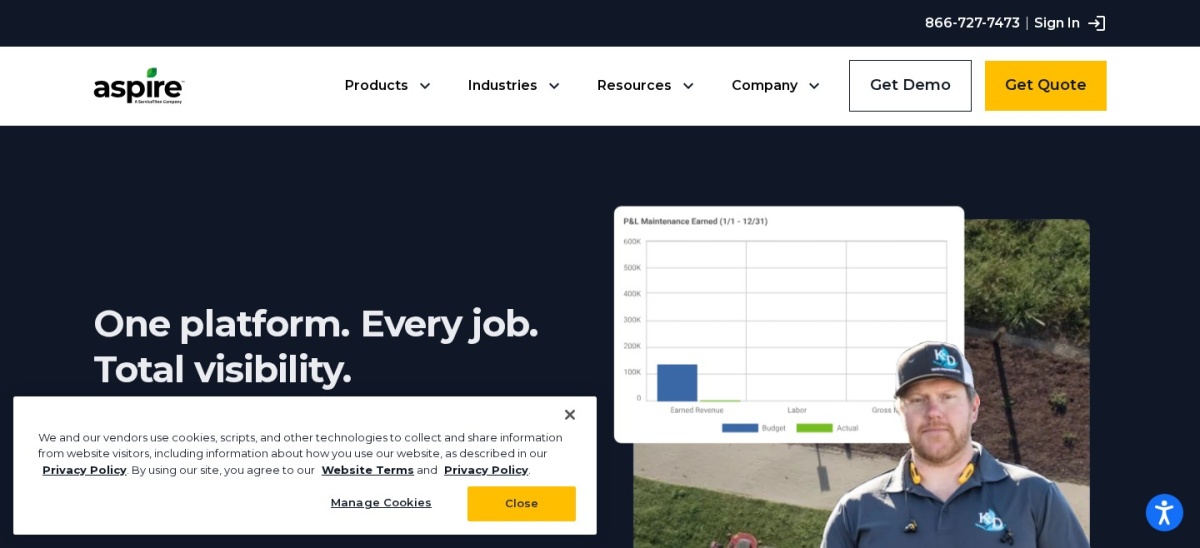
Aspire is the best pick for growing landscape companies, rated 4.6 out of 5 on G2 from 146 reviews, with job costing across branches and locations.
LMN is the category reference point for landscape-only estimating, built from production rates and overhead recovery, but it holds only 3.4 out of 5 on G2 from 14 reviews.
Jobber is the best value at $29 a month for one user billed annually, with quotes, scheduling, invoicing and payments in one login and 4.6 out of 5 on G2 from 530 reviews.
Housecall Pro is the booking-first pick for growing crews, rated 4.3 out of 5 on G2 from 211 reviews, with online booking, routes and payments from $59 a month billed annually.
Clear Estimates is the only contractor-focused estimator with flat-rate published pricing, at $59 a month billed annually, though its G2 score rests on a single review.
What landscape estimating software should cover
Landscape estimating software builds the price of a job: labor, materials, overhead and margin per property, before a crew ever leaves the yard. A missed line item on a $40,000 install costs more than a year of any subscription in this list.
The market splits three ways. Green-industry specialists such as LMN, Aspire and SingleOps were built for landscape, lawn care, tree care and snow work, with estimating tied to job costing. General field-service platforms such as Jobber and Housecall Pro cover quotes, scheduling and invoicing for any home-service business. Takeoff tools such as STACK measure the job from digital plans first.
Pricing is mostly hidden. Five of the nine tools here publish nothing and sell through demos with annual contracts, so comparison shopping takes phone calls. Only Jobber, Housecall Pro and Clear Estimates print prices on their websites.
Free starts exist. STACK has a free tier for one project a month, and Jobber, Housecall Pro and Clear Estimates all offer free trials. A solo operator should start with a trial and graduate to a specialist platform when the crew grows.
Aspire plays in the same field as LMN but aims one rung up the company-size ladder. Where smaller tools focus on getting the quote out the door, Aspire focuses on what happens after the job is sold: job costing, crew performance and branch-level reporting. For companies running multiple crews or locations, that operational layer is the whole point.
The trade off is accessibility. Pricing is quote-only and demos are the front door, so budget time for the sales process. A two-truck operation will find the depth unnecessary and the onboarding heavy. It suits growing landscape companies with an office staff, a real estimating process and questions about margins they cannot answer today.
What we like
Strong job costing and reporting for multi-crew companies
Highest G2 rating among the specialists at 4.6 out of 5
Designed for landscape, lawn care and snow at scale
Watch out for
Demo-led sales with no published pricing
Built for larger operations, so small shops pay for depth they may not use
Implementation takes planning
Estimating, scheduling and invoicing in one workflow; unlimited users includedVisit youraspire.com
02
LMN
3.4/5on G2 (14 reviews, checked Nov 2026)
PricingCustom/mo
Best estimating specialist for landscape contractors
Free planDemo available
Job costingYes, estimated vs actual
Time trackingYes
Paid planCustom quote
golmn.com
LMN homepage, captured Nov 2026.
LMN is the name that comes up most inside landscape shops, and the reason is focus. It was designed for landscape and snow contractors rather than adapted from generic construction software. Estimates, schedules, time tracking and job costing live in one system, so the numbers on the bid connect to the hours the crew actually logs.
The trade off is price and proof. LMN publishes no prices and sells through demos, so expect a sales conversation and an annual commitment, and G2 shows only 3.4 out of 5 from 14 reviews, the lowest score in this list. It suits landscape contractors who run multiple crews and want the estimate to talk to the schedule and the timesheet.
What we like
Built only for landscape and snow contractors
Estimating tied to scheduling and job costing
Deep library of training content for crews
Watch out for
No published pricing, demo-led sales
Lowest G2 rating here at 3.4 out of 5 from 14 reviews
Longer setup than simpler quoting tools
Time, Estimating and Business tiers; annual contracts are the normVisit golmn.com
03
SingleOps
4.4/5on Capterra (108 reviews, checked Nov 2026)
PricingCustom/mo
Best for tree care and recurring routes
Free planNo, demo via sales
Recurring workYes
Customer portalYes
Paid planCustom quote
singleops.com
SingleOps homepage, captured Nov 2026.
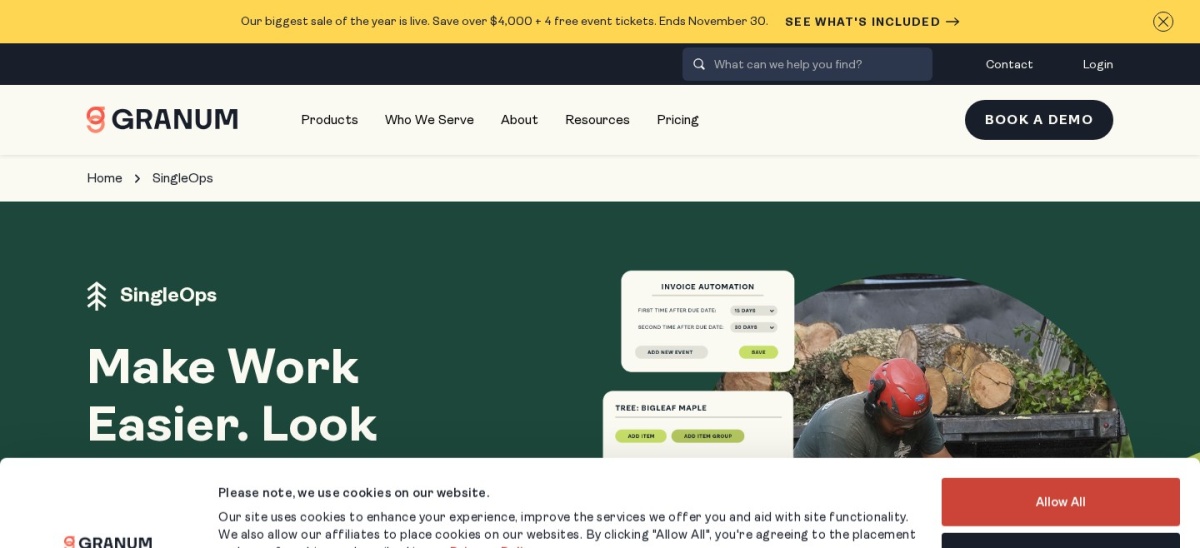
SingleOps is one of the few platforms built around tree care and recurring landscape routes: proposals, scheduled visits, crew assignments and invoices follow the same job. Recurring work, which many generic tools handle awkwardly, is a first-class citizen here, and the customer portal and e-signatures speed up approvals.
The trade off is price transparency. SingleOps sells through demos and publishes no prices, and annual agreements are typical. It suits tree care and landscape companies that sell recurring and one-time work, from owner-operators with crews to mid-size companies.
What we like
Built for tree care, lawn care and landscape workflows
Recurring routes handled as a first-class feature
Customer portal and e-signatures speed approvals
Watch out for
Quote-based pricing with nothing published
Narrower fit if your work is mostly construction or hardscape
Annual agreements typical
Proposals, scheduling, crew assignments and invoicing in one job flowVisit singleops.com
04
Jobber
4.6/5on G2 (530 reviews, checked Nov 2026)
Starts at$29/mo
Best value for small landscape companies
Free plan14-day free trial
QuotingYes
SchedulingYes, drag-and-drop
Paid planCore, $29/mo annual
getjobber.com
Jobber homepage, captured Nov 2026.
Jobber is the generalist in this list, and that is a strength rather than a weakness. Landscapers, lawn care operators and maintenance contractors get professional quotes, drag-and-drop scheduling, crew dispatch, invoicing and card payments in one login. The Core plan at $29 per month for one user billed annually is the cheapest transparent starting price among the full platforms here.
The trade off is estimating depth. Jobber builds clean quotes fast, but it will not do the detailed takeoff and job-cost analysis that LMN or Aspire offer, and per-user pricing means a five-person office pays meaningfully more than the headline number. It suits small shops that need the whole job cycle handled well.
What we like
Published pricing from $29 a month with a real free trial
Quotes, scheduling, dispatch, invoicing and payments in one app
Largest G2 review base here at 530 reviews
Watch out for
Estimating depth is lighter than the landscape specialists
Housecall Pro is a field service platform for home service businesses, including landscaping and lawn care crews, that covers online booking, scheduling, quotes, invoicing and payments in one login. Its Basic plan costs $59 a month billed annually for one user, and the Essentials tier adds routes, crew GPS tracking and QuickBooks sync.
The trade off is cost as the crew grows. Basic covers one user only, so a multi-crew operation moves to Essentials at $149 a month billed annually, and route optimization sits on the top tier. It suits growing crews that want customers to book and pay online without assembling a separate stack.
What we like
Online booking and payments built in
Routes and crew GPS tracking on Essentials
Published prices with no sales call required
Watch out for
No free plan, trial only
Basic covers one user only
Reviewers report bugs and slow support
Essentials at $149 a month billed annually adds routes and QuickBooks syncVisit housecallpro.com
06
Service Autopilot
3.7/5on G2 (21 reviews, checked Nov 2026)
PricingCustom/mo
Best for automation-heavy route work
Free planNo, demo via sales
Route optimizationYes
Automatic billingYes
Paid planCustom quote
serviceautopilot.com
Service Autopilot homepage, captured Nov 2026.
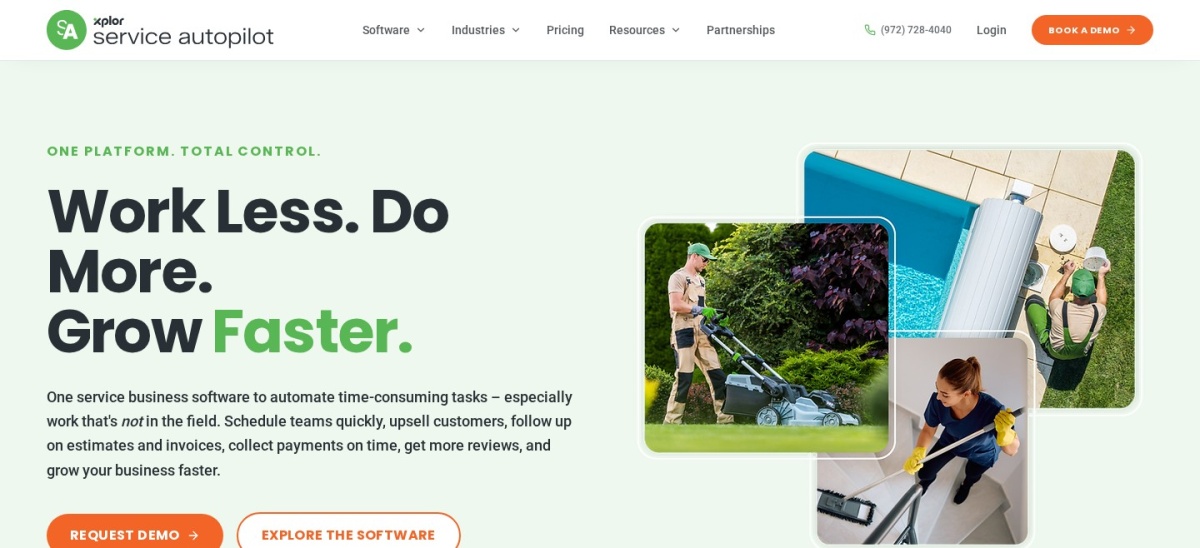
Service Autopilot built its following on one promise: the business runs while you are on the mower. Recurring schedules, optimized routes, automatic billing and client follow-ups are the core of the product, and for route-based lawn care companies that automation is worth real money. The tier structure runs from Startup through Pro, Pro Plus and Elite, so there is a plan for each growth stage.
The trade off is the front door. Pricing is not published and demos lead the sale, so comparing it to Jobber or Housecall Pro takes a phone call, and the automation power brings a steeper learning curve. It suits lawn care and landscape companies that want heavy automation of routes and billing.
What we like
Automation depth is the platform's signature
Tiered plans from Startup to Elite
Strong fit for route-based lawn and maintenance work
Watch out for
No published pricing
Steeper learning curve from deep automation
Best value shows up at higher volumes, so tiny shops may overbuy
STACK starts one step earlier than most tools on this list, with the plans themselves. You upload digital drawings, measure areas, lengths and counts on screen, then build the estimate from those takeoffs. For landscape construction, hardscape and install work bid from site plans, that workflow catches what manual entry misses.
The trade off is focus. STACK is a construction takeoff platform rather than a landscape specialist, and pricing is quote-based, so the pricing page shows feature tiers but no dollar figures. It suits contractors who estimate from digital plans and need cloud takeoff, with a free tier of one project a month to test real work.
What we like
Cloud takeoff from digital plans
Free tier lets you test one project a month
Prebuilt item and assembly libraries
Watch out for
No published dollar prices
Construction-focused, broader than landscape-only tools
Full value needs the paid takeoff features
AI-assisted takeoffs and Excel integration on paid tiersVisit stackct.com
08
Clear Estimates
4/5on G2 (1 reviews, checked Nov 2026)
Starts at$59/mo
Best for transparent flat-rate pricing
Free plan30-day free trial
PricingFlat monthly rate
AssembliesYes, prebuilt
Paid planStandard, $59/mo annual
clearestimates.com
Clear Estimates homepage, captured Nov 2026.
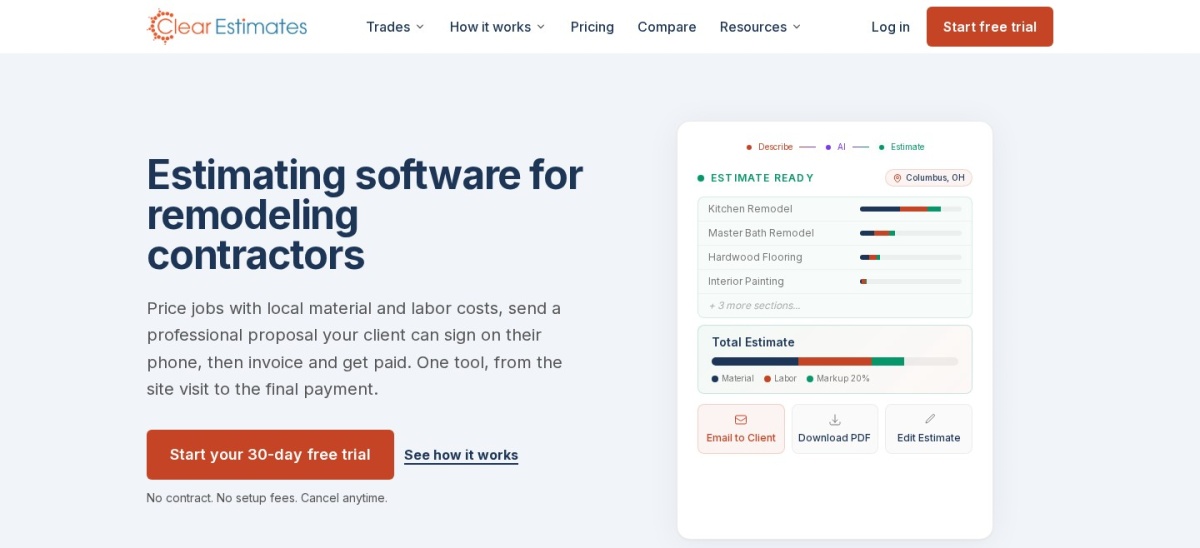
Clear Estimates is the only contractor-focused estimator here with prices printed on its website, and that alone earns it a place. The Standard plan runs $79 per month billed monthly or $59 per month billed annually, with a 30-day free trial and a Pro tier at $119 per month for heavier use. No sales call, no quote process.
The trade off is fit and proof. Clear Estimates speaks remodeling and specialty contracting more than landscape maintenance, and G2 shows 4.0 out of 5 from a single review, so treat the score lightly. It suits landscape contractors who do install work, outdoor living projects or hardscape and want flat-rate pricing they can verify.
What we like
Transparent published pricing with a 30-day trial
Flat monthly rate with no per-user math
Standard plan covers estimating with prebuilt assemblies
Watch out for
Built for remodeling more than landscape maintenance
G2 score rests on a single review
Per-project estimating depth is lighter than STACK
ProEst comes from the construction world, where estimates run to hundreds of line items and historical cost data decides bids. It is cloud-based, which matters for firms with estimators in the office and project managers in the field, and it handles large estimate databases and multi-trade projects.
The trade off is size. A maintenance contractor or small install shop will drown in structure built for general contractors, and pricing is entirely sales-led with nothing published. It suits larger construction firms and design-build landscape companies that estimate complex, multi-trade projects where bid accuracy is a company-level metric.
Most of this market hides its prices. LMN, Aspire, SingleOps, Service Autopilot and ProEst publish nothing and sell through demos, which usually means annual contracts and per-user or per-tier pricing you negotiate.
The published numbers give you anchors. Jobber starts at $29 per month for one user billed annually. Housecall Pro starts at $59 per month billed annually for one user. Clear Estimates charges $79 per month billed monthly or $59 billed annually. STACK offers a limited free tier.
Budget beyond the subscription. Implementation, data migration and training cost time on every platform here, and the deeper tools ask for more of it. Ask each vendor for the total first-year cost in writing, including onboarding fees, before you compare.
A $29 plan with a $2,000 onboarding fee is not cheaper than a $79 plan with free setup. Flat-rate tools such as Clear Estimates keep the math simple, while per-user pricing on platforms such as Housecall Pro doubles or triples by the time the office staff is in.
How we chose
We started from the landscape estimating and field-service tools most often listed on G2 and Capterra, then kept those with a published price or a free plan and a real estimating use case.
Prices come from each vendor's pricing page and from comparison pages that checked those pages in October and November 2026. Ratings and review counts come from G2 and Capterra on the same day. Where a vendor publishes no price, the list says Custom and shows a zero yearly figure rather than inventing one.
We left out tools with no G2 or Capterra rating and no published price. No vendor paid for a place, and this list is based on pricing, docs and reviews, not on using the tools ourselves.
How to choose landscape estimating software
Start with how you actually bid, then check what happens after the bid is signed.
Work out how you bid most of your revenue. Recurring maintenance needs fast templated quotes and route scheduling. Installs and construction bid from plans need takeoff accuracy and assembly libraries.
Check what happens after the bid is signed. Tools with job costing, such as LMN and Aspire, tell you whether the $40,000 install made money. Quoting-only tools leave that to your accountant months later.
Count the real users. Per-user pricing looks cheap at one seat and doubles by the time the office staff is in. Flat-rate tools such as Clear Estimates keep the math simple, while per-user platforms such as Housecall Pro charge more as the crew grows.
Confirm the mobile story. Your estimator works from a truck, so quotes, photos and signatures need to work on a phone, not just a desktop. Test the mobile app during the trial.
FAQ
What is the best landscape estimating software?
Aspire is the best pick for growing landscape companies. It holds 4.6 out of 5 on G2 from 146 reviews, with detailed job costing across branches, crew performance tracking and estimating, scheduling and invoicing in one workflow.
Is there a free landscape estimating software?
Yes, with limits. STACK has a free tier for one project a month, and Jobber, Housecall Pro and Clear Estimates all offer free trials. No full estimating platform here is free beyond a trial or a single-project tier.
How much does landscape estimating software cost?
Published prices run from $29 a month for Jobber Core billed annually, $59 a month for Housecall Pro Basic billed annually, and $59 a month for Clear Estimates Standard billed annually. The specialist platforms are quote-only.
What is the difference between estimating software and takeoff software?
Estimating software builds the price: labor, materials, overhead and margin per job. Takeoff software measures the job first: areas, lengths and counts pulled from digital plans. STACK does takeoff first and estimating second.
Do I still need QuickBooks if I buy estimating software?
Yes, for accounting. Estimating tools handle bids, jobs and invoices; QuickBooks or Xero handles the books, payroll and taxes. Most tools here integrate with QuickBooks so invoices flow across.
Which landscape estimating software has the best ratings?
Aspire and Jobber tie at 4.6 out of 5 on G2, with Aspire at 146 reviews and Jobber at 530. STACK follows at 4.5 from 94 reviews. LMN is the lowest-rated here at 3.4 from 14 reviews.