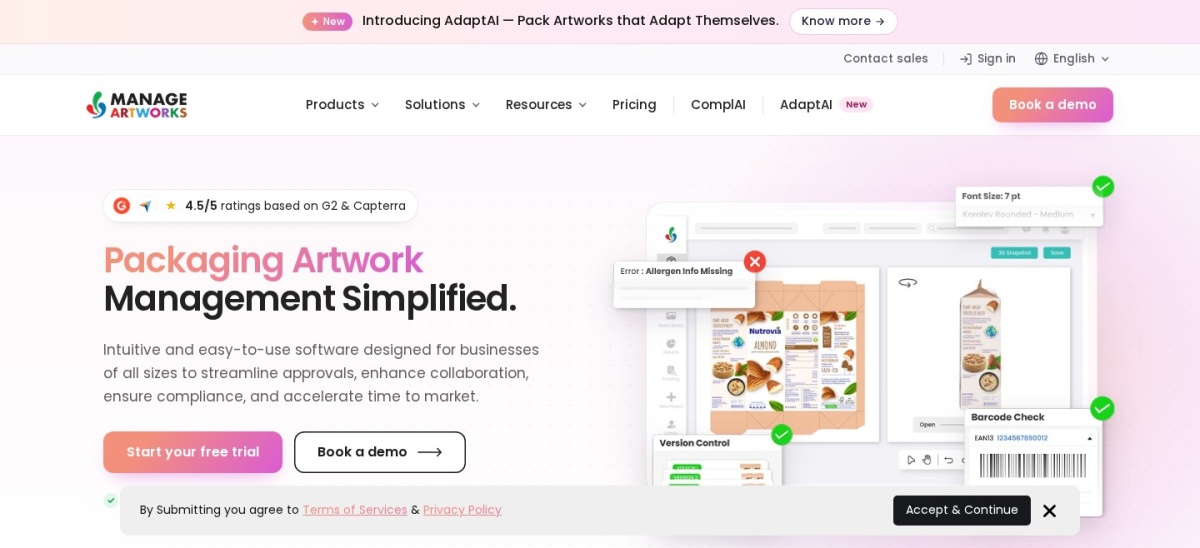
ManageArtworks is the best label and artwork management software for most packaging teams, with AI proofing, version control and a 4.4 out of 5 G2 rating from 19 reviews. Pick Esko WebCenter for enterprise artwork workflows, Loftware Cloud for global label control, or Artwork Flow if you want a free plan.
How we make this list: we compare pricing pages, product documentation and public user reviews, then re-check every price before each update. No product paid for a place. Disclosure.
ManageArtworks leads with AI image, text and barcode checks, plus copy management and a DAM, from $399 a month.
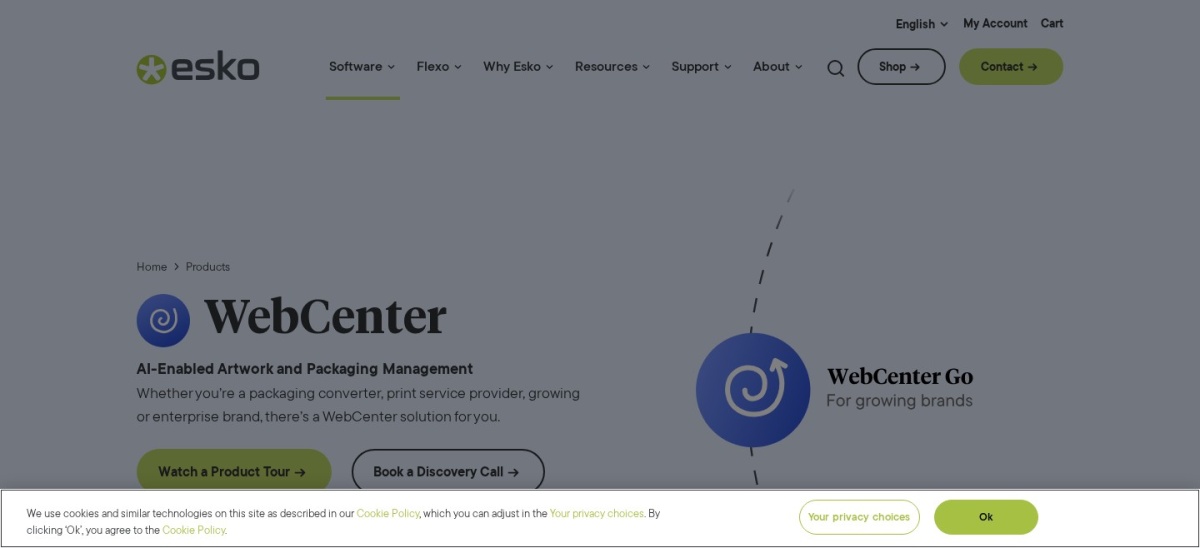
Esko WebCenter is the enterprise standard for structured artwork approval, but pricing is quote-only and setup takes months.
Loftware Cloud has the largest review base here, 134 G2 reviews at 4.2 out of 5, and prices by printer seat on quote.
Artwork Flow is the cheapest artwork-specific option, with a free plan for up to 3 users; its Professional plan is $30 per user a month.
BarTender is the cheapest paid starting point at $199 a year, but it is label design and print, not artwork approval.
Two different jobs: artwork approval and label printing
Label and artwork management covers two jobs that look alike but need different software. Artwork approval is about getting a pack design checked, changed and signed off. Label management is about keeping the approved label content, templates and print output under control.
The first four tools in this list do the artwork job. ManageArtworks, Esko WebCenter, Loftware Cloud and Artwork Flow run versions, annotations and approvals with an audit trail.
The rest split by bottleneck. Filestage, Ziflow and PageProof handle the review and sign-off of proofs, while BarTender and CODESOFT design and print the labels themselves. A team that only prints labels can start with BarTender; a team that ships packs needs an approval tool first.
ManageArtworks is a packaging artwork management platform from Karomi that covers workflow, proofing, copy management and a digital asset library in one place. The PRO plan costs $399 a month for up to 10 users and includes version control, annotations, approvals and automated image, text and barcode checks.
The trade off is price. At $399 a month it costs far more than the proofing-only tools here, and the Growth plan at $499 a month is the next step up. It suits brands and printers in regulated markets that need audit-ready approvals on every pack change.
What we like
AI image, text and barcode compare
Copy management and DAM in one platform
Audit trail on every approval
Free trial to test the workflow
Watch out for
Priciest starting plan in this list
Small G2 base at 19 reviews
G2 reviewers report implementation taking around 6 months
Esko WebCenter is the long-standing enterprise platform for packaging artwork, used by global brands, agencies and printers. It centralises briefs, versions, annotations and approvals, with WebCenter Go for growing brands and WebCenter Pack for converters.
The trade off is cost and setup. Esko publishes no prices, so every deal is a quote, and G2 reviewers report implementation taking around 9 months. It suits large teams that need governed, audit-ready artwork workflows across many sites and suppliers.
What we like
Deepest packaging workflow in this list
Go and Pack versions for smaller teams
Strong version control and audit trail
44 G2 reviews, the most among artwork platforms
Watch out for
Quote-only pricing
Long implementation
Heavy for small teams
Enterprise adds complex workflows; Go suits growing brandsVisit esko.com
03
Loftware Cloud
4.2/5on G2 (134 reviews, checked Nov 2026)
PricingCustom/yr
Best for global label management
Label controlCentral templates
IntegrationsERP, WMS, MES, PLM
Review base134 G2 reviews
Paid planQuote, per printer seat
loftware.com
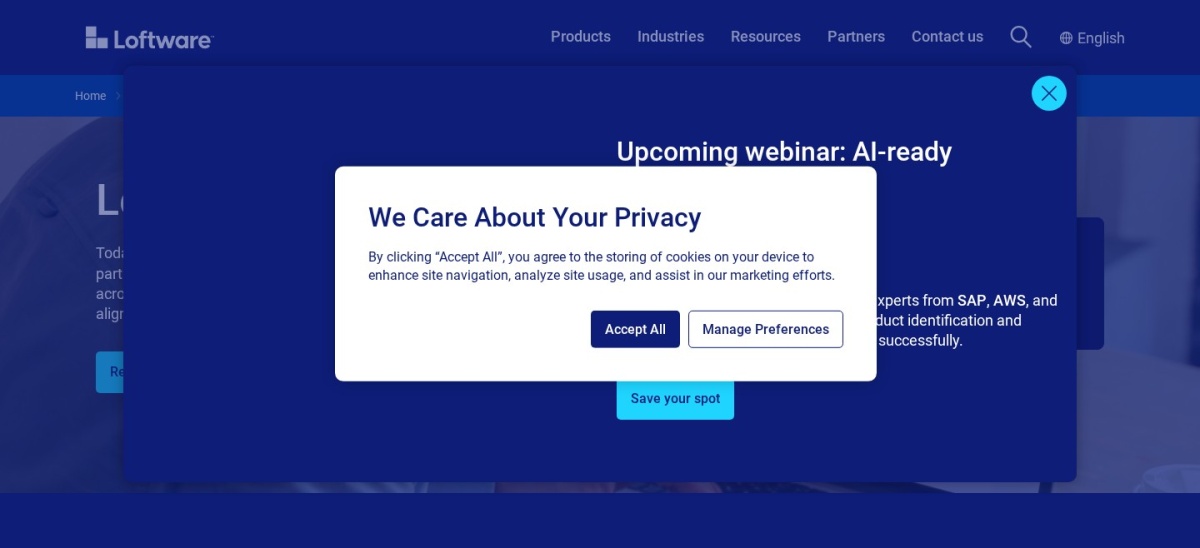
Loftware Cloud homepage, captured Nov 2026.
Loftware Cloud is a cloud platform that centralises label design, approval and printing across sites, suppliers and markets. It connects with ERP, warehouse and manufacturing systems and keeps one approved version of every label template.
The trade off is pricing. Loftware publishes no list prices and sells mainly by annual printer seat, so budgeting needs a sales quote. It suits global manufacturers and life sciences teams that need governed, multilingual labels at scale.
What we like
Largest G2 review base in this list
Deep ERP, WMS and MES integrations
Centralised template control
Cloud access from any site
Watch out for
Quote-only, seat-based pricing
Reviewers call it expensive
Setup takes around 3 months, per G2
Paid plans are annual subscriptions priced by printer seatVisit loftware.com
04
Artwork Flow
4.8/5on G2 (45 reviews, checked Nov 2026)
Paid from$30/mo
Best for small teams on a budget
Free planUp to 3 users
AI proofingSmart compliance checks
Version compareYes, with measurements
Paid planProfessional, $30/user/mo
artworkflowhq.com
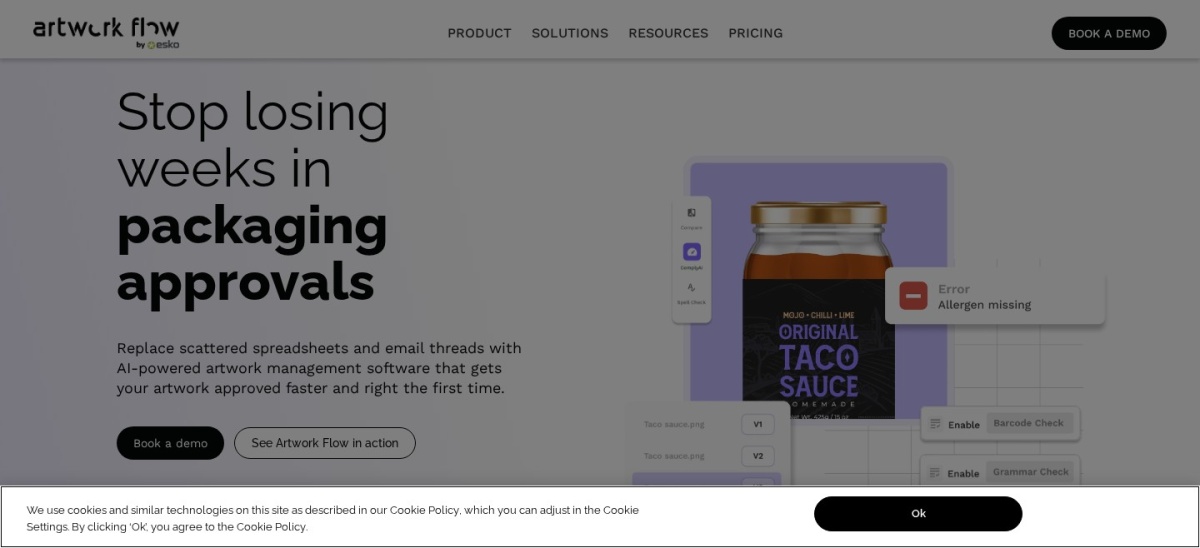
Artwork Flow homepage, captured Nov 2026.
Artwork Flow is a cloud artwork management tool with AI proofing, version compare, measurements and brand compliance checks. Its free plan covers up to 3 users with unlimited reviewers, and the Professional plan costs $30 per user a month for up to 10 users.
The trade off is scale. Professional caps at 10 users and 50 creative reviews a month, and larger teams move to a custom Enterprise plan that starts at $8,000 a year. It suits small packaging and marketing teams that want AI checks without enterprise pricing.
BarTender is label design and print software from Seagull Scientific, used to create barcodes, RFID tags and labels and send them to printers. The on-premises Starter plan costs $199 a year, and the Cloud Essentials plan costs $390 a year.
The trade off is scope. BarTender manages label templates and print output, not artwork approval workflows, so packaging teams still need a proofing tool beside it. It suits manufacturers and warehouses that print labels every day.
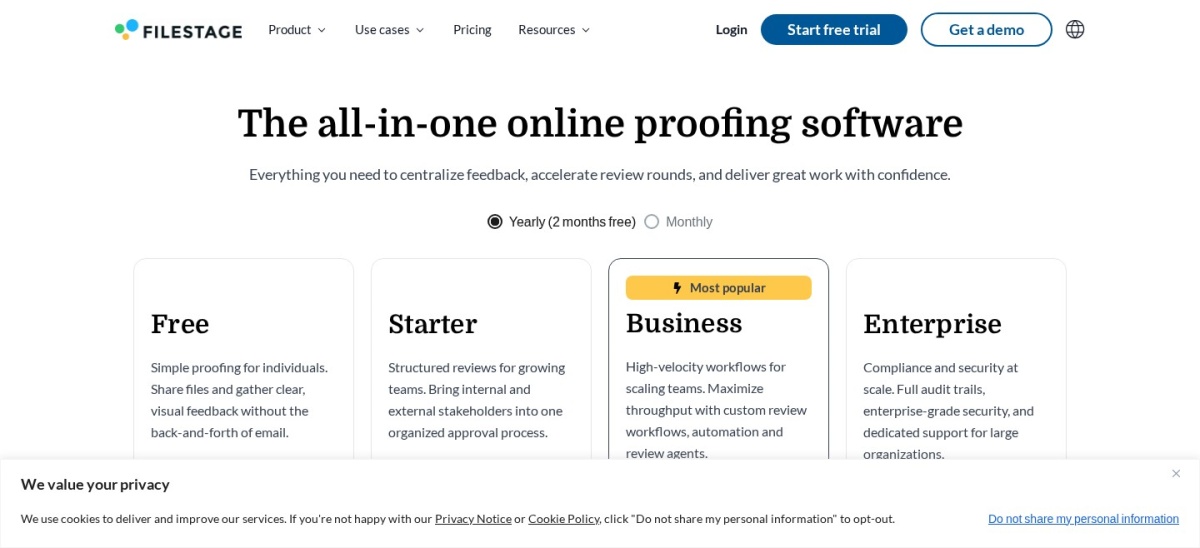
Filestage is a review and approval platform for artwork, video, documents and websites, built around reviewer groups and approval stages. Its free plan covers one active project, and the Starter plan costs $199 a month when billed yearly.
The trade off is price. Starter costs $249 a month on monthly billing, and the AI review agents that check copy sit on the Business plan. It suits marketing teams that want clear review rounds with due dates and an audit log.
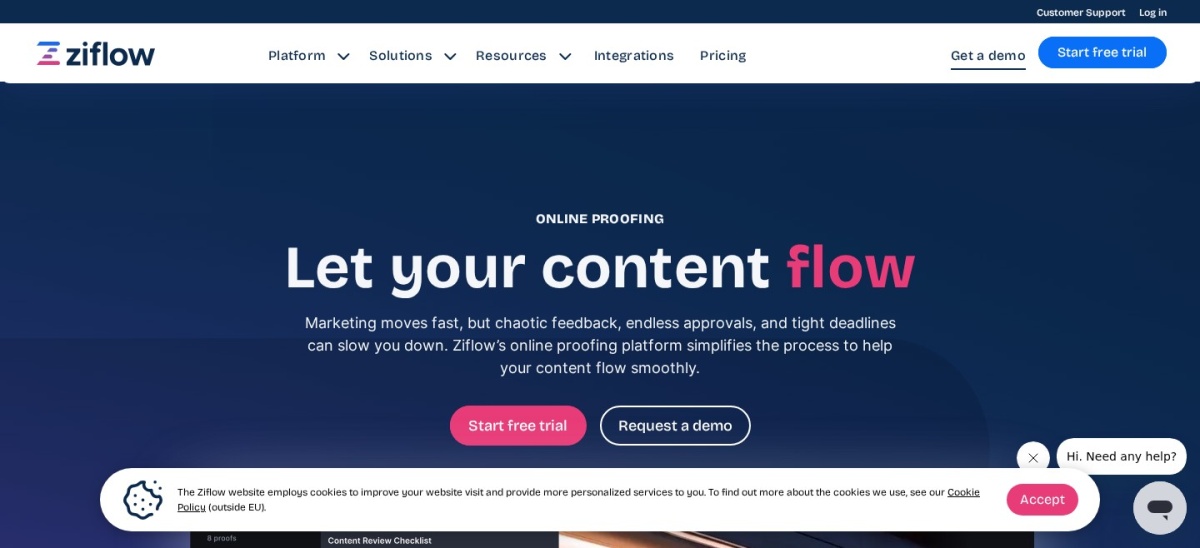
Ziflow is an online proofing platform that routes artwork, video and documents through multi-stage approval workflows. Its free plan covers 2 users, and the Standard plan costs $199 a month billed yearly for 15 users.
The trade off is that the entry price buys a bundle, not a seat. Small teams pay the full $199 a month even for a few users, and the deepest automation sits on higher plans. It suits larger creative teams with complex, multi-stage sign-off.
What we like
Largest proofing review base here, 941 G2 reviews
Automated routing and stages
Adobe Creative Cloud plugins
Unlimited free reviewers
Watch out for
$199 a month minimum for paid
15-user bundle may overshoot small teams
Reviewers call it pricey
Pro adds more storage and automation at $329 a monthVisit ziflow.com
08
PageProof
4.8/5on G2 (391 reviews, checked Nov 2026)
Starts at$249/mo
Best for print-ready proofing checks
Proof checksBarcode, colour, spell
ReviewersUnlimited, free
IntegrationsAdobe, Asana, Slack
Paid planTeam, $249/mo
pageproof.com
PageProof homepage, captured Nov 2026.
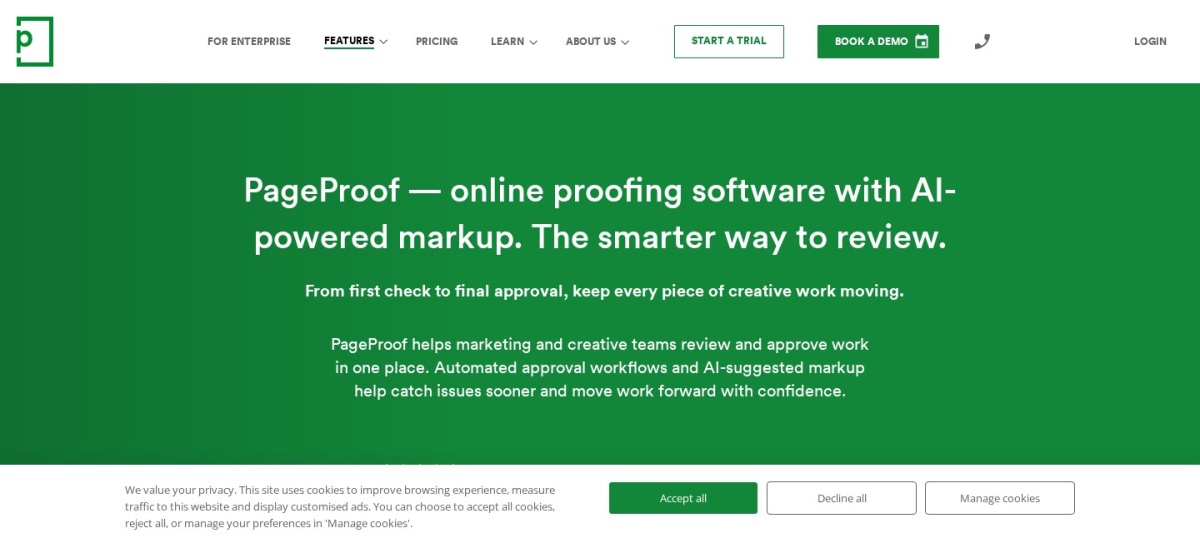
PageProof is an online proofing tool for artwork, video, websites and documents, with markup, version compare and automated workflows. Its Team plan costs $249 a month and includes unlimited proofs, reviewers and storage.
The trade off is price. At $249 a month it is the priciest proofing-only tool here, and there is no free plan for proof owners, only a free trial. It suits brand and agency teams that need print checks such as barcode and colour verification.
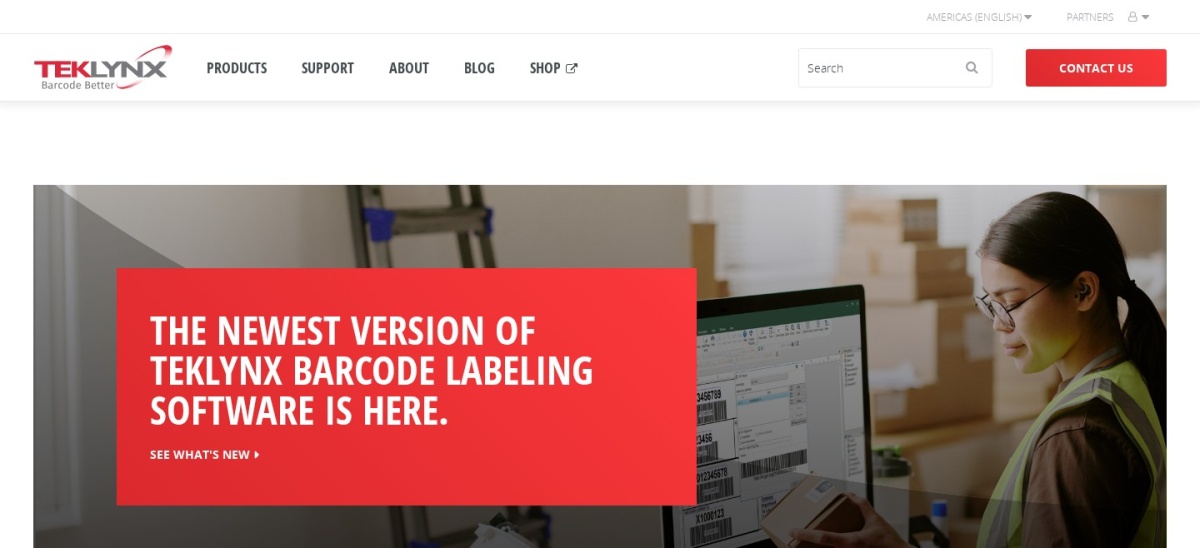
CODESOFT is TEKLYNX label design software for barcodes, RFID and GS1 labels, with data links to Excel, Access and SQL databases. Capterra lists a starting price of $492 a year, and the vendor offers a 30-day trial.
The trade off is that it is a design tool, not a management platform. It has no artwork approval workflow or central template control, so it fits beside a management tool rather than replacing one. It suits teams that design complex labels every day.
What we like
100+ barcode symbologies
Strong database links
GS1 and RFID support
Integrates with SENTINEL print automation
Watch out for
No approval workflow
Price comes from Capterra; vendor lists price on request
Artwork management vs label printing: pick by your bottleneck
If approvals are slow, buy an artwork tool. ManageArtworks or Artwork Flow will cut the email and PDF rounds that delay launches.
If labels are wrong at print time, buy a label tool. BarTender or CODESOFT control the template and the printer, which is where most print errors start.
If both are broken, start with approval. A bad label printed fast is still a bad label, and an approved file is the only safe input to a print run.
How we chose
We started from the packaging artwork and label tools named in current comparison guides, then kept the nine with a public rating on G2 or Capterra.
Prices come from each vendor's pricing page or vendor-supplied G2 pricing, checked on 25 November 2026. Ratings and review counts come from G2 and Capterra on the same day. Where a vendor shows a monthly price with an annual-billing discount, the list shows the annual-billed rate and notes the monthly rate in the text.
We left out Kallik Veraciti, TEKLYNX CENTRAL and Cway because none has a public rating on G2, Capterra or Trustpilot. No vendor paid for a place, and we do not claim hands-on testing for this list.
How to choose label and artwork management software
Start with the job that hurts most, then match the tool to the size of your team.
Decide whether you need approval or printing. If sign-off is the bottleneck, pick an artwork tool. If print errors are the bottleneck, pick a label design and print tool.
Count the people who approve, not just designers. Reviewers are usually free, but paid seats add up fast on per-user plans such as Artwork Flow. Check the seat cap before you shortlist.
Ask for the real price in writing. Esko WebCenter, Loftware Cloud and CODESOFT publish no list price. Get a quote that covers users, sites and implementation before you commit.
Run one real artwork through a trial. Send a live pack file through the full approval chain. That shows whether the version compare and audit trail fit your process.
FAQ
What is the best label and artwork management software?
ManageArtworks is the best pick for most packaging teams. It combines artwork approval, AI proofing, copy management and a digital asset library, and it is rated 4.4 out of 5 on G2 from 19 reviews.
What is the difference between artwork management and label management?
Artwork management covers the approval of a pack design: versions, annotations, sign-off and audit trails. Label management covers the approved label itself: templates, content, translations and print output across sites and printers.
Which label and artwork tool has a free plan?
Artwork Flow, Filestage and Ziflow all have free plans. Artwork Flow is the most useful free option for packaging teams, with up to 3 users, version compare and AI smart tagging of assets.
How much does label and artwork management software cost?
Paid plans in this list start at $199 a year for BarTender and $30 per user a month for Artwork Flow. Enterprise tools such as Esko WebCenter and Loftware Cloud are quote-only, and ManageArtworks starts at $399 a month.
Do I need both an artwork tool and a label printing tool?
Many teams do. An artwork tool approves the design, and a label tool such as BarTender or CODESOFT designs the barcode label and sends it to the printer. Using only a print tool leaves approvals in email.
Which tool is best for regulated industries?
ManageArtworks and Esko WebCenter fit regulated teams best, with audit trails, controlled approvals and version history. Kallik Veraciti also targets regulated labeling, but it has no public rating, so it is not in this list.
SaaS SEO and WordPress specialist with about 8 years of experience. Rakib compares WordPress plugins, themes, hosting and software using public pricing, documentation and user reviews. See how we rank.