ZenMaid is the best janitorial software with payroll management for most cleaning businesses. Payroll reports start on the $39-a-month Pro plan, and it is rated 4.7 out of 5 from 205 Capterra reviews. Pick Connecteam for a free plan up to 10 users, or Swept for commercial crews across many sites.
How we make this list: we compare pricing pages, product documentation and public user reviews, then re-check every price before each update. No product paid for a place. Disclosure.
ZenMaid is the cheapest native payroll pick: payroll reports start on Pro at $39 a month, and it is rated 4.7 out of 5 from 205 reviews.
Connecteam is the only free plan here, for up to 10 users, and it holds the largest review base at 4.6 out of 5 from 5,320 reviews.
Swept is the only tool built only for commercial janitorial work, priced by location from $30 a month with payroll export reports.
Most tools do not run payroll themselves: Jobber, Swept and Janitorial Manager feed hours to Gusto, QuickBooks or 14 payroll providers.
Prices run from $19 to $1,000 a month, so check whether payroll is built in, an add-on or an export before you budget.
What payroll means in janitorial software
Janitorial software with payroll management usually means one of three things: payroll built into the app, a paid payroll add-on, or timekeeping that exports hours to a payroll provider.
The distinction matters at pay time. A built-in payroll report or add-on keeps the pay run in one place, while an export still needs a payroll tool such as Gusto or QuickBooks to file taxes and pay staff.
Look for GPS clock-ins, overtime rules and approved timesheets first. Those three features decide whether the hours that reach payroll are right, and a clean sync to the books matters as much as the schedule. Our guide on integrating WooCommerce with QuickBooks shows how a QuickBooks sync works.
Price is quoted in different units here: per user, per location, per completed job and per hub. Run your own crew size and site count through each plan before comparing headline prices.
The 9 best janitorial software with payroll management
01
ZenMaid
4.7/5on Capterra (205 reviews, checked Nov 2026)
Starts at$19/mo
Best janitorial payroll pick overall
PayrollPro plan, $39/mo
Free planNo, 14-day trial
Entry limit40 appointments/mo
Extra users$4–$24/user/mo
zenmaid.com
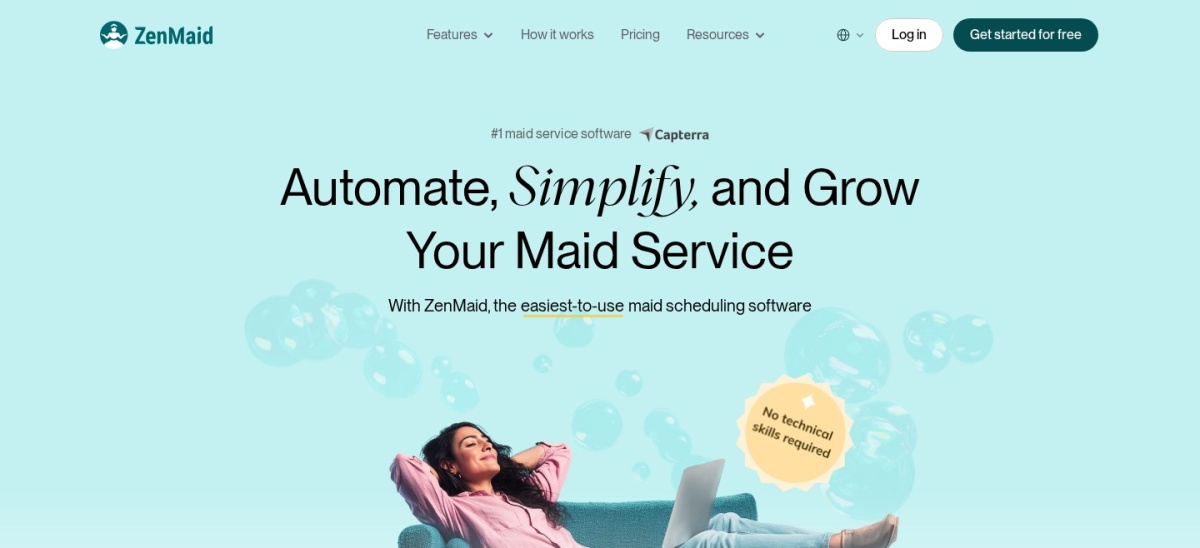
ZenMaid homepage, captured Nov 2026.
ZenMaid is scheduling software built only for maid and cleaning services, with recurring appointments, a drag-and-drop calendar and automated reminders. The Starter plan costs $19 a month plus $4 per extra user and covers up to 40 appointments a month, with invoicing through Stripe and Square.
The trade off is that payroll only arrives on the Pro plan at $39 a month plus $14 per user, and the per-user fees add up as the crew grows. It suits small residential cleaning services that run recurring routes and want payroll reports beside the schedule.
What we like
Payroll reports built in from the Pro plan
Lowest entry price in this list at $19 a month
Rated 4.7 out of 5 from 205 reviews
Built only for cleaning services
Watch out for
Payroll needs the $39 Pro plan
Per-user fees rise with crew size
Starter caps at 40 appointments a month
No commercial janitorial bidding tools
Pro adds payroll, GPS tracking and unlimited appointmentsVisit zenmaid.com
02
Connecteam
4.6/5on Capterra (5,320 reviews, checked Nov 2026)
Paid from$35/mo
Best free start for cleaning crews
PayrollIntegrations, Basic up
Free planYes, up to 10 users
Paid hub$35/mo, 30 users
Extra users$1/user/mo after 30
connecteam.com
Connecteam homepage, captured Nov 2026.
Connecteam is a workforce app for deskless teams that combines scheduling, a GPS time clock, team chat and HR tools in separate hubs. The Small Business plan is free for up to 10 users, and the Operations hub starts at $35 a month for the first 30 users, with payroll integrations and timesheet exports.
The trade off is that each hub is billed separately, so adding communications or HR tools raises the monthly bill. It suits cleaning companies that want one mobile app for scheduling, clock-ins and payroll exports without paying per cleaner.
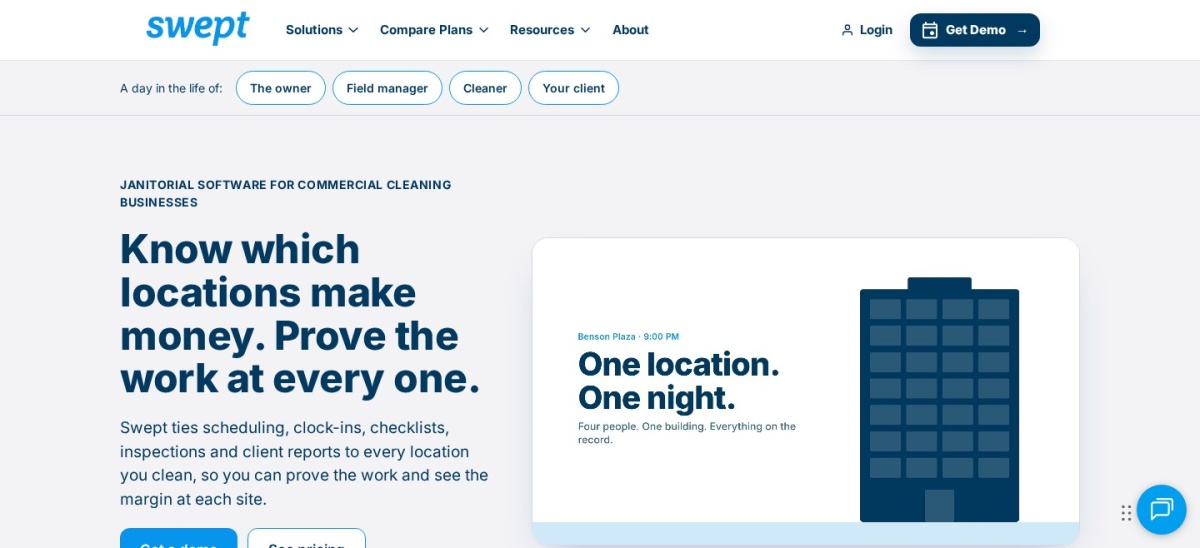
Swept is janitorial software built only for commercial cleaning contractors, priced by location rather than by cleaner. The Launch plan costs $30 a month for up to 15 locations with unlimited users, and covers scheduling, mobile timekeeping, payroll export reports and crew messaging.
The trade off is that geofenced clock-ins and photo inspections need the Optimize plan at $150 a month, and the bill steps up as you add locations. It suits commercial janitorial firms that pay crews across many client sites.
4.6/5on Capterra (1,489 reviews, checked Nov 2026)
Starts at$49/mo
Best for quotes, jobs and payroll data
PayrollGusto, Connect up
Free planNo, 14-day trial
Entry users1 user, Core
Extra users$29/user/mo
getjobber.com
Jobber homepage, captured Nov 2026.
Jobber is field service software for home service businesses that covers quoting, scheduling, invoicing and payments in one app. The Core plan costs $49 a month for one user, and time tracking on the Connect plan at $139 a month feeds the Gusto integration for payroll.
The trade off is price as the crew grows, since extra users cost $29 a month each and payroll itself runs through Gusto, not Jobber. A sale runs until 30 November, but the list shows the regular $49 price. It suits growing cleaning crews that want quoting and invoicing beside payroll data.
What we like
Strong quoting, scheduling and invoicing in one app
4.7/5on Capterra (2,741 reviews, checked Nov 2026)
Starts at$79/mo
Best payroll add-on in a field app
PayrollAdd-on, $40/mo + $6/emp
Free planNo, 14-day trial
Entry users1 user, Basic
Next planEssentials, $189/mo
housecallpro.com
Housecall Pro homepage, captured Nov 2026.
Housecall Pro is field service software for home service businesses, with scheduling, dispatch, estimates, invoicing and payments. The Basic plan costs $79 a month for one user, and a Payroll add-on at $40 a month plus $6 per employee runs pay inside the same app.
The trade off is that the entry plan covers only one user, and Essentials at $189 a month is the realistic start for a crew. A Black Friday offer cuts the first 3 months, but the list shows the regular $79 price. It suits small cleaning crews that want payroll beside scheduling and payments.
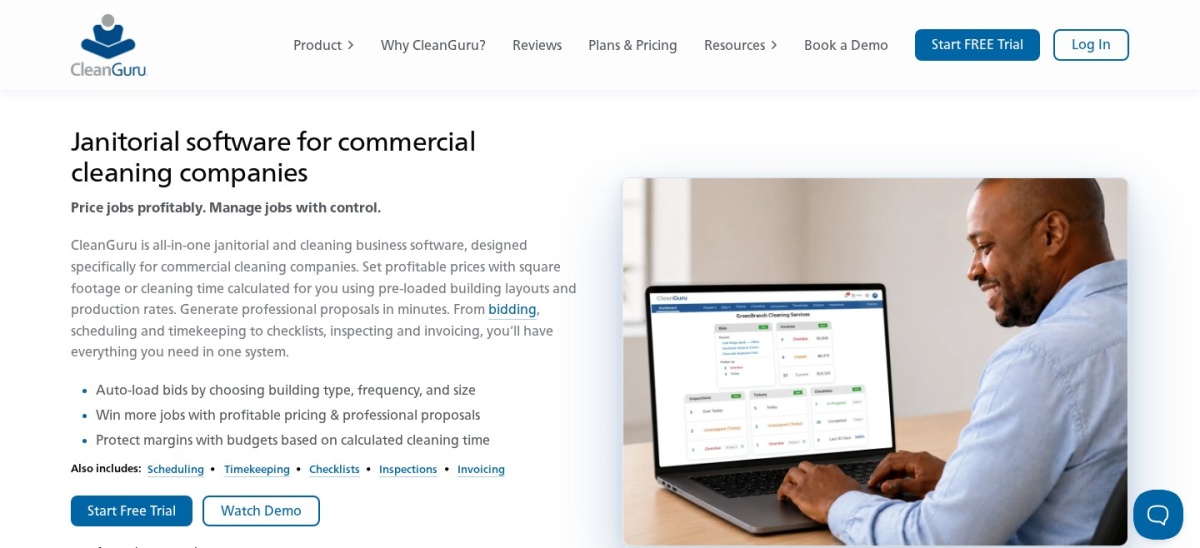
CleanGuru is janitorial software built around bidding, with a calculator that works out cleaning times and prices from a walkthrough. The Basic plan costs $79 a month for one module and 5 users, and covers scheduling, GPS timekeeping, checklists and invoicing.
The trade off is that the full set of eight bid modules needs the Guru plan at $129 a month, and the first two months are discounted to $59 before the regular $79 price applies. It suits janitorial firms that win work on bids and want timekeeping beside the proposal.
What we like
Strongest bidding calculator for janitorial work
Scheduling and GPS timekeeping on every plan
Rated 4.8 out of 5, the second-highest score here
Over 500,000 cleaning proposals created on the platform
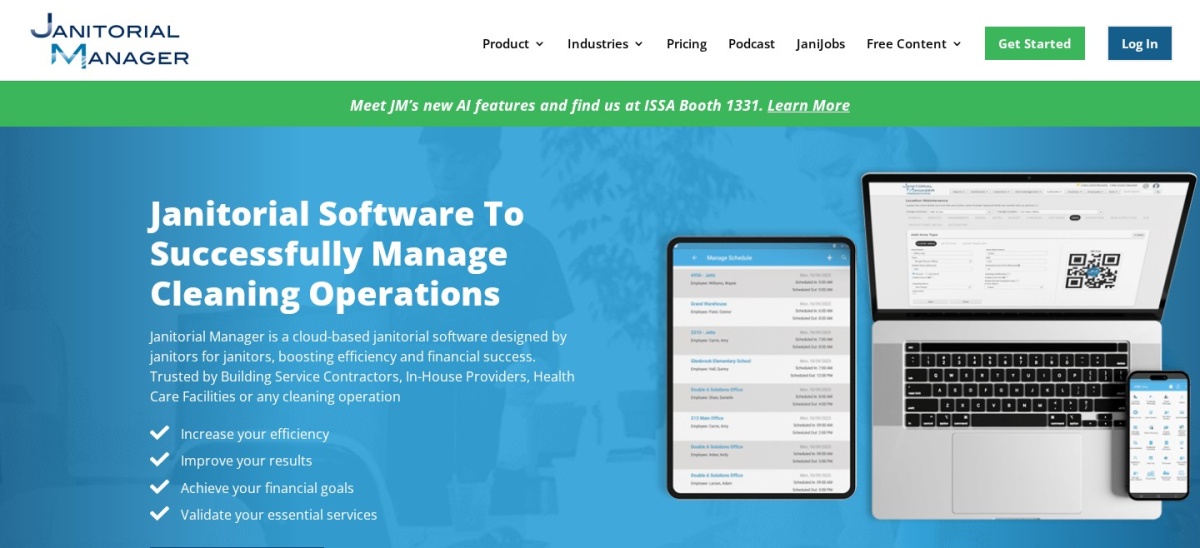
Janitorial Manager is janitorial software for commercial contractors and in-house facilities teams, built around bids, inspections and job costing. Plans start at $1,000 a month on a custom proposal, with unlimited users, and approved hours export to 14 payroll providers including ADP, Gusto and Paychex.
The trade off is the price and the setup, since there is no published rate card and the system has a steep learning curve. It suits large contractors that need scored inspections, overtime rules and payroll exports across many buildings.
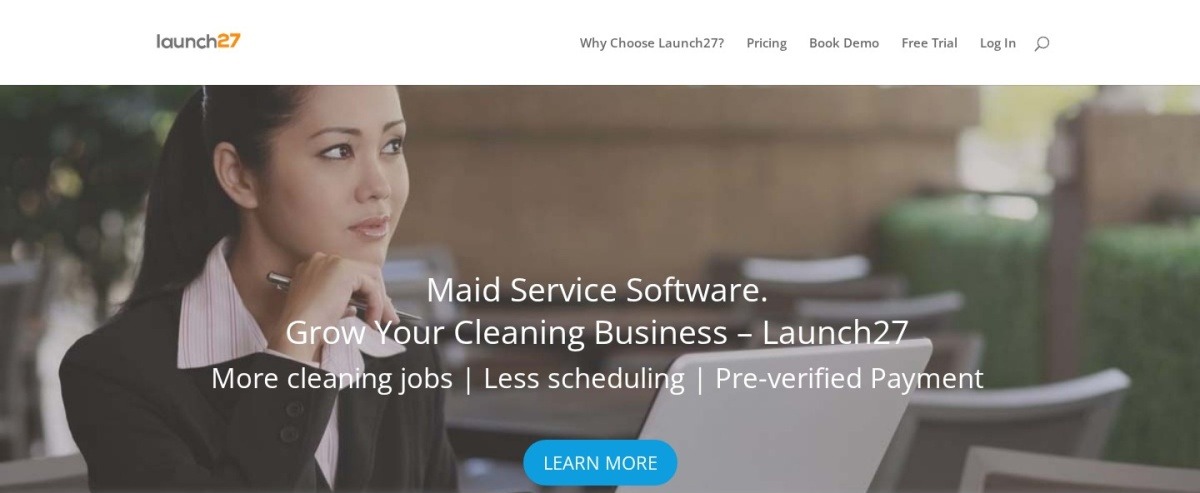
Launch27 is booking and scheduling software for maid services, built around online booking forms that price jobs at the point of booking. The Base plan costs $75 a month with unlimited users and bookings, and includes a payroll manager, scheduling and cleaner portals.
The trade off is that the cleaner mobile app and automatic card charging need the Plus plan at $299 a month, and the product is geared to residential work. It suits maid services with large contractor teams that want flat pricing and payroll reports.
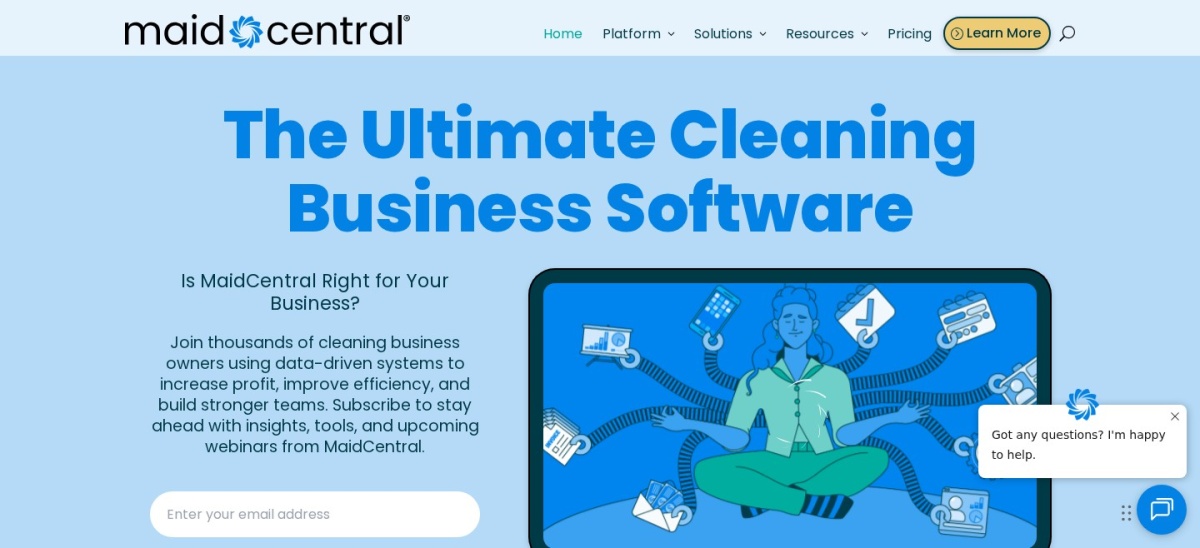
MaidCentral is an operations platform for maid services past the startup stage, covering scheduling, dispatch, booking, time tracking and payroll reporting in one system. Pricing starts at $450 a month, which includes up to 100 completed jobs, then $1.20 per job up to 500.
The trade off is the entry price and a one-time onboarding fee, with no free trial, so it only pays once the operation runs hundreds of jobs a month. It suits scaling maid services that manage by performance pay and job costing.
What we like
Rated 5.0 out of 5, the highest score here
Performance pay ties pay to productivity
Priced per completed job, not per user
Deep job costing and profitability reports
Watch out for
$450 a month is the priciest entry after Janitorial Manager
Native payroll, as in ZenMaid Pro, Launch27 Base and the Housecall Pro add-on, keeps pay calculations beside the schedule.
Exports, as in Swept, Jobber and Janitorial Manager, send approved hours to a payroll provider. Janitorial Manager names 14 export partners, Jobber syncs with Gusto, and Swept exports CSV or PDF files.
Neither route files taxes on its own except through the payroll provider. Budget for the provider as well as the janitorial software when payroll is an export.
If you already run Gusto or QuickBooks, an export tool is often enough. If you want one bill and one login, pick a tool with payroll built in.
How we chose
We started from janitorial and cleaning software that mentions payroll in its features or pricing, then kept the nine with published prices and a public review rating.
Prices come from each vendor's pricing page, checked on 25 November 2026. Ratings and review counts come from Capterra listings checked the same day. Where a vendor shows a sale, the list shows the regular price.
We left out tools with quote-only pricing and no published starting price, such as WinTeam and Aspire. No vendor paid for a place, and we do not claim to have used these tools ourselves.
How to choose janitorial software with payroll management
Decide how payroll should work first, then match the software to that answer.
Work out whether you need payroll built in or an export. If you already run Gusto or QuickBooks, an export tool is enough. If you want one login, pick ZenMaid, Launch27 or the Housecall Pro payroll add-on.
Count the real monthly cost at your crew size. Per-user, per-location and per-job pricing all grow differently. ZenMaid charges per user, Swept per location and MaidCentral per completed job.
Check clock-ins, overtime and approvals. GPS clock-ins, overtime rules and timesheet approval decide whether the hours sent to payroll are right. Janitorial Manager calculates overtime automatically, while Swept and Connecteam rely on approved timesheets.
Trial the payroll workflow before you commit. Run one real pay cycle on the trial: clock in a crew, approve the hours and export or run the pay. That shows whether the payroll step saves time or adds a second job.
FAQ
What is the best janitorial software with payroll management?
ZenMaid is the best pick for most cleaning businesses. Payroll reports start on the $39-a-month Pro plan, it covers recurring scheduling and GPS clock-ins, and it is rated 4.7 out of 5 from 205 Capterra reviews.
Does any janitorial software run payroll itself?
Yes, in part. ZenMaid and Launch27 include payroll reports or a payroll manager, and Housecall Pro sells a payroll add-on at $40 a month plus $6 per employee. Most others export approved hours to Gusto, QuickBooks or another payroll provider.
Which janitorial software has a free plan?
Connecteam is the only tool here with a free plan, for up to 10 users. Its paid Operations hub starts at $35 a month for the first 30 users and adds payroll integrations and timesheet exports.
How much does janitorial software with payroll cost?
Entry prices run from $19 a month for ZenMaid to $1,000 a month for Janitorial Manager. Payroll is often an add-on or a higher plan, so the cheapest plan rarely includes the full payroll workflow.
Can I use Jobber for janitorial payroll?
Jobber tracks time and expenses, then syncs with Gusto on the Connect plan and above. Gusto runs the pay calculation and tax filing, so you pay for both Jobber and Gusto.
What should I check before buying?
Check whether payroll is built in, an add-on or an export, and whether GPS clock-ins, overtime rules and timesheet approval are included. Then run your crew size through the plan, since per-user and per-job pricing change the bill fast.
SaaS SEO and WordPress specialist with about 8 years of experience. Rakib compares WordPress plugins, themes, hosting and software using public pricing, documentation and user reviews. See how we rank.