phpIPAM is the best IPAM software for most teams: it is free, open source, and rated 4.8 out of 5 from 37 SourceForge reviews. Pick Device42 for discovery and dependency mapping, or Infoblox for enterprise DNS, DHCP, and IPAM at scale.
How we make this list: we compare pricing pages, product documentation and public user reviews, then re-check every price before each update. No product paid for a place. Disclosure.
phpIPAM leads this list on rating at 4.8 out of 5 from 37 SourceForge reviews, and it costs nothing to use.
Device42 has the most reviews here, 52 on G2, at 4.7 out of 5, for discovery plus IPAM in one platform.
Five of the nine tools publish no list price, so enterprise DDI needs a sales quote before you can budget.
OpUtils is the cheapest paid option with a published price: $138 a year for 250 IPs and switch ports, with a free edition.
Open-source picks need your own server, upgrades, and backups; enterprise tools charge for support, scale, and SLAs.
What good IPAM software should cover
IPAM software keeps one record of every IP address, subnet, VLAN, and device on a network, so teams stop guessing from spreadsheets.
A good tool tracks IPv4 and IPv6 in the same place, shows which addresses are free, and flags conflicts before they cause outages. Our guide on what DNS is explains the naming side that IPAM sits beside.
For larger networks, look for DNS and DHCP integration, automated discovery, role-based access, and an API so address changes can flow into automation.
Price is the hardest part to compare. Most enterprise DDI tools are quote-only, while open-source tools are free but need your time to run.
4.8/5on SourceForge (37 reviews, checked Nov 2026)
PriceFree
Best IPAM software overall
Free planYes, open source
Cheapest paid$0
IPv4 and IPv6Yes
REST APIYes
phpipam.net
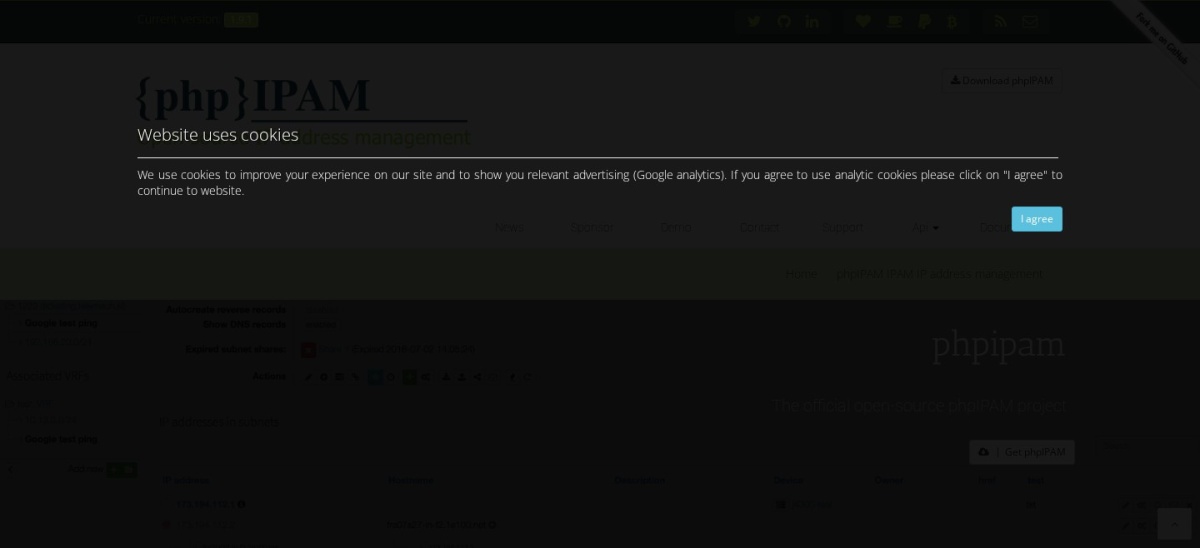
phpIPAM homepage, captured Nov 2026.
phpIPAM is a free, open-source IP address management tool with IPv4 and IPv6 support, VLAN and VRF management, a REST API, and Docker deployment. It shows free space in each subnet, scans for address status, and supports PowerDNS, AD, LDAP, and Radius login.
The trade off is setup and upkeep. You host it yourself on PHP and MySQL, so you own installation, upgrades, and backups, and the interface looks plain next to paid tools. It suits small and mid-sized teams that want full IPAM without a licence fee.
What we like
Free and open source, with no licence cost
Highest rating in this list, at 4.8 out of 5
IPv4 and IPv6, VLANs, VRFs, and a REST API
Watch out for
You host, upgrade, and back it up yourself
Interface looks dated next to paid tools
No vendor support contract included
Paid support is not sold; costs are your server and timeVisit phpipam.net
02
Device42
4.7/5on G2 (52 reviews, checked Nov 2026)
PricingCustom/yr
Best for discovery and dependency mapping
Free planNo
Cheapest paidQuote only
DiscoveryAgentless, hybrid IT
Dependency mappingYes
device42.com
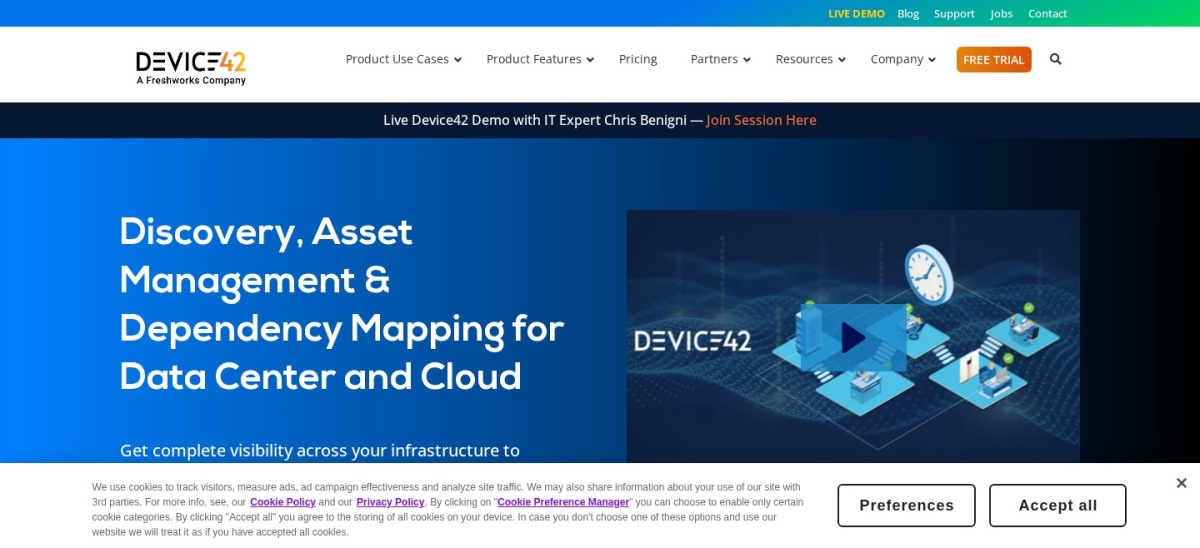
Device42 homepage, captured Nov 2026.
Device42 is a discovery and asset management platform, now part of Freshworks, with IP address management built in. It discovers infrastructure across data centers and cloud, maps dependencies between assets and applications, and keeps a configuration database that stays current.
The trade off is scope and price. It is a broad platform rather than a focused IPAM tool, and its pricing page now asks for a quote instead of listing a price. It suits teams that want IPAM tied to discovery, asset records, and migration planning.
What we like
Most reviews in this list, 52 on G2
Agentless discovery across data center and cloud
Dependency maps link IPs to apps and owners
Watch out for
No published price; budgeting needs a quote
Broader than pure IPAM, so setup takes longer
Some reviewers report slowdowns on large data sets
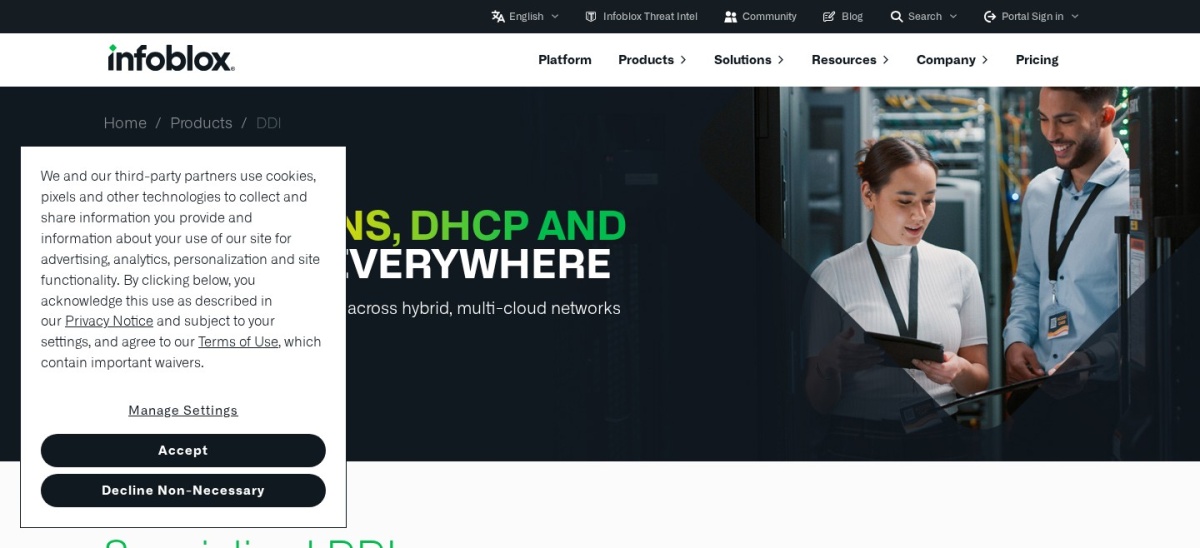
Infoblox NIOS DDI is an enterprise platform that unifies DNS, DHCP, and IP address management in one system. It discovers network assets into one authoritative IPAM database, automates DHCP and IPAM, and supports hybrid and multi-cloud networks with a move to IPv6 provisioning.
The trade off is cost and complexity. Pricing is quote-only and reviewers call setup complex, with a steep learning curve for new administrators. It suits large enterprises that need resilient, high-availability DDI across many sites and clouds.
What we like
Market-leading DDI platform for large networks
One database for DNS, DHCP, and IPAM
Strong automation with Terraform and Ansible support
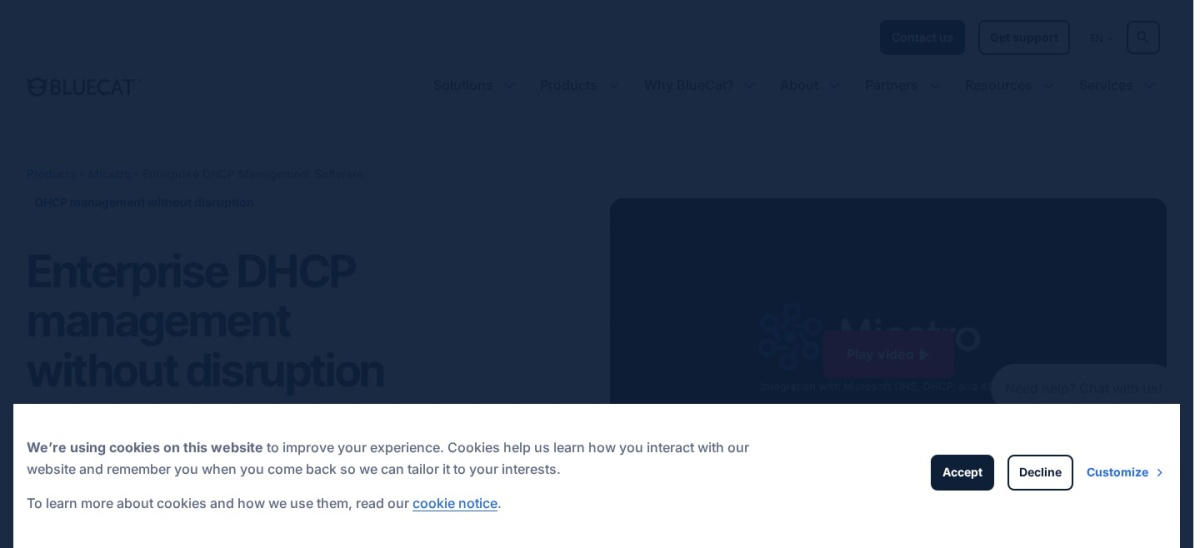
Micetro DDI is a DDI orchestration layer from BlueCat that sits on top of the DNS and DHCP servers you already run. It centralizes Microsoft, BIND, Kea, and Cisco services in one interface, with role-based access, audit logs, and a single REST API for automation.
The trade off is that it is an overlay, not a replacement. You still run and maintain the underlying DNS and DHCP servers, and pricing is quote-only. It suits teams that want one control plane without rebuilding their network services.
4.5/5on SourceForge (20 reviews, checked Nov 2026)
PriceFree
Best free IPAM with automated discovery
Free planYes, open source
Cheapest paid$0
Network discoveryYes, automated
IPv4 and IPv6Yes
gestioip.net
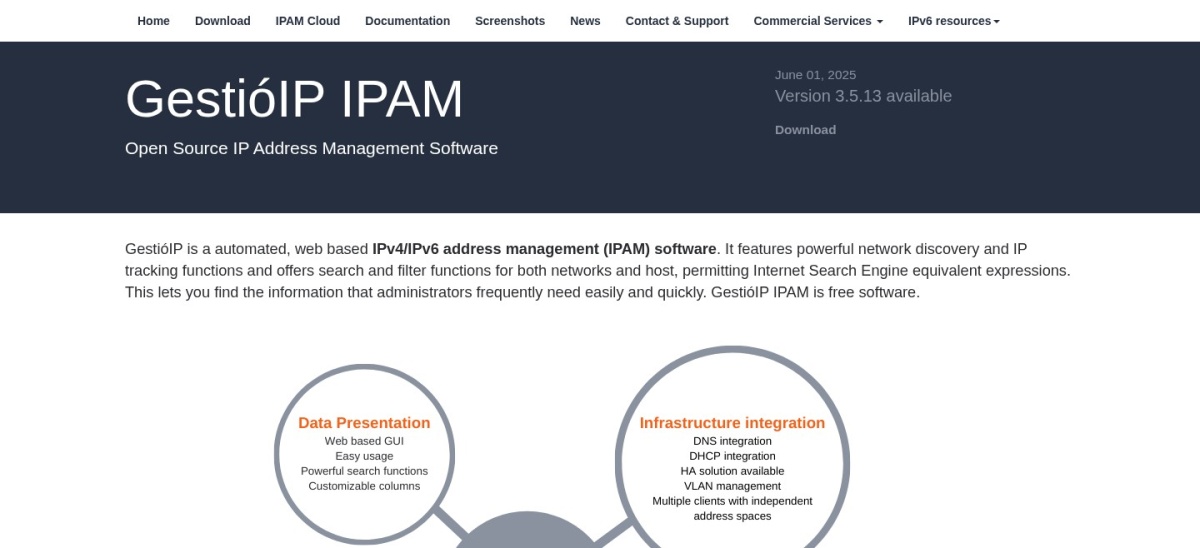
GestioIP homepage, captured Nov 2026.
GestioIP is a free, open-source, web-based IP address management tool for IPv4 and IPv6 networks. It features automated network discovery, IP tracking, and search and filter tools for networks and hosts, plus a cloud-hosted option for teams that prefer not to self-host.
The trade off is polish and support. The interface is plain, commercial features such as the full API sit behind paid services, and support is community-led. It suits teams that want free IPAM with discovery but do not need a vendor contract.
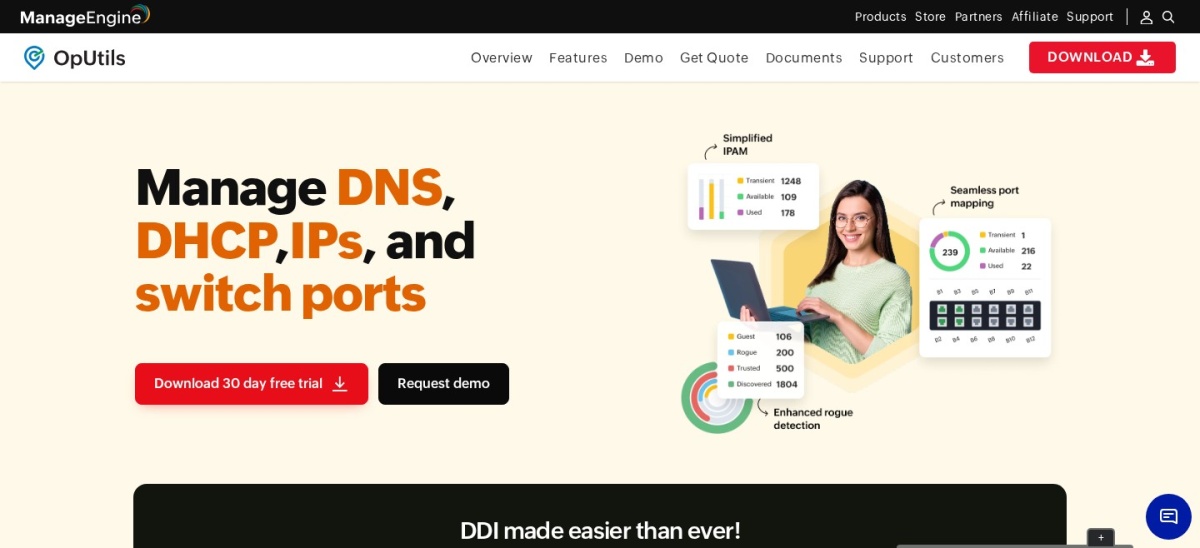
ManageEngine OpUtils is an IP address and switch port management tool for engineers who monitor, diagnose, and troubleshoot network resources. The Professional edition costs $138 a year as a subscription for 250 IPs and switch ports, and a free edition covers one Class C subnet and switch.
The trade off is scale. Pricing rises with the number of monitored IPs and switch ports, and reviewers call the interface dated in places. It suits small and mid-sized teams that want IPAM plus switch port mapping at a low published price.
BlueCat Integrity is an enterprise DDI platform that unifies DNS, DHCP, and IPAM into one system. It offers API-first automation, cloud discovery across on-premises and multi-cloud networks, and integrations with tools such as ServiceNow for self-service provisioning.
The trade off is price and weight. BlueCat publishes no list price, and the platform is built for medium to large enterprise networks rather than small teams. It suits organizations that want governed, automated DDI with real-time visibility and capacity forecasting.
What we like
Single source of truth for DNS, DHCP, and IPAM
API-first design for automation and provisioning
Real-time visibility and capacity forecasting
Watch out for
No published price; enterprise quotes only
Heavier than small teams need
Some reviewers find parts of the interface confusing
SolarWinds IP Address Manager homepage, captured Nov 2026.
SolarWinds IP Address Manager is an IPAM module for the SolarWinds Orion platform. It automatically discovers and manages IP addresses across on-premises and cloud environments, manages DHCP and DNS from one console, and alerts on conflicts and nearly full subnets.
The trade off is price and fit. SolarWinds publishes no price for IPAM and asks for a custom quote, and reviewers call it costly. It suits teams already running SolarWinds monitoring that want IPAM inside the same console.
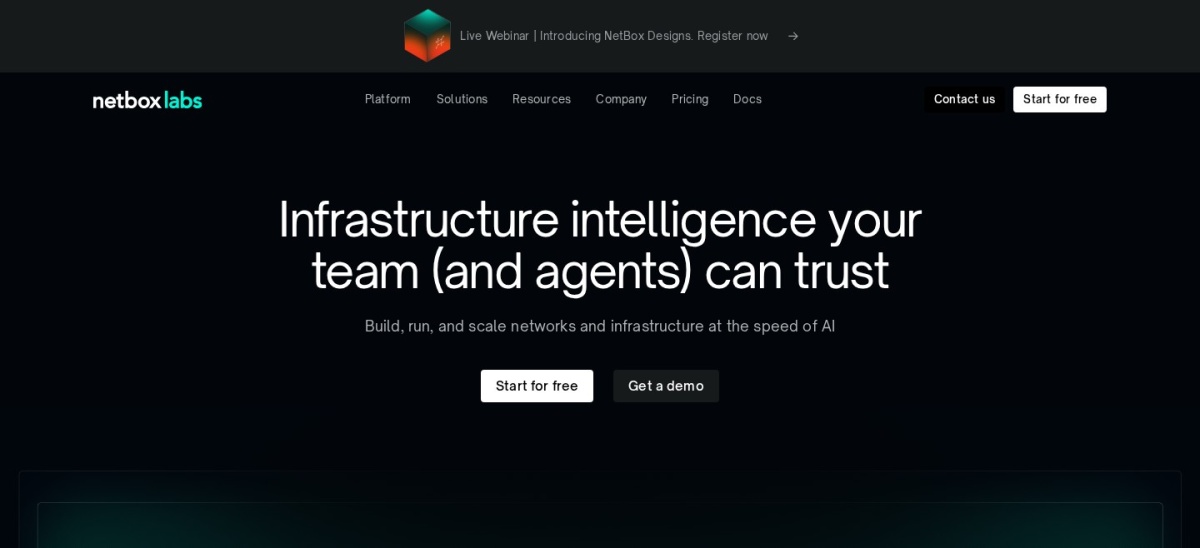
NetBox is a free, open-source network source of truth from NetBox Labs that combines IP address management with data center infrastructure modelling. It tracks prefixes, IP addresses, VLANs, and VRFs alongside sites, racks, devices, and cables, with REST and GraphQL APIs for automation.
The trade off is that IPAM is one part of a wider inventory tool. It models the planned state of a network rather than live discovery, and its G2 rating is the lowest here at 3.6 out of 5 from 5 reviews. It suits automation-led teams that want one source of truth.
What we like
Free and open source under Apache 2.0
One model for IPAM, racks, devices, and cables
Strong REST and GraphQL APIs for automation
Watch out for
Lowest G2 rating here, 3.6 out of 5 from 5 reviews
Open-source tools in this list, phpIPAM, GestioIP, and NetBox, cost nothing for the software. You pay with your own time instead: servers, upgrades, backups, and out-of-hours cover are yours.
Enterprise tools, Infoblox, BlueCat, Micetro, Device42, and SolarWinds, charge for the opposite: a vendor runs support, ships upgrades, and signs up to service levels. That is what the quote pays for, as much as the software itself.
A common middle path is to start on phpIPAM or OpUtils, then move to an enterprise platform when the number of subnets, or the number of teams depending on them, makes a missed address change expensive.
How we chose
We started from the established IPAM and DDI tools named in buyer guides and review directories, then kept those with a public rating on G2, Capterra, Trustpilot, PeerSpot, or SourceForge.
Prices come from each vendor's pricing or editions page, checked on 25 November 2026. Ratings and review counts come from G2, PeerSpot, and SourceForge on the same day. Where a vendor shows no price, the list shows a quote instead of an estimate.
We left out tools with only one public review, such as EfficientIP SOLIDserver and TCPWave, both at 5.0 out of 5 from a single review. No vendor paid for a place, and we do not claim to have used these tools ourselves.
How to choose IPAM software
Start with the size of the network you run today, then check how much of it changes each week.
Count your addresses and subnets. A few hundred addresses fit phpIPAM, GestioIP, or OpUtils. Thousands of addresses across sites point to Infoblox, BlueCat, or Device42.
Check what DNS and DHCP you already run. If you run Microsoft DNS and DHCP, Micetro layers on top without replacing them. If you run mixed vendors, look for broad integrations.
Decide who runs the tool. Open-source tools need someone to host and upgrade them. Enterprise tools need budget and a sales quote, but include vendor support.
Ask for a trial before you buy. Load a copy of your real subnets into the trial and test conflict alerts, discovery, and the API before you commit.
FAQ
What is the best IPAM software?
phpIPAM is the best pick for most teams because it is free, open source, and rated 4.8 out of 5 from 37 SourceForge reviews. Device42 suits teams that want discovery and dependency mapping, while Infoblox suits large enterprises.
What is IPAM software used for?
IPAM software tracks every IP address, subnet, VLAN, and device on a network in one record. It shows which addresses are free, flags conflicts, and links addresses to DNS and DHCP so teams stop managing space in spreadsheets.
Is there free IPAM software?
Yes. phpIPAM, GestioIP, and NetBox are free and open source, and OpUtils has a free edition for one Class C subnet. Free tools need your own server, upgrades, and backups, while paid tools add vendor support.
How much does IPAM software cost?
Published prices in this list run from free to $138 a year for OpUtils Professional. Most enterprise DDI tools, including Infoblox, BlueCat, and SolarWinds, publish no price and sell by quote, so budget with a sales call.
What is the difference between IPAM and DDI?
IPAM manages IP addresses and subnets. DDI adds DNS and DHCP to the same platform, so one system controls addresses, names, and leases together. Infoblox, BlueCat, and Micetro are DDI platforms; phpIPAM is IPAM only.
Do I need IPAM if I already use spreadsheets?
Yes, once the network grows past a few subnets. Spreadsheets go stale, miss conflicts, and hide who owns each address. IPAM adds live status, conflict alerts, and an audit trail for every change.
SaaS SEO and WordPress specialist with about 8 years of experience. Rakib compares WordPress plugins, themes, hosting and software using public pricing, documentation and user reviews. See how we rank.