Best Invoice and Estimate Software in 2026: 9 Tools Compared
WLWPLegible EditorsLast verified 23 Nov 2026How we rank11 min read
★ Short answer
Zoho Invoice is the best invoice and estimate software for most small businesses because it is completely free. Quotes convert to invoices for 2 users and 500 invoices a year at $0, and it holds a 4.7 out of 5 G2 rating. Pick FreshBooks for project billing and Jobber when quotes need scheduling too.
How we make this list: we compare pricing pages, product documentation and public user reviews, then re-check every price before each update. No product paid for a place. Disclosure.
Zoho Invoice is completely free with no paid tier, covering 2 users, 500 invoices a year and 3 projects.
FreshBooks Lite at $23 a month pairs estimates with time tracking, so billable hours flow onto invoices.
Jobber Core at $49 a month turns an approved quote into a scheduled job and then an invoice.
Wave Starter sends unlimited estimates and invoices free, with real double-entry books behind them.
Card fees matter more than the subscription: 2.9% plus 30 cents on $10,000 a month is about $290.
What invoice and estimate software should do
The gap between quoting and billing is where small service businesses lose money. An estimate goes out on Monday, the job runs on Wednesday, and the invoice goes out the following Tuesday because nobody built the habit of turning one into the other.
Every tool here creates estimates and invoices and converts one into the other without retyping line items. What separates them is who they are built for: accounting tools, field service tools and proposal tools.
Check the document cap before you buy. Joist Basics allows 5 documents a month and Invoice2go Starter allows 30 invoices a year, so a busy month breaks both. Our guide to creating an invoice in WooCommerce covers the store side of billing.
Price the payments, not just the plan. Free plans make money on card fees, from 2.9% plus 30 cents on Jobber to 3.5% on Invoice2go cards, so a $0 plan can cost more than a $23 plan at volume.
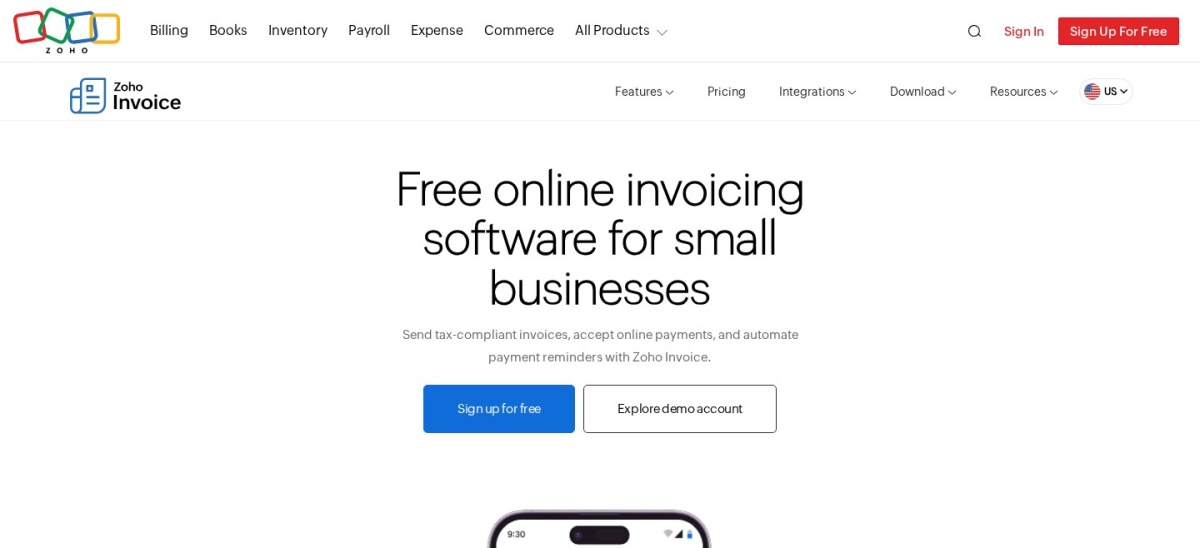
Zoho Invoice is the cleanest free option for estimates and invoices together. Quotes convert to invoices, and recurring invoices, payment reminders, a client portal, expense tracking and time logging are all on the single free plan, which covers 2 users and 500 invoices a year.
The trade off is the ceiling. Past 2 users, 500 invoices or 3 projects you move to Zoho Billing, a separate product from $25 per organization a month billed annually, and Zoho branding stays on the documents. It suits a business that sends a few quotes a week and bills under 500 times a year.
What we like
Completely free with no paid tier and no trial clock
Full invoicing features at $0, including recurring invoices
Expense and time tracking included
Free email and voice support, 24/5
Watch out for
Hard caps: 2 users, 500 invoices a year and 3 projects
Outgrowing it means migrating to Zoho Billing or Zoho Books
Zoho branding rides along on every document
No paid tier inside Zoho Invoice; growth means Zoho BillingVisit zoho.com
02
FreshBooks
4.5/5on G2 (981 reviews, checked Nov 2026)
Starts at$23/mo
Best for project billing and time tracking
EstimatesUnlimited, all plans
Billable clients5 on Lite
Time trackingYes, built in
Paid planLite, $23/mo
freshbooks.com
FreshBooks homepage, captured Nov 2026.
FreshBooks is the natural pick for service businesses that sell time. Every plan includes unlimited estimates, and an estimate becomes an invoice in a couple of clicks, with deposits, late fees and automatic payment reminders carried over. Time tracked in the mobile app or browser lands directly on the invoice.
The trade off is the client cap. Lite at $23 a month covers 5 billable clients, so a sixth means Plus at $43 a month, which also adds bank reconciliation and double-entry reports. It suits a consultant, agency or designer whose quotes turn into billable projects.
What we like
Unlimited estimates and invoices on every plan
Estimates convert to invoices and accept deposits
Built-in time tracking feeds billable line items
Plus adds bank reconciliation and accountant access
Watch out for
Lite covers only 5 billable clients
Every extra team member costs $11 a month
No inventory tracking; double-entry reports start on Plus
Jobber is a field service platform that treats the estimate as step one of a job: the client requests work, you send a quote they can approve online, the job lands on the schedule and the invoice goes out when it is done. Core costs $49 a month billed monthly, or $29 billed annually, for one user.
The trade off is that it is more than an invoicing tool, and you pay for that. Core covers one user only, the sales pipeline is a $49-a-month add-on, and card payments cost 2.9% plus 30 cents each. It suits cleaning, lawn care, plumbing or another visit-based trade where scheduling is worth having.
What we like
Quote converts to job to invoice in one flow
Quotes with signature approvals and follow-ups
Scheduling, dispatch and client hub built in
More than 100 integrations, including QuickBooks
Watch out for
Core covers one user only
Sales pipeline is a $49-a-month add-on
Card payments cost 2.9% plus 30 cents per transaction
Wave is the free answer to the whole category. The Starter plan costs nothing and includes unlimited estimates, invoices, bills and bookkeeping records, which is more than most paid tools offered five years ago. You can create an estimate, convert it to an invoice and track the payment without ever entering a card number.
The trade off is automation. Bank auto-import, unlimited receipt capture and extra users need Pro at $19 a month, and card payments on Starter cost 2.9% plus 60 cents per transaction. It suits a new freelancer or small shop that wants estimates, invoices and books for $0.
What we like
Unlimited invoices, estimates, bills and books at $0
No invoice or bill caps on either plan
Clean interface built for non-accountants
Pro at $19 a month adds bank auto-import and receipts
QuickBooks Online is the choice when the books matter as much as the paperwork. Estimates convert to invoices, payments match against bank feeds, and the numbers flow into the reports your accountant already knows. QuickBooks Free covers 1 user and 2 invoices a month for $0, and Simple Start costs $38 a month.
The trade off is price for light use. It is the priciest route for someone who only needs quotes and bills, a second user means Essentials at $85 a month, and payroll is extra. It suits a business whose accountant already works in QuickBooks.
What we like
Estimates show status tracking and convert to invoices
Xero is the accountant-approved option. Quotes are created from your phone, tracked through acceptance, and converted to invoices that flow into bank reconciliation, sales tax and reporting automatically. Hubdoc is included on every plan, so supplier bills and receipts capture themselves.
The trade off is the entry cap. Early at $20 a month is the entry point, but its 20-invoices-and-quotes monthly cap pushes active billers to Growing at $47 a month fast, and there is no free plan, only a 30-day trial. It suits owners who do their own books and want a cleaner interface than QuickBooks.
What we like
Quotes convert to invoices and feed full books
Hubdoc bill capture included on all plans
Strong multi-currency support
More than 1,000 integrations in the ecosystem
Watch out for
Early plan caps quotes and invoices at 20 per month combined
No permanent free plan, only a 30-day trial
Project tracking sits on Established at $80 a month
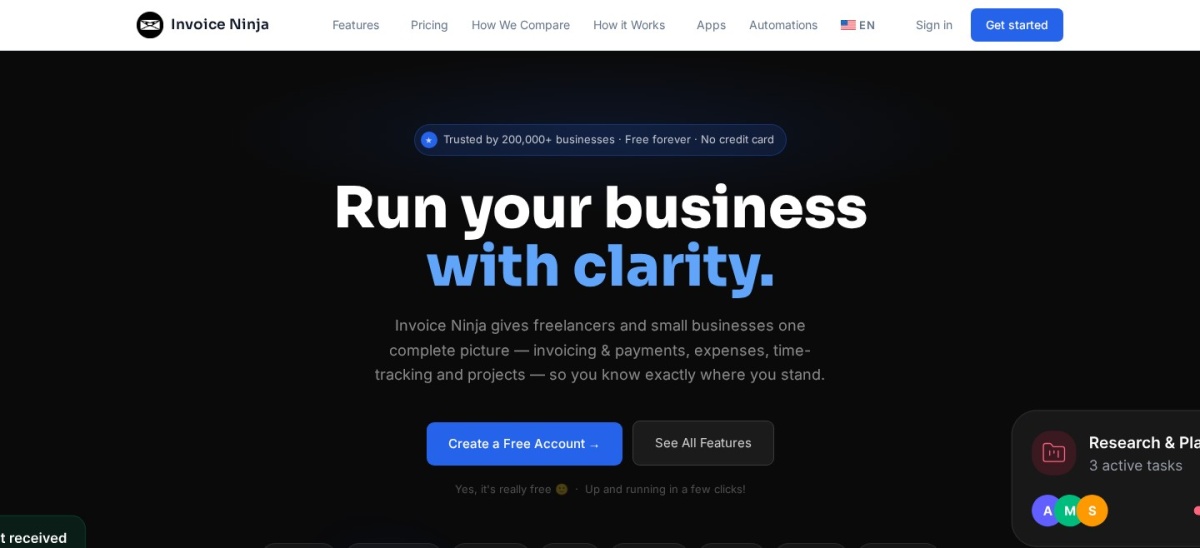
Invoice Ninja is a budget invoicing tool that handles quotes, invoices, deposits and partial payments on its free plan, along with recurring invoices and auto-billing, for up to 5 clients. It runs on macOS, Windows, Linux, iOS and Android, and the open-source version can be self-hosted.
The trade off is polish. A sixth client means Ninja Pro at $14 a month billed monthly, or $140 a year, which also removes the Invoice Ninja branding, and the interface is more technical than Joist or FreshBooks. It suits someone comfortable setting things up once and leaving them.
What we like
Free plan with unlimited invoicing for up to 5 clients
Quotes with e-signature approval convert in one click
Recurring invoices and auto-billing on every plan
Native apps for desktop and mobile, plus self-hosting
Watch out for
Free plan caps at 5 clients
Bank account sync needs Enterprise from $18 a month
Housecall Pro is Jobber's closest rival, and the choice comes down to feel. Estimates and invoices flow through the same mobile-first interface your techs already use for scheduling and dispatch. The price book keeps flat-rate pricing consistent across the crew, so quotes stop depending on who wrote them.
The trade off is the tier ladder. Basic costs $79 a month for a solo operator, Essentials at $189 a month for up to five users adds QuickBooks sync, and MAX at $329 a month adds the sales proposal tool. It suits residential trades that live on repeat business and reviews.
What we like
Estimates and invoicing included on every plan
Online booking and review management built in
Price book keeps quotes consistent across the crew
Sales proposal tool on the top tier
Watch out for
QuickBooks Online sync requires Essentials at $189 a month
Basic covers one user only
Add-ons push the real monthly cost above the headline price
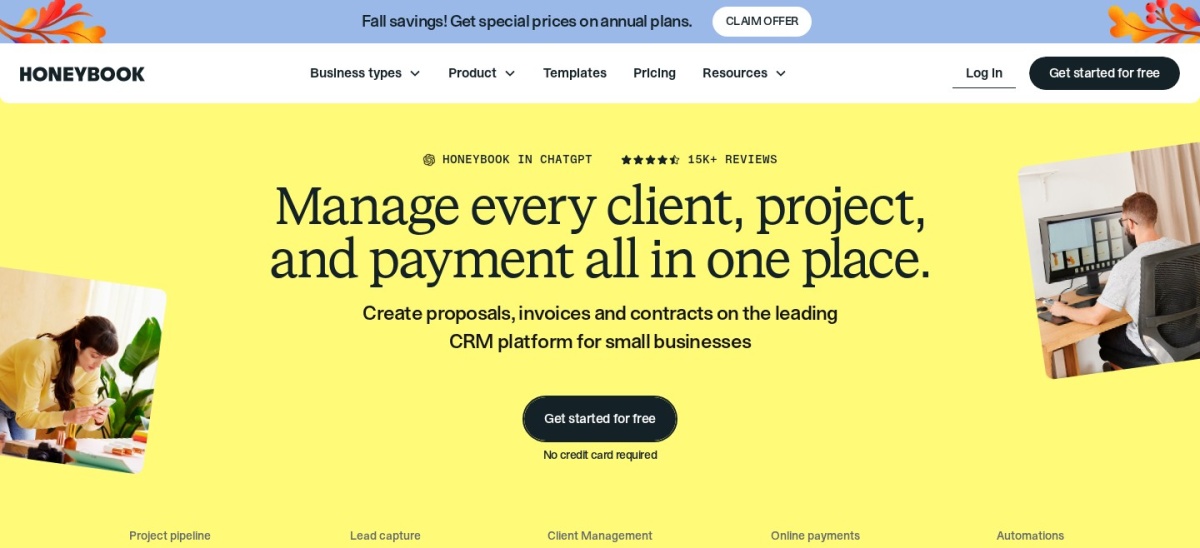
HoneyBook is a clientflow platform that approaches estimates as sales documents. A proposal bundles the quote, the contract and the payment schedule into a single link the client signs and pays from, which is exactly how photographers, event planners and consultants sell.
The trade off is accounting depth. It is not accounting software and does not pretend to be: there is no double-entry ledger, and service businesses that need scheduling or dispatch should look at Jobber or Housecall Pro instead. It suits project-based creatives whose estimate needs to close the deal.
What we like
Proposals combine contract, invoice and payment
Automations follow up on unopened proposals
Strong template gallery for client documents
Free trial on every plan
Watch out for
No real accounting depth, it is a clientflow tool
Built for project-based creatives, weak for trades
Estimate-first tools are built for businesses that win work by quoting. Jobber and Housecall Pro put the quote at the front: line items for labor and materials, client approval online, a deposit request, and then the job and the invoice follow from the same record.
Invoice-first tools treat the estimate as a draft of a bill. Zoho Invoice, Wave, Invoice Ninja, FreshBooks and QuickBooks Online all let you convert an estimate, but their strength is what happens after: reminders, recurring billing and payment matching.
If most of your work is repeat clients rather than new quotes, start with an invoice-first tool. If the quote is the sales pitch, start with an estimate-first tool.
How we chose
We started from tools that handle both estimates and invoices and convert one into the other, then kept nine with a published G2 or Capterra rating.
Prices come from each vendor's pricing page, checked on 23 November 2026. Ratings and review counts come from G2 or Capterra on the same day. Where a vendor shows a sale, the list shows the regular price.
We left out tools that only invoice or only estimate. No vendor paid for a place, and this list is based on pricing, docs and reviews, not on using the tools ourselves.
How to choose invoice and estimate software
Count last month's estimates and invoices first, then pick the cheapest tool whose cap clears that number with room to spare.
Count your estimates and invoices. A $10 plan that allows 5 documents a month is not a $10 plan for a busy contractor, so count before you choose.
Check that estimates count against the cap. Joist Basics allows 5 documents a month, estimates included, and Invoice2go Starter allows 30 invoices a year.
Look for deposits and e-signature. Asking for a deposit when the client accepts the quote is the single best fix for late payment on bigger jobs.
Decide where the books live. If your accountant uses QuickBooks or Xero, pick a tool that syncs, or use QuickBooks Online itself. See our guide to creating an invoice in WooCommerce for store billing.
FAQ
What is the best invoice and estimate software?
Zoho Invoice is the best free option, with quotes and invoices for 2 users and 500 invoices a year at $0. FreshBooks is the best paid pick for project billing at $23 a month, and Jobber is the pick when quotes also need scheduling.
Is there free invoice and estimate software?
Yes. Zoho Invoice, Wave Starter, Invoice Ninja for up to 5 clients and QuickBooks Online Free all send estimates and invoices on a $0 plan. Card payments still carry per-transaction fees on each.
Can an estimate be turned into an invoice automatically?
In every tool here you can convert an accepted estimate into an invoice without retyping the line items. Jobber and Housecall Pro go furthest, attaching deposits or scheduling the job from the approved quote.
How much does invoice and estimate software cost?
On list prices billed monthly, Invoice Ninja Pro costs $14 a month, Wave Pro $19, FreshBooks Lite $23, QuickBooks Online Simple Start $38 and Jobber Core $49. Zoho Invoice is free, and HoneyBook starts at $29 a month billed yearly.
Do I need accounting software or just invoicing software?
If you only send quotes and bills and your accountant does the books once a year, invoicing software is enough. If you need bank reconciliation and reports every month, pick Wave, FreshBooks or QuickBooks Online.
What is the difference between an estimate and a quote?
In everyday use they are close. An estimate is an approximate price that can change as the work becomes clearer, while a quote is usually a fixed price the client accepts. Most software here lets you label the document either way.