Retool is the best internal tool builder for most teams, rated 4.6 out of 5 from 380 G2 reviews with a free plan for up to 5 users. Pick Glide for no-code apps from spreadsheets, or Appsmith for a free open-source tool you can self-host.
How we make this list: we compare pricing pages, product documentation and public user reviews, then re-check every price before each update. No product paid for a place. Disclosure.
Retool leads on depth: 380 G2 reviews at 4.6/5, a free plan for up to 5 users, and paid plans from $10 per builder a month.
Glide has the most reviews here, 820 at 4.7/5, and turns a spreadsheet into an app with no code.
Appsmith and ToolJet are the open-source picks, with free self-hosted editions and paid plans from $15 and $23 a month.
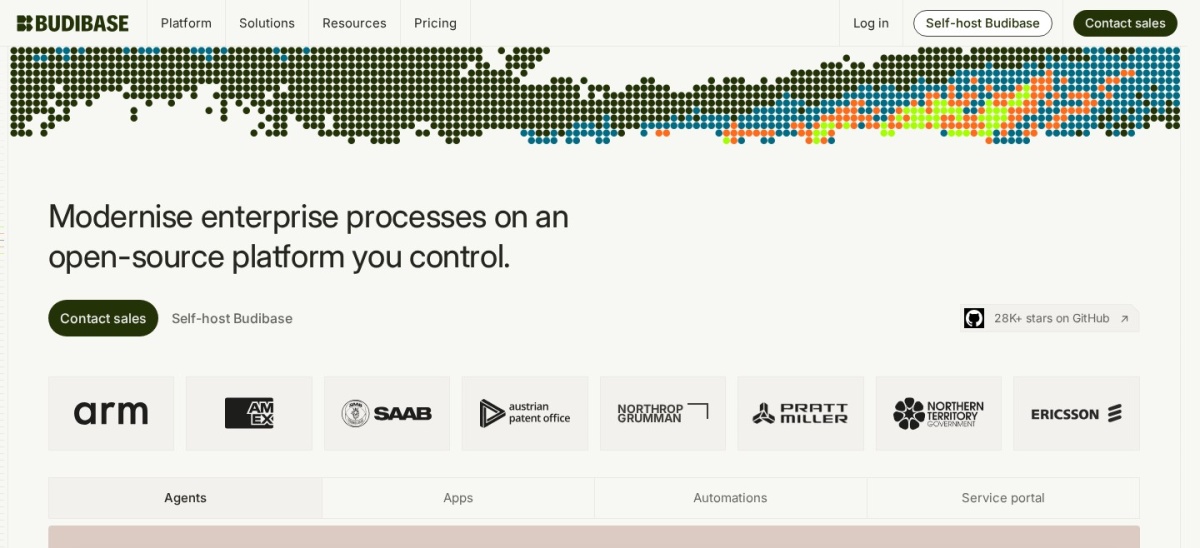
Budibase's hosted plan starts at $299 a month, so its free self-hosted edition is the way most small teams will use it.
DronaHQ is the only tool here with no free plan; its Starter plan costs $140 a month.
What an internal tool builder should cover
Internal tools are the admin panels, dashboards and approval screens teams use every day. Building each one from scratch takes weeks, so a builder that connects to your database and ships a working screen in hours pays for itself fast.
The tools in this list fall into two groups. Developer tools such as Retool, Appsmith and ToolJet expect some SQL or JavaScript, while no-code tools such as Glide and Noloco start from a spreadsheet and need no code at all.
Pricing is hard to compare directly because vendors charge in different ways. Some charge per builder, some per user, and some a flat monthly rate, so price the plan for your real team size before you commit. If the finished tool feeds a WordPress site, our guide on embedding a Tableau dashboard in WordPress covers the display side.
Free plans are worth a real look here. Five of the seven tools have one, and the open-source tools can be self-hosted free with no user cap.
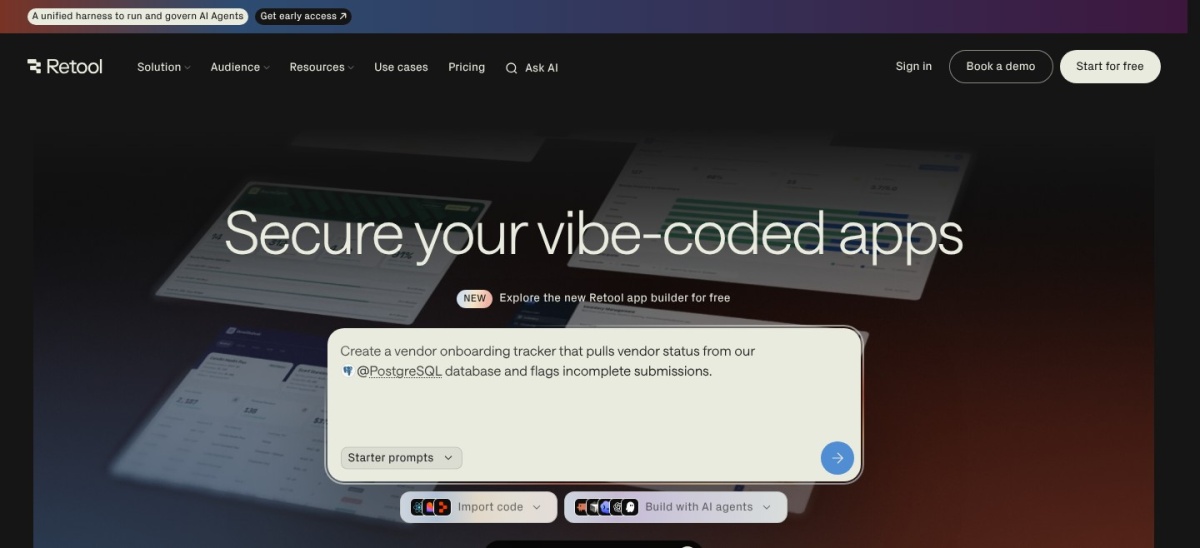
Retool is a low-code platform for building admin panels, dashboards and internal workflows on top of databases and APIs. The free plan covers up to 5 users with unlimited web and mobile apps, 5GB of storage and a managed PostgreSQL database, and builders drag in tables, forms and charts, then add SQL or JavaScript where needed.
The trade off is the seat bill. Team costs $10 per builder a month billed annually, and people who only use apps cost $5 each a month on top, so a large team of viewers adds up fast. It suits teams with at least one technical builder who need one tool for many data sources.
What we like
Strong review base: 380 G2 reviews
Connects to almost any database or API
Free plan covers up to 5 users
Managed PostgreSQL database included
Watch out for
Per-user pricing gets costly at scale
Permissions and audit logs need the $50 Business plan
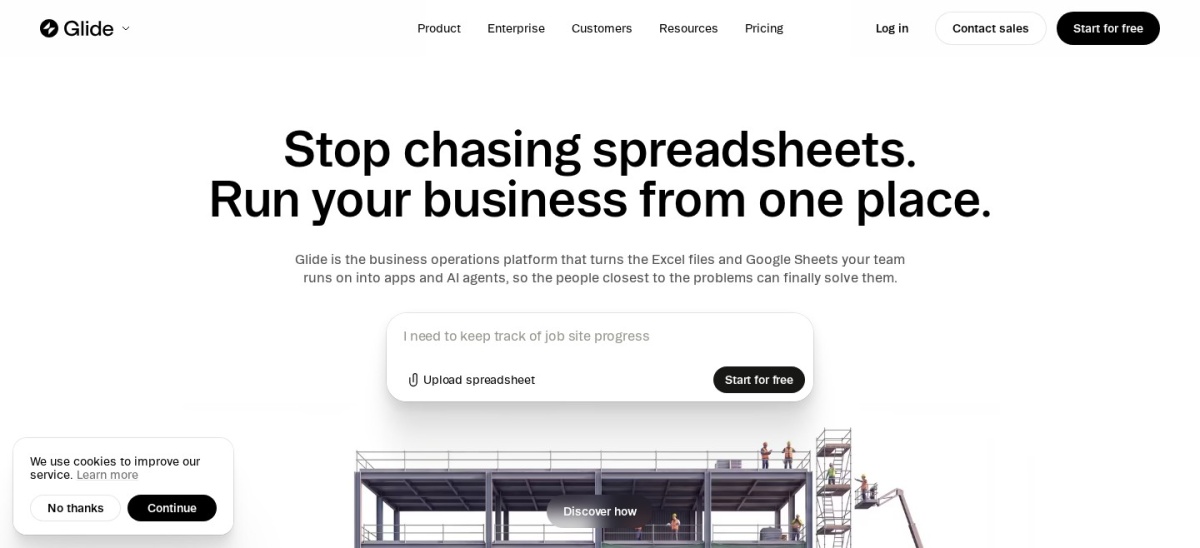
Glide is a no-code builder that turns a spreadsheet into a working internal app. Connect Google Sheets or Airtable, and it builds screens, forms and workflows from the data, with changes syncing back to the sheet. The free plan covers 2 team members and 10 projects, and Basic at $25 a month adds 2 published apps and 100 credits.
The trade off is depth. Glide is built for simple tools from spreadsheet data, not complex apps with heavy logic, and public apps need the $50 Plus plan. It suits operations teams whose data already lives in a sheet and who need a mobile-friendly tool fast.
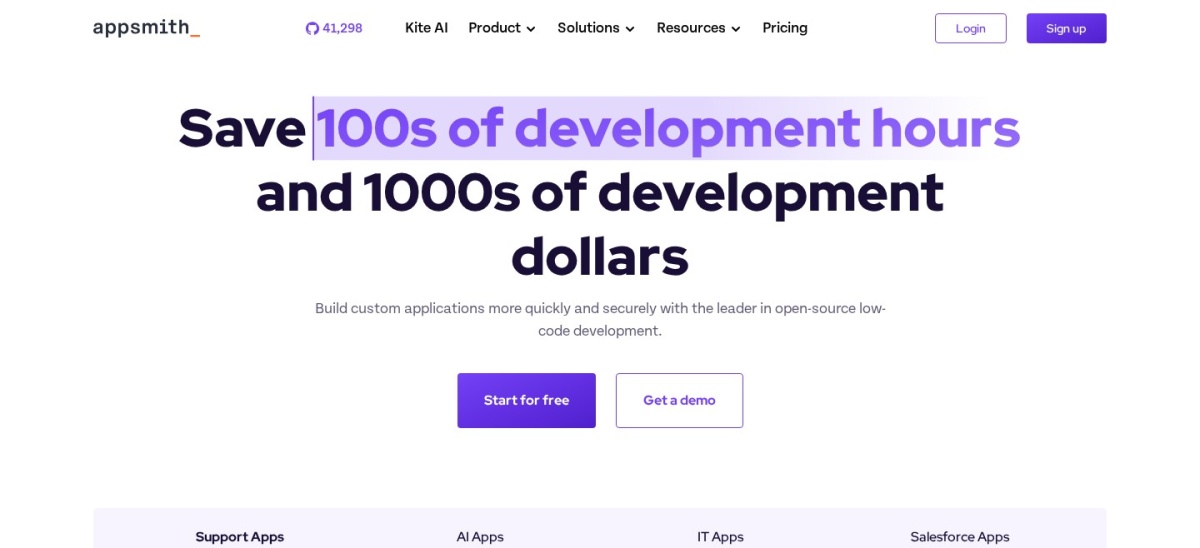
Appsmith is an open-source low-code platform for building admin panels, dashboards and CRUD tools over databases and APIs. The free cloud plan covers up to 5 users with 5 workspaces, and the self-hosted community edition is free with no user cap. Builders use drag-and-drop widgets, Git version control and JavaScript for custom logic.
The trade off is polish. Reviewers report slow screens with large data sets and many widgets, and workflows, audit logs and custom roles start on Business at $15 per user a month. It suits engineering teams that want a free, self-hosted builder and can live with some rough edges.
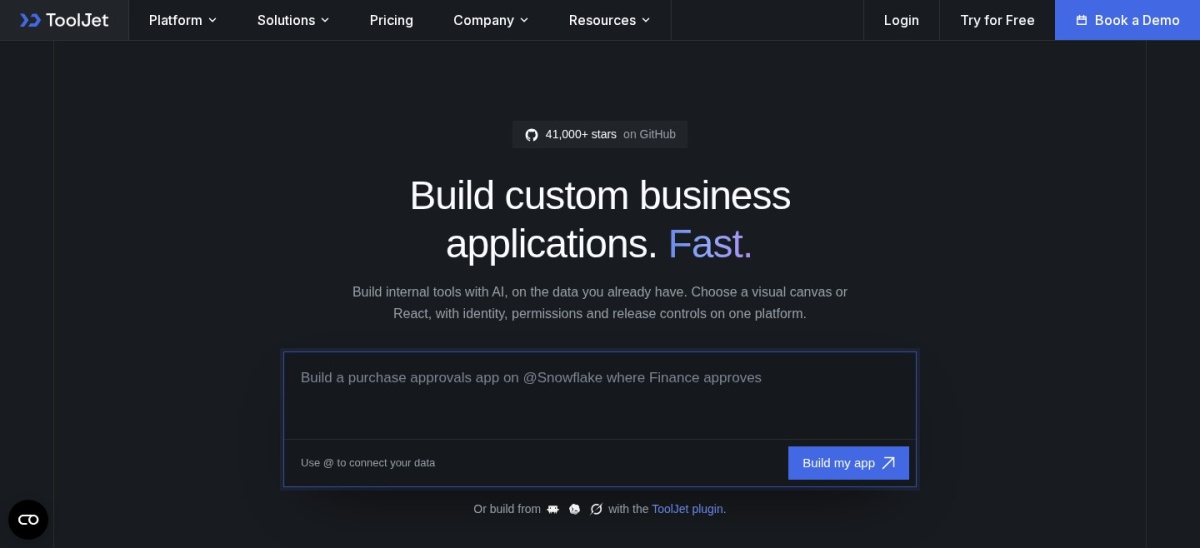
ToolJet is an AI-powered low-code builder for internal tools, dashboards and business apps. The free plan covers 2 builders, 50 end users and 10 apps with 100 AI credits a month, and paid plans add white labelling, version control and Git sync. It connects to databases and REST and GraphQL APIs, and can be self-hosted.
The trade off is price growth. Basic costs $23 per builder a month billed annually, but single sign-on, audit logs and multi-environment support need Team at $199 per builder a month. It suits engineering teams that want AI help drafting screens and a self-hosted option.
Budibase is an open-source low-code platform that auto-generates working CRUD apps with forms, tables and navigation from connected data. The self-hosted open-source edition is free with unlimited apps and users, and it includes workflow automations and custom JavaScript. It is built for teams that need internal forms and approval screens without code.
The trade off is the hosted price. Cloud starts at $299 a month with monthly action limits, and extra creators cost $50 each a month, so hosted Budibase costs far more than its rivals. It suits teams happy to self-host, or teams that need a managed plan and can pay for it.
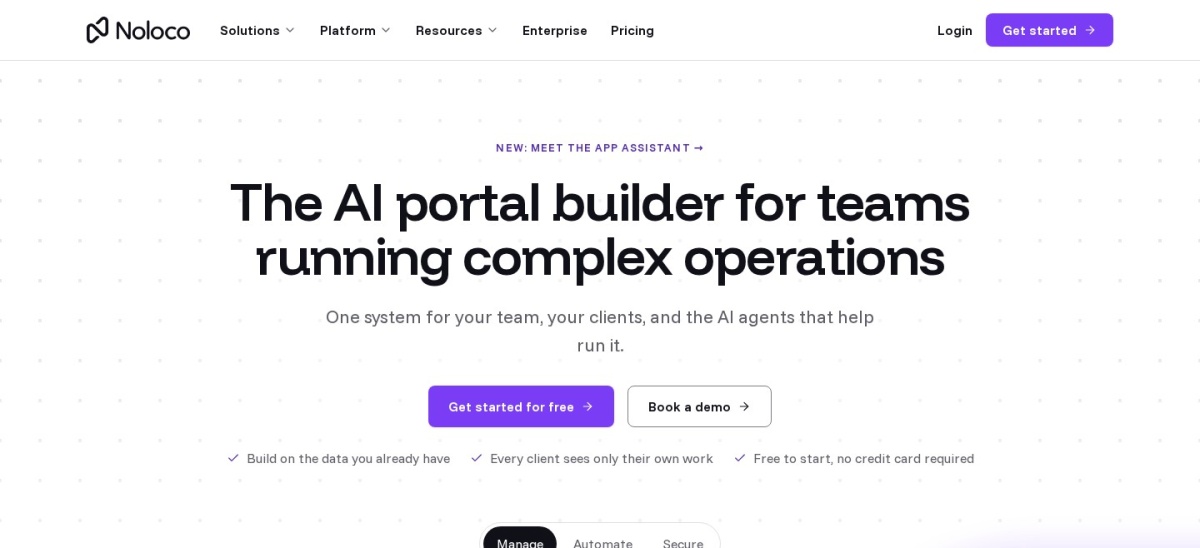
Noloco is a no-code builder that turns spreadsheets into internal apps and client portals. It builds custom apps from existing spreadsheet data, with client portals, project tracking and team workflows, and it is rated 4.8 out of 5 on G2. The free plan covers small teams getting started, and Build at $79 a month adds more capacity.
The trade off is scope. Noloco starts from spreadsheet data, so teams whose data lives in SQL databases will find less to connect to, and extra client seats cost $0.50 to $1 each. It suits small businesses that want a polished portal on top of a sheet.
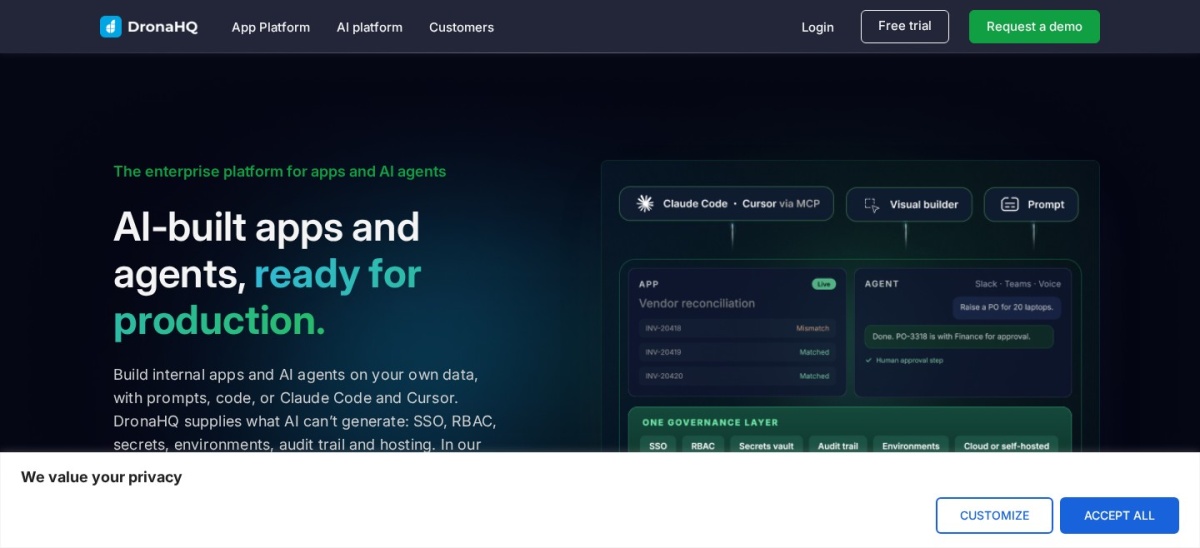
DronaHQ is a low-code platform for building internal tools, business apps and workflows, including mobile apps. It covers database and API connections, ready-made screens and automation, and it is rated 4.4 out of 5 from 39 G2 reviews. Starter costs $140 a month, and Business at $700 a month adds more scale.
The trade off is the entry price. DronaHQ has no free plan, so $140 a month is the floor, and self-hosting sits on Business at $1,500 a month. It suits teams that want low-code speed with mobile apps and can pay from day one.
Free plans cover small teams well. Retool allows up to 5 users, Glide gives 2 team members, and Appsmith, ToolJet and Budibase all have free self-hosted editions.
Paid plans mostly add control and scale. Audit logs, single sign-on, version control and extra users sit behind paid tiers in most of these tools.
Watch the seat math. Retool charges builders and internal users separately, Budibase adds $50 per extra creator on Cloud, and Glide charges by credits and members, so a cheap headline price can grow fast.
DronaHQ has no free plan, so its $140 a month Starter is the floor for trying it. Start with a free plan elsewhere if you are still deciding what to build.
How we chose
We started from the internal tool builders with the most G2 reviews, then kept those with a published rating and a public pricing page.
Prices come from each vendor's pricing page, checked on 25 November 2026. Ratings and review counts come from G2 on the same day, except Noloco, whose G2 rating is 4.8 from 49 reviews. Where a vendor shows a sale, the list shows the regular price.
We left out tools with no public rating and tools without a public price. No vendor paid for a place, and we do not claim hands-on testing for this list.
How to choose an internal tool builder
Start with who will build the tool, then match the tool to your data.
Decide who builds it. If a developer builds it, Retool, Appsmith or ToolJet fit. If a non-developer builds it, start with Glide or Noloco.
List your data sources. Check the tool connects to the databases and APIs you already use. A builder that cannot reach your data is the wrong pick, however cheap it is.
Count the seats you will pay for. Builders, viewers and end users are billed differently across these tools. Price the plan for your real team size, not one user.
Try the free plan first. Build one real screen with your own data before paying. Six of the seven tools here have a free plan or a free self-hosted edition.
FAQ
What is the best internal tool builder?
Retool is the best pick for most teams. It is rated 4.6 out of 5 from 380 G2 reviews, its free plan covers up to 5 users, and paid plans start at $10 per builder a month billed annually.
What is the best free internal tool builder?
Appsmith is the strongest free option for developers, with a free cloud plan for up to 5 users and a free open-source edition you can self-host with no user cap. Glide is the best free start for non-developers building from a spreadsheet.
Do I need to know how to code to build internal tools?
No. Glide and Noloco build apps from spreadsheets with no code, and Budibase covers most CRUD screens without code. Retool, Appsmith and ToolJet are faster if you know some SQL or JavaScript, but you can still build basic screens without it.
How much does an internal tool builder cost?
Paid plans in this list run from $10 to $299 a month. Retool starts at $10 per builder a month, Appsmith at $15 per user a month, and Budibase Cloud at $299 a month, while DronaHQ starts at $140 a month with no free plan.
Can I self-host an internal tool builder?
Yes. Appsmith, ToolJet and Budibase all have free open-source editions you can run on your own server. Self-hosting gives you control over your data, but you take on upgrades, backups and security yourself.
What is the difference between Retool and Glide?
Retool is built for developers and connects to databases and APIs with SQL and JavaScript, while Glide is built for non-developers and turns a spreadsheet into an app with no code. Retool fits complex admin panels; Glide fits simple tools built from data you already have.
SaaS SEO and WordPress specialist with about 8 years of experience. Rakib compares WordPress plugins, themes, hosting and software using public pricing, documentation and user reviews. See how we rank.