DesignFiles is the best interior design project management software for most designers, rated 4.6 out of 5 on Capterra from 535 reviews. Pick Programa for FF&E schedules and procurement, or Houzz Pro if you also want leads and a $249-a-year entry plan.
How we make this list: we compare pricing pages, product documentation and public user reviews, then re-check every price before each update. No product paid for a place. Disclosure.
DesignFiles leads on review volume: 4.6 out of 5 on Capterra from 535 reviews, far more than any rival here.
Programa has the highest rating in the list at 4.8 out of 5 on G2, but from only 11 reviews.
Houzz Pro is the cheapest way in at $249 a year, and adds CRM, estimates and lead tools.
Studio Designer and Design Manager are the only two with a built-in general ledger, but both have very few public reviews.
Entry prices run from $20 a month for Dubsado to $115 a month for Materio, and most tools charge per user.
What interior design project management software should cover
An interior design project runs six things at once: tasks and dates, FF&E and finishes schedules, client approvals, ordering, money in and out, and the files behind it all.
Generic project tools handle the timeline well but have nowhere to put a specification schedule. A schedule in design is a document that lists products, finishes and quantities, not a calendar.
Look for a product clipper, a client portal for approvals, invoicing and purchase orders in the same place. Our guide on creating a client database in WordPress covers the client-record side of the same job.
Price per user matters more than the headline price. A $64-a-month plan that charges per user costs a 5-person studio far more than a $99-a-month plan that includes two seats.
The 9 best interior design project management software tools
01
DesignFiles
4.6/5on Capterra (535 reviews, checked Nov 2026)
Paid from$55/mo
Best all-in-one for solo designers and small firms
Free plan1 project
Starting price$55/mo
Capterra rating4.6/5 (535 reviews)
QuickBooks syncYes, Full Service
designfiles.co
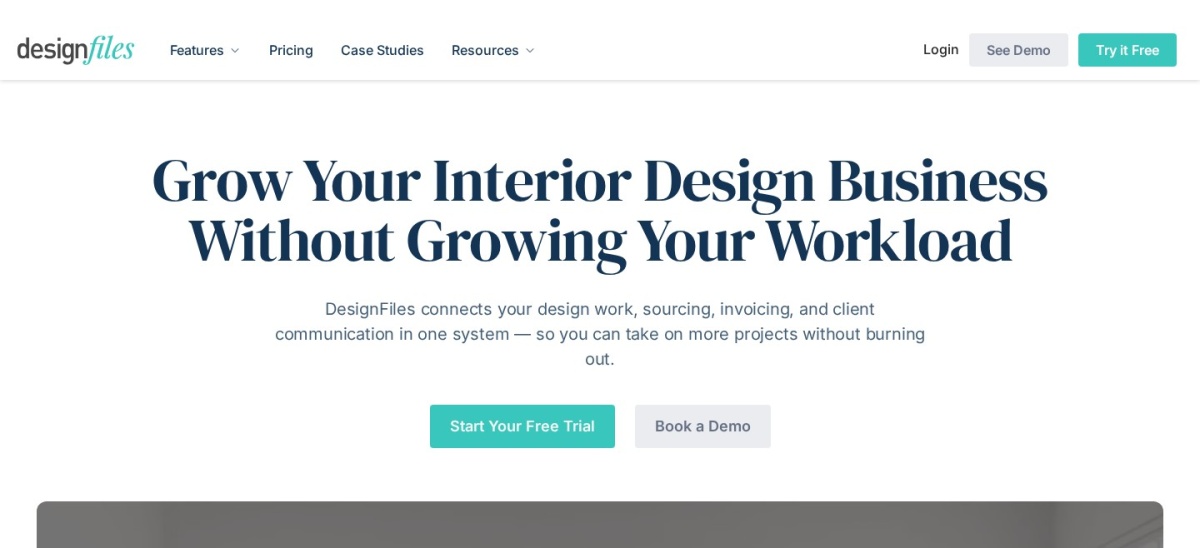
DesignFiles homepage, captured Nov 2026.
DesignFiles is an all-in-one platform built for interior designers, covering moodboards, 3D floor plans, renderings, task management, invoicing and purchase orders. The free plan covers 1 project, and paid plans start at $55 a month, with extra users at $30 a month.
The trade off is financial depth. DesignFiles syncs with QuickBooks on the Full Service plan instead of running its own general ledger, so firms that want built-in accounting should look at Studio Designer. It suits solo designers and small firms that want design and business tools in one place.
What we like
Most reviewed tool in this list, with 535 Capterra reviews
Moodboards, floor plans and 3D renders included
Free plan for 1 project, plus a 90-day money-back guarantee
Watch out for
No built-in general ledger, only QuickBooks sync
3D model library is smaller than some rivals
Clients lose project access if you pause your account
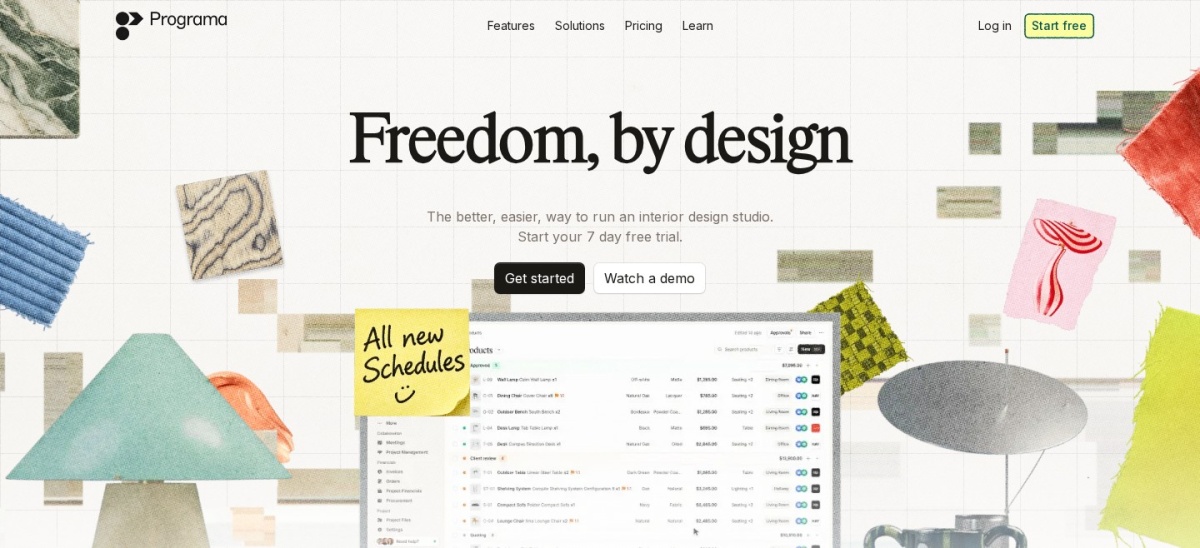
Programa is a focused platform for studios that spend most of their time sourcing, specifying and ordering products. Its core is the FF&E schedule, product library, web clipper, procurement hub and client approval workflow, with invoicing and time tracking included.
The trade off is reporting. Programa shows what is specified and ordered but gives less insight into what a project actually earns, and it has no floor planner or rendering tools. It suits studios that already have a rendering tool and want better schedules and procurement.
What we like
Highest rating in this list at 4.8 out of 5 on G2
Real specification schedules, not just a calendar
Clean, modern interface that is quick to learn
Watch out for
Only 11 G2 reviews, so the rating rests on a small pool
Houzz Pro is the business platform from Houzz, combining CRM, estimates, proposals, invoicing, selections, scheduling, time tracking and 3D floor plans. The Pro plan costs $249 a year, and higher plans add marketing and lead tools from the Houzz directory.
The trade off is design depth. Its 3D floor planner is limited for detailed work such as custom millwork, and the business tools feel more developed than the interior design tools. It suits solo designers who want project management plus a possible source of leads.
What we like
Cheapest entry price in this list at $249 a year
CRM, estimates, invoicing and selections in one place
Client dashboard for approving individual items
Watch out for
3D floor planner is limited for detailed design work
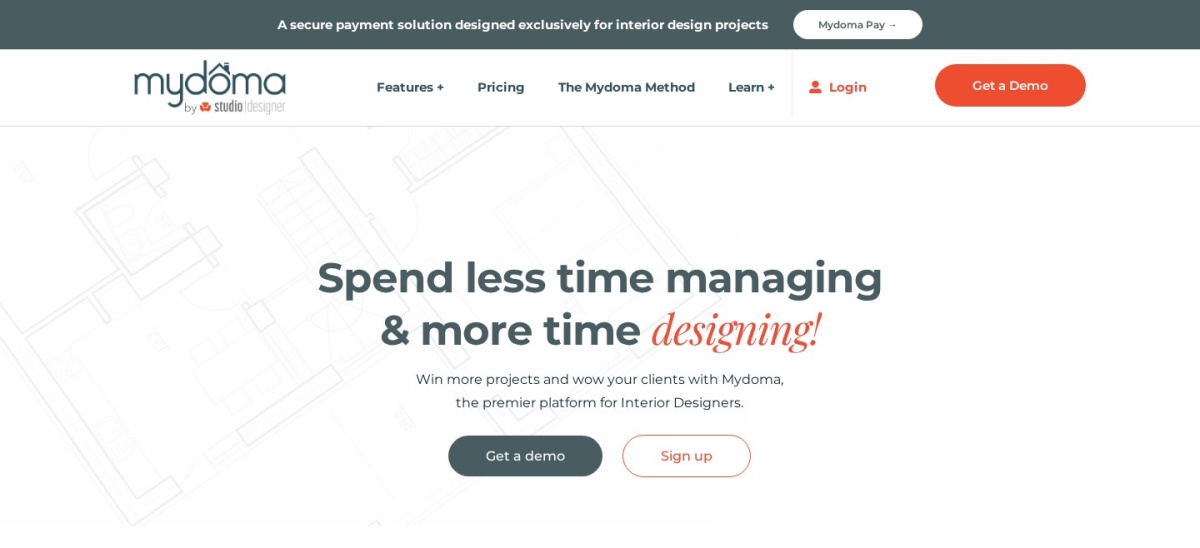
Mydoma Studio is a cloud platform built for interior designers, covering client onboarding, design presentations, tasks, time tracking, quotes and invoices. You can toggle features on or off per project, so a quick paint consultation does not carry the same setup as a full renovation.
The trade off is polish. Reviewers often call the navigation clunky, and the visualizer for enhanced renderings costs an extra $50 a month. It suits designers who run very different project types and want templates and flexible setups.
What we like
Per-project feature toggles keep small jobs clean
Project templates speed up repeat setups
Moodboards, 3D plans and a client portal included
Watch out for
Reviewers often describe navigation as clunky
Visualizer costs an extra $50 a month
Acquired by Studio Designer in 2024, so direction may change
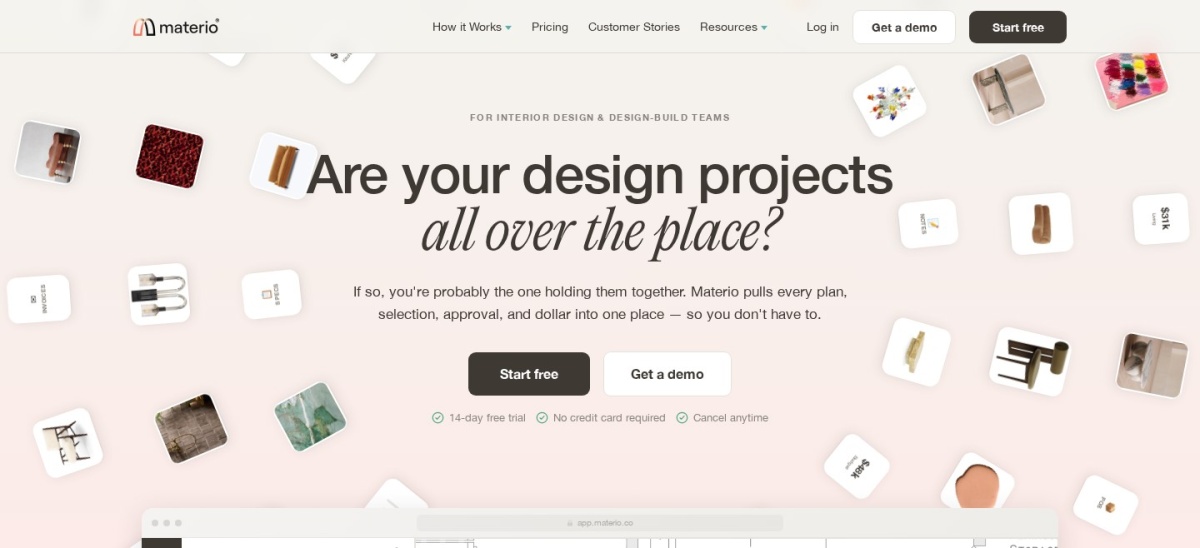
Materio is a workspace for interior designers and builders that connects every phase of a project while tracking every dollar. It maps scopes, selections and budgets onto interactive floor plans, and covers sourcing, approvals, orders, timelines and payments.
The trade off is price. The Pro plan starts at $115 a month, and the Team plan costs $249 a month, so it is the most expensive entry in this list. It suits design-build teams that need client-facing scopes and tight budget control.
What we like
Rated 4.9 out of 5 on Capterra from 42 reviews
Budgets mapped to floor plans for clear client decisions
Covers sourcing, selections, orders and payments in one place
Watch out for
Highest starting price in this list
Some reviewers report price rises after signing up
Mobile app can be hard to use on a job site
Team plan at $249 a month adds more projects and usersVisit materio.co
06
Gather
4.9/5on Capterra (10 reviews, checked Nov 2026)
Starts at$99/mo
Best for complex FF&E specification work
Free trial30 days
Starting price$99/mo
Capterra rating4.9/5 (10 reviews)
Spec templatesYes, custom
gather.co
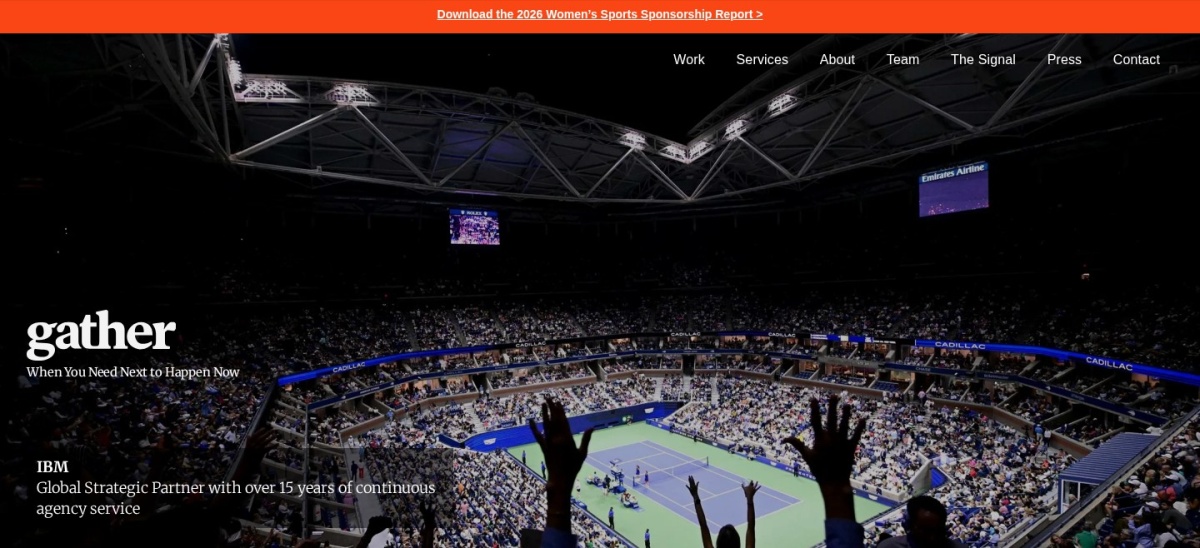
Gather homepage, captured Nov 2026.
Gather is a specification platform for medium to large interior design and architecture teams that manage detail-heavy projects. Custom spec templates let you define product types and fields, and the clipper, spreadsheet view and supplier records keep specs consistent across a team.
The trade off is billing. Gather has no 3D floor plans or visualisation tools, and its invoicing and financial tools are weaker than its spec features. It suits firms whose main need is complex FF&E documentation rather than payments.
What we like
Rated 4.9 out of 5 on Capterra from 10 reviews
Custom spec templates with per-type fields
Spreadsheet view for detailed specification work
Watch out for
Only 10 Capterra reviews, so the rating is thin
Invoicing and billing tools feel underdeveloped
No 3D floor plans or visualisation tools
Spec Pro at $199 a month adds more team members and featuresVisit gather.co
07
Dubsado
4.3/5on Capterra (50 reviews, checked Nov 2026)
Paid from$20/mo
Best for client automation and CRM
Free planUp to 3 clients
Starting price$20/mo
Capterra rating4.3/5 (50 reviews)
Workflow automationYes, Flows builder
dubsado.com
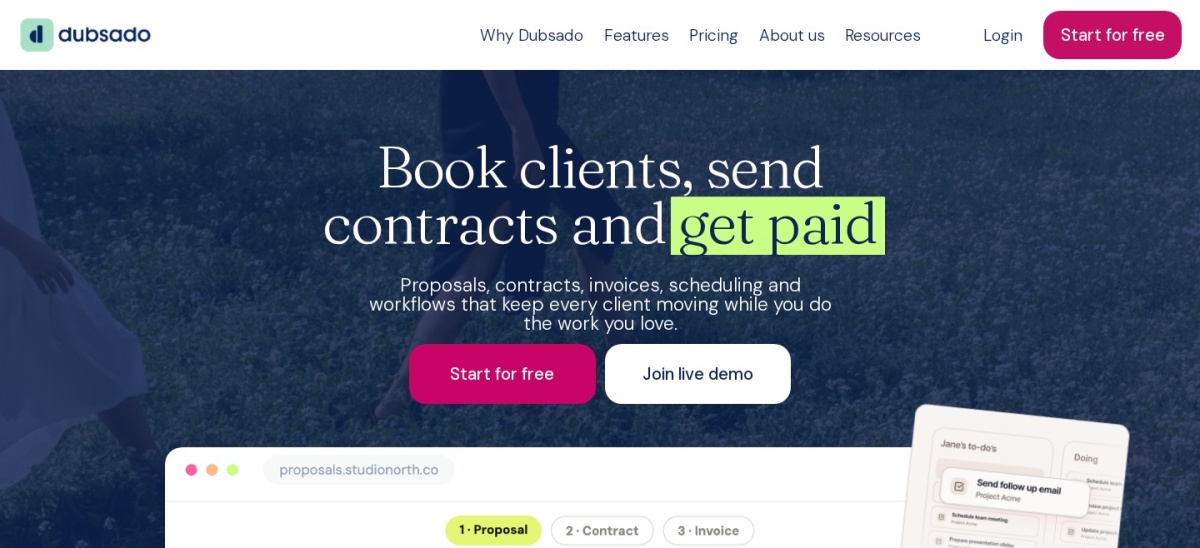
Dubsado homepage, captured Nov 2026.
Dubsado is a client and project management platform for creative businesses, including designers. It covers lead follow-up, contracts, invoices, appointment booking, client portals and a visual Flows builder for automating routine steps, with a free plan for up to 3 clients.
The trade off is design coverage. Dubsado has no moodboards, floor plans, product libraries or sourcing tools, so you would run it beside a design tool. It suits designers who get a steady stream of inquiries and want the front end of the client relationship automated.
What we like
Strong workflow automation with the Flows builder
Free plan for up to 3 clients
Branded client portals with custom colours and logos
Watch out for
No design tools, moodboards or product sourcing
Setup can take 15 to 25 hours to configure well
The 3.0 rebuild means older reviews describe a different product
Premier at $40 a month adds scheduling and time trackingVisit dubsado.com
08
Studio Designer
3/5on Capterra (2 reviews, checked Nov 2026)
Starts at$72/mo
Best for large firms needing built-in accounting
Free trialNo
Starting price$72/user/mo
Capterra rating3.0/5 (2 reviews)
Built-in accountingYes, general ledger
studiodesigner.com
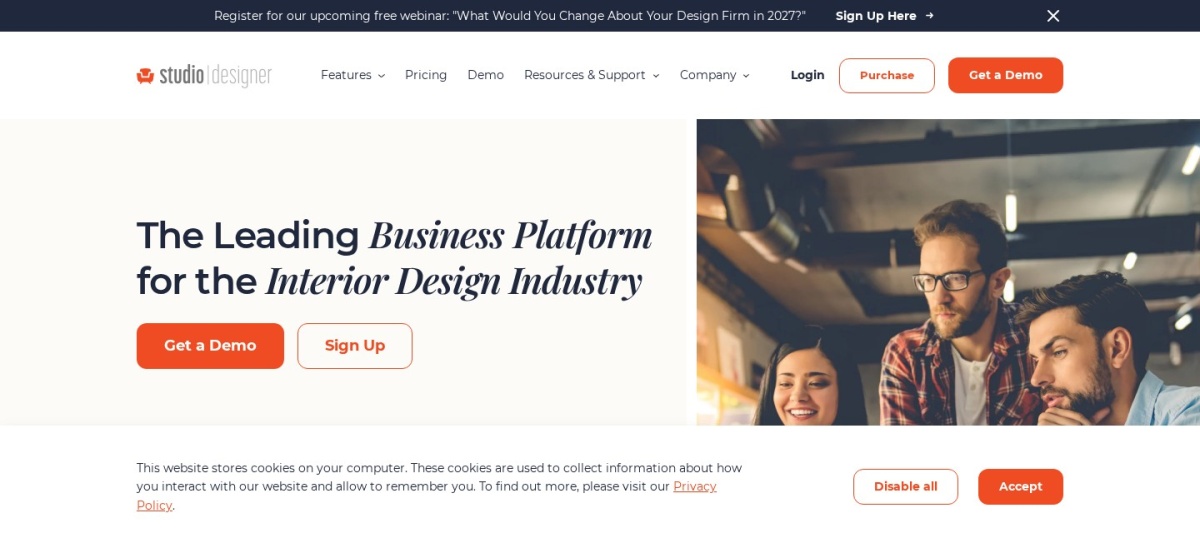
Studio Designer homepage, captured Nov 2026.
Studio Designer is a project management platform built for larger interior design firms that need serious accounting built in. It offers a full general ledger, accounts receivable, accounts payable, purchase orders, proposals, invoices and detailed financial reporting.
The trade off is ease of use. The learning curve is steep, and the detailed reporting only works if data is entered correctly from the start. It suits large firms where accounting and financial reporting matter as much as design.
What we like
Full general ledger built in, not an add-on
Detailed financial reports for overhead and cash flow
Client portal with time billing and invoices
Watch out for
Only 2 Capterra reviews, so the rating says very little
Steep learning curve and demanding setup
Recent reviews flag harder-to-reach support since the acquisition
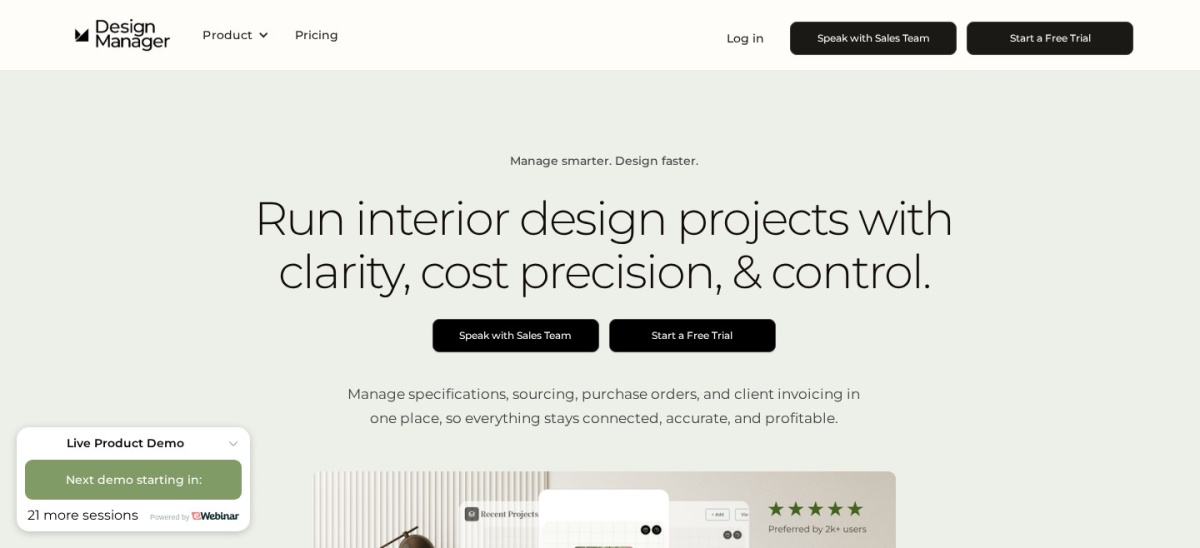
Design Manager is built for firms that treat accounting as seriously as design, with specifications, purchasing, order tracking, inventory, showroom management and a full accounting system. It has been used by design firms since 1984.
The trade off is design coverage. It has no moodboards, floor plans or renderings, and it charges per user, so it only fits larger firms. It suits established firms where accountants and operations staff handle billing.
What we like
Comprehensive accounting and financial reporting
Purchasing, inventory and showroom management included
Credit card reconciliation for tracking expenses
Watch out for
Only 2 G2 reviews, and the rating is the lowest in this list
No design tools, so it needs a separate design platform
Design-first tools such as DesignFiles, Programa and Gather start with moodboards, schedules and sourcing. They are quick to learn and clients see the value fast.
Accounting-first tools such as Studio Designer and Design Manager start with the general ledger. They are slower to set up but give firms real financial control.
Most firms only need one side to be strong. Pick the design-first side if clients and sourcing drive your day, and the accounting side if reporting drives it.
How we chose
We started from the interior design platforms designers actually mention using, then kept those with a public rating on Capterra or G2 and a published starting price.
Prices come from vendor pricing pages and vendor-published comparisons, checked on 25 November 2026. Ratings and review counts come from Capterra and G2 on the same day. Where a vendor shows a sale, the list shows the regular price.
We left out tools with no public rating at all, such as Spoak. No vendor paid for a place, and we do not claim to have used these tools ourselves.
How to choose interior design project management software
Start with the work that eats most of your week, then match the tool to that work.
List your six workstreams. Write down tasks, schedules, approvals, ordering, money and files. The tool must cover the two that cost you the most time.
Check the price per user, not per plan. A per-user plan can cost a 5-person studio five times the headline price. Multiply before you compare.
Test the approval workflow with a real client. Ask a client to approve a selection in the trial. If they struggle, the portal will cost you time on every project.
Confirm what happens to your data if you leave. Some tools limit access to old projects when you pause or cancel. Ask before you move years of work in.
FAQ
What is the best interior design project management software?
DesignFiles is the best pick for most designers. It combines moodboards, floor plans, tasks, invoicing and purchasing in one place, and it is rated 4.6 out of 5 on Capterra from 535 reviews, the largest review pool in this list.
How much does interior design project management software cost?
Entry prices in this list run from $20 a month for Dubsado to $115 a month for Materio, with Houzz Pro at $249 a year. Most design-specific tools charge per user, so a team of five can pay several times the headline price.
Can I use Monday or Asana for interior design projects?
You can, but they handle timelines well and have nowhere to put a specification schedule. Design-specific tools add FF&E schedules, product libraries, client approvals and purchasing, which generic tools do not include.
Which tool is best for FF&E schedules?
Programa is the strongest choice for FF&E schedules, with a product library, web clipper and procurement hub. Gather is a close second for firms that need custom spec templates and detailed specification documents.
Do these tools include accounting?
Only Studio Designer and Design Manager include a full general ledger. The rest handle invoicing and payments, and most sync with QuickBooks instead of running their own accounting.
Is there a free interior design project management tool?
DesignFiles has a free plan for 1 project, and Dubsado has a free plan for up to 3 clients. Most other tools in this list offer a free trial of 7 to 30 days instead of a free plan.
SaaS SEO and WordPress specialist with about 8 years of experience. Rakib compares WordPress plugins, themes, hosting and software using public pricing, documentation and user reviews. See how we rank.