Visual Studio Code is the best integrated development environment for most developers, free and rated 4.7 out of 5 from 2,731 G2 reviews. Pick IntelliJ IDEA for Java and Kotlin work, or PyCharm if Python is your main language.
How we make this list: we compare pricing pages, product documentation and public user reviews, then re-check every price before each update. No product paid for a place. Disclosure.
Visual Studio Code is free, rated 4.7 out of 5 from 2,731 G2 reviews, and covers almost any language.
IntelliJ IDEA is the strongest Java and Kotlin IDE, at $199 a year for an individual in year one.
PyCharm is the best Python pick, at $109 a year for an individual in year one.
Four tools are fully free: VS Code, Android Studio, Eclipse and Xcode.
Visual Studio Professional costs $45 a user a month, the highest monthly price in this list.
WebStorm is free for non-commercial use; commercial use starts at $79 a year.
What to look for in an IDE
An IDE brings the editor, debugger, build tools and version control into one window. That matters most on large projects, where jumping between tools wastes time.
Most developers should start with the language, not the brand. Java and Kotlin point to IntelliJ IDEA, Python to PyCharm, JavaScript to WebStorm, Android to Android Studio and Apple apps to Xcode.
Free does not mean weak here. Our guide to using WordPress in VS Code shows how far the free pick goes, and four tools in this list cost nothing at all.
Paid IDEs earn their price with framework support, database tools and profiling. If you only write small scripts, a free editor is enough.
The 9 best integrated development environment software tools
01
Visual Studio Code
4.7/5on G2 (2,731 reviews, checked Nov 2026)
PriceFree
Best integrated development environment overall
Free planYes, free
Built-in GitYes
DebuggerYes, built in
Paid planNone
code.visualstudio.com
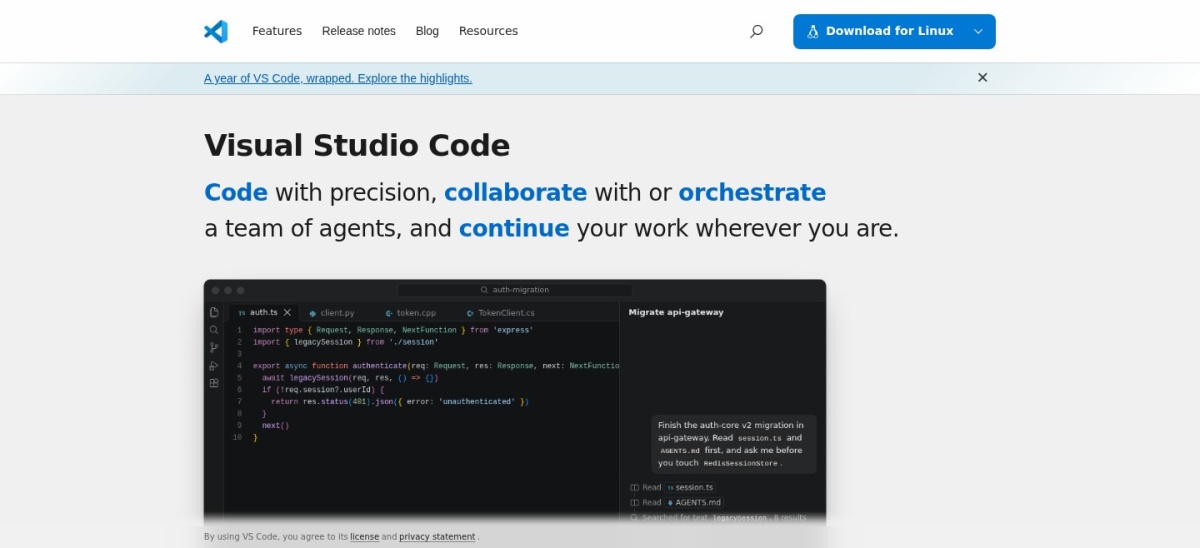
Visual Studio Code homepage, captured Nov 2026.
Visual Studio Code is a free, open-source editor from Microsoft that works on Windows, macOS and Linux. It includes built-in Git, a debugger, IntelliSense code completion and a terminal, and its extension marketplace covers almost every language and framework.
The trade off is that it is an editor first, so some heavy IDE features come from extensions rather than the core download. That can mean extra setup and slower starts when many extensions are loaded. It suits most developers who want one free tool for many languages.
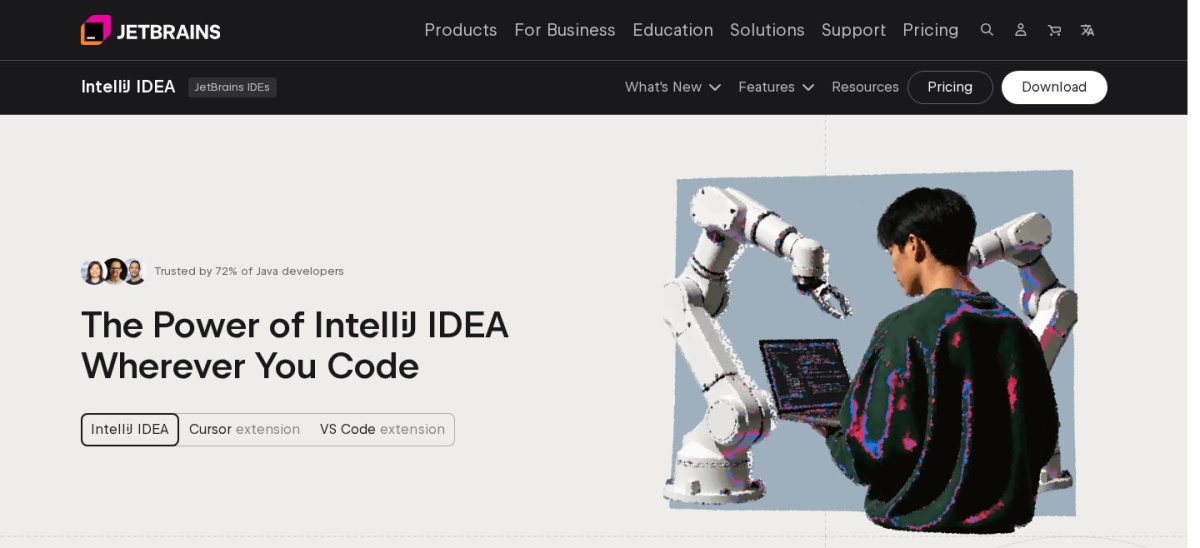
IntelliJ IDEA is JetBrains' IDE for Java and Kotlin, with smart code completion, refactoring, debugging and built-in support for Maven, Gradle, Git and Spring. The free feature set covers core Java and Kotlin work, and the paid edition adds framework, database and enterprise tools.
The trade off is price. Paid edition costs $199 a year for an individual in the first year, falling to $159 in year two and $119 from year three, so the full tool is a yearly cost. It suits Java and Kotlin developers who work in the language every day.
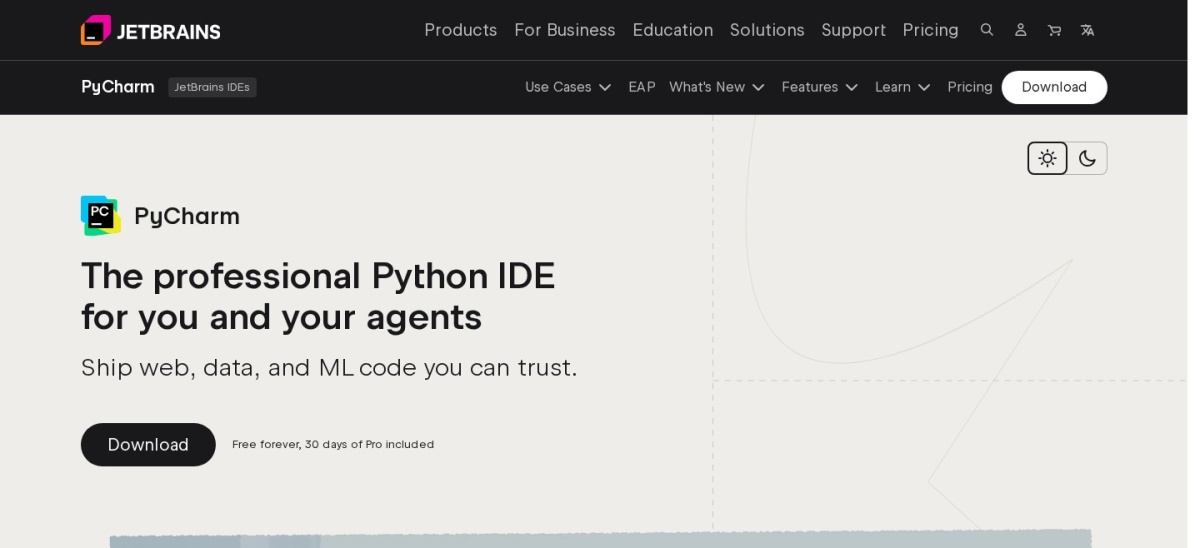
PyCharm is JetBrains' IDE for Python, with smart completion, a visual debugger, testing tools and support for Django, Flask and data science work. The free feature set covers core Python, while Professional adds web frameworks, database tools and Jupyter support.
The trade off is price. Professional costs $109 a year for an individual in the first year, falling to $87 in year two and $65 from year three. It suits Python developers who build web apps or work with data every day.
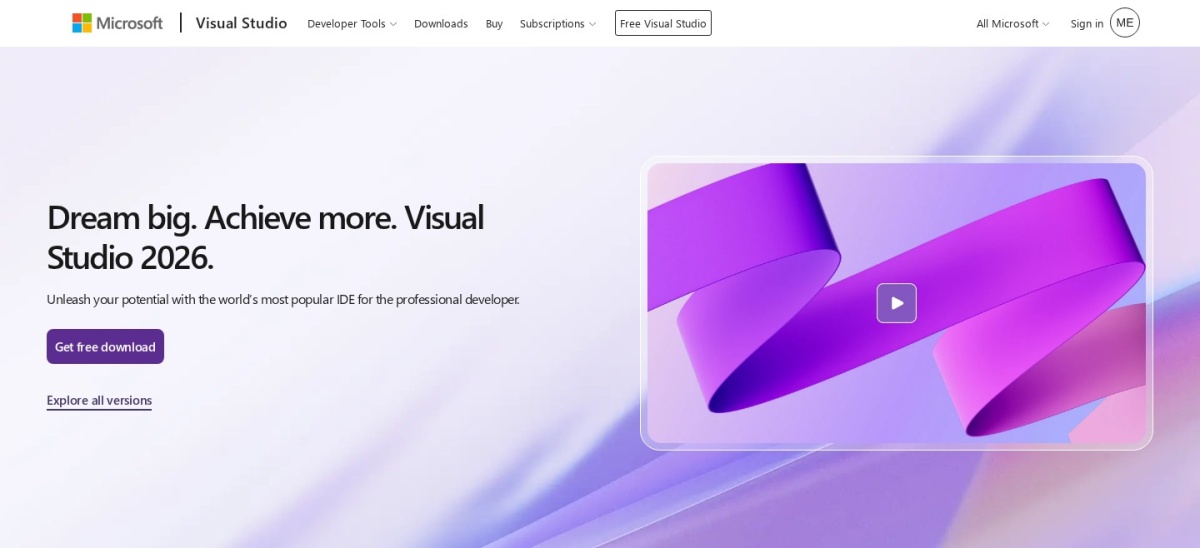
Visual Studio is Microsoft's full IDE for Windows, built for .NET, C++ and Azure work. It includes a strong debugger, IntelliSense, profiling, testing tools and Git integration, and the free Community edition covers individual developers and small teams.
The trade off is that it runs on Windows only, and it is a large, heavy download. Professional costs $45 a user a month on monthly billing, and a one-time standalone licence costs $499. It suits Windows developers on large .NET or C++ projects.
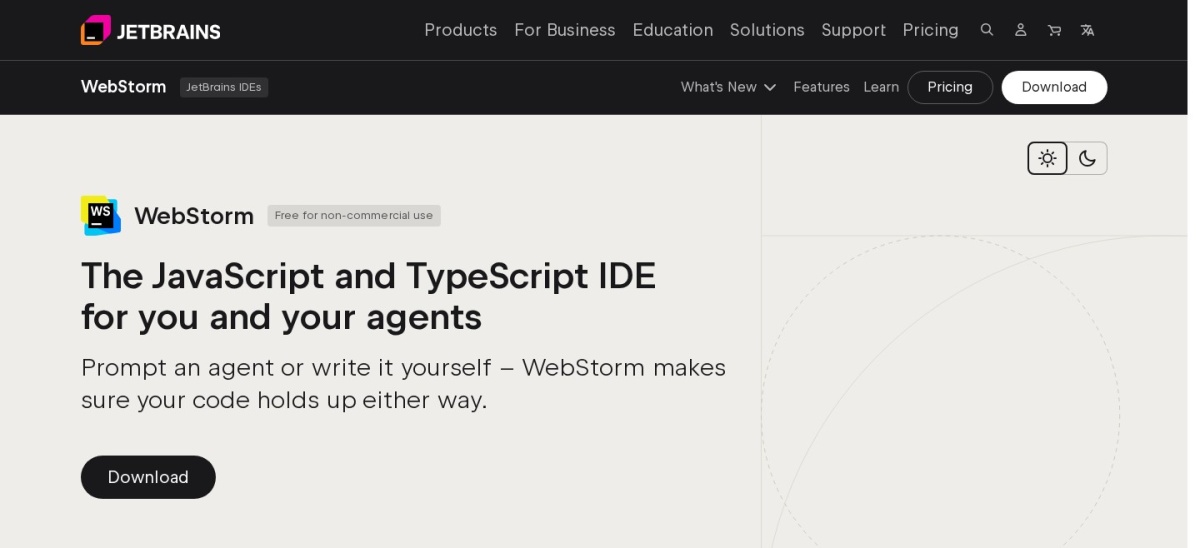
WebStorm is JetBrains' IDE for JavaScript and TypeScript, with smart completion, refactoring, a debugger and built-in support for React, Vue, Angular, Node.js and Git. It is free for non-commercial use, including students, hobbyists and open-source work.
The trade off is price for commercial use. An individual licence costs $79 a year in the first year, falling to $63 in year two and $47 from year three. It suits front-end and full-stack developers who work in JavaScript every day.
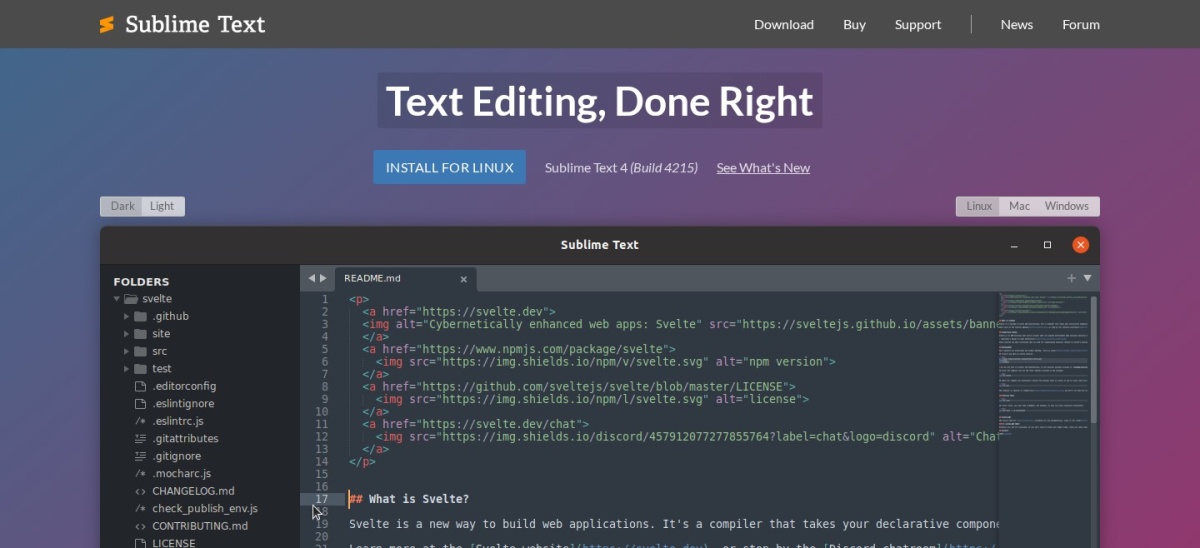
Sublime Text is a fast, light editor for code and markup, known for instant startup, multiple cursors, a command palette and split editing. It handles large files well and runs on Windows, macOS and Linux, with packages adding extra languages and tools.
The trade off is that it is an editor, not a full IDE. Debugging and Git support come from packages, not the core app, and the $99 licence is a one-time payment per user. It suits developers who want speed first and a simple, distraction-free editor.
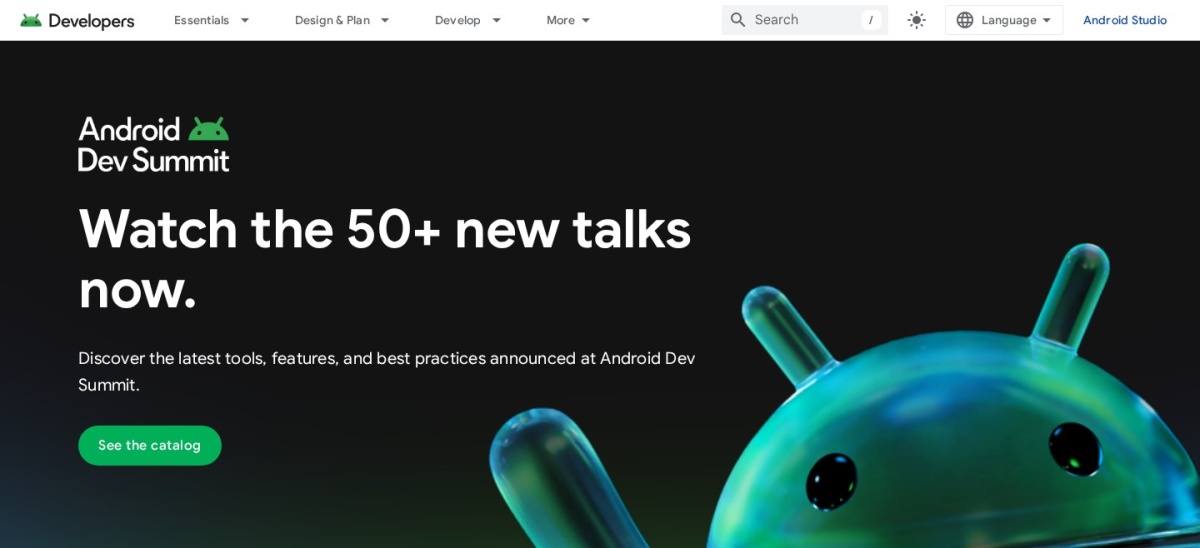
Android Studio is Google's official IDE for Android apps, built on IntelliJ. It includes a visual layout editor, an emulator, Gradle build tools, profiling and Gemini coding help, and it supports Kotlin and Java.
The trade off is weight. The IDE plus the emulator can use a lot of memory and disk space, and Gradle builds can be slow on older machines. It suits anyone building Android apps, and it is the only tool here made for that job.
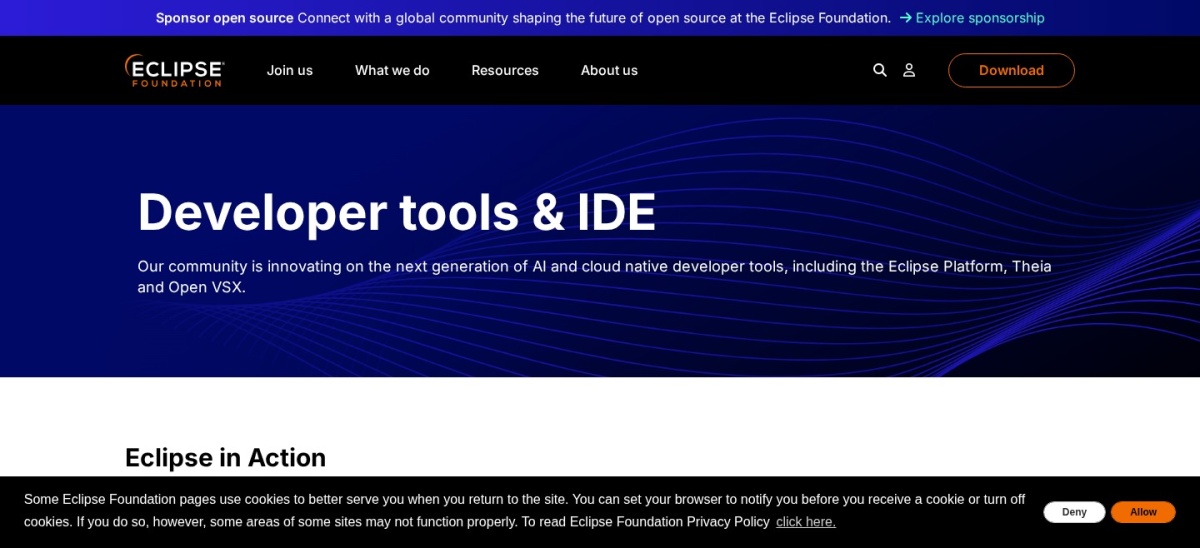
Eclipse is a free, open-source IDE best known for Java, with a debugger, refactoring tools, Maven and Gradle support and a large plugin marketplace. It runs on Windows, macOS and Linux and suits large or legacy Java projects.
The trade off is age. The interface feels dated next to newer IDEs, and setup can take time, with workspaces and plugin versions to sort out. It suits Java developers and students who want a free, full IDE with no licence to manage.
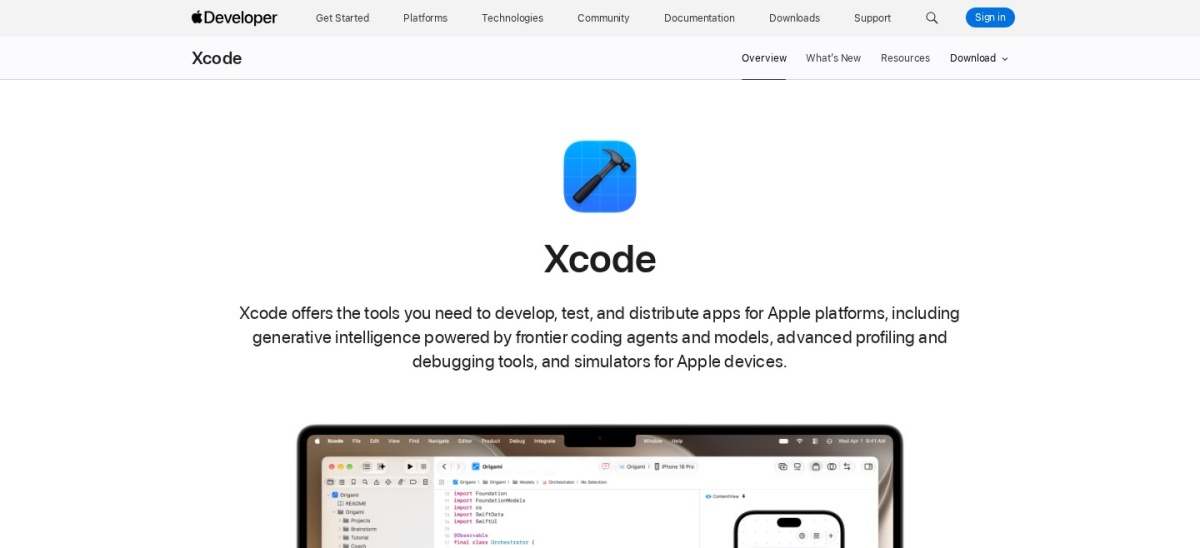
Xcode is Apple's free IDE for iOS, macOS, watchOS and tvOS apps, with Swift and SwiftUI support, simulators, Instruments profiling and App Store publishing. It runs on macOS only and is the only way to build and submit native Apple apps.
The trade off is the Mac requirement and the size. Xcode is a very large download, updates are slow, and builds on big projects can take a while. It suits Apple developers, who have no real alternative for native apps.
Free IDEs cover editing, debugging and Git well. VS Code, Eclipse, Android Studio and Xcode cost nothing and handle real projects.
Paid plans mostly add framework depth. The paid editions of IntelliJ IDEA, PyCharm and WebStorm add database tools, framework support and profiling that free versions leave out.
JetBrains prices fall over time. Individual licences drop in year two and again from year three, so the first year is the most expensive one.
Check the licence before you buy. WebStorm is free for non-commercial use, and Visual Studio Community is free for individuals and small teams.
How we chose
We started from the most widely used IDEs on G2, then kept nine with a public rating, a clear price and an active release.
Prices come from each vendor's pricing page, checked on 25 November 2026. Ratings and review counts come from G2 on the same day. Where a vendor shows a first-year price, the list shows that price and notes the later years.
We left out editors with no public rating and tools that are no longer maintained. No vendor paid for a place, and we do not claim to have used these tools ourselves.
How to choose an integrated development environment
Start with your main language, then check the price and the machine you run it on.
Match the IDE to your main language. Java points to IntelliJ IDEA or Eclipse, Python to PyCharm, JavaScript to WebStorm, Android to Android Studio and Apple apps to Xcode.
Try the free option first. VS Code covers most languages for free, and our guide to coding in WordPress shows how a free editor handles real code. Only pay when a free tool blocks your work.
Check the paid price over three years. JetBrains individual prices fall in year two and again from year three, so the first year is the dearest. Visual Studio Professional is $45 a user a month on monthly billing.
Check your machine can run it. Full IDEs use far more memory and disk than light editors. Android Studio with its emulator and Xcode are the heaviest here, so check the system needs first.
FAQ
What is the best integrated development environment?
Visual Studio Code is the best pick for most developers. It is free, rated 4.7 out of 5 from 2,731 G2 reviews, and supports almost any language through extensions, with Git and debugging built in.
Which IDE is best for Java?
IntelliJ IDEA is the best IDE for Java and Kotlin, rated 4.6 out of 5 from 2,404 G2 reviews. Its free feature set covers core Java, and paid edition at $199 a year adds Spring, database and enterprise tools.
Which IDE is best for Python?
PyCharm is the best IDE for Python, rated 4.6 out of 5 from 831 G2 reviews. It covers Django, Flask and data science work, with a free feature set for core Python and Professional at $109 a year.
Is Visual Studio Code really free?
Yes. Visual Studio Code is free and open source on Windows, macOS and Linux, with no paid edition of the editor itself. Some add-ons, such as GitHub Copilot, are separate paid subscriptions.
Do I need a paid IDE?
Most developers do not. Free tools such as VS Code, Eclipse, Android Studio and Xcode handle real projects. Pay when you need framework support, database tools or profiling that only a paid edition provides.
What is the cheapest paid IDE in this list?
WebStorm is the cheapest paid IDE here for commercial use, at $79 a year for an individual in the first year. Sublime Text costs $99 once, with no yearly fee, and WebStorm is free for non-commercial use.
SaaS SEO and WordPress specialist with about 8 years of experience. Rakib compares WordPress plugins, themes, hosting and software using public pricing, documentation and user reviews. See how we rank.