SmartDeploy is the best image deployment software for most IT teams: one golden Windows image deploys to any hardware using 1,500+ driver packs, rated 4.7 out of 5 on G2. Pick ManageEngine OS Deployer for the lowest fleet price, or Clonezilla if you want a free tool and can work with text menus.
How we make this list: we compare pricing pages, product documentation and public user reviews, then re-check every price before each update. No product paid for a place. Disclosure.
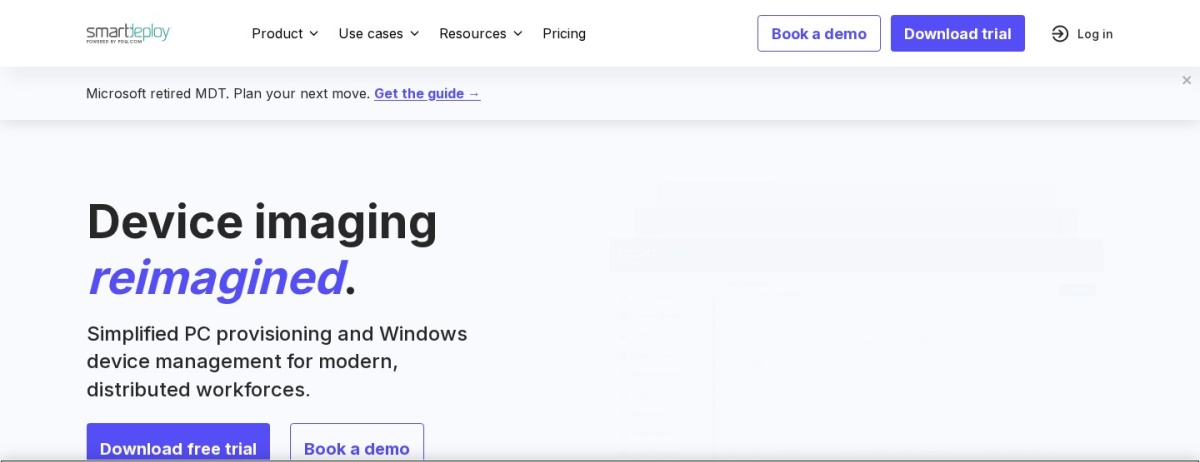
SmartDeploy is the top pick: one golden image, 1,500+ driver packs and a flat $1,100 a year.
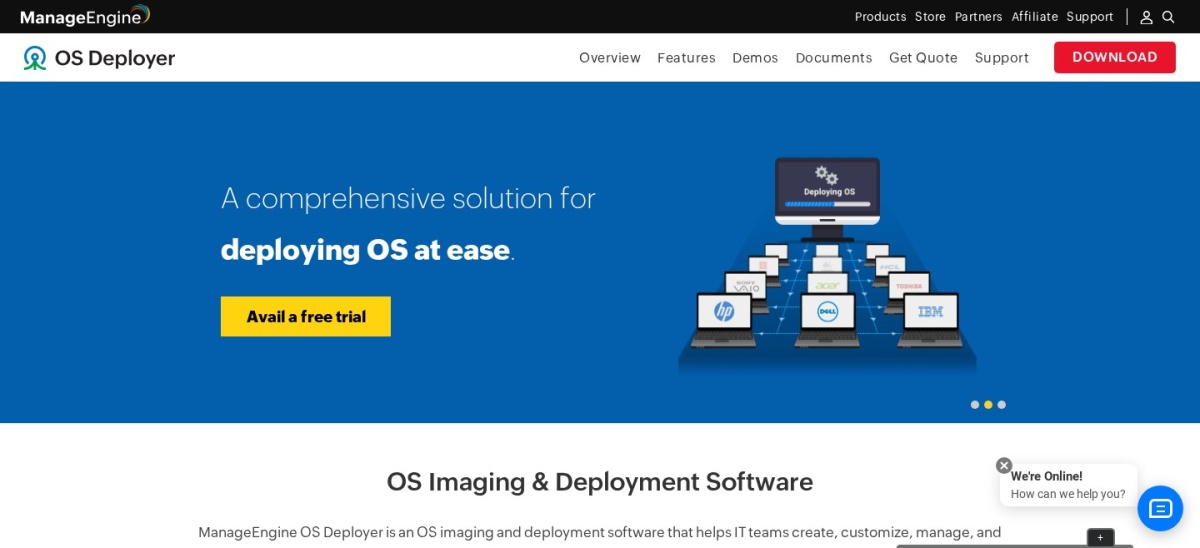
ManageEngine OS Deployer is the cheapest fleet tool: Professional costs $645 a year for 100 workstations, with a free edition for 4 workstations.
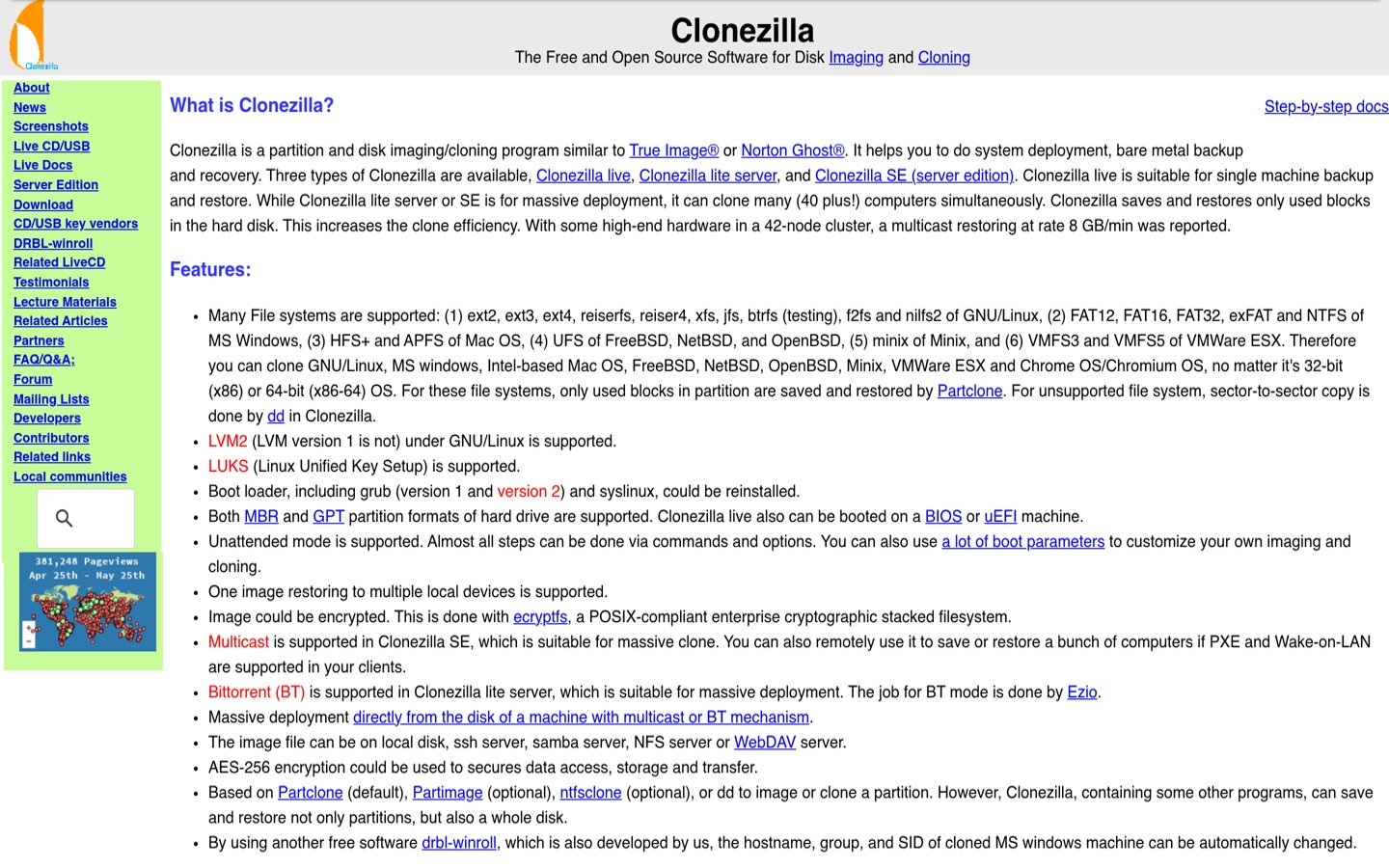
Clonezilla is free and multicasts to 40+ machines at once, but it has a text interface and no central console.
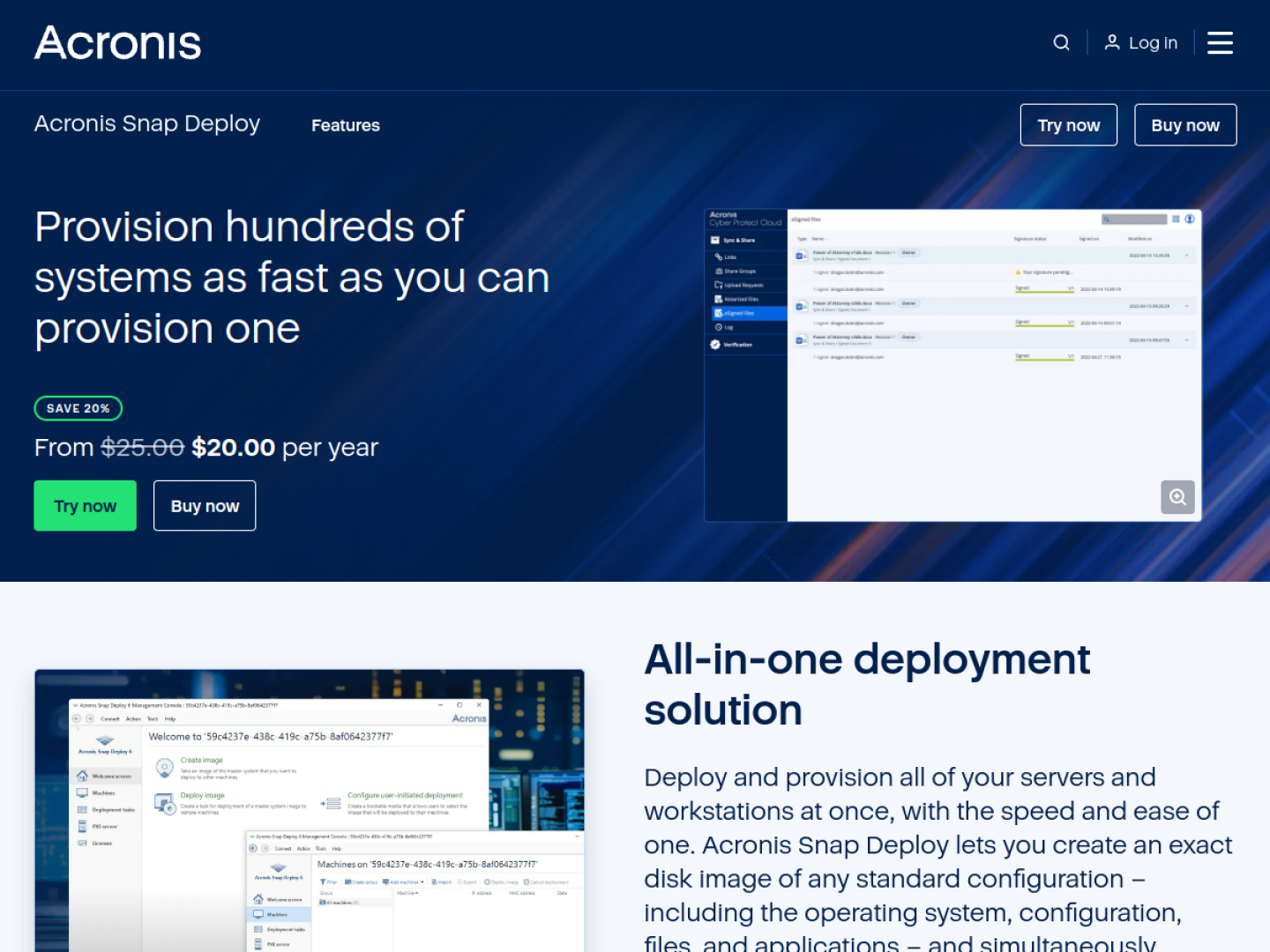
Acronis Snap Deploy starts at $25 per device per year and adds Universal Deploy for dissimilar hardware.
Macrium Reflect, Acronis Home Office, EaseUS and AOMEI all cost $39.95 to $49.99 a year and suit small shops that also need backup.
What image deployment software should do
Image deployment software captures a working system as a master image, then copies it to many machines at once. Done well, it turns a week of manual setups into an afternoon.
The hard part is hardware. An image built on one laptop model can fail on another unless the tool injects the right drivers at deploy time. Driver packs and hardware-independent deployment matter more than raw imaging speed.
Before you roll an image to a whole fleet, restore it to one spare machine first and check it boots with its apps. Our guide on how to restore a WordPress site from backup shows the same test-first habit for website copies.
Prices in this list run from free to $1,100 a year. The cheapest paid plan shown is the regular price; where a vendor was running a sale on 25 November 2026, the list still shows the regular price and notes the sale in the text.
SmartDeploy is a Windows imaging tool built around one golden image. You capture a single master image, then its library of 1,500+ Platform Packs injects the right drivers for each hardware model at deploy time, so the same image works on any machine. Deployments run over USB, the local network or the cloud, and Sysprep runs automatically.
The trade off is price and scope. The flat $1,100 a year covers unlimited client installations, which suits larger fleets but is steep for a shop imaging a handful of machines, and it is Windows-only. It suits IT teams that reimage mixed hardware often and want to maintain a single image.
What we like
One golden image deploys to any hardware via 1,500+ driver packs
Deploy over USB, network or cloud
Sysprep runs automatically
Flat yearly price with unlimited client installations
ManageEngine OS Deployer homepage, captured Nov 2026.
ManageEngine OS Deployer is a central console for capturing and deploying OS images across a network. You capture images of Windows, Linux or Mac systems, store them centrally, build role-based deployment templates and push them with unicast or multicast, including hardware-independent deployment. Live imaging captures a running machine without taking it offline.
The trade off is setup and polish. Reviewers note the first setup, PXE boot and driver handling take study, and the interface feels dated next to newer tools. It suits IT teams that want fleet imaging at a low per-machine cost and already run ManageEngine tools.
Clonezilla is a free, open source disk imaging and cloning tool. Clonezilla Live boots from USB and handles single machines, while Clonezilla Server with DRBL multicasts one image to 40 or more machines at once. It saves only used blocks, so images stay small and restores run fast.
The trade off is the experience. There is a text-based menu interface and no central management console, so you work through menus and scripts and keep your own records. It suits skilled technicians, schools and labs that need reliable imaging at no cost.
Acronis Snap Deploy is a veteran deployment tool built on Acronis disk imaging. It captures a master image of an OS with applications and data, then deploys it to many machines at once with multicast, giving each machine its own settings such as a unique IP address. Universal Deploy restores images to dissimilar hardware.
The trade off is price clarity and polish. Acronis lists $25 per device per year on its own page, with $20 showing during a 20% sale on 25 November 2026, and server licenses cost more. It suits organizations that deploy in batches and want imaging from a vendor with deep backup roots.
Macrium Reflect is a Windows imaging tool with a long reputation for restores that work. Reflect X takes full, incremental and differential images, verifies them for corruption, and restores only the blocks that changed, which cuts restore time on large drives. The WinPE rescue media builder creates bootable USB sticks for unbootable machines.
The trade off is the subscription. The free edition ended with Reflect X, so Home now costs $49.99 a year for one PC and the software stops working if you stop paying. It suits technicians and power users who value restore reliability over fleet features.
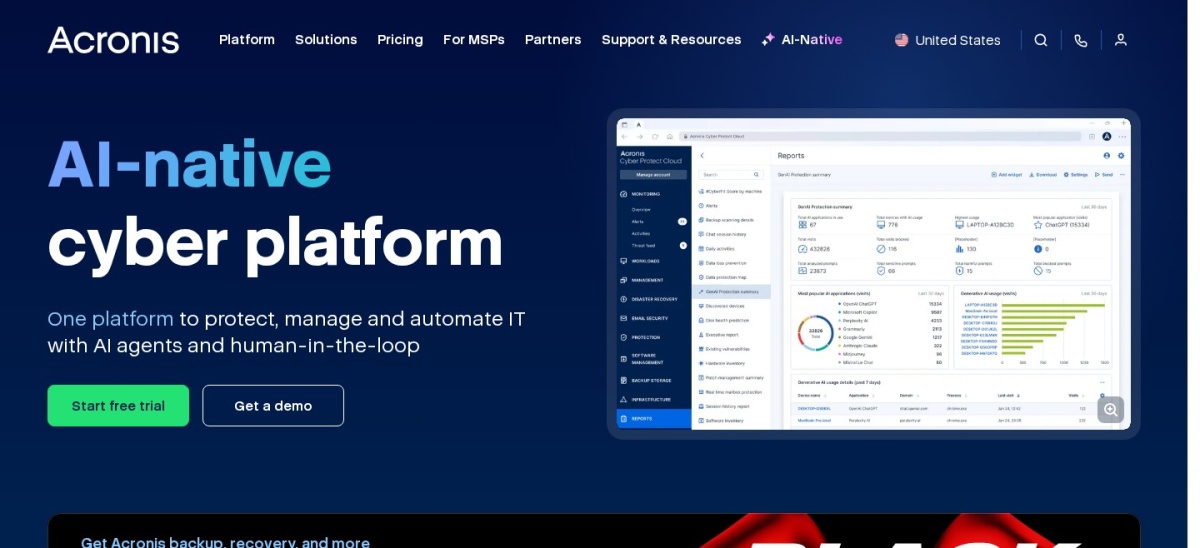
Acronis Cyber Protect Home Office homepage, captured Nov 2026.
Acronis Cyber Protect Home Office is a home and small-business package that pairs full-disk imaging with backup and security. One $49.99-a-year Essentials subscription covers a computer with system images, file backup, cloud storage and anti-malware, and universal restore moves an image to different hardware.
The trade off is focus. It is backup software with imaging, not a fleet deployment platform: there is no multicast rollout to dozens of machines. It suits small offices that want one subscription covering imaging, backup and ransomware protection.
What we like
Full-disk imaging plus cloud backup in one subscription
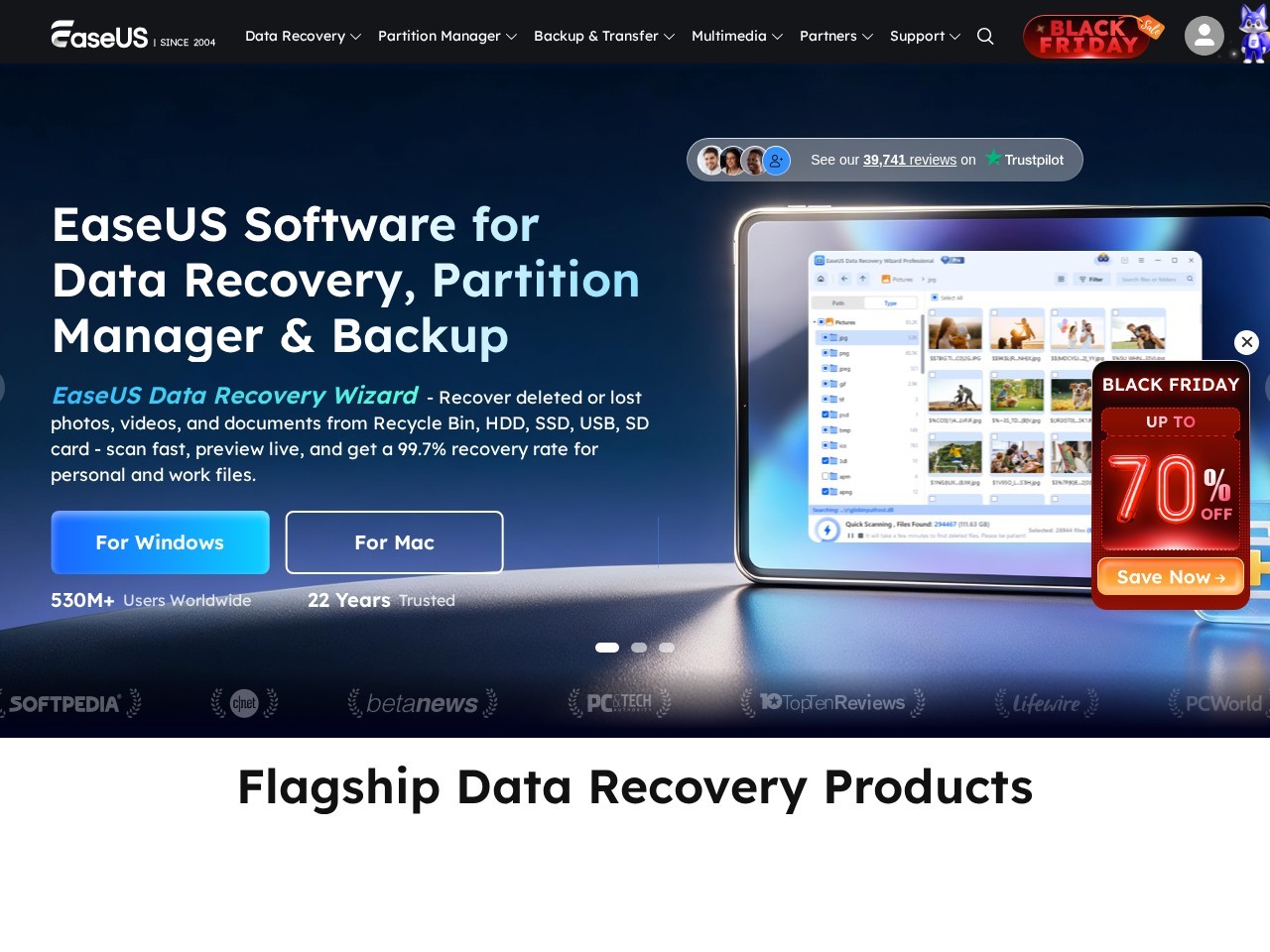
EaseUS Todo Backup is the approachable pick in this list. Wizards walk you through system backup, disk clone and OS migration with little jargon, and the Home edition starts at $39.95 a year. A free edition covers core imaging, and backups can go to local drives or cloud storage.
The trade off is depth. It is not an enterprise deployment tool: there is no multicast and no central fleet console, and some users find the upsell prompts aggressive. It suits small offices and technicians doing one-off migrations and clones.
AOMEI Backupper is a Windows backup and imaging tool with a genuinely free Standard edition. It covers system backup, disk imaging and cloning at no cost, which makes it the easiest free starting point for Windows shops. Paid editions add system clone, universal restore and PXE boot tools for network deployment.
The trade off is that the free edition holds back the deployment features. Scheduling options and advanced tools sit behind the Professional edition at $39.95 a year, and it is Windows-only. It suits straightforward imaging and cloning without spending anything.
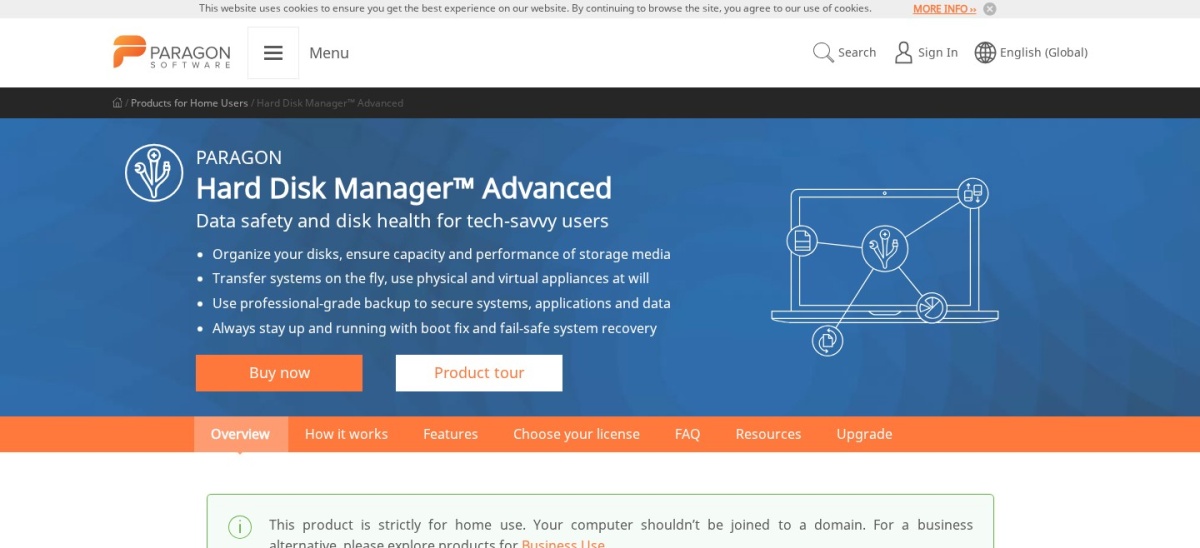
Paragon Hard Disk Manager homepage, captured Nov 2026.
Paragon Hard Disk Manager is a disk toolkit that bundles imaging with partitioning, OS migration to SSD, backup and secure wiping. The Advanced yearly license lists at $24.95 a year after a $19.95 first year, and a perpetual license costs $79.95 for 3 PCs. Recovery media restores images to different hardware.
The trade off is focus and cost structure. Imaging is one feature among many rather than the standout, the interface feels dated next to modern tools, and major version upgrades cost extra on the perpetual license. It suits buyers who want imaging plus full disk management without a subscription.
What we like
Imaging plus partitioning, migration and wiping in one suite
A golden image is one lean OS build with drivers and apps layered on at deploy time. SmartDeploy is built around this idea: one image, many hardware models.
A thick image is a snapshot of a fully set-up machine, apps and all. It is quick to make and easy to grasp, but each new hardware model or app update means capturing it again.
Small, stable fleets can live with thick images. Once hardware varies or changes yearly, maintaining one golden image costs less than recapturing a thick image for every model.
How we chose
We started from the OS imaging and deployment category on G2 and the tools IT teams actually name for fleet imaging, then kept nine with public ratings and a current product page.
Prices come from each vendor's pricing page or store, checked on 25 November 2026, and show the regular price where a sale was running. Ratings and review counts come from G2 on the same day.
We left out tools with no public rating, including FOG Project, which has no G2, Capterra or Trustpilot score. No vendor paid for a place, and we do not claim hands-on testing for this list.
How to choose image deployment software
Start with your fleet size and hardware mix, then match the tool to the job.
Count your machines and models. Under twenty identical PCs, a free tool like Clonezilla or AOMEI is enough. Past fifty mixed models, pay for driver handling and a central console.
Check driver handling first. An image that deploys to last year's laptops can fail on this year's models. Prefer tools with driver packs or hardware-independent deployment.
Test one restore before a rollout. Capture an image, restore it to a spare machine and check it boots with its apps before you push it to the fleet. Our guide to cloning a WordPress site shows the same test-first habit for site copies.
Match the license to your budget. Free tools cost setup time. Paid tools cost money but add a console, support and driver packs. Compare the yearly total for your fleet size, not the headline price.
FAQ
What is the best image deployment software?
SmartDeploy is the best pick for most IT teams. One golden Windows image deploys to any hardware through 1,500+ driver packs, it is rated 4.7 out of 5 on G2, and the flat $1,100 a year covers unlimited client installations.
What is the cheapest image deployment software?
Clonezilla is free and open source, and AOMEI Backupper has a free Standard edition with imaging and cloning. For paid fleet tools, ManageEngine OS Deployer is cheapest at $645 a year for 100 workstations, and Acronis Snap Deploy starts at $25 per device per year.
Can I deploy one image to different hardware?
Yes, with a tool that handles drivers at deploy time. SmartDeploy injects driver packs per model, ManageEngine OS Deployer offers hardware-independent deployment, and Acronis tools add Universal Deploy for dissimilar hardware. Clonezilla can do it too, but you manage drivers yourself.
Is Clonezilla good for business use?
Yes, for skilled teams. Clonezilla is free, proven in schools and labs, and multicasts to 40+ machines at once. It has a text interface and no central console, so it suits technicians who are comfortable with menus, scripts and keeping their own deployment records.
Do I need imaging software if I have backups?
Backups protect files, but imaging restores a whole working system fast. A disk image brings back the OS, apps and settings in one step, which is why IT teams image machines before rollouts and keep backups for day-to-day file recovery.
What is the difference between imaging and cloning?
Imaging saves a compressed copy of a disk as a file you can store and deploy to many machines later. Cloning copies one disk straight to another disk, which is faster for a single swap such as moving to a new SSD.
SaaS SEO and WordPress specialist with about 8 years of experience. Rakib compares WordPress plugins, themes, hosting and software using public pricing, documentation and user reviews. See how we rank.