Best HR Management Software for Small Businesses in 2026: 7 Tools Compared
WLWPLegible EditorsLast verified 22 Nov 2026How we rank6 min read
★ Short answer
Gusto leads for small business HR and payroll with a 4.6 rating on Capterra and a $49/month base plan. Zoho People suits tight budgets with a free tier and $1.25/user/month annual pricing, while Rippling fits teams combining HR with IT and device management.
How we make this list: we compare pricing pages, product documentation and public user reviews, then re-check every price before each update. No product paid for a place. Disclosure.
Gusto starts at $49/mo plus $6/mo per person on its Simple plan with unlimited payroll runs.
Zoho People offers a free plan and paid tiers from $1.25/user/month billed annually on Essential HR.
BambooHR starts at $10.25/employee/month with dedicated core HR workflows and employee records.
Homebase includes a free plan for up to 10 employees at 1 location, with Essentials at $30/mo.
OnPay charges $49/mo base plus $6/worker/month for payroll, with HR modules priced separately.
Rippling starts at $8/employee/month plus a monthly base fee for combined HR and IT workflows.
What small businesses need from HR management software
Small teams rarely have a full-time HR department, so HR software needs to automate routine onboarding, time-off tracking, and employee records without complex setup. Payroll and tax filing often sit right beside HR tasks because paying employees accurately is mandatory from day one.
Pricing models vary sharply across HR platforms. Some vendors charge a monthly base fee plus a per-person rate, while others price strictly per user or per location, meaning total costs shift quickly as headcount grows.
Before committing to an HR system, check whether time tracking, benefits administration, and compliance tools are included or sold as add-ons. A low starting headline price can climb once you add workers, multi-state filings, or extra modules.
For hiring international contractors and global teams
$14/mo
No free plan
4.8/5
Price ladder: cheapest paid plan per year
List prices, USD, checked Nov 2026
Zoho PeopleFREE$15
Rippling$96
BambooHR$123
Deel$168
HomebaseFREE$360
Gusto$588
OnPay$588
The 7 best hr management software for small businesses
01
Gusto
4.6/5on Capterra (4,404 reviews, checked Nov 2026)
Starts at$49/mo
Best overall for small business payroll and HR
Entry planSimple ($49/mo + $6/person)
Payroll runsUnlimited per month
Free trialAvailable
Fast pay add-on$90–$100 per payroll on Simple
gusto.com
Gusto homepage, captured Nov 2026.
Gusto is a payroll and HR platform built for small businesses, starting on the Simple plan at $49/mo plus $6/mo per person with unlimited payroll runs and automated tax filings. It also provides basic paid-time-off policies, holiday pay, and self-service onboarding for new hires.
The trade off is that Simple covers a single state and charges extra for same-day or instant pay, while multi-state payroll and fuller HR tools require higher tiers starting at $80/mo plus $12/mo per person. It suits small businesses that want straightforward payroll and core team admin in one place.
What we like
Simple plan includes unlimited payroll runs and automated tax filings
Clean interface for employee onboarding, time off, and pay stubs
High 4.6 rating across 4,404 Capterra reviews
Supports both W-2 employees and contractor payments
Watch out for
Per-person fees add up as headcount increases
Simple tier is limited to single-state payroll without add-ons
Same-day and instant pay cost extra below the top tier
Higher plans add multi-state payroll, time tracking, and expanded HR tools.Visit gusto.com
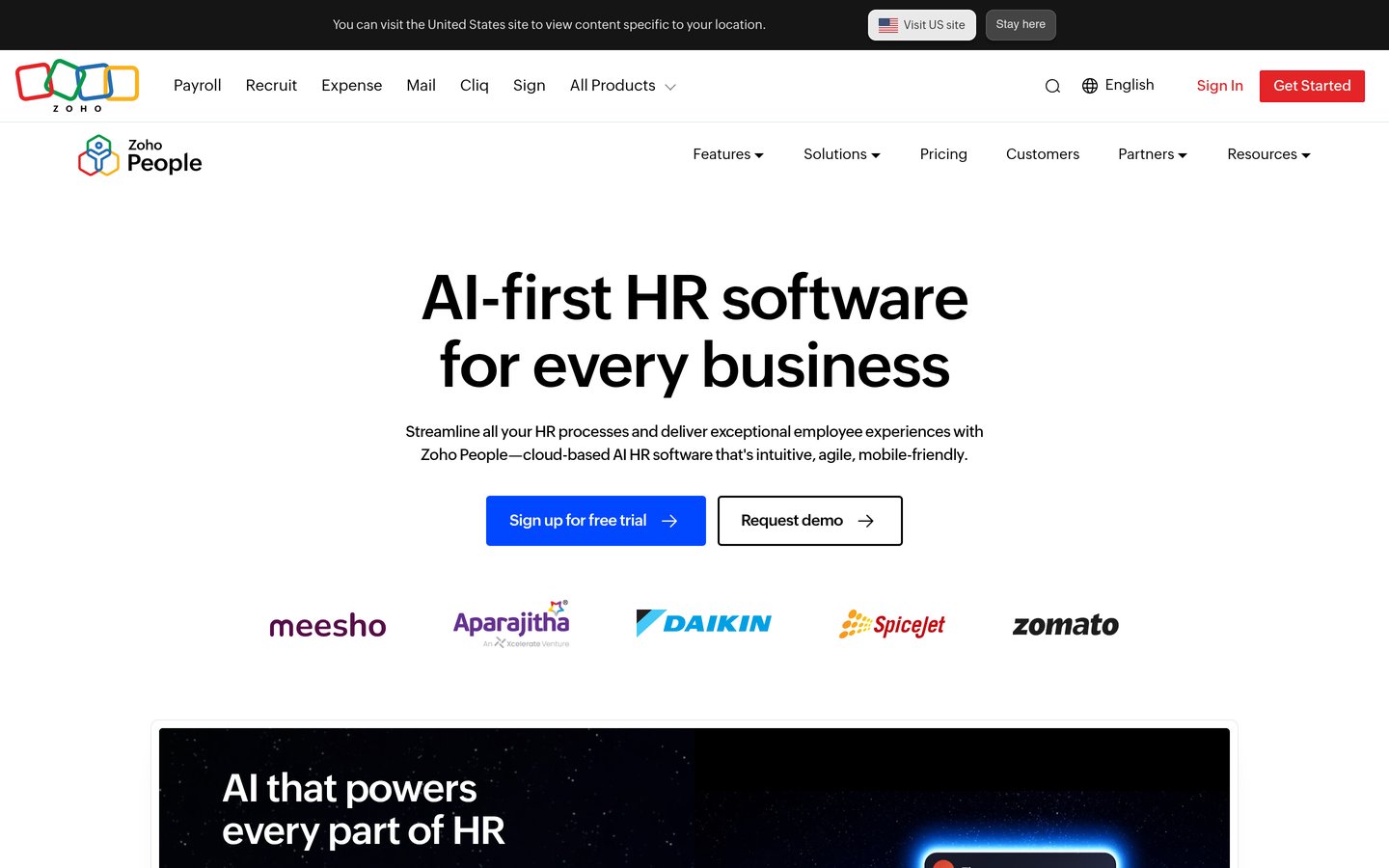
Zoho People is a cloud HR management platform with a free plan for basic employee records and time off, while paid plans start at $1.25/user/month billed annually on Essential HR. Paid tiers expand into attendance tracking, timesheets, shift rosters, and onboarding workflows.
The trade off is that payroll is a separate product rather than built into the base HR subscription, and custom setups can take extra configuration. It suits budget-conscious small businesses that already use Zoho apps or need affordable HR tracking.
What we like
Includes a free plan and low per-user annual pricing
Covers employee database, leave tracking, attendance, and timesheets
Connects easily with other Zoho business applications
Watch out for
Payroll is not included in standard Zoho People plans
Interface and workflow settings can feel dense at first
Upper tiers add performance reviews, compensation, learning, and help desk tools.Visit zoho.com
03
Homebase
4.6/5on G2 (664 reviews, checked Nov 2026)
Paid from$30/mo
Best for hourly teams, shifts, and scheduling
Free planUp to 10 employees, 1 location
Paid entry tierEssentials ($30/location/mo)
Payroll add-on$49/mo base + $6/employee paid
Trial14-day free trial of All-in-One
joinhomebase.com
Homebase homepage, captured Nov 2026.
Homebase is a workforce and HR tool built around shift scheduling, time tracking, and team messaging, offering a free Basic plan for up to 10 employees at one location. Its Essentials plan starts at $30/location/month for unlimited employees with expanded scheduling and time tracking.
The trade off is that payroll costs extra as an add-on at $49/month plus $6/month per employee paid, and multi-location fees increase total spend. It suits retail, hospitality, and service businesses managing hourly shift schedules.
What we like
Free Basic plan covers scheduling and time tracking for small teams
Strong mobile clock-in, shift swaps, and team communication
Rated 4.6 out of 5 across 664 G2 reviews
Watch out for
Payroll is sold separately on top of base plans
Cost rises when adding extra locations or optional add-ons
Higher plans and add-ons add PTO controls, onboarding, compliance, and payroll.Visit joinhomebase.com
04
OnPay
4.8/5on OnPay (880 reviews, checked Nov 2026)
Starts at$49/mo
Best for transparent payroll and modular HR add-ons
Base payroll$49/mo + $6/worker/month
HR add-on+$15/mo base and +$2/worker/mo
Pay runsUnlimited payroll runs
TrialFirst month free offer listed
onpay.com
OnPay homepage, captured Nov 2026.
OnPay is a payroll and HR platform with transparent pricing starting at $49/month plus $6/worker/month for full-service payroll and tax filings. It supports W-2 and 1099 workers with unlimited pay runs and accountant access.
The trade off is that dedicated HR tools and time tracking cost extra on top of base payroll, and the platform lacks broader IT device management. It suits small businesses that want predictable payroll pricing and optional HR add-ons.
What we like
Clear base and per-worker pricing with no hidden fee structure
Unlimited pay runs and automated tax filings included
Rated 4.8 out of 5 across 880 combined reviews
Watch out for
HR tools and time tracking add extra monthly and per-worker fees
Fewer built-in IT and device management features than unified platforms
Add-on modules bring HR workflows, time clocks, benefits, and live HR support.Visit onpay.com
05
Rippling
4.8/5on G2 (13,400 reviews, checked Nov 2026)
Starts at$8/mo
Best for uniting HR, payroll, and IT provisioning
Starting rateFrom $8/employee/mo + base fee
Core scopeHR, payroll, apps, and devices
AutomationWorkflow rules across HR and IT
Pricing modelModular per-employee and add-ons
rippling.com
Rippling homepage, captured Nov 2026.
Rippling is a workforce platform that connects HR records and payroll with app access and device management, starting at $8/employee/month plus a monthly base fee. Automated workflows can provision accounts and track employee policies when someone joins or leaves.
The trade off is that modular add-ons raise the bill quickly and the platform can feel heavier than basic small-business HR tools. It suits growing teams that want employee onboarding tied directly to software and hardware access.
What we like
Connects HR data with app permissions and device management
Strong workflow automation for hiring, changes, and offboarding
High 4.8 rating across more than 13,400 G2 reviews
Watch out for
Modular pricing increases as extra apps and HR modules are enabled
More complex to configure than lightweight small-team HR tools
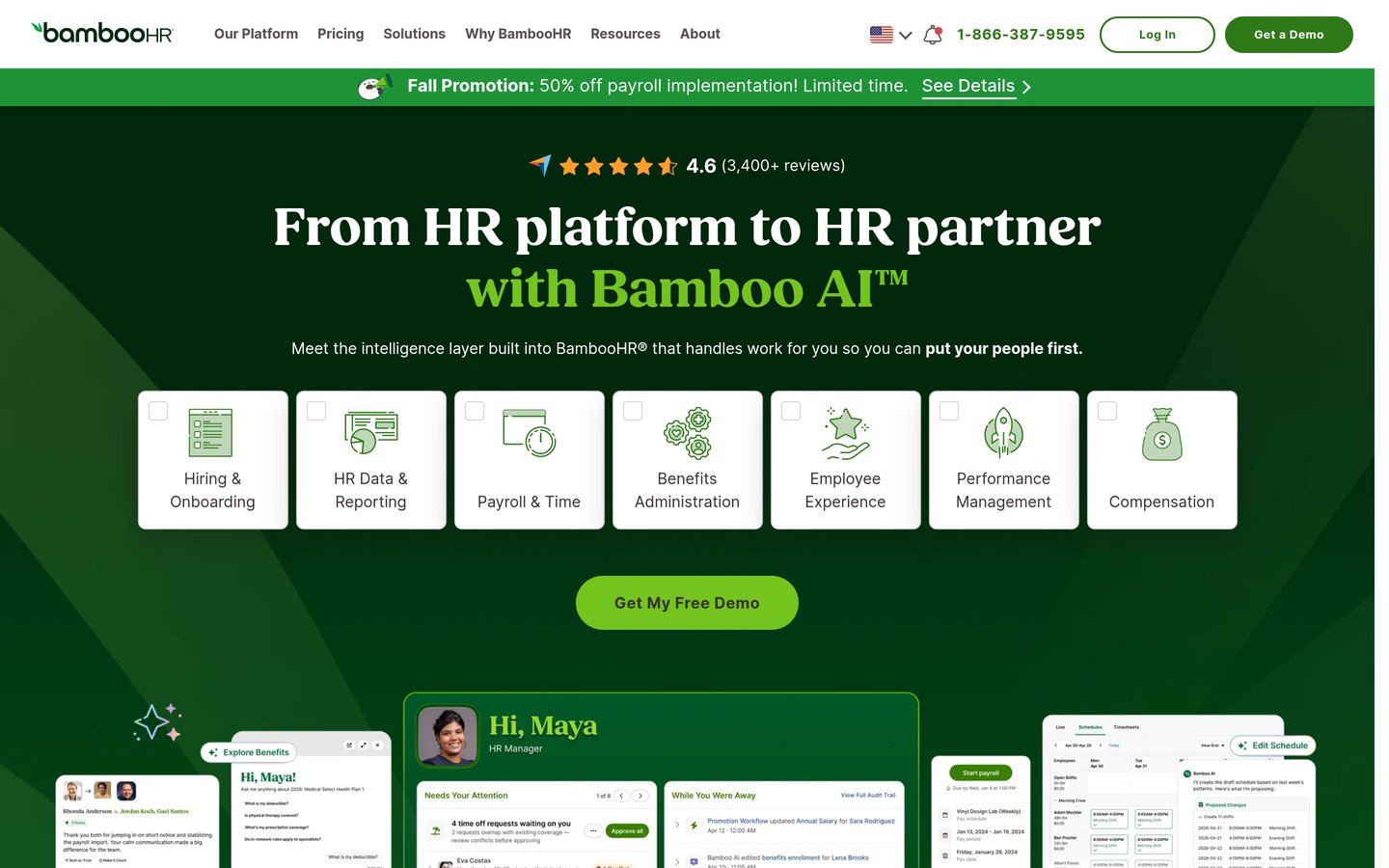
BambooHR is a dedicated human resources system focused on employee profiles, onboarding checklists, time-off tracking, and HR reporting, starting from $10.25/employee/month. It gives managers and staff a central place to store documents and request leave.
The trade off is that payroll and benefits administration are separate add-ons rather than part of the base HR subscription. It suits small businesses that prioritize organized people records and structured onboarding over payroll-first tools.
What we like
Clear employee profiles, document storage, and time-off workflows
Well-established HR reporting and self-service portal
Large review base with 8,398 reviews on G2
Watch out for
Payroll and benefits administration cost extra as add-ons
Custom reporting and advanced workflows have some limits
Higher tiers and add-ons add performance tools, benefits, and payroll.Visit bamboohr.com
07
Deel
4.8/5on G2 (14,580 reviews, checked Nov 2026)
Starts at$14/mo
Best for hiring international contractors and global teams
Starting rateFrom $14/worker/mo (Find talent)
Contractor planFrom $49/contractor/mo
Global reach130+ countries with local entities
EOR optionFrom $599/employee/mo
deel.com
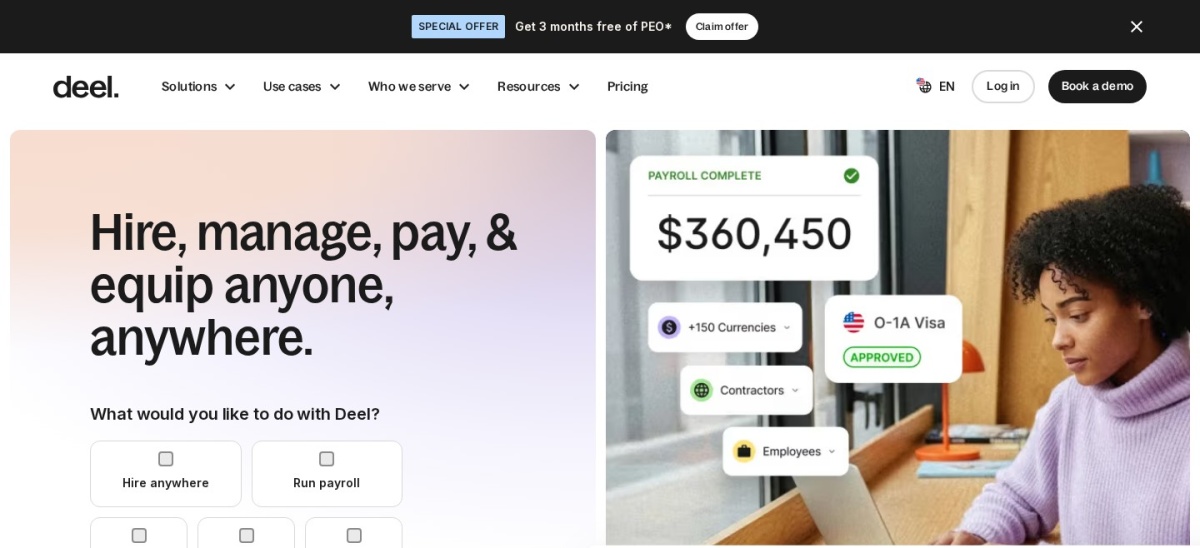
Deel homepage, captured Nov 2026.
Deel is a global HR and workforce platform for hiring and paying international contractors and remote employees, with talent tools starting at $14/worker/month and contractor management from $49/contractor/month. It helps small businesses handle contracts, compliance documents, and multi-currency payouts.
The trade off is that Employer of Record and full-time international hiring carry high per-person fees, and domestic-only teams may not need global features. It suits small businesses working with distributed contractors or hiring across borders.
What we like
Built for cross-border contractor contracts and multi-currency payouts
Supports hiring in 130+ countries without setting up local entities
Rated 4.8 out of 5 across 14,580 G2 reviews
Watch out for
Employer of Record pricing is steep for full-time hires
Extra global compliance features add complexity for local-only teams
Higher-tier services add Employer of Record employment, PEO, and global payroll.Visit deel.com
How we chose
We selected well-known HR management tools used by small businesses by reviewing vendor product pages, pricing breakdowns, and verified user review platforms.
All listed prices, plan tiers, review counts, and ratings were checked on 22 Nov 2026 from official vendor pricing pages and review directories.
We excluded enterprise-only suites without transparent small-business entry details, tools lacking current public pricing, and products with limited traction. No vendor paid for a place, and we do not claim testing for this list.
How to choose HR software for a small business
Follow four practical steps to match an HR platform to your team size and budget.
Start with your core payroll and HR workflow. Decide whether your main need is running payroll and tax filings, tracking hourly shifts, or organizing employee records and time off.
Calculate your cost at current and next-year headcount. Multiply base fees and per-person or per-location rates across the headcount you expect over the next 12 months.
Check which features cost extra as add-ons. Verify whether multi-state payroll, time tracking, benefits administration, or fast pay are included or billed separately.
Confirm accounting and everyday app integrations. Make sure the tool connects smoothly with your accounting software, calendar, or identity tools so your team does not re-enter data.
FAQ
What is the best HR management software for a small business?
Gusto is a strong overall choice for small businesses that want payroll, tax filings, and basic HR in one system. If you only need basic records and leave tracking on a tight budget, Zoho People is a practical alternative.
Is there free HR software for small businesses?
Yes, platforms such as Zoho People and Homebase offer free plans for small teams or basic setups. Free tiers usually limit headcount, locations, or modules such as payroll and advanced reporting.
How much does small business HR software usually cost?
Entry pricing ranges from free tiers and around $1.25 to $14 per user per month on lower-cost plans to $49 per month plus per-person fees on payroll-focused platforms. Total cost depends heavily on headcount and add-ons.
Do small businesses need HR software if they already use payroll software?
Basic payroll software handles pay runs and tax filings, while HR tools add structured onboarding, time-off tracking, employee profiles, and policy management. Many small businesses use a platform that combines both.
What is the difference between an HRIS and a scheduling tool?
An HRIS focuses on employee records, onboarding, leave policies, and HR reporting, while scheduling tools focus on shift rosters, clock-ins, and hourly labor coverage. Some tools such as Homebase start with scheduling and add HR features.
When should a small business look at a platform like Deel?
Deel makes the most sense when you hire international contractors or team members in countries where you do not have a local entity. If your staff is strictly local, a domestic payroll and HR tool is often simpler.